Jabra Evolve 65 UC Stereo
Enhance your workday with the Jabra Evolve 65 UC Stereo, designed to help you stay focused and connected whether you're at home or in the office. Perfect for professionals who value comfort and clarity, this headset supports seamless communication during calls, meetings, and collaborative tasks. Discover how the Jabra Evolve 65 UC Stereo can elevate your productivity and provide an exceptional audio experience throughout your busy day.
Sort
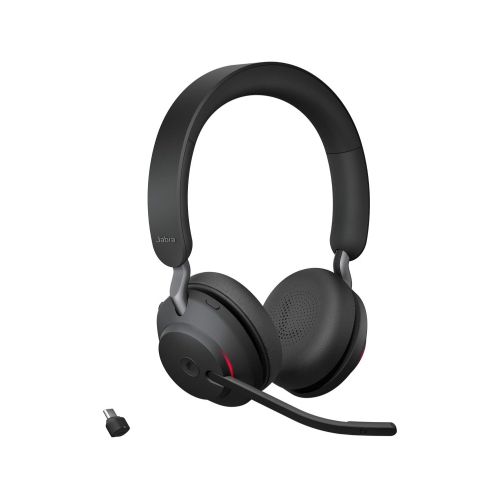
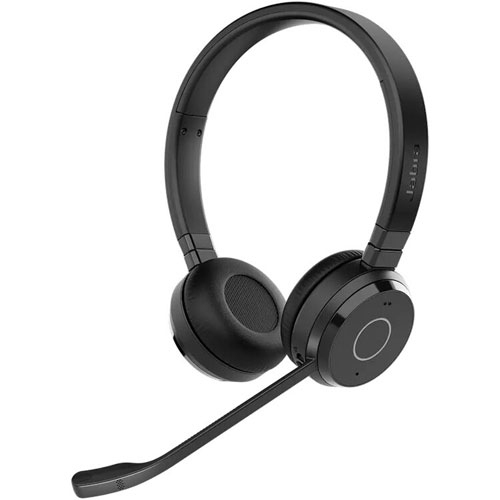
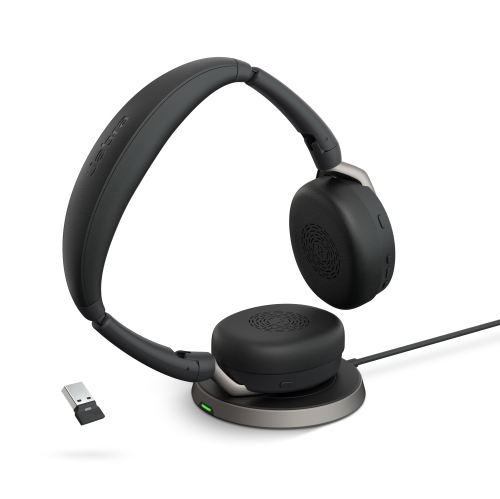
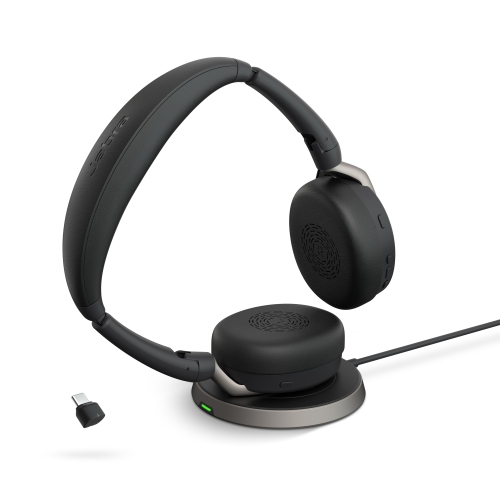
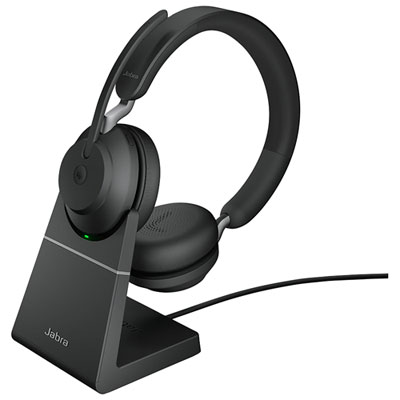
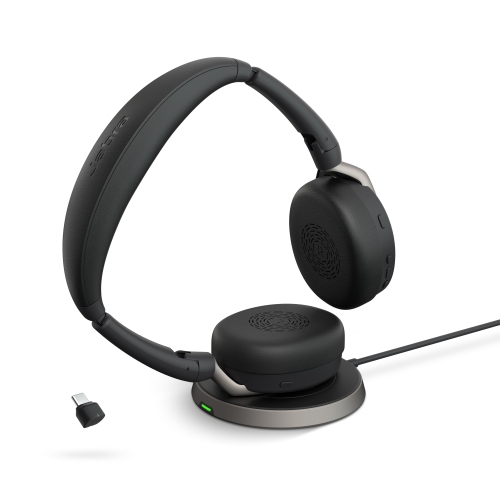
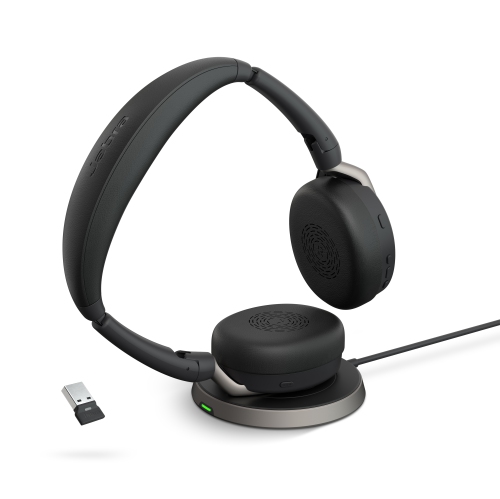
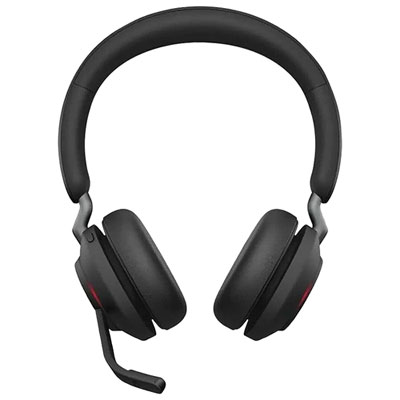
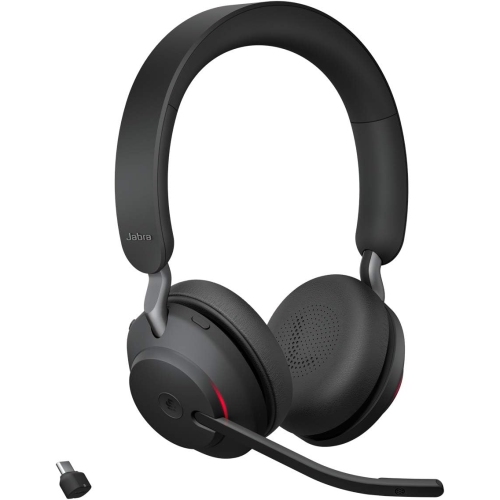
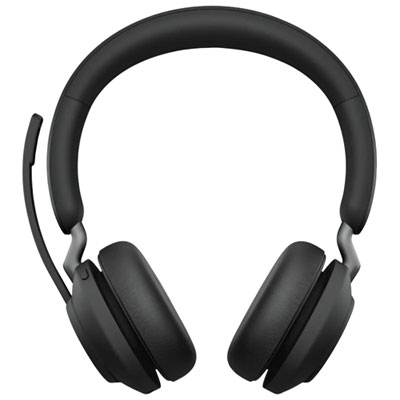
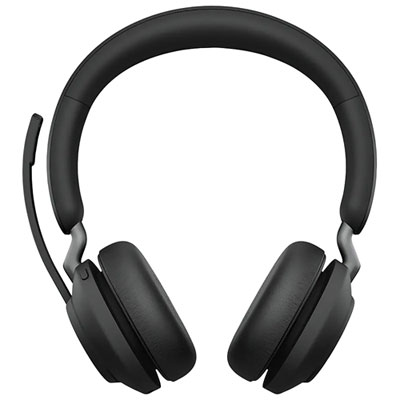
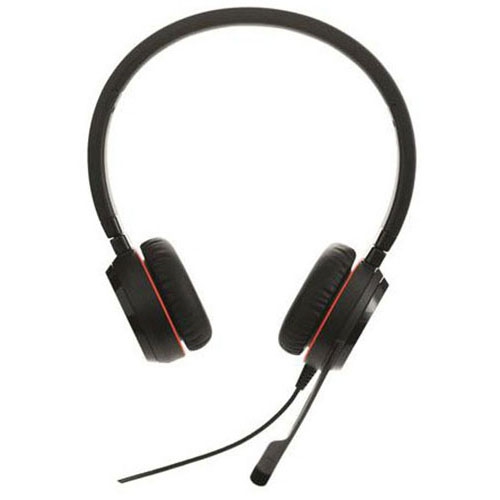
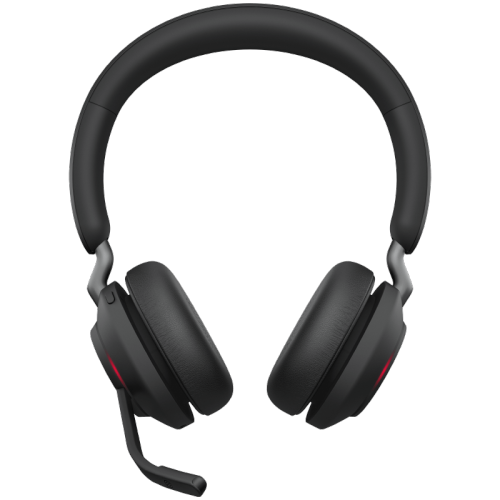
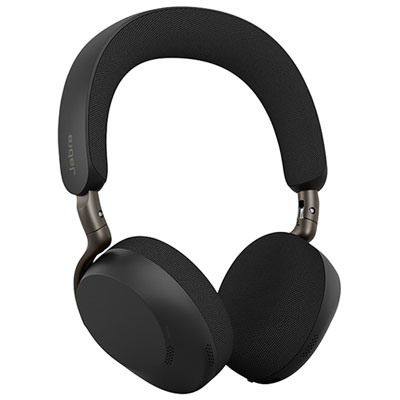
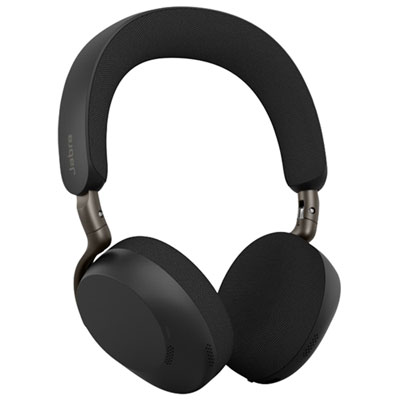
Comfortable wireless calling across work, study, and home
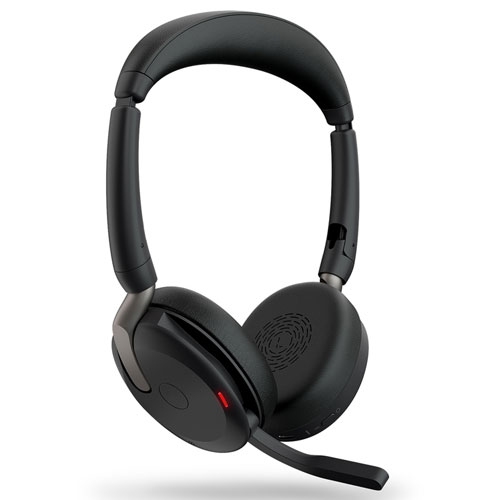
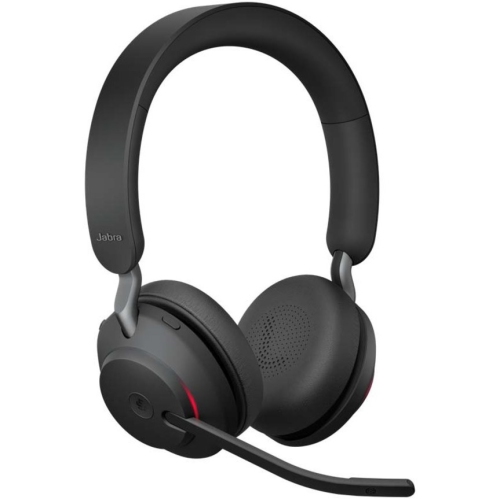
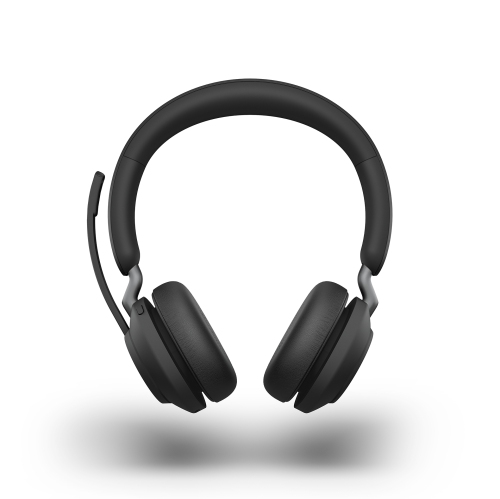
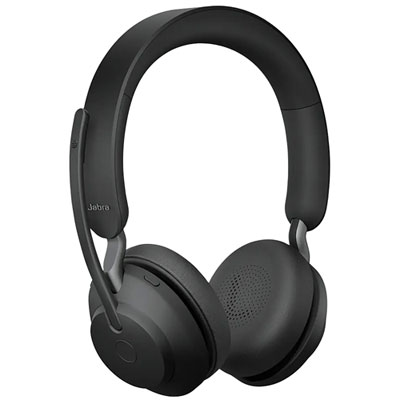
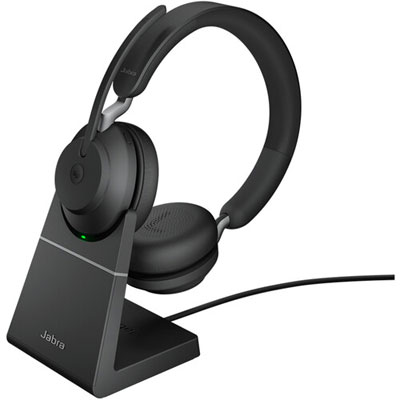
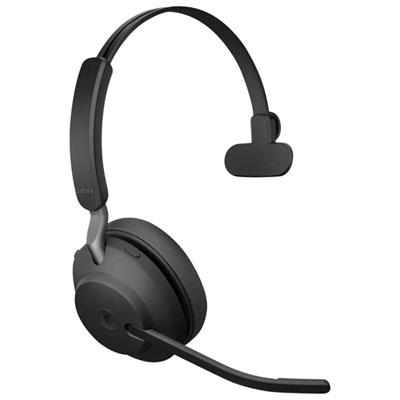
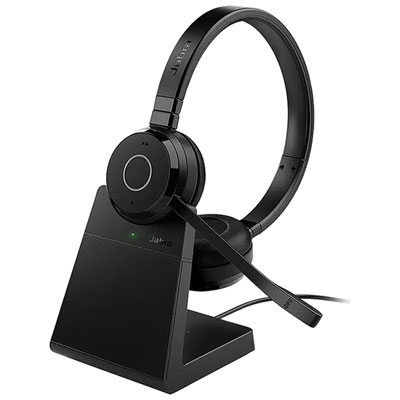
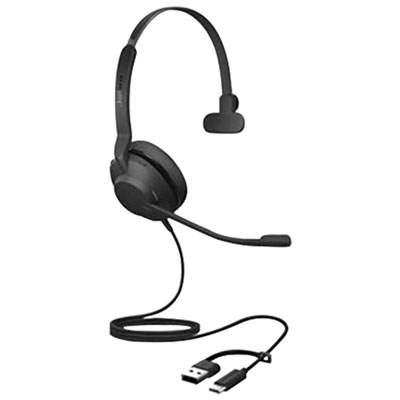
Wireless stereo headsets designed for Unified Communications are made for the way many people work, learn, and stay connected today. With two earcups, they deliver balanced sound for calls, video meetings, training sessions, podcasts, and music, while helping keep audio focused around the listener rather than spilling into a shared room. A comfortable dual-ear design can be especially useful during a full day of conversations, whether you are moving between a home office, a workplace, a classroom, or a flexible work area. Look for soft leather-feel cushions, a padded headband, and a lightweight build that rests securely without feeling heavy after several hours. A model weighing roughly 106 g may be easy to wear through a series of meetings, although comfort is personal and the best fit depends on head shape, hairstyle, and whether glasses are worn. Adjustable earcups and a flexible headband can help create a more natural fit, while a discreet microphone boom keeps your voice close to the pickup area for clearer conversations. Some designs let the boom fold into or attach to the headband when you are listening to music or travelling, giving the headset a neater profile between calls. For people who prefer a quieter listening experience, passive sound reduction from the ear cushions can soften nearby keyboard sounds, office chatter, and the hum of a busy household without requiring active electronic processing. This can be helpful when a shared space becomes lively during the cooler months, when more time may be spent indoors and a dependable personal audio setup makes it easier to concentrate.
Connectivity is one of the most important details to review before choosing a headset in this category. Bluetooth lets you pair with a phone, tablet, or compatible computer without being tethered to a desk, while a USB adapter can provide a straightforward connection to a computer for meetings and voice applications. Dual connectivity is particularly useful for people who divide their attention between a work computer and a mobile device. You might be listening to a presentation on your computer when a call arrives on your phone, or move from a video meeting to a mobile conversation without repeatedly opening settings and disconnecting devices. A wireless range of up to 30 m or 100 ft can offer room to stretch, refill a coffee, or collect a document while staying connected, though walls, furniture, and other wireless signals may reduce the practical distance. Compatibility also matters: check whether the headset works with the communication platform used by your workplace, school, or clients. Headsets in this style are commonly used with Unified Communications services such as Zoom, Webex, and GoToMeeting, but software support can vary by computer and operating system. A USB adapter may also make setup simpler for someone who wants to plug in and begin a meeting without navigating Bluetooth menus. For a home office, dual-device pairing can reduce interruptions when personal and work calls arrive through separate devices. For a reception desk, sales workspace, or customer support station, the combination of wireless freedom and a dedicated microphone can help users move naturally while keeping their hands available for notes, a keyboard, or other equipment. Families shopping for a student, remote worker, or frequent caller may appreciate this versatility because one headset can serve several parts of a daily routine, from online classes and group projects to travel and relaxed media listening.
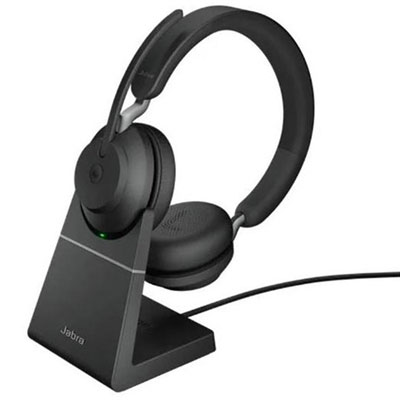
Small design details can make a noticeable difference in everyday use. A built-in red busylight, for example, can signal that the wearer is on a call, giving nearby coworkers or family members a clear visual cue before they interrupt. This is especially practical in an open office, a shared study area, or a kitchen table that doubles as a workstation. Controls placed on the earcup may allow users to answer or end calls, adjust volume, mute the microphone, and manage music without reaching for the computer. Battery life should be considered alongside charging habits: people who spend most of the day in meetings may want a headset that can handle extended use, while occasional callers may place greater value on quick pairing and easy storage. Think about where the headset will live between uses as well. A foldable boom, compact shape, or included adapter can make it easier to carry in a work bag, beside a laptop, or in a drawer near a family computer. These headsets can also make thoughtful gifts for a student beginning online coursework, a relative working from a home office, or someone who spends long stretches on calls and wants more freedom than a wired design provides. If the recipient enjoys listening as much as talking, stereo audio adds value for music, films, and spoken content between meetings. Those building a broader desk or home audio setup may also wish to explore Jabra Speakers for a different way to enjoy sound in a room. Before purchasing, confirm device compatibility, preferred wearing style, microphone placement, wireless range, charging method, and the return or support options available. Choosing based on these practical details helps ensure the headset feels natural in real routines, whether it is worn at a quiet desk, carried between rooms, or used to stay connected while the day unfolds around you.
Connectivity is one of the most important details to review before choosing a headset in this category. Bluetooth lets you pair with a phone, tablet, or compatible computer without being tethered to a desk, while a USB adapter can provide a straightforward connection to a computer for meetings and voice applications. Dual connectivity is particularly useful for people who divide their attention between a work computer and a mobile device. You might be listening to a presentation on your computer when a call arrives on your phone, or move from a video meeting to a mobile conversation without repeatedly opening settings and disconnecting devices. A wireless range of up to 30 m or 100 ft can offer room to stretch, refill a coffee, or collect a document while staying connected, though walls, furniture, and other wireless signals may reduce the practical distance. Compatibility also matters: check whether the headset works with the communication platform used by your workplace, school, or clients. Headsets in this style are commonly used with Unified Communications services such as Zoom, Webex, and GoToMeeting, but software support can vary by computer and operating system. A USB adapter may also make setup simpler for someone who wants to plug in and begin a meeting without navigating Bluetooth menus. For a home office, dual-device pairing can reduce interruptions when personal and work calls arrive through separate devices. For a reception desk, sales workspace, or customer support station, the combination of wireless freedom and a dedicated microphone can help users move naturally while keeping their hands available for notes, a keyboard, or other equipment. Families shopping for a student, remote worker, or frequent caller may appreciate this versatility because one headset can serve several parts of a daily routine, from online classes and group projects to travel and relaxed media listening.
Small design details can make a noticeable difference in everyday use. A built-in red busylight, for example, can signal that the wearer is on a call, giving nearby coworkers or family members a clear visual cue before they interrupt. This is especially practical in an open office, a shared study area, or a kitchen table that doubles as a workstation. Controls placed on the earcup may allow users to answer or end calls, adjust volume, mute the microphone, and manage music without reaching for the computer. Battery life should be considered alongside charging habits: people who spend most of the day in meetings may want a headset that can handle extended use, while occasional callers may place greater value on quick pairing and easy storage. Think about where the headset will live between uses as well. A foldable boom, compact shape, or included adapter can make it easier to carry in a work bag, beside a laptop, or in a drawer near a family computer. These headsets can also make thoughtful gifts for a student beginning online coursework, a relative working from a home office, or someone who spends long stretches on calls and wants more freedom than a wired design provides. If the recipient enjoys listening as much as talking, stereo audio adds value for music, films, and spoken content between meetings. Those building a broader desk or home audio setup may also wish to explore Jabra Speakers for a different way to enjoy sound in a room. Before purchasing, confirm device compatibility, preferred wearing style, microphone placement, wireless range, charging method, and the return or support options available. Choosing based on these practical details helps ensure the headset feels natural in real routines, whether it is worn at a quiet desk, carried between rooms, or used to stay connected while the day unfolds around you.
Top selling and popular products
-
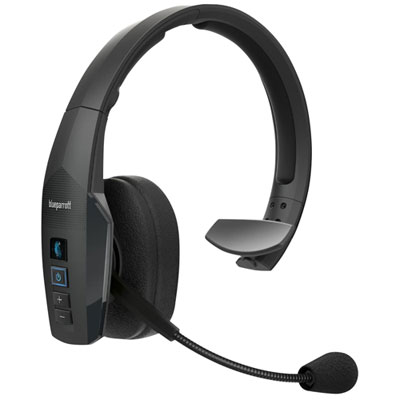 Your price for this item is $238.97
 -
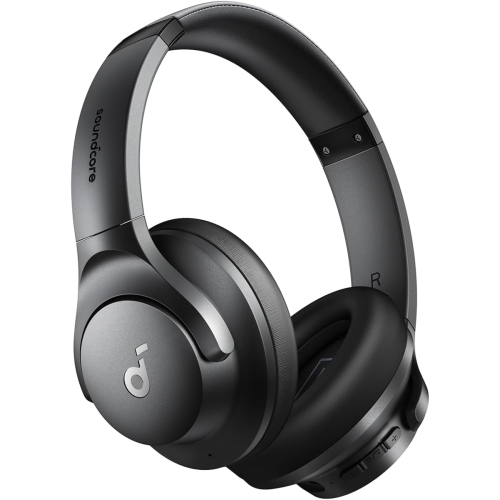 Your price for this item is $49.99
 -
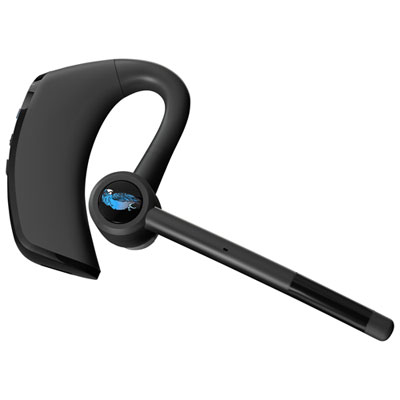 Your price for this item is $129.99
 -
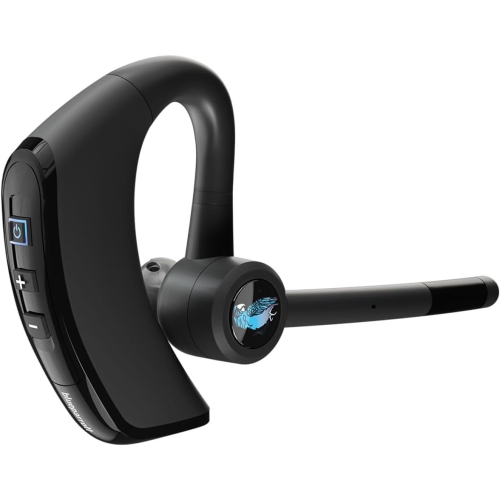 Your price for this item is $189
 -
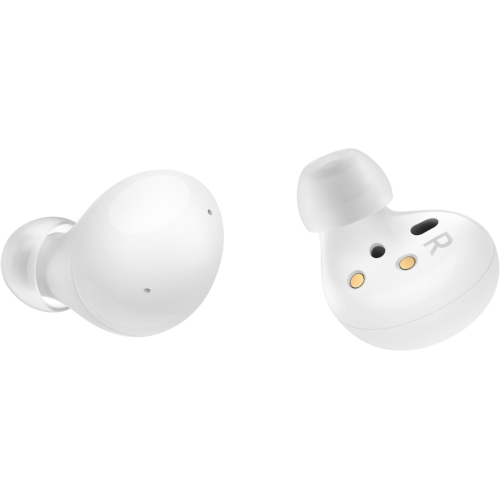 Your price for this item is $129.85
 -
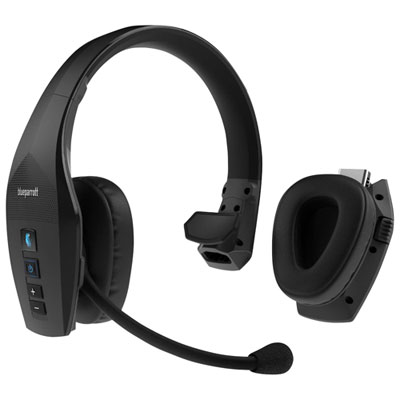 Your price for this item is $359.99
 -
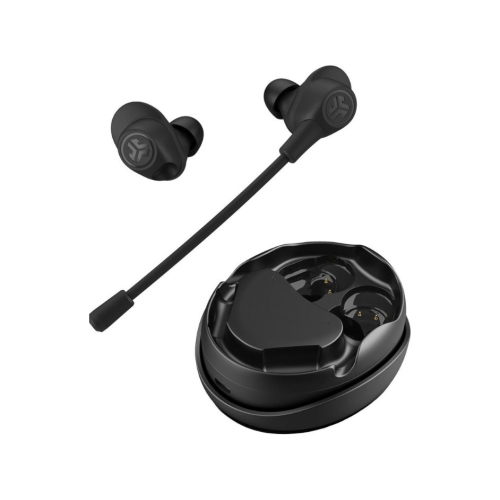 Your price for this item is $107.99
 -
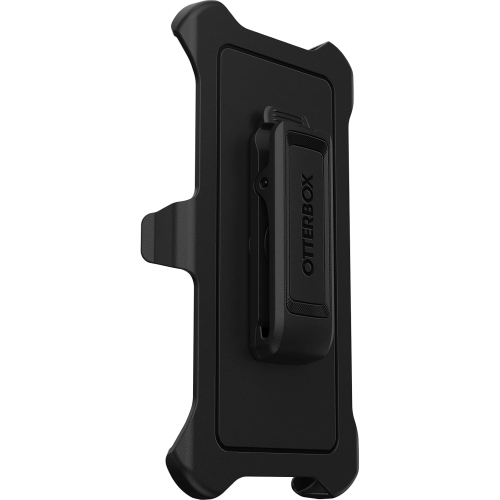 Your price for this item is $78
Discover more categories related to Jabra Evolve 65 UC Stereo

Top Collections:
Pokemon Centers, Best Cameras for Sports Photography, Kindle Devices, Samsung Galaxy Phones, Canon G7X Cameras, Pokémon 30th Celebration Cards, Refurbished Apple Laptops, iPhone 15 Apple, Laptops for Students, Budget Smartphones
Some products may be subject to Environmental Handling Fees
(EHF) depending on your province.
Learn more about EHFs.