Jabra Evolve2 30
Experience enhanced productivity and seamless communication with the Jabra Evolve2 30. Designed for modern professionals, these headsets offer comfort and reliability for your workday, whether you're at the office or working remotely. Discover a range of options to suit your needs and elevate your audio experience with the Jabra Evolve2 30.
Sort
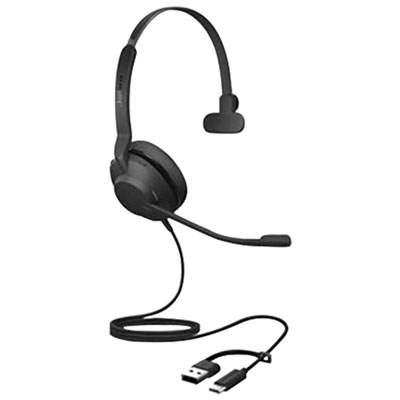
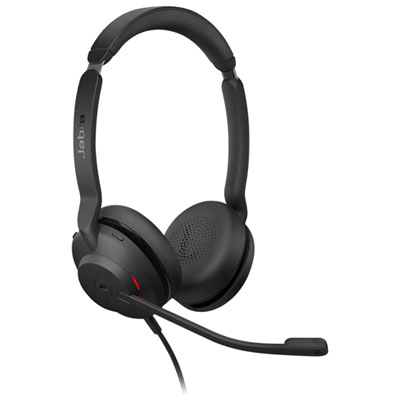
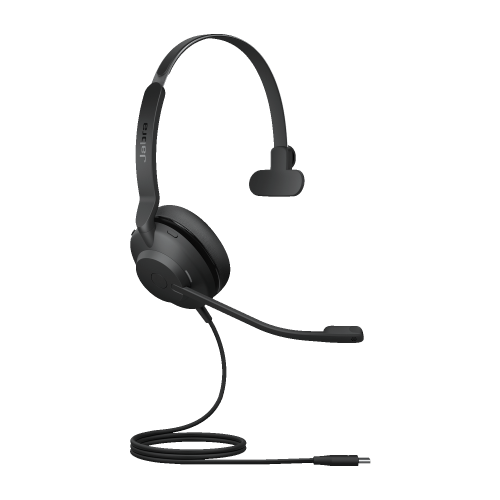
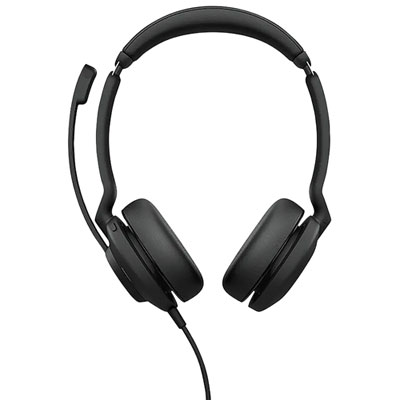
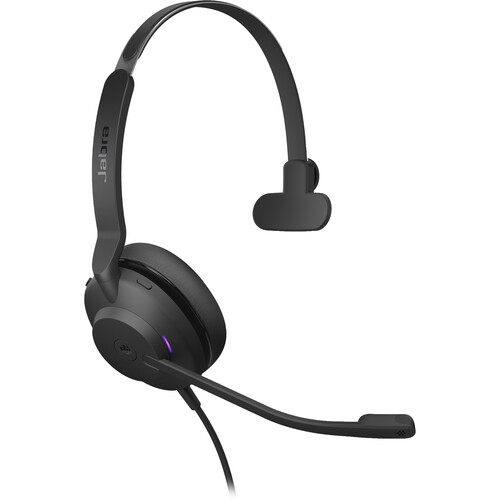

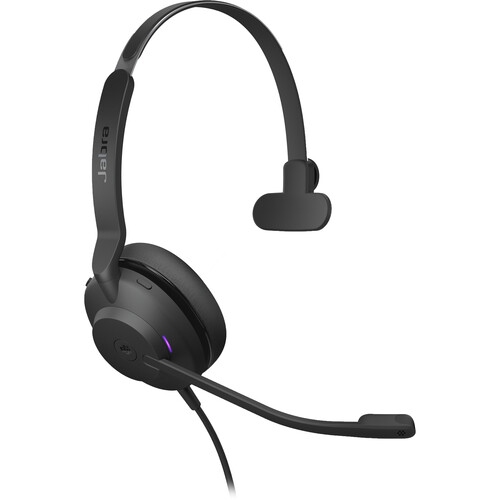
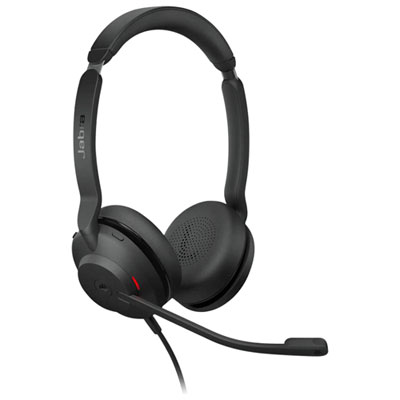
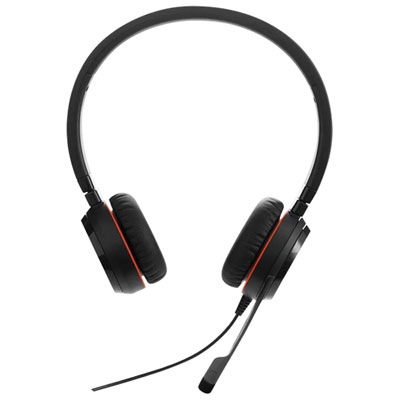
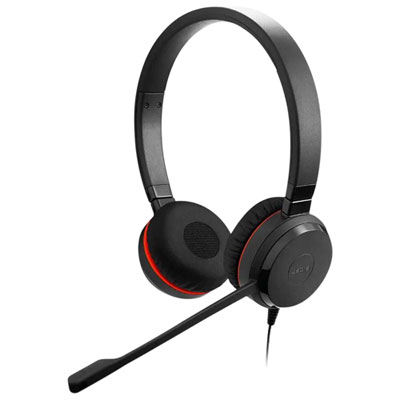
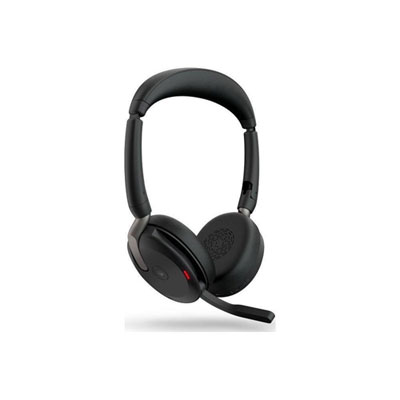
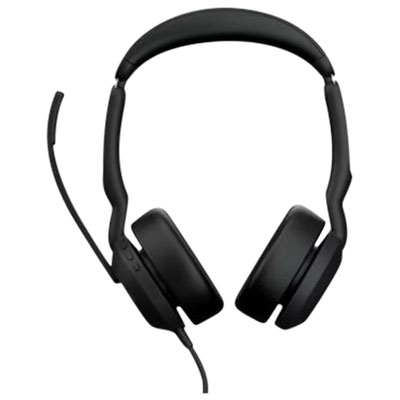
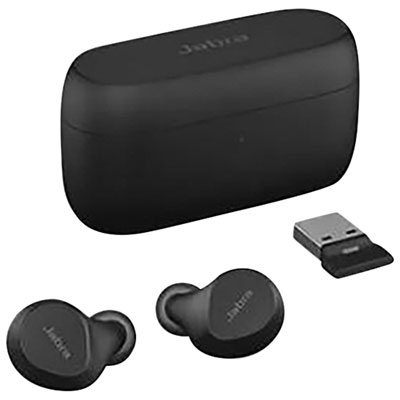
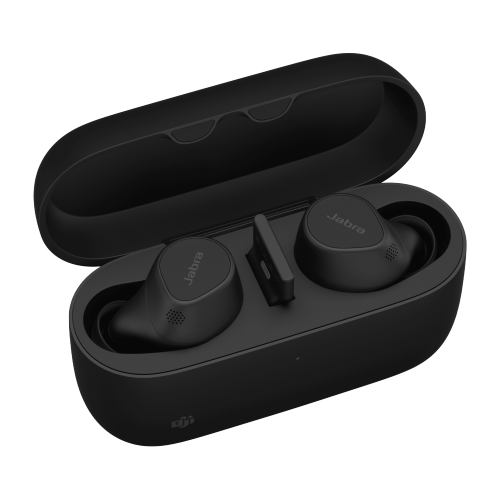
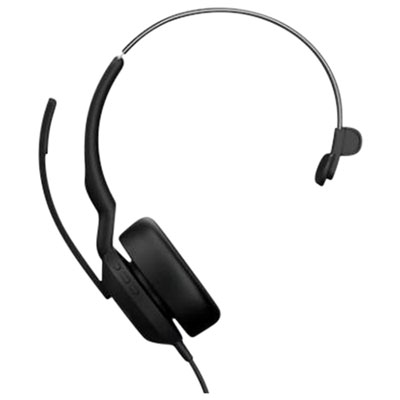
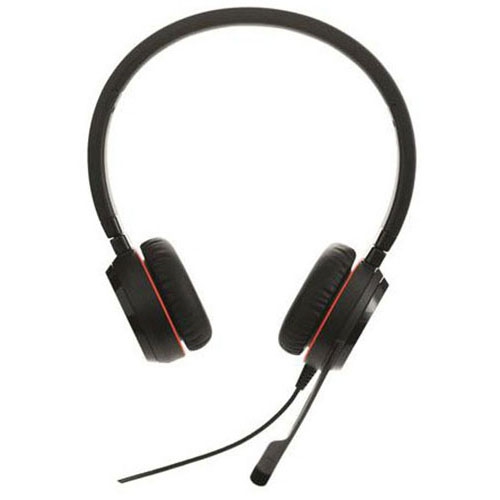
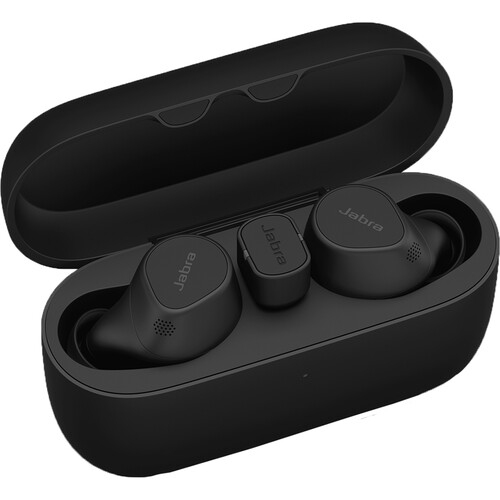
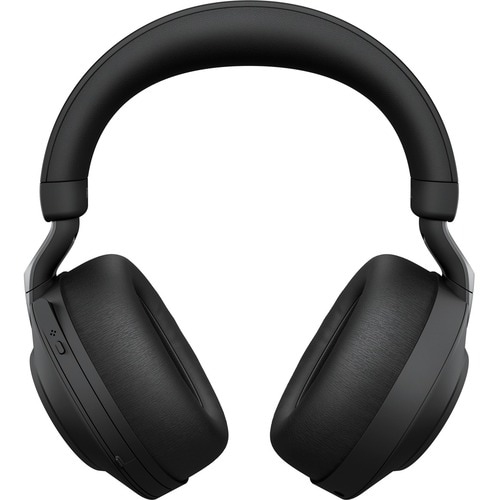
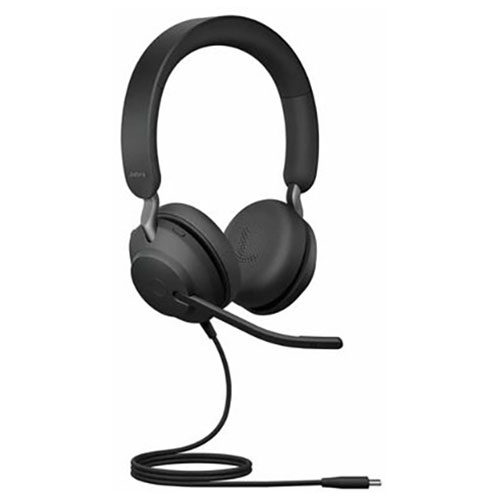
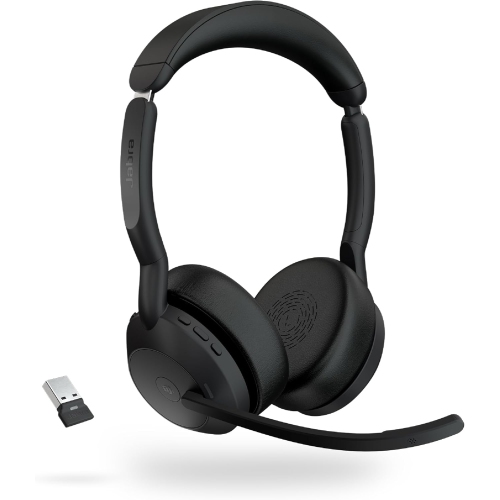
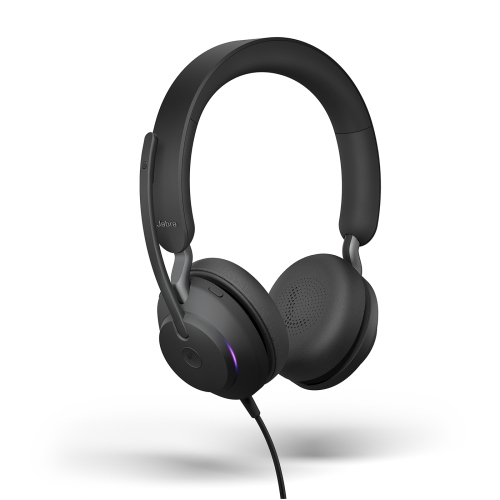
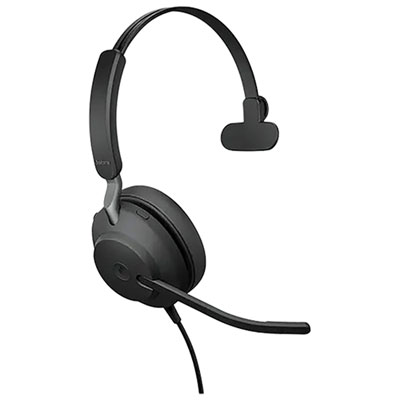
Desk calls without a headset battery to charge
Wired on-ear USB headsets bring call audio, a close-positioned microphone, and everyday controls together in a compact format for desk-based work. They suit the rhythm of a working day that moves between video meetings, customer conversations, training sessions, and stretches of independent work with music playing quietly. A direct USB connection carries audio through a cable rather than a wireless link, so there is no headset battery to charge before a long conversation. That simplicity is useful at a permanent workstation, a shared office desk, or a home setup where a laptop is connected and disconnected regularly. USB-A and USB-C versions serve different computer ports, making the connector type an important detail: the plug needs to match an accessible port on the computer or a compatible dock that supports USB audio. A USB headset should not be assumed to connect through a 3.5 mm headphone socket, and a matching USB-C shape alone does not guarantee support across every phone, tablet, or other device. Computer and calling-software compatibility matter just as much as the physical connection. General unified communications versions are designed for use with compatible calling applications, while platform-certified versions may offer tighter integration with a particular meeting service, including supported call controls. For someone who answers calls throughout the day, the ability to adjust volume or mute the microphone without searching through an open meeting window can make conversations easier to manage. Mono designs leave one ear uncovered, which can help a receptionist hear a nearby colleague or someone working from home stay aware of a knock at the door. Stereo designs deliver sound to both ears and can make spoken content easier to follow when surrounding activity is distracting. Neither arrangement is inherently better for every desk; the distinction is how much attention needs to stay with the room while a call is underway. Both formats keep the microphone close at hand without requiring the user to hold a phone.
Comfort in an on-ear headset comes from the way its weight, headband pressure, and ear cushions work together. Because the cushions rest against the ears rather than surrounding them, their shape and softness are especially noticeable during back-to-back meetings. Angled cushions can help the earcups sit more naturally, while memory foam can adapt to contact points and spread pressure across the padded surface. An adjustable headband allows the earcups to line up with the ears without pulling the band down too tightly. For anyone wearing glasses, the point where the cushion meets the frame arm deserves attention, since a fit that feels fine for a brief call may become distracting over a longer session. Lightweight construction is helpful, but low weight alone does not determine comfort; balanced support and a cable that does not tug at one side also matter. A reinforced steel headband, where used, adds structural support to a part that is adjusted and handled frequently, while moulded outer components help keep the overall design manageable for daily wear. Microphone design is equally important to the experience on the other end of a call. A two-microphone arrangement can help distinguish speech from surrounding sounds, supporting clearer conversations when keyboards are tapping or other people are speaking nearby. That microphone processing is different from active noise cancellation for the listener and should not be taken to mean that all room sound disappears. A boom positioned as directed by the manufacturer, usually near the side of the mouth rather than directly in the path of breathing, helps capture speech without needing to raise the voice. Speaker size is only one part of listening performance; for office use, clear voices and comfortable volume are more meaningful than a specification on its own. An integrated call-status light can also be useful in shared spaces, giving nearby colleagues a visible sign that a conversation is in progress. Whether that light activates automatically or supports manual control depends on the headset and its software integration.
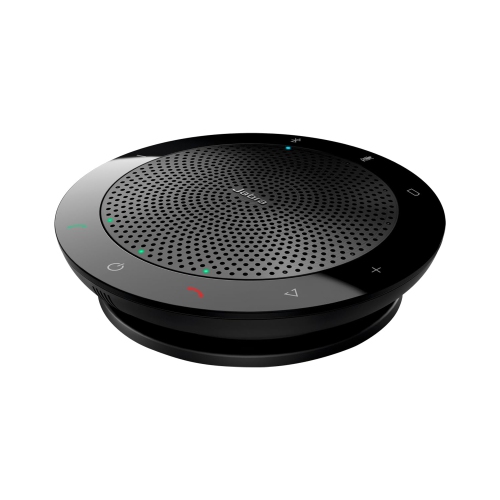
Daily handling has a direct effect on how well a wired headset holds up. The cable benefits from enough slack to reach the computer comfortably without hanging where a chair wheel can catch it, and the connector should be removed by gripping the plug rather than pulling the cord. When the headset travels between desks, a loose cable loop is gentler than a tight wrap around the earcups or microphone arm. A separate pouch or suitable case can keep the cushions from rubbing against laptop chargers and other hard objects inside a work bag. For cleaning, a soft cloth and the manufacturer’s care directions are the safest starting points; moisture should stay away from microphone openings, speaker surfaces, and USB contacts. Cushion materials may need different treatment from the headband, so soaking, harsh cleaners, or vigorous scrubbing can cause avoidable wear. Letting cleaned surfaces dry fully before use helps keep the headset comfortable against the skin. Replaceable ear cushions, where supported, are a practical consideration for equipment worn frequently, though replacement parts need to match the exact headset design. Intended use also shapes what feels convenient over time. A support specialist may value an accessible mute control and dependable speech pickup, while an instructor may care most about clear narration during online lessons. Someone moving between several compatible workstations may appreciate a straightforward wired connection, provided the connector and software requirements are met at each desk. A headset can also be a thoughtful gift for a student or remote worker when their computer ports, preferred ear coverage, and meeting applications are known. For conversations where several people in the same room need to hear and speak together, a shared speakerphone format, such as those in the Jabra Speak2 range, serves a different purpose from an individual headset. Personal on-ear audio remains especially useful when calls need to stay close to the listener, desk space is limited, and clear two-way conversation is the main priority.
Comfort in an on-ear headset comes from the way its weight, headband pressure, and ear cushions work together. Because the cushions rest against the ears rather than surrounding them, their shape and softness are especially noticeable during back-to-back meetings. Angled cushions can help the earcups sit more naturally, while memory foam can adapt to contact points and spread pressure across the padded surface. An adjustable headband allows the earcups to line up with the ears without pulling the band down too tightly. For anyone wearing glasses, the point where the cushion meets the frame arm deserves attention, since a fit that feels fine for a brief call may become distracting over a longer session. Lightweight construction is helpful, but low weight alone does not determine comfort; balanced support and a cable that does not tug at one side also matter. A reinforced steel headband, where used, adds structural support to a part that is adjusted and handled frequently, while moulded outer components help keep the overall design manageable for daily wear. Microphone design is equally important to the experience on the other end of a call. A two-microphone arrangement can help distinguish speech from surrounding sounds, supporting clearer conversations when keyboards are tapping or other people are speaking nearby. That microphone processing is different from active noise cancellation for the listener and should not be taken to mean that all room sound disappears. A boom positioned as directed by the manufacturer, usually near the side of the mouth rather than directly in the path of breathing, helps capture speech without needing to raise the voice. Speaker size is only one part of listening performance; for office use, clear voices and comfortable volume are more meaningful than a specification on its own. An integrated call-status light can also be useful in shared spaces, giving nearby colleagues a visible sign that a conversation is in progress. Whether that light activates automatically or supports manual control depends on the headset and its software integration.
Daily handling has a direct effect on how well a wired headset holds up. The cable benefits from enough slack to reach the computer comfortably without hanging where a chair wheel can catch it, and the connector should be removed by gripping the plug rather than pulling the cord. When the headset travels between desks, a loose cable loop is gentler than a tight wrap around the earcups or microphone arm. A separate pouch or suitable case can keep the cushions from rubbing against laptop chargers and other hard objects inside a work bag. For cleaning, a soft cloth and the manufacturer’s care directions are the safest starting points; moisture should stay away from microphone openings, speaker surfaces, and USB contacts. Cushion materials may need different treatment from the headband, so soaking, harsh cleaners, or vigorous scrubbing can cause avoidable wear. Letting cleaned surfaces dry fully before use helps keep the headset comfortable against the skin. Replaceable ear cushions, where supported, are a practical consideration for equipment worn frequently, though replacement parts need to match the exact headset design. Intended use also shapes what feels convenient over time. A support specialist may value an accessible mute control and dependable speech pickup, while an instructor may care most about clear narration during online lessons. Someone moving between several compatible workstations may appreciate a straightforward wired connection, provided the connector and software requirements are met at each desk. A headset can also be a thoughtful gift for a student or remote worker when their computer ports, preferred ear coverage, and meeting applications are known. For conversations where several people in the same room need to hear and speak together, a shared speakerphone format, such as those in the Jabra Speak2 range, serves a different purpose from an individual headset. Personal on-ear audio remains especially useful when calls need to stay close to the listener, desk space is limited, and clear two-way conversation is the main priority.
Top selling and popular products
-
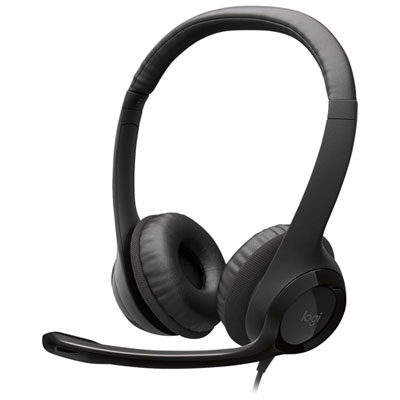 Your price for this item is $27.99
 -
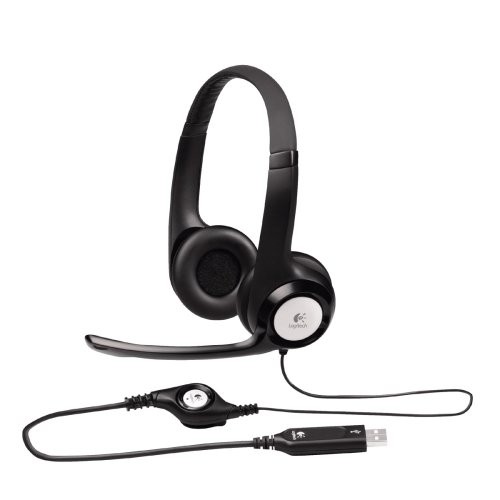 Your price for this item is $49
 -
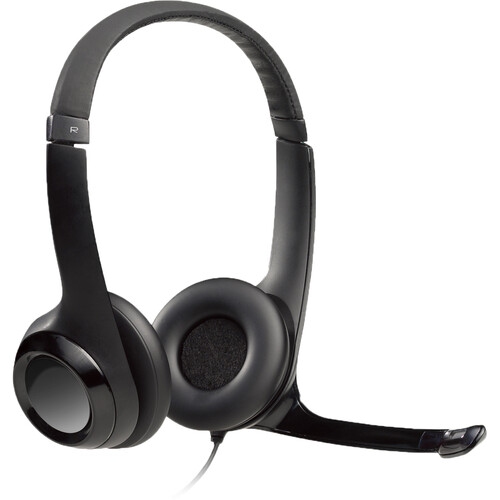 Your price for this item is $77.79
 -
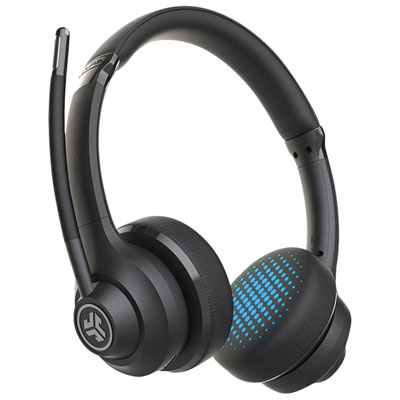 Your price for this item is $56.98
 -
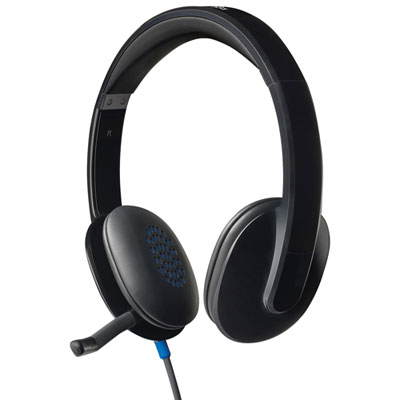 Your price for this item is $47.98
 -
 Your price for this item is $80.74
 -
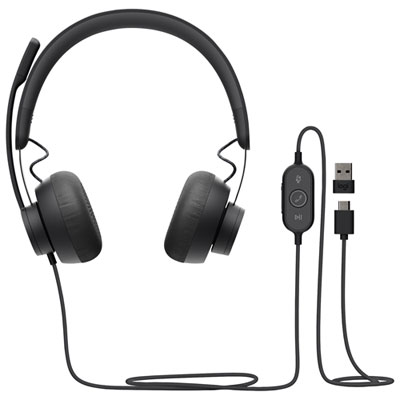 Your price for this item is $129.95
 -
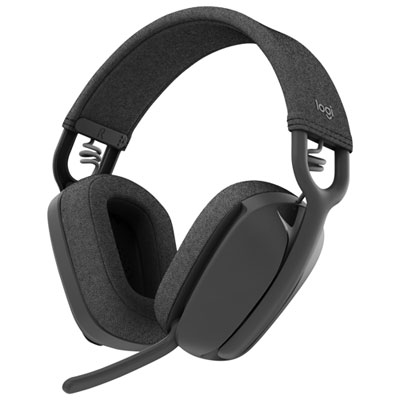 Your price for this item is $99.99
Discover more categories related to Jabra Evolve2 30

Top Collections:
Pokemon Centers, Best Cameras for Sports Photography, Kindle Devices, Samsung Galaxy Phones, Canon G7X Cameras, Pokémon 30th Celebration Cards, Refurbished Apple Laptops, iPhone 15 Apple, Laptops for Students, Budget Smartphones
Some products may be subject to Environmental Handling Fees
(EHF) depending on your province.
Learn more about EHFs.