Keyboards With PS2 Connector
Discover a wide selection of Keyboard With PS2 Connector options designed to meet the needs of various computing setups. Ideal for those seeking reliable connectivity with legacy systems, these keyboards provide compatibility for specialized applications and traditional workstations. Whether outfitting an office, upgrading existing equipment, or supporting unique hardware requirements, explore dependable choices that deliver seamless integration with devices featuring PS2 ports. Find the right Keyboard With PS2 Connector to enhance your desktop experience today.
Sort

Why older workstations need more than a matching plug
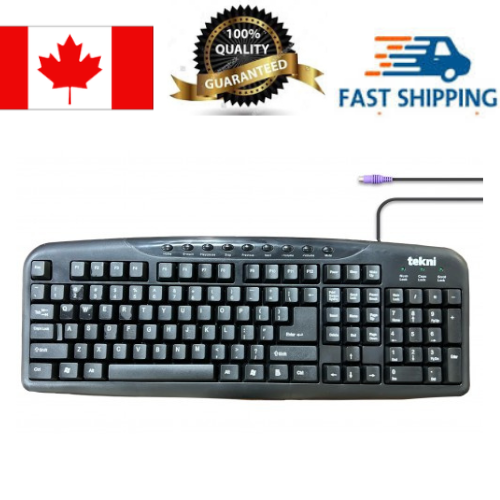
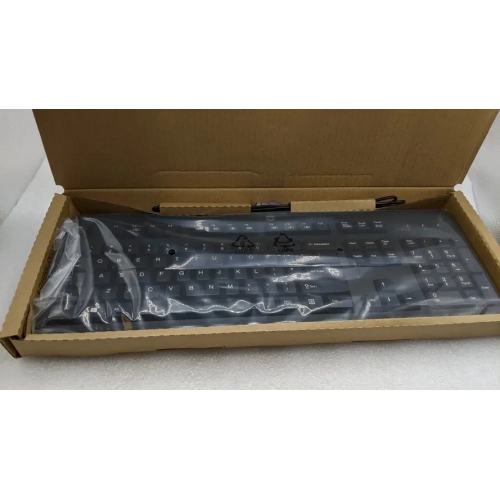
Keyboards with a PS/2 connector provide a wired typing connection for computers and equipment fitted with the traditional round, six-pin keyboard port. Often called PS2 keyboards in everyday searches, they use a different interface from USB and are especially relevant to older desktop PCs, certain business workstations, and dedicated systems that still rely on this connection. A native PS/2 keyboard connects directly to a matching port without a converter, making it a practical choice for maintaining an established workstation or completing a vintage computing setup. The keyboard socket is often purple, although colour alone is not a reliable compatibility check; the keyboard symbol and the computer’s documentation help distinguish it from a similar-looking mouse socket. Some computers have a shared PS/2 port whose supported functions depend on the system. These details matter when replacing a worn keyboard on an office PC, restoring a desktop used for older software, or keeping a dedicated data-entry station familiar to its operators. PS/2 communicates through an interrupt-based interface rather than the polling used by USB keyboards, but that difference does not automatically make every PS/2 keyboard faster in everyday use. Switch design, keyboard electronics, and the computer itself also affect how typing feels and how inputs are handled. The interface can support n-key rollover, which allows many keys to register together, but the actual rollover capability depends on the keyboard’s design and should not be assumed from the connector alone. For ordinary document work, dependable key registration and a comfortable layout usually matter more than headline performance claims. For applications involving several simultaneous key presses, an explicitly stated rollover specification is more useful than a general promise about PS/2 technology. This connection can also be useful on systems whose firmware or older software expects a PS/2 keyboard, though support remains specific to the computer. It is a focused category for people who need the right physical connection, not a universal replacement for modern USB or wireless keyboards.
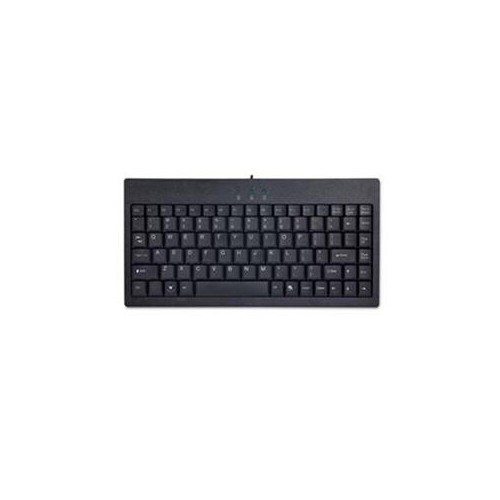
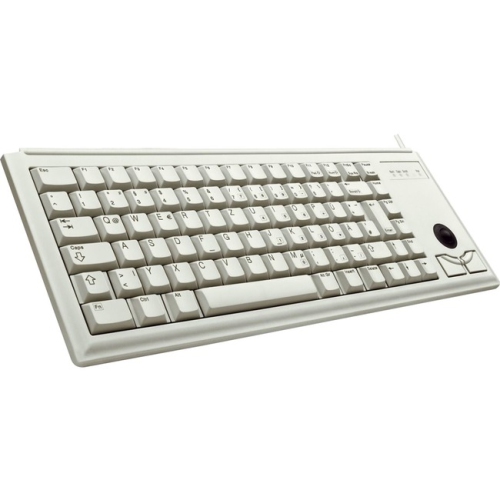
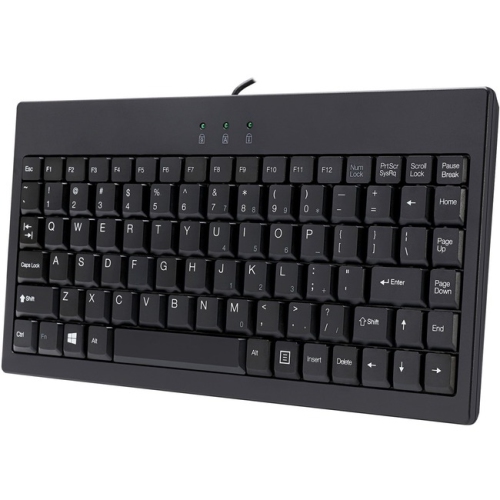
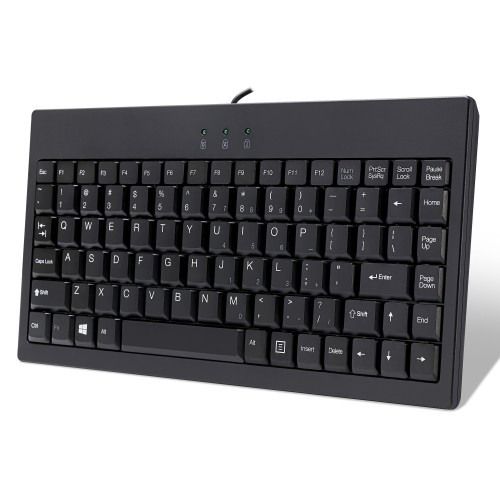
The most suitable layout depends on both the available desk space and the work being done. A full-size PS/2 keyboard typically includes a dedicated number pad, function row, navigation cluster, and arrow keys, giving spreadsheet users and frequent number-entry tasks a familiar arrangement. Compact layouts leave more room beside the keyboard for a mouse, paper forms, or other controls, but may move navigation commands or number entry onto shared keys. On a shallow pull-out tray, the keyboard’s depth and cable exit can matter as much as its width. A cable that bends sharply against the back of a desk is less convenient than one with enough clearance to follow a relaxed path to the computer. Key spacing, the shape of the Enter key, and the position of punctuation also influence comfort when moving between keyboards. For Canadian households and workplaces, English, French Canadian, and multilingual layouts deserve particular attention: the printed legends should suit the user’s language needs, while the operating system’s selected layout determines the characters entered. Large-print legends and clear contrast can make individual keys easier to identify, especially at a shared workstation. The typing mechanism is another meaningful distinction. Membrane designs often provide a softer, quieter keystroke, while mechanical switches can offer a more defined feel, with sound and resistance varying considerably by switch type. Neither construction guarantees comfort for everyone. Someone entering records for hours may prefer a light, consistent action, while another person may value a distinct tactile point during each press. A low front edge, stable feet, and an appropriate position on the desk can help support a comfortable posture without forcing the wrists upward. Adjustable rear feet change the typing angle, but a steeper slope is not necessarily a better fit. For a shared office or reception desk, typing noise and easy-to-read legends may outweigh decorative finishes. For a computing hobbyist receiving a keyboard as a gift, matching the connector and preferred layout is more important than choosing by appearance alone.
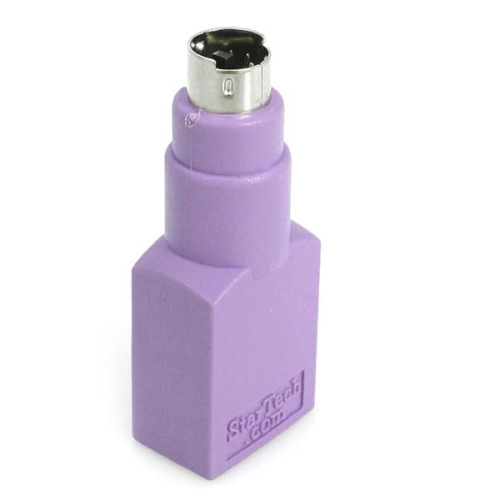
Construction and connection details help distinguish a keyboard that simply fits the socket from one that suits regular use. Most keyboard housings are plastic, with rigidity, weight, and assembly affecting how firmly the unit sits during typing. Keycaps commonly use ABS or PBT plastic; surface texture and wear characteristics vary, and the method used to apply the legends affects how well the lettering withstands repeated contact. A glossy finish can show fingerprints readily, while a textured surface may feel less slippery under the fingertips. At a busy workstation, secure keycaps, steady support feet, and strain relief where the cable meets the housing are useful durability features. Spill resistance, washable construction, and rated switch life are model-specific features rather than standard properties of PS/2 keyboards. Routine care generally means disconnecting the keyboard with the computer powered down, clearing loose debris gently, and wiping accessible surfaces according to the manufacturer’s directions without letting liquid enter the housing. Keycap removal is not suitable for every design. Connection care is equally important because the small pins inside a PS/2 plug can bend if the plug is forced into the socket at the wrong angle. PS/2 is generally not intended for hot plugging, so connecting or disconnecting it with the computer switched off is the usual precaution unless the equipment manufacturer specifies otherwise. Adapters also require careful matching. A simple passive USB-to-PS/2 adapter works only with a keyboard designed to support both protocols; it cannot turn an ordinary USB-only keyboard into a PS/2 device. Active converters translate between interfaces, but their direction, power requirements, and supported functions must match the intended setup. A converter for using a PS/2 keyboard on a USB computer is not interchangeable with one intended for the opposite arrangement. For systems with different connection requirements, Compatible Keyboards offers a related category to explore. Within a PS/2 setup, the strongest fit brings together verified port support, the required layout, comfortable key action, and a cable arrangement that works with the desk. Those practical details make everyday typing straightforward while preserving the connection an established computer needs.
The most suitable layout depends on both the available desk space and the work being done. A full-size PS/2 keyboard typically includes a dedicated number pad, function row, navigation cluster, and arrow keys, giving spreadsheet users and frequent number-entry tasks a familiar arrangement. Compact layouts leave more room beside the keyboard for a mouse, paper forms, or other controls, but may move navigation commands or number entry onto shared keys. On a shallow pull-out tray, the keyboard’s depth and cable exit can matter as much as its width. A cable that bends sharply against the back of a desk is less convenient than one with enough clearance to follow a relaxed path to the computer. Key spacing, the shape of the Enter key, and the position of punctuation also influence comfort when moving between keyboards. For Canadian households and workplaces, English, French Canadian, and multilingual layouts deserve particular attention: the printed legends should suit the user’s language needs, while the operating system’s selected layout determines the characters entered. Large-print legends and clear contrast can make individual keys easier to identify, especially at a shared workstation. The typing mechanism is another meaningful distinction. Membrane designs often provide a softer, quieter keystroke, while mechanical switches can offer a more defined feel, with sound and resistance varying considerably by switch type. Neither construction guarantees comfort for everyone. Someone entering records for hours may prefer a light, consistent action, while another person may value a distinct tactile point during each press. A low front edge, stable feet, and an appropriate position on the desk can help support a comfortable posture without forcing the wrists upward. Adjustable rear feet change the typing angle, but a steeper slope is not necessarily a better fit. For a shared office or reception desk, typing noise and easy-to-read legends may outweigh decorative finishes. For a computing hobbyist receiving a keyboard as a gift, matching the connector and preferred layout is more important than choosing by appearance alone.
Construction and connection details help distinguish a keyboard that simply fits the socket from one that suits regular use. Most keyboard housings are plastic, with rigidity, weight, and assembly affecting how firmly the unit sits during typing. Keycaps commonly use ABS or PBT plastic; surface texture and wear characteristics vary, and the method used to apply the legends affects how well the lettering withstands repeated contact. A glossy finish can show fingerprints readily, while a textured surface may feel less slippery under the fingertips. At a busy workstation, secure keycaps, steady support feet, and strain relief where the cable meets the housing are useful durability features. Spill resistance, washable construction, and rated switch life are model-specific features rather than standard properties of PS/2 keyboards. Routine care generally means disconnecting the keyboard with the computer powered down, clearing loose debris gently, and wiping accessible surfaces according to the manufacturer’s directions without letting liquid enter the housing. Keycap removal is not suitable for every design. Connection care is equally important because the small pins inside a PS/2 plug can bend if the plug is forced into the socket at the wrong angle. PS/2 is generally not intended for hot plugging, so connecting or disconnecting it with the computer switched off is the usual precaution unless the equipment manufacturer specifies otherwise. Adapters also require careful matching. A simple passive USB-to-PS/2 adapter works only with a keyboard designed to support both protocols; it cannot turn an ordinary USB-only keyboard into a PS/2 device. Active converters translate between interfaces, but their direction, power requirements, and supported functions must match the intended setup. A converter for using a PS/2 keyboard on a USB computer is not interchangeable with one intended for the opposite arrangement. For systems with different connection requirements, Compatible Keyboards offers a related category to explore. Within a PS/2 setup, the strongest fit brings together verified port support, the required layout, comfortable key action, and a cable arrangement that works with the desk. Those practical details make everyday typing straightforward while preserving the connection an established computer needs.
Top selling and popular products
-
 Your price for this item is $39.98
 -
 Your price for this item is $49.72
 -
 Your price for this item is $159
 -
 Your price for this item is $219.99
 -
 Your price for this item is $199.99
 -
 Your price for this item is $44.69
 -
 Your price for this item is $29.99
 -
 Your price for this item is $169.99
Discover more categories related to Keyboards With PS2 Connector

Top Collections:
Pokemon Centers, Kindle Devices, Best Budget Office Chairs, Apple iPhones 16, Canon G7X Cameras, iPhone 15 Apple, Alarm Clock, Refurbished Apple Laptops, Flip Phones, Best Laptops for Writers
Some products may be subject to Environmental Handling Fees
(EHF) depending on your province.
Learn more about EHFs.