Keystone Jack
Enhance your networking setup with our range of keystone jacks, designed to streamline your connectivity needs. Whether you're setting up a home office or upgrading a commercial network, these versatile components provide a reliable solution for organizing and managing cables. Compatible with various cables, keystone jacks offer a customizable approach to building efficient and tidy communication systems. Explore options that suit your specific requirements and ensure seamless data transmission with ease.
Sort




































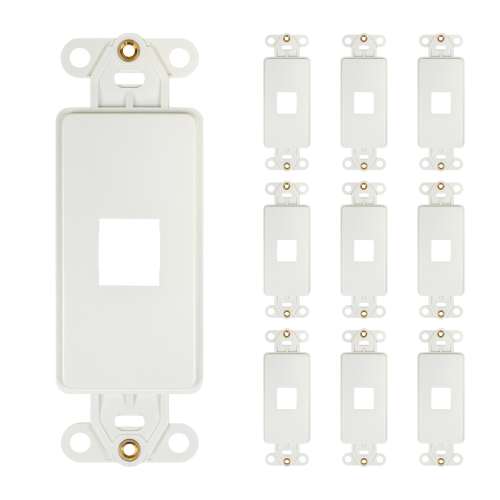
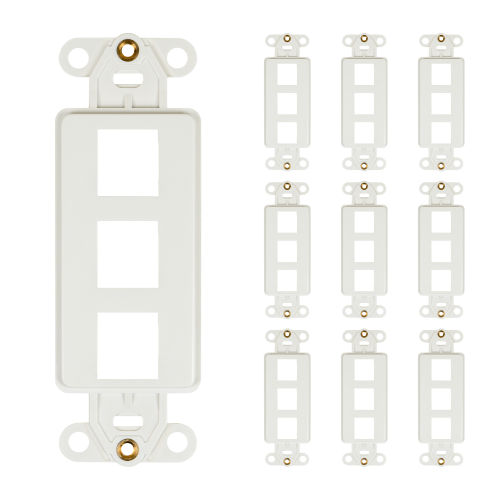


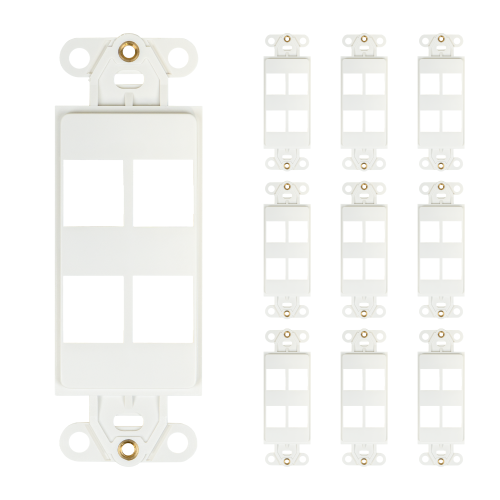


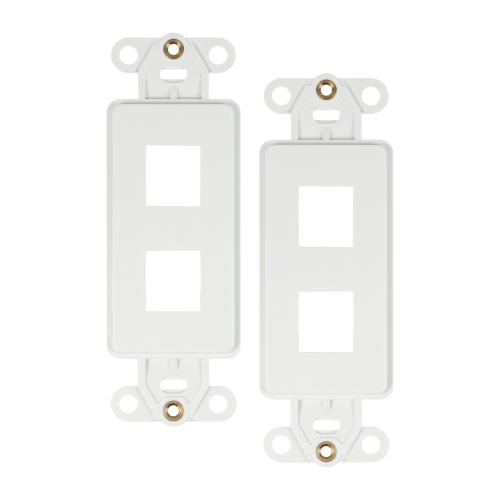



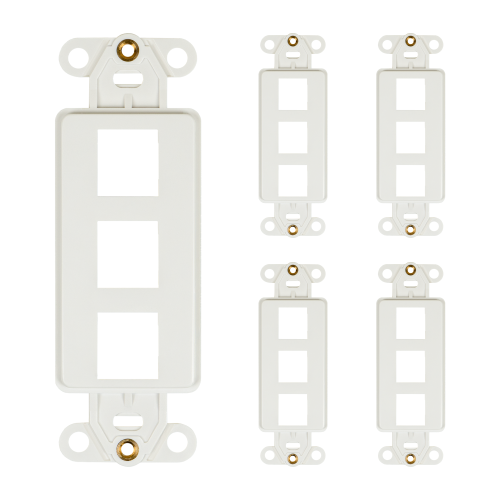
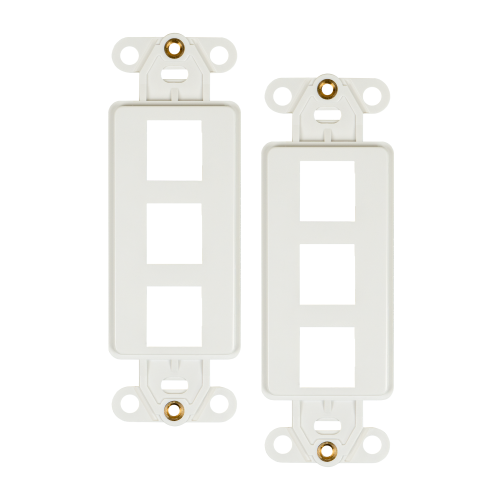
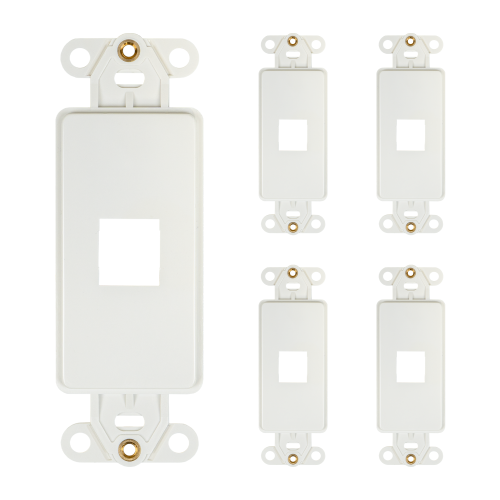
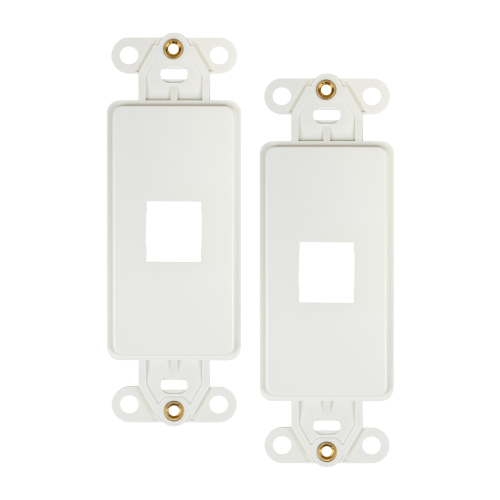












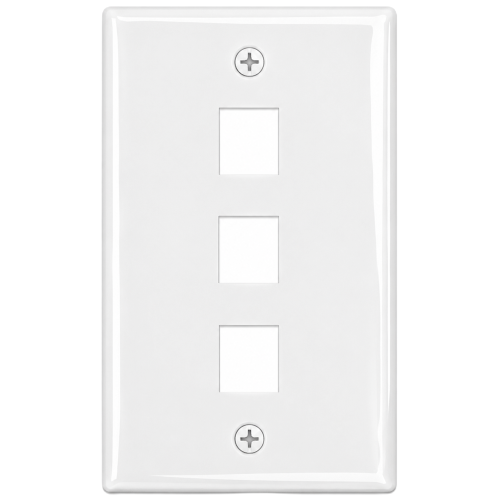
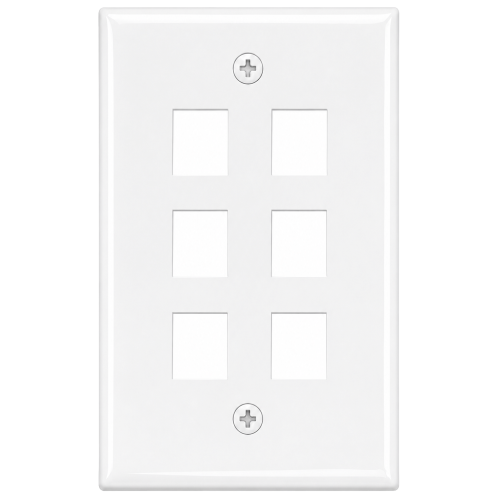
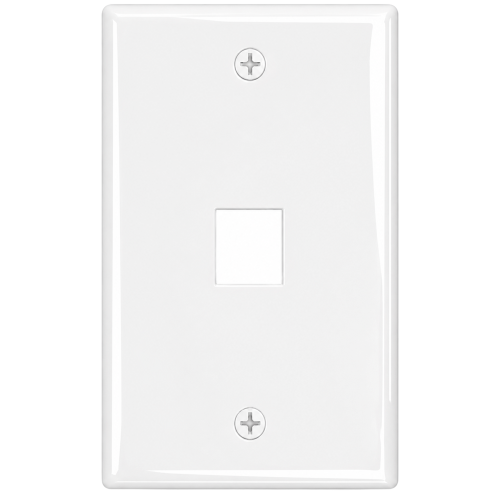


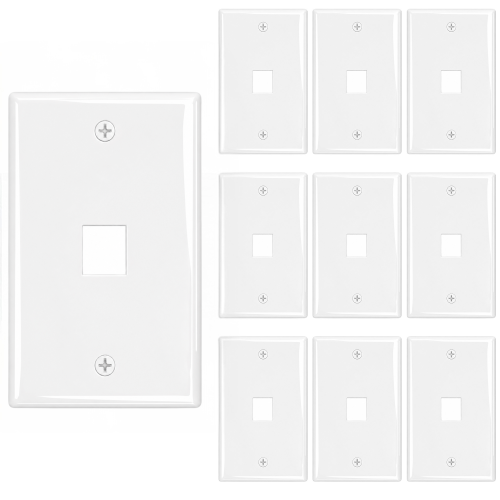
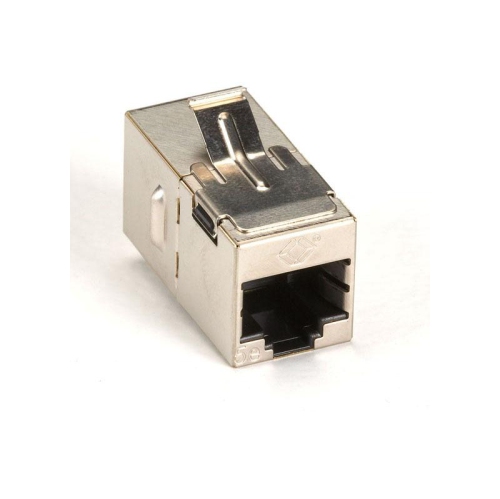

A tidy, reliable connection for every cable run
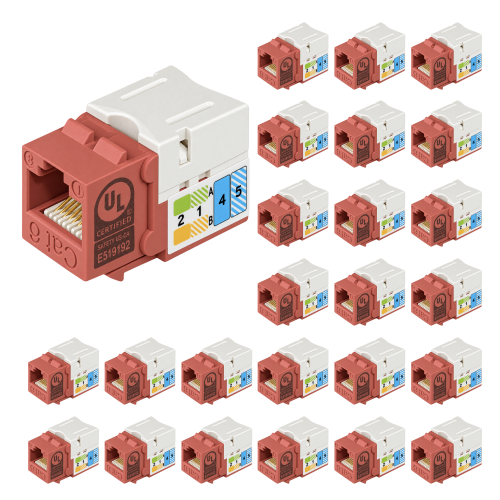
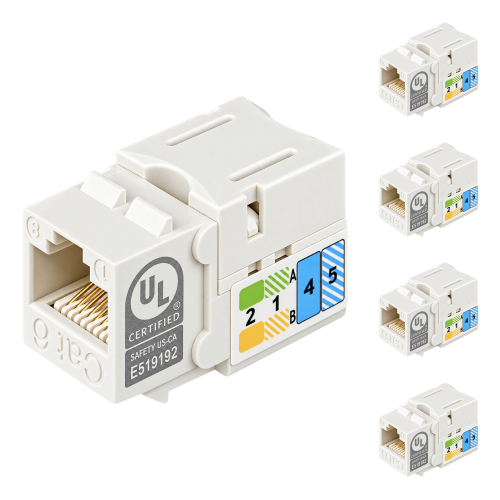
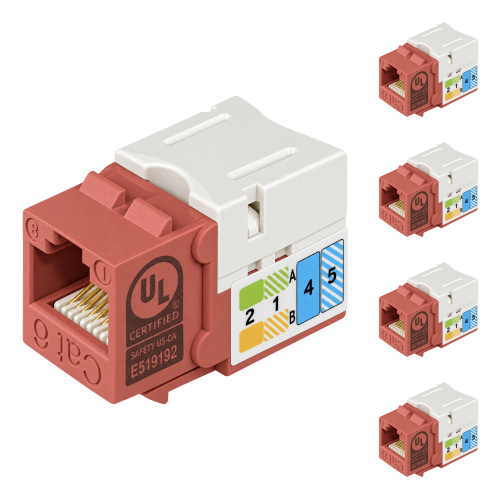
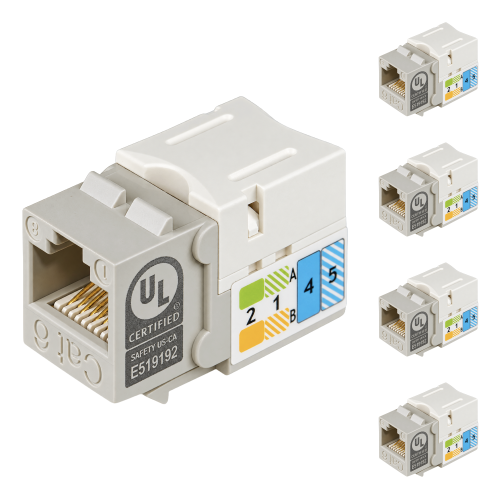
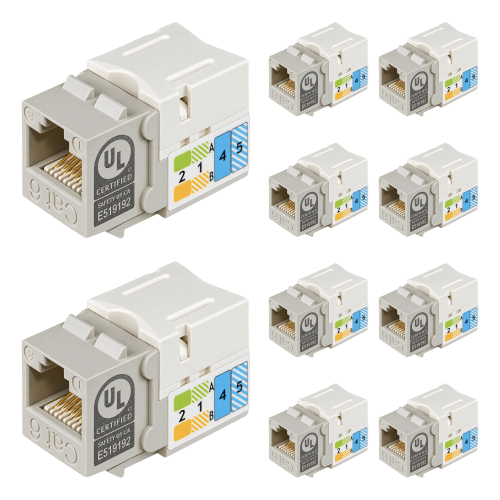
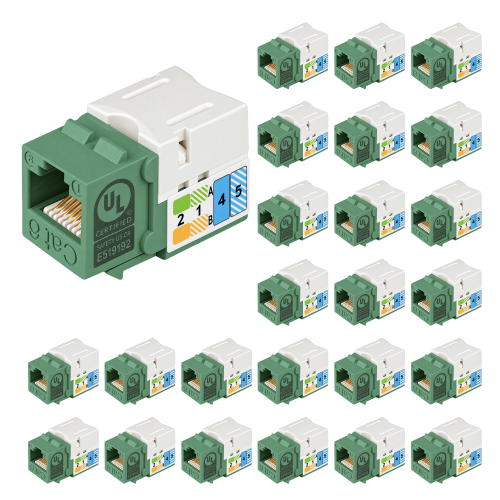
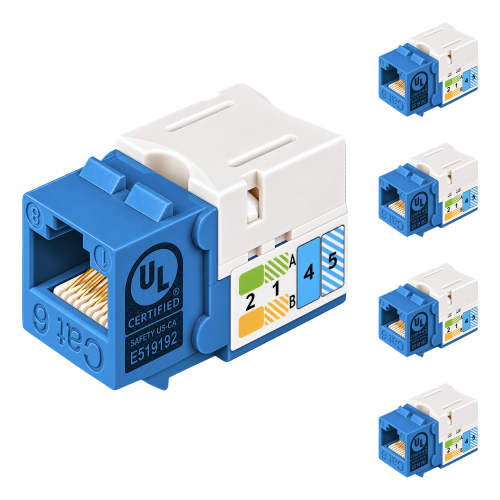
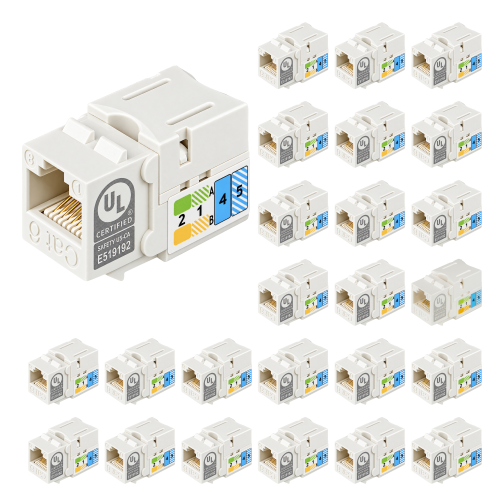
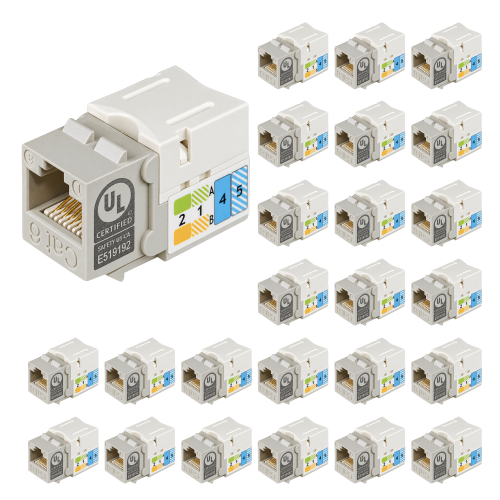
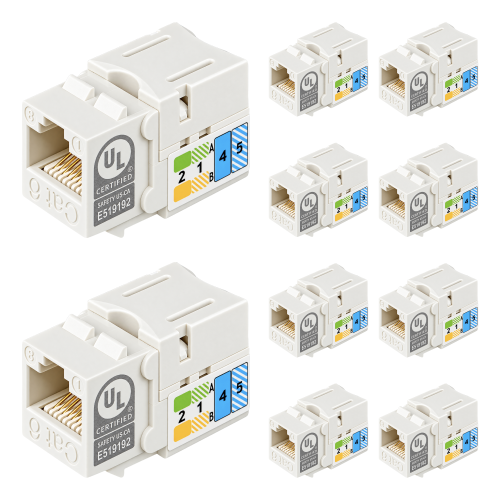
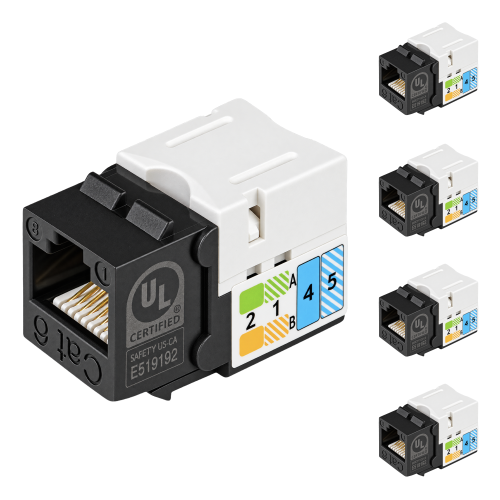
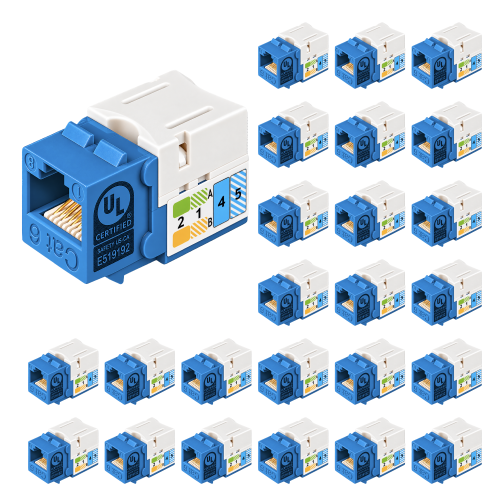
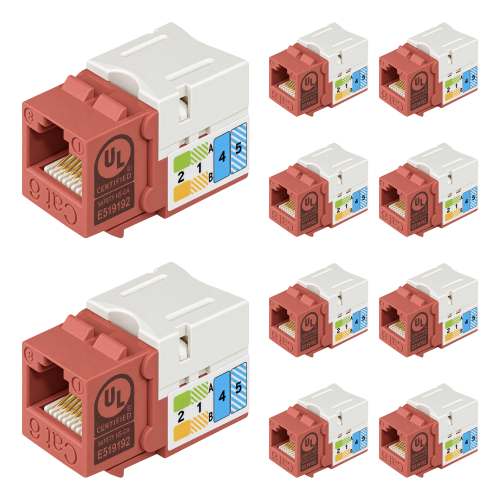
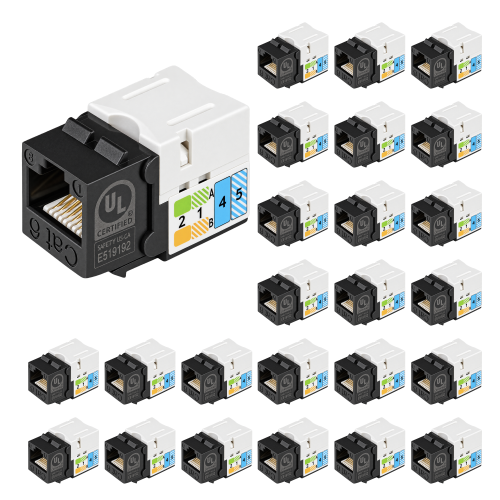
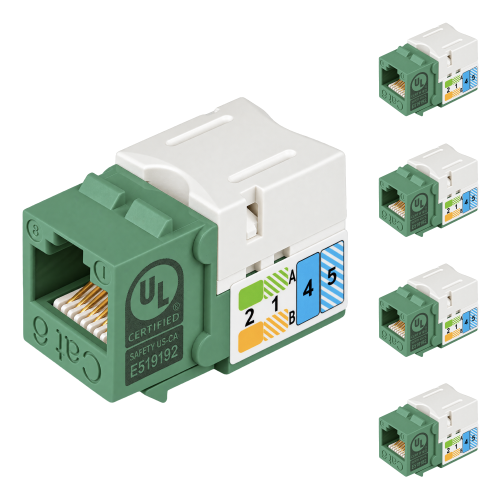
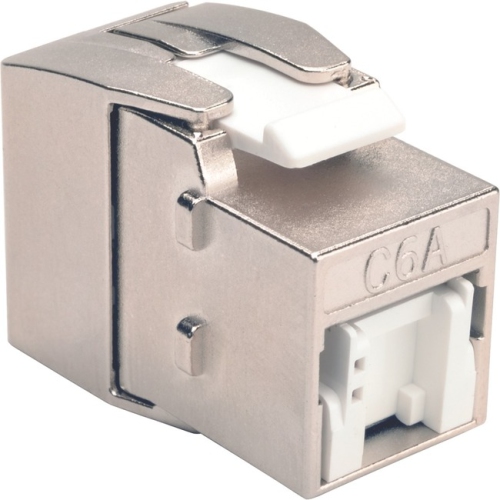
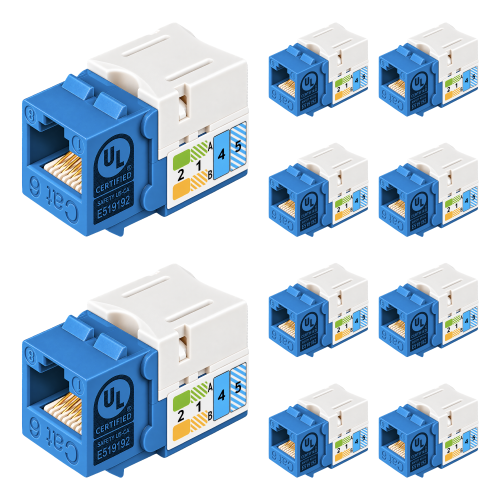
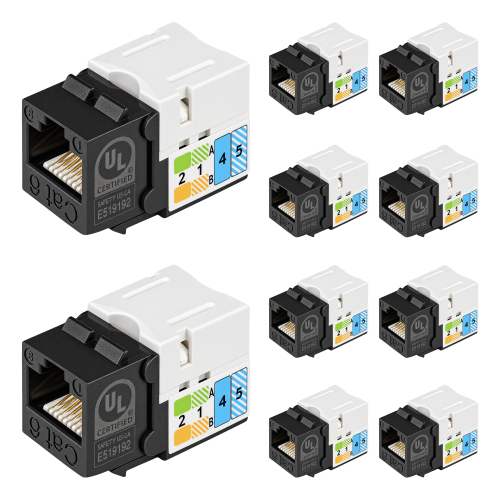
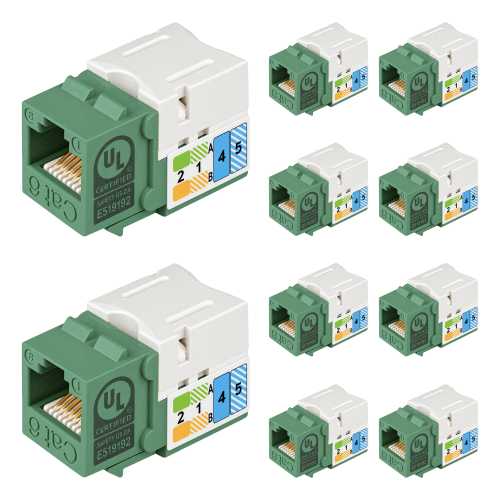
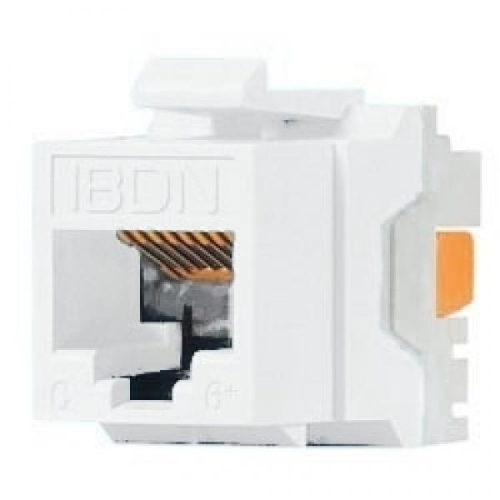
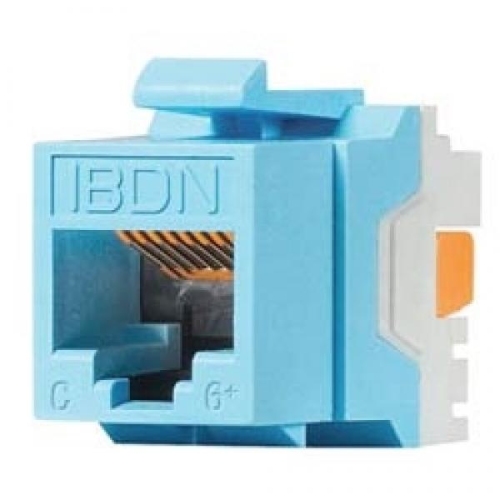
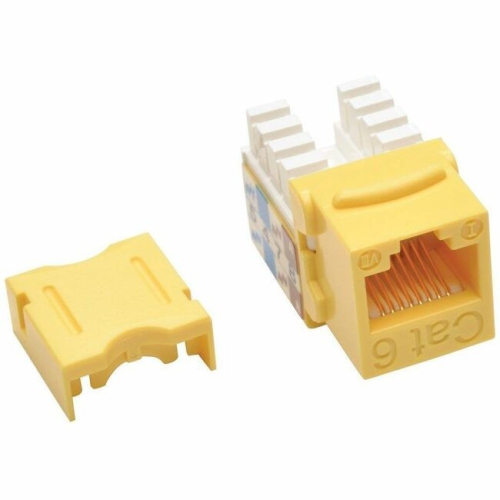
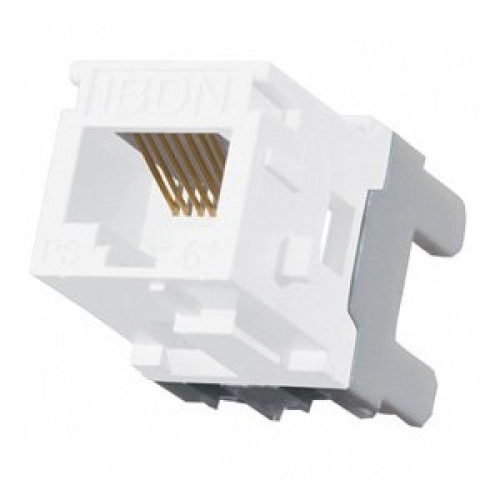
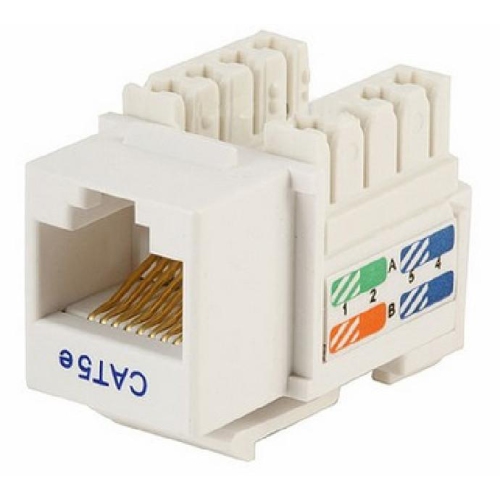
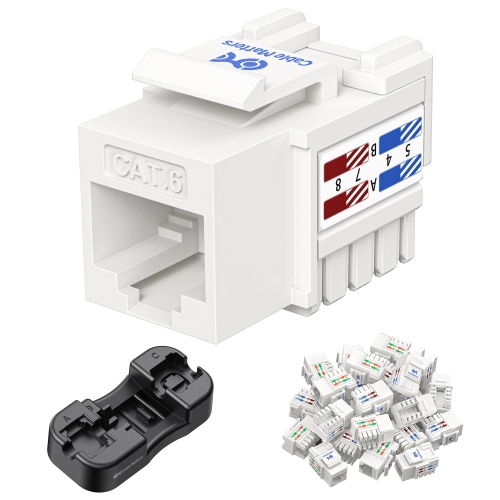
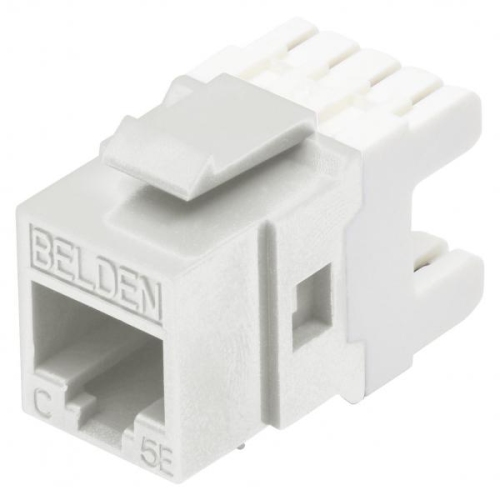
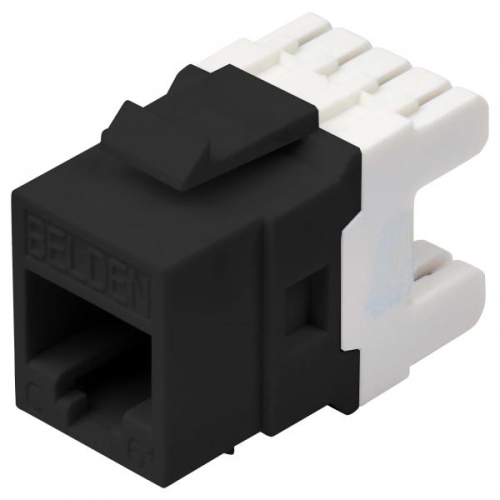
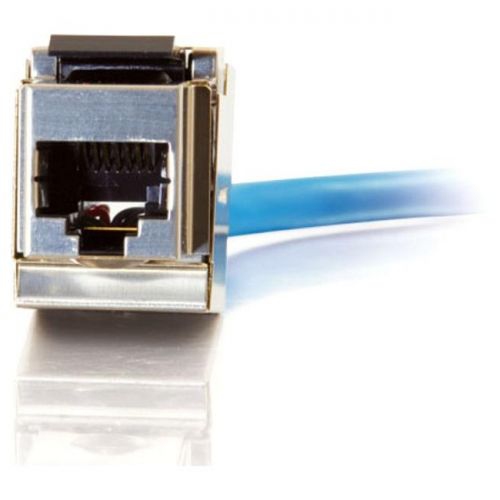
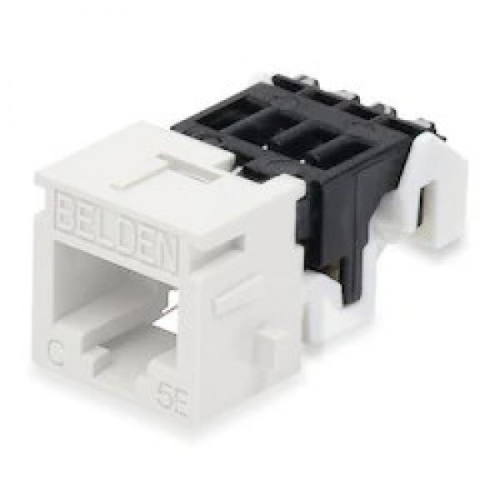
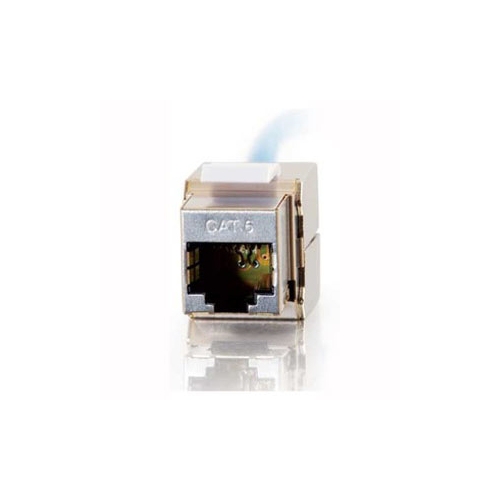
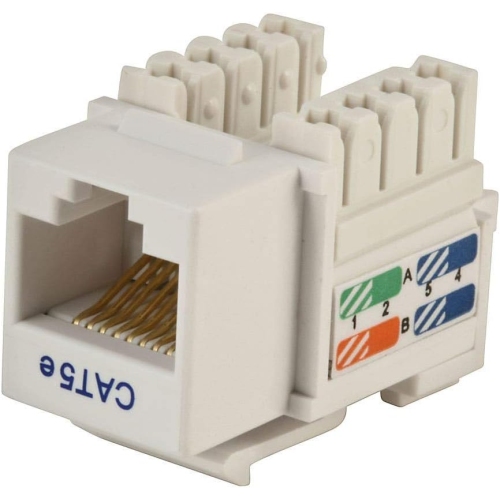
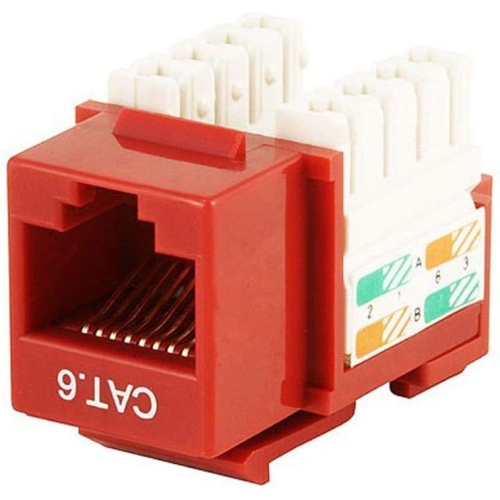
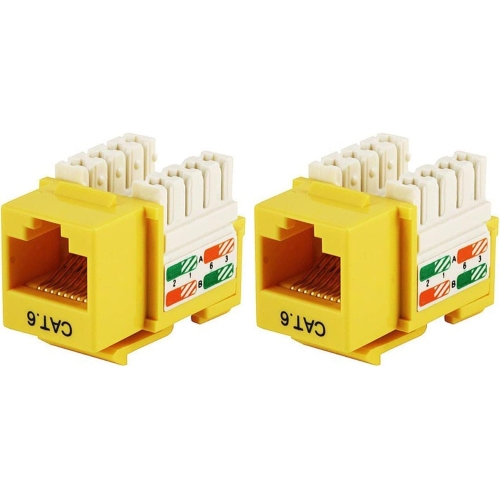
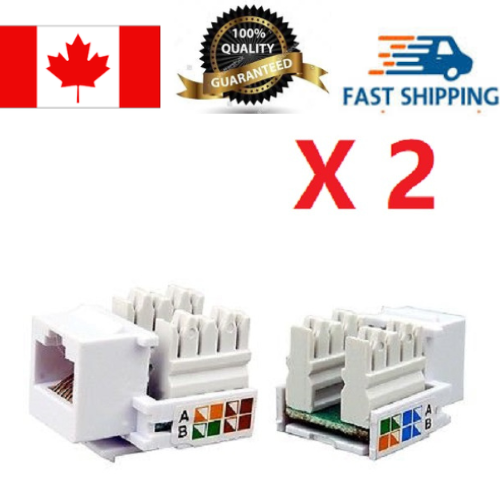
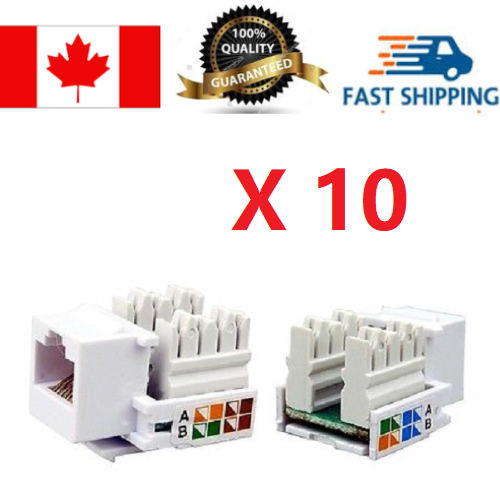
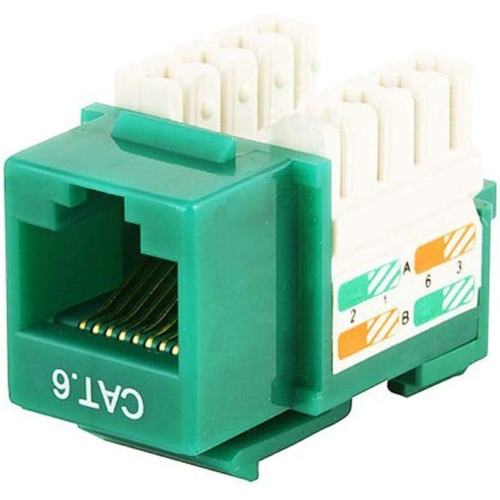
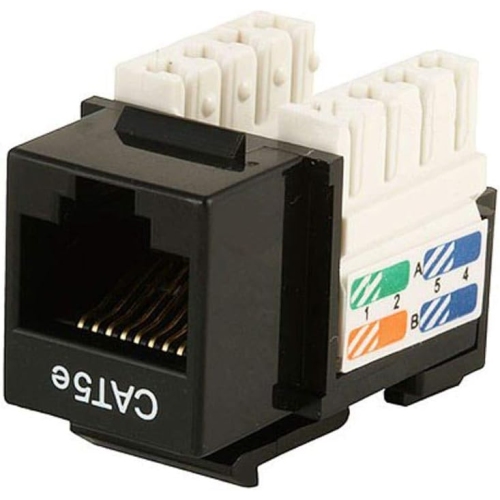
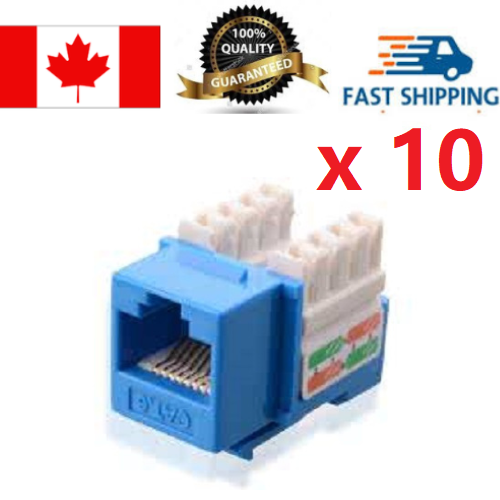
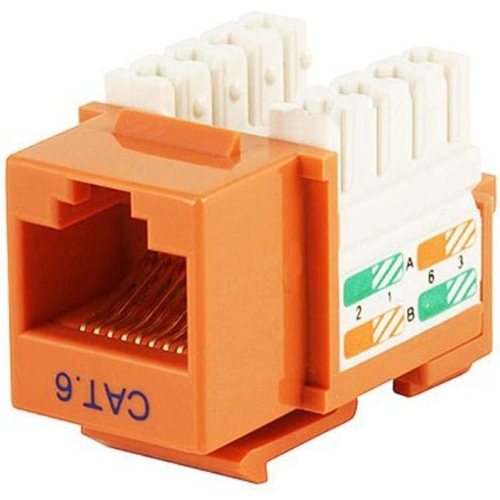
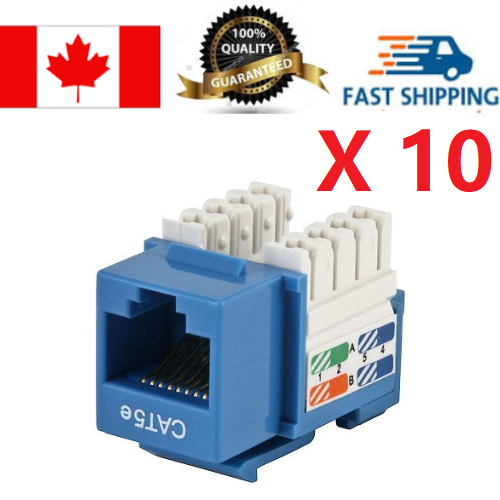
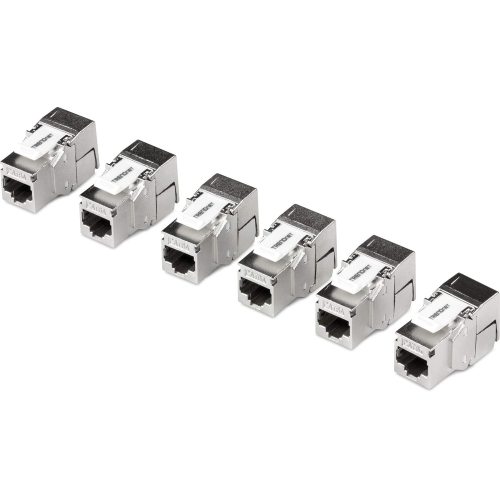
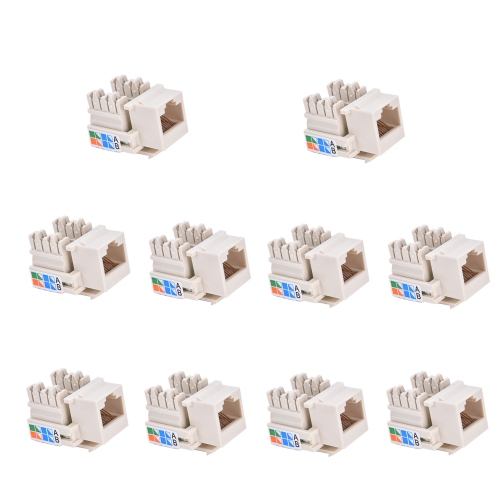
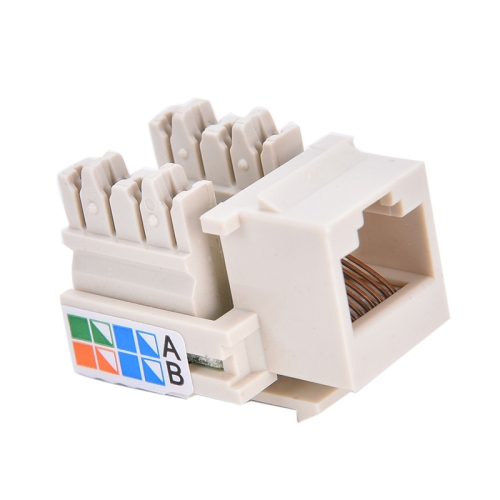
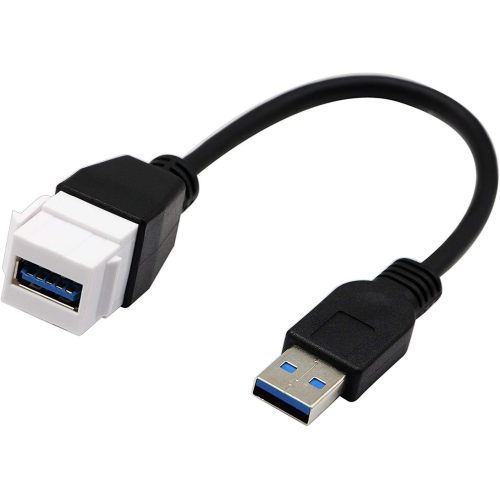
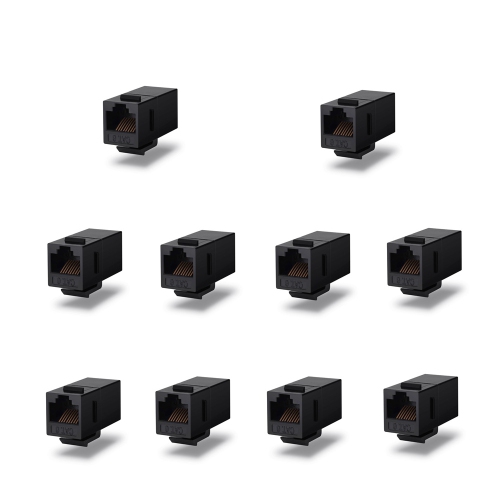
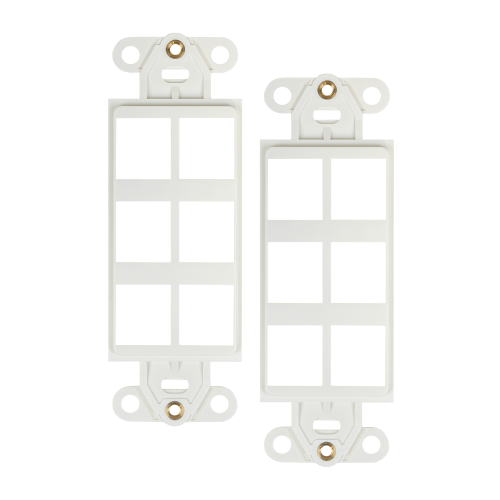
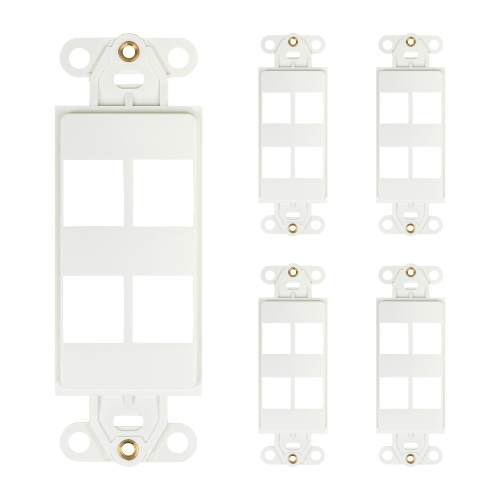
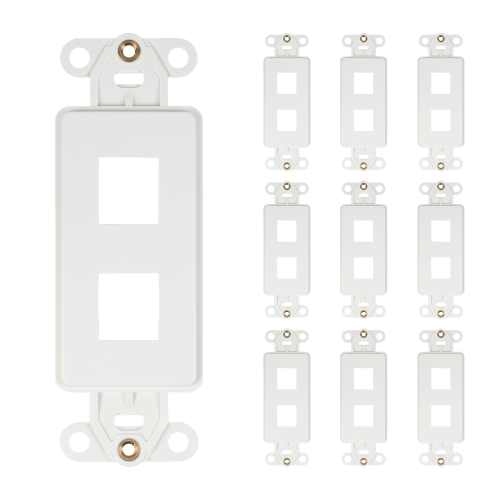
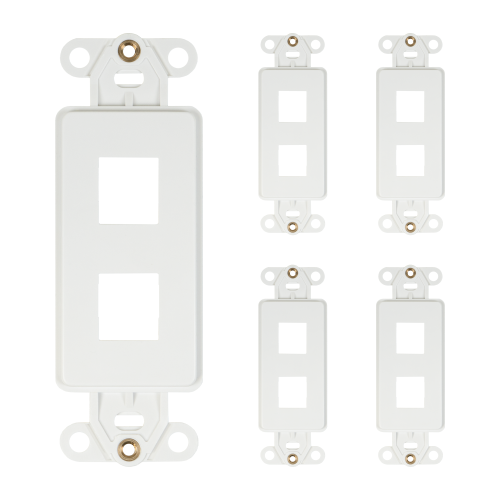
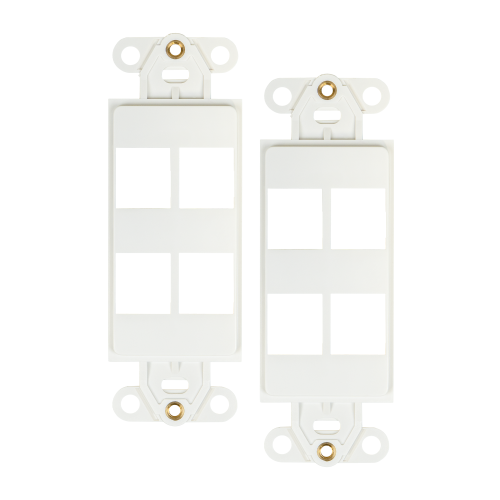
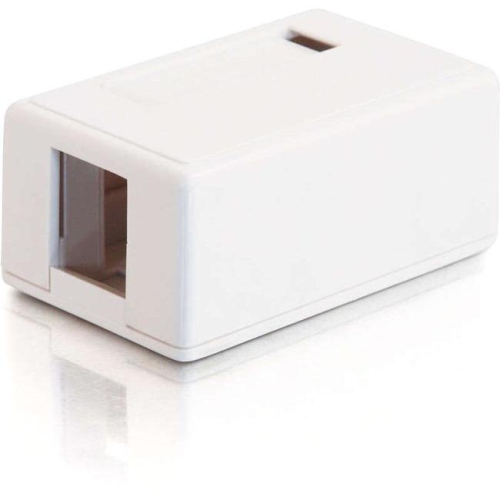
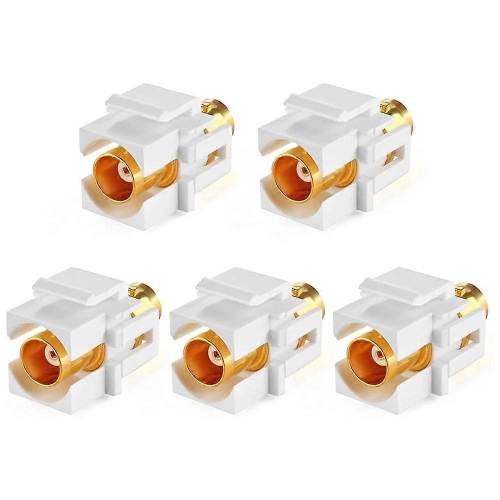
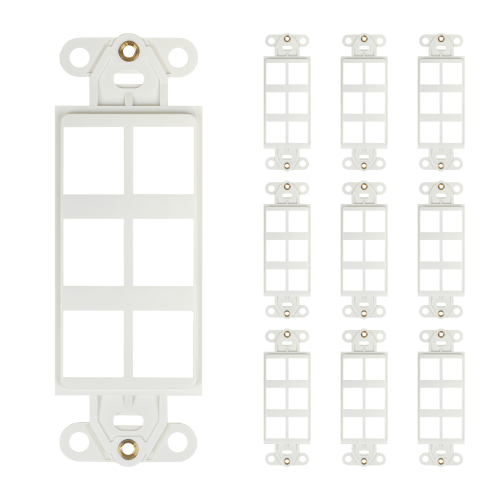
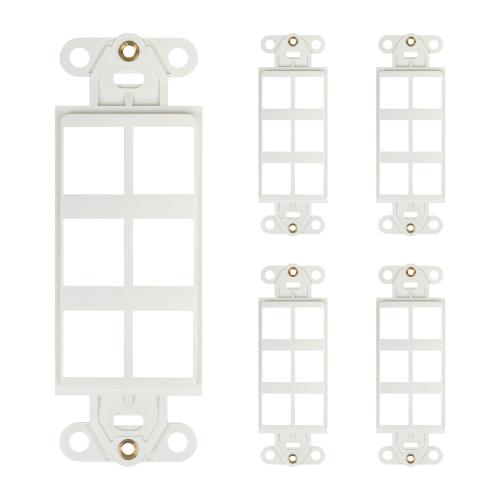
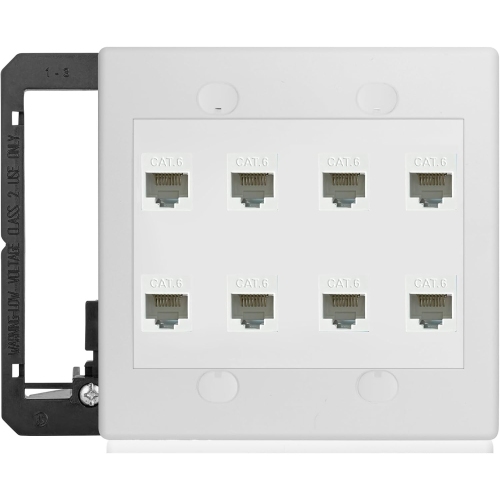
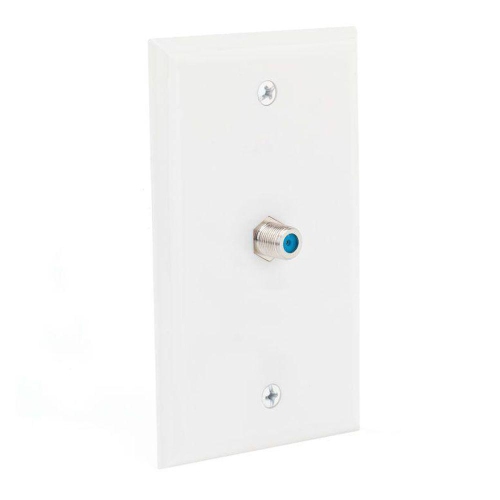
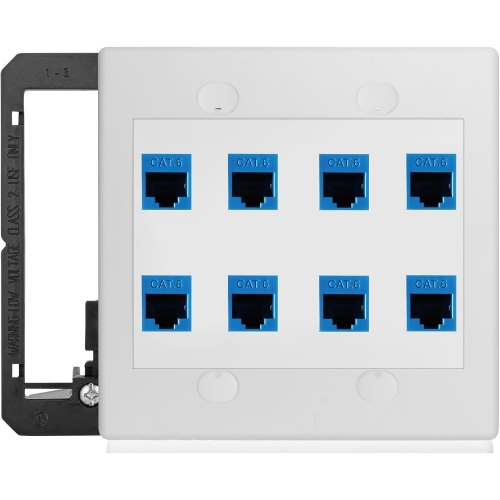
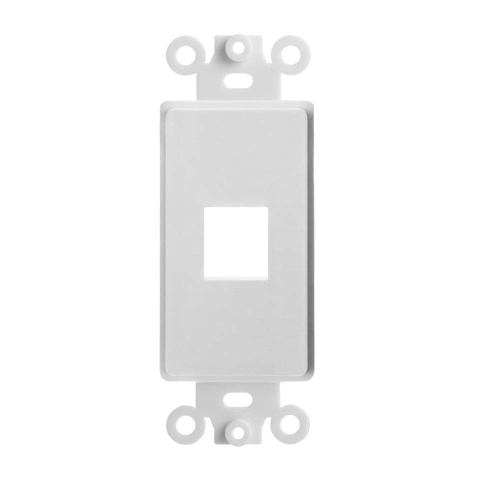
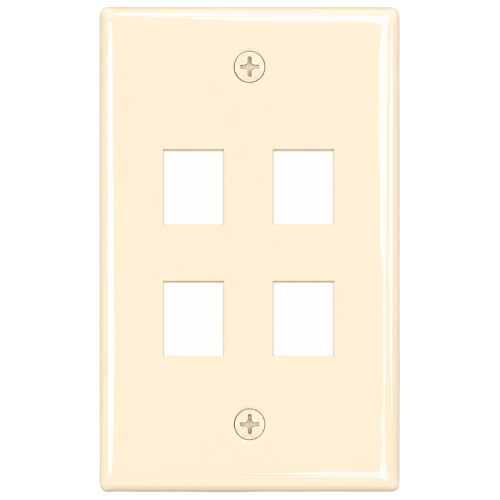
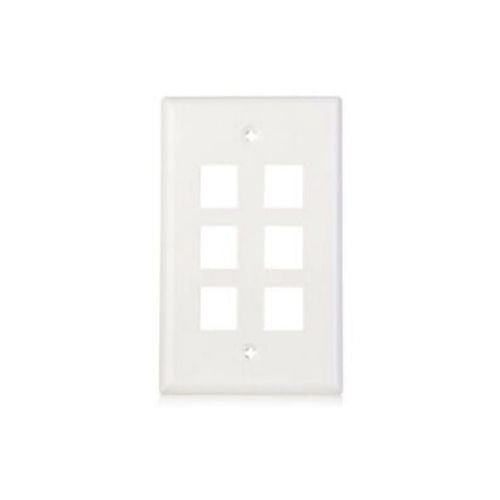
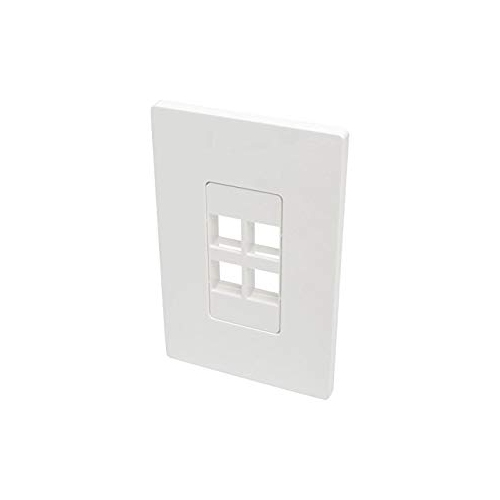
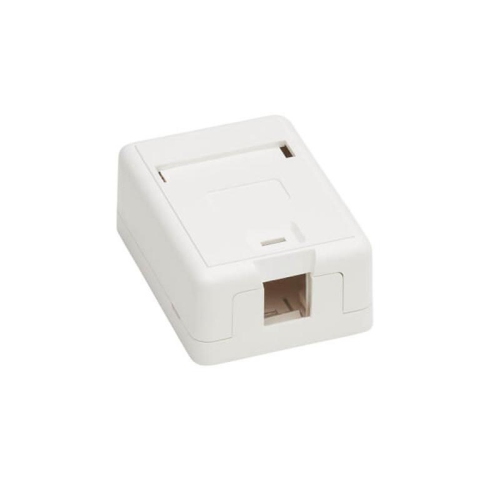
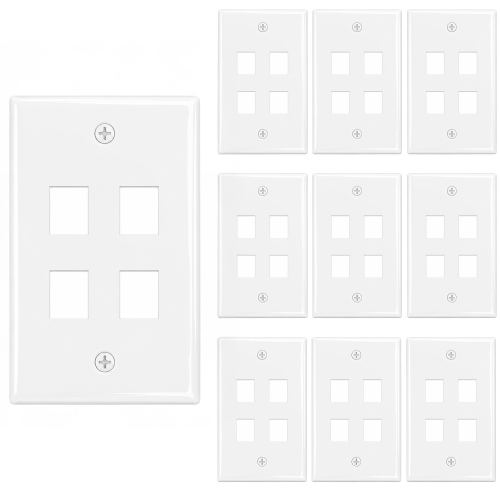
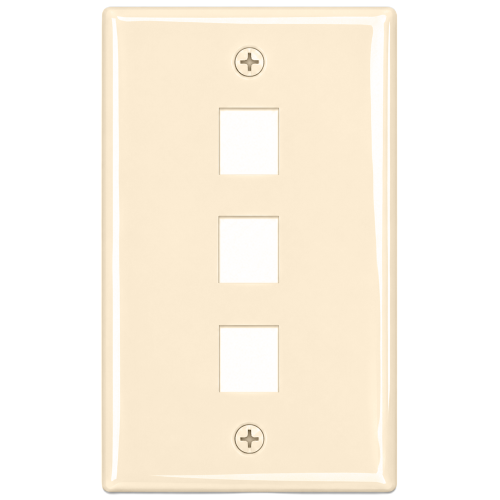
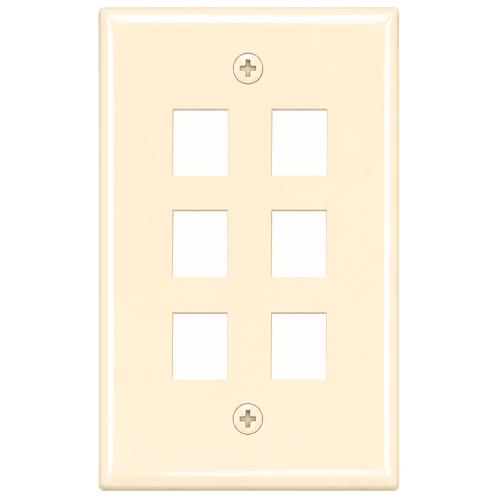
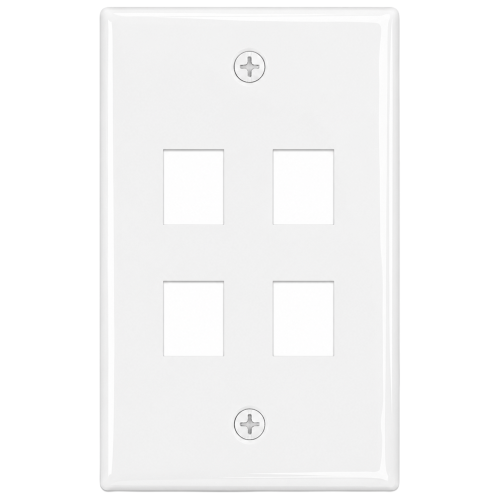
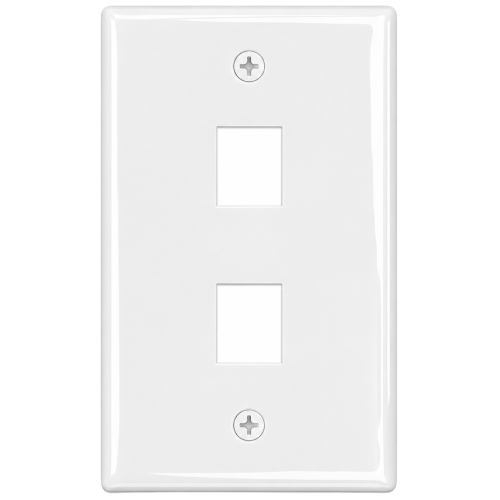
Keystone jacks are modular female connectors designed to bring a clean, finished connection to a wall, desk, cabinet, patch panel, or surface-mount box. They are commonly used in home networks, offices, classrooms, media rooms, workshops, and other spaces where cables need to be organized and accessible. A keystone jack snaps into a compatible opening, allowing the connection type to be changed without replacing the entire wall plate or panel. Ethernet versions are widely used for wired internet connections, while other formats can support audio-visual equipment, coaxial cables, telephone lines, and additional low-voltage wiring needs. This modular design is especially useful during a renovation or room refresh, when a previously unused wall outlet may become the connection point for a home office, television, gaming setup, printer, security device, or smart-home hub. Instead of leaving loose cables hanging from a hole in the wall, a properly installed jack creates a neater route and makes the finished installation feel intentional. For a coordinated setup, keystone jacks can be paired with Keystone Wall Plates or mounted in a patch panel where several network runs meet. They may also be useful for someone preparing a new home office, improving a wired connection in a basement or entertainment area, or tidying cables after moving furniture and equipment. While these connectors are not typically chosen as a traditional gift, they can be a thoughtful practical addition to a housewarming present for a technology-minded homeowner, home renovator, student setting up a study area, or family member who enjoys building and organizing their own network.
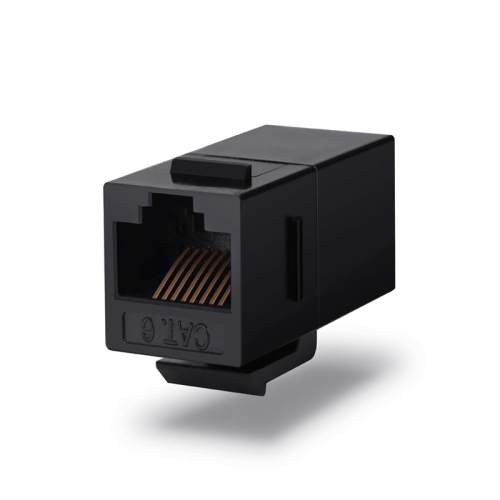
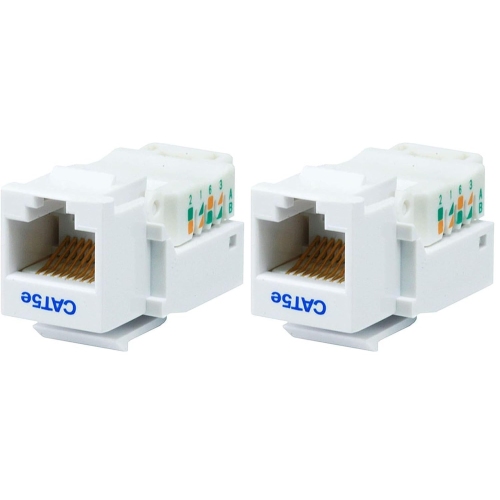
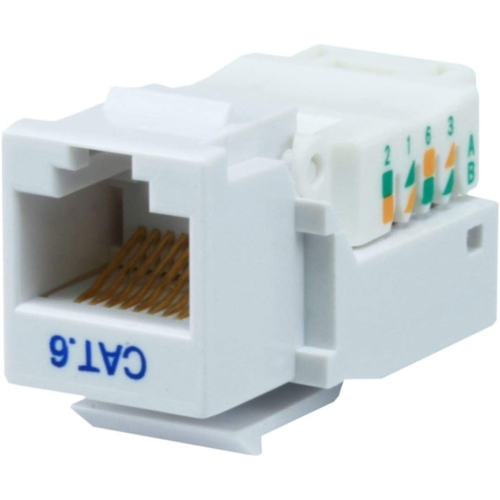
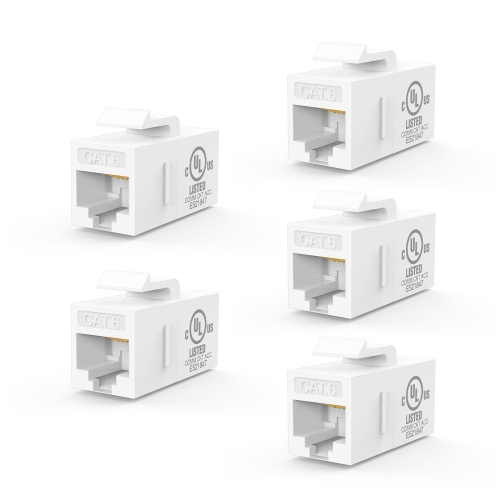
Choosing the right keystone jack begins with identifying the cable and connection standard you plan to use. For Ethernet wiring, Cat5e, Cat6, and Cat6a jacks are common choices, and the jack should match the performance requirements of the cable run and connected equipment. A higher-rated jack does not automatically upgrade a lower-rated cable, so checking the complete path—from the network switch or router through the in-wall cable and keystone jack to the patch cable and device—helps avoid mismatched expectations. Wired connections are often selected for workstations, streaming devices, consoles, access points, and other equipment that benefits from a steady connection with less wireless interference. Installation style is another important consideration. Punch-down keystone jacks use insulation-displacement contacts and require a compatible 110 punch-down tool to press each solid conductor into the correct terminal. This method takes a little patience, but it creates a secure, permanent termination that suits structured wiring and installations where cables will remain in place for years. Toolless keystone jacks use a hinged cover, lever, or built-in mechanism to press and secure the conductors, making them a convenient option for do-it-yourself projects or occasional installations where keeping extra tools on hand is not practical. Pass-through couplers take a different approach: they provide a female connection on the front and rear, allowing already-terminated patch cables to pass through without arranging individual wires on IDC terminals. They can be useful when the goal is panel organization rather than terminating cable that runs through a wall. Before purchasing, confirm whether the cable uses solid or stranded conductors, since some jacks are designed specifically for one type. It is also worth checking the supported wire gauge, the number of ports required, and whether the connector fits the wall plate, surface box, patch panel, or enclosure you already have.
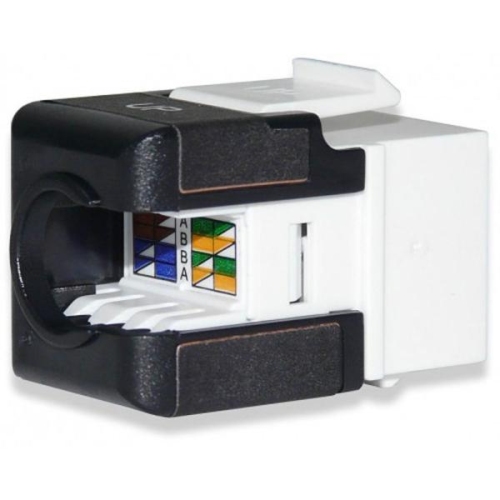
Small details can make a noticeable difference during installation. T568A and T568B are the two common Ethernet wiring arrangements, and either can work properly when the same standard is used consistently at both ends of a cable run. T568B is widely used in North America, but the most important step is to follow one colour pattern from beginning to end rather than switching standards midway. Reading the colour labels carefully and keeping the wire pairs twisted as close to the termination point as possible can help preserve signal performance. Orientation also matters, particularly in shallow wall boxes or crowded patch panels. A 90-degree keystone jack directs the cable upward or sideways, which can reduce bending pressure when space behind the wall plate is limited. A 180-degree design provides a straighter, more direct termination path and may be easier to work with when the cable enters from directly behind the connector. Consider the depth of the box, the direction from which the cable arrives, and how much room will remain for the wall plate and connected patch cable. Colour options can help identify different network runs, such as separating office connections from media equipment or access points, while a consistent label on each cable makes future troubleshooting much easier. Before securing everything in place, test the completed connection with an appropriate cable tester and check that the wall plate sits flush without forcing the cable into a sharp bend. A little care at this stage can prevent the familiar frustration of tracing an inactive port later, especially when cables disappear behind drywall or furniture. With the correct connector type, wiring standard, orientation, and mounting hardware, keystone jacks offer a straightforward way to create tidy, serviceable connections that fit naturally into both compact home setups and more involved structured wiring projects.
Choosing the right keystone jack begins with identifying the cable and connection standard you plan to use. For Ethernet wiring, Cat5e, Cat6, and Cat6a jacks are common choices, and the jack should match the performance requirements of the cable run and connected equipment. A higher-rated jack does not automatically upgrade a lower-rated cable, so checking the complete path—from the network switch or router through the in-wall cable and keystone jack to the patch cable and device—helps avoid mismatched expectations. Wired connections are often selected for workstations, streaming devices, consoles, access points, and other equipment that benefits from a steady connection with less wireless interference. Installation style is another important consideration. Punch-down keystone jacks use insulation-displacement contacts and require a compatible 110 punch-down tool to press each solid conductor into the correct terminal. This method takes a little patience, but it creates a secure, permanent termination that suits structured wiring and installations where cables will remain in place for years. Toolless keystone jacks use a hinged cover, lever, or built-in mechanism to press and secure the conductors, making them a convenient option for do-it-yourself projects or occasional installations where keeping extra tools on hand is not practical. Pass-through couplers take a different approach: they provide a female connection on the front and rear, allowing already-terminated patch cables to pass through without arranging individual wires on IDC terminals. They can be useful when the goal is panel organization rather than terminating cable that runs through a wall. Before purchasing, confirm whether the cable uses solid or stranded conductors, since some jacks are designed specifically for one type. It is also worth checking the supported wire gauge, the number of ports required, and whether the connector fits the wall plate, surface box, patch panel, or enclosure you already have.
Small details can make a noticeable difference during installation. T568A and T568B are the two common Ethernet wiring arrangements, and either can work properly when the same standard is used consistently at both ends of a cable run. T568B is widely used in North America, but the most important step is to follow one colour pattern from beginning to end rather than switching standards midway. Reading the colour labels carefully and keeping the wire pairs twisted as close to the termination point as possible can help preserve signal performance. Orientation also matters, particularly in shallow wall boxes or crowded patch panels. A 90-degree keystone jack directs the cable upward or sideways, which can reduce bending pressure when space behind the wall plate is limited. A 180-degree design provides a straighter, more direct termination path and may be easier to work with when the cable enters from directly behind the connector. Consider the depth of the box, the direction from which the cable arrives, and how much room will remain for the wall plate and connected patch cable. Colour options can help identify different network runs, such as separating office connections from media equipment or access points, while a consistent label on each cable makes future troubleshooting much easier. Before securing everything in place, test the completed connection with an appropriate cable tester and check that the wall plate sits flush without forcing the cable into a sharp bend. A little care at this stage can prevent the familiar frustration of tracing an inactive port later, especially when cables disappear behind drywall or furniture. With the correct connector type, wiring standard, orientation, and mounting hardware, keystone jacks offer a straightforward way to create tidy, serviceable connections that fit naturally into both compact home setups and more involved structured wiring projects.
Top selling and popular products
-
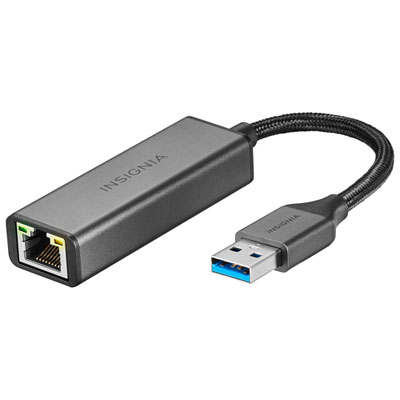 Your price for this item is $39.99
-
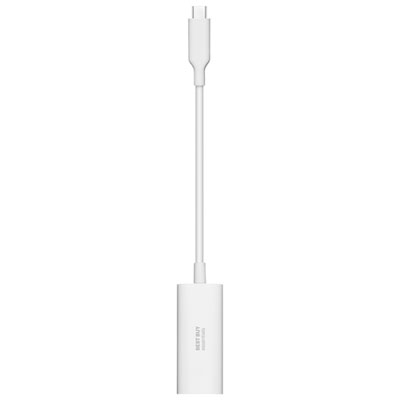 Your price for this item is $19.99
-
 Your price for this item is $51.68
-
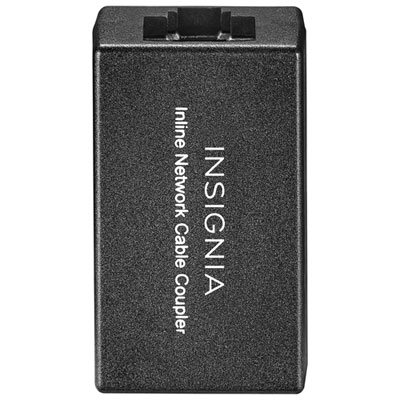 Your price for this item is $14.99
-
 Your price for this item is $118.68
-
 Your price for this item is $53.68
-
 Your price for this item is $63.49
-
 Your price for this item is $73.99
Discover more categories related to Keystone Jack
Top Collections:
Best Black Friday Deals This Year, Best Black Friday Deals On Electronics, Kindle Devices, Pokemon Centers, Best Black Friday Deals On Apple Products, Best Cameras for Sports Photography, Dyson Airwrap, Pokémon 30th Celebration Cards, Apple iPhone 17 Pro, Canon G7X Cameras
Some products may be subject to Environmental Handling Fees
(EHF) depending on your province.
Learn more about EHFs.