Kids Computer Chairs
If you're setting up a workspace for your kids, an ergonomic computer chair is an essential part of the equation. These chairs are designed to provide optimal comfort and support, helping to ensure your child is able to work in a healthy and productive environment. Here are some of the best options available to choose from.
Sort





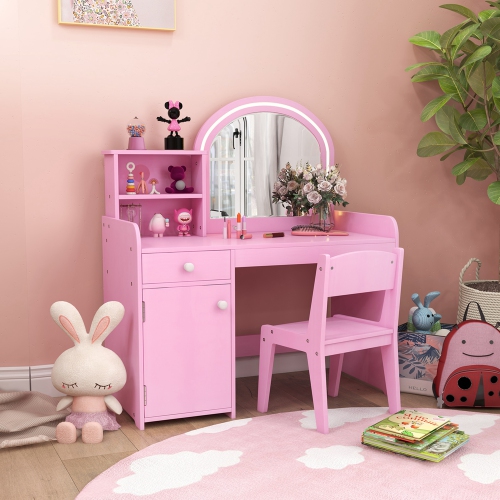
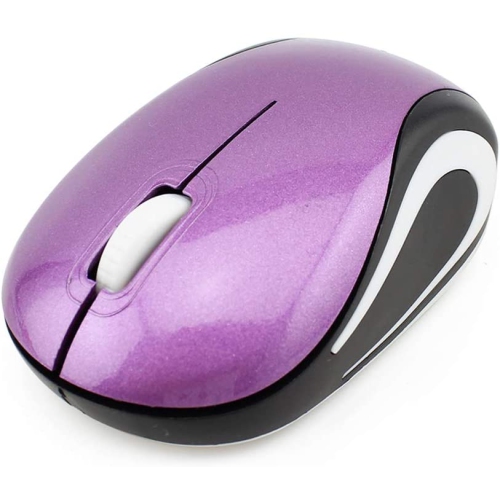
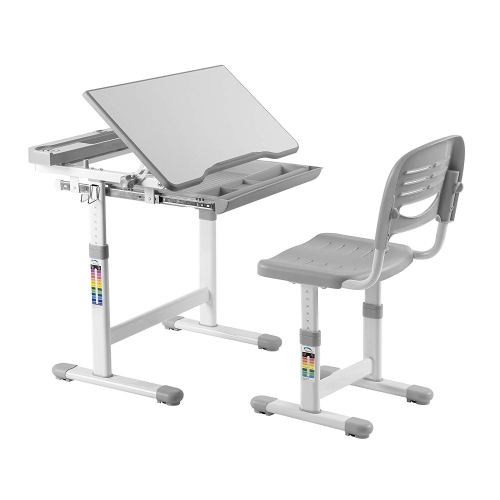
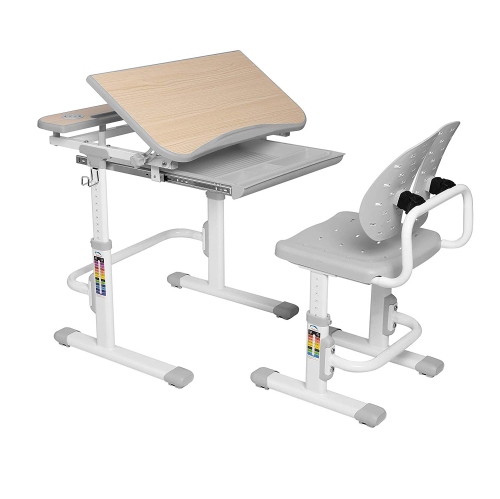
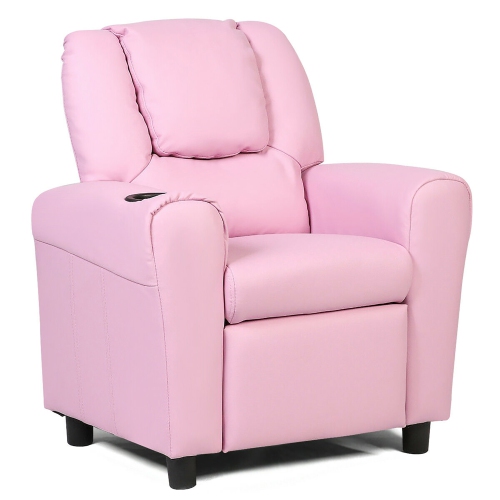
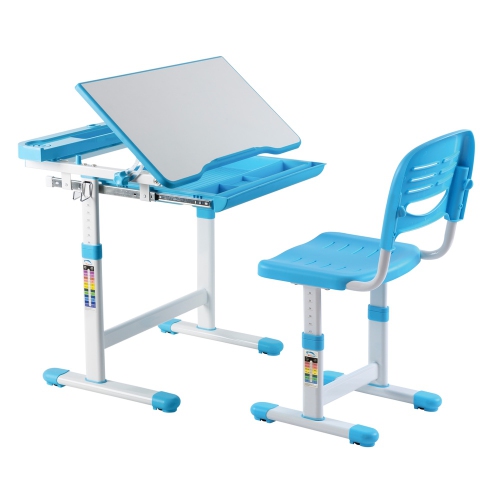
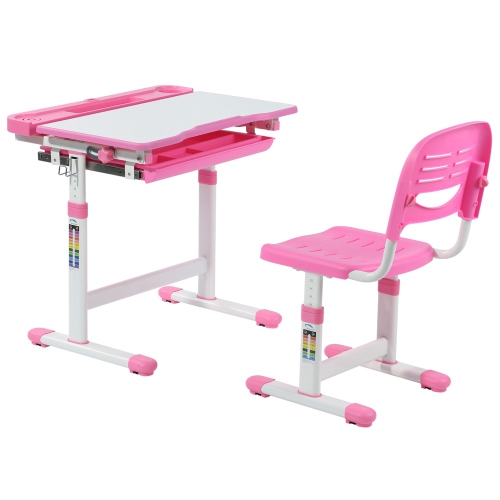
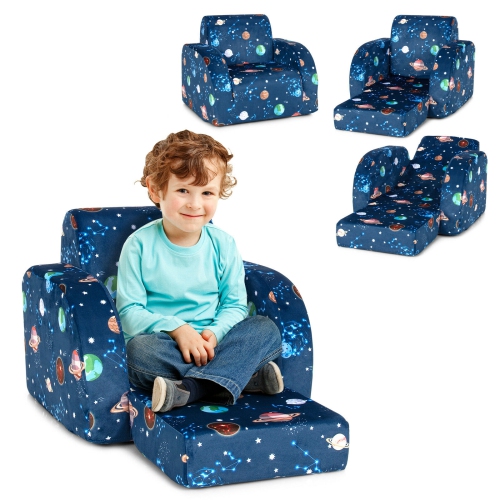


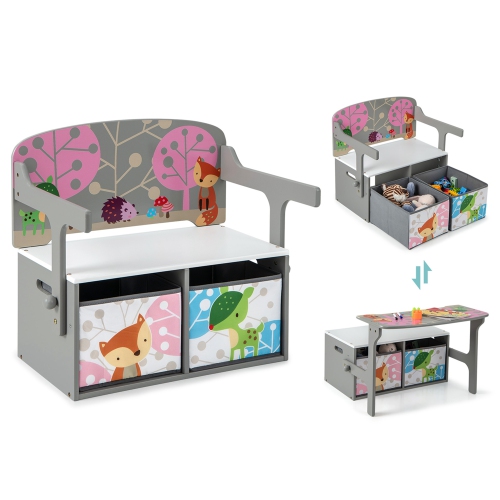
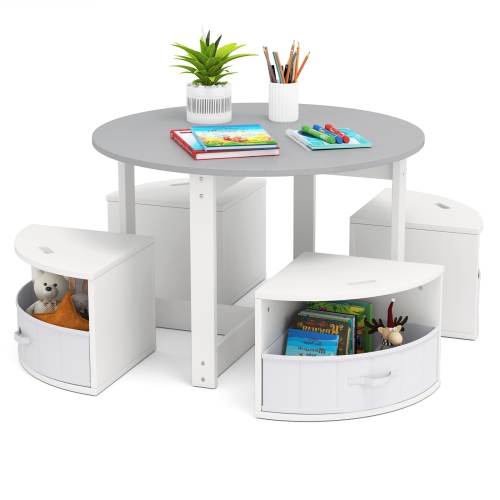
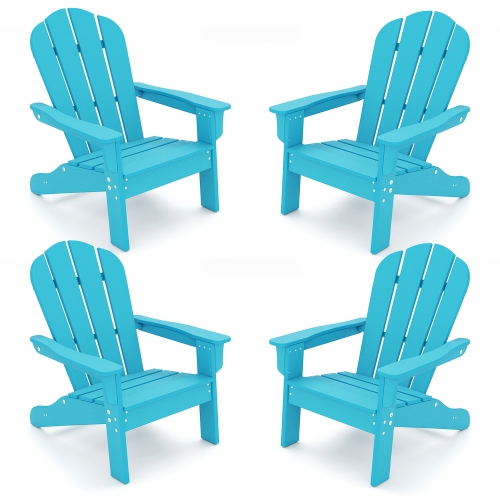
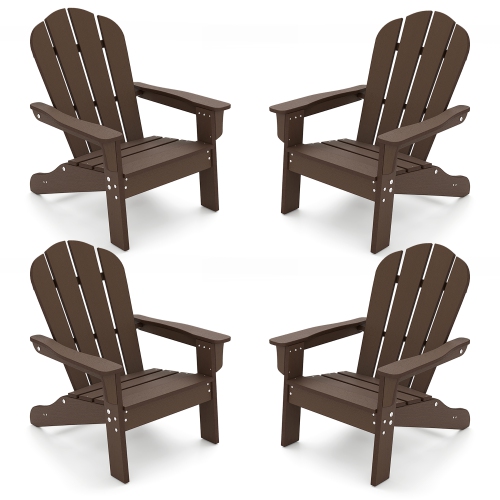

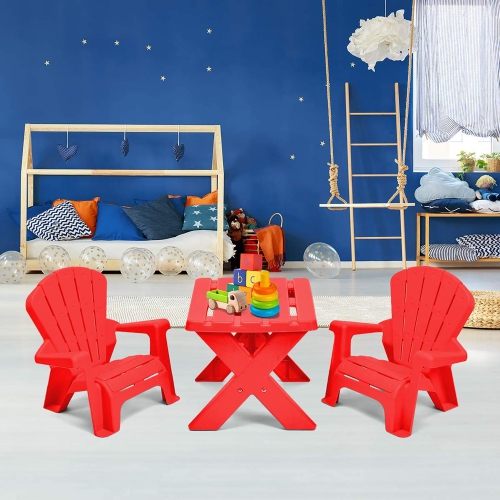
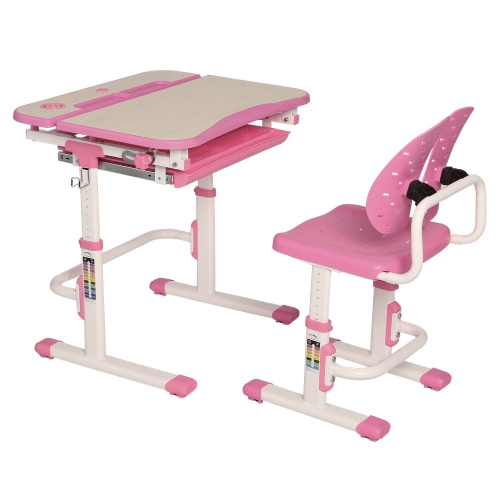

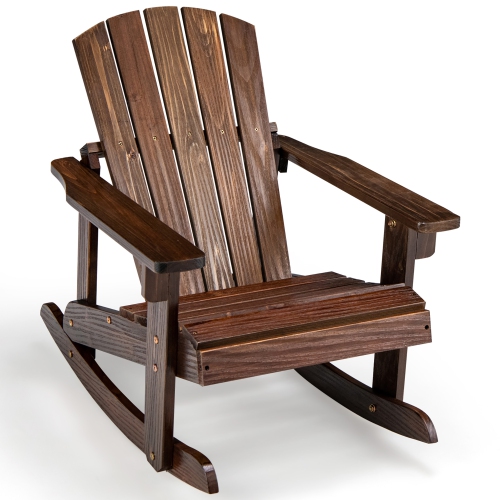
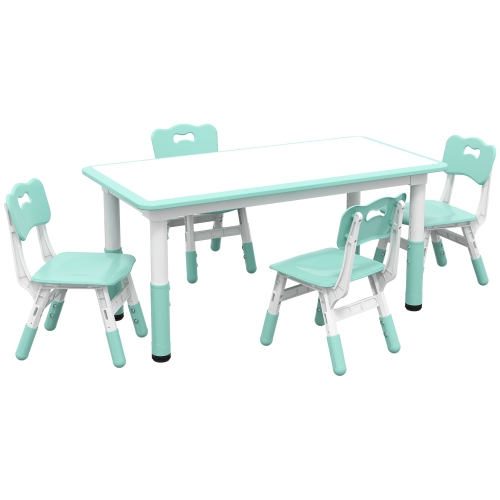
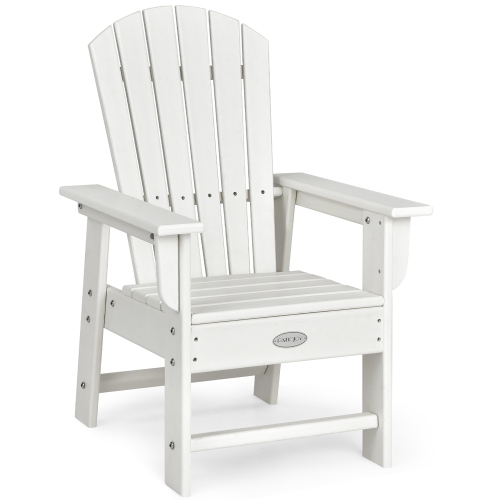
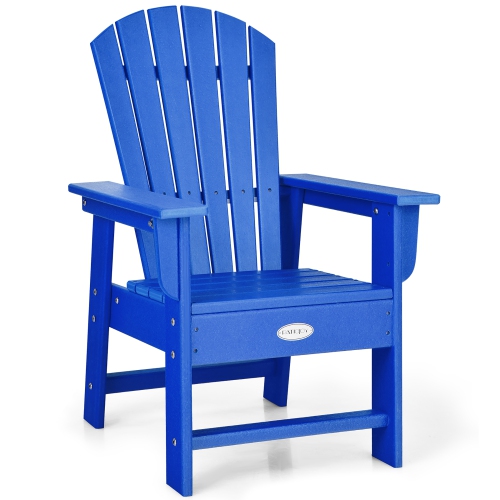
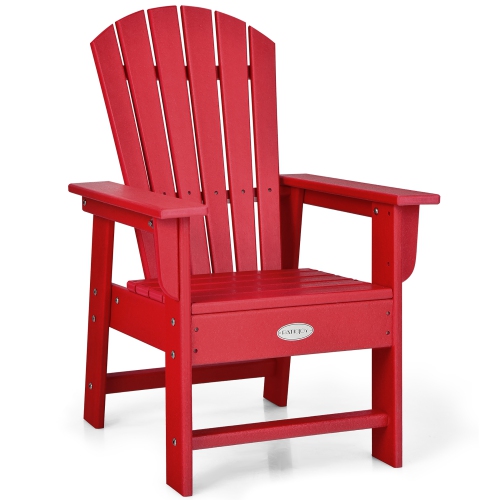
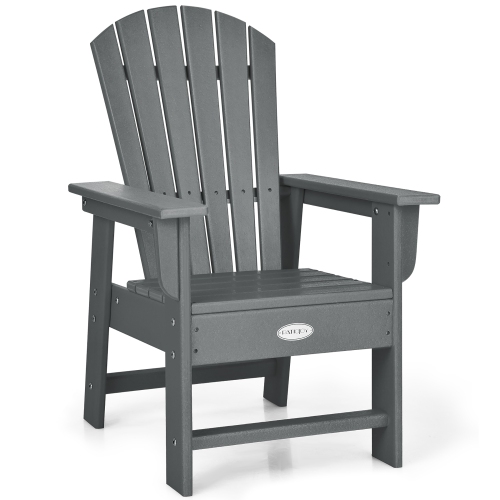

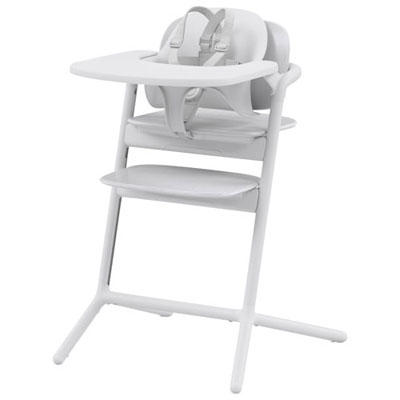
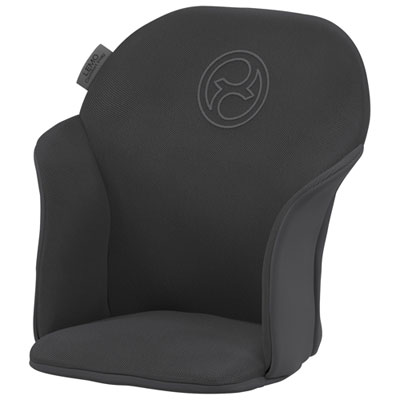
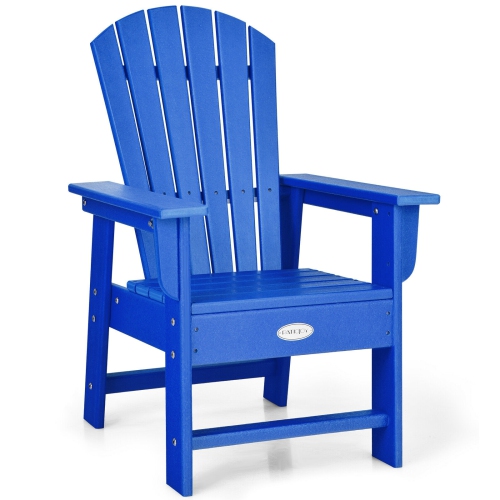
Comfort, support and stability for growing workspaces
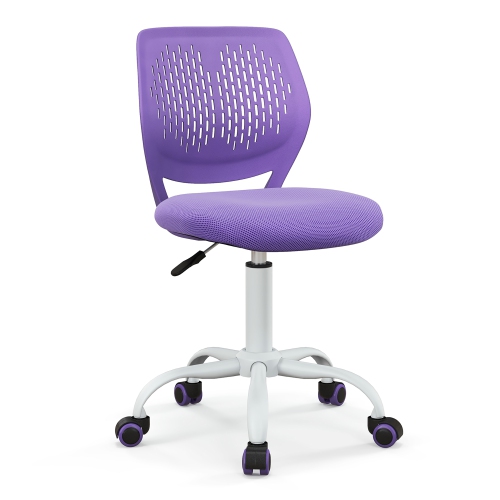
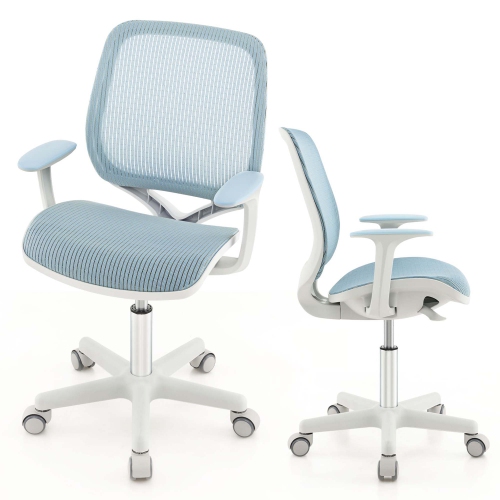
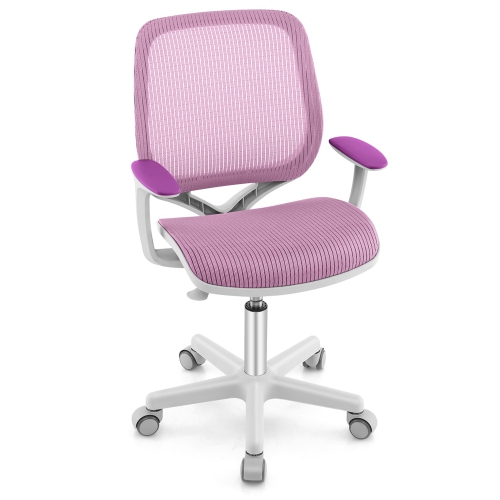
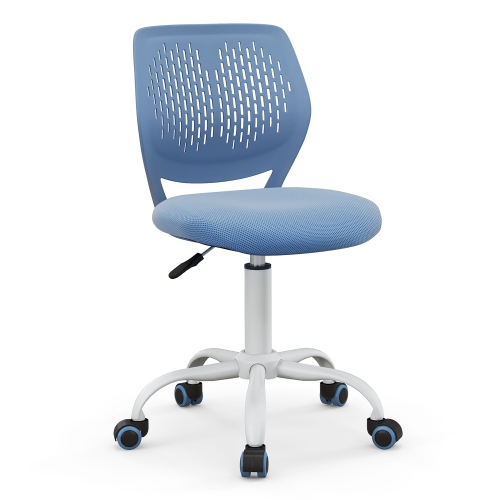
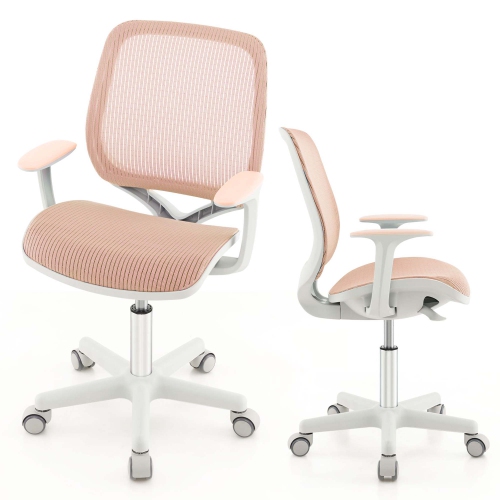
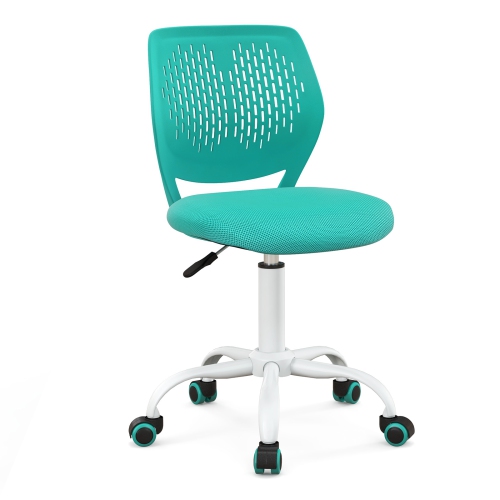
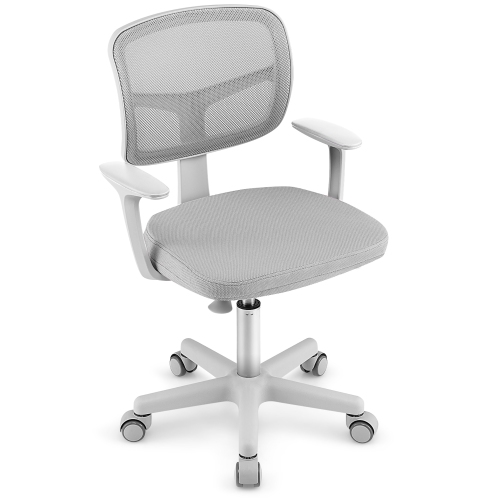
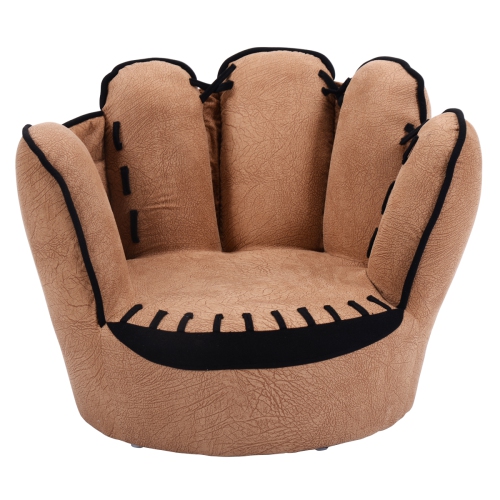
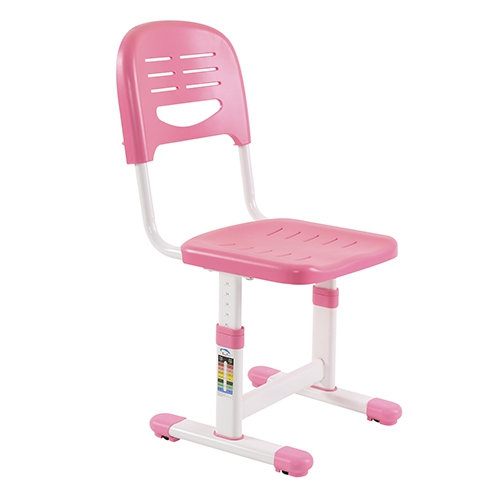
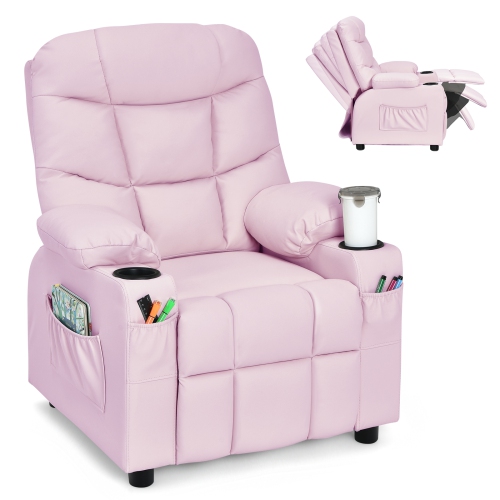
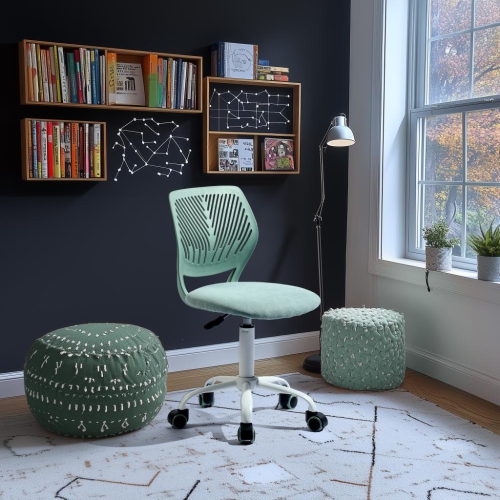
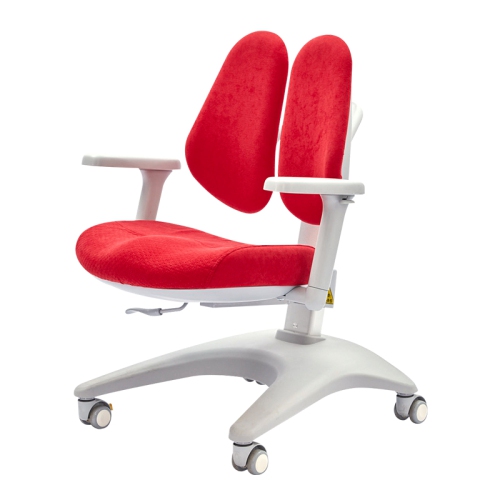
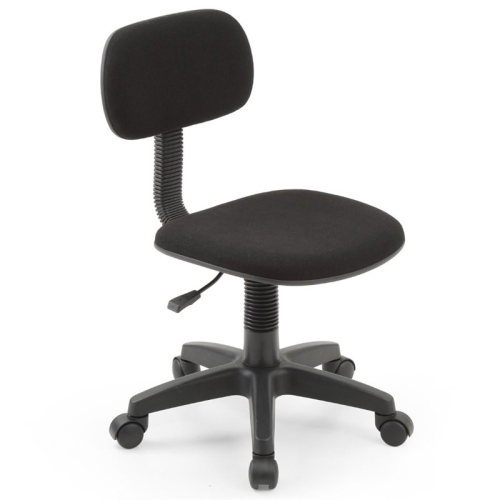
Kids computer chairs can make a homework corner, gaming station or creative workspace feel more comfortable and better suited to a child’s everyday routine. Unlike a standard adult office chair, a chair designed for kids is typically scaled for smaller bodies, with a seat height, backrest and proportions that help children sit with their feet closer to the floor and their arms at a natural position for typing, drawing or using a mouse. The right fit matters more than a particular colour or style. When a child sits back in the chair, their lower back should be supported, their knees should bend comfortably and their feet should rest on the floor or on a stable footrest rather than dangle for long periods. Height adjustment is especially useful in a shared study area or a household with growing children, as it allows the chair to adapt as the child gets taller. Pneumatic lift controls can make adjustments simple, although younger children may need an adult to show them how to use the lever safely. Seat depth is another helpful detail to check: a seat that is too deep can press behind the knees, while one that is too shallow may not provide enough support. A padded seat may be appreciated during reading, schoolwork and longer creative projects, while a breathable back can help a child stay more comfortable during warmer afternoons or busy screen-time sessions. For more options across different sizes and styles, explore Computer Chairs.
Mobility is worth considering alongside comfort. Rolling casters can help a child move easily between a desk, bookshelf and nearby storage, but the chair should still feel stable when the child sits down, stands up or reaches for a pencil. Some kids computer chairs have lockable casters or weight-activated braking features that limit unwanted movement when the chair is occupied, which can be useful for children who tend to push away from the desk while working. A swivel seat may make it easier to turn between a monitor and a notebook, although a stationary design can be a sensible choice for younger children or compact rooms where movement needs to be more controlled. Look closely at the chair’s recommended weight capacity and dimensions, particularly if the chair will be used by an older child, a tween or more than one family member. Back support can come from a gently contoured backrest, a shaped lumbar area or an adaptive design that follows the body as the child changes position. These features are intended to encourage a comfortable seated posture, not to replace regular movement. Even the most supportive chair works best when children take breaks to stand, stretch, walk around and rest their eyes. The desk should also be at a practical height, with enough surface area for a laptop or monitor, school supplies and a notebook without forcing everything to the edge. Keep cords away from casters, place the chair on a suitable floor surface and check that all adjustments and fasteners remain secure over time. For bedrooms and shared family spaces, colour, upholstery and overall shape can help the chair blend with existing furniture. Mesh backs often create a lighter visual feel, while fabric, faux leather or soft accent finishes can bring a warmer look to a study nook; whichever finish you choose, consider how easily it can be wiped or spot-cleaned after snacks, craft projects and everyday use.
Kids computer chairs can be practical gifts for a child starting a new school year, setting up a first computer area or moving from a small activity table to a full-size desk. They can also be a thoughtful addition to a bedroom refresh, especially when a child wants a workspace that feels separate from the rest of the room. Before choosing one, measure the desk height, available floor space and the distance between the desk and nearby walls or furniture. A compact chair may suit a corner workstation, while a wider seat or taller backrest may be more comfortable for an older child who uses the space for homework, coding, music, digital art or games. If the chair is intended for shared use, prioritise easy adjustment and a design that accommodates the tallest regular user without overwhelming the smallest one. It can help to involve the child in selecting the look, since a chair that feels inviting may encourage them to sit down and read, practise keyboard skills or finish a project. At the same time, adults should focus on the practical details that are easy to overlook, including stable construction, smooth controls, a supportive back, a properly sized seat and a base that does not catch on rugs or floor transitions. During the warmer seasons, breathable materials and a clear space around the desk can make screen and study sessions feel less cramped; during cooler months, a well-positioned chair can turn a quiet corner into a comfortable place for homework, puzzles and indoor hobbies. With the right proportions and features, a kids computer chair can support a child’s changing routines while giving their workspace a more organised, welcoming feel.
Mobility is worth considering alongside comfort. Rolling casters can help a child move easily between a desk, bookshelf and nearby storage, but the chair should still feel stable when the child sits down, stands up or reaches for a pencil. Some kids computer chairs have lockable casters or weight-activated braking features that limit unwanted movement when the chair is occupied, which can be useful for children who tend to push away from the desk while working. A swivel seat may make it easier to turn between a monitor and a notebook, although a stationary design can be a sensible choice for younger children or compact rooms where movement needs to be more controlled. Look closely at the chair’s recommended weight capacity and dimensions, particularly if the chair will be used by an older child, a tween or more than one family member. Back support can come from a gently contoured backrest, a shaped lumbar area or an adaptive design that follows the body as the child changes position. These features are intended to encourage a comfortable seated posture, not to replace regular movement. Even the most supportive chair works best when children take breaks to stand, stretch, walk around and rest their eyes. The desk should also be at a practical height, with enough surface area for a laptop or monitor, school supplies and a notebook without forcing everything to the edge. Keep cords away from casters, place the chair on a suitable floor surface and check that all adjustments and fasteners remain secure over time. For bedrooms and shared family spaces, colour, upholstery and overall shape can help the chair blend with existing furniture. Mesh backs often create a lighter visual feel, while fabric, faux leather or soft accent finishes can bring a warmer look to a study nook; whichever finish you choose, consider how easily it can be wiped or spot-cleaned after snacks, craft projects and everyday use.
Kids computer chairs can be practical gifts for a child starting a new school year, setting up a first computer area or moving from a small activity table to a full-size desk. They can also be a thoughtful addition to a bedroom refresh, especially when a child wants a workspace that feels separate from the rest of the room. Before choosing one, measure the desk height, available floor space and the distance between the desk and nearby walls or furniture. A compact chair may suit a corner workstation, while a wider seat or taller backrest may be more comfortable for an older child who uses the space for homework, coding, music, digital art or games. If the chair is intended for shared use, prioritise easy adjustment and a design that accommodates the tallest regular user without overwhelming the smallest one. It can help to involve the child in selecting the look, since a chair that feels inviting may encourage them to sit down and read, practise keyboard skills or finish a project. At the same time, adults should focus on the practical details that are easy to overlook, including stable construction, smooth controls, a supportive back, a properly sized seat and a base that does not catch on rugs or floor transitions. During the warmer seasons, breathable materials and a clear space around the desk can make screen and study sessions feel less cramped; during cooler months, a well-positioned chair can turn a quiet corner into a comfortable place for homework, puzzles and indoor hobbies. With the right proportions and features, a kids computer chair can support a child’s changing routines while giving their workspace a more organised, welcoming feel.
Top selling and popular products
-
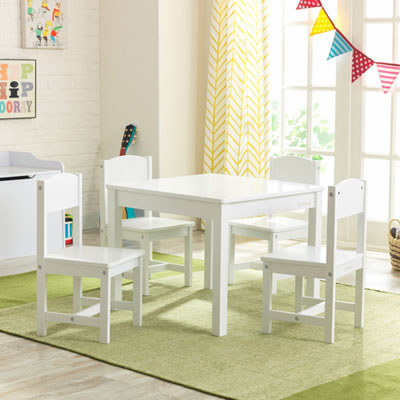 Your price for this item is $199.99
 -
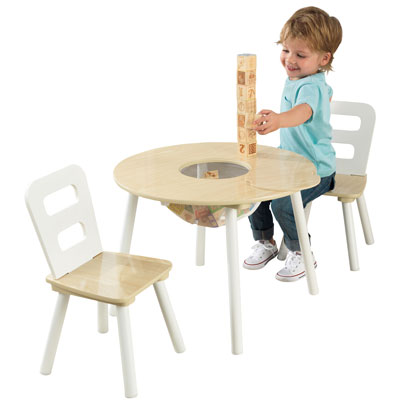 Your price for this item is $109.99
 -
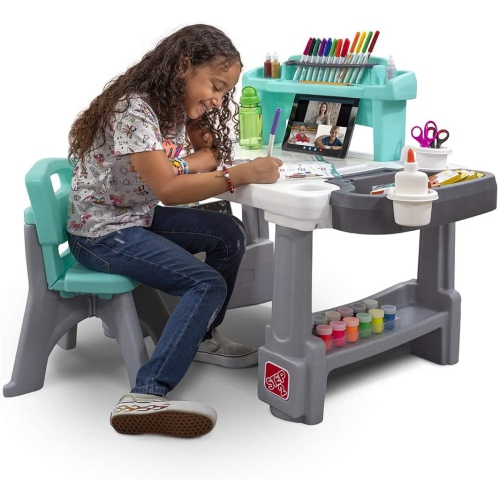 Your price for this item is $362.99
 -
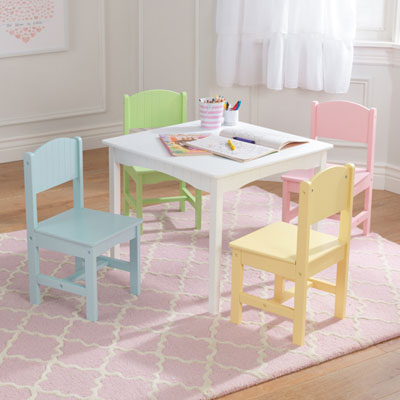 Your price for this item is $165.98
 -
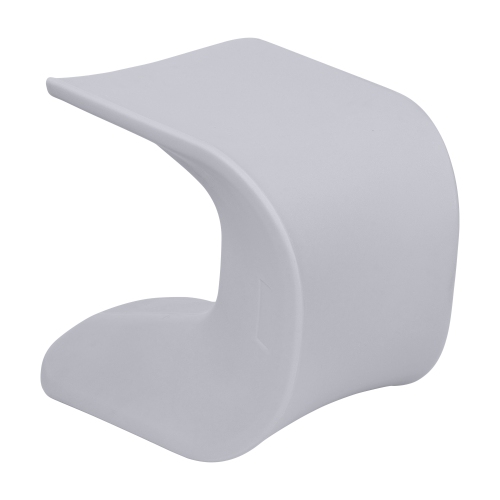 Your price for this item is $174.99
 -
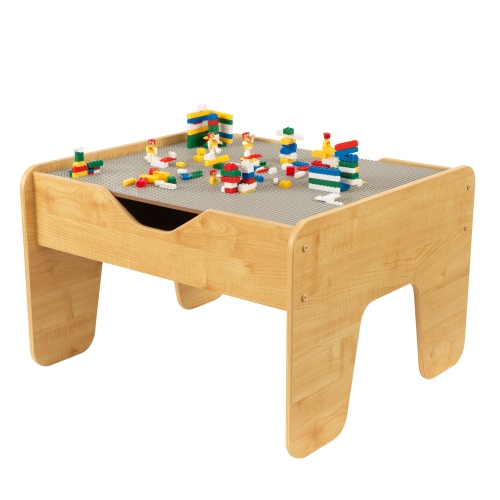 Your price for this item is $89.99
 -
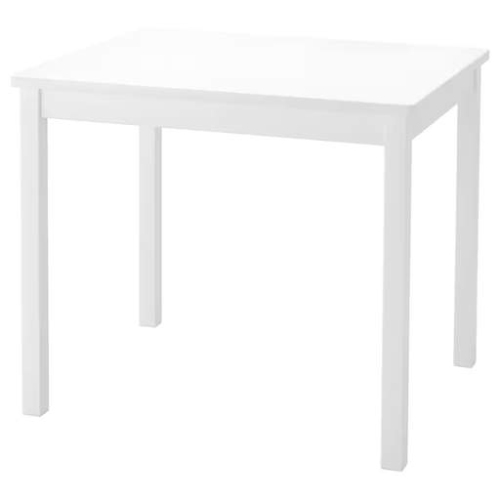 Your price for this item is $131.99
 -
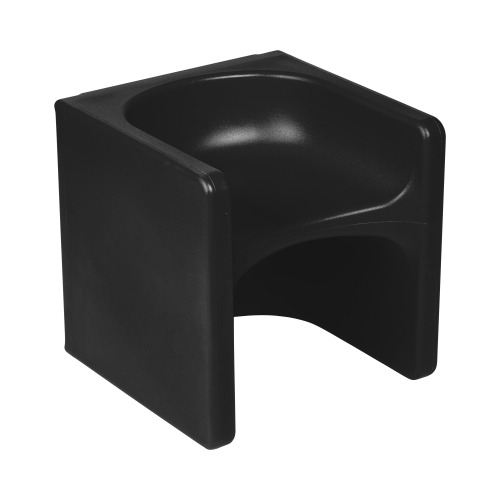 Your price for this item is $124.99
Discover more categories related to Kids Computer Chairs
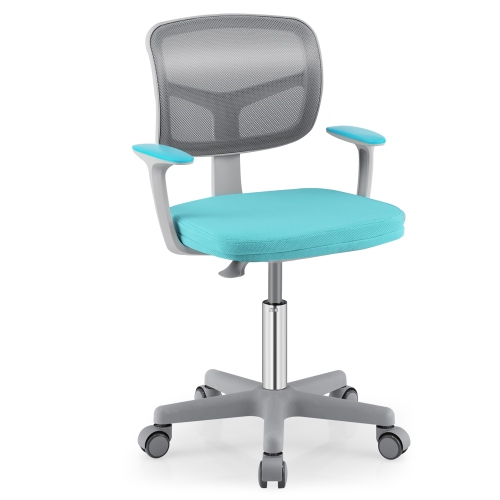
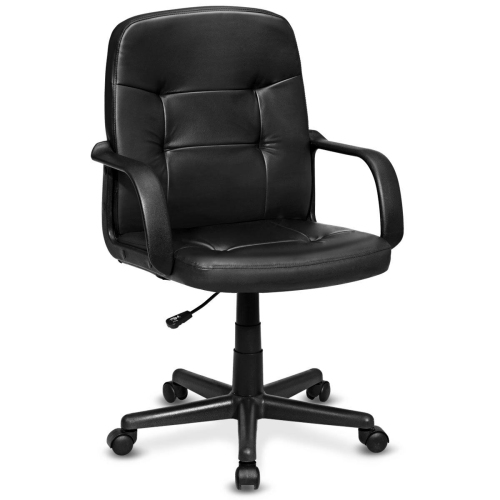
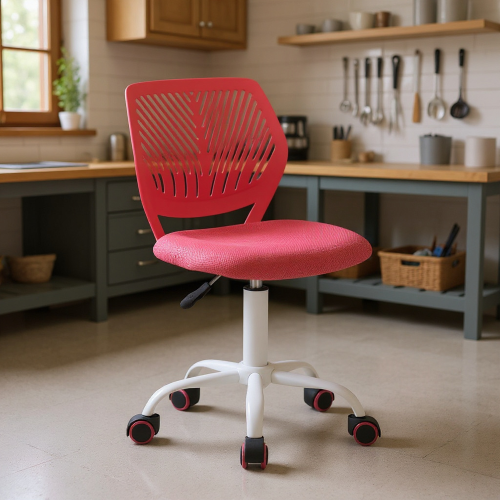
Top Collections:
Pokemon Centers, Kindle Devices, Best Budget Office Chairs, Apple iPhones 16, Best Laptops for Writers, iPhone 15 Apple, Canon G7X Cameras, Refurbished Apple Laptops, Alarm Clock, Motorola Razr Phones
Some products may be subject to Environmental Handling Fees
(EHF) depending on your province.
Learn more about EHFs.