Laptop Charger 90W
Power up your device with a Laptop Charger 90W, designed to keep your laptop running smoothly whether you're at home, in the office, or on the go. Explore a range of reliable options that are compatible with many popular laptop models. With a Laptop Charger 90W, you can enjoy efficient charging and stay connected to what matters most. Find the perfect fit for your needs and ensure your laptop is always ready for work or play.
Sort






Why laptop charger compatibility goes beyond wattage
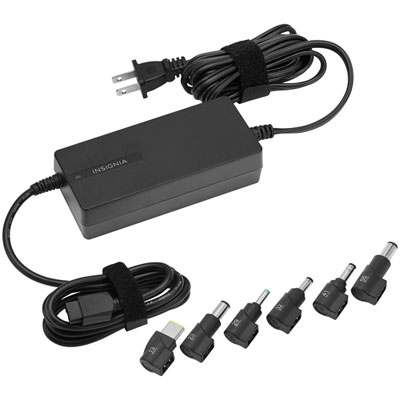
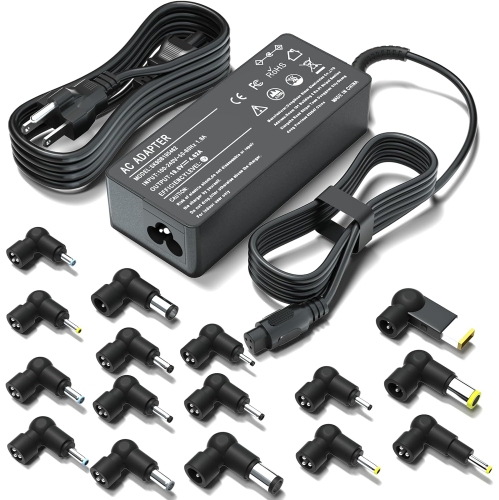
A 90W laptop charger is a power adapter rated to supply up to 90 watts to a compatible laptop. The right replacement depends on the laptop’s exact model, required input voltage, connector type, and charging specifications—not wattage alone. These chargers are commonly used to replace a lost or damaged adapter, keep a dedicated power supply at a desk, or leave a spare in a laptop bag. The 90W rating describes the adapter’s maximum output capacity rather than the amount of power a laptop draws continuously. Actual demand changes as the computer charges its battery, runs applications, and powers connected accessories. A laptop handling a video call and several open applications may need more power than the same computer sitting idle. For a replacement with a round barrel connector, the original adapter’s label and the laptop manufacturer’s documentation provide useful reference points. Output voltage must match the laptop’s requirements, while the adapter’s supported current must meet those requirements. Connector dimensions, polarity, and any identification pin or electronic recognition system also matter. Two plugs can look nearly identical yet differ in their inner diameter, outer diameter, or centre pin, leaving one unable to connect securely or charge correctly. An adapter should slide into its intended port without being forced, and the connection should remain steady during ordinary use. A loose fit can interrupt charging whenever the laptop moves, which is particularly frustrating during a presentation or a long assignment. Universal adapters with interchangeable tips offer flexibility, but each tip still needs to be explicitly compatible with the intended laptop. Matching the shape by eye is not enough. Keeping the laptop’s full model number handy makes it easier to distinguish between similar-looking adapters and avoid confusing the electrical input specification on a charger with the output specification that powers the computer. For everyday use, that careful match is more important than choosing an adapter solely because its wattage resembles the original.
USB-C adds another option, but a USB-C socket does not automatically mean a laptop accepts power through it. Some ports support data or display connections without supporting laptop charging, so the computer’s charging specifications remain the starting point. A compatible USB-C laptop charger generally uses USB Power Delivery to negotiate a supported voltage and current with the device. Both the laptop and the adapter need to support an appropriate power profile; a 90W label alone does not confirm that every connected computer can receive 90 watts. For example, delivering 90W at 20V requires 4.5A, which also calls for a USB-C cable rated for 5A with electronic identification. A cable limited to 3A cannot carry that full output. When the charging cable is detachable, its rating is therefore just as relevant as the adapter’s rating. Multiport designs introduce another distinction: the stated wattage may describe the combined output across all ports rather than the output available to a laptop while other devices are connected. Charging a phone alongside a computer can change the power allocation, depending on the adapter’s design. These details matter for people who want a compact setup for a shared workspace, a study desk, or a bag that moves between home and the office. Physical design matters, too. A wall-mounted adapter keeps the power supply close to the outlet, while an inline power brick sits along the cable and can make the connection at a wall outlet less bulky. Cable length determines whether the laptop can reach a desk comfortably without stretching the lead across a walkway. A detachable mains cord can be convenient to pack or replace when the design supports it, although the replacement cord must have suitable electrical ratings and the correct connection. For travel, input-voltage support and the destination’s outlet shape are separate considerations. A plug adapter changes the physical connection; it does not convert voltage. Compact dimensions can make packing easier, but electrical compatibility should always come before convenience.
Durability in a laptop power adapter comes from more than a sturdy-looking casing. Insulated cables, well-supported connectors, and strain relief where the cord enters the adapter or plug help protect the parts that bend most often. A flexible cable is easier to route around a monitor stand or through a desk opening, while an excessively tight bend puts unnecessary stress near the connector. Smooth plastic housings are common, and some designs use textured surfaces that are easier to grip when unplugging. Handling the connector rather than pulling on the cord helps preserve both the cable and the laptop’s charging port. For storage, a loose coil secured with a reusable cable strap is gentler than wrapping the lead tightly around the power brick. The adapter should rest on a firm, uncovered surface with space around it, rather than under bedding, cushions, or a pile of papers. Chargers can become warm during normal operation, but damaged insulation, exposed wiring, a cracked housing, unusual odours, or repeated charging interruptions are reasons to stop using the adapter and have the issue assessed. Recognized Canadian electrical safety certification is another important consideration, alongside compatibility and the manufacturer’s operating instructions. A suitable 90W charger can serve students moving between lectures and a library desk, professionals setting up a second workspace, or households sharing a compatible computer. Keeping a dedicated adapter where the laptop is used most often reduces the need to unplug and repack the same cord every day. As a practical gift, a spare charger works best when the recipient’s exact laptop model and charging requirements are known in advance; guessing from the computer’s appearance can lead to the wrong connector or power specification. The Laptop Chargers Replacement page provides a related starting point for replacement charging needs beyond a single wattage. Whether the intended role is a daily desk connection or a spare for a laptop bag, a well-matched adapter should provide dependable power without a forced connection, an overstretched cable, or uncertainty about compatibility.
USB-C adds another option, but a USB-C socket does not automatically mean a laptop accepts power through it. Some ports support data or display connections without supporting laptop charging, so the computer’s charging specifications remain the starting point. A compatible USB-C laptop charger generally uses USB Power Delivery to negotiate a supported voltage and current with the device. Both the laptop and the adapter need to support an appropriate power profile; a 90W label alone does not confirm that every connected computer can receive 90 watts. For example, delivering 90W at 20V requires 4.5A, which also calls for a USB-C cable rated for 5A with electronic identification. A cable limited to 3A cannot carry that full output. When the charging cable is detachable, its rating is therefore just as relevant as the adapter’s rating. Multiport designs introduce another distinction: the stated wattage may describe the combined output across all ports rather than the output available to a laptop while other devices are connected. Charging a phone alongside a computer can change the power allocation, depending on the adapter’s design. These details matter for people who want a compact setup for a shared workspace, a study desk, or a bag that moves between home and the office. Physical design matters, too. A wall-mounted adapter keeps the power supply close to the outlet, while an inline power brick sits along the cable and can make the connection at a wall outlet less bulky. Cable length determines whether the laptop can reach a desk comfortably without stretching the lead across a walkway. A detachable mains cord can be convenient to pack or replace when the design supports it, although the replacement cord must have suitable electrical ratings and the correct connection. For travel, input-voltage support and the destination’s outlet shape are separate considerations. A plug adapter changes the physical connection; it does not convert voltage. Compact dimensions can make packing easier, but electrical compatibility should always come before convenience.
Durability in a laptop power adapter comes from more than a sturdy-looking casing. Insulated cables, well-supported connectors, and strain relief where the cord enters the adapter or plug help protect the parts that bend most often. A flexible cable is easier to route around a monitor stand or through a desk opening, while an excessively tight bend puts unnecessary stress near the connector. Smooth plastic housings are common, and some designs use textured surfaces that are easier to grip when unplugging. Handling the connector rather than pulling on the cord helps preserve both the cable and the laptop’s charging port. For storage, a loose coil secured with a reusable cable strap is gentler than wrapping the lead tightly around the power brick. The adapter should rest on a firm, uncovered surface with space around it, rather than under bedding, cushions, or a pile of papers. Chargers can become warm during normal operation, but damaged insulation, exposed wiring, a cracked housing, unusual odours, or repeated charging interruptions are reasons to stop using the adapter and have the issue assessed. Recognized Canadian electrical safety certification is another important consideration, alongside compatibility and the manufacturer’s operating instructions. A suitable 90W charger can serve students moving between lectures and a library desk, professionals setting up a second workspace, or households sharing a compatible computer. Keeping a dedicated adapter where the laptop is used most often reduces the need to unplug and repack the same cord every day. As a practical gift, a spare charger works best when the recipient’s exact laptop model and charging requirements are known in advance; guessing from the computer’s appearance can lead to the wrong connector or power specification. The Laptop Chargers Replacement page provides a related starting point for replacement charging needs beyond a single wattage. Whether the intended role is a daily desk connection or a spare for a laptop bag, a well-matched adapter should provide dependable power without a forced connection, an overstretched cable, or uncertainty about compatibility.
Top selling and popular products
-
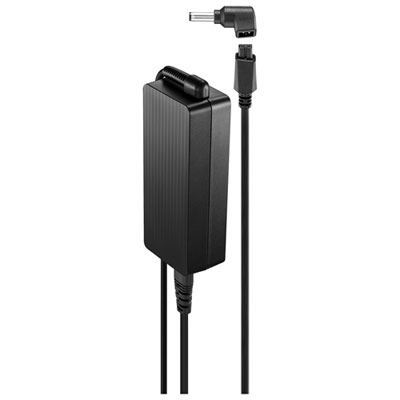 Your price for this item is $69.99
-
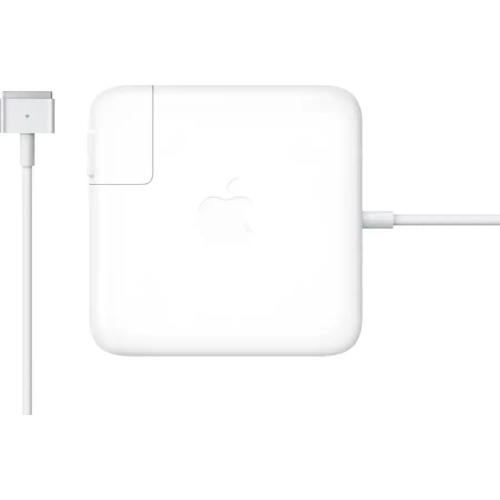 Your price for this item is $117.37
-
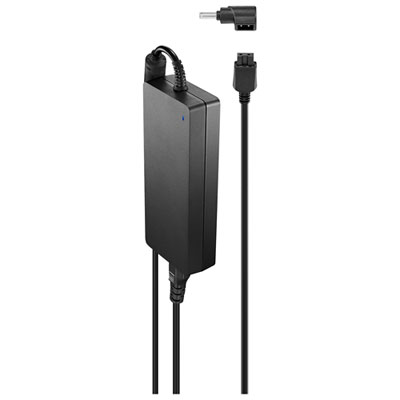 Your price for this item is $109.99
-
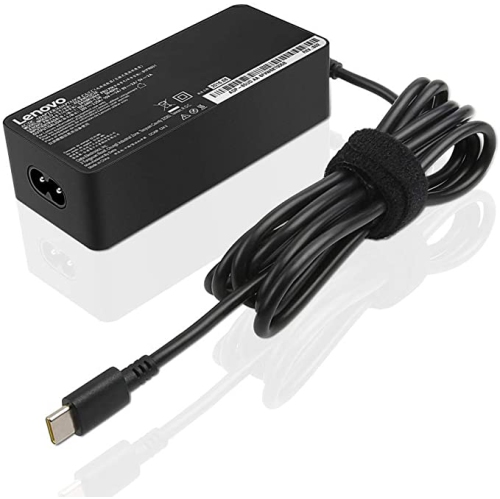 Your price for this item is $67
-
 Your price for this item is $49.99
-
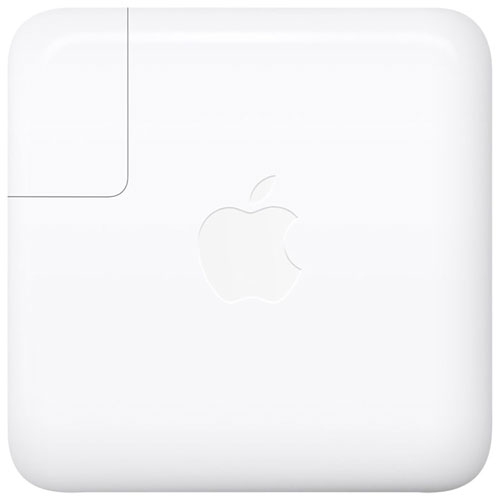 Your price for this item is $71
-
 Your price for this item is $46.68
-
 Your price for this item is $68.68
Discover more categories related to Laptop Charger 90W


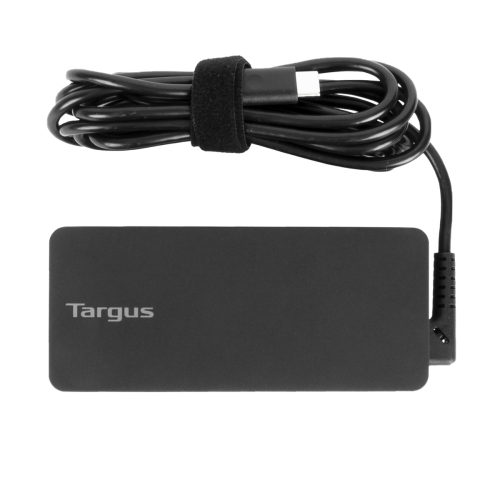

Top Collections:
Pokemon Centers, Pokémon 30th Celebration Cards, Best Budget Office Chairs, Kindle Devices, Best Cameras for Sports Photography, Canon G7X Cameras, Best Black Friday Deals On Electronics, Best Laptops for Writers, iPhone 15 Apple, Jackery Power Stations
Some products may be subject to Environmental Handling Fees
(EHF) depending on your province.
Learn more about EHFs.