Laptop Charging Stations
Looking for a convenient way to keep your laptops charged and organized? Look no further than our selection of laptop charging stations. Whether you're a student, a professional, or simply someone who uses multiple laptops at home, these charging stations are designed to make your life easier. With their sleek and compact designs, they not only provide a neat and clutter-free solution for charging your devices but also ensure that your laptops are always ready to go when you need them.
Sort

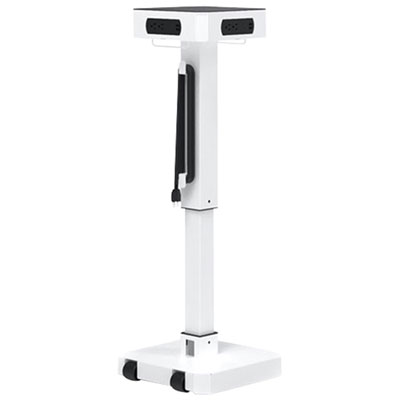
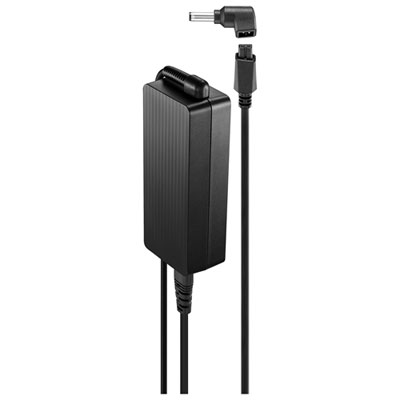
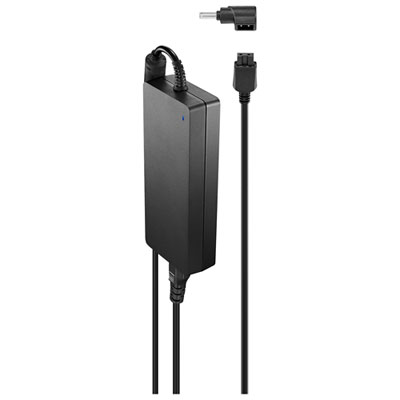
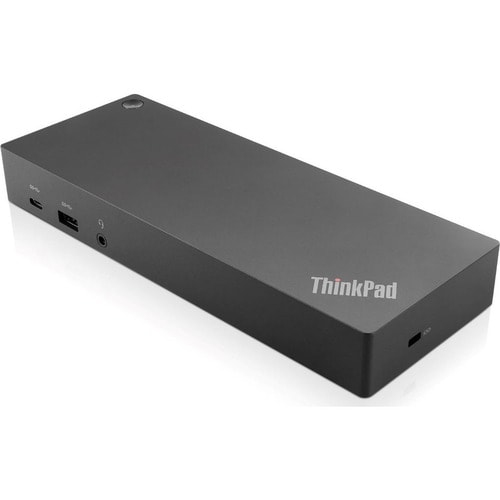

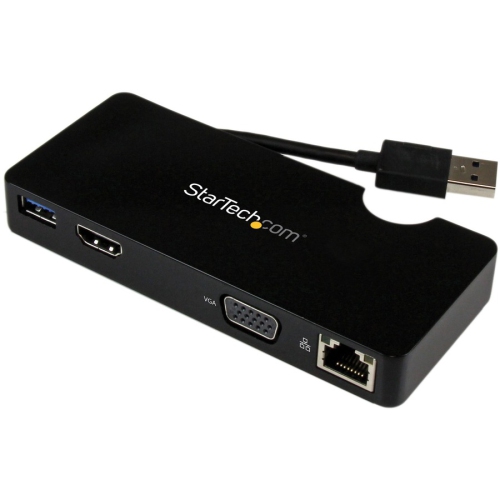
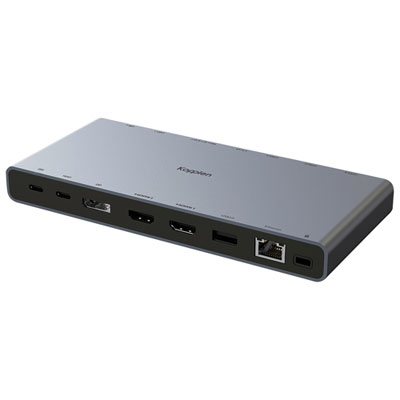
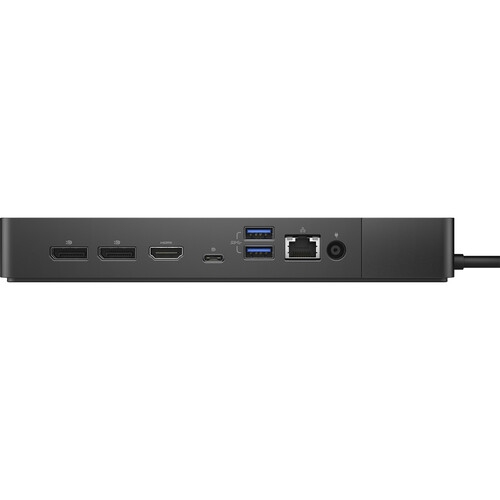
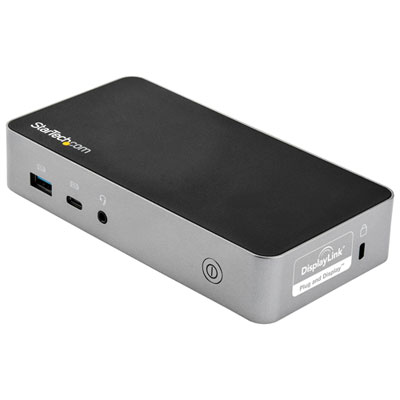

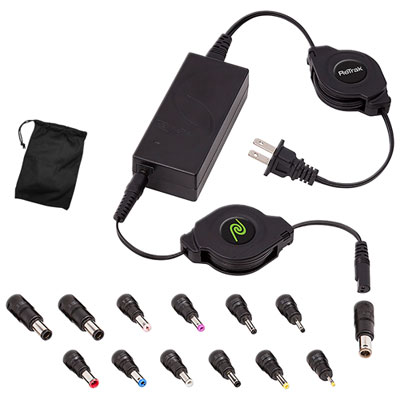
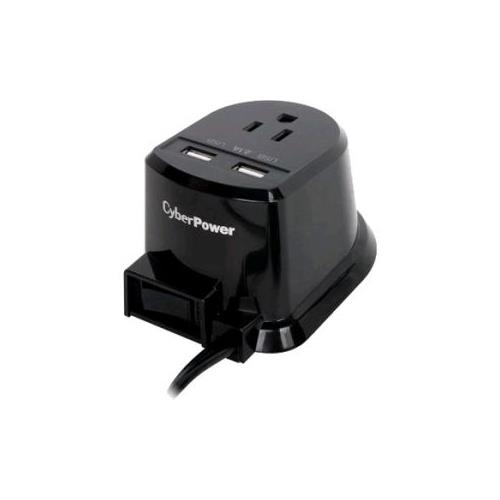
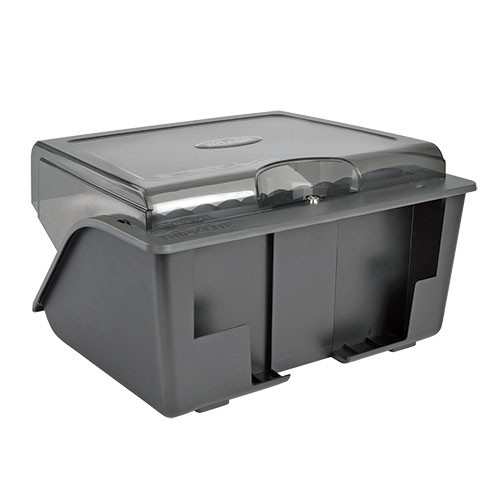


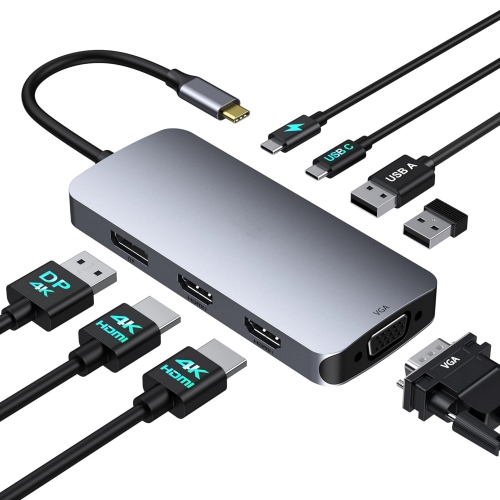

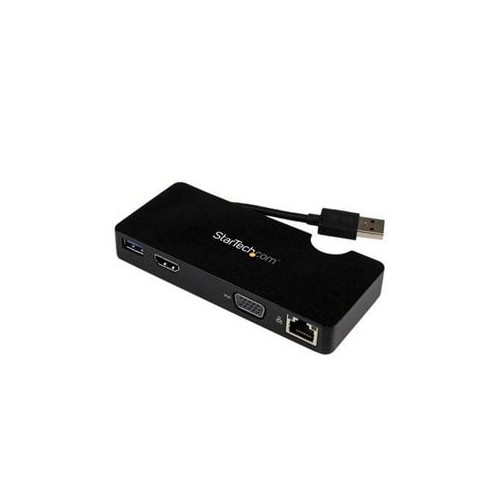

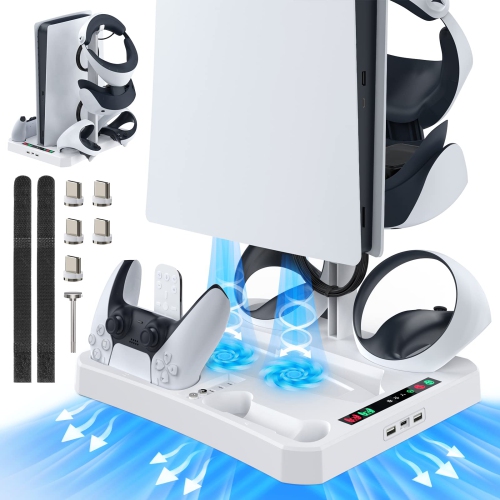
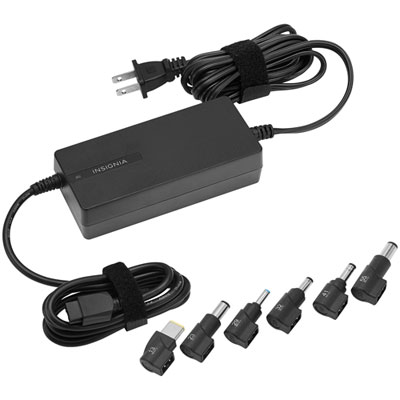




From desktop hubs to carts for shared spaces
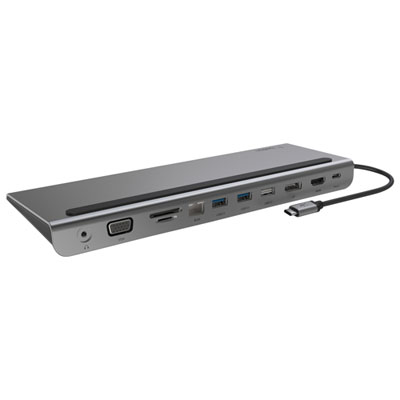
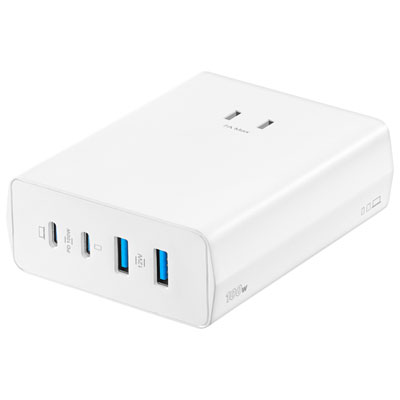
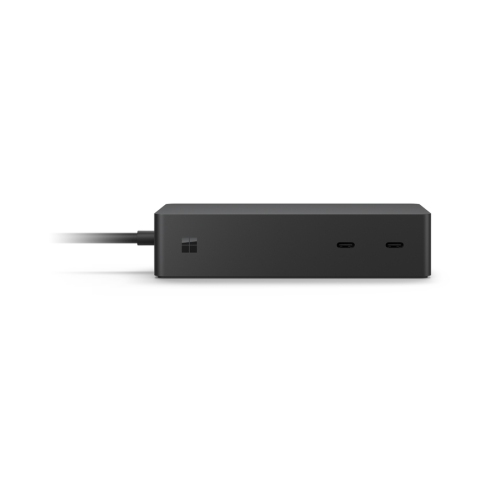
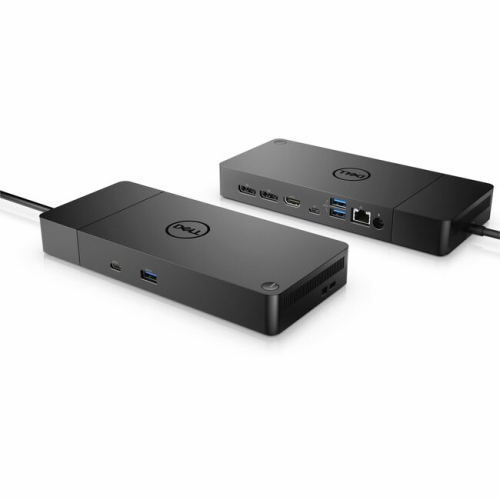
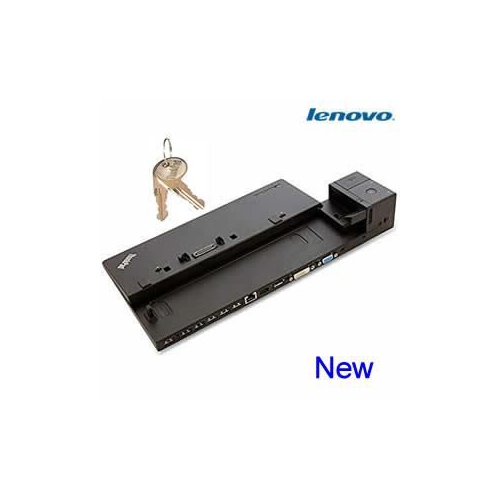
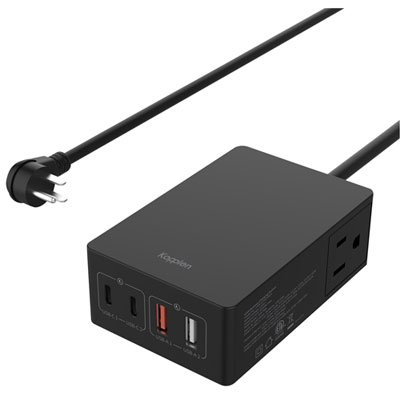
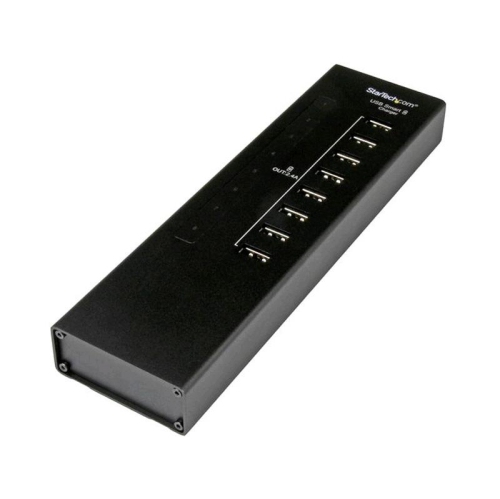
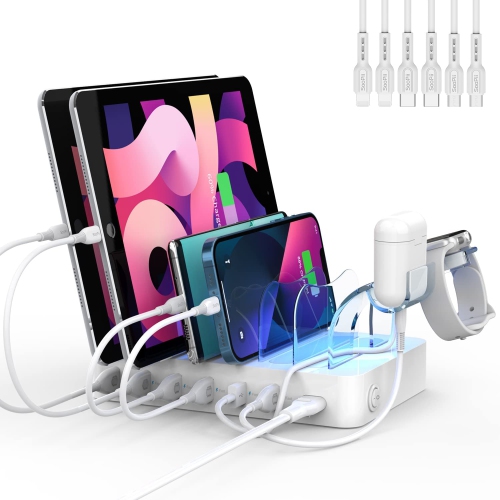
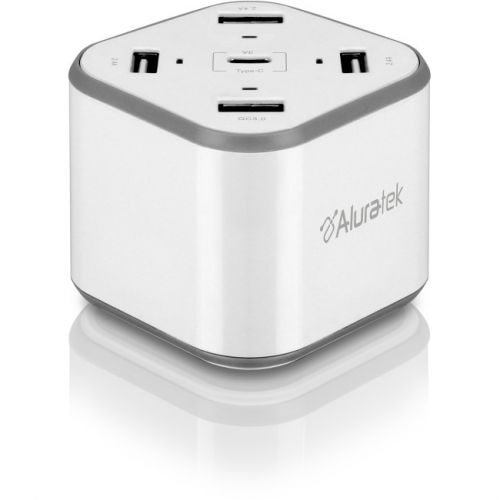
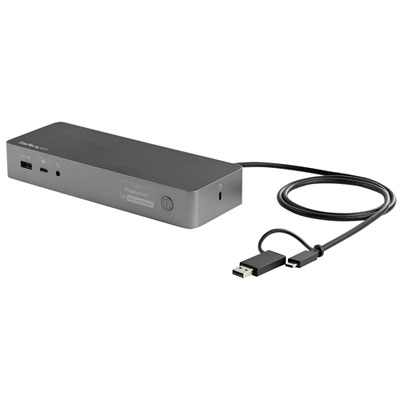
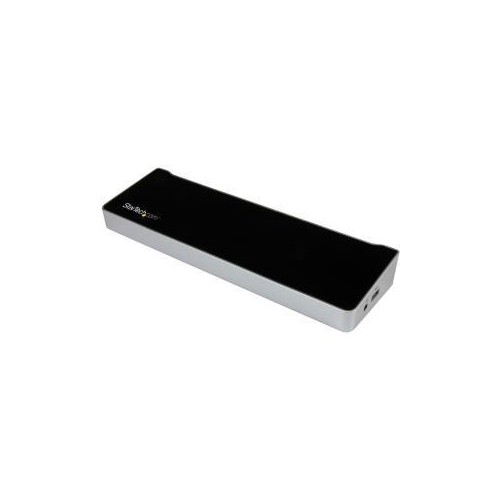
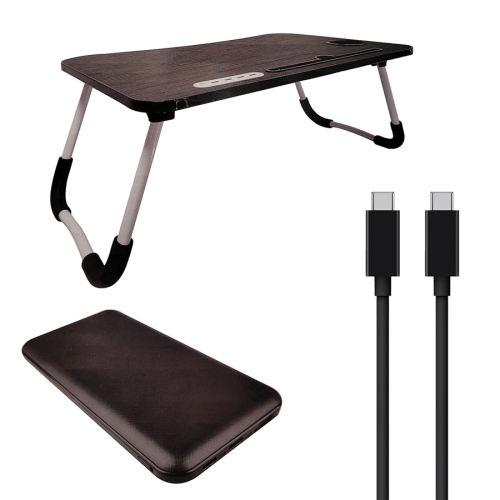
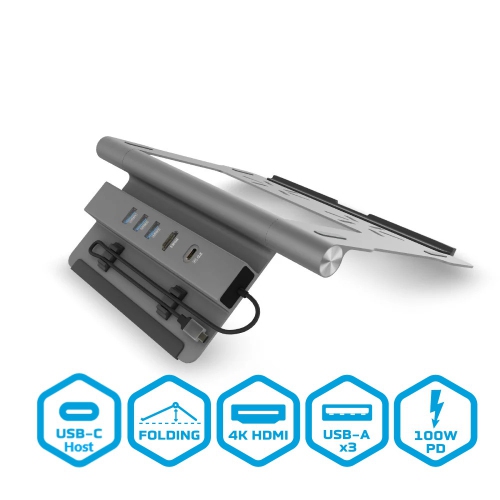
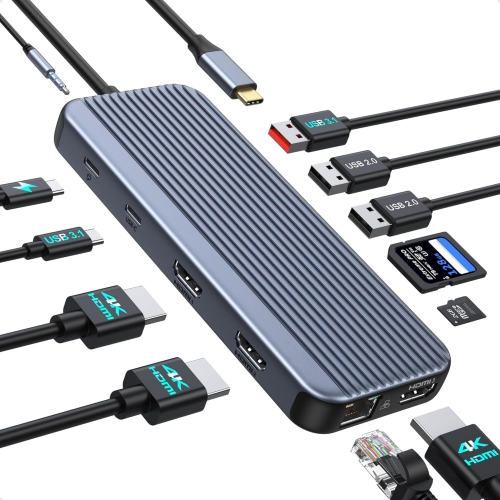
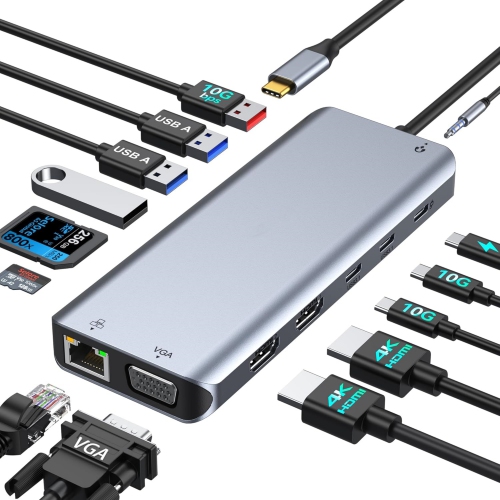
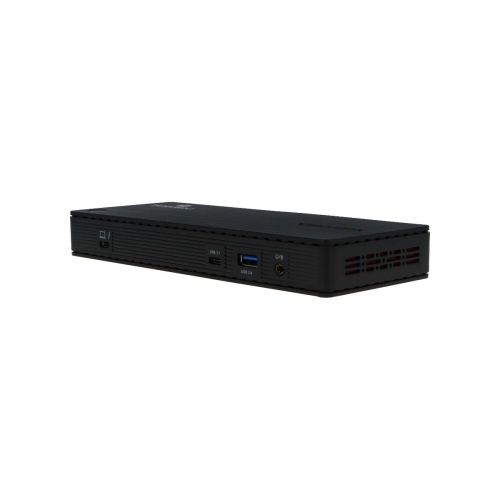
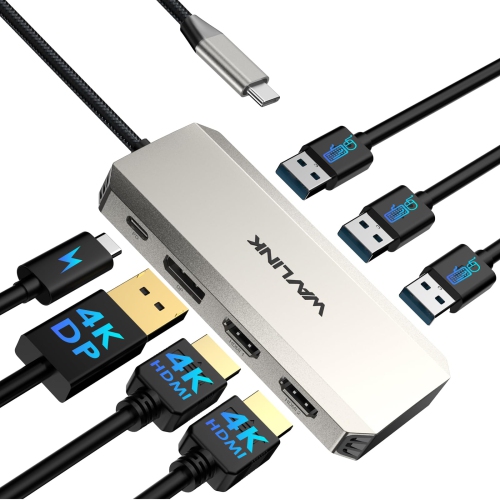
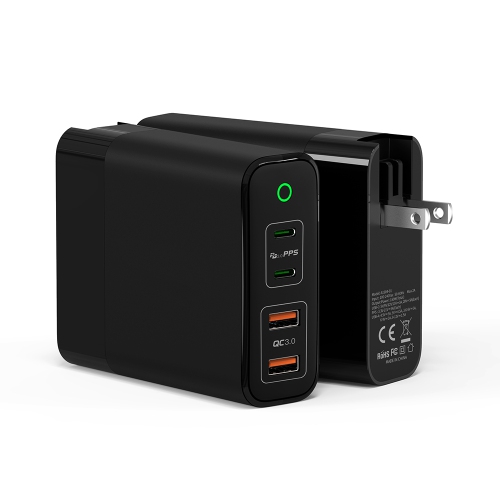
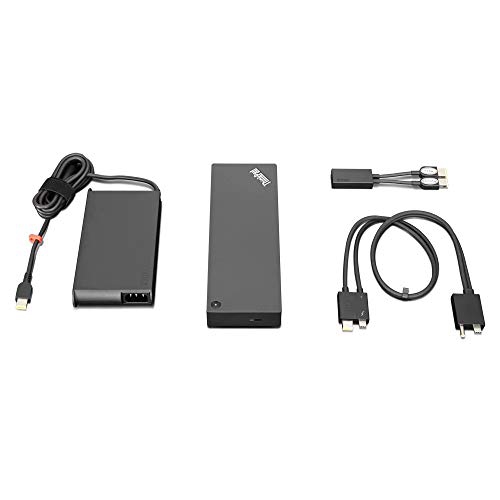
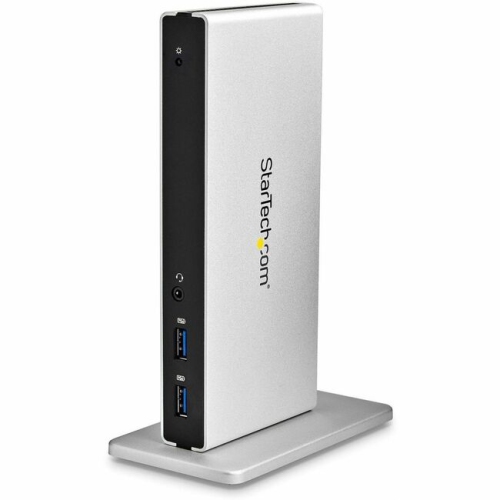
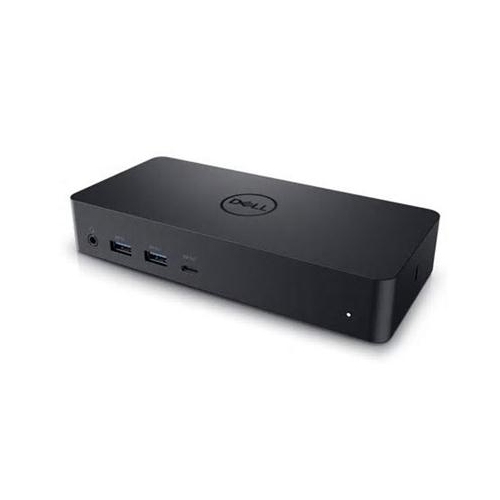
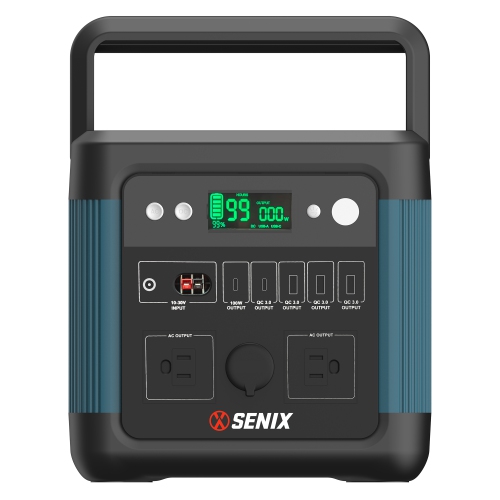
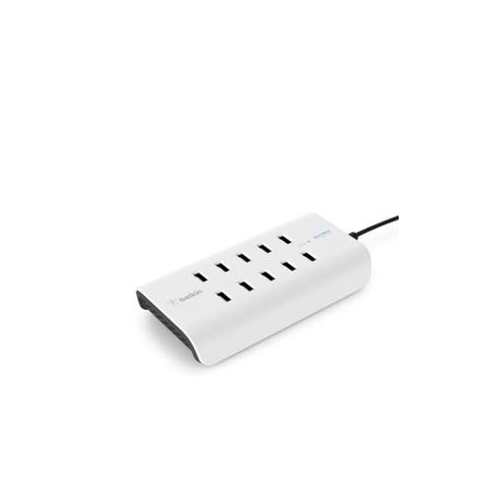
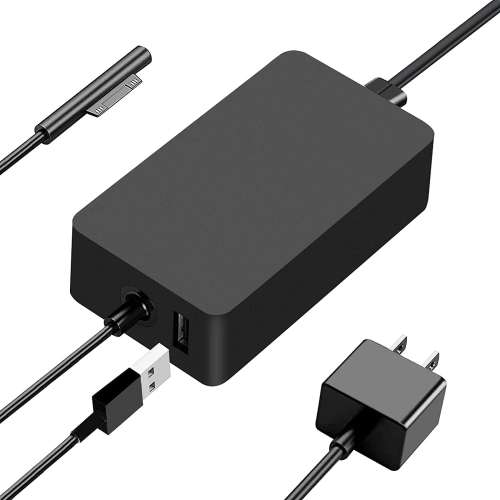
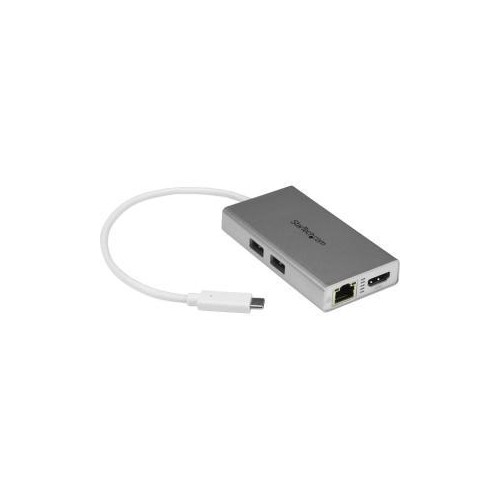
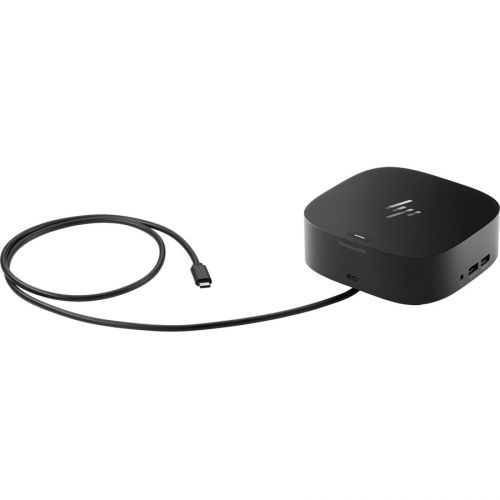
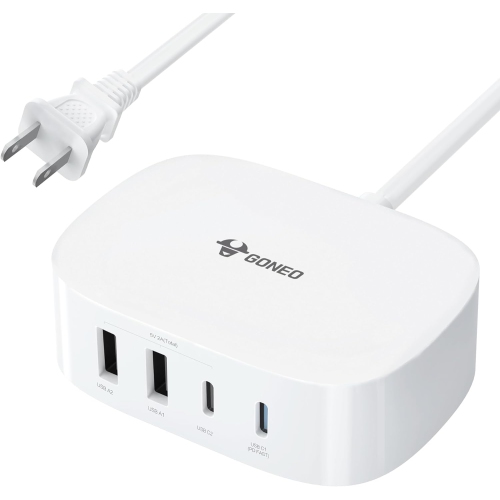
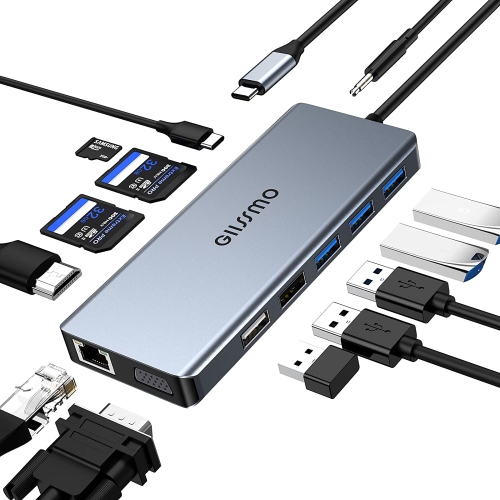
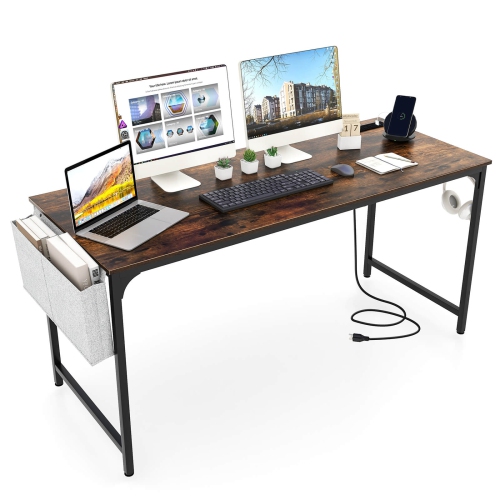
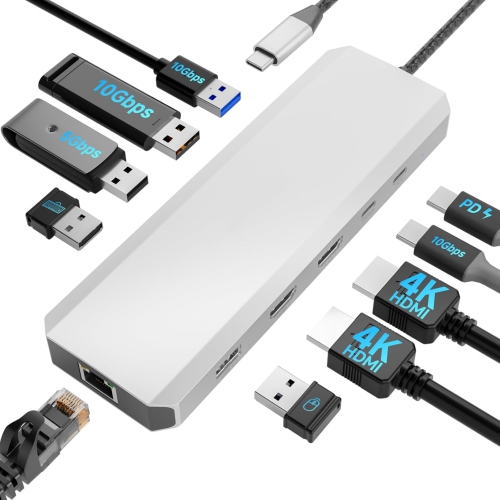
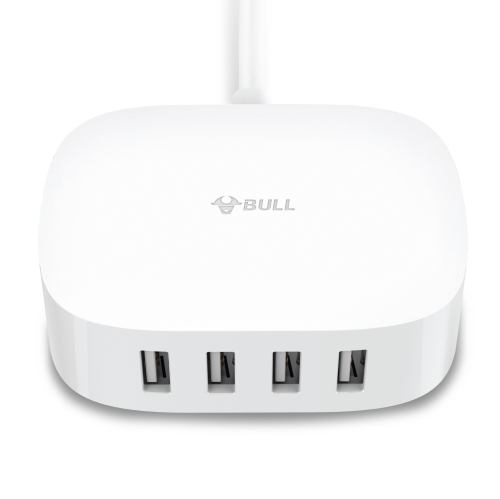
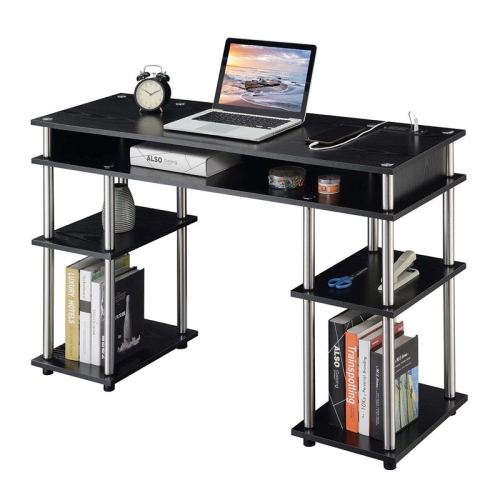
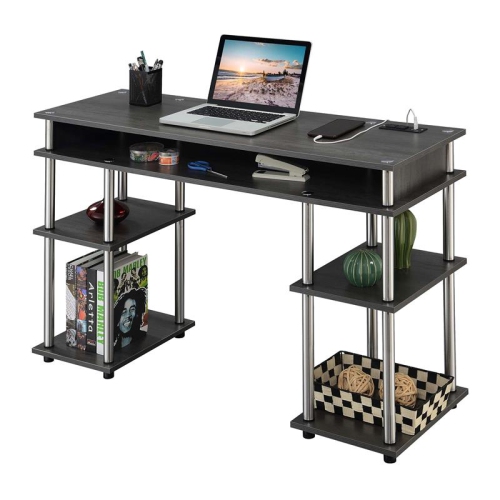
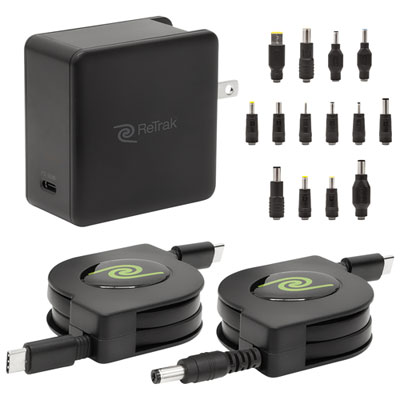
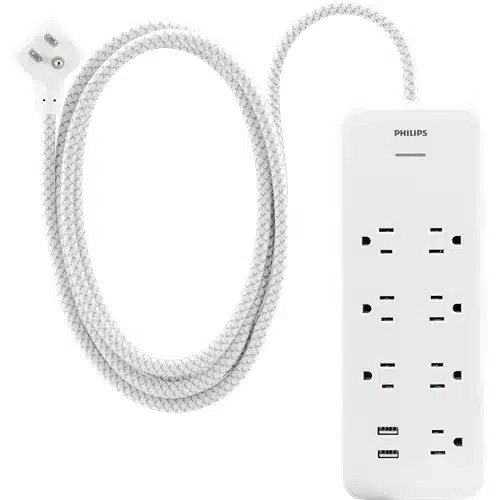
Laptop charging stations help turn a crowded desk, classroom, meeting room or shared work area into a more organised place to power devices. They generally fall into two practical categories: compact desktop charging hubs for personal workspaces and larger charging carts or cabinets designed to store and charge multiple laptops at once. A desktop station can replace a tangle of individual adapters with one central unit that sits beside a monitor, under a shelf or at the back of a work surface. Depending on the design, it may include USB-C Power Delivery ports, USB-A ports and AC outlets, allowing you to charge a laptop alongside a phone, tablet, headset, mouse or other everyday electronics. For people who move between a home office and a kitchen table, a multi-port station can keep the essentials together instead of scattering chargers throughout the room. It can also be a thoughtful choice for a student setting up a study area, a family sharing devices, or anyone who regularly hosts remote meetings and needs a convenient place to recharge. When comparing desktop options, check the total power output as well as the number of ports. A station with several ports may divide its available power between connected devices, while a USB-C port with higher-wattage Power Delivery may be better suited to a performance laptop that needs more power. Confirm that the charger supports the wattage recommended for your computer, particularly if you use a larger screen, dedicated graphics or demanding software. Port placement matters, too: front-facing connections are handy for frequently used cables, while rear outlets can keep permanent connections out of sight. A built-in display or indicator can make it easier to see charging activity, although a simple, well-spaced layout may be just as useful. Look for a sturdy base, a cable-management system and enough clearance around each outlet so larger adapters do not block neighbouring connections. During the cooler months, when work, school and entertainment often shift indoors, a tidy charging point can make a room feel noticeably calmer at the end of a busy day.
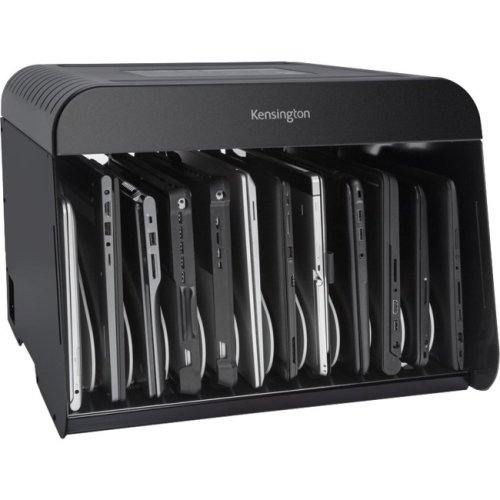
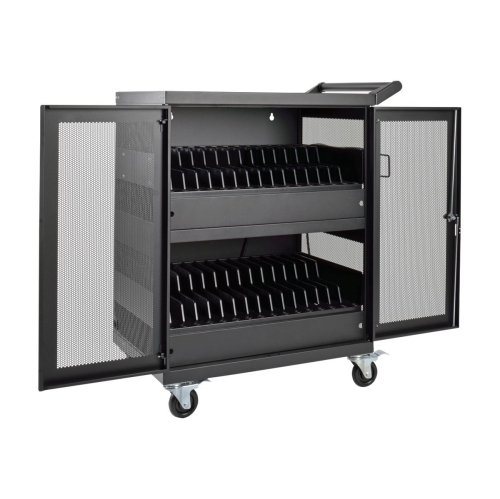
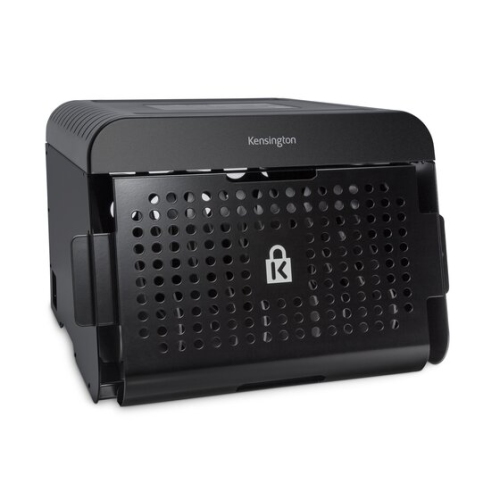
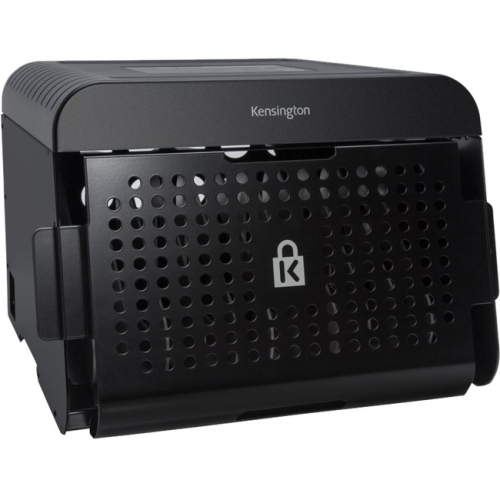
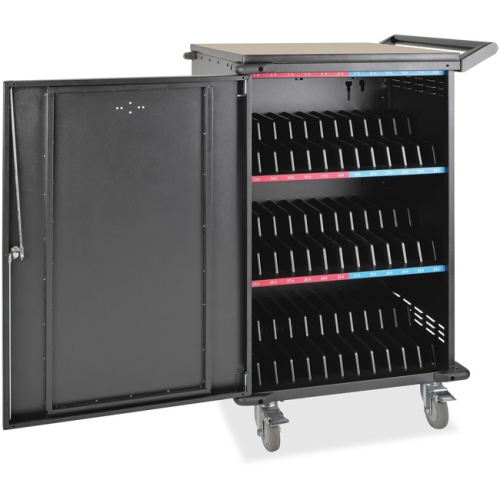
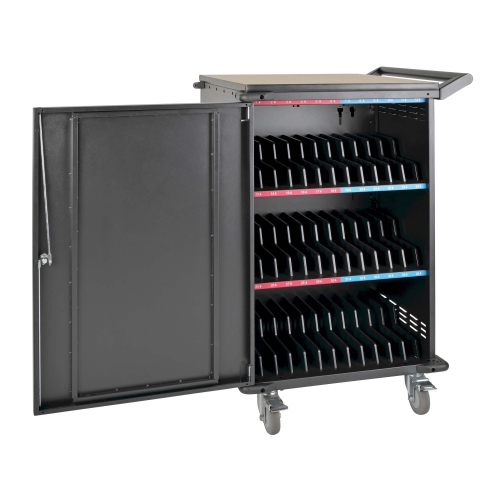
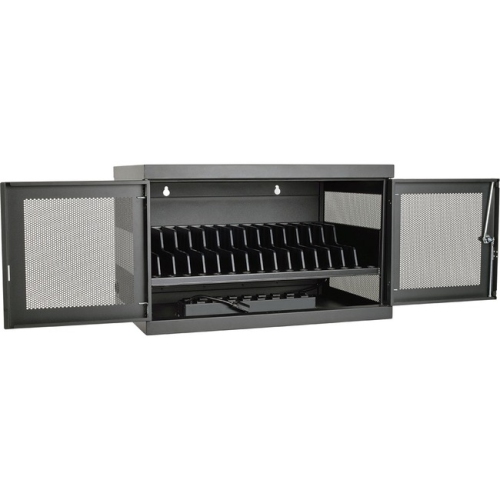
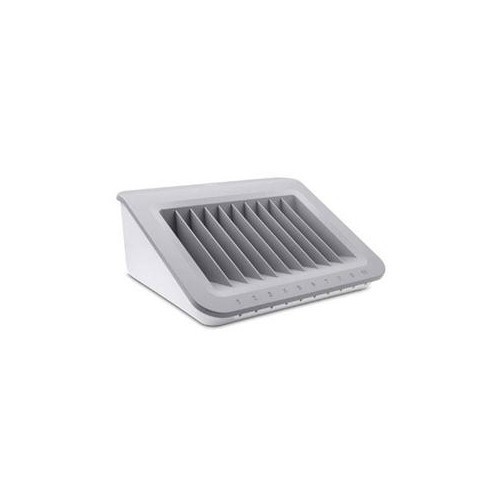
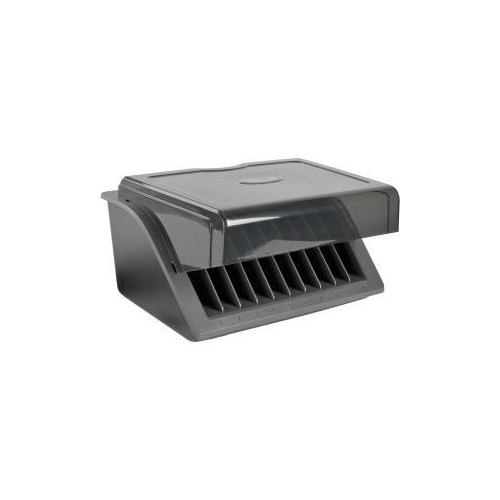
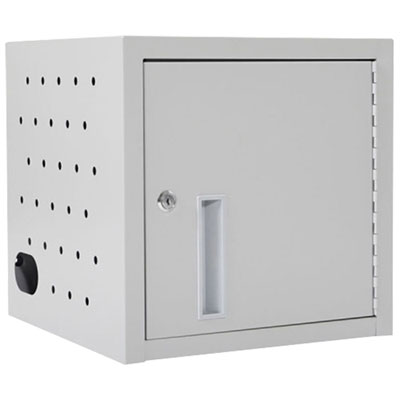
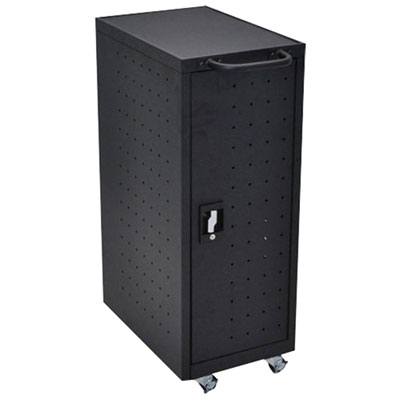
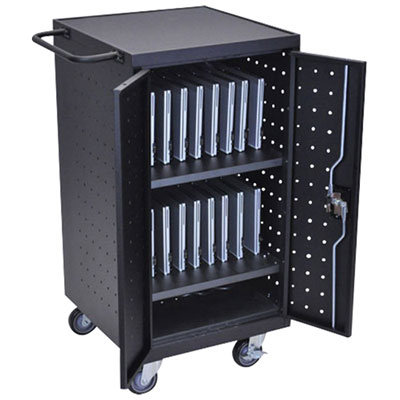
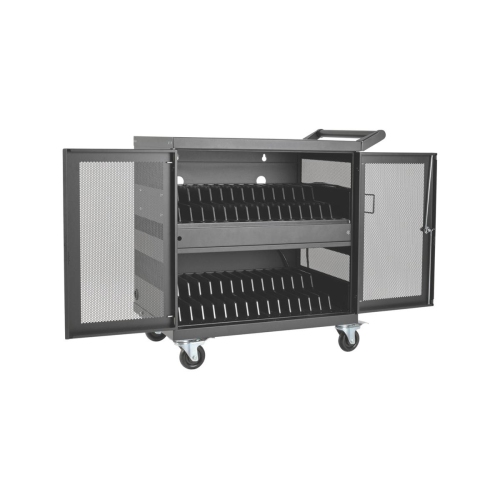
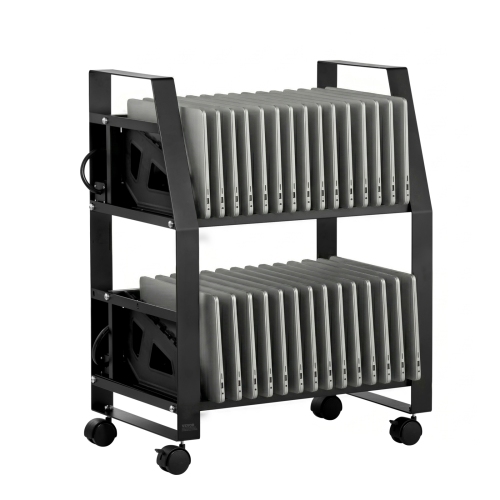
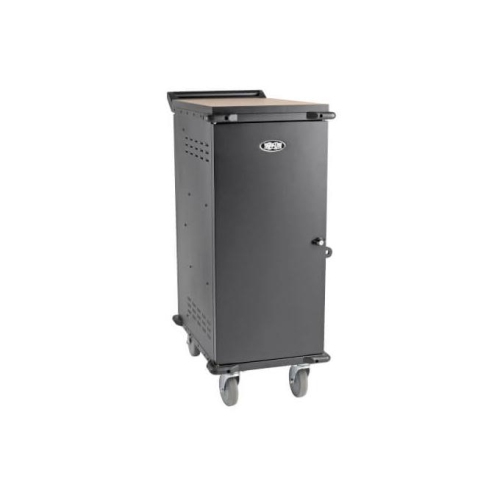
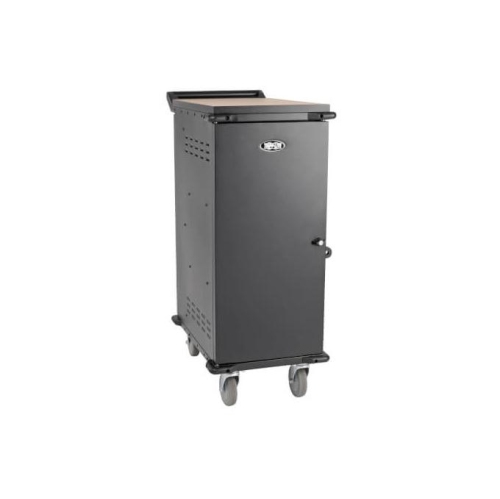
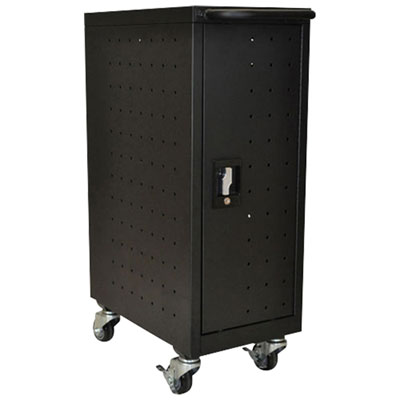
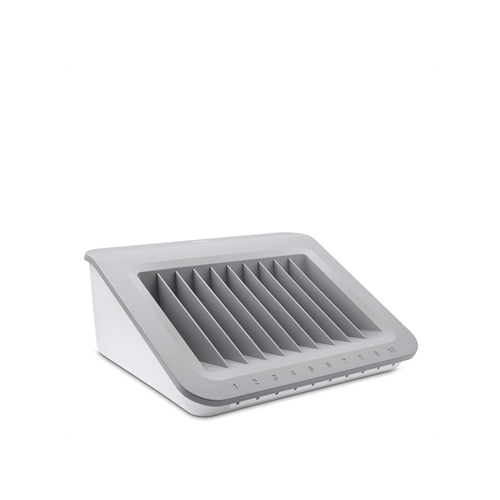
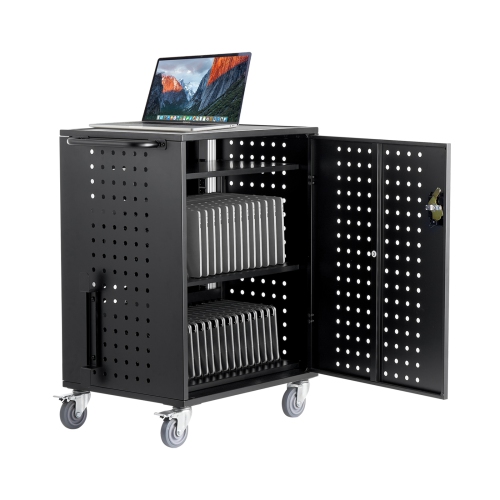
For offices, classrooms, libraries, training rooms and community spaces, a charging cart or cabinet offers a different solution. These units are made to hold several laptops or Chromebooks in individual slots while keeping charging cables organised and devices in one central location. Capacity can range from a smaller station for a handful of computers to a larger rolling cabinet that accommodates around 20 devices, with some models designed for laptops up to 15.6 inch. A stationary unit can work well beneath a counter or along a classroom wall, while a rolling cart is useful when equipment needs to travel between rooms. Consider the number of devices you need to charge today, as well as whether your setup may expand over time. Dividers should provide enough room for the computers and their protective cases, and cable openings should make it possible to connect each device without sharply bending the lead. Features such as a lockable door can help keep stored equipment together when a room is unattended, while ventilation openings or built-in cooling features support airflow around charging electronics. Surge protection is another useful consideration in a shared environment, especially where several adapters are connected to one power source. Check the cart’s power requirements, outlet layout and cord length before choosing a location, and verify that the shelves, dividers and charging leads suit the laptop sizes used by your group. In a classroom, a designated cart can simplify the routine at the start and end of a lesson: students collect a charged computer, return it to the same slot and connect the cable before moving on. In an office, it can create a dependable home for loaner laptops, visitor devices or computers used by rotating teams. A charging cabinet may also be useful for a small business, clinic, workshop or event venue where equipment needs to be stored securely between sessions without taking over valuable desk space.
The best laptop charging station depends on how many devices need power, where the station will live and how often people will access it. For one person, a compact desktop hub with multiple USB-C connections and AC outlets may be all that is needed. For a family or shared home office, additional ports can reduce the daily shuffle of adapters and help keep phones, tablets and computers ready in one place. For a school or workplace, capacity, ventilation, mobility, security and cable organisation usually deserve equal attention. It is also worth checking whether your laptops charge through USB-C or require their original power adapters, since not every station is designed for every charging method. Some computers may need a dedicated AC outlet, while others can connect directly to a high-output USB-C port. Read the specifications for simultaneous charging, maximum output and device compatibility rather than judging a station by port count alone. Keep the station on a hard, stable surface with room around ventilation openings, and avoid overloading outlets or using damaged cables. A simple labelling system can make shared equipment easier to manage, particularly when several laptops look alike. If your needs include phones, tablets, cameras or other rechargeable electronics, you may also want to explore Battery Charging Stations for additional charging formats. Whether it is placed beside a home workstation, tucked into a classroom corner or rolled into a meeting room, a laptop charging station brings a small but meaningful sense of order to everyday technology. The right setup keeps devices together, makes charging routines more predictable and leaves more room for the work, learning and conversations that happen around them.
For offices, classrooms, libraries, training rooms and community spaces, a charging cart or cabinet offers a different solution. These units are made to hold several laptops or Chromebooks in individual slots while keeping charging cables organised and devices in one central location. Capacity can range from a smaller station for a handful of computers to a larger rolling cabinet that accommodates around 20 devices, with some models designed for laptops up to 15.6 inch. A stationary unit can work well beneath a counter or along a classroom wall, while a rolling cart is useful when equipment needs to travel between rooms. Consider the number of devices you need to charge today, as well as whether your setup may expand over time. Dividers should provide enough room for the computers and their protective cases, and cable openings should make it possible to connect each device without sharply bending the lead. Features such as a lockable door can help keep stored equipment together when a room is unattended, while ventilation openings or built-in cooling features support airflow around charging electronics. Surge protection is another useful consideration in a shared environment, especially where several adapters are connected to one power source. Check the cart’s power requirements, outlet layout and cord length before choosing a location, and verify that the shelves, dividers and charging leads suit the laptop sizes used by your group. In a classroom, a designated cart can simplify the routine at the start and end of a lesson: students collect a charged computer, return it to the same slot and connect the cable before moving on. In an office, it can create a dependable home for loaner laptops, visitor devices or computers used by rotating teams. A charging cabinet may also be useful for a small business, clinic, workshop or event venue where equipment needs to be stored securely between sessions without taking over valuable desk space.
The best laptop charging station depends on how many devices need power, where the station will live and how often people will access it. For one person, a compact desktop hub with multiple USB-C connections and AC outlets may be all that is needed. For a family or shared home office, additional ports can reduce the daily shuffle of adapters and help keep phones, tablets and computers ready in one place. For a school or workplace, capacity, ventilation, mobility, security and cable organisation usually deserve equal attention. It is also worth checking whether your laptops charge through USB-C or require their original power adapters, since not every station is designed for every charging method. Some computers may need a dedicated AC outlet, while others can connect directly to a high-output USB-C port. Read the specifications for simultaneous charging, maximum output and device compatibility rather than judging a station by port count alone. Keep the station on a hard, stable surface with room around ventilation openings, and avoid overloading outlets or using damaged cables. A simple labelling system can make shared equipment easier to manage, particularly when several laptops look alike. If your needs include phones, tablets, cameras or other rechargeable electronics, you may also want to explore Battery Charging Stations for additional charging formats. Whether it is placed beside a home workstation, tucked into a classroom corner or rolled into a meeting room, a laptop charging station brings a small but meaningful sense of order to everyday technology. The right setup keeps devices together, makes charging routines more predictable and leaves more room for the work, learning and conversations that happen around them.
Top selling and popular products
-
 Your price for this item is $149.99
 -
 Your price for this item is $69.99
 -
 Your price for this item is $35
 -
 Your price for this item is $59.99
 -
 Your price for this item is $179.99
 -
 Your price for this item is $209.99
 -
 Your price for this item is $89.99
 -
 Your price for this item is $154.99
Discover more categories related to Laptop Charging Stations

Top Collections:
Pokemon Centers, Kindle Devices, Best Budget Office Chairs, Apple iPhones 16, Best Laptops for Writers, iPhone 15 Apple, Canon G7X Cameras, Refurbished Apple Laptops, Alarm Clock, Motorola Razr Phones
Some products may be subject to Environmental Handling Fees
(EHF) depending on your province.
Learn more about EHFs.