Laptop Cooling Pads for Gamers
Laptop cooling pads for gamers are designed to help keep your device at an optimal temperature during intense gaming sessions. Whether you’re playing the latest titles or streaming your favorite content, these cooling solutions can provide extra airflow and comfort. Explore a range of options to find the right laptop cooling pads for gamers that fit your setup and help you stay focused on the game.
Sort


Why cooling performance depends on more than fan count
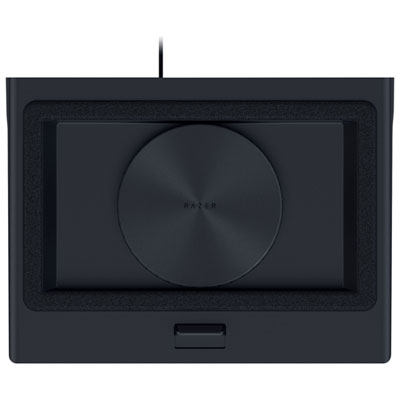
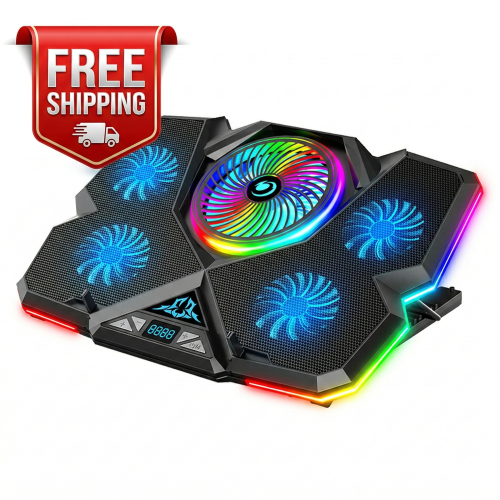
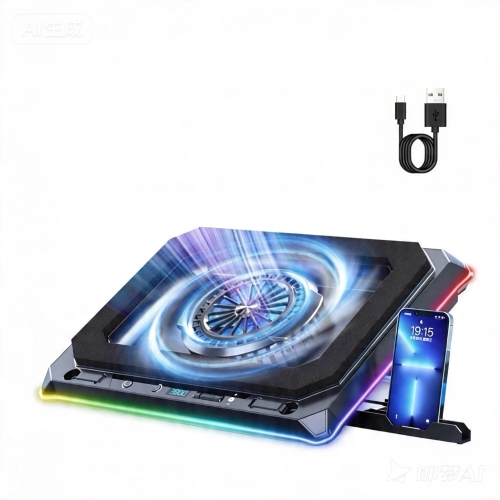
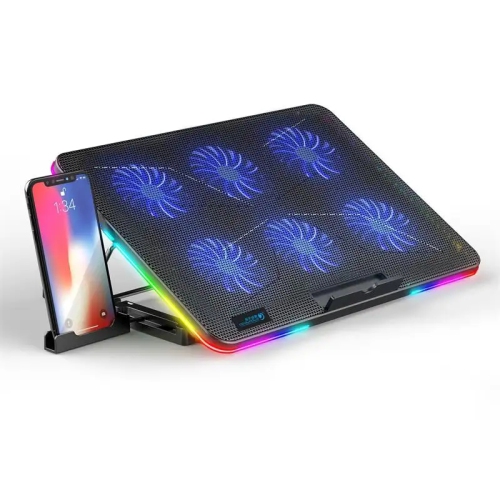
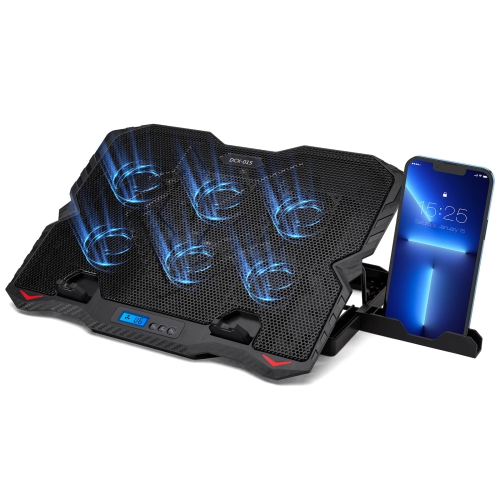
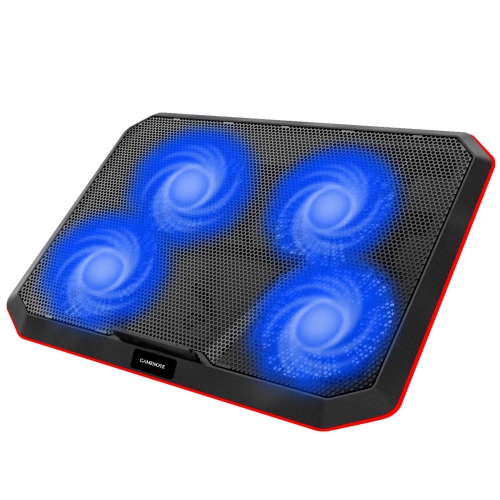
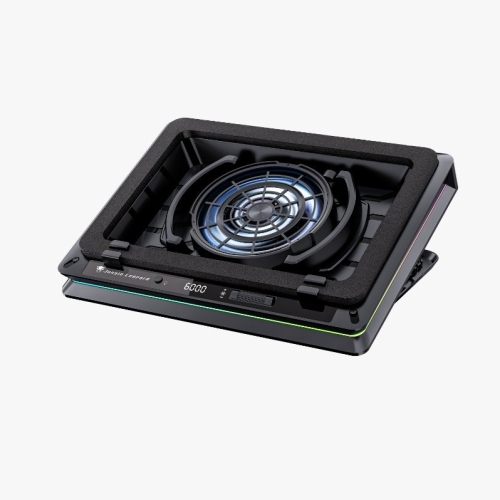
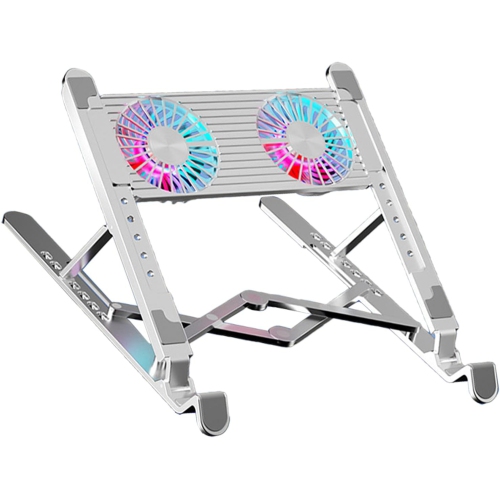
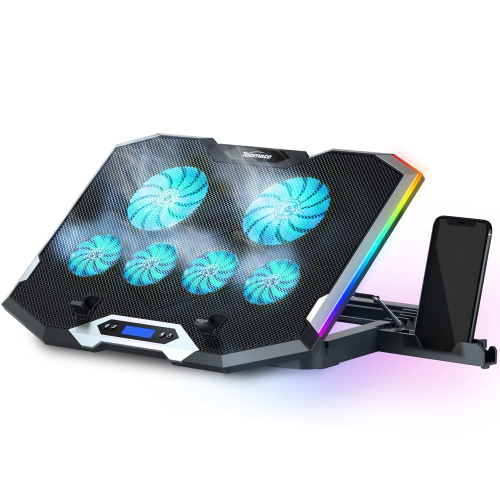
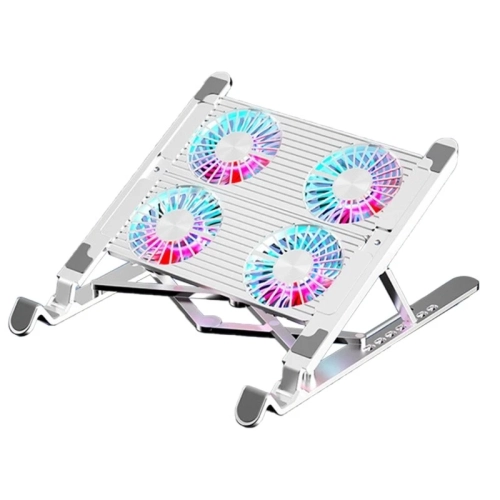
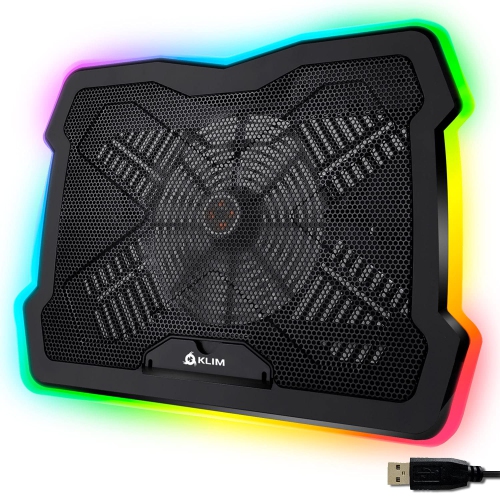
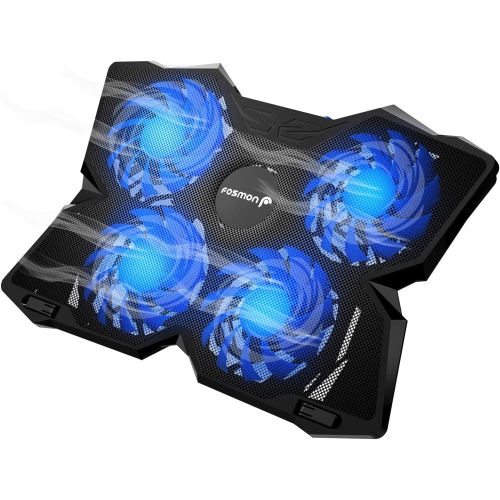
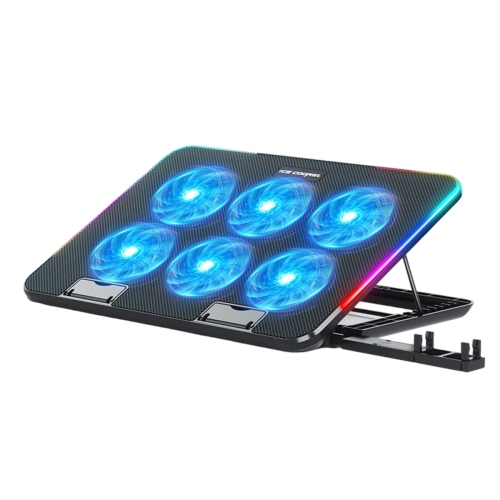
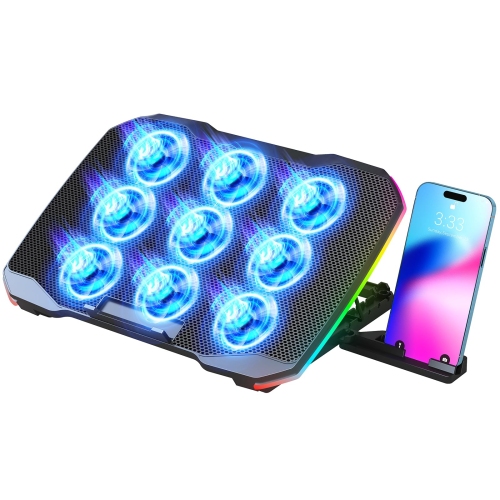
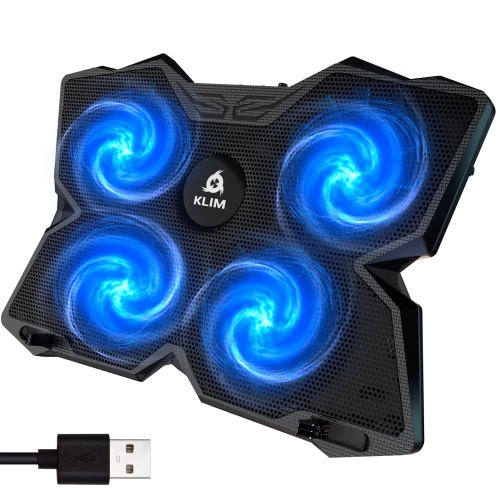
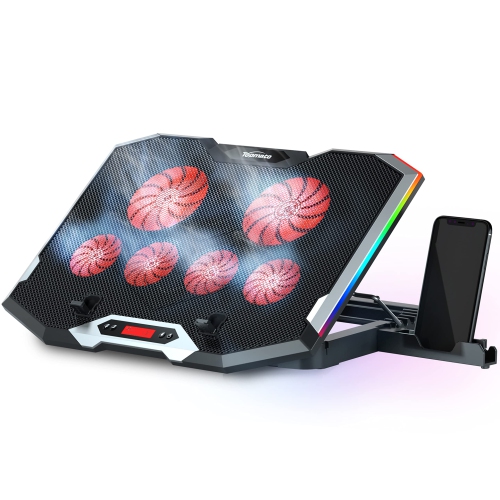
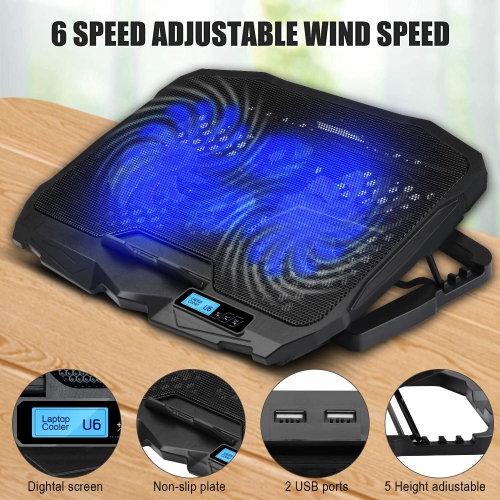
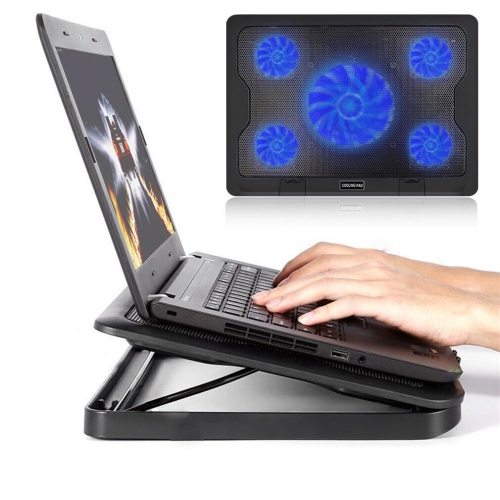
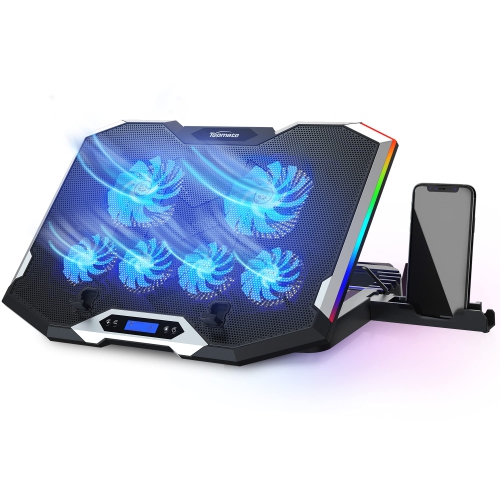
Laptop cooling pads for gamers are external supports that typically use built-in fans to move air beneath a gaming laptop. Their purpose is to improve access to cooling air and help carry away heat during demanding play, particularly when a laptop draws air through vents on its underside. Games that place sustained loads on the processor and graphics hardware can push an internal cooling system harder than everyday browsing or document work. A compatible cooling pad may help reduce operating temperatures and, where heat is limiting performance, lessen thermal throttling that causes hardware to slow itself down. Results depend on the laptop’s vent layout, internal cooling design, power settings, and workload; a pad does not guarantee higher frame rates or replace a functioning internal cooling system. Differences between cooler pads for gaming laptops often come down to airflow design, fit, and noise. Open mesh pads with several fans circulate air across a broad area of the underside, while pressure-based designs use a blower and a foam seal to direct air towards compatible bottom intake vents. A sealed design can provide more concentrated airflow when the laptop sits correctly within the seal, but it is not automatically the better match for every chassis. Likewise, a higher fan count or rotational speed alone does not establish cooling effectiveness. Fan size, airflow direction, vent alignment, and resistance all matter. Sound is another practical distinction: stronger airflow can bring a noticeable rush of air, especially at higher settings. Adjustable fan speeds let players balance cooling and noise for different activities, from a quiet strategy session with speakers to a demanding multiplayer match with a headset. The most useful comparison is how a pad works with the laptop during the games being played, rather than how impressive a single specification looks on its own.
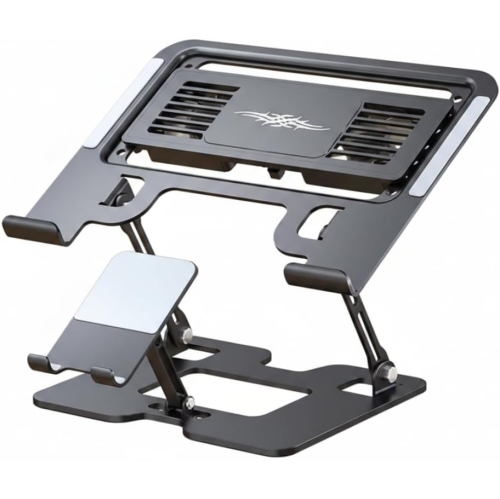
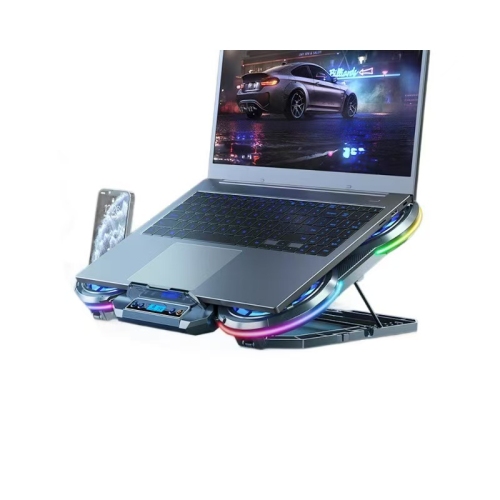
Fit involves more than matching the screen size printed on a laptop’s specifications. Two gaming laptops with the same display size can have different chassis widths, depths, foot positions, and vent arrangements. A supportive platform leaves the laptop stable without covering its intake openings or obstructing exhaust vents along the sides and rear. Retaining tabs should hold the front edge securely without pressing against wrists, blocking ports, or interfering with the lid. For foam-sealed designs, the contact area needs to suit the underside of the laptop so that airflow reaches the intended intakes rather than escaping through large gaps. Materials affect daily use as well. Metal mesh provides a perforated supporting surface, while a rigid plastic frame can keep the overall weight manageable for moving between desks. Neither material alone determines durability: solid hinges, secure adjustment notches, stable feet, and a platform that resists flexing are important when supporting a heavier gaming laptop. Rubber contact points help limit sliding, and intact foam seals help pressure-based designs maintain their intended airflow path. Height adjustment changes how the whole setup feels. Raising the back of a laptop can make the display easier to view, though a steep angle may make the built-in keyboard less comfortable for extended typing or play. An external keyboard and mouse give more freedom to position the screen independently, particularly beside a separate monitor. On a crowded desktop, the pad’s footprint also needs to leave room for a mouse mat, headset stand, and charging cable. Side-mounted controls are easier to reach when they remain clear of connected accessories. Integrated lighting can complement a gaming setup, but separate lighting controls are useful when the same space also serves for studying, video calls, or watching a film. Airflow, stability, and comfortable positioning remain the more meaningful features during a long session.
Everyday practicality becomes especially noticeable when a cooling pad moves between gaming and other uses. A slim, lightweight design can be easier to carry with a laptop, while a larger platform may suit a permanent desk setup where stability matters more than portability. Some pads draw power through USB, while others require a separate power adapter; the connection type, cable reach, and power requirements need to suit the intended workspace. Built-in USB ports may help accommodate accessories, but their power output and data capabilities vary, so they should not be assumed to replace a dedicated hub. A pad also works best on a firm, level surface with its own air intakes unobstructed. Bedding, thick fabric, and cushions can restrict airflow beneath the pad, even when the laptop itself is raised. Keeping the mesh, intake openings, and any removable filters clear helps preserve airflow over time. Routine care generally means disconnecting power and following the manufacturer’s cleaning directions, using suitable methods to remove surface dust without introducing liquid into fans or electrical connections. Accessible filters can simplify upkeep, while sound changes, loose supports, or damaged cables deserve attention rather than being ignored. A cooling pad cannot clear dust from inside a laptop or repair worn internal fans, so persistent overheating, shutdowns, or unusual noises may require service. These accessories can suit players who spend hours in demanding games, students sharing one laptop between coursework and gaming, and creators who also put their hardware under sustained loads. As a gift, a cooling pad is most useful when the recipient’s laptop dimensions, vent layout, connections, and desk space are known. Someone who plays beside a sleeping household member may value quieter operation and controllable lighting, while a player with a fixed desk and external keyboard may prefer a larger, adjustable platform. Those everyday details help distinguish a useful gaming accessory from one that adds bulk without fitting the way its owner plays.
Top selling and popular products
-
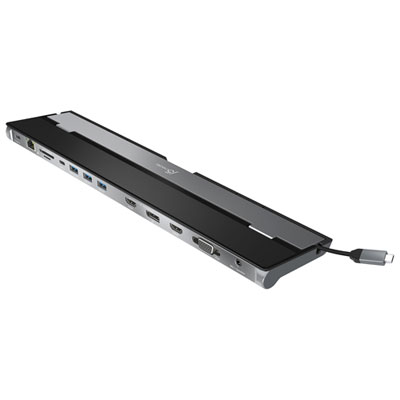 Your price for this item is $149.99
-
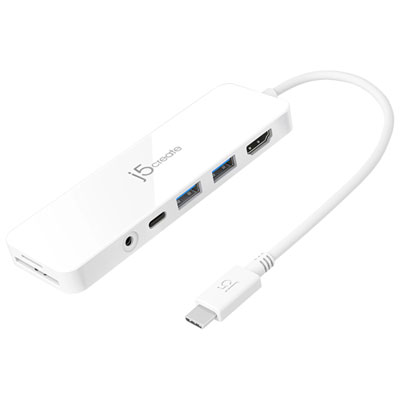 Your price for this item is $69.99
-
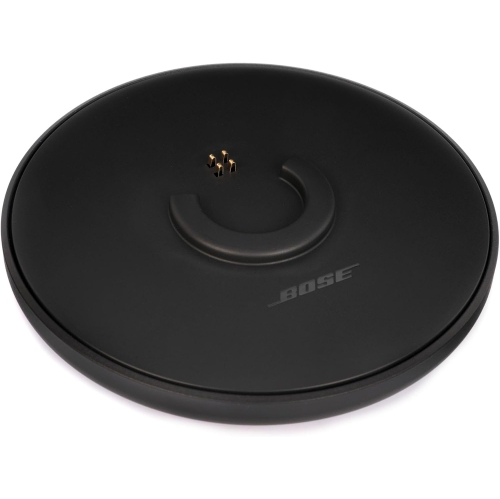 Your price for this item is $87.99
-
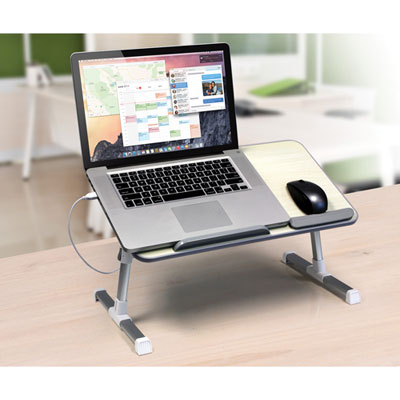 Your price for this item is $59.99
-
 Your price for this item is $96.16
-
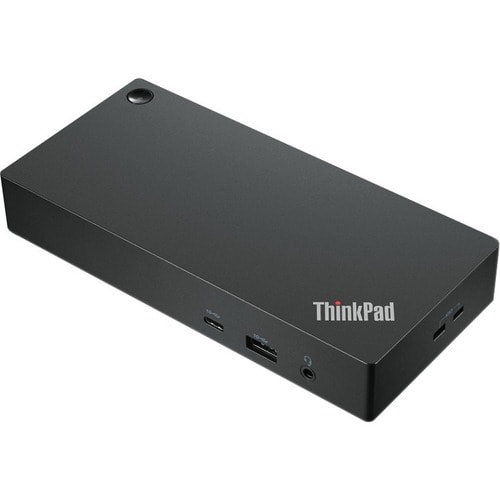 Your price for this item is $179.99
-
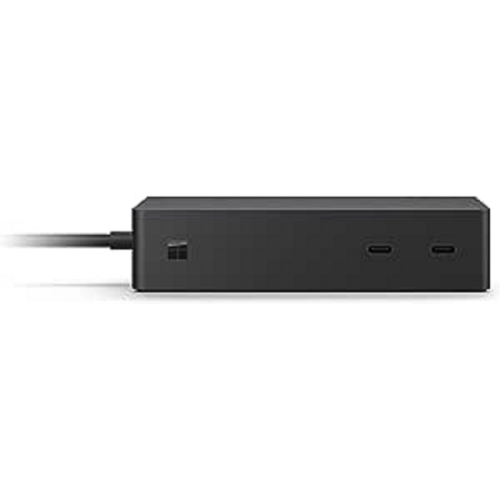 Your price for this item is $214.99
-
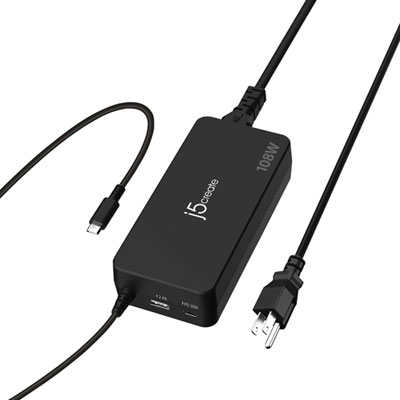 Your price for this item is $89.99
Discover more categories related to Laptop Cooling Pads for Gamers
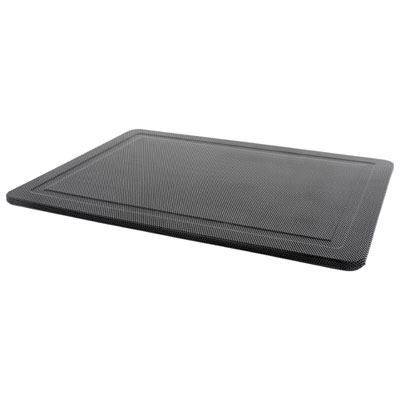
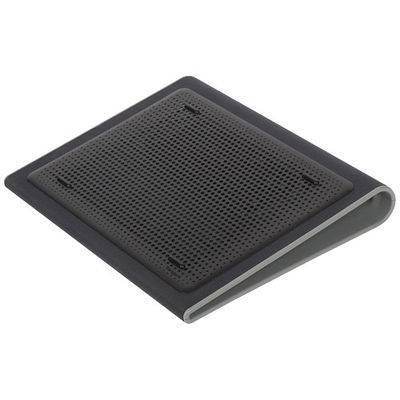
Top Collections:
Best Black Friday Deals This Year, Best Black Friday Deals On Electronics, Kindle Devices, Pokemon Centers, Best Black Friday Deals On Apple Products, Best Cameras for Sports Photography, Dyson Airwrap, Pokémon 30th Celebration Cards, Apple iPhone 17 Pro, Canon G7X Cameras
Some products may be subject to Environmental Handling Fees
(EHF) depending on your province.
Learn more about EHFs.