Laptop Desk Mounts
If you're looking to enhance your productivity and comfort while working on your laptop, look no further than these laptop desk mounts. These versatile accessories provide a convenient and ergonomic solution for creating an organized workspace. Whether you're a student, professional, or simply someone who enjoys the flexibility of working from different locations, these laptop desk mounts can help you achieve the perfect setup. With adjustable arms, sturdy construction, and easy installation, these mounts offer a secure and efficient way to elevate your laptop to the ideal height and angle.
Sort



![AMER MOUNTS Dual Articulating Spring Monitor Arm [Arctic Edition] for 17"-32" Monitors 9Kg Max Weight Per Screen - Clamp And Grommet Base Mount But this one worked really great](https://multimedia.bbycastatic.ca/multimedia/products/500x500/160/16039/16039938.jpeg)
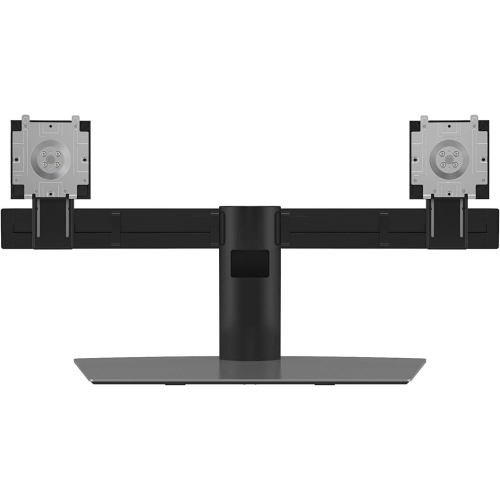
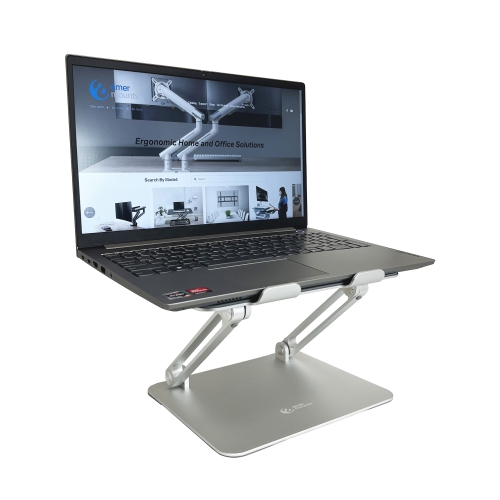
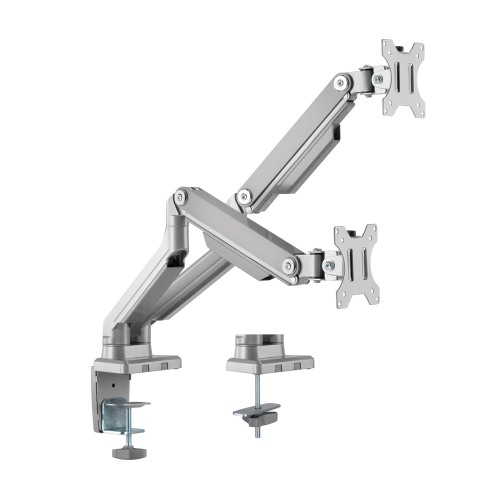
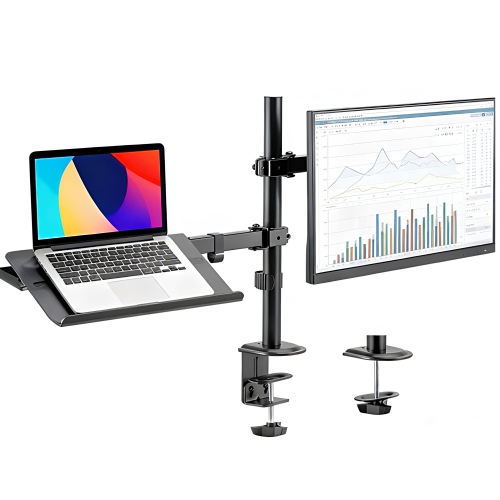
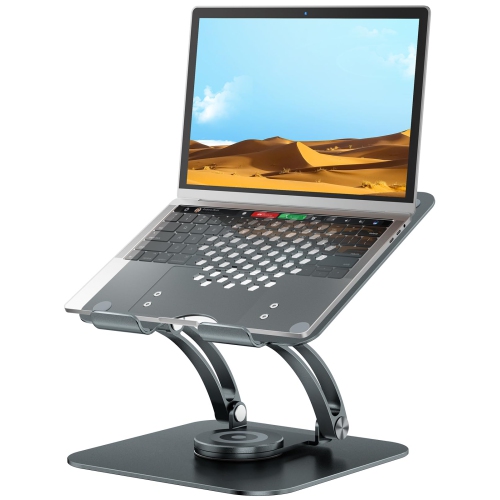
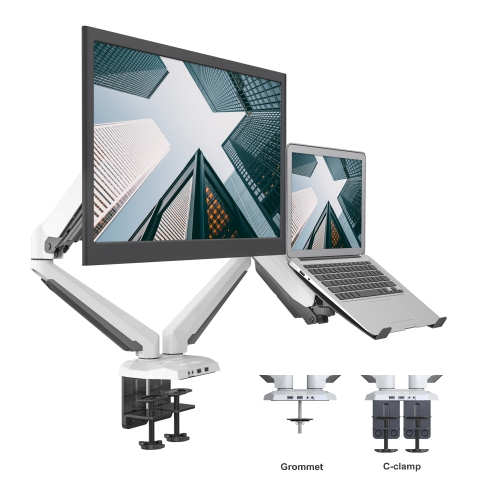
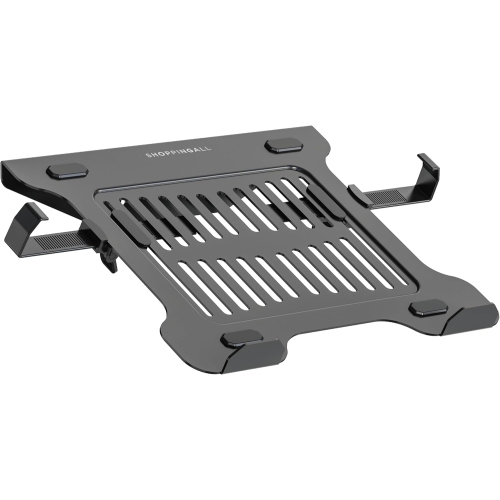
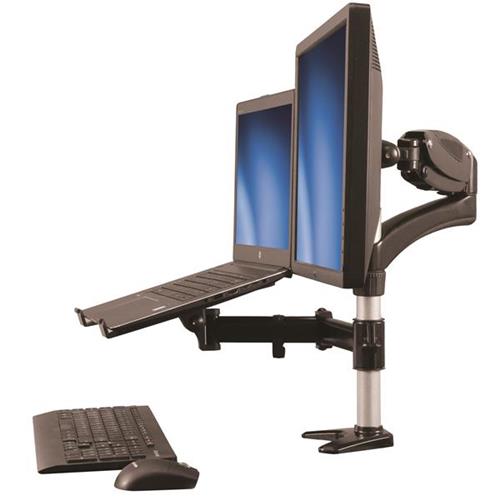
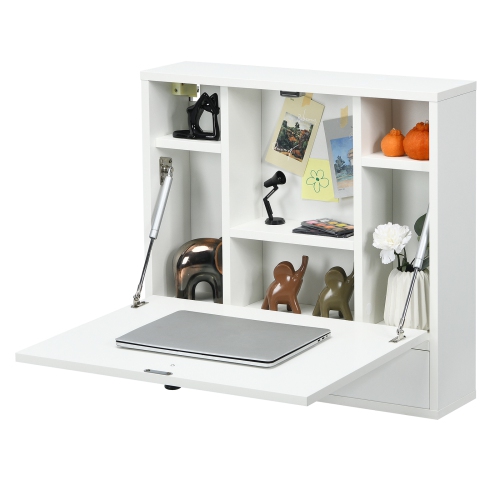
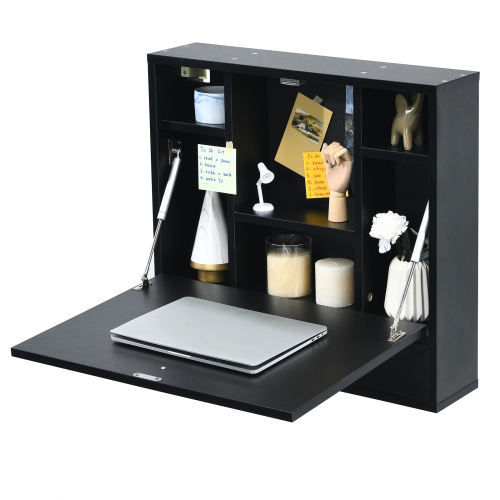
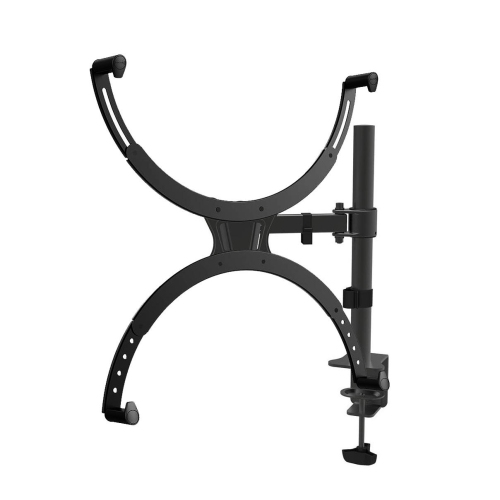
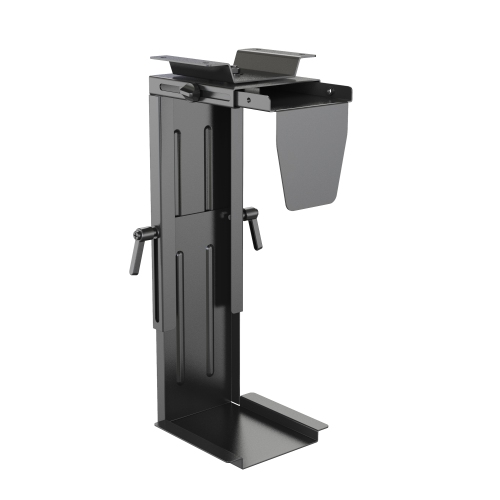
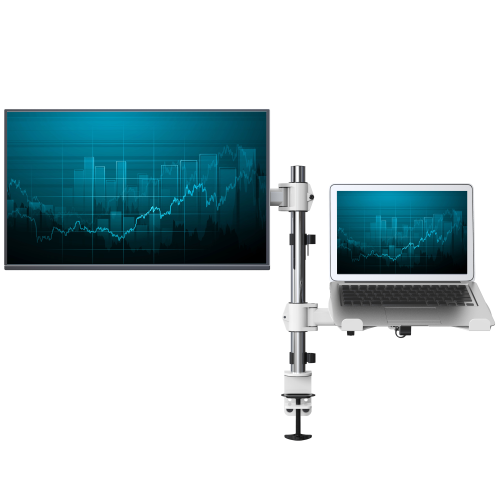
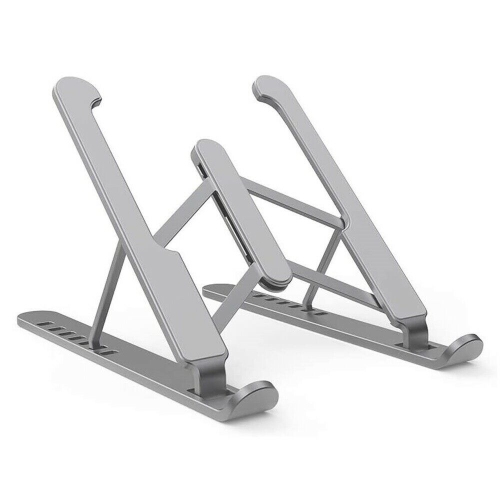
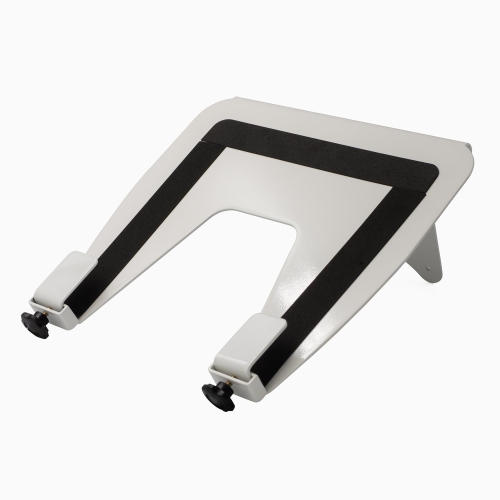
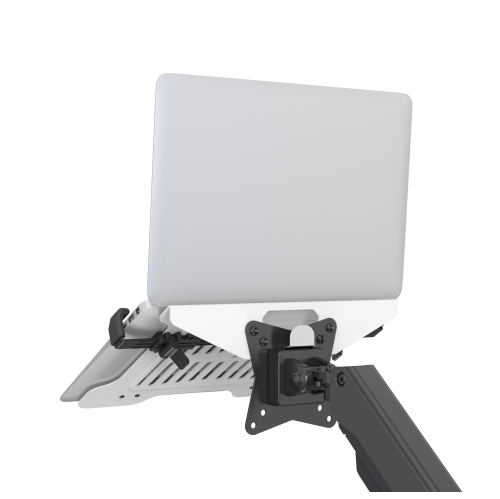
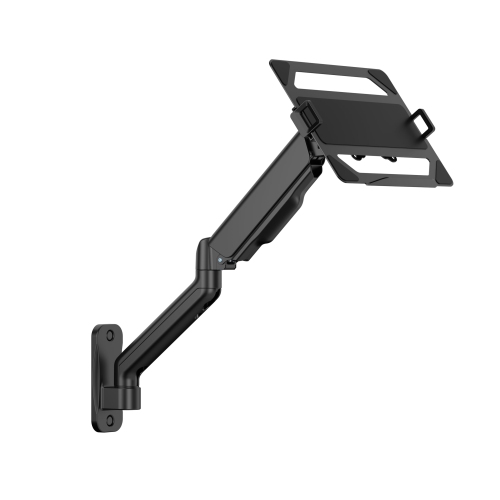
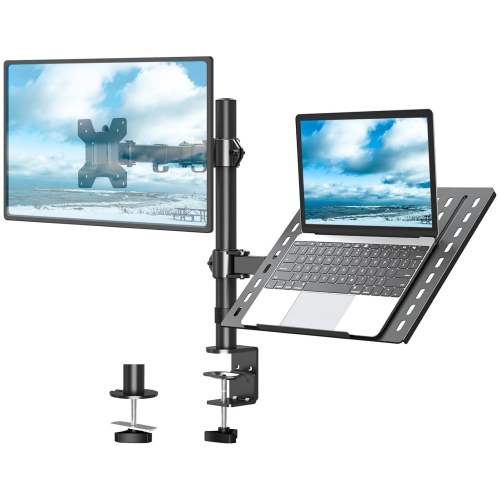
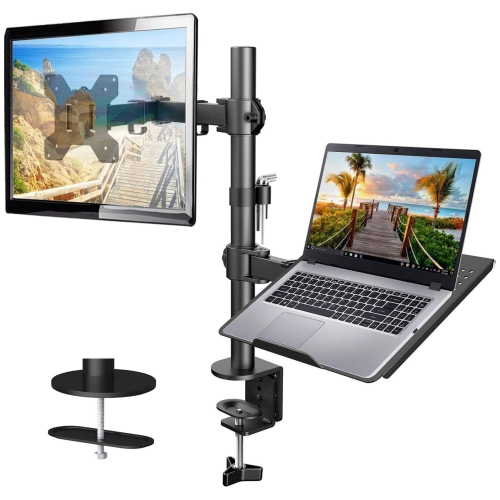
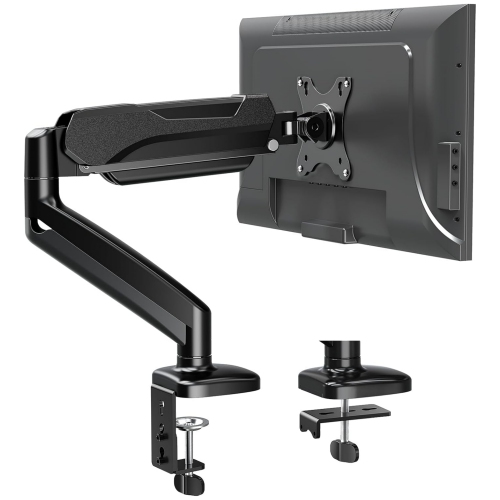
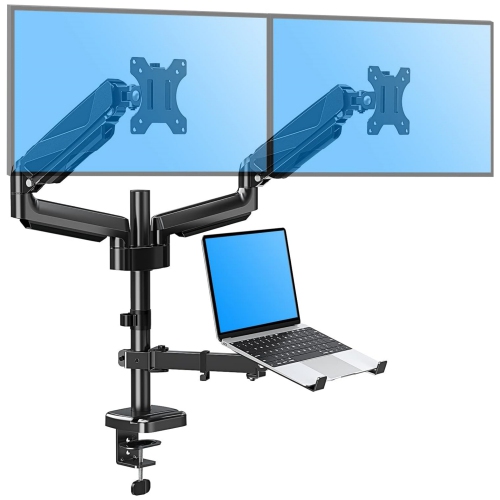
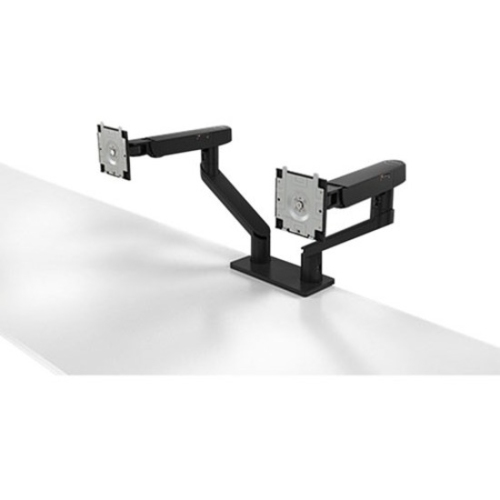
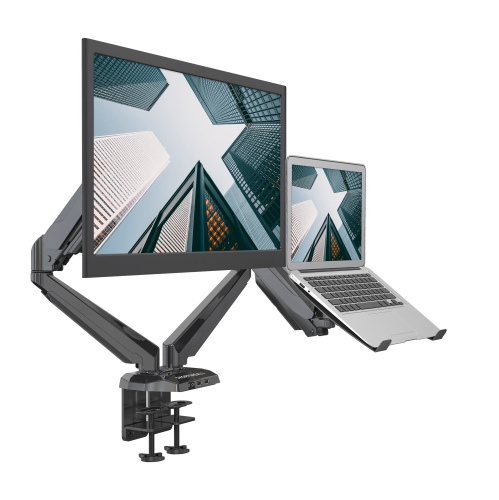
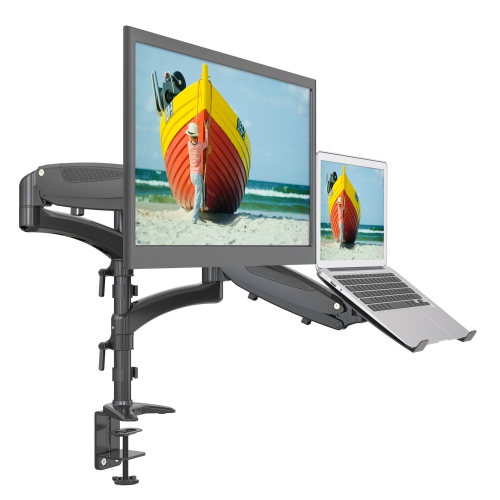
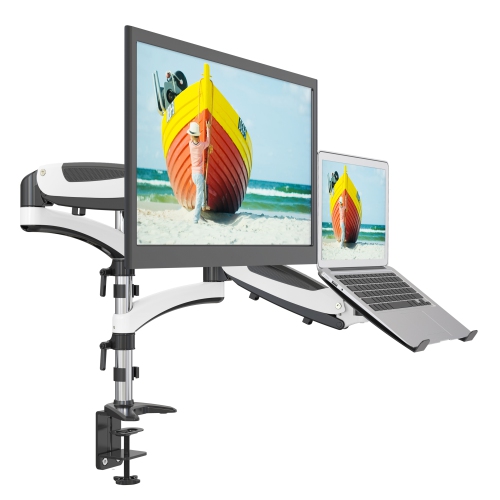
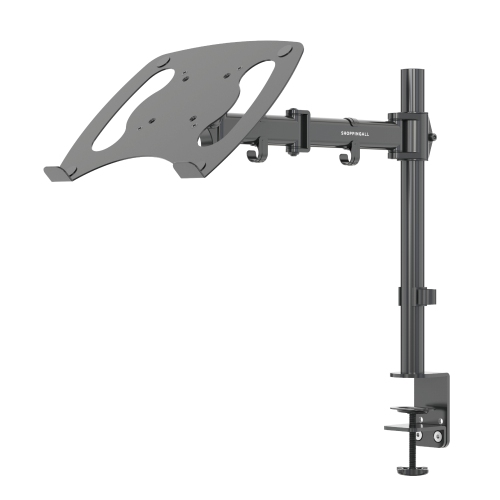

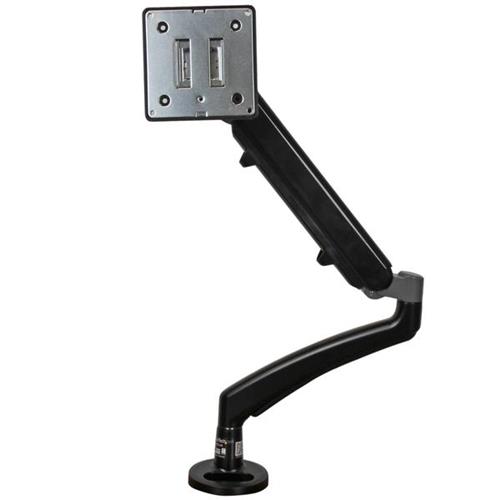
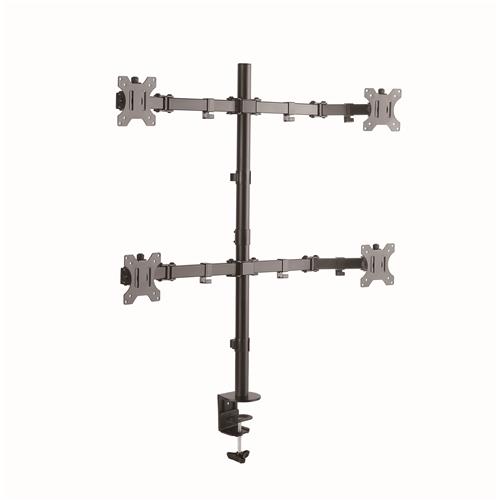
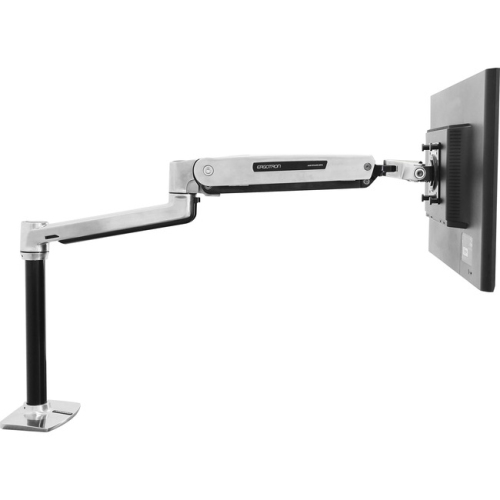
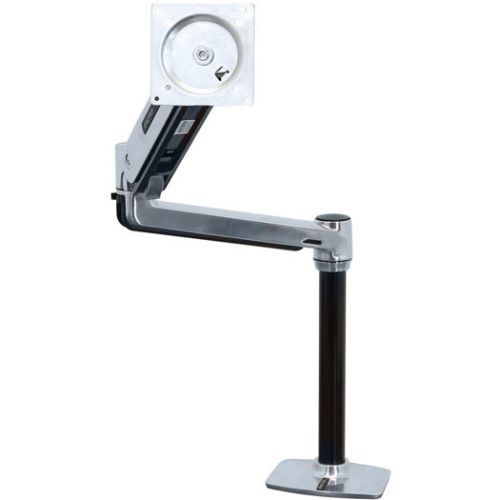
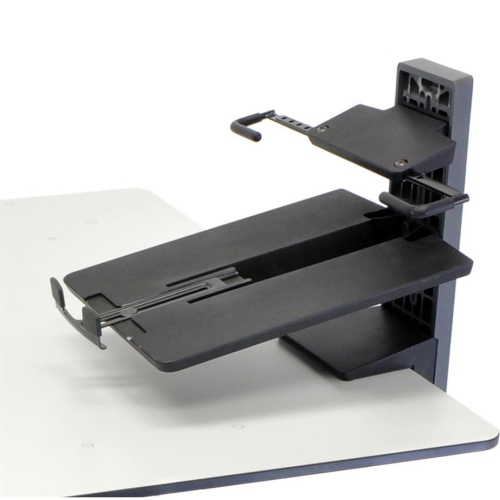
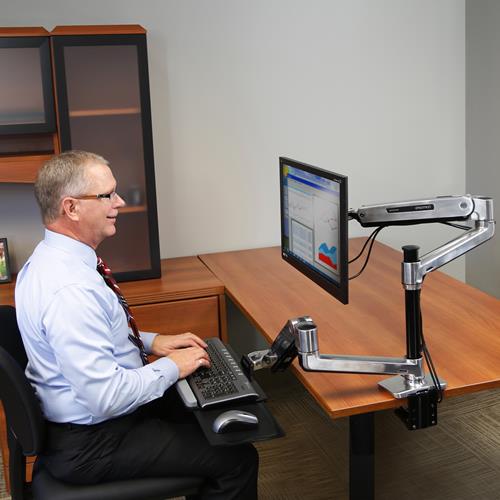
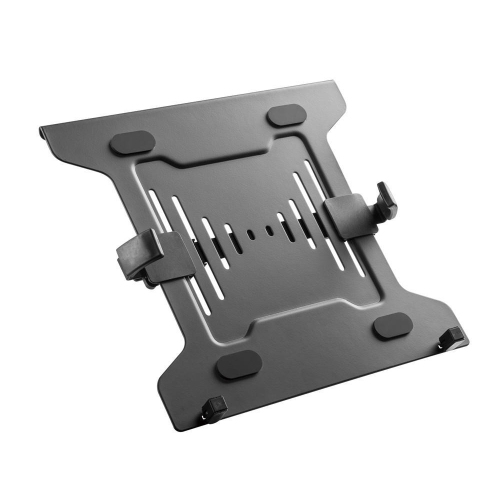
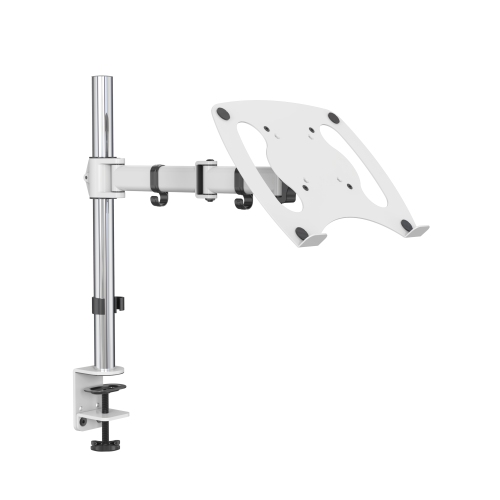
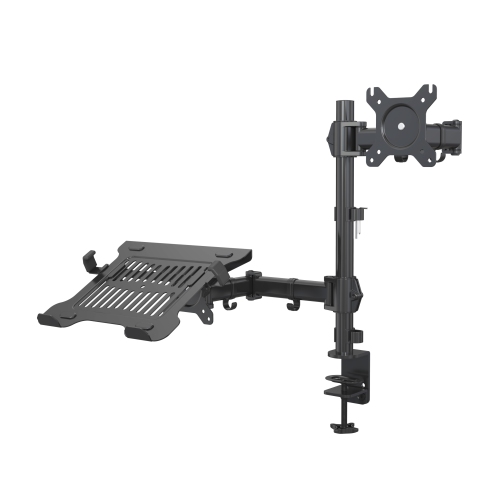
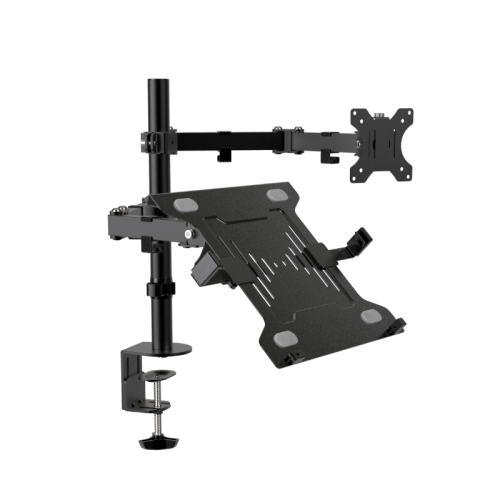
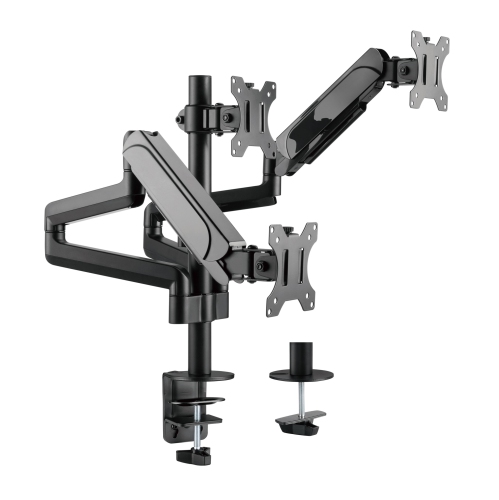
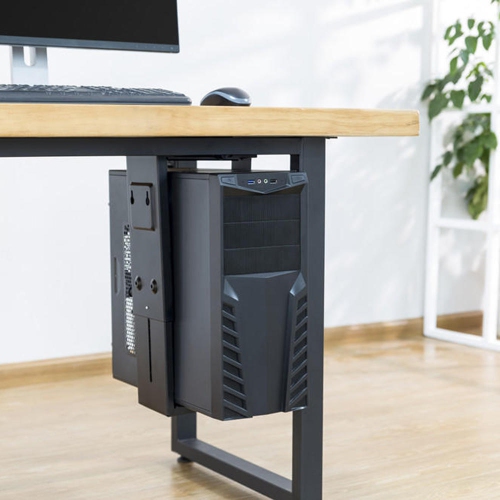
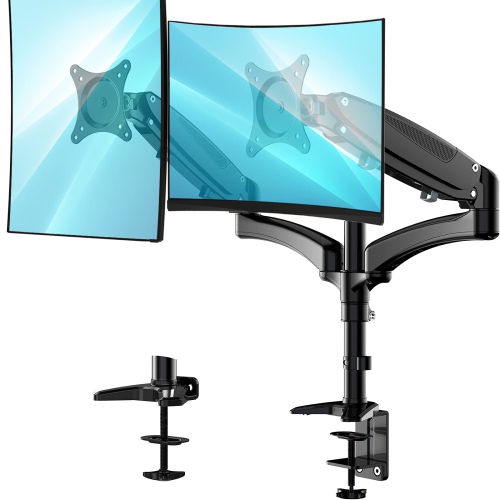
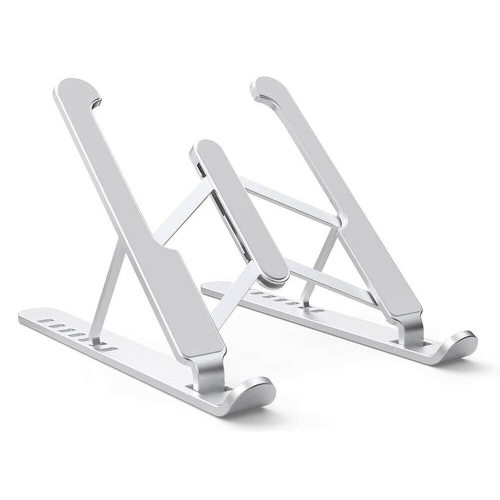
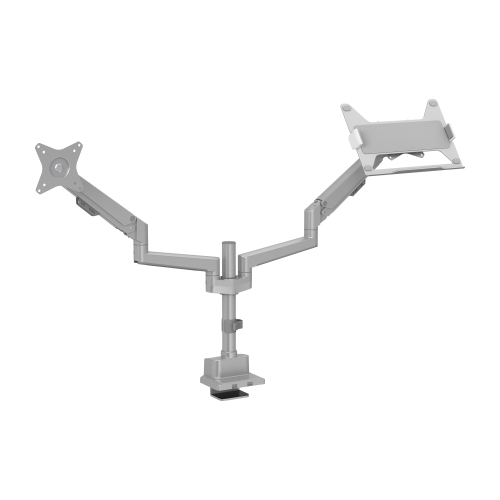
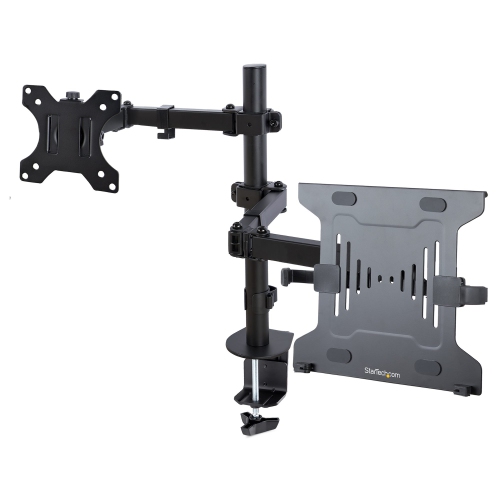
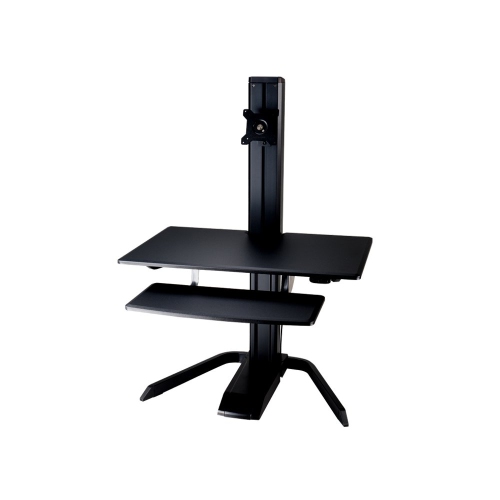
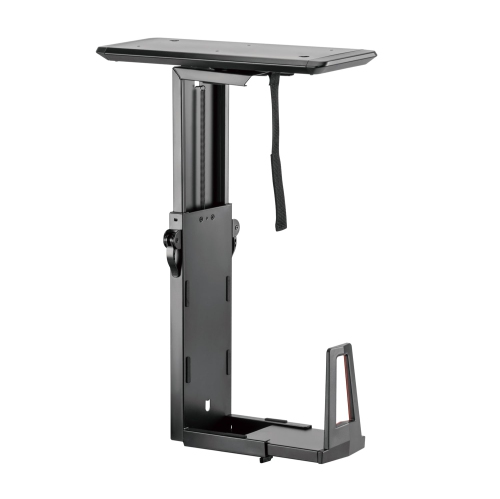
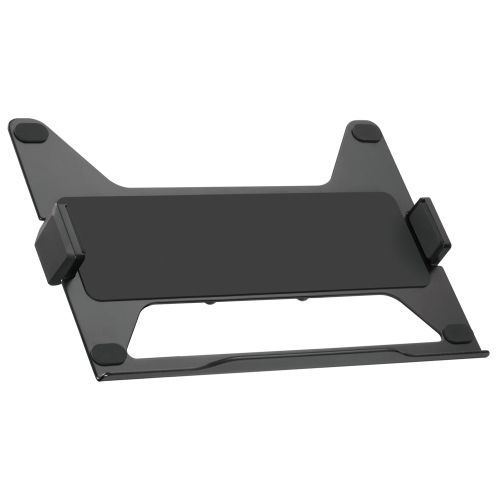
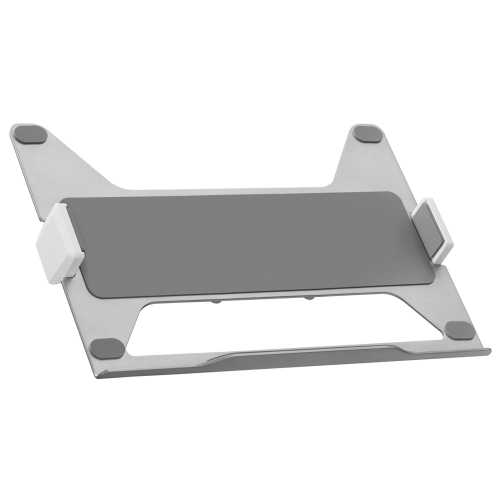
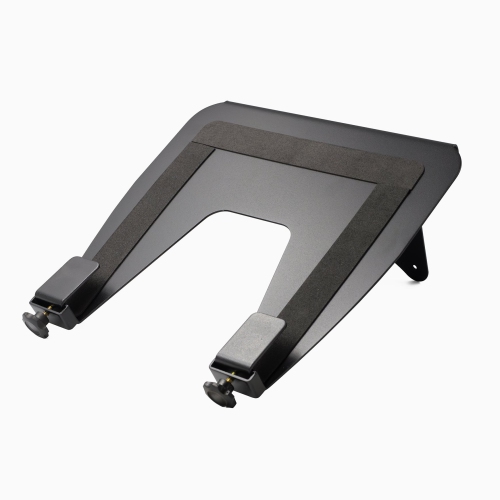
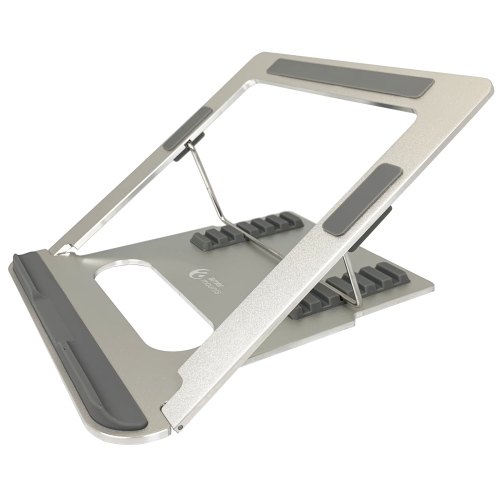
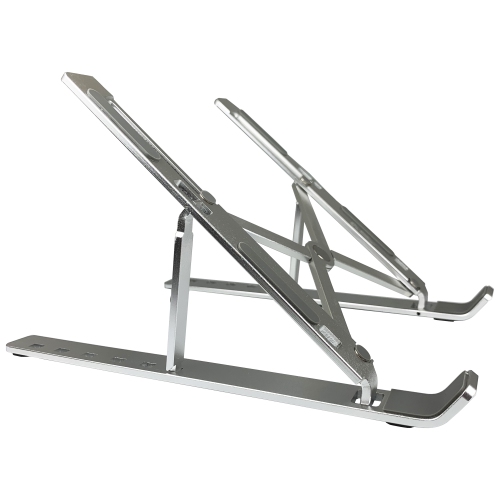
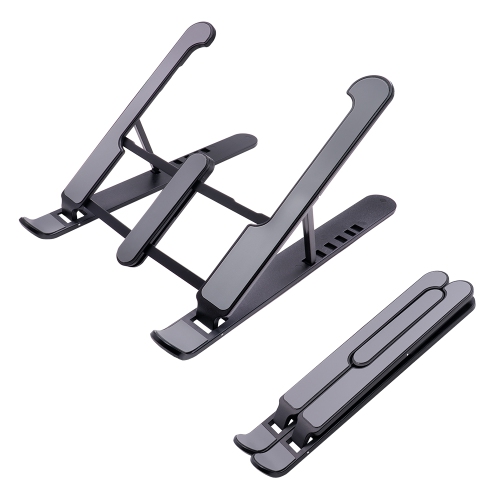
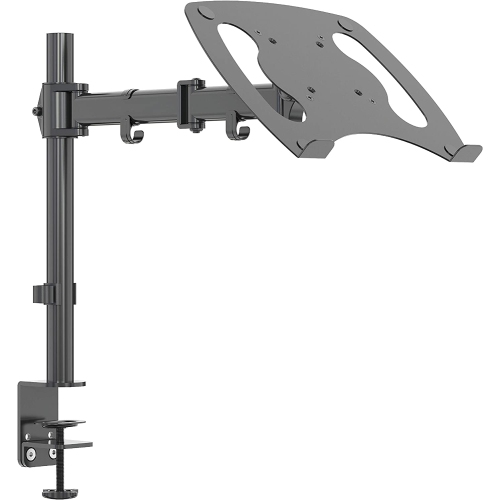
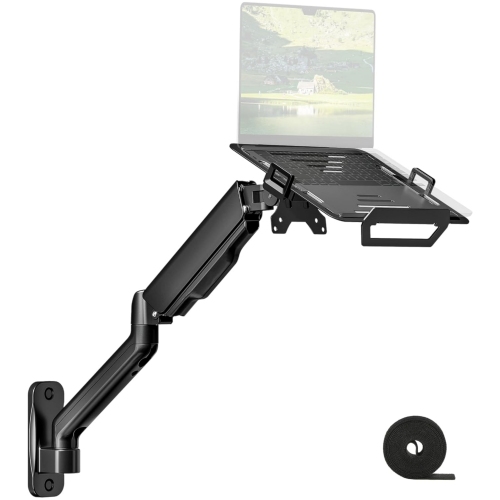
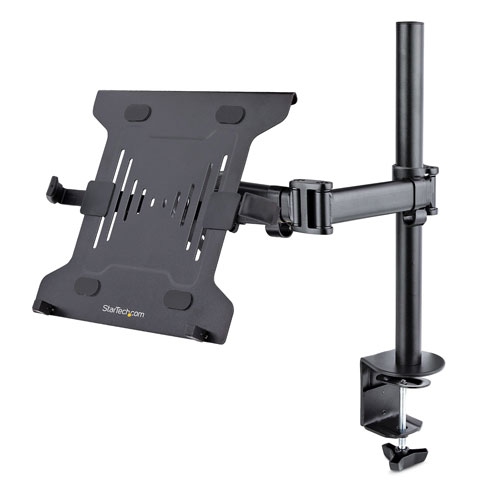
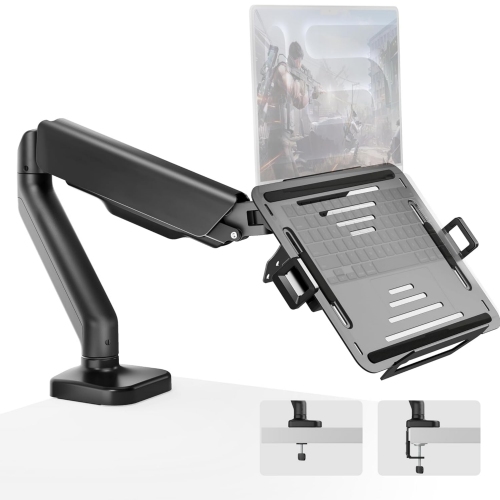
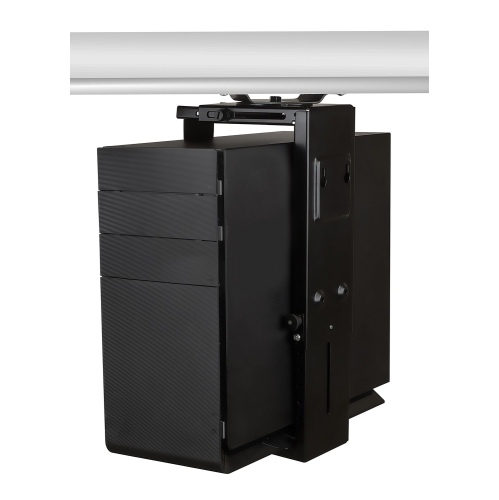
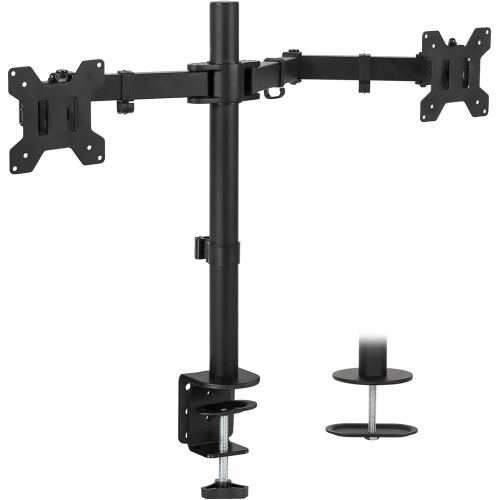
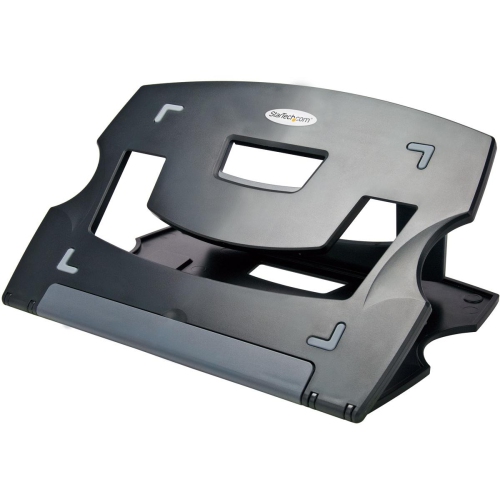
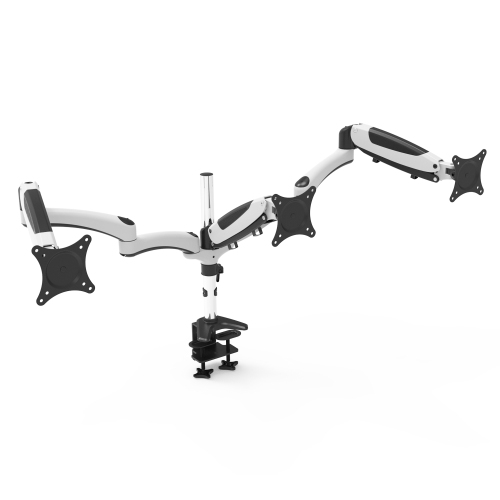
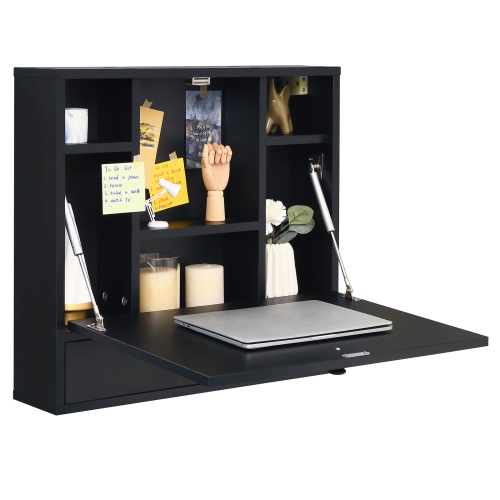
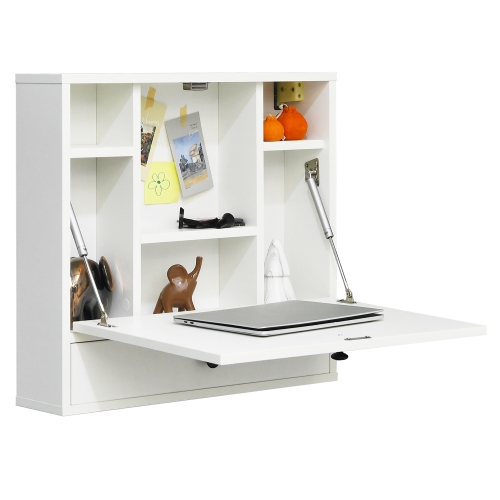
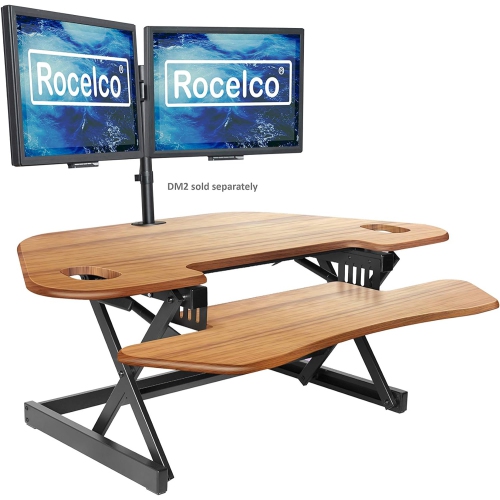
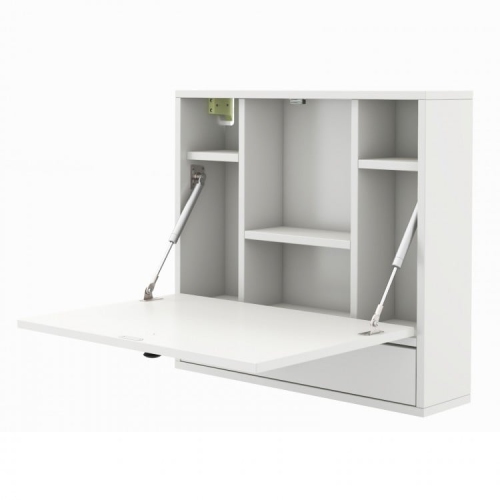
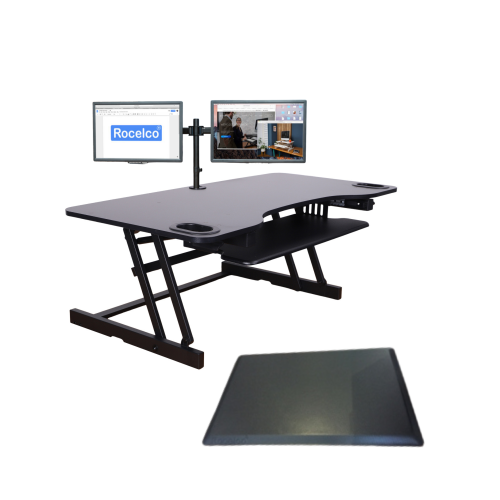
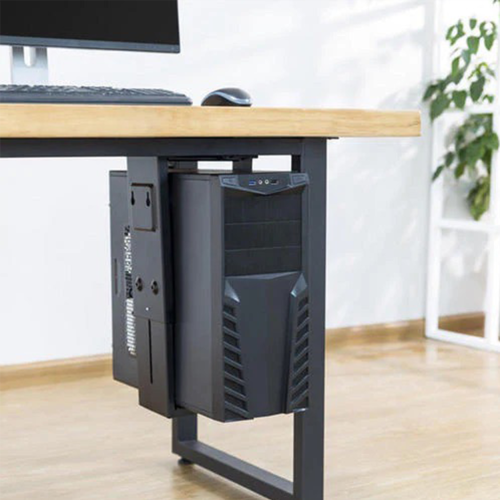

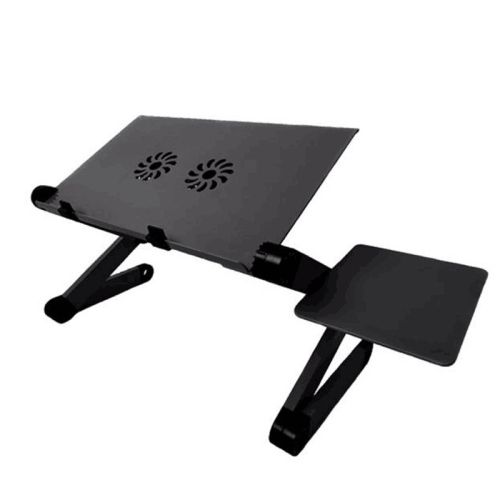
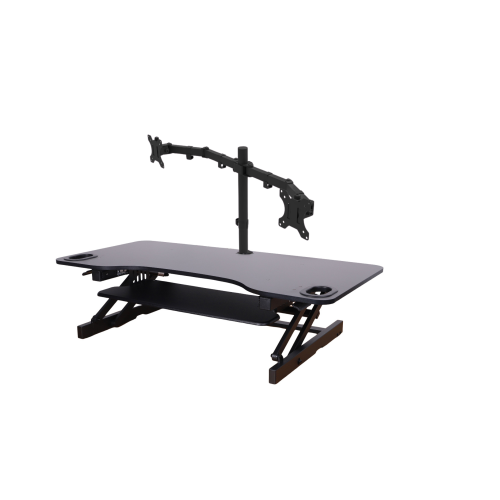
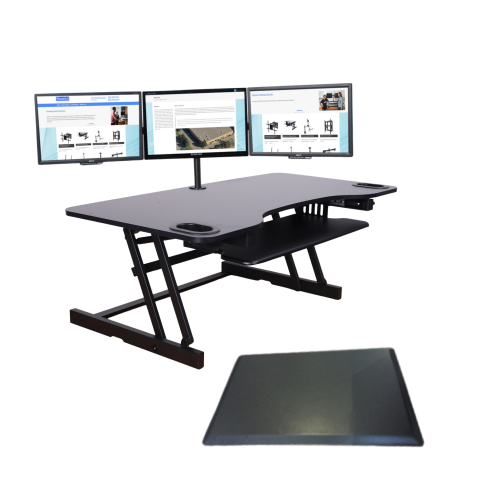
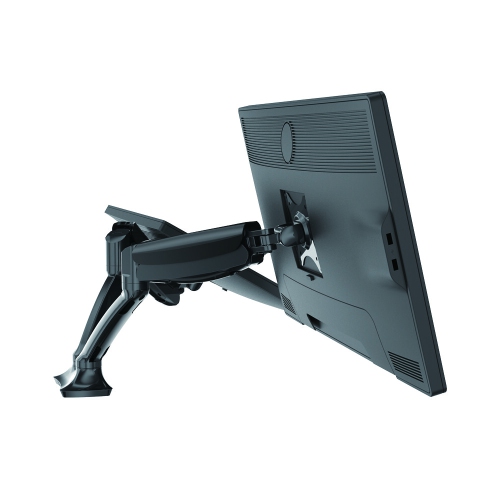
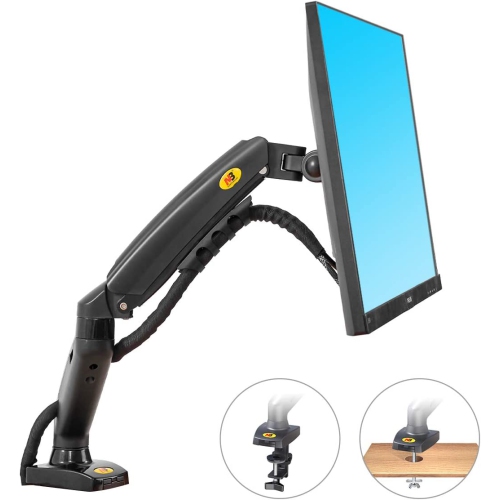
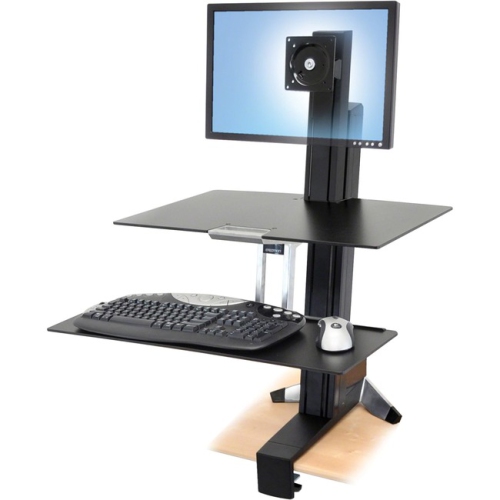

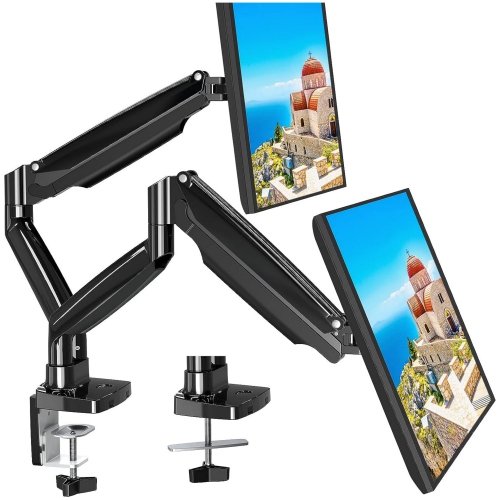
Adjustable mounting options for more comfortable, organized workstations
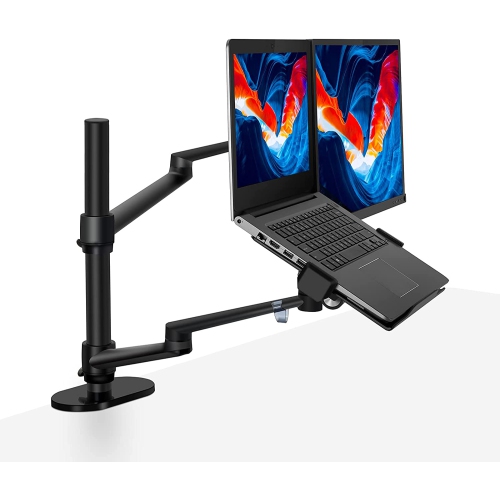
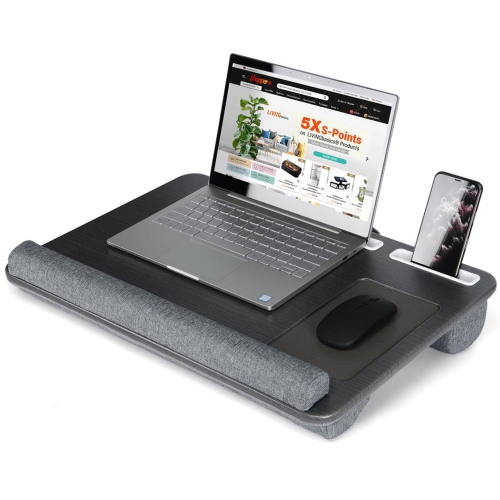
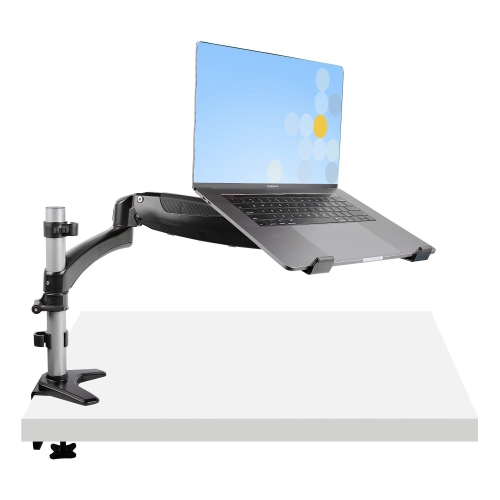
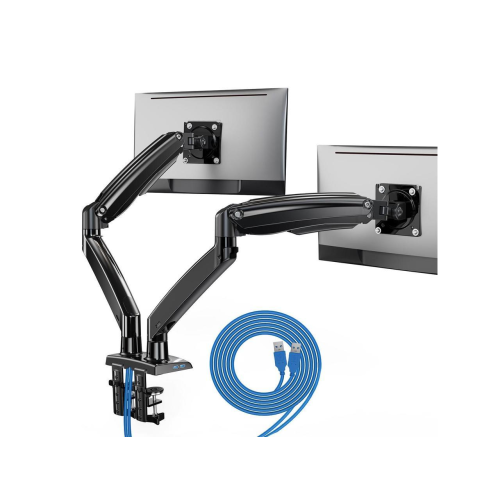
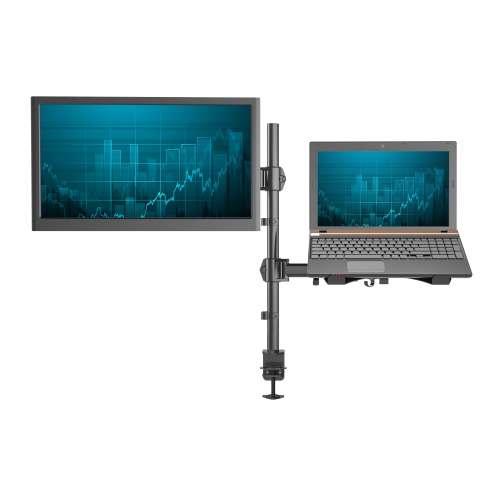
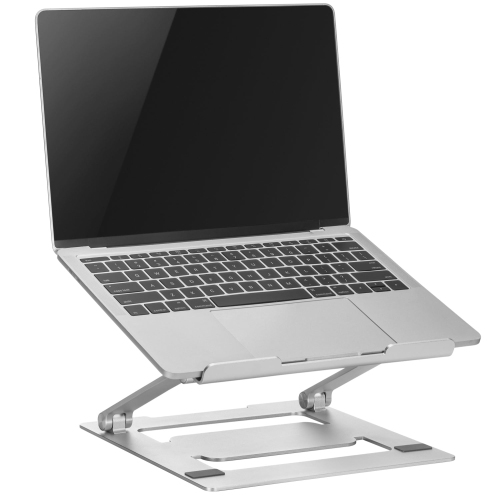
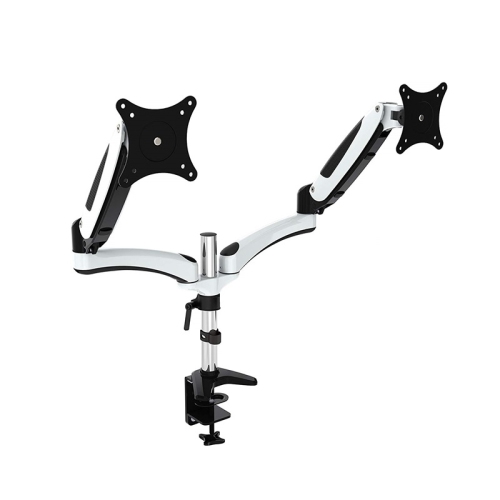
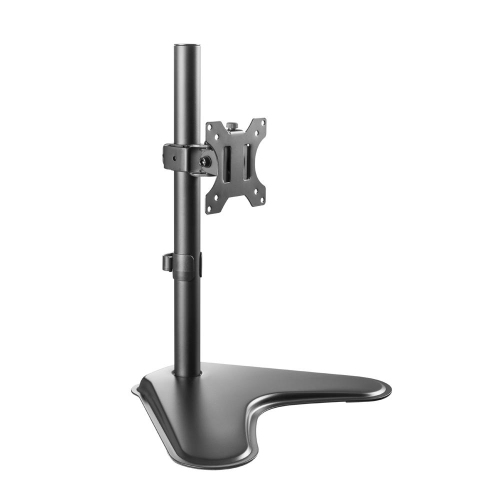
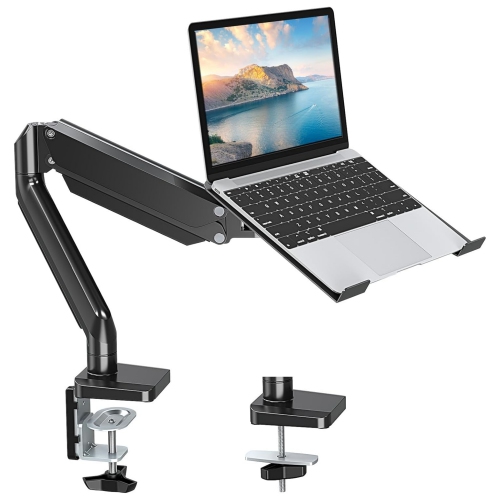
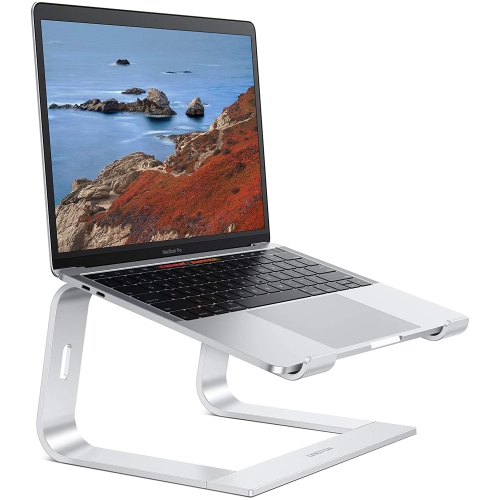
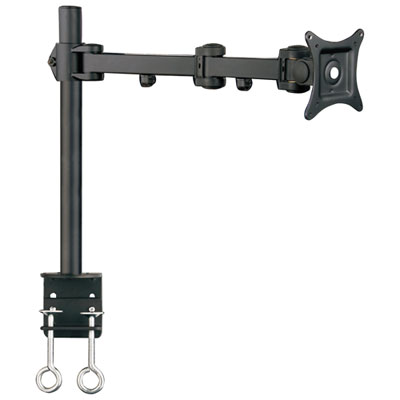
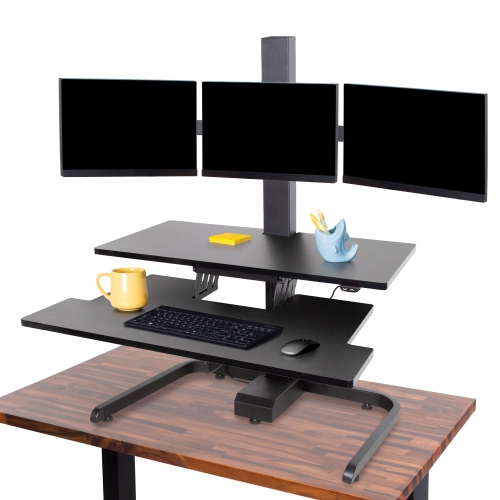
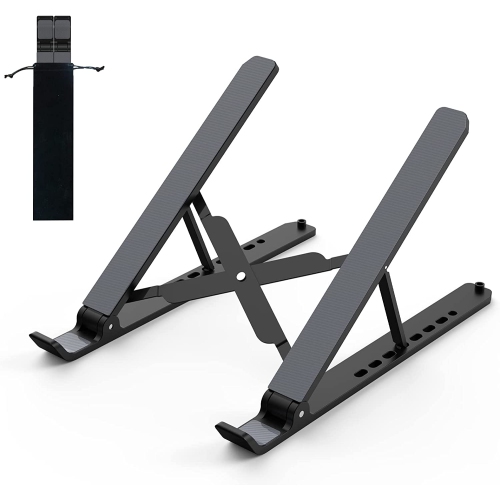
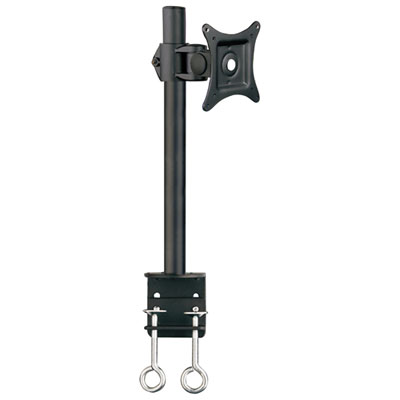
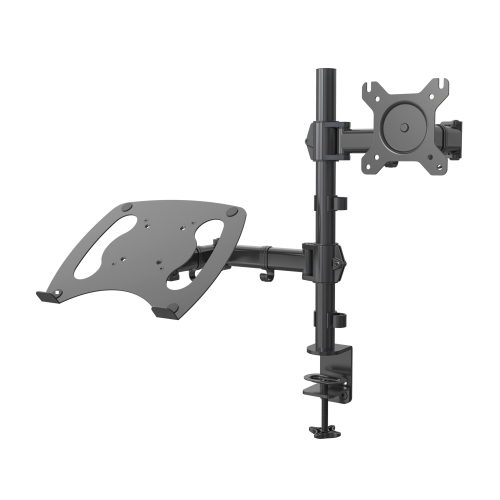
Laptop desk mounts are designed to lift a notebook off the work surface, position it at a more comfortable viewing height, and make better use of limited desk space. They are a practical addition to a home office, study area, creative workstation, shared workspace, or gaming setup where every centimetre of room matters. A raised laptop can help place the top of the display closer to eye level, while an external keyboard and mouse allow the hands and shoulders to rest in a more natural position. This arrangement is especially useful for people who spend long stretches moving between video calls, documents, spreadsheets, online learning, and other everyday tasks. It can also make a compact desk feel less crowded by creating space beneath the computer for a keyboard, notebook, writing pad, or accessories. Some mounts use an articulating arm that can be raised, lowered, tilted, swivelled, or pulled closer when needed. Others are designed to hold a laptop beside a monitor, creating a dual-screen workstation without requiring two separate desks or a larger tabletop. Under-desk brackets offer another approach by keeping a docked laptop stored neatly below the surface, leaving the main work area clear while still allowing easy access when the computer is needed. During the warmer months and into the cooler months, a flexible mount can also make it easier to move a workstation between a home office, kitchen counter, bedroom, or multipurpose room without permanently dedicating a large area to computer equipment.
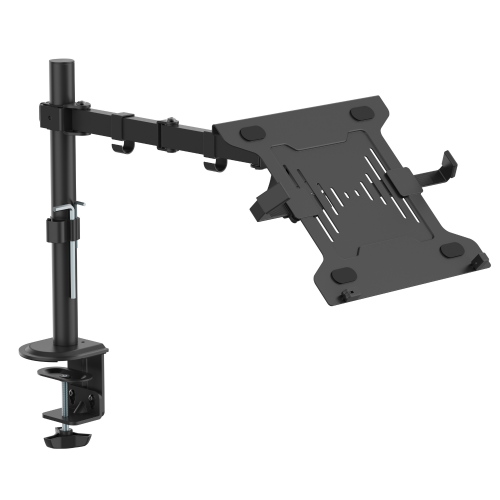
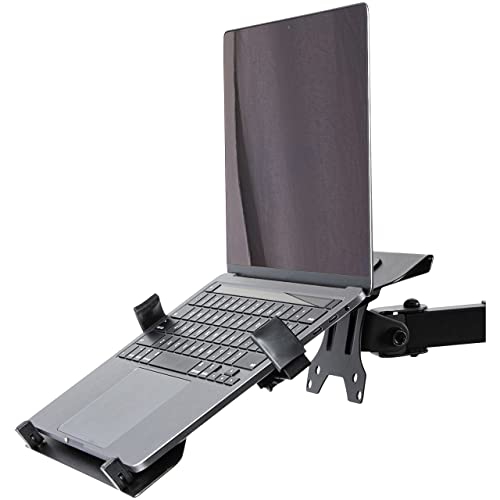
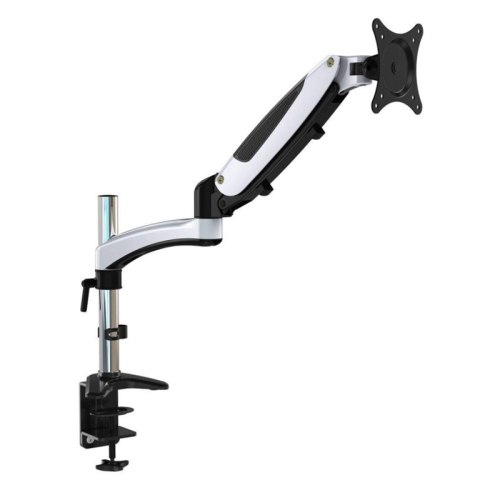
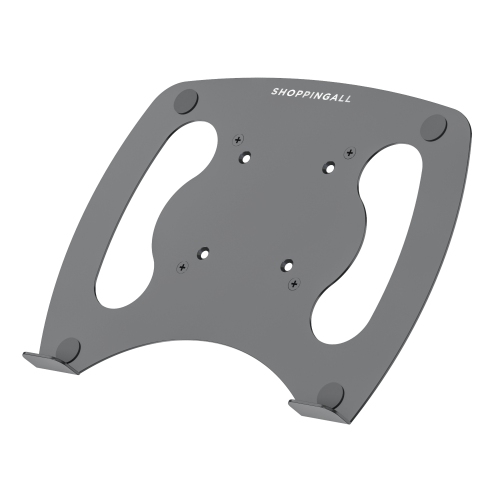
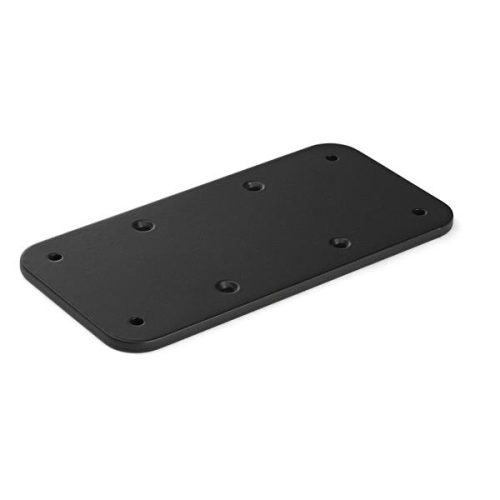
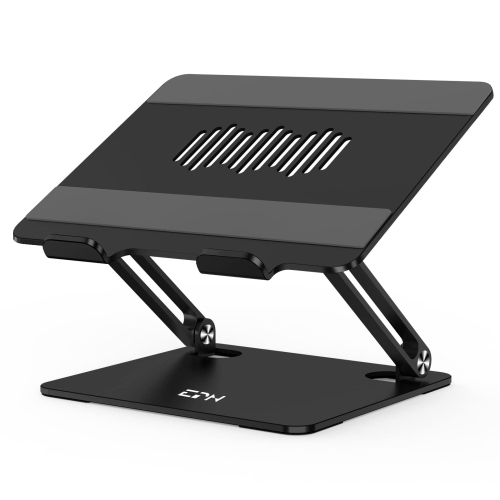
The mounting style is one of the most important details to review before choosing a laptop desk mount. A C-clamp attaches to the back or side of a desk and is often a convenient option for renters, shared workspaces, and anyone who does not want to drill into furniture. The clamp needs enough clearance to grip securely, and the desk must be strong and thick enough to support the combined weight of the mount, tray, and laptop. A grommet mount passes through an existing cable-management opening or a drilled hole in the desk, creating a firm, centred installation that can be useful when the rear edge is difficult to reach. Under-desk brackets may screw into the underside of the work surface or attach with a compatible clamping system, so checking the required hardware and available clearance is essential. Many articulating arms use the VESA standard, most commonly 75 x 75 millimetres or 100 x 100 millimetres, with a removable tray that connects to the arm through those mounting points. The tray itself should match the laptop’s size and weight. Common capacity ranges support notebooks up to 15 inch or 17 inch displays, while weight limits can vary from approximately 4.5 pounds to 22 pounds depending on the construction and arm mechanism. A laptop with a large battery, rugged chassis, protective case, or attached accessories may weigh more than its screen size suggests, so comparing the exact load rating is worthwhile. Vented trays with openings or pre-drilled holes can promote airflow around the underside of the computer, which is helpful during demanding work such as video editing, gaming, large file transfers, or extended video meetings. Look for raised edges, retaining lips, straps, or other features that help keep the laptop stable as the arm moves. Cable clips and routing channels can also reduce tangles around the clamp and help keep charging, display, and peripheral cables within reach.
A laptop desk mount can be a thoughtful gift for a student preparing a study station, a remote worker refining a home office, or a family member who has outgrown a crowded computer desk. It may also suit someone who alternates between a laptop and a desktop monitor, since a combo mount can position both screens at useful heights and support a more consistent viewing arrangement. When a mount is intended for a shared household workspace, smooth height adjustment, a broad range of tilt, and a quick way to move the tray out of the way can be more valuable than a permanently fixed position. People who connect their laptop to a monitor, keyboard, mouse, webcam, or other peripherals may appreciate having the notebook held securely beside the screen while the desk remains uncluttered. For monitor-based setups, browse LCD Monitor Desk Mounts to explore related ways to arrange a display and make more room on a workstation. Before installing any mount, confirm the desk material, thickness, edge shape, and available rear clearance, then check that the laptop tray will not block ports, vents, speakers, or the charging connection. Consider where the arm will travel and whether it could contact a wall, shelf, window, or nearby equipment when extended. A mount that can fold back neatly is useful in a multipurpose room, while a wide range of adjustment is valuable for switching between sitting and standing positions. The best fit balances stability, movement, laptop compatibility, ventilation, and the way the desk is used each day. With the right combination, a laptop desk mount can turn a cramped corner into a more orderly workstation, create room for comfortable accessories, and make everyday computing feel easier to arrange.
The mounting style is one of the most important details to review before choosing a laptop desk mount. A C-clamp attaches to the back or side of a desk and is often a convenient option for renters, shared workspaces, and anyone who does not want to drill into furniture. The clamp needs enough clearance to grip securely, and the desk must be strong and thick enough to support the combined weight of the mount, tray, and laptop. A grommet mount passes through an existing cable-management opening or a drilled hole in the desk, creating a firm, centred installation that can be useful when the rear edge is difficult to reach. Under-desk brackets may screw into the underside of the work surface or attach with a compatible clamping system, so checking the required hardware and available clearance is essential. Many articulating arms use the VESA standard, most commonly 75 x 75 millimetres or 100 x 100 millimetres, with a removable tray that connects to the arm through those mounting points. The tray itself should match the laptop’s size and weight. Common capacity ranges support notebooks up to 15 inch or 17 inch displays, while weight limits can vary from approximately 4.5 pounds to 22 pounds depending on the construction and arm mechanism. A laptop with a large battery, rugged chassis, protective case, or attached accessories may weigh more than its screen size suggests, so comparing the exact load rating is worthwhile. Vented trays with openings or pre-drilled holes can promote airflow around the underside of the computer, which is helpful during demanding work such as video editing, gaming, large file transfers, or extended video meetings. Look for raised edges, retaining lips, straps, or other features that help keep the laptop stable as the arm moves. Cable clips and routing channels can also reduce tangles around the clamp and help keep charging, display, and peripheral cables within reach.
A laptop desk mount can be a thoughtful gift for a student preparing a study station, a remote worker refining a home office, or a family member who has outgrown a crowded computer desk. It may also suit someone who alternates between a laptop and a desktop monitor, since a combo mount can position both screens at useful heights and support a more consistent viewing arrangement. When a mount is intended for a shared household workspace, smooth height adjustment, a broad range of tilt, and a quick way to move the tray out of the way can be more valuable than a permanently fixed position. People who connect their laptop to a monitor, keyboard, mouse, webcam, or other peripherals may appreciate having the notebook held securely beside the screen while the desk remains uncluttered. For monitor-based setups, browse LCD Monitor Desk Mounts to explore related ways to arrange a display and make more room on a workstation. Before installing any mount, confirm the desk material, thickness, edge shape, and available rear clearance, then check that the laptop tray will not block ports, vents, speakers, or the charging connection. Consider where the arm will travel and whether it could contact a wall, shelf, window, or nearby equipment when extended. A mount that can fold back neatly is useful in a multipurpose room, while a wide range of adjustment is valuable for switching between sitting and standing positions. The best fit balances stability, movement, laptop compatibility, ventilation, and the way the desk is used each day. With the right combination, a laptop desk mount can turn a cramped corner into a more orderly workstation, create room for comfortable accessories, and make everyday computing feel easier to arrange.
Top selling and popular products
-
 Your price for this item is $34.95
 -
 Your price for this item is $129.99
 -
 Your price for this item is $69.99
 -
 Your price for this item is $69.99
 -
 Your price for this item is $99.99
 -
 Your price for this item is $124
 -
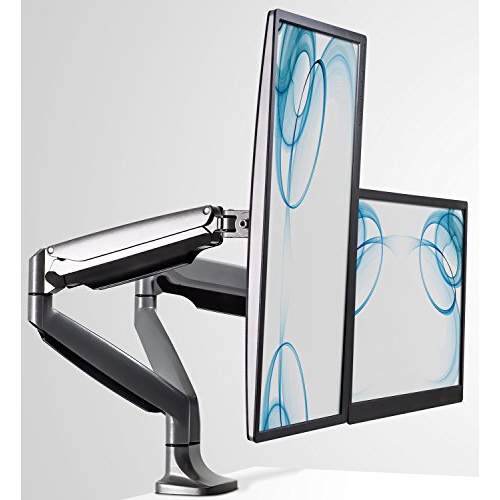 Your price for this item is $256.68
 -
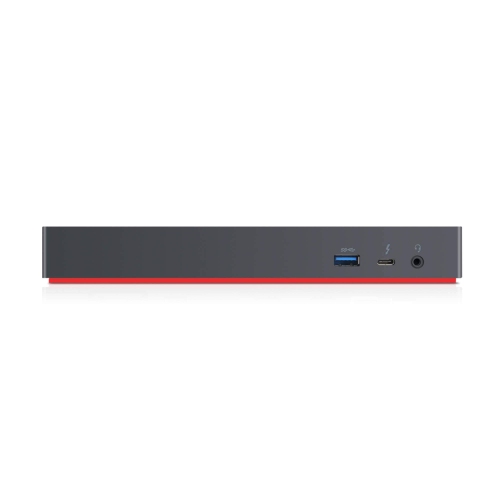 Your price for this item is $300
Discover more categories related to Laptop Desk Mounts
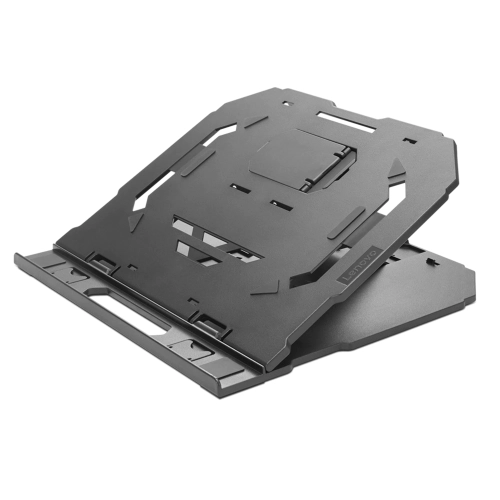
Top Collections:
Pokemon Centers, Kindle Devices, Best Budget Office Chairs, Apple iPhones 16, Best Laptops for Writers, iPhone 15 Apple, Canon G7X Cameras, Refurbished Apple Laptops, Alarm Clock, Motorola Razr Phones
Some products may be subject to Environmental Handling Fees
(EHF) depending on your province.
Learn more about EHFs.