Best Monitor Mounts
Find the best monitor mounts for a more comfortable, organized workspace. Whether you’re setting up a single screen or multiple displays, compare options that suit your monitor size, desk layout, and preferred viewing position. Ranked by customer review ratings, this selection makes it easier to explore highly rated mounts and find the right fit for your setup.
What to look for in monitor mounts
1. Monitor Compatibility
2. Mounting Options
3. Position Adjustment
4. Cable Management
-
1
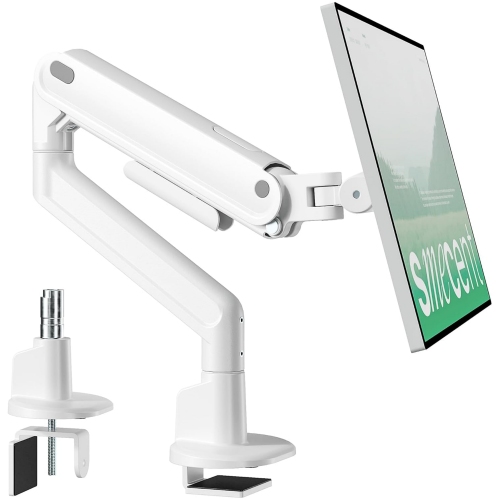
MONTEK Heavy-Duty Aluminum Single Mount for 17–40" Monitor Up to 26.4 Lbs, Mechanical Spring, Full Motion Adjustment, Vesa 75/100 In White
About this product
A sturdy white aluminum monitor mount with mechanical spring and full motion adjustment for stable viewing.
$159.49 Your price for this item is $159.49 -
2
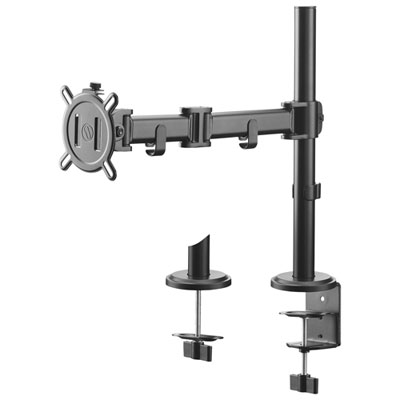
One For All 13" - 32" Smart Single Monitor Mount - Black
About this product
A black monitor mount offering 360° rotation, 180° swivel, and 90° tilt for flexible viewing.
$79.95 Your price for this item is $79.95 -
3
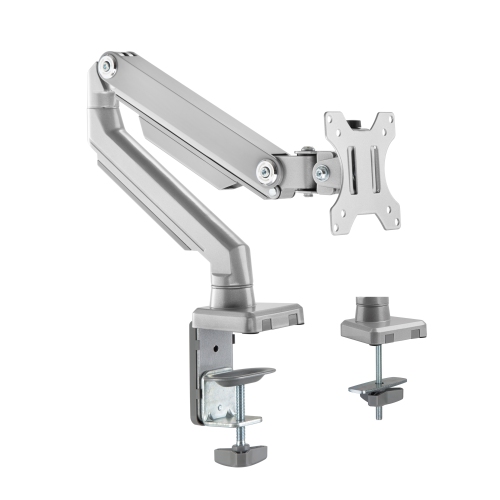
UPLITE Ergonomic Height Adjustable Stand Single Monitor Desk Mount Articulating Arm for 1 Screen 17"- 32"
About this product
An ergonomic aluminum monitor arm with smooth height adjustment, flexible joints, and integrated cable management.
(4)$39.99Your price for this item is $39.99SAVE $30 -
4
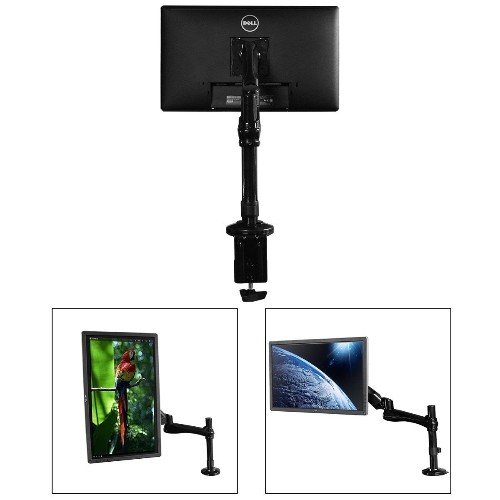
BOOST INDUSTRIES Dma-1327 Single Monitor Gas-Strut Desktop Mount for Screens 13" to 27" (Black)
About this product
A black steel and aluminum gas-strut mount offering full adjustability and ergonomic positioning for monitors.
$48.88Your price for this item is $48.88SAVE $81 -
5
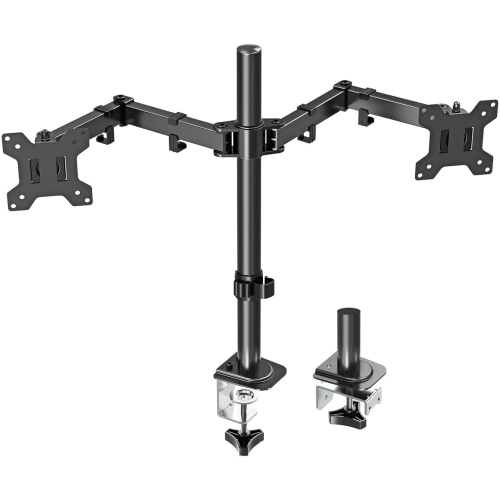
MOUNT PRO Dual Monitor Mount Fits 13-32 Inch/17.6 Lbs Lcd Screen, Computer Monitor Desk Mount, Articulating Monitor Arm, Height Adjustable Display
About this product
A height-adjustable articulating arm that securely holds two monitors for an organized, ergonomic workspace.
$159.99Your price for this item is $159.99SAVE $69 -
6

ERGOTRON Desk Mount for Monitor
About this product
A polished aluminum desk mount designed to securely hold and position your computer monitor.
$583.99 Your price for this item is $583.99 -
7
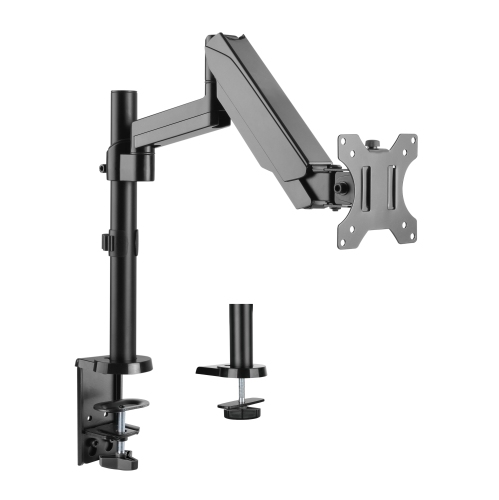
UPLITE Ergonomic Height Adjustable Stand Gas Spring Dual Lcd Monitor Desk Mount Articulating Arm for 1 Screen Up to 32"
About this product
An ergonomic gas spring articulating arm stand offering height adjustment and full motion for one monitor.
$59.99Your price for this item is $59.99SAVE $30 -
8
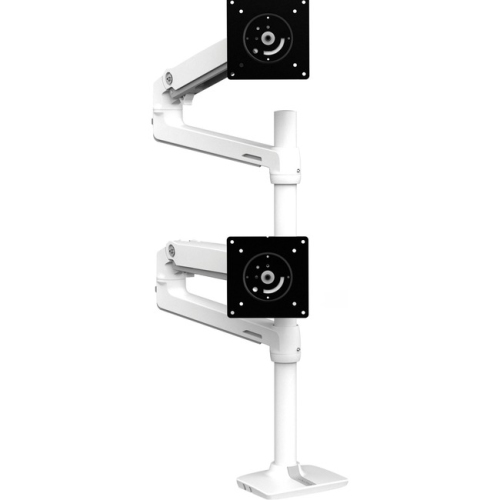
ERGOTRON Desk Mount for Monitor
About this product
A sleek white desk mount that securely supports your monitor for an organized, ergonomic workspace.
$637.93 Your price for this item is $637.93 -
9
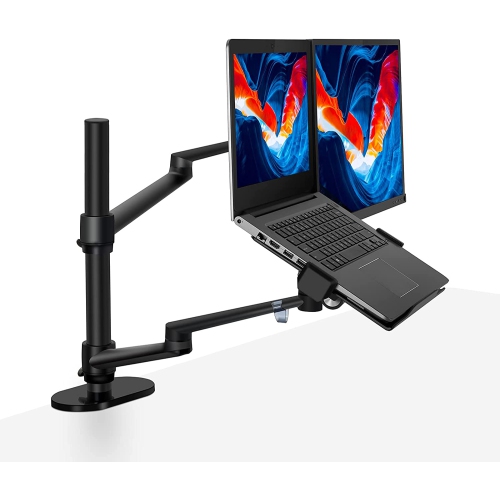
SHOPPINGALL 2-In-1 Convertible Monitor And Laptop Mount Or Dual Monitor Desk Mount, for 15-32 Inch Monitors And 12-17 Inch Laptops - Sa-Lm1 (Black)
About this product
A versatile black aluminum alloy mount supporting dual monitors or a monitor and laptop with secure silicone padding.
$159.99 Your price for this item is $159.99 -
10
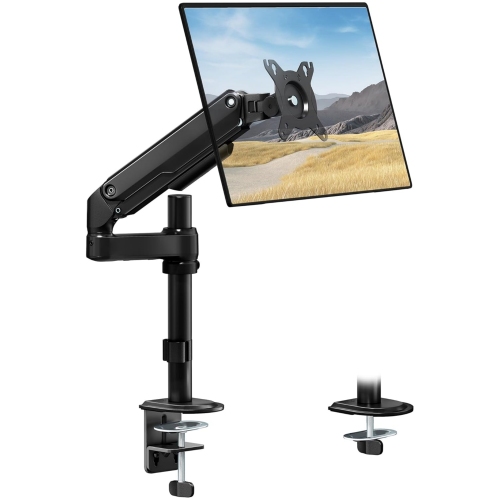
MONTEK Tall Single Monitor Arm, Heavy Duty Adjustable Desk Mount for 17–32" Screens, Holds 19.8 Lbs, 21 In Max Height, Full Motion Swivel & Tilt
About this product
A heavy-duty adjustable desk mount offering full motion swivel and tilt for monitors up to 19.8 lbs.
$119.99Your price for this item is $119.99SAVE $52
FAQ
Common types include desk-mounted arms, wall mounts and freestanding monitor stands. Desk arms attach to a desktop, wall mounts attach directly to a wall, and freestanding stands rest on the desk. Options include single-monitor and multi-monitor configurations.
A desk clamp attaches around the edge of a desktop, while a grommet mount attaches through a hole in the desktop. Some monitor arms include hardware for both methods, while others use only one attachment style.
Fixed mounts hold the monitor in a set position with little or no adjustment. Articulating mounts have movable joints that allow adjustments such as tilt, swivel and extension. Some also support rotation between landscape and portrait orientation.
Monitor mounts may include cable clips, routing channels or removable covers for power and display cables. Some route cables along the outside of the arm, while others conceal portions of the cables inside the arm structure.
Gas-spring arms use a pressurized cylinder to counterbalance the monitor, while mechanical-spring arms use a metal spring mechanism. Both types may include adjustable tension and joints for repositioning the display, depending on the design.
Top selling and popular products
Discover more categories related to Best Monitor Mounts

Some products may be subject to Environmental Handling Fees (EHF) depending on your province. Learn more about EHFs.