Laptop RAM Upgrades
Looking to give your laptop a performance boost? Look no further than our selection of laptop RAM upgrades. Whether you're a gamer looking for faster loading times and smoother gameplay, a professional needing to multitask seamlessly, or a student seeking a snappier laptop for all your assignments, upgrading your laptop's RAM can make a world of difference. With our range of options, you'll find the perfect RAM upgrade to suit your needs and take your laptop's performance to new heights. Say goodbye to frustrating lag and hello to enhanced speed and efficiency with our laptop RAM upgrades.
Sort
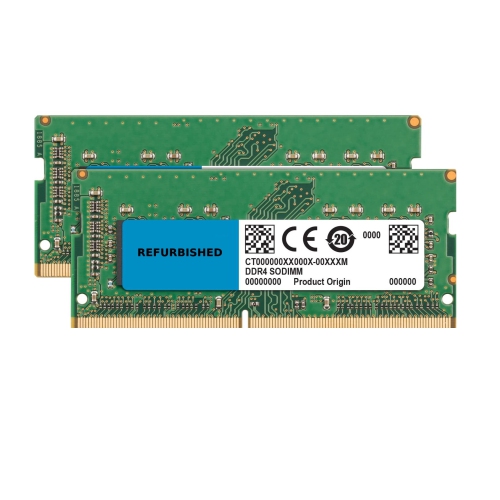
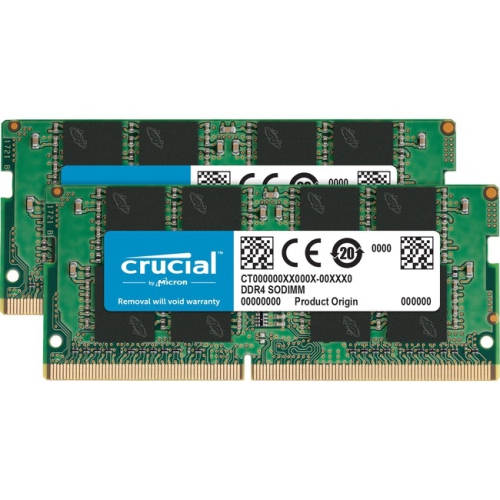
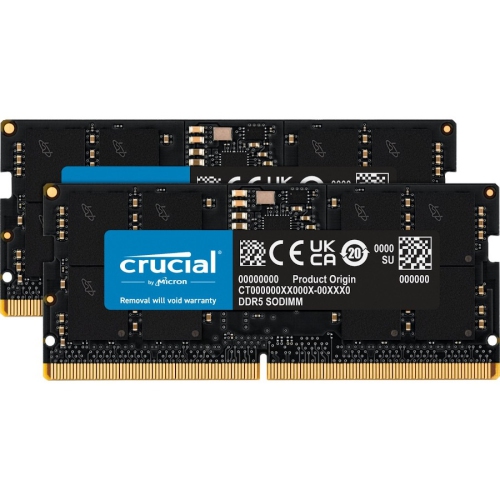
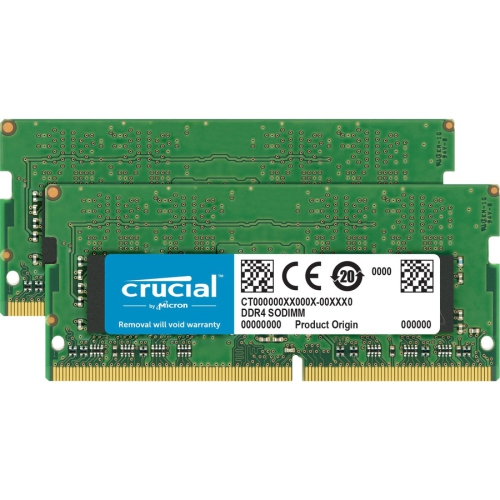
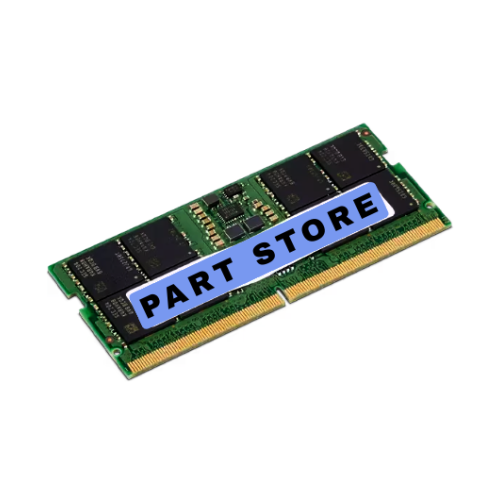
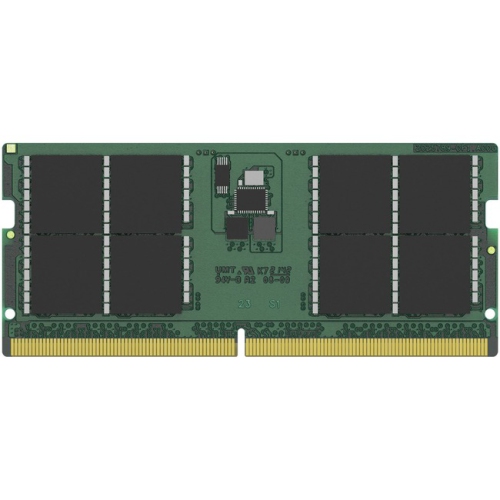


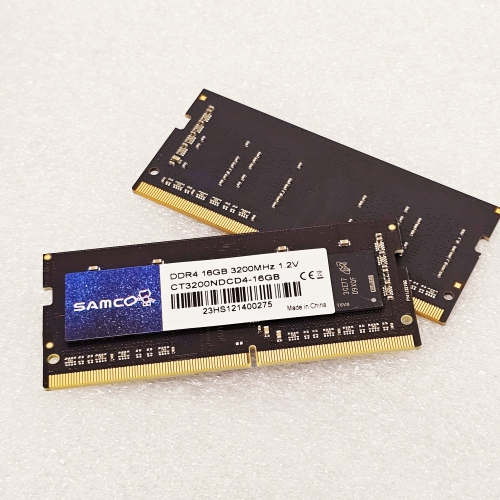
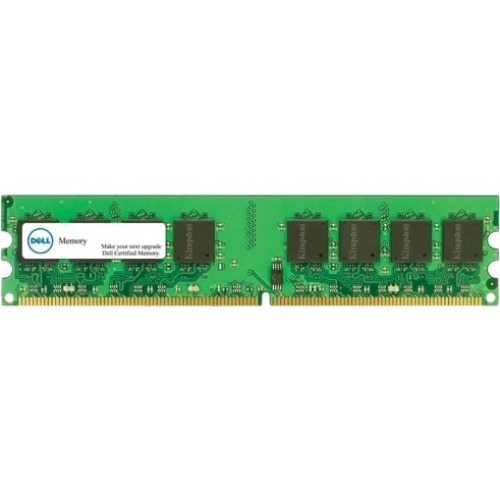
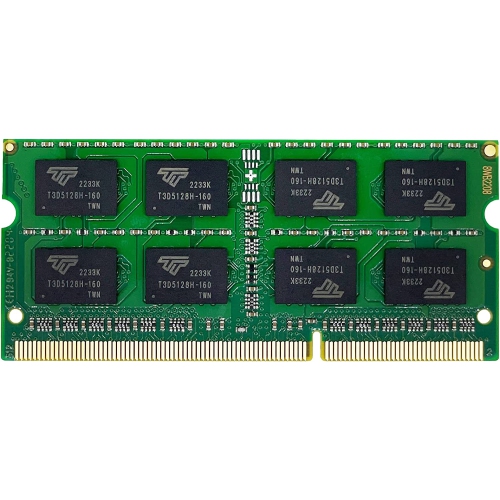

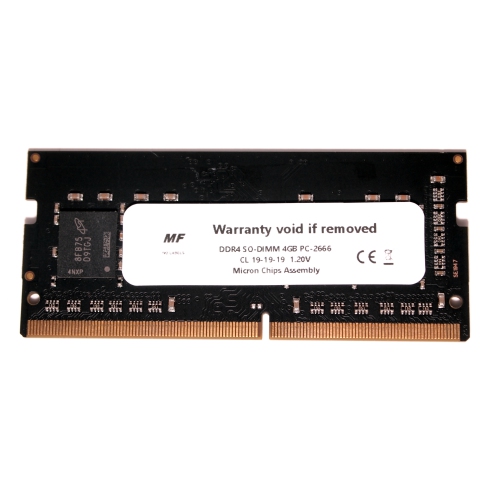
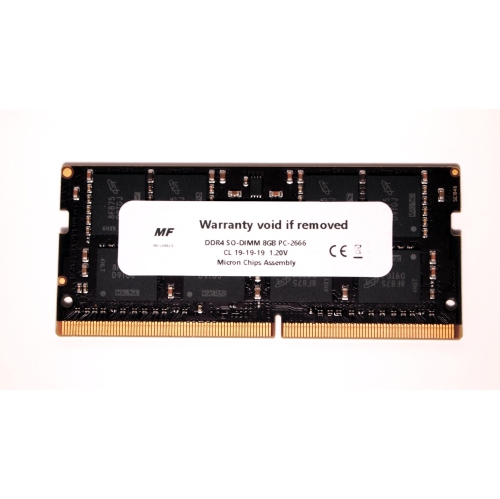
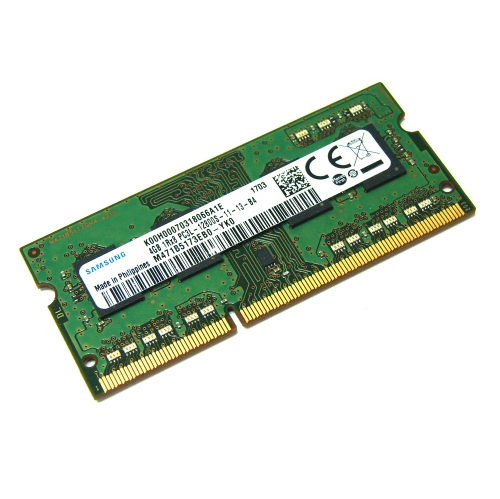

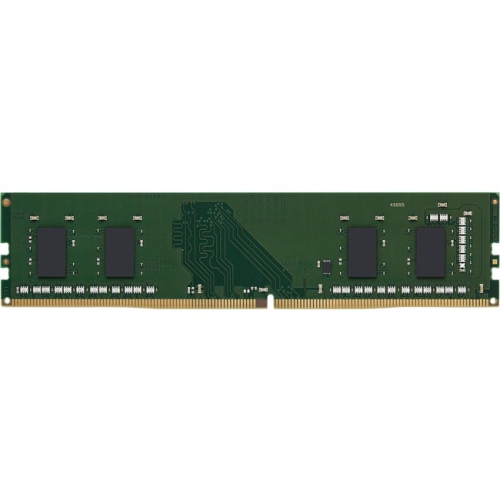
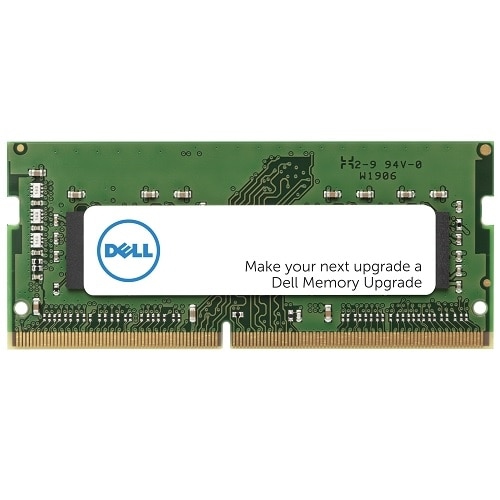
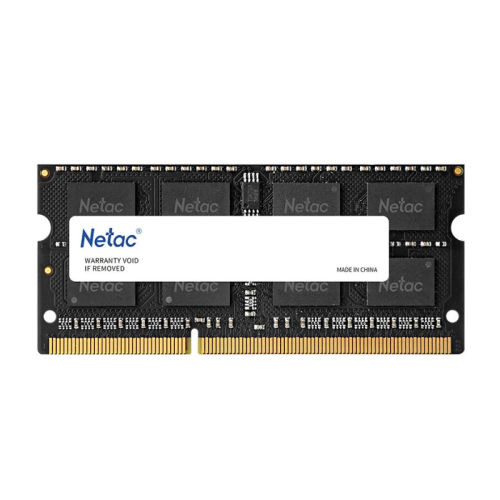
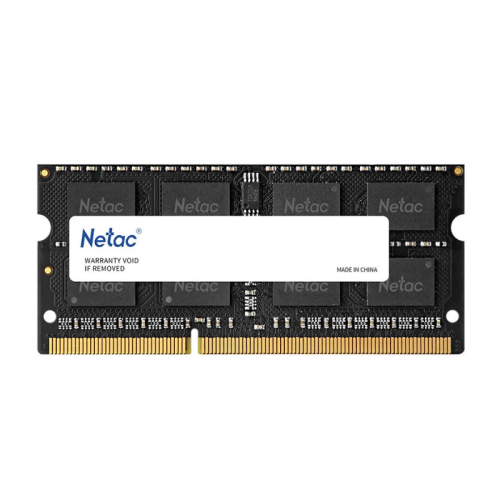
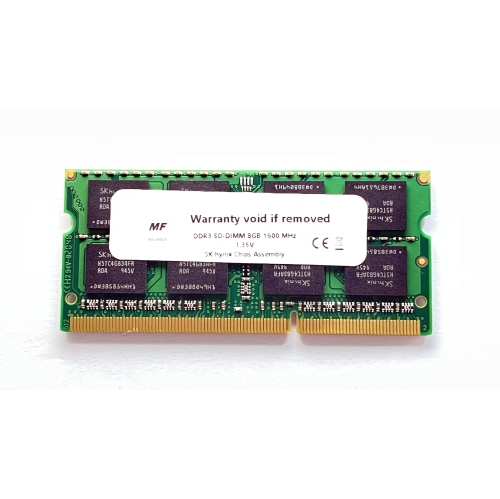
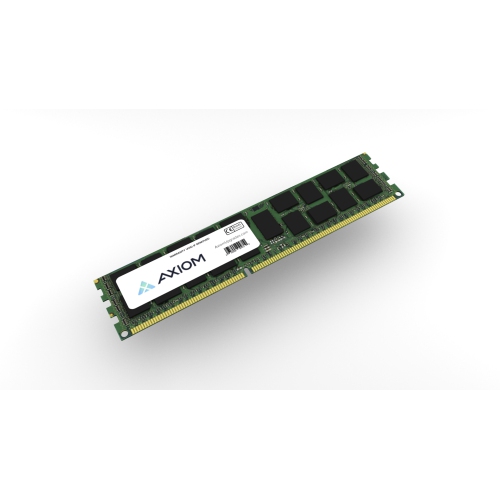
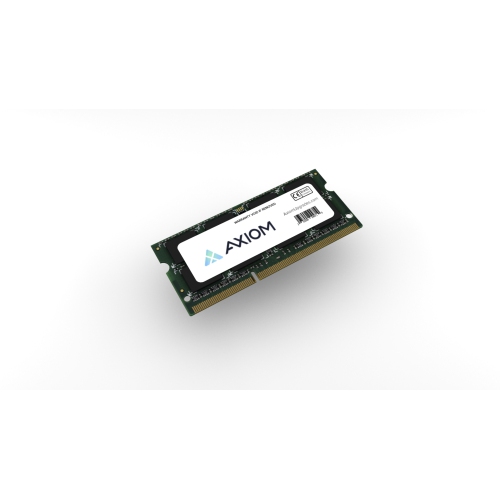
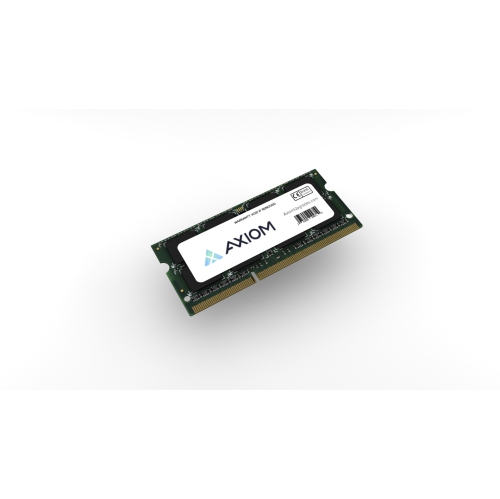
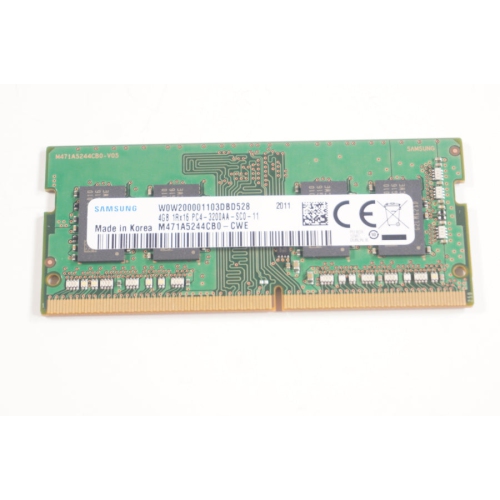


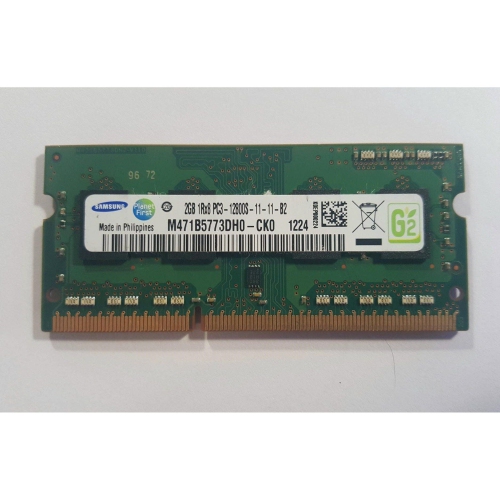
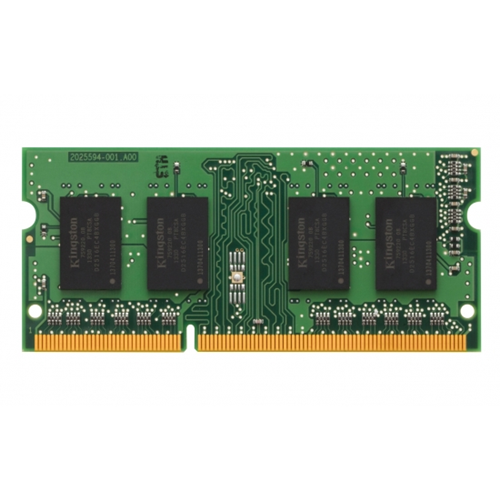
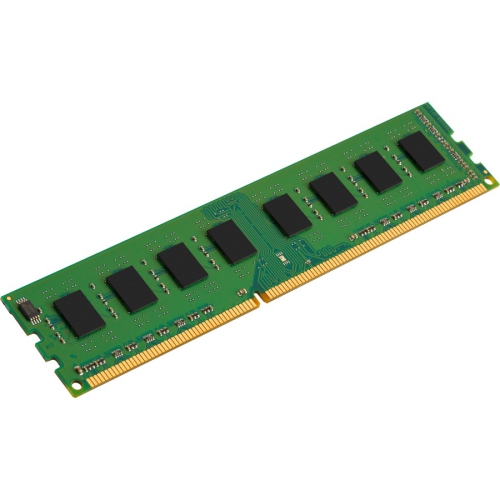
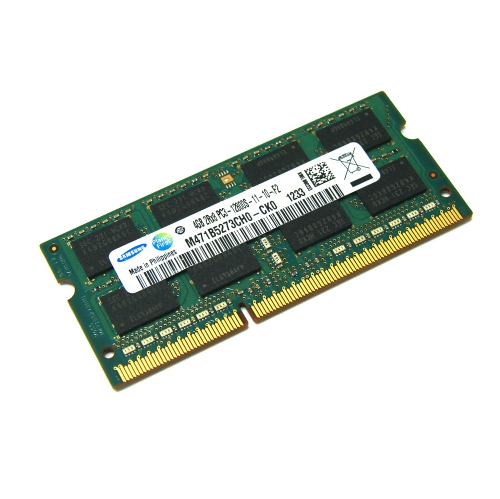
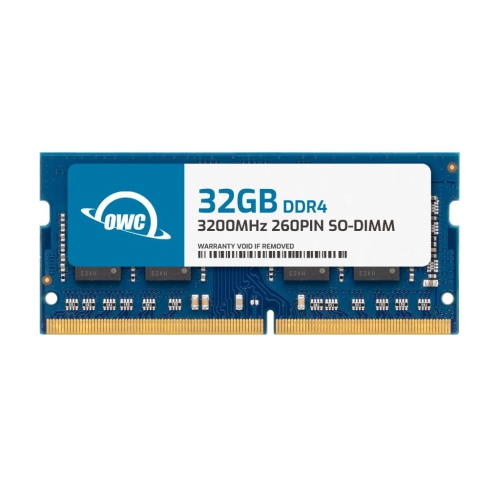
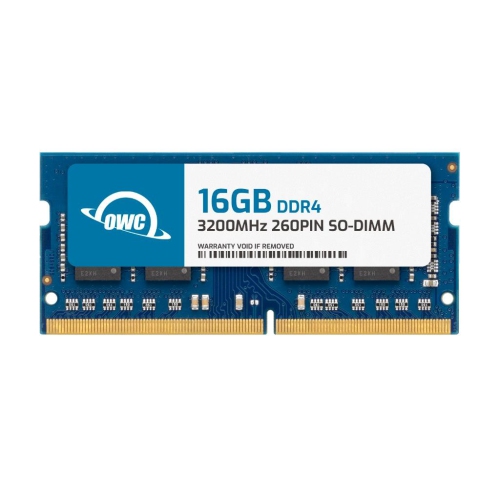
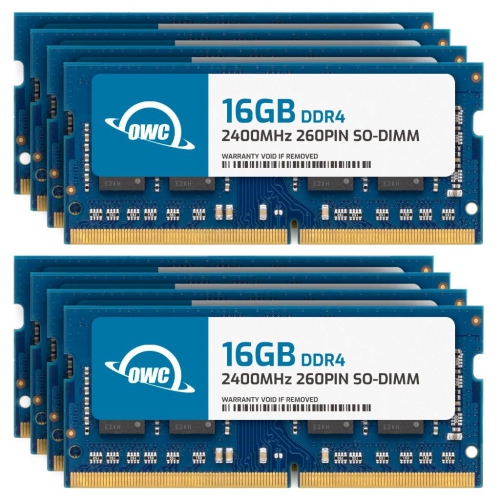
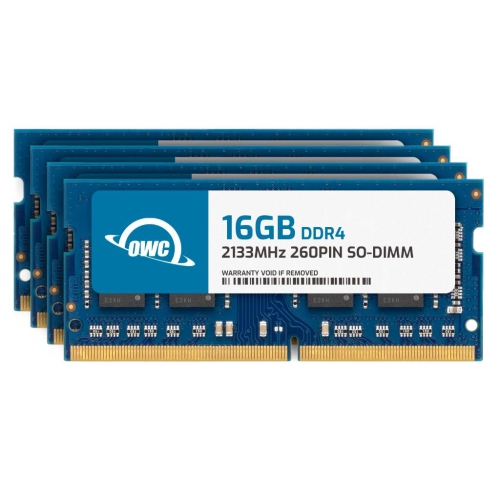

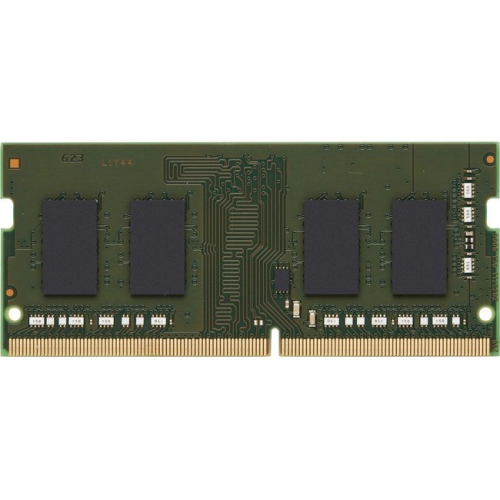
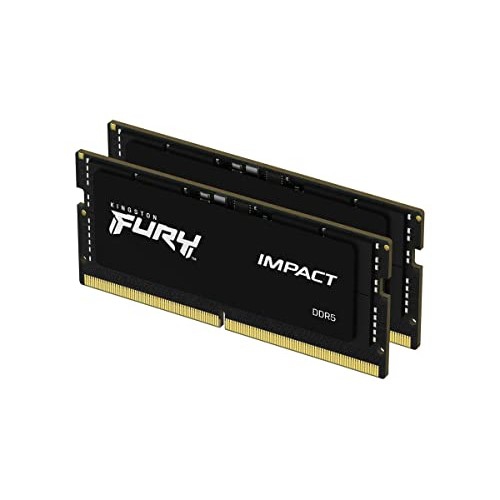
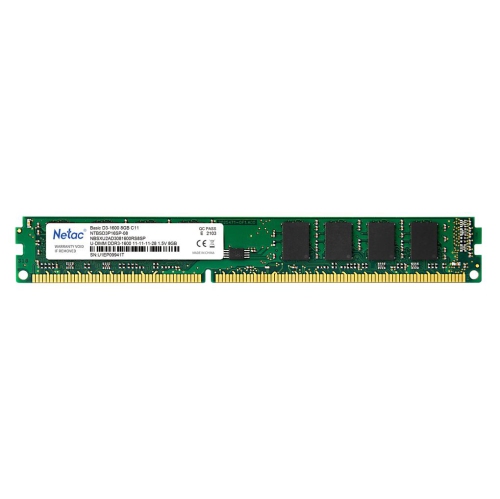
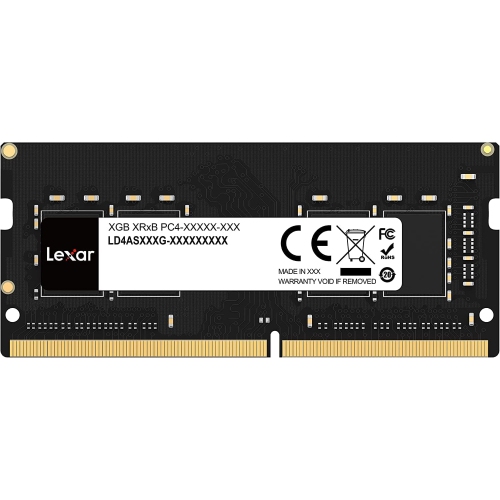
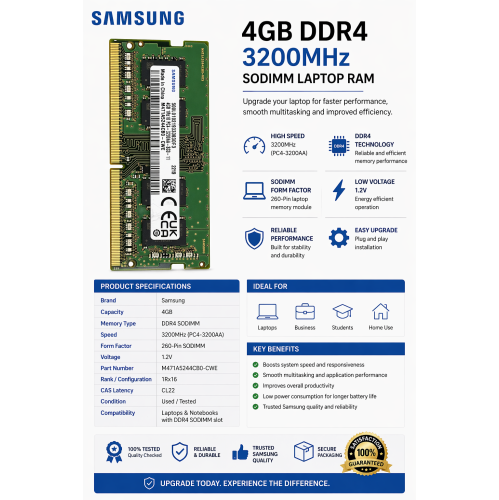
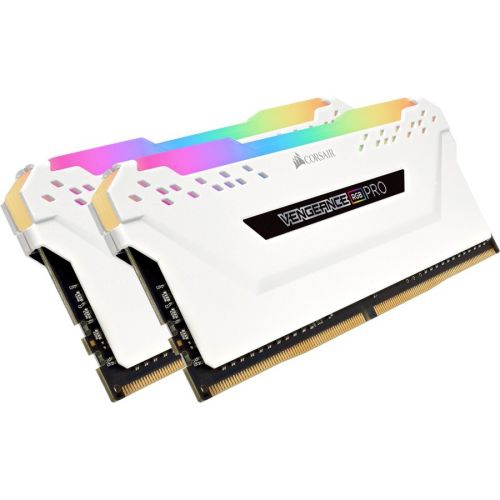
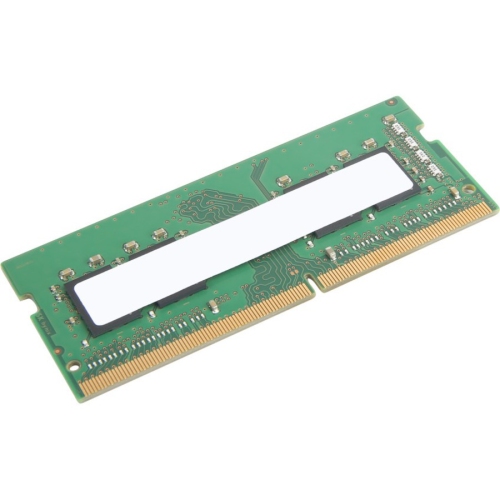
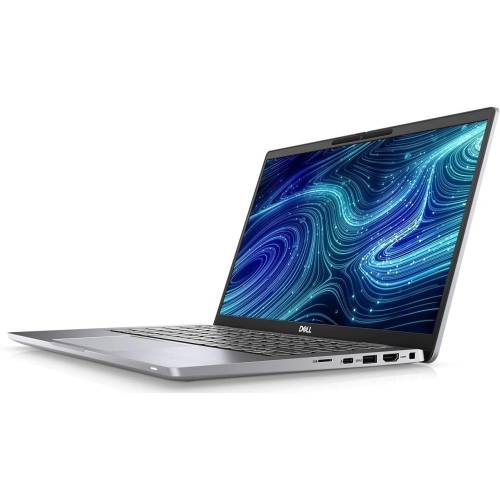
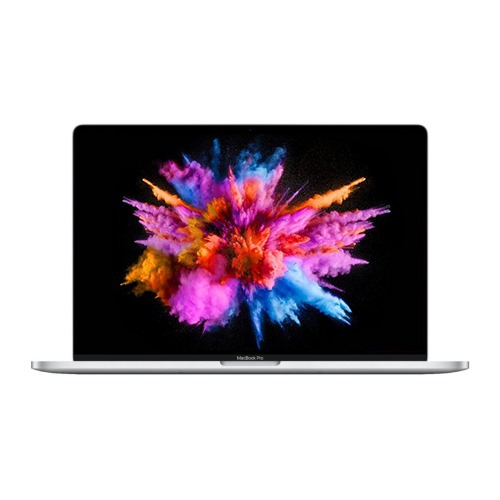
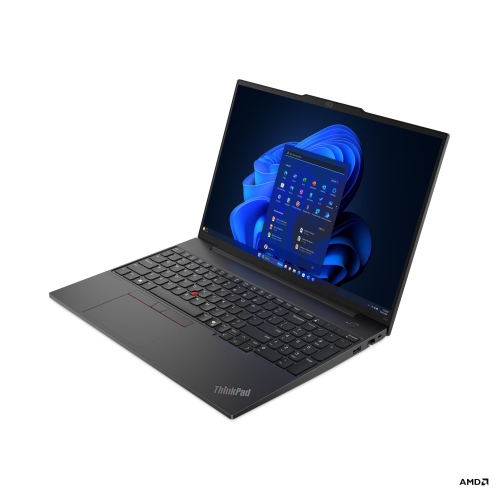
More memory means smoother multitasking and everyday performance
Whether you’re a student gearing up for a busy semester, a professional working from home, or simply someone who enjoys streaming, gaming, and multitasking, a laptop RAM upgrade is one of the most effective ways to breathe new life into your device. As the weather warms and routines shift from spring to the cooler days of fall, many people find themselves relying on their laptops for everything from video calls to creative projects and entertainment. With the right computer RAM upgrade, your laptop can handle more applications at once, reduce lag, and improve overall responsiveness—making those long study sessions, work presentations, or late-night gaming marathons smoother and more enjoyable. If you’ve ever wondered, “Can you buy more memory for a laptop?” the answer is yes, provided your device supports RAM upgrades. It’s a practical investment that can extend the usefulness of your laptop, whether you’re editing photos, compiling code, or simply keeping dozens of browser tabs open while you research and connect.
When considering a laptop RAM upgrade, it’s important to verify your laptop’s compatibility and understand your needs. Most modern laptops use DDR4 or DDR5 SODIMM modules, and upgrading typically involves removing a panel on the bottom of your laptop with a small Phillips-head screwdriver. Before purchasing, check your laptop’s specifications to determine the maximum supported memory and the type of RAM required—some laptops have RAM soldered onto the motherboard and cannot be upgraded, so double-checking is essential. For general use, 8GB is often considered the minimum, while 16GB is recommended for multitasking and moderate creative work. Power users, such as video editors or gamers, may benefit from 32GB or more. The cost to upgrade RAM on a laptop varies depending on capacity and speed, but it’s often more affordable than buying a new device and can deliver a noticeable boost in performance. Upgrading memory on a laptop is also a thoughtful gift for students heading back to school, professionals looking to optimize their workflow, or anyone whose laptop is struggling to keep up with daily demands.
If you’re exploring options and want to learn more about memory upgrades for desktops as well, visit our Pc Memory Upgrades page for a wide selection and helpful resources. Whether you’re preparing for a busy season of work and study or simply want your laptop to feel faster and more responsive as you head into the cooler months, upgrading your laptop’s RAM is a straightforward way to enhance performance and get more out of your device. With just a few tools and a bit of research, you can give your laptop the boost it needs to handle everything from everyday tasks to demanding creative projects, ensuring it stays reliable and efficient all year long.
When considering a laptop RAM upgrade, it’s important to verify your laptop’s compatibility and understand your needs. Most modern laptops use DDR4 or DDR5 SODIMM modules, and upgrading typically involves removing a panel on the bottom of your laptop with a small Phillips-head screwdriver. Before purchasing, check your laptop’s specifications to determine the maximum supported memory and the type of RAM required—some laptops have RAM soldered onto the motherboard and cannot be upgraded, so double-checking is essential. For general use, 8GB is often considered the minimum, while 16GB is recommended for multitasking and moderate creative work. Power users, such as video editors or gamers, may benefit from 32GB or more. The cost to upgrade RAM on a laptop varies depending on capacity and speed, but it’s often more affordable than buying a new device and can deliver a noticeable boost in performance. Upgrading memory on a laptop is also a thoughtful gift for students heading back to school, professionals looking to optimize their workflow, or anyone whose laptop is struggling to keep up with daily demands.
If you’re exploring options and want to learn more about memory upgrades for desktops as well, visit our Pc Memory Upgrades page for a wide selection and helpful resources. Whether you’re preparing for a busy season of work and study or simply want your laptop to feel faster and more responsive as you head into the cooler months, upgrading your laptop’s RAM is a straightforward way to enhance performance and get more out of your device. With just a few tools and a bit of research, you can give your laptop the boost it needs to handle everything from everyday tasks to demanding creative projects, ensuring it stays reliable and efficient all year long.
Top selling and popular products
-
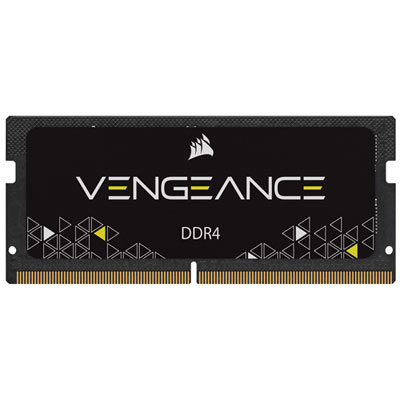 Your price for this item is $169.99
 -
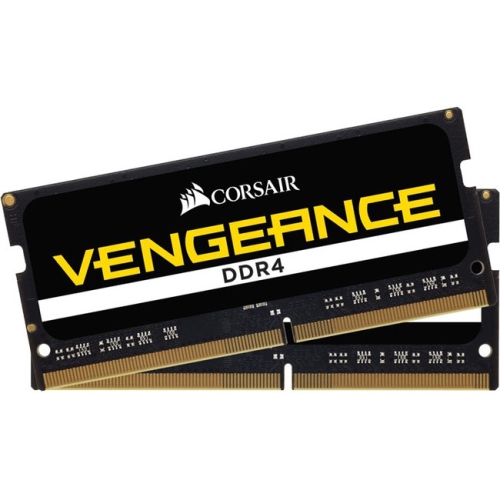 Your price for this item is $374.98
 -
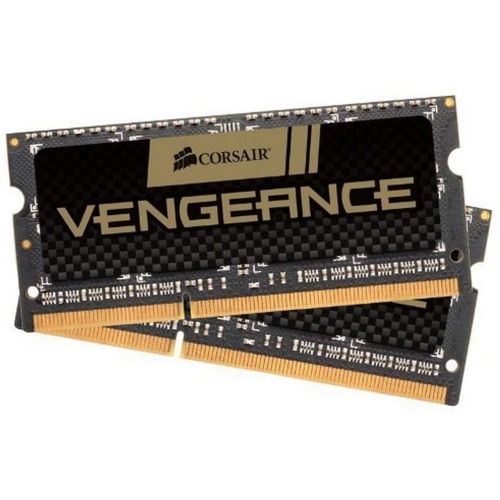 Your price for this item is $3000
 -
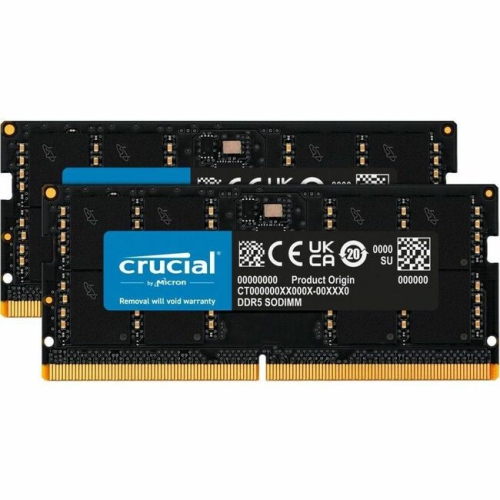 Your price for this item is $1642.68
 -
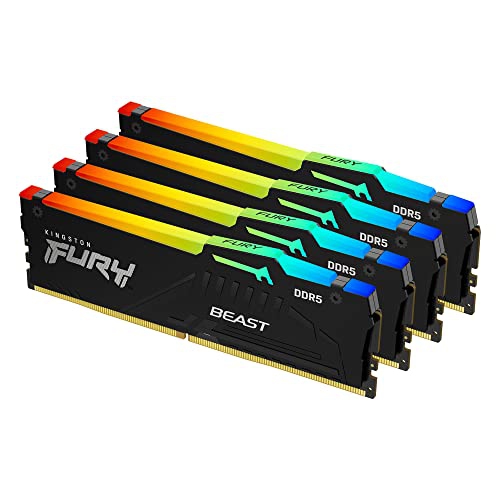 Your price for this item is $1614.05
 -
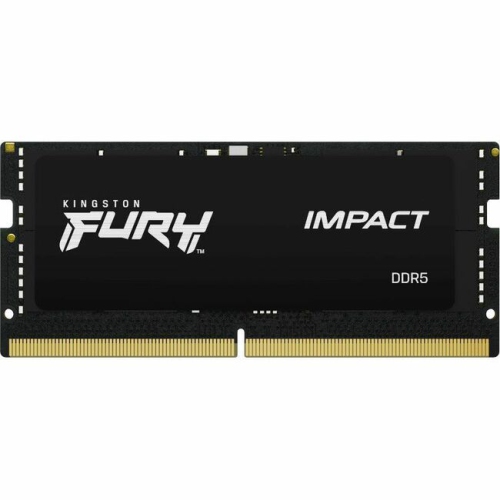 Your price for this item is $626.68
 -
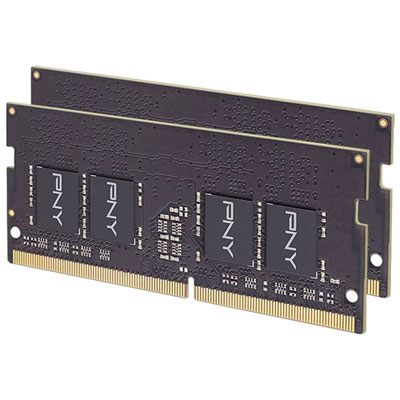 Your price for this item is $149.99
 -
 Your price for this item is $4299.99
Discover more categories related to Laptop RAM Upgrades
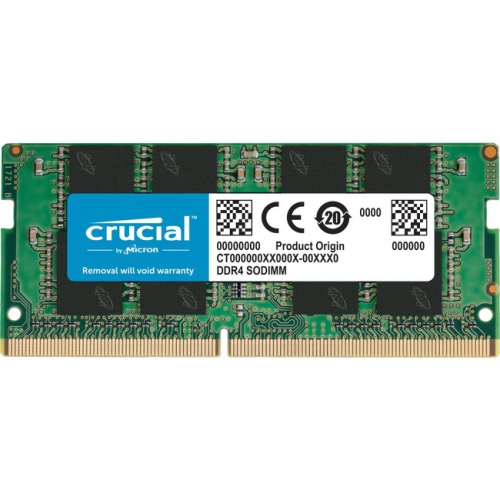
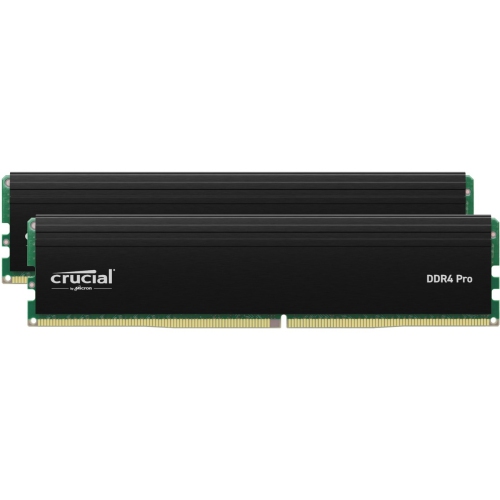
Top Collections:
Pokemon Centers, Kindle Devices, Best Budget Office Chairs, Apple iPhones 16, Samsung Galaxy Phones, Canon G7X Cameras, iPhone 15 Apple, Flip Phones, Best Laptops for Writers, Alarm Clock
Some products may be subject to Environmental Handling Fees
(EHF) depending on your province.
Learn more about EHFs.