DDR4 RAM For Laptop Upgrades
DDR4 RAM for laptop upgrades offers a reliable way to boost your device’s performance and optimize multitasking capabilities. Whether you’re looking to enhance speed for everyday tasks or support more demanding applications, upgrading your laptop with DDR4 RAM can provide the extra memory you need. Explore a wide selection of DDR4 RAM for laptop upgrades to find the right fit for your system and enjoy improved efficiency in your computing experience.
Sort
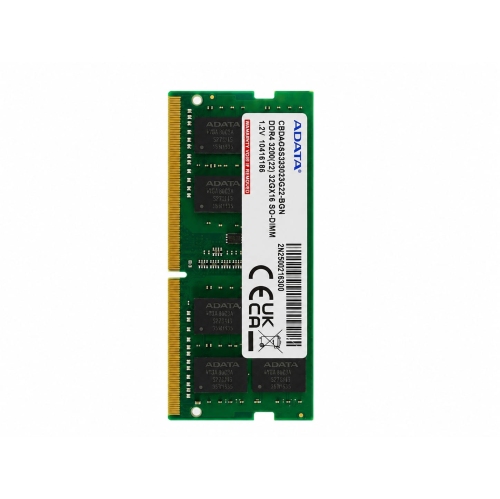
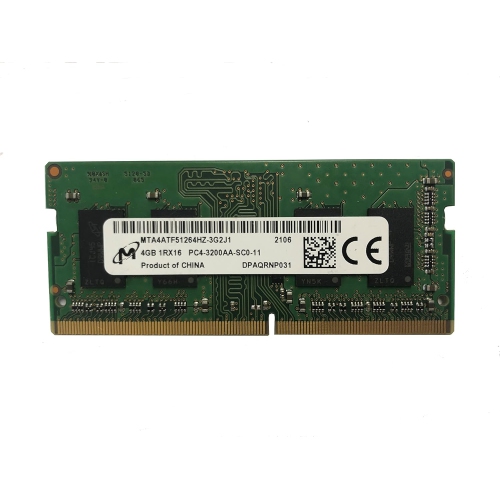
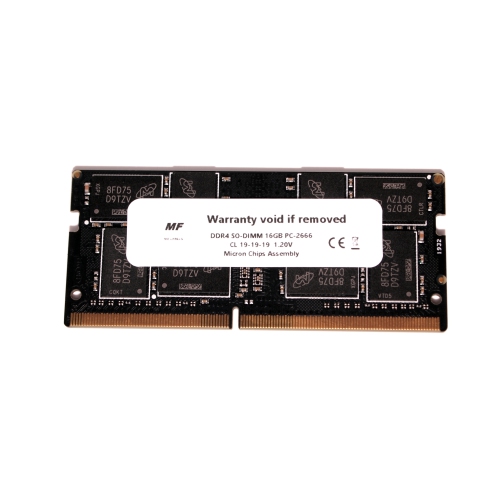
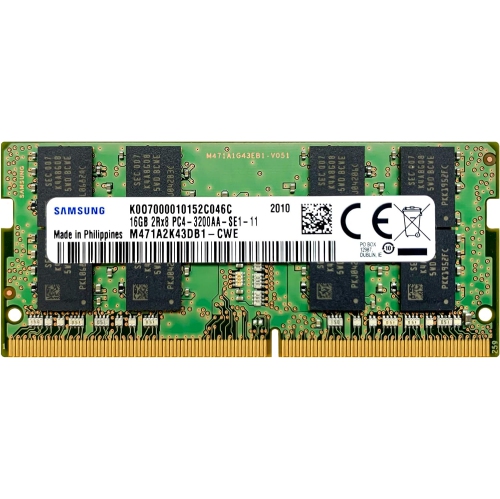

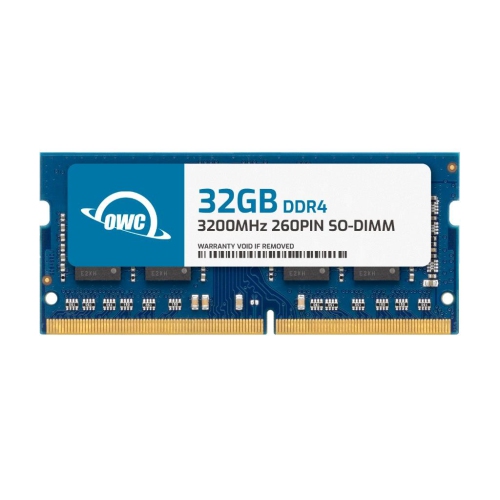
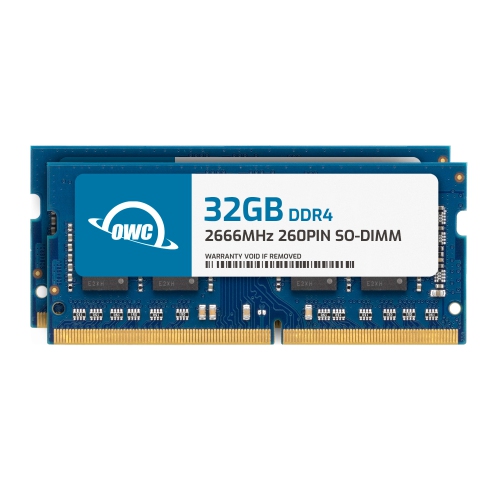
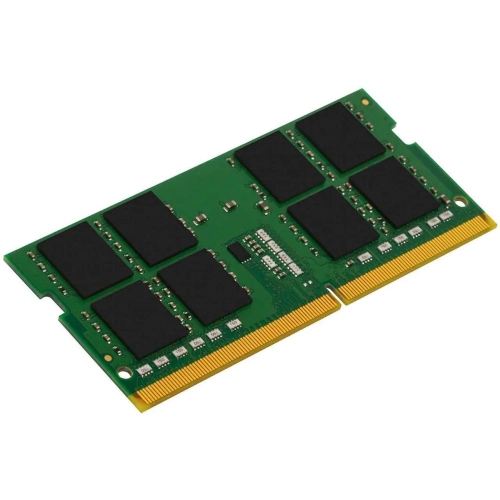
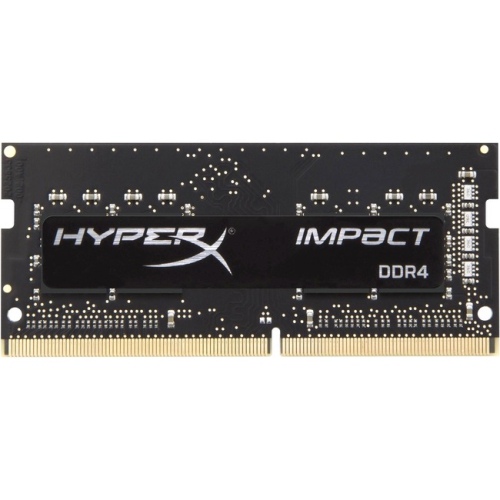
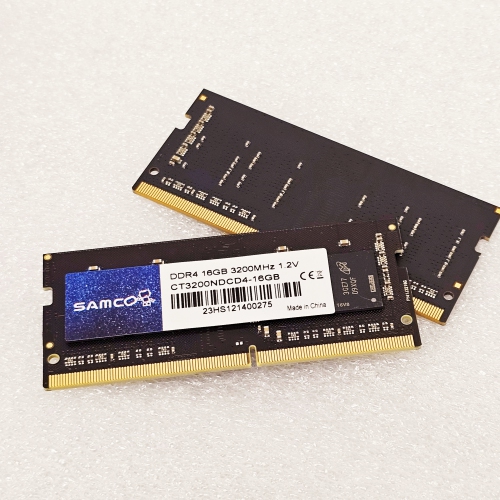
Laptop memory compatibility goes beyond a matching slot
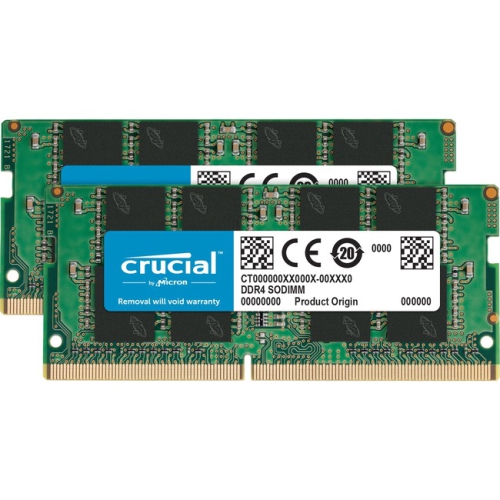
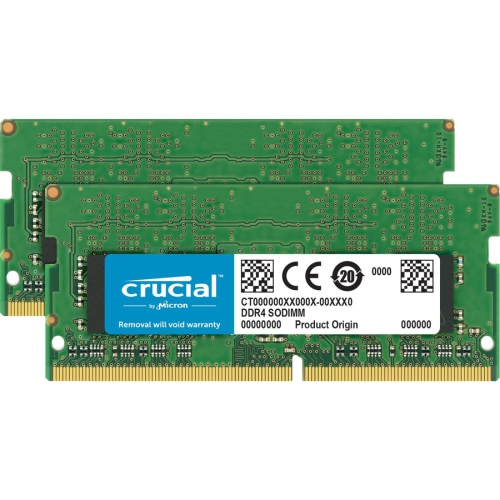
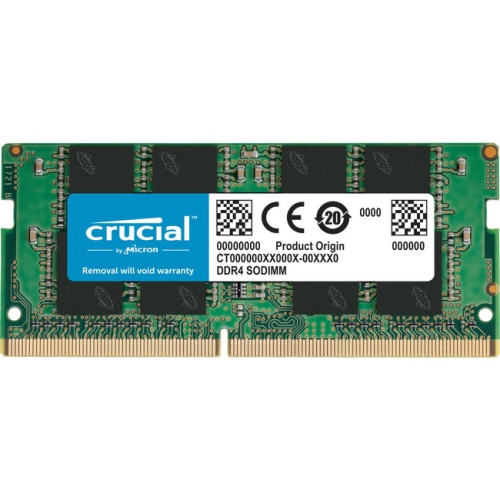
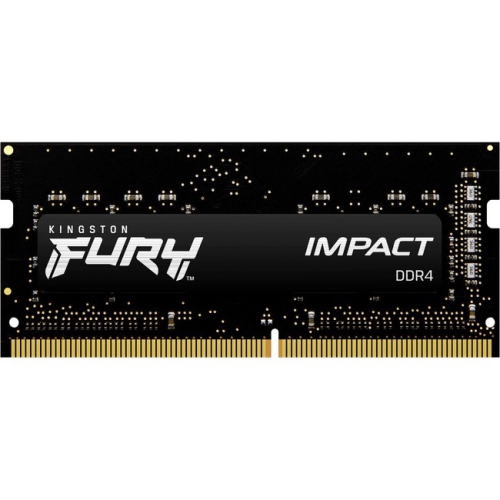
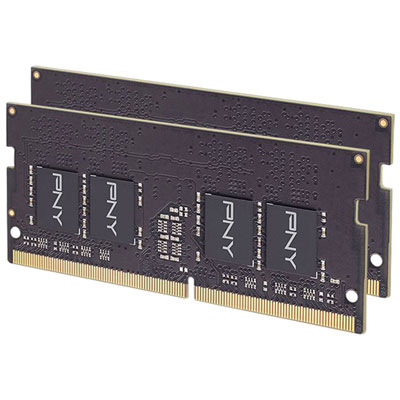
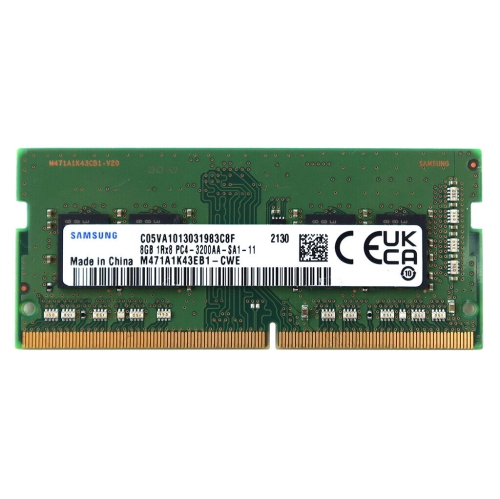
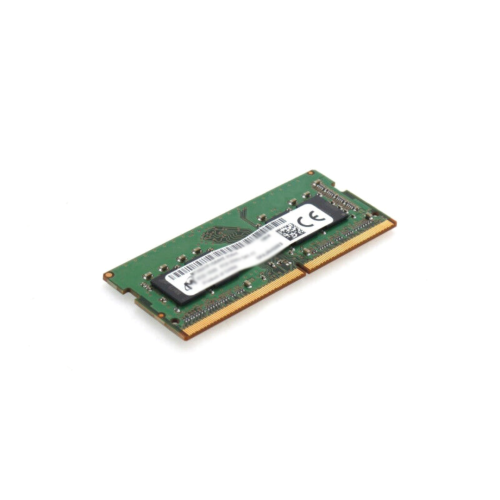
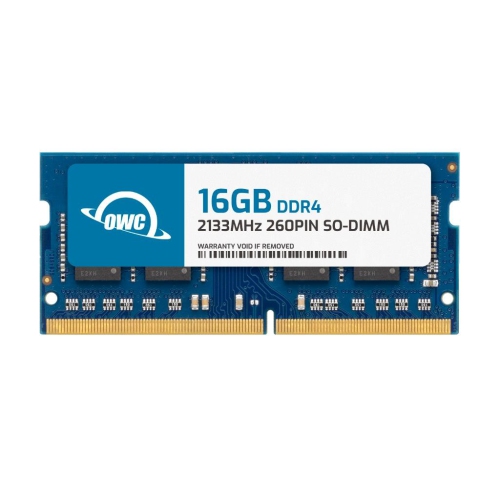
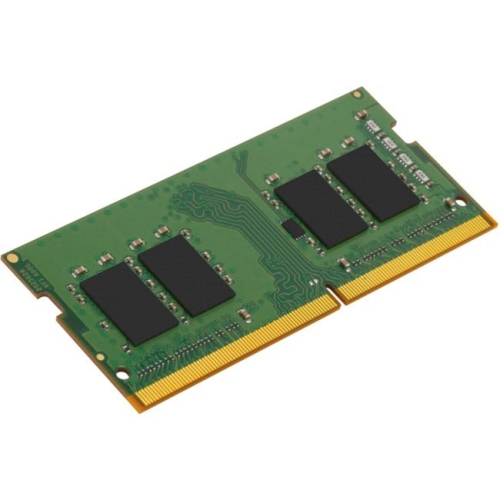
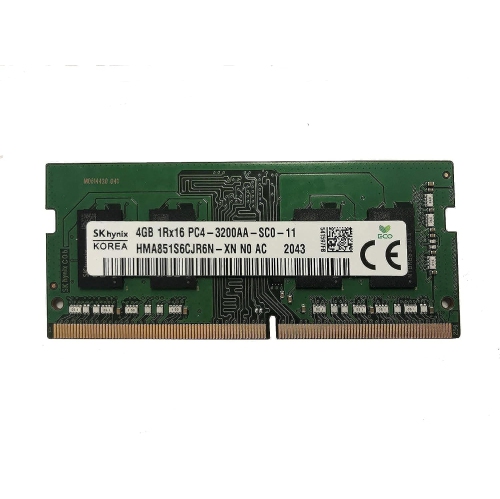
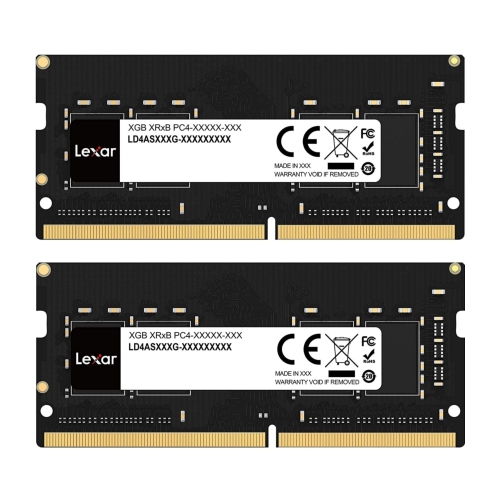
DDR4 RAM for laptop upgrades provides additional working memory for compatible notebooks, helping them keep more applications, browser tabs, and active files ready to use. Most laptops with replaceable DDR4 memory use 260-pin SO-DIMM modules, a compact format designed for the limited space inside a portable computer. These modules are different from the longer 288-pin DDR4 DIMMs used in most desktop computers, and they cannot be substituted for DDR3 or DDR5 laptop memory. Standard DDR4 SO-DIMMs typically operate at 1.2 V, but physical fit and voltage are only part of compatibility. The laptop’s processor, motherboard, firmware, and memory specifications determine which capacities and speeds it can support. Some notebooks have two accessible memory slots, while others combine soldered memory with a single expansion slot. Models with all memory soldered to the motherboard may have no upgrade path at all. That distinction matters more than the laptop’s age or screen size: two machines that look nearly identical can have different internal layouts. Maximum memory capacity also varies, including both the total supported amount and the maximum capacity accepted in each slot. A module that fits the connector is not necessarily supported by the system. Most consumer laptops require unbuffered, non-ECC memory, so specialist server memory is generally not an appropriate substitute. For everyday use, additional RAM is most helpful when the existing memory is regularly filled by active tasks. A video call running beside a large spreadsheet, a presentation, and several research tabs can put pressure on a modest memory configuration. More capacity can reduce the need to move working data repeatedly between RAM and storage, making switching between those tasks feel more responsive. RAM does not add permanent space for documents or photos, however, and it does not replace the role of a faster processor or graphics hardware. Its benefit depends on whether memory capacity is actually limiting the work being done.
Capacity, module configuration, and supported speed are the main distinctions within DDR4 laptop memory. An 8 GB module can serve as a replacement or an addition in a compatible system, while 16 GB and 32 GB modules offer more room for demanding workloads where the laptop supports them. Total capacities of 16 GB are often a practical fit for office work, study, browsing, and video meetings; 32 GB can provide more breathing room for large photo projects, software development, virtual machines, or several demanding applications open together. Those figures are useful reference points rather than guarantees, since application requirements and working habits vary. A student reading course material while taking notes has different needs from someone editing high-resolution images with multiple layered files open. Memory layout matters alongside the total. In a compatible two-slot laptop, a matched pair of modules can enable dual-channel operation, increasing memory bandwidth compared with a single-channel configuration. Integrated graphics may benefit because they share system memory, although the improvement depends on the application and the rest of the hardware. Two 8 GB modules and one 16 GB module therefore offer the same total capacity but may behave differently and leave different options for a later upgrade. DDR4 laptop memory also comes in several transfer rates, commonly including 2400, 2666, 2933, and 3200 MT/s. DDR4-3200 indicates a transfer rate of 3200 million transfers per second; some listings express this as 3200 MHz, although transfer rate and clock frequency are technically different measurements. The laptop determines the speed it can actually use. A faster-rated module may run at a lower supported rate, provided it offers a compatible memory profile, and mixed modules can operate at a mutually supported setting rather than their individual maximums. Timings and firmware support also affect compatibility. Memory advertised with an overclocking profile does not mean every laptop can enable that profile, since many notebooks offer no manual memory controls. Capacity, standard supported settings, and a confirmed match to the laptop are usually more useful considerations than the highest speed printed on a label.
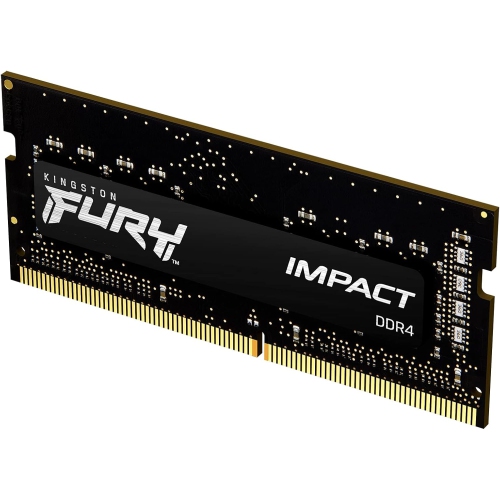
The compact construction of laptop RAM makes careful fit and handling important. A typical SO-DIMM consists of memory chips mounted on a thin printed circuit board, with a keyed notch and metal contacts along one edge. That notch establishes the correct orientation; the module should match the slot rather than require force or modification. Unlike some desktop memory, laptop modules generally have a low-profile design without tall decorative heat spreaders, allowing them to fit beneath a notebook’s service cover. Clearance can be particularly limited in thin systems, so accessories intended for desktop modules are not an automatic fit. RAM has no moving parts and normally needs no routine cleaning once installed. Its long-term reliability depends on sound construction, compatibility, and careful handling rather than regular physical maintenance. Protective antistatic packaging helps shield an uninstalled module, while handling it by the edges avoids unnecessary contact with the circuitry and connector surfaces. Any access to the laptop’s internal components should follow the manufacturer’s service information, including its instructions for power and battery disconnection. Some designs provide straightforward access; others require substantial disassembly or professional installation. These practical details can influence whether a memory upgrade suits a particular laptop as much as the capacity itself. For shoppers comparing Best DDR4 Ram for Laptops, a useful choice starts with the exact notebook model and its supported memory configuration, then reflects the tasks that need more room. Someone moving between accounting software, email, and detailed spreadsheets may value smoother multitasking, while a developer may need capacity for a code editor and test systems running together. A gamer using integrated graphics may care about both capacity and channel configuration. In each case, the most suitable DDR4 laptop RAM complements the existing hardware and the way the computer is used, without assuming that a larger capacity or higher rated speed will improve every task equally.
Top selling and popular products
-
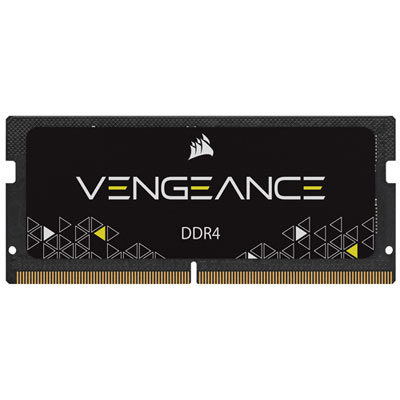 Your price for this item is $169.98
-
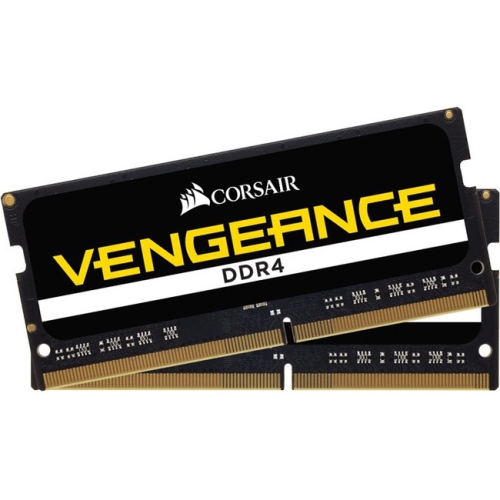 Your price for this item is $750.68
-
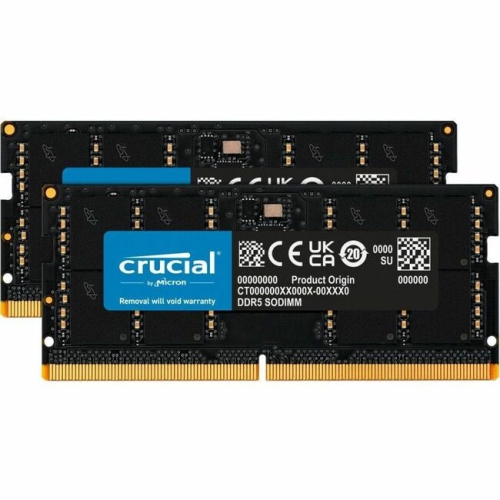 Your price for this item is $2154.68
-
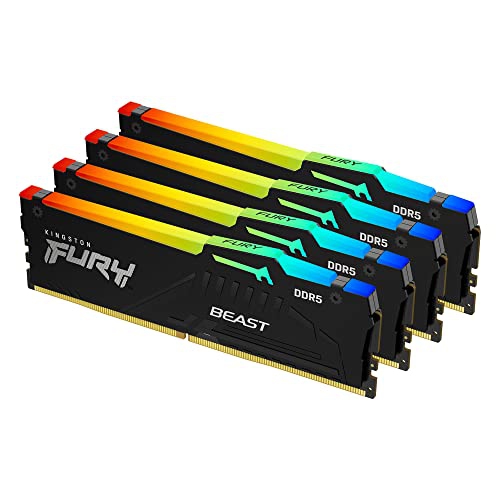 Your price for this item is $1614.05
-
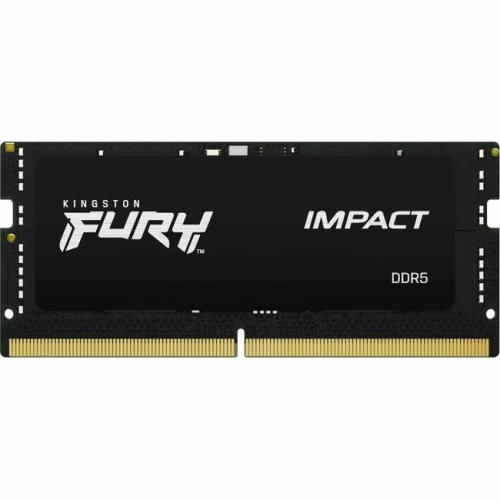 Your price for this item is $661.68
-
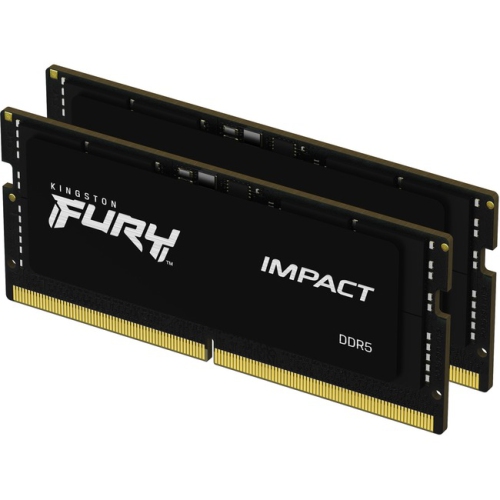 Your price for this item is $2672.97
-
 Your price for this item is $242.68
-
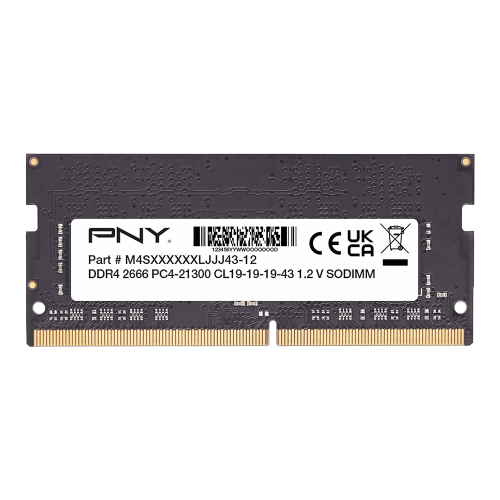 Your price for this item is $437.68
Discover more categories related to DDR4 RAM For Laptop Upgrades
Top Collections:
Best Black Friday Deals This Year, Best Black Friday Deals On Electronics, Kindle Devices, Pokemon Centers, Best Black Friday Deals On Apple Products, Best Cameras for Sports Photography, Dyson Airwrap, Pokémon 30th Celebration Cards, Apple iPhone 17 Pro, Canon G7X Cameras
Some products may be subject to Environmental Handling Fees
(EHF) depending on your province.
Learn more about EHFs.