Laptops With Touch Bar
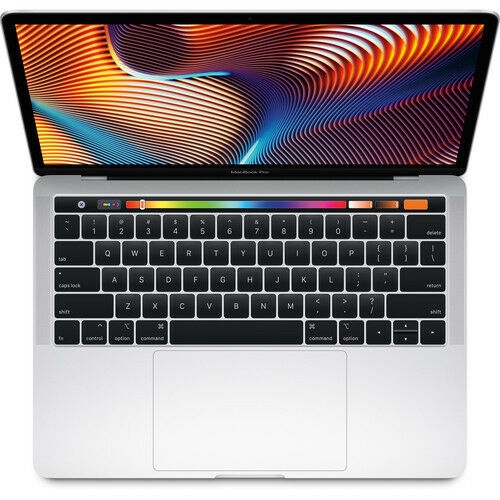
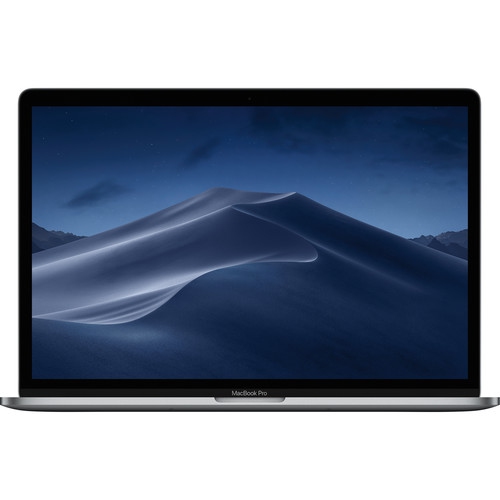
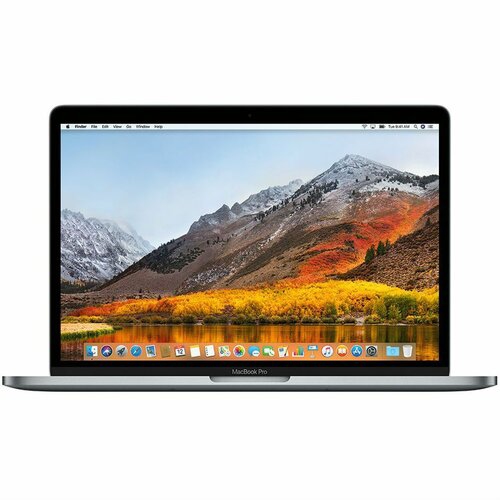
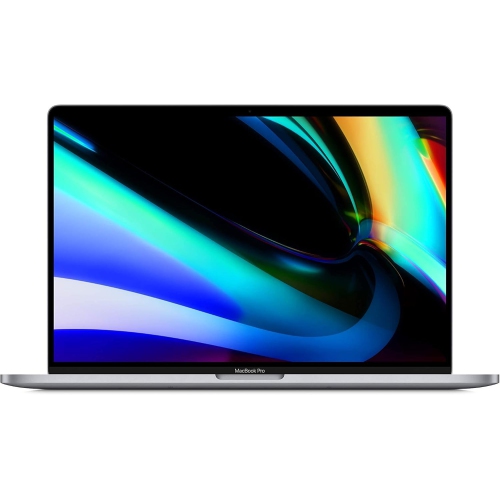
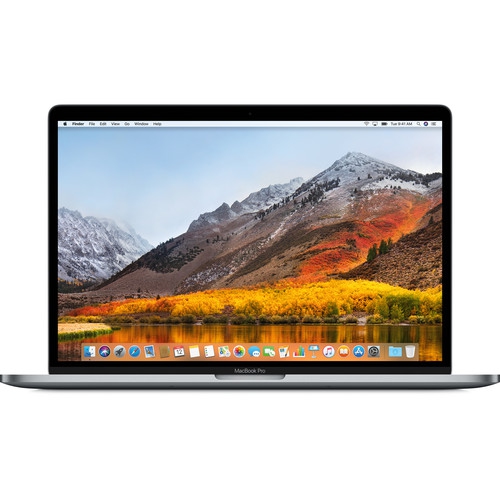
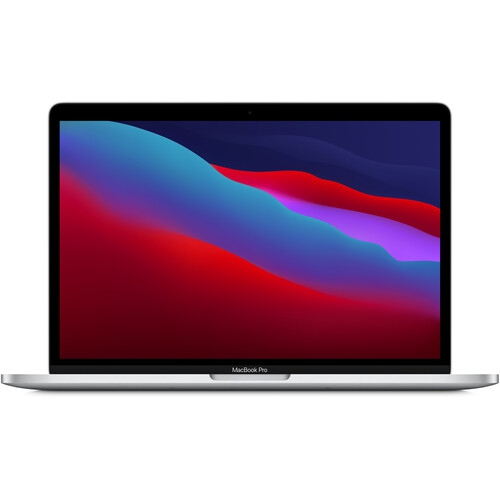
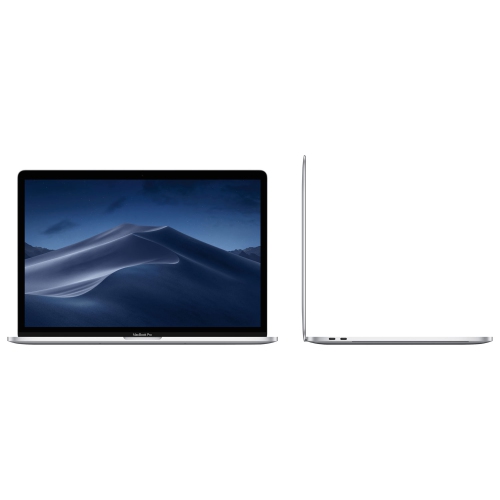
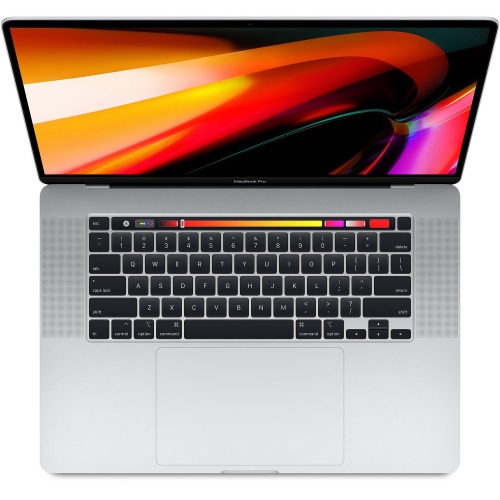
A MacBook Pro with Touch Bar is one of the most powerful Mac laptop ever. It has a stunning display, powerful processors, and fast solid-state drive. And it's the first Mac with a Touch Bar, an OLED strip of touch sensors that replaces the traditional function keys and offers expanded capabilities for quick access to system settings and apps. Here are some of the best laptops with touch bars available today.
Sort
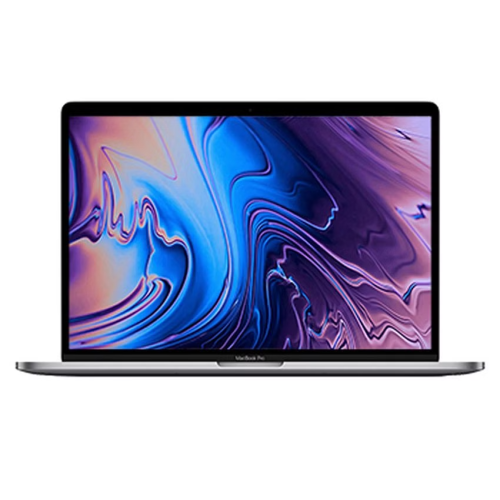
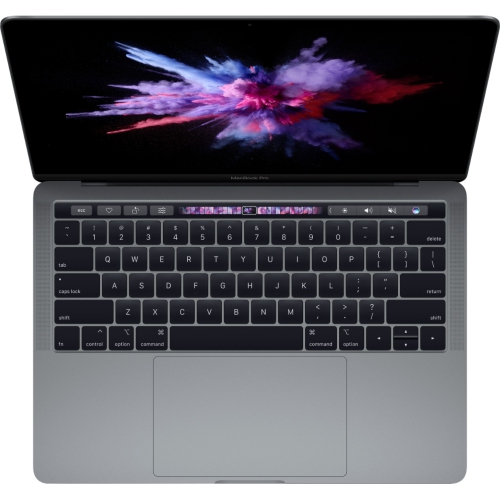
Laptop With Touch Bar
Laptops with a Touch Bar are a unique category that blend the familiar experience of a premium notebook with the added versatility of an interactive, context-sensitive interface. The mac touch bar, found on select models, is an OLED strip that sits above the keyboard, dynamically adapting to whatever application you’re using. Whether you’re editing a video, browsing the web, or managing your music, the touch bar offers shortcuts and controls that are right at your fingertips—literally. Imagine quickly scrubbing through a video timeline with a gentle swipe, adjusting system settings like brightness or volume with a tap, or accessing predictive text suggestions while composing emails. This kind of workflow enhancement is especially appealing to creative professionals, students, and anyone who values efficiency and a streamlined user experience. With the added convenience of Touch ID integration, logging in or making secure payments is as simple as a fingerprint scan, making these laptops as practical as they are innovative.
For those considering a laptop with touch bar functionality, it’s important to think about how the device will fit into your daily routine. If you’re someone who spends hours editing photos, mixing music, or managing large spreadsheets, the customizable shortcuts and context-aware controls can shave valuable seconds off repetitive tasks. During the winter months, when you’re more likely to be working indoors or attending online classes, having a macbook pro with touch bar can transform your workspace into a hub of productivity and creativity. These laptops also make thoughtful gifts for students heading into a new semester, professionals upgrading their home office, or family members who appreciate the latest tech. The tactile feedback and intuitive gestures—like swiping, tapping, and sliding—bring a sense of playfulness to everyday computing, while the robust performance ensures you’re ready for everything from video calls to graphic design projects. For those who appreciate a blend of power and innovation, exploring models such as the 2017 Macbook Pro can be a great starting point.
When comparing laptops with a touch bar, consider factors like processor type, keyboard comfort, and overall build quality. Earlier models introduced the butterfly keyboard, which some users found less comfortable, while later versions transitioned to a more reliable scissor-switch design known as the Magic Keyboard. Performance options range from Intel Core i5, i7, and i9 processors to the impressive Apple Silicon M1 and M2 chips, so there’s a configuration to suit every need—whether you’re focused on portability or raw power. While the macbook pro with touchbar is no longer featured in Apple’s newest high-end releases, it remains a sought-after choice for those who appreciate its dynamic interface and seamless integration with macOS. If you’re searching for a laptop that bridges the gap between traditional function keys and modern touch controls, these models offer a compelling mix of familiarity and forward-thinking design. The macbook touch bar continues to be a favourite for users who want to elevate their workflow and enjoy a more engaging, interactive computing experience.
For those considering a laptop with touch bar functionality, it’s important to think about how the device will fit into your daily routine. If you’re someone who spends hours editing photos, mixing music, or managing large spreadsheets, the customizable shortcuts and context-aware controls can shave valuable seconds off repetitive tasks. During the winter months, when you’re more likely to be working indoors or attending online classes, having a macbook pro with touch bar can transform your workspace into a hub of productivity and creativity. These laptops also make thoughtful gifts for students heading into a new semester, professionals upgrading their home office, or family members who appreciate the latest tech. The tactile feedback and intuitive gestures—like swiping, tapping, and sliding—bring a sense of playfulness to everyday computing, while the robust performance ensures you’re ready for everything from video calls to graphic design projects. For those who appreciate a blend of power and innovation, exploring models such as the 2017 Macbook Pro can be a great starting point.
When comparing laptops with a touch bar, consider factors like processor type, keyboard comfort, and overall build quality. Earlier models introduced the butterfly keyboard, which some users found less comfortable, while later versions transitioned to a more reliable scissor-switch design known as the Magic Keyboard. Performance options range from Intel Core i5, i7, and i9 processors to the impressive Apple Silicon M1 and M2 chips, so there’s a configuration to suit every need—whether you’re focused on portability or raw power. While the macbook pro with touchbar is no longer featured in Apple’s newest high-end releases, it remains a sought-after choice for those who appreciate its dynamic interface and seamless integration with macOS. If you’re searching for a laptop that bridges the gap between traditional function keys and modern touch controls, these models offer a compelling mix of familiarity and forward-thinking design. The macbook touch bar continues to be a favourite for users who want to elevate their workflow and enjoy a more engaging, interactive computing experience.
Top selling and popular products
-
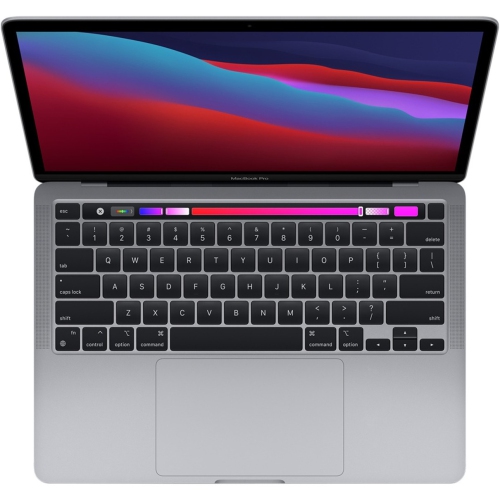 Your price for this item is $1500
 -
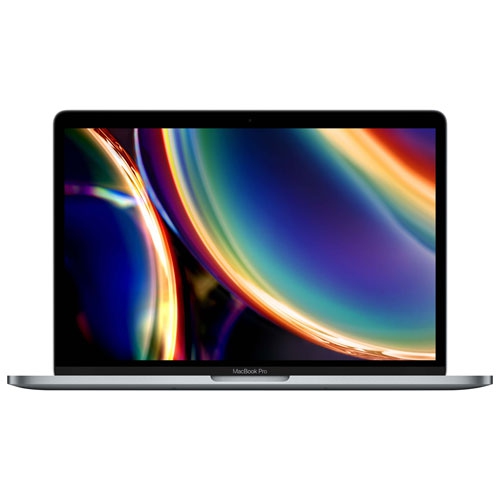 Your price for this item is $649.77
 -
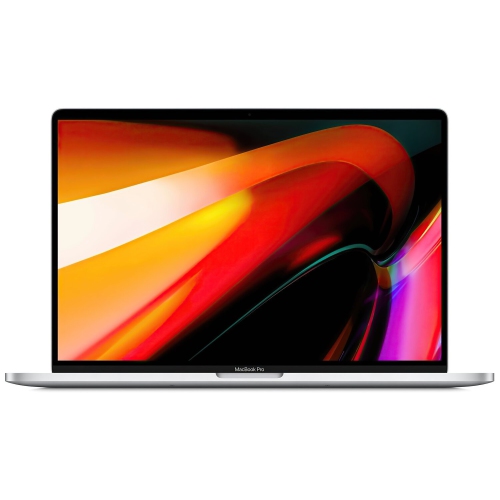 Your price for this item is $799.77
 -
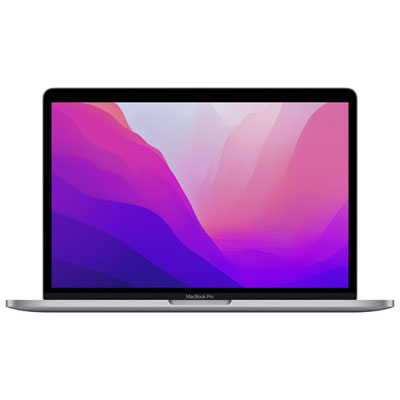 Your price for this item is $1399.97
 -
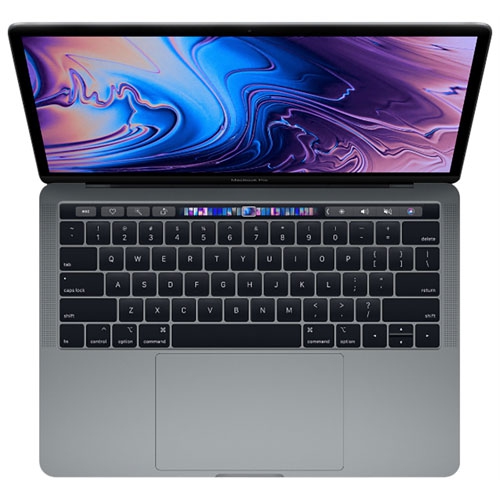 Your price for this item is $499.99
 -
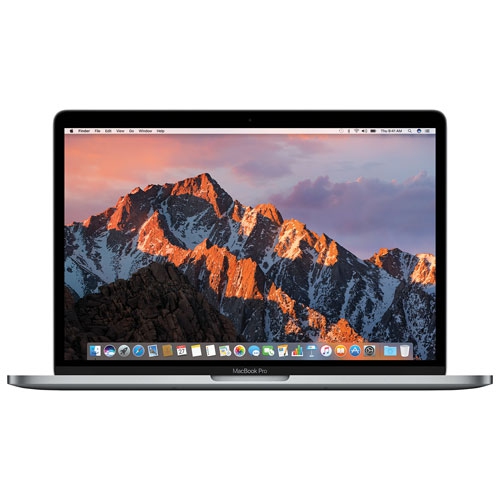 Your price for this item is $499.77
 -
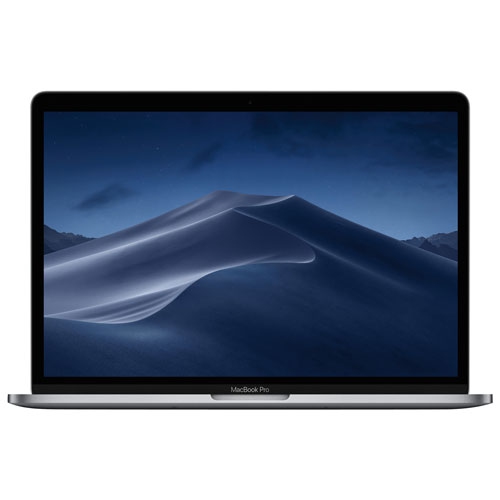 Your price for this item is $549.77
 -
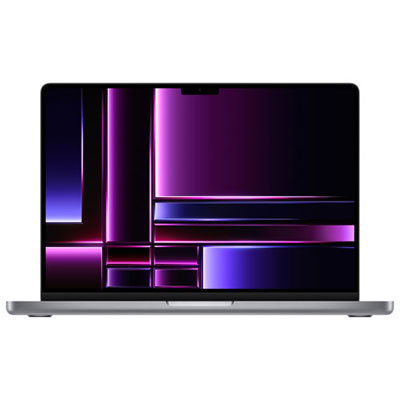 Your price for this item is $2299.97
Discover more categories related to Laptops With Touch Bar
Top Collections:
Pokemon Centers, Kindle Devices, Budget Smartphones, Budget 4K TVs, Apple iPhones 16, Canon G7X Cameras, iPhone 15 Apple, Alarm Clock, Budget-Friendly Wireless Earbuds, iPhone 14 256GB
Some products may be subject to Environmental Handling Fees
(EHF) depending on your province.
Learn more about EHFs.