Laptops for Home Office Setups
Laptops for home office setups offer the flexibility and performance needed to support your daily tasks, virtual meetings, and creative projects. Whether you’re managing files, collaborating with colleagues, or handling multiple applications at once, these laptops are designed to help make your workday more efficient. Explore a wide selection of models suited for various work environments and discover options that can fit seamlessly into your home office setup.
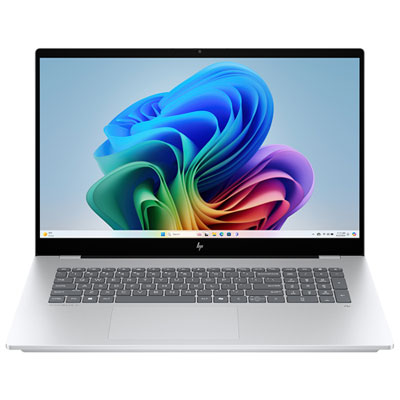
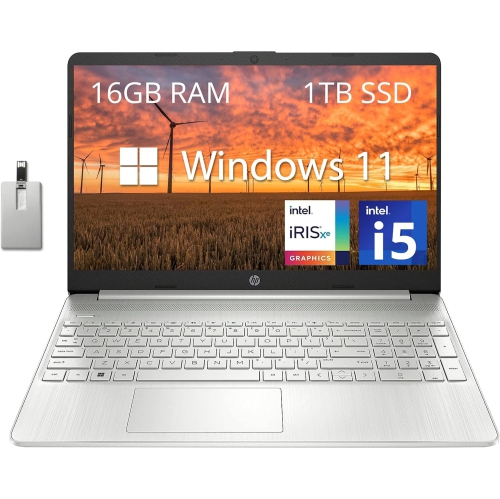


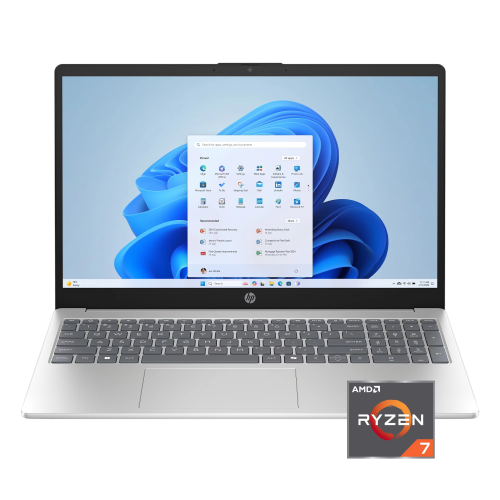

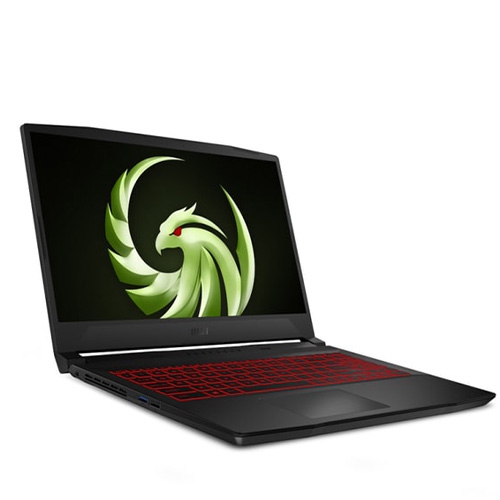
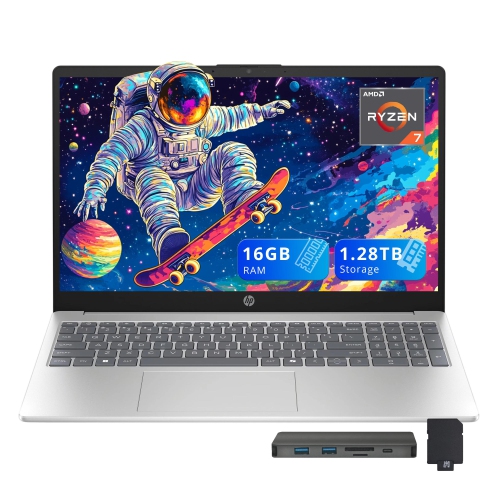


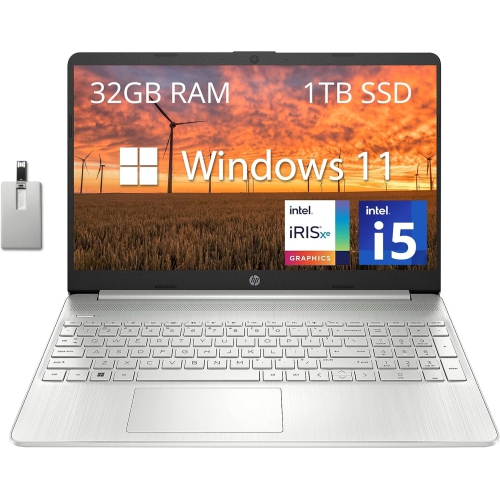

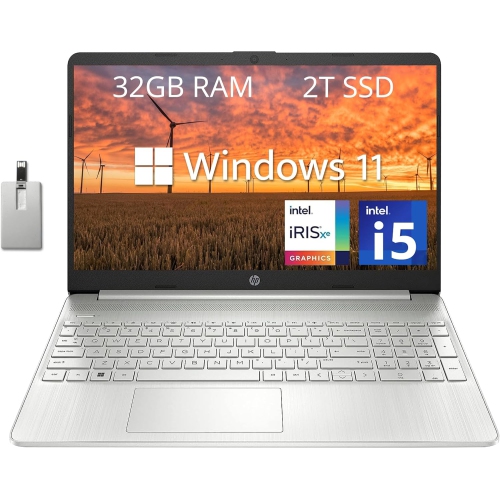
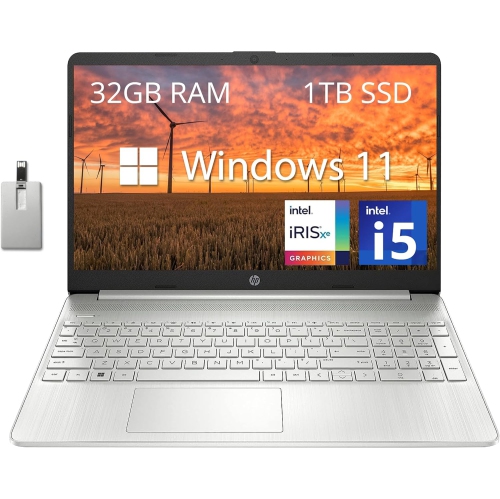


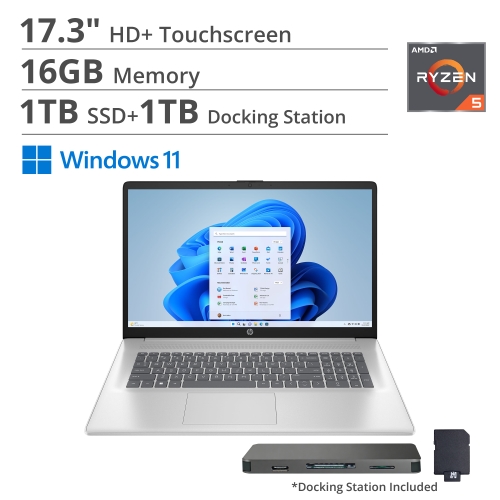
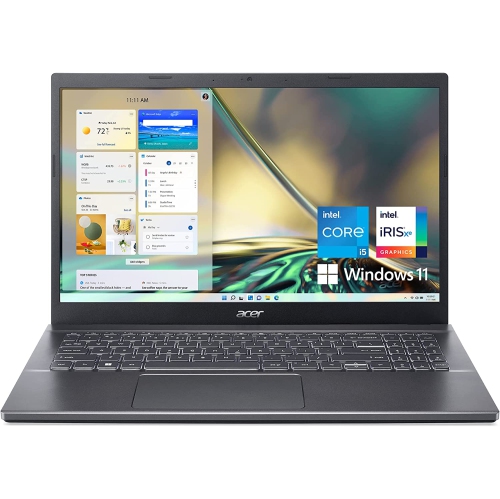
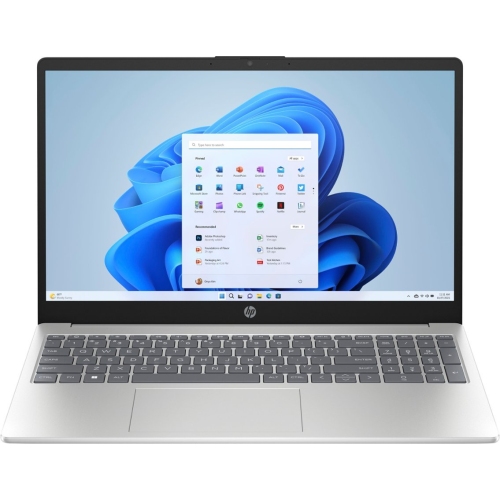
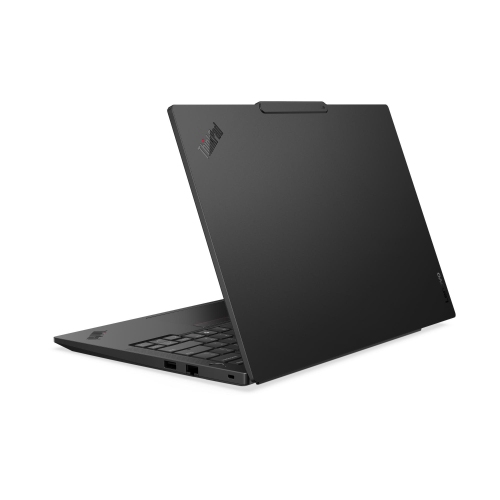

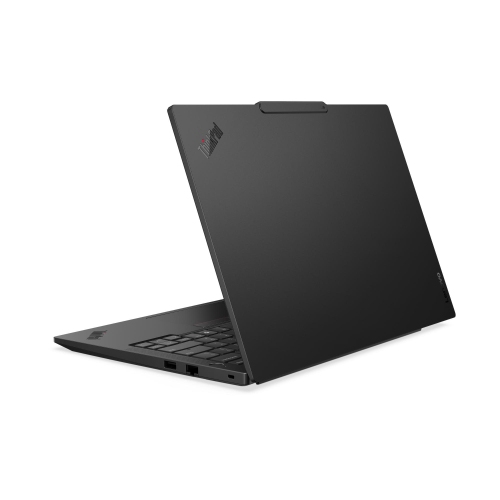
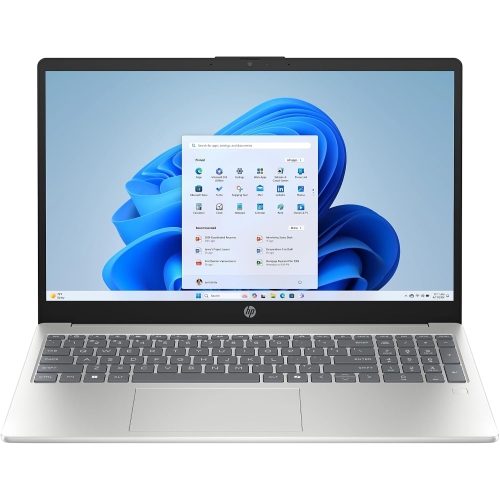
Support focused work, learning, and changing daily routines
Laptops for home office setups aren’t just for remote workers—they’re also a thoughtful gift for students preparing for summer courses, recent graduates launching their careers, or anyone looking to upgrade their tech as they settle into new routines. Parents may find that investing in a reliable laptop helps children manage school assignments and virtual learning, while entrepreneurs and freelancers will appreciate performance features that keep up with demanding software and creative projects. As you select a laptop, think about the types of programs you use most often, whether you need a device that can handle graphic design, spreadsheets, or simply web browsing and email. Battery life is another key consideration, especially if you enjoy working from different spots around your home without being tethered to an outlet. Touchscreen options and convertible models add flexibility, letting you switch between typing, drawing, and presenting with ease. As autumn approaches and schedules shift, having a dependable laptop ensures you’re ready for whatever the season brings, from back-to-school preparations to the start of new business initiatives. For more inspiration and to explore a curated selection tailored to every need, visit our Laptops for Home Office Upgrade page.
FAQ
What features should I look for in a laptop for a home office setup?
When choosing a laptop for your home office, consider features like a fast processor, sufficient RAM (at least 8GB), ample storage space (SSD preferred), a comfortable keyboard, and a high-resolution display. Good battery life and multiple connectivity options such as USB ports and HDMI are also important for productivity.
How can I connect my laptop to external monitors and accessories in my home office?
Most laptops offer HDMI, USB-C, or DisplayPort outputs that allow you to connect to external monitors. You can also use docking stations or USB hubs to expand connectivity for keyboards, mice, printers, and other peripherals, making your home office setup more efficient.
Is it better to choose Windows or Mac laptops for working from home?
Both Windows and Mac laptops are suitable for home office use. The best choice depends on your software needs and personal preference. Windows laptops offer broader compatibility with business applications, while Macs are known for their reliability and seamless integration with other Apple devices.
What security features should I consider when buying a laptop for my home office?
Look for laptops with built-in security features such as fingerprint readers, facial recognition, TPM chips, and robust operating system security updates. These features help protect sensitive work data and ensure your device remains secure while working from home.
Can I upgrade components like RAM or storage in my home office laptop?
Some laptops allow you to upgrade components like RAM or storage after purchase, but many modern models have these parts soldered onto the motherboard. If upgradability is important to you, check the specifications before buying or consider business-class laptops designed with easy upgrades in mind.
Top selling and popular products
-
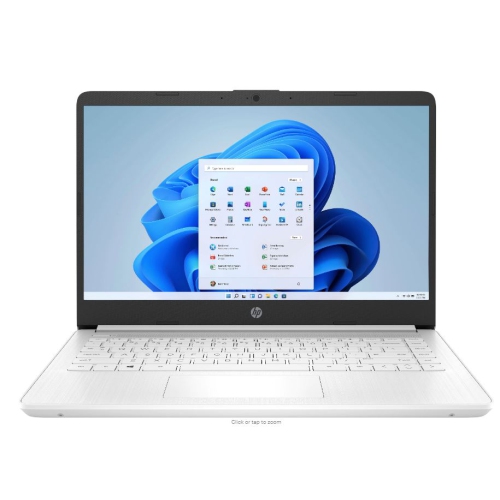 Your price for this item is $449
-
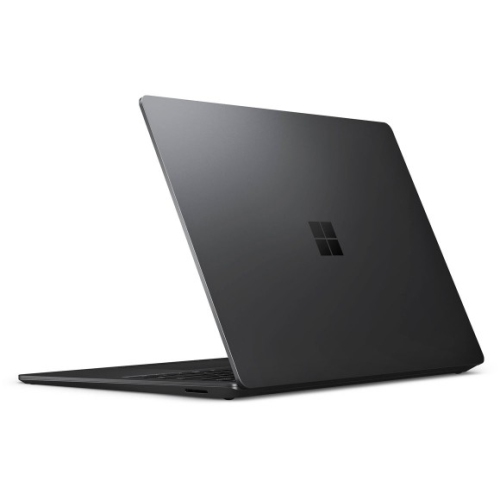 Your price for this item is $3099
-
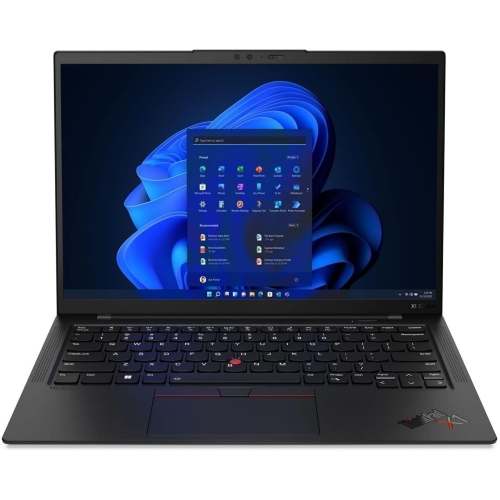 Your price for this item is $429.99
-
 Your price for this item is $1800.68
-
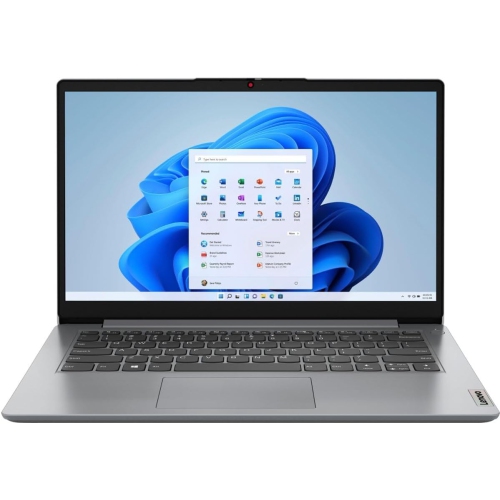 Your price for this item is $664.05
-
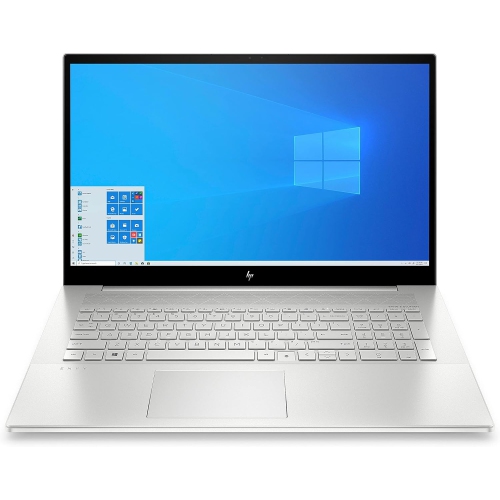 Your price for this item is $869.99
-
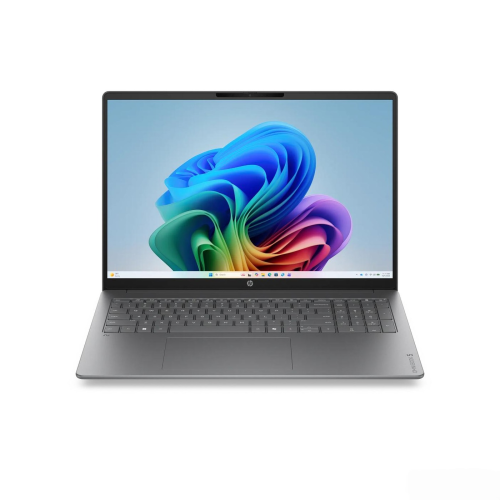 Your price for this item is $2960.48
-
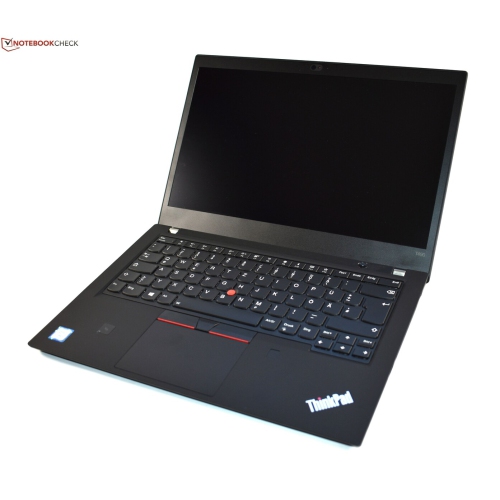 Your price for this item is $479.68