Laptops With 1920 x 1200 Resolution
Laptops With 1920 x 1200 Resolution offer a crisp and vibrant viewing experience, making them an excellent choice for work, entertainment, and everyday tasks. The enhanced screen clarity provides a comfortable workspace for multitasking, streaming, and creative projects. Whether you're editing photos, watching videos, or managing documents, these laptops deliver reliable performance and impressive visuals. Explore a wide selection of Laptops With 1920 x 1200 Resolution to find the perfect match for your needs.
Sort
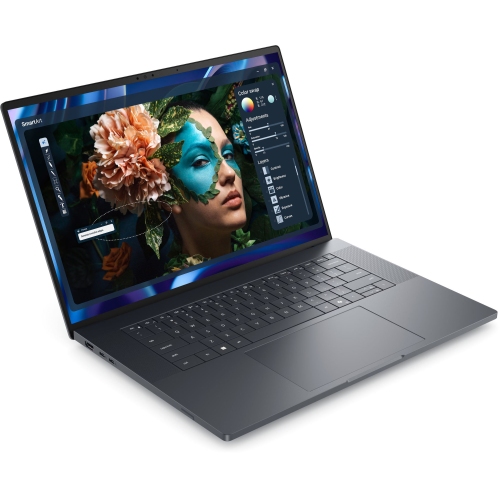
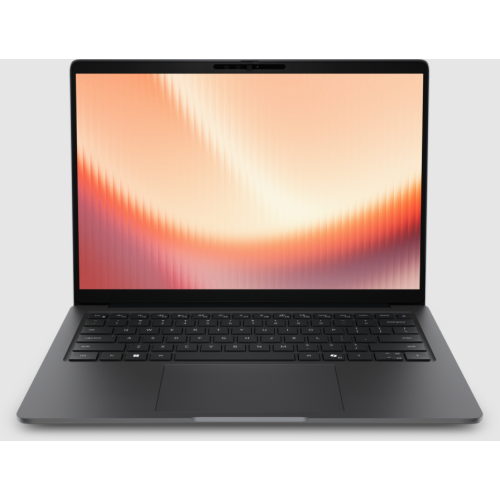

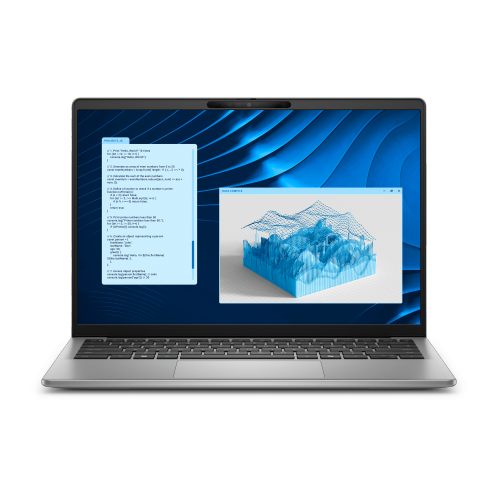
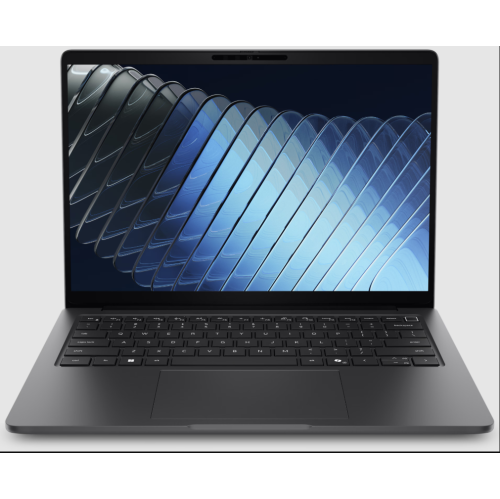
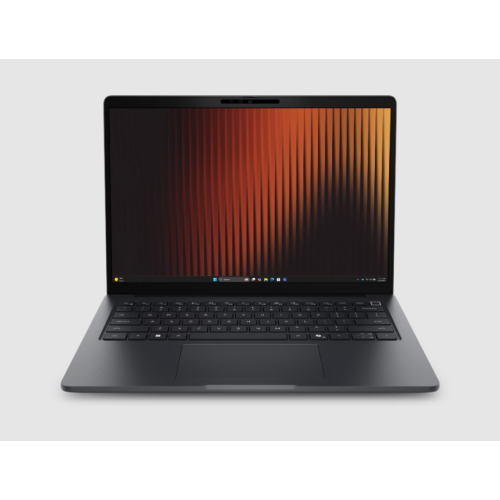
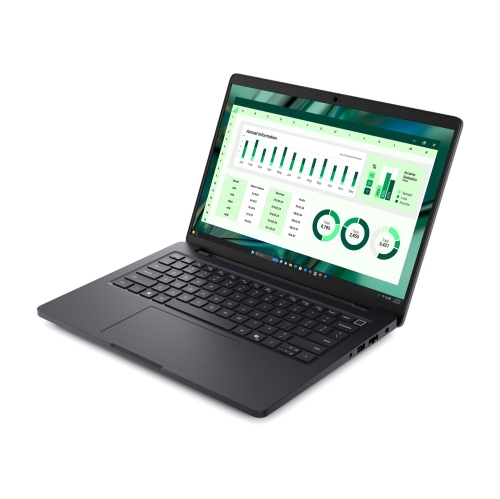
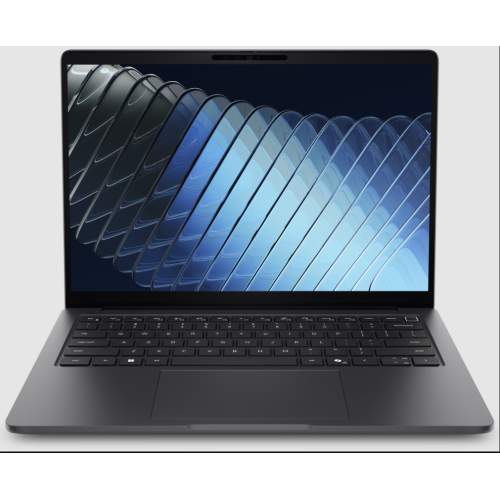
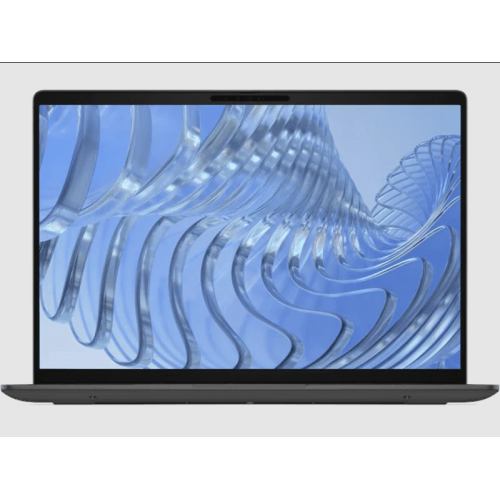
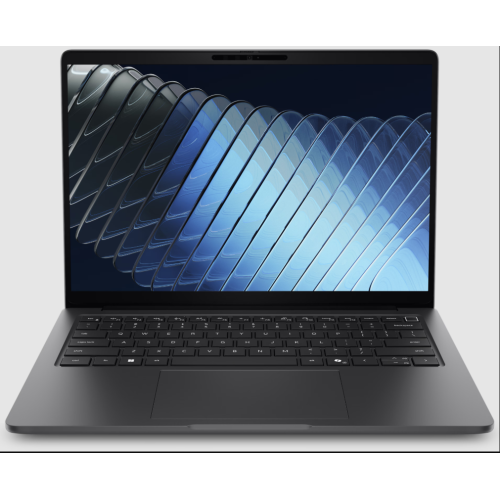
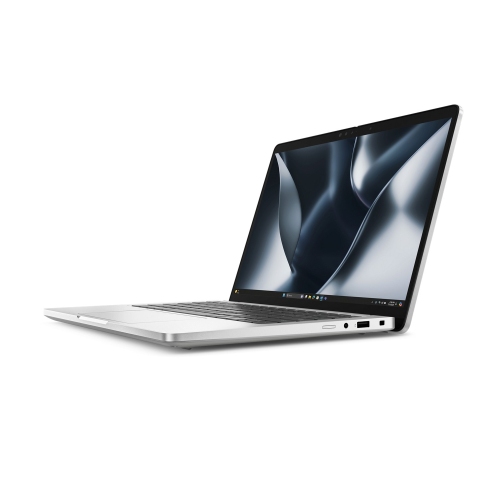
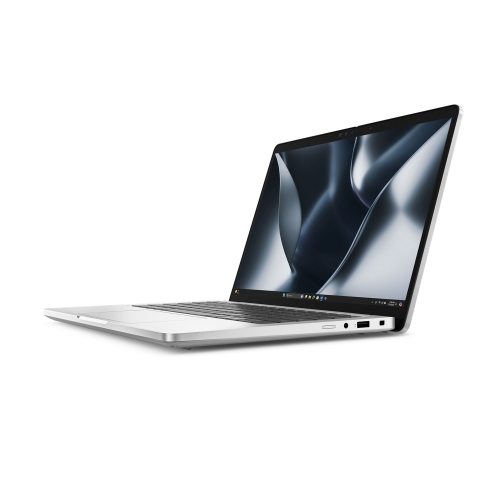
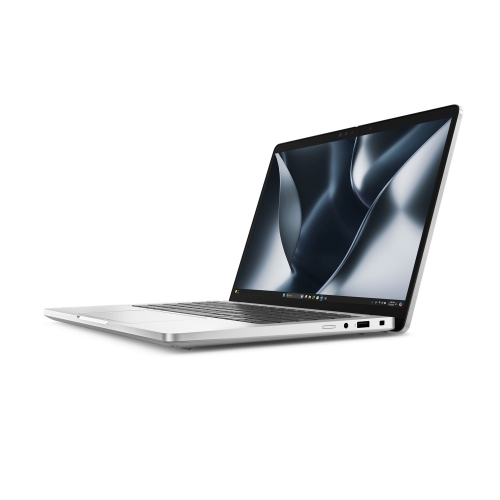
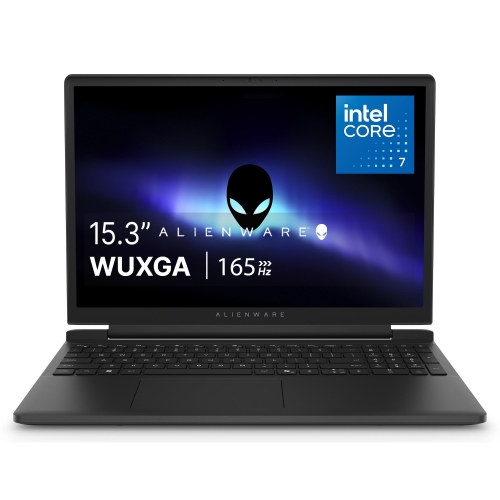
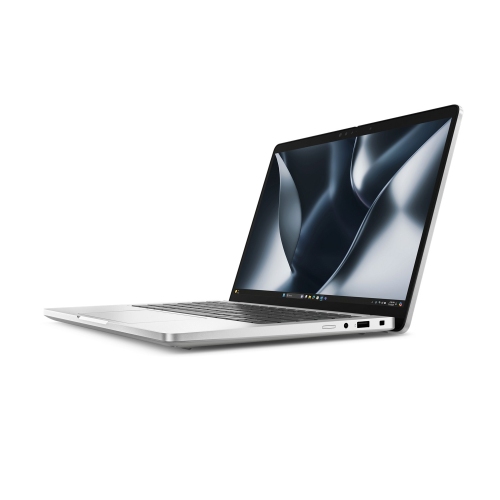
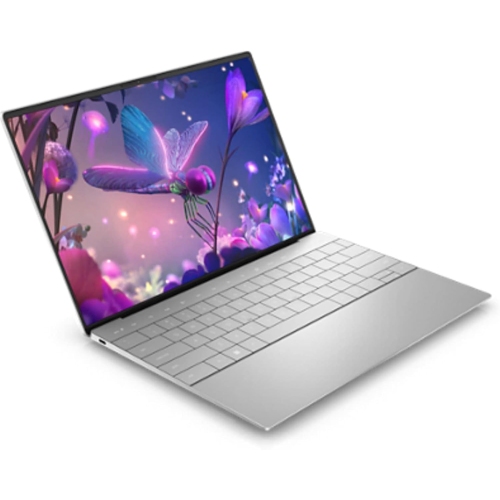
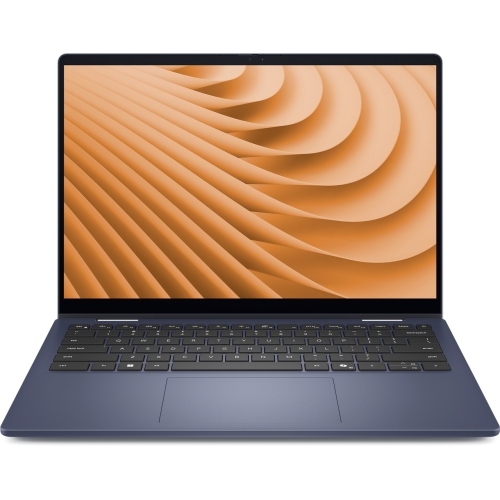
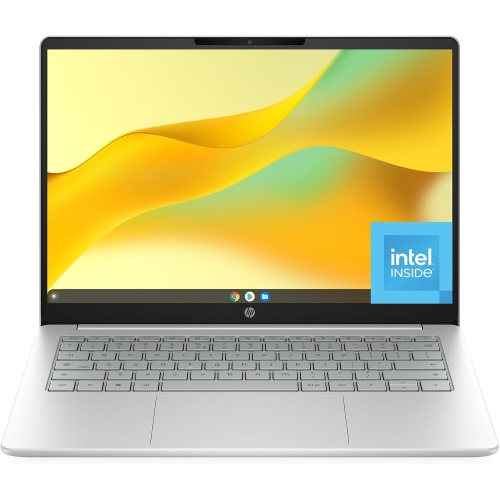
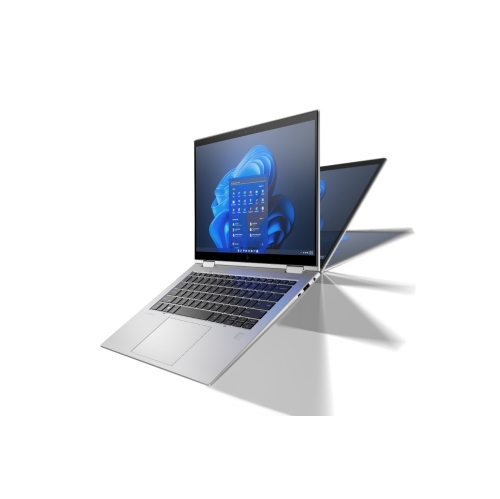
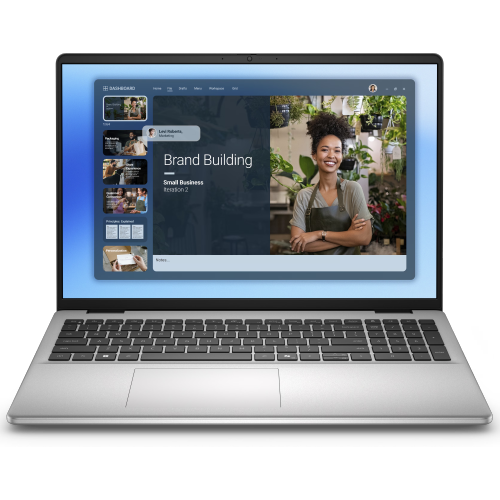
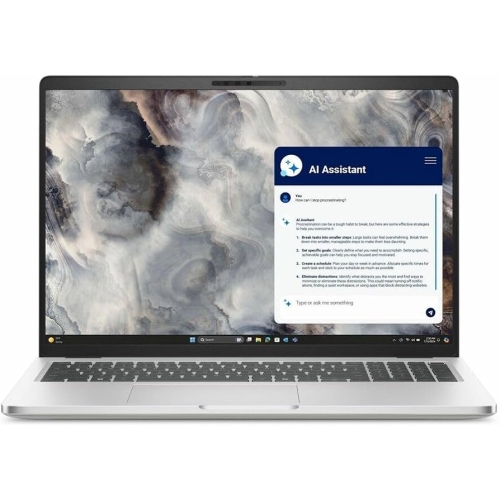
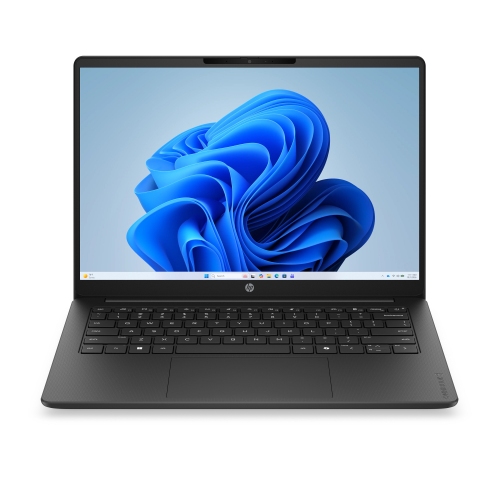
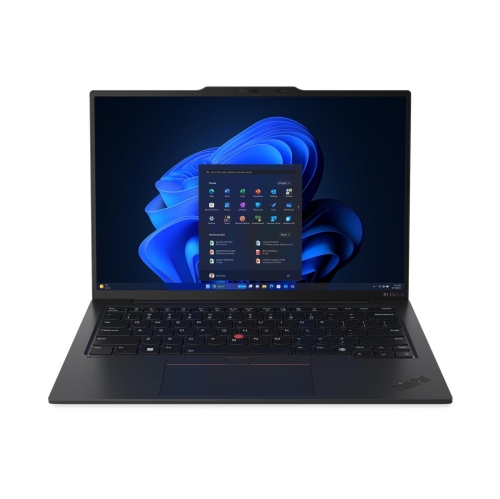
More vertical workspace for documents and everyday tasks
Laptops with 1920 x 1200 resolution have displays that measure 1,920 pixels across and 1,200 pixels vertically, creating a 16:10 aspect ratio. Often described as WUXGA or FHD+, this resolution provides more vertical workspace than a standard 1920 x 1080, 16:9 display. The extra 120 rows of pixels amount to approximately 11% more screen area in pixel terms, giving documents, websites, spreadsheets, and other applications additional room from top to bottom. That difference can mean seeing more lines of a report, keeping an extra section of a worksheet in view, or reading a longer stretch of an article before scrolling. The proportions are especially useful for tasks that involve menus and toolbars, since those controls take up space above and below the main content. Within the broader category of High Resolution Laptops, this format offers a useful balance between everyday readability and room to work. Resolution alone does not determine how large text appears, however. On a smaller screen, the same pixel count produces a denser image than it does on a larger screen, while operating system scaling changes the size of text, icons, and interface elements. A compact laptop can therefore look crisp without necessarily showing more usable content at its default settings. Display quality also depends on factors beyond resolution, including brightness, contrast, colour accuracy, viewing angles, and surface finish. A matte or anti-glare finish can help reduce distracting reflections near a window or beneath overhead lights, while a glossy finish may produce more noticeable reflections. Wider viewing angles help keep the image consistent when someone beside the laptop is reviewing a presentation. For films and series presented in a 16:9 format, a 16:10 screen typically leaves narrow black bars above and below the picture when the full image is displayed. That is a normal difference in proportions, not a fault with the screen.
The appeal of a 1920 x 1200 laptop extends across schoolwork, office tasks, home administration, and entertainment, although the rest of the hardware determines how comfortably it handles each workload. A student taking notes beside a lecture recording benefits from the taller display, while someone preparing invoices may appreciate seeing additional spreadsheet rows without hiding the toolbar. For a person reading research papers, the added height can keep a heading and its supporting text together on screen. Side-by-side windows are possible, but horizontal space remains 1,920 pixels, so two detailed documents may still feel crowded depending on screen size and scaling. A larger display can make that arrangement easier to read, whereas a smaller laptop is often easier to carry between a classroom, desk, and meeting room. Processor capability and memory matter when several browser tabs, a video call, and a document are open together. Solid-state storage helps with responsive startup and file access, while storage capacity determines how much space is available for applications, photos, downloaded media, and project files. Photo editing and design work bring additional considerations: accurate colour reproduction and suitable software performance matter more than the resolution label alone. Similarly, a 1920 x 1200 screen does not by itself make a laptop suitable for demanding games; graphics capability, cooling, and refresh rate also influence the experience. For remote meetings, webcam quality, microphone clarity, speaker placement, and a comfortable keyboard can be just as noticeable as the display. Connectivity deserves attention when the laptop will share a desk with accessories. USB ports, display outputs, and memory card readers vary between designs, and a USB-C connector does not automatically support charging or video output. Wi-Fi capability supports wireless connections, but network conditions still affect call quality and download performance. An external monitor can add workspace for longer sessions, provided the laptop supports the required connection and output resolution. A built-in 1920 x 1200 display does not, on its own, establish the maximum resolution supported on an external screen.
Physical design shapes how well these laptops fit into daily routines. A 14-inch screen may suit someone moving frequently between locations, while a 16-inch screen can provide larger text and a more spacious view at the same resolution. Screen diagonals do not reveal the whole footprint, though: bezel width, chassis depth, weight, and charger size all affect how comfortably a laptop fits in a bag. A padded sleeve should match the computer’s actual dimensions rather than relying only on the advertised screen size. Metal and plastic chassis each vary in construction quality, so hinge stability, keyboard support, and the fit of the casing are useful details to assess alongside the material description. A well-supported keyboard is particularly valuable for long essays or extended typing, and a number pad may matter to someone entering figures regularly. Touchscreens and convertible hinges offer another way to interact with documents or presentations, but these features are separate from resolution and are not present on every 1920 x 1200 laptop. Battery life also depends on the full design and workload, including screen brightness, processor activity, battery capacity, and background applications; matching resolutions do not guarantee matching runtimes. Everyday care helps protect both the display and the chassis. Dust and grit should be removed gently, and the screen should be cleaned with a soft microfibre cloth using the manufacturer’s recommended method. Spraying liquid directly onto the panel, pressing hard on the surface, or closing the lid over a pen can cause damage. Keeping vents clear and using the laptop on a firm surface helps airflow during longer sessions. As a gift for a student, a family member managing household tasks, or someone starting a new role, a laptop with this resolution can suit many practical needs. The best fit depends on the recipient’s software, preferred screen size, portability needs, and working habits, with the taller display serving as one useful part of the overall experience.
The appeal of a 1920 x 1200 laptop extends across schoolwork, office tasks, home administration, and entertainment, although the rest of the hardware determines how comfortably it handles each workload. A student taking notes beside a lecture recording benefits from the taller display, while someone preparing invoices may appreciate seeing additional spreadsheet rows without hiding the toolbar. For a person reading research papers, the added height can keep a heading and its supporting text together on screen. Side-by-side windows are possible, but horizontal space remains 1,920 pixels, so two detailed documents may still feel crowded depending on screen size and scaling. A larger display can make that arrangement easier to read, whereas a smaller laptop is often easier to carry between a classroom, desk, and meeting room. Processor capability and memory matter when several browser tabs, a video call, and a document are open together. Solid-state storage helps with responsive startup and file access, while storage capacity determines how much space is available for applications, photos, downloaded media, and project files. Photo editing and design work bring additional considerations: accurate colour reproduction and suitable software performance matter more than the resolution label alone. Similarly, a 1920 x 1200 screen does not by itself make a laptop suitable for demanding games; graphics capability, cooling, and refresh rate also influence the experience. For remote meetings, webcam quality, microphone clarity, speaker placement, and a comfortable keyboard can be just as noticeable as the display. Connectivity deserves attention when the laptop will share a desk with accessories. USB ports, display outputs, and memory card readers vary between designs, and a USB-C connector does not automatically support charging or video output. Wi-Fi capability supports wireless connections, but network conditions still affect call quality and download performance. An external monitor can add workspace for longer sessions, provided the laptop supports the required connection and output resolution. A built-in 1920 x 1200 display does not, on its own, establish the maximum resolution supported on an external screen.
Physical design shapes how well these laptops fit into daily routines. A 14-inch screen may suit someone moving frequently between locations, while a 16-inch screen can provide larger text and a more spacious view at the same resolution. Screen diagonals do not reveal the whole footprint, though: bezel width, chassis depth, weight, and charger size all affect how comfortably a laptop fits in a bag. A padded sleeve should match the computer’s actual dimensions rather than relying only on the advertised screen size. Metal and plastic chassis each vary in construction quality, so hinge stability, keyboard support, and the fit of the casing are useful details to assess alongside the material description. A well-supported keyboard is particularly valuable for long essays or extended typing, and a number pad may matter to someone entering figures regularly. Touchscreens and convertible hinges offer another way to interact with documents or presentations, but these features are separate from resolution and are not present on every 1920 x 1200 laptop. Battery life also depends on the full design and workload, including screen brightness, processor activity, battery capacity, and background applications; matching resolutions do not guarantee matching runtimes. Everyday care helps protect both the display and the chassis. Dust and grit should be removed gently, and the screen should be cleaned with a soft microfibre cloth using the manufacturer’s recommended method. Spraying liquid directly onto the panel, pressing hard on the surface, or closing the lid over a pen can cause damage. Keeping vents clear and using the laptop on a firm surface helps airflow during longer sessions. As a gift for a student, a family member managing household tasks, or someone starting a new role, a laptop with this resolution can suit many practical needs. The best fit depends on the recipient’s software, preferred screen size, portability needs, and working habits, with the taller display serving as one useful part of the overall experience.
Top selling and popular products
-
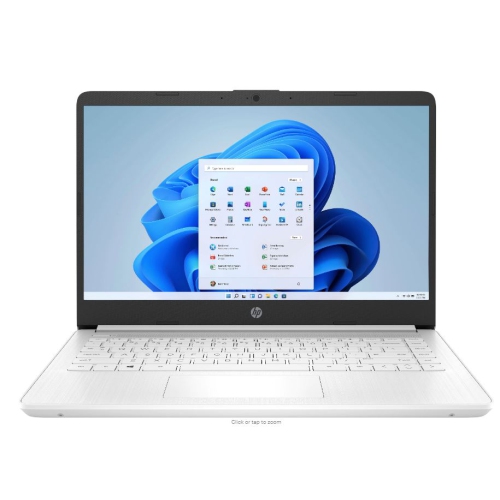 Your price for this item is $449
-
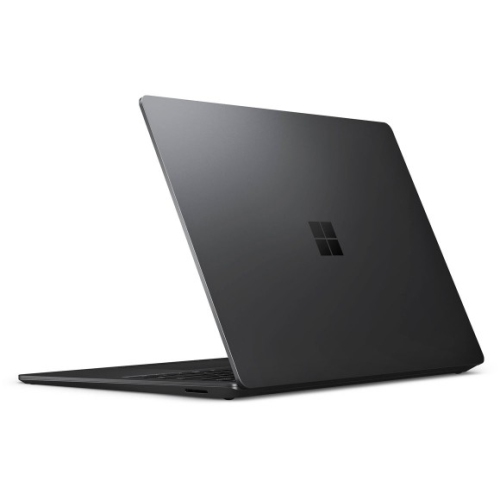 Your price for this item is $3099
-
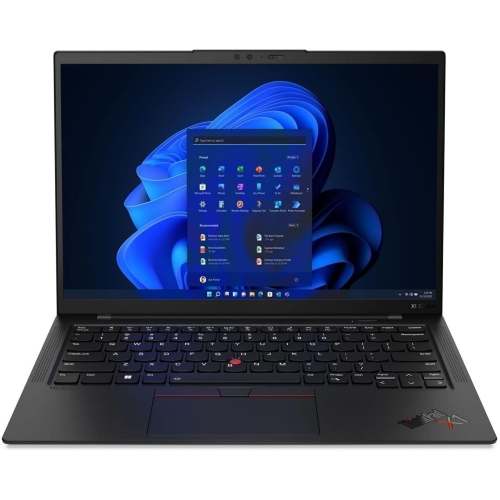 Your price for this item is $429.99
-
 Your price for this item is $1800.68
-
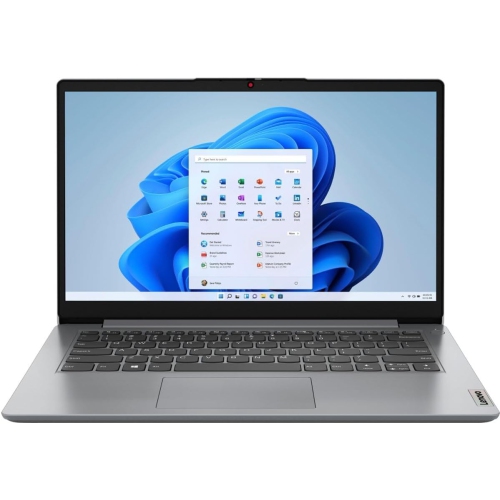 Your price for this item is $664.05
-
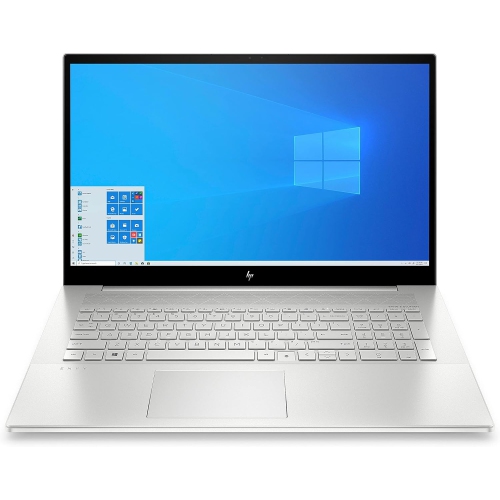 Your price for this item is $869.99
-
 Your price for this item is $2960.48
-
 Your price for this item is $479.68
Discover more categories related to Laptops With 1920 x 1200 Resolution
Top Collections:
Pokemon Centers, Pokémon 30th Celebration Cards, Best Budget Office Chairs, Kindle Devices, Best Cameras for Sports Photography, Canon G7X Cameras, Best Black Friday Deals On Electronics, Best Laptops for Writers, iPhone 15 Apple, Jackery Power Stations
Some products may be subject to Environmental Handling Fees
(EHF) depending on your province.
Learn more about EHFs.