Laptops With 24GB RAM
Laptops With 24GB RAM deliver impressive performance for users who need more memory for demanding tasks, multitasking, and smooth operation. Whether you're working on creative projects, managing large datasets, or running multiple applications at once, these laptops provide the memory capacity to help keep everything running efficiently. Explore a range of Laptops With 24GB RAM to find the perfect fit for your workflow and productivity needs.
Sort
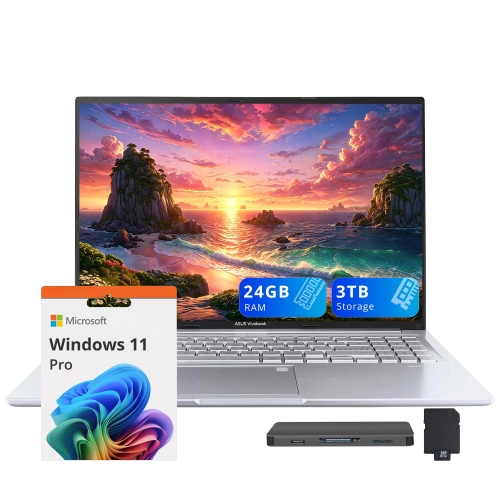
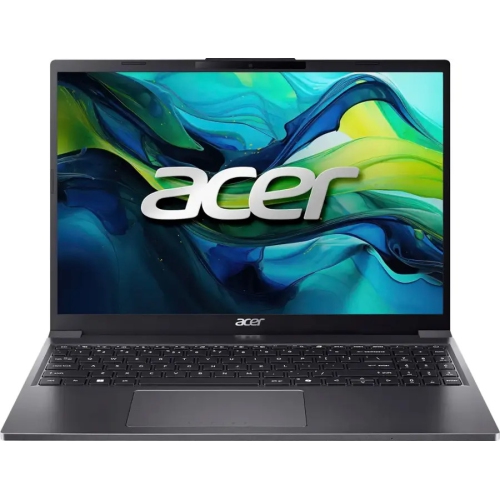
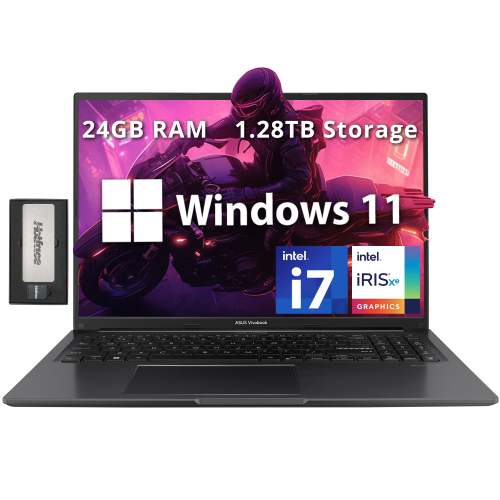
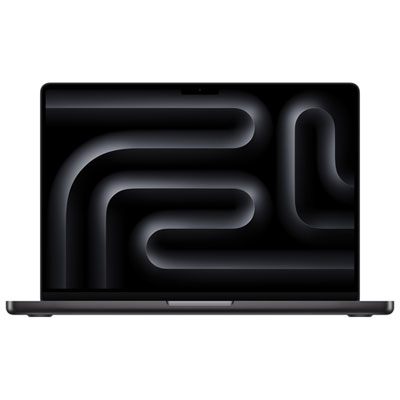

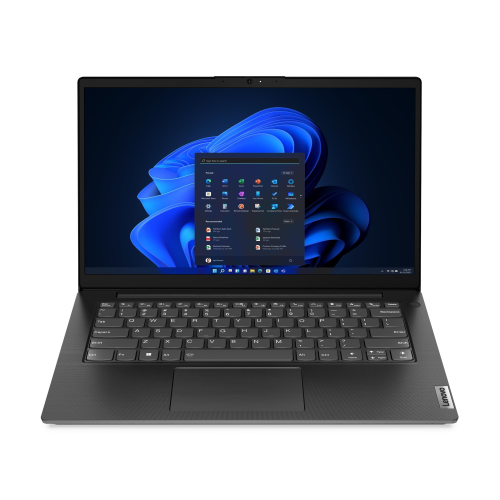
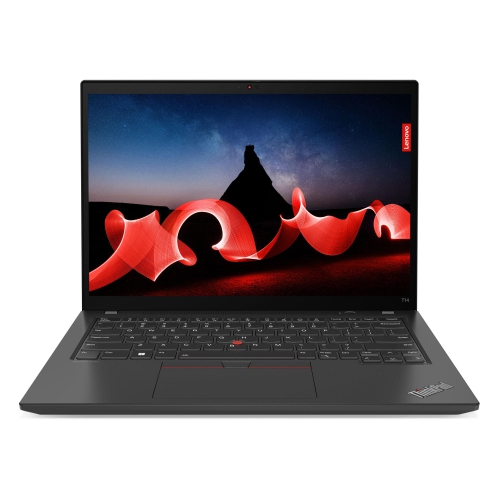
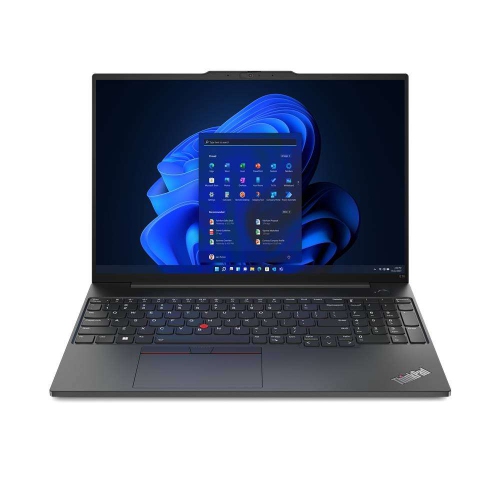
Why memory headroom matters when demanding tasks overlap
Laptops with 24GB RAM provide memory capacity suited to demanding multitasking, substantial office workloads, and many content creation tasks. They can also support some local AI features when the processor, graphics hardware, and software meet the application’s requirements. RAM is the working space a computer uses for active applications and data, rather than the storage space that holds files after the laptop shuts down. Having 24GB gives compatible systems more room than 16GB configurations to keep several demanding tasks active at once, although the benefit depends on the workload. A typical workday might involve a video meeting, a spreadsheet with multiple worksheets, a presentation, and browser tabs containing research, email, and project tools. Additional memory can help keep that mix responsive by reducing the need to move active data between RAM and storage. For students, this capacity can accommodate lecture notes, reference documents, coding tools, and collaborative assignments running side by side. For creative work, it can provide useful headroom for photo editing, layered illustrations, audio projects, and some video editing workflows. Project complexity still matters: high-resolution footage, extensive effects, large sample libraries, or several virtual machines can require considerably more memory. A laptop’s processor and graphics capabilities remain equally important, so 24GB RAM should be understood as one part of the system rather than a guarantee of speed. Everyday tasks such as writing documents, streaming video, and managing household files generally place lighter demands on memory, but extra capacity can be useful when those activities overlap with more intensive work. The practical appeal is less about making every individual action faster and more about maintaining a comfortable working rhythm as applications and files accumulate throughout the day. Someone moving between a research document, a design canvas, and a group call may notice that breathing room more than someone who usually keeps only one application open.
The rest of the laptop determines how comfortably that memory capacity translates into daily use. A capable processor helps with calculations, software development, and exporting creative projects, while suitable graphics hardware matters for gaming, 3D work, and GPU-accelerated effects. Some laptops share their main memory between the processor and integrated graphics, which means the full 24GB is not reserved exclusively for applications. Dedicated graphics memory serves a different purpose and should not be confused with system RAM. Storage also has a separate role: a solid-state drive contributes to quick startup and file access, while its capacity determines how much space remains for applications, photos, recordings, and project folders. The display can be just as important as internal specifications during long sessions. A larger screen offers room for a timeline beside a preview window or a spreadsheet beside a reference document, whereas a smaller chassis is easier to carry between a desk, classroom, and meeting room. Resolution affects how much detail appears on screen, and colour accuracy matters when editing images or preparing visual work. A comfortable keyboard, a responsive touchpad, and a screen with manageable reflections can make sustained work less tiring. Port selection shapes the desk setup, too. Connecting an external monitor, wired network adapter, camera card reader, or backup drive may require particular connections or a compatible dock. USB-C ports do not all support the same charging, display, or data capabilities, so their functions matter more than their appearance alone. Wi-Fi capability, webcam quality, and microphone performance also contribute to a smoother experience for remote collaboration. For frequent travel, the combined weight of the laptop and charger deserves attention alongside battery specifications. Battery life varies with screen brightness, workload, wireless activity, and power settings; additional RAM by itself does not determine how long a laptop runs between charges. A well-matched combination of performance, screen size, connections, and carrying weight makes 24GB RAM more useful than a strong memory specification paired with hardware that does not suit the intended work.
Construction, memory design, and everyday care influence how well a laptop fits into a longer-term routine. Metal and plastic chassis can both be suitable for regular use; hinge stability, keyboard support, and overall assembly matter alongside the material itself. A padded sleeve or properly fitted laptop compartment helps protect the corners and screen during transport, especially when a bag also contains books, chargers, or other hard objects. Working on a firm, flat surface keeps ventilation openings clear, while gentle cleaning with a soft cloth helps remove fingerprints and dust without putting unnecessary pressure on the display. Cleaning products should follow the manufacturer’s instructions, and liquids should not be sprayed directly onto the laptop. Memory expandability is another detail that varies by design. Some 24GB configurations use replaceable memory modules, while others have memory soldered to the board or integrated into a unified memory architecture. The stated capacity does not establish whether an upgrade is possible, and even systems with accessible modules have compatibility limits. For someone expecting larger creative projects, more virtual machines, or heavier development workloads, 32GB RAM Laptops provide a useful comparison in memory capacity, with processor, graphics, and storage specifications still shaping the overall result. For many mixed workloads, however, 24GB can offer practical headroom without making memory the sole focus of the decision. It can suit a university student balancing coursework with creative hobbies, a professional handling data-heavy documents, or a home user who edits photos while keeping several everyday applications open. As a gift for someone starting a program or taking on more demanding projects, the strongest fit depends on their required software, preferred operating system, and carrying habits. Compatibility with course applications, workplace tools, and existing accessories is more meaningful than capacity alone. A laptop that brings those needs together can move comfortably from focused work to personal projects, with enough memory to support the way its owner actually uses it.
Top selling and popular products
-
 Your price for this item is $449
-
 Your price for this item is $3099
-
 Your price for this item is $1800.68
-
 Your price for this item is $664.05
-
 Your price for this item is $869.99
-
 Your price for this item is $2960.48
-
 Your price for this item is $499.68
-
 Your price for this item is $1951.79
Discover more categories related to Laptops With 24GB RAM

Top Collections:
Best Black Friday Deals This Year, Best Black Friday Deals On Electronics, Kindle Devices, Pokemon Centers, Best Black Friday Deals On Apple Products, Best Cameras for Sports Photography, Dyson Airwrap, Pokémon 30th Celebration Cards, Apple iPhone 17 Pro, Canon G7X Cameras
Some products may be subject to Environmental Handling Fees
(EHF) depending on your province.
Learn more about EHFs.