Laptops With Full Size Keyboard
Laptops with full size keyboards offer enhanced comfort and productivity for those who spend extended hours typing or working on various tasks. Whether you're managing spreadsheets, writing reports, or enjoying entertainment, these laptops provide a familiar and spacious keyboard layout that makes every keystroke efficient. Explore a wide selection of laptops with full size keyboards to find the perfect fit for your work, school, or personal needs.
Sort
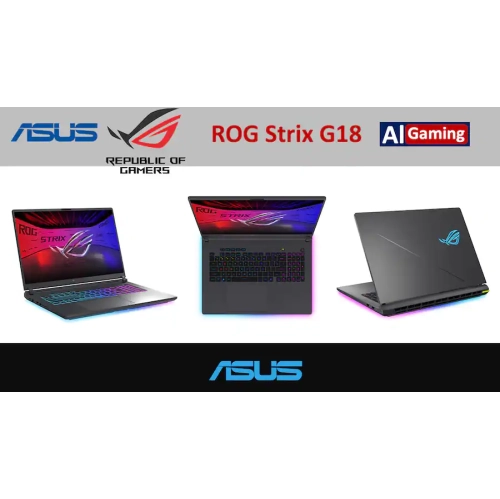
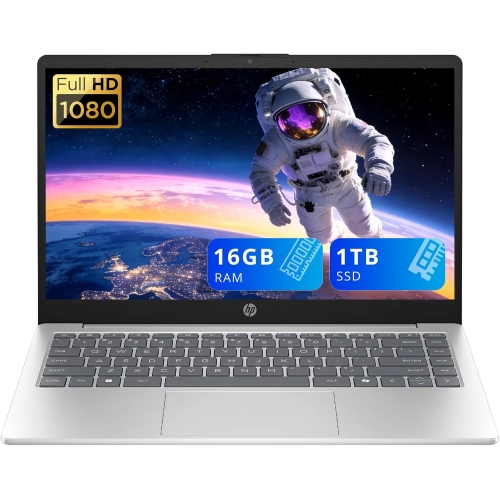
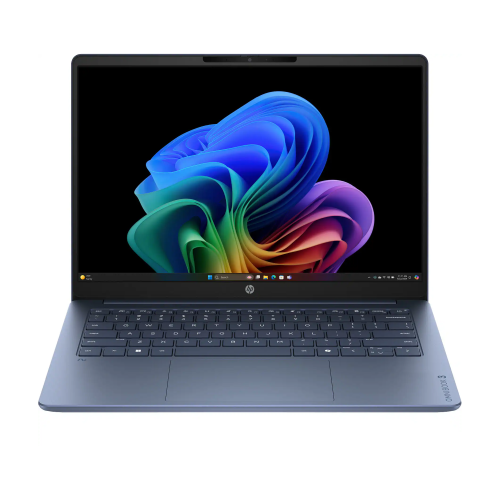
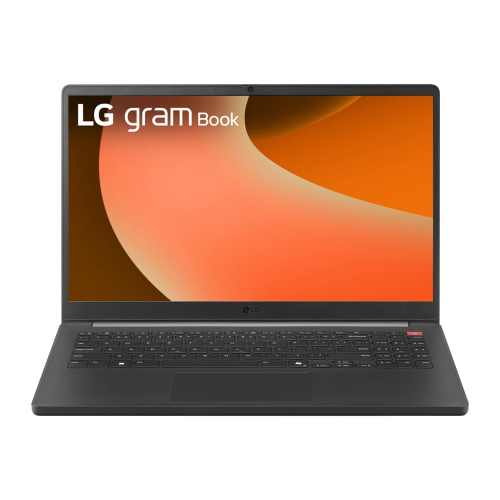
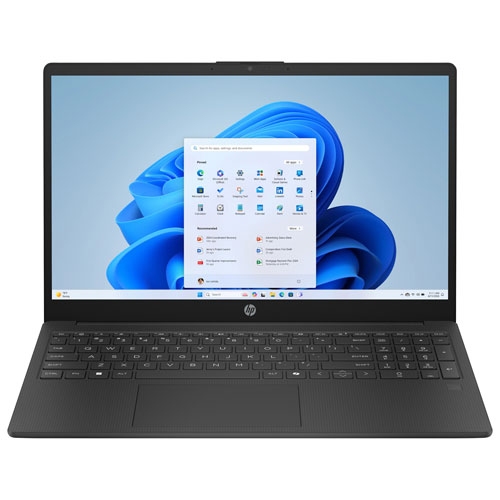
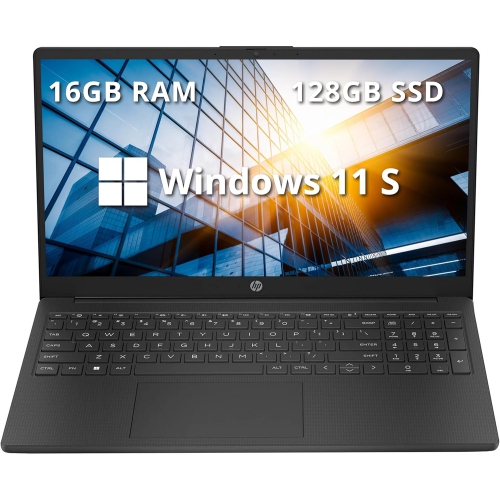
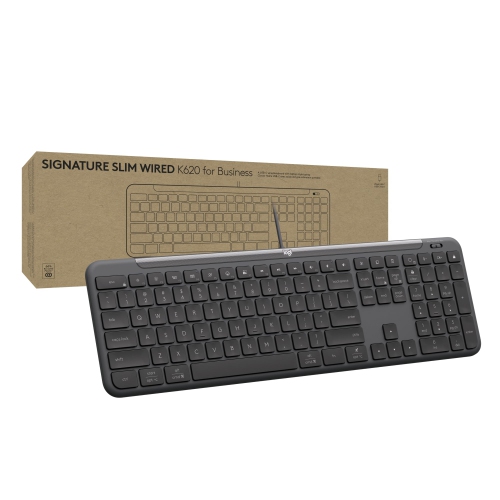
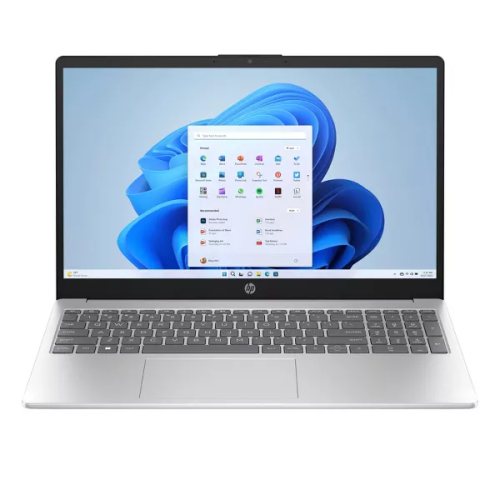
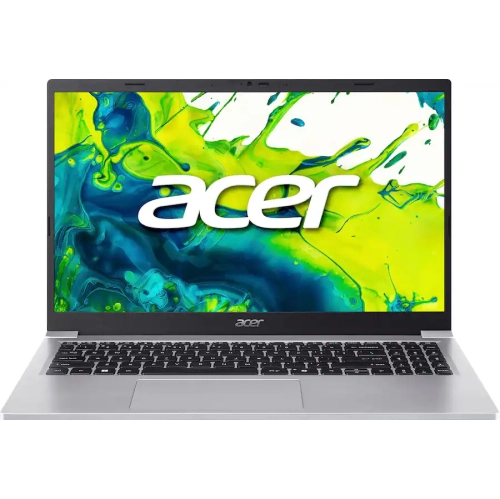
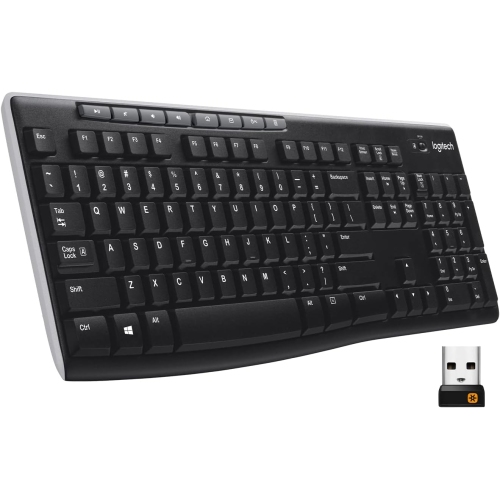

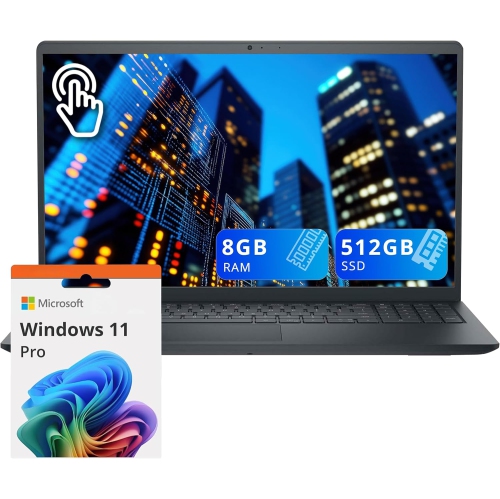
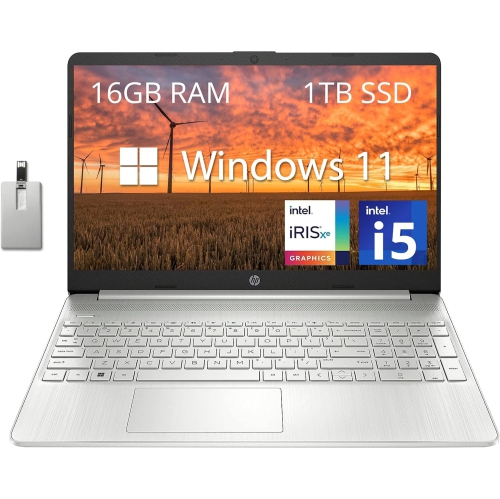
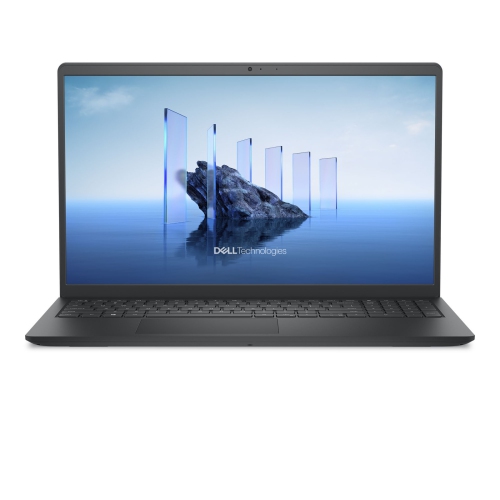
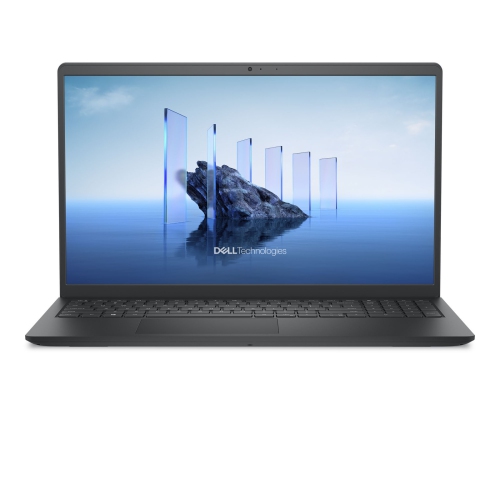
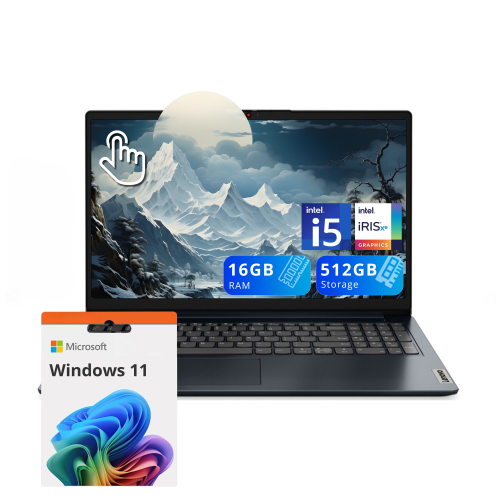
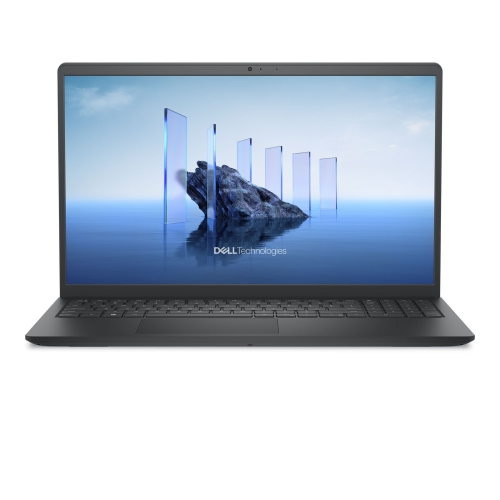
Why full-size keys don’t always mean a number pad
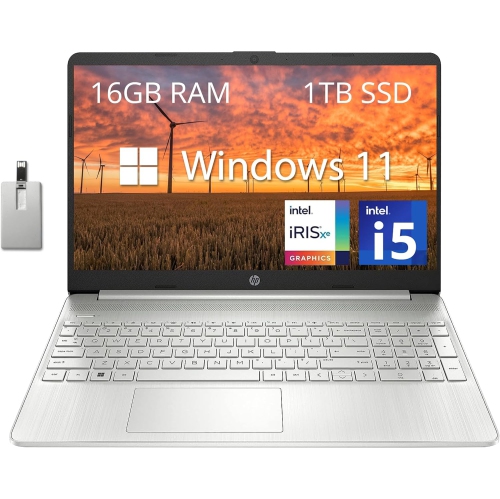
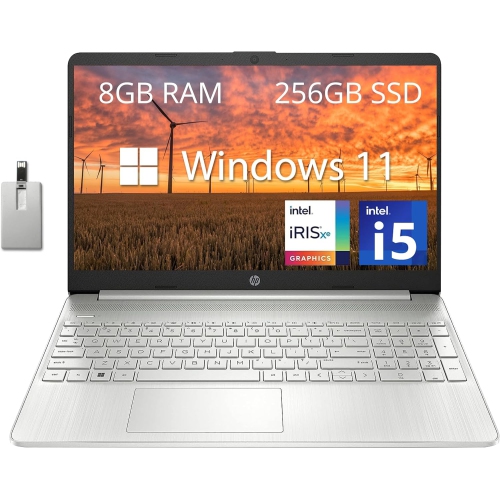
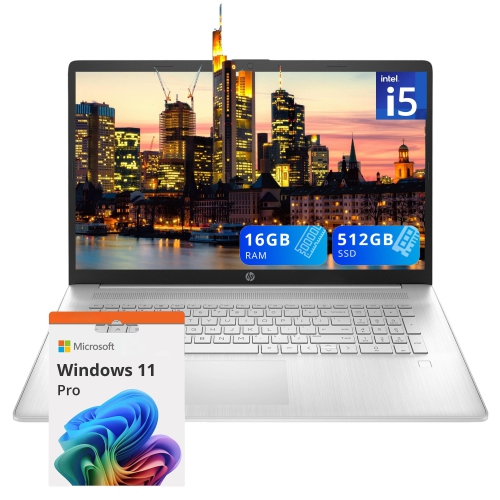
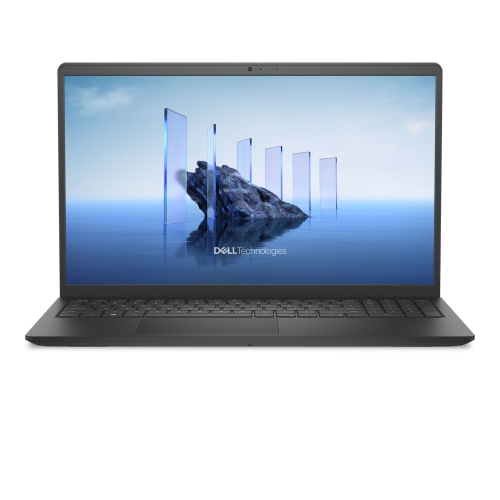
Laptops with full-size keyboards provide a familiar typing layout for everyday writing, work, and study, often with a dedicated numeric keypad beside the main letter keys. These layouts are commonly found on 15-inch, 16-inch, and 17-inch laptops, where a wider chassis can provide room for both comfortably spaced keys and a separate number pad. Screen size alone does not guarantee a particular keyboard layout, though, and “full-size” can describe standard-size typing keys without necessarily including a numeric keypad. For anyone who regularly enters figures, the presence of that separate keypad is an important distinction. A student working through accounting exercises, a small-business owner updating invoices, or someone organizing household expenses may appreciate having numbers grouped together rather than relying entirely on the top row. The arrangement can make repeated entries feel more familiar to people accustomed to a desktop keyboard, particularly when moving between figures, calculations, and written notes. For writing-heavy tasks, the benefits are different: comfortably spaced letter keys, accessible punctuation, and an easy-to-find Backspace key can support a steady typing rhythm through reports, assignments, and lengthy emails. Layout details still vary considerably. Arrow keys may be full-height or compressed, navigation keys may sit above the number pad or share other functions, and the Enter and Shift keys can differ in shape. A clear keyboard image and the listed specifications help distinguish a layout that suits numerical work from one designed mainly around a larger typing area. Language layout matters as well, especially for households that move between English and French. Familiar key legends and convenient access to accented characters can be more useful than an extra shortcut button. Whether the laptop is used at a desk, carried between classrooms, or opened at the kitchen table for an evening of paperwork, the right layout is one that makes frequent tasks feel straightforward.
Typing comfort depends on more than the number of keys. Key travel, the resistance felt during a press, and the stability of each key all contribute to how a keyboard feels over a longer session. A shallow keyboard can suit someone who prefers a light touch, while a more pronounced response may appeal to a typist who likes clearer feedback. Neither approach suits everyone, and a spacious layout does not automatically mean a softer or quieter typing experience. Closely spaced work areas and shared rooms can make key noise worth considering, while backlighting can help keep legends visible when room lighting is subdued. Adjustable brightness is useful, but decorative lighting and practical illumination are not always the same thing; even coverage and readable characters matter most for finding keys quickly. For shoppers comparing typing feel alongside layout, Laptops With the Best Keyboards offers a related collection to browse. Physical fit is just as important as keyboard feel. A dedicated numeric keypad generally places the main typing area to the left of the laptop’s centre, so comfortable positioning may involve aligning the letter keys with the body rather than centring the entire chassis. Touchpad placement, palm-rest depth, and the reach to frequently used keys can also affect daily comfort. Someone entering long columns of figures may use the right side of the keyboard heavily, while a writer may spend most of the day over the letter keys. A broad palm rest can provide useful space, provided its front edge does not press uncomfortably against the wrists. On a desk, enough room for forearm support and an external mouse can make a larger laptop easier to use. For extended sessions, a separate keyboard and a raised screen can also help create a more comfortable arrangement. These considerations are especially relevant when a laptop serves as the main computer rather than an occasional portable device.
The rest of the laptop should support the work that makes a full-size keyboard useful. Spreadsheets benefit from a display that keeps headings and figures legible, while side-by-side documents need enough usable screen space to avoid constant window switching. A larger screen can help, but resolution, text scaling, brightness, and reflections also influence how comfortably information can be read. Processing capability and memory should match the workload: writing documents and managing household records place different demands on a computer than analysing large datasets, editing video, or running several demanding applications together. Storage capacity matters for keeping files close at hand, and suitable connections can simplify the use of an external monitor, mouse, or backup drive. A laptop that travels frequently also needs to fit its carrying bag, including the charger and any accessories; a sleeve intended for a particular screen size may not accommodate every chassis with that display measurement. Overall dimensions and weight are more reliable indicators of fit. Construction deserves attention too. Plastic and metal housings can both be suitable for regular use, with durability depending on the design, assembly, and handling rather than the material alone. A stable keyboard deck and secure hinges contribute to a solid feel when typing or adjusting the screen. Routine care helps preserve that experience: crumbs and dust should be kept out of the gaps around keys, drinks are best placed away from the computer, and cleaning should follow the manufacturer’s directions with the laptop switched off. Liquid should never be sprayed directly onto the keyboard, and screen protectors or keyboard covers should only be used when compatible with the device. As a gift, a laptop with a full-size keyboard can be a practical choice for a student, a writer, or someone replacing a desktop computer, particularly when their preferred layout is already known. The strongest match combines familiar typing, the right number-entry features, manageable dimensions, and the computing capability needed for everyday tasks.
Top selling and popular products
-
 Your price for this item is $449
-
 Your price for this item is $3099
-
 Your price for this item is $1800.68
-
 Your price for this item is $664.05
-
 Your price for this item is $869.99
-
 Your price for this item is $2960.48
-
 Your price for this item is $499.68
-
 Your price for this item is $1951.79
Discover more categories related to Laptops With Full Size Keyboard

Top Collections:
Best Black Friday Deals This Year, Best Black Friday Deals On Electronics, Kindle Devices, Pokemon Centers, Best Black Friday Deals On Apple Products, Best Cameras for Sports Photography, Dyson Airwrap, Pokémon 30th Celebration Cards, Apple iPhone 17 Pro, Canon G7X Cameras
Some products may be subject to Environmental Handling Fees
(EHF) depending on your province.
Learn more about EHFs.