Full Size Keyboards
Looking for full-size keyboards that offer both comfort and functionality? Look no further! Our collection of full-size keyboards is designed to cater to all your typing needs. Whether you're a professional writer, a gamer, or simply someone who spends hours in front of the computer, having a spacious keyboard with all the essential features is crucial. From ergonomic designs to customizable options, our wide range of full-size keyboards ensures that you can find the perfect fit for your typing style and preferences.
Sort
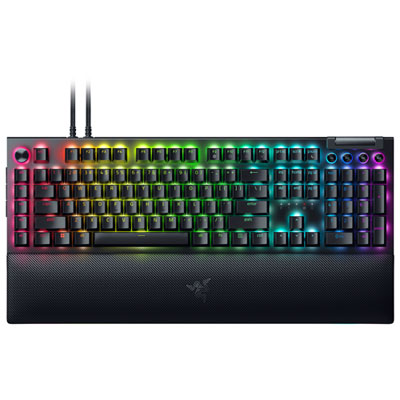
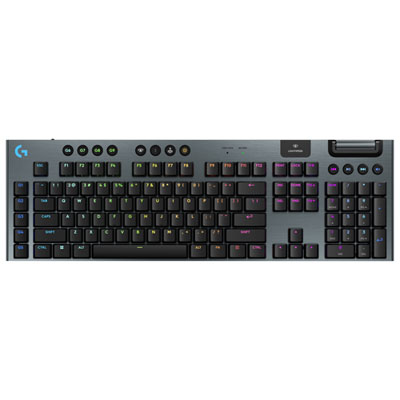
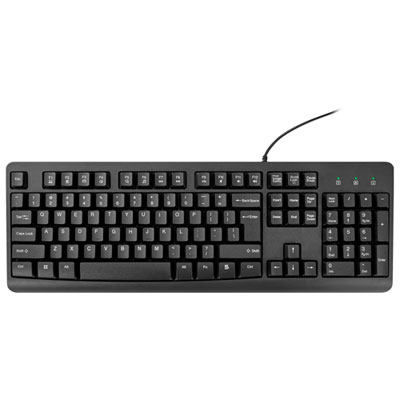
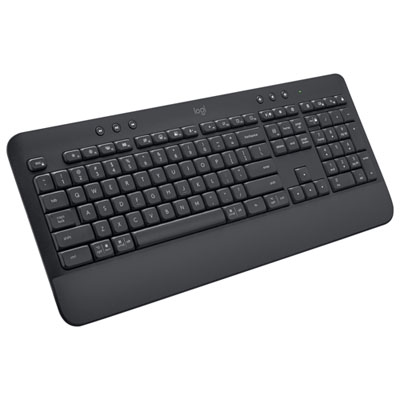

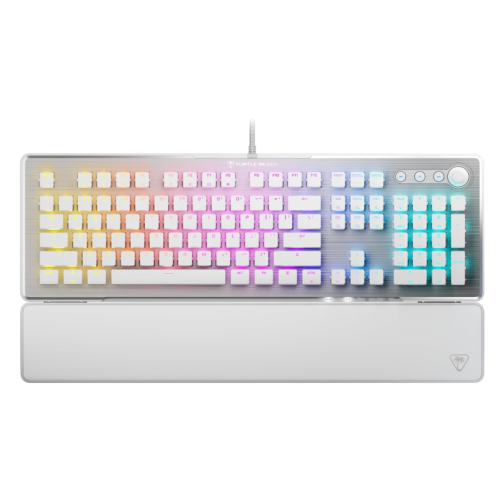
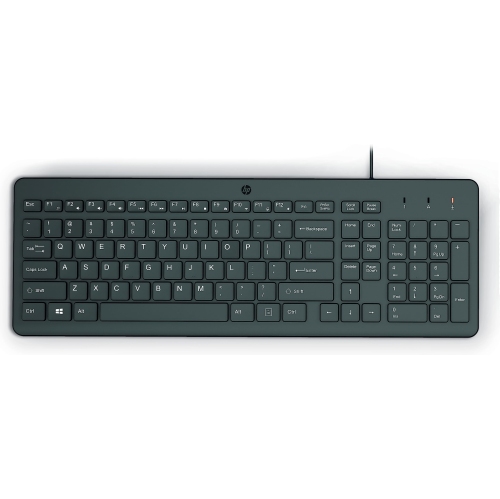
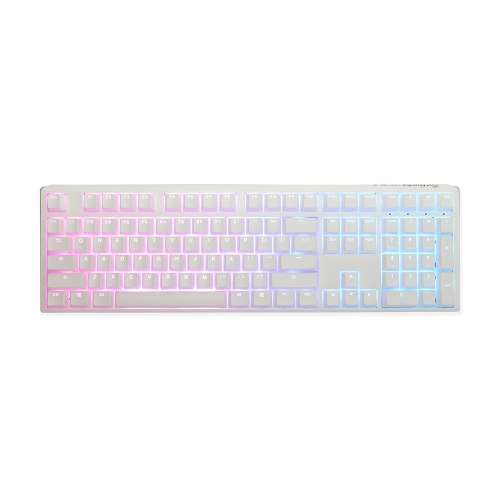

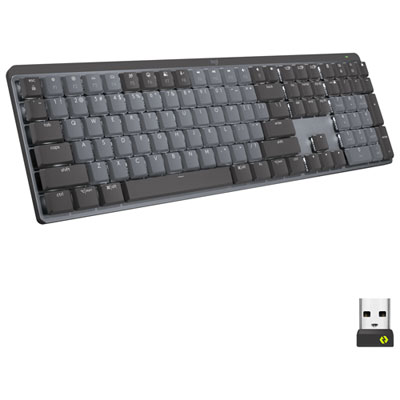
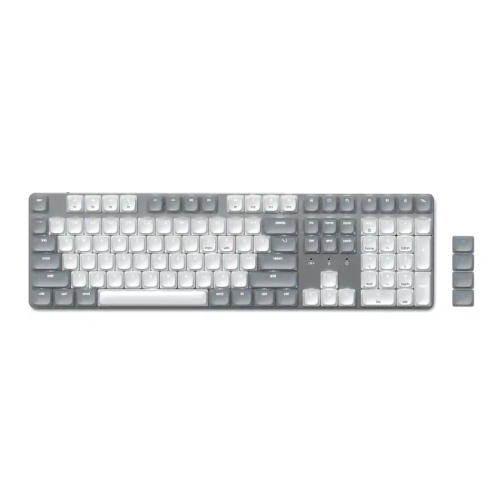

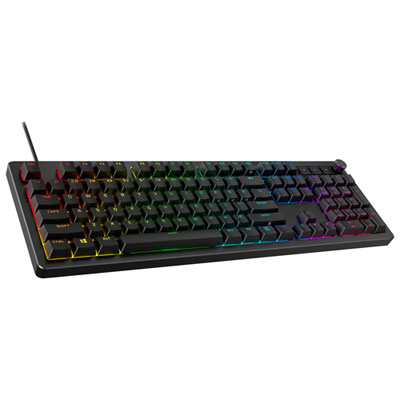

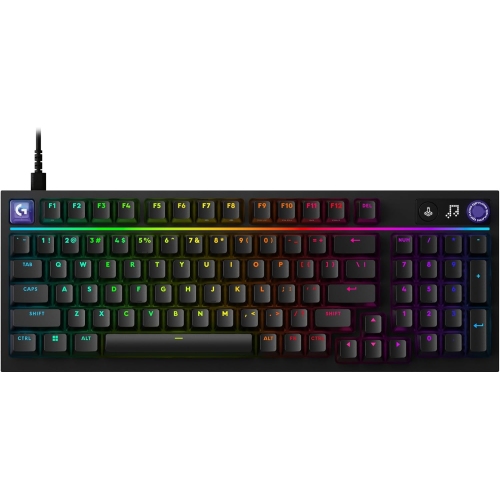
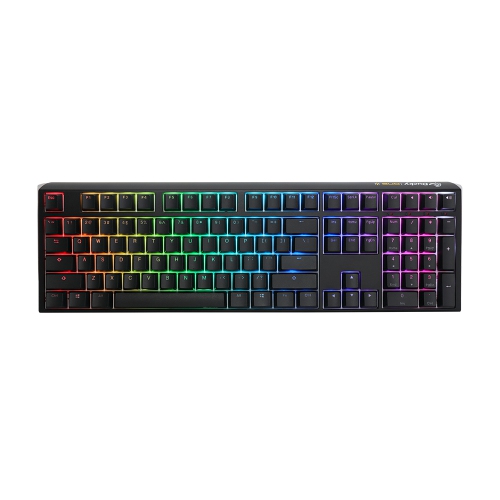
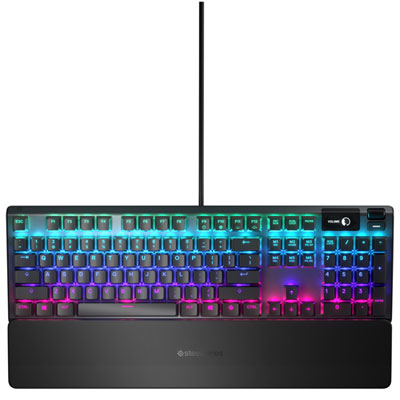
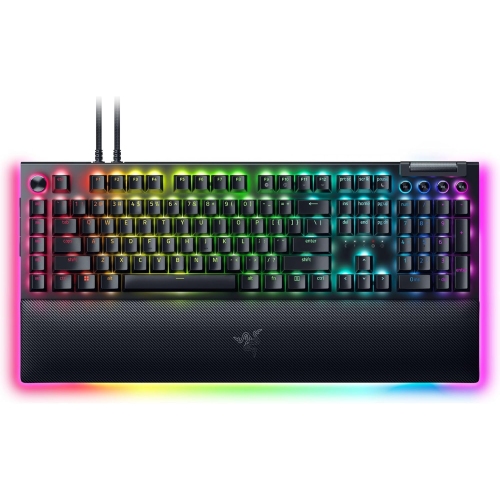

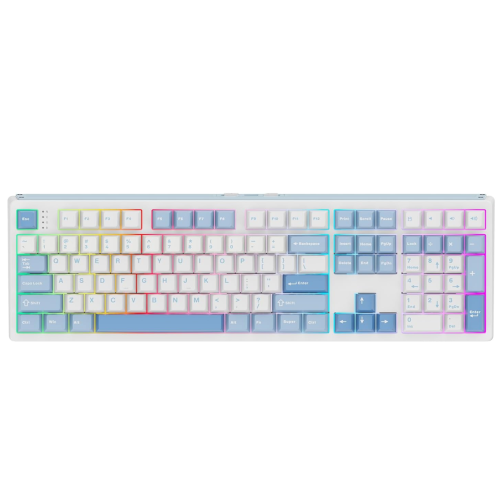
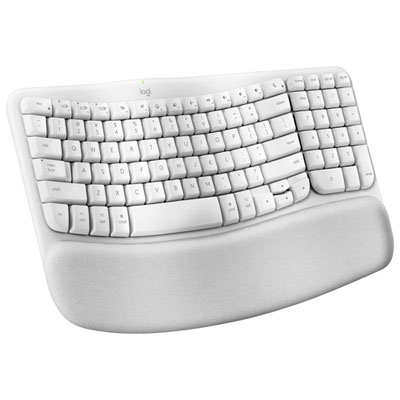

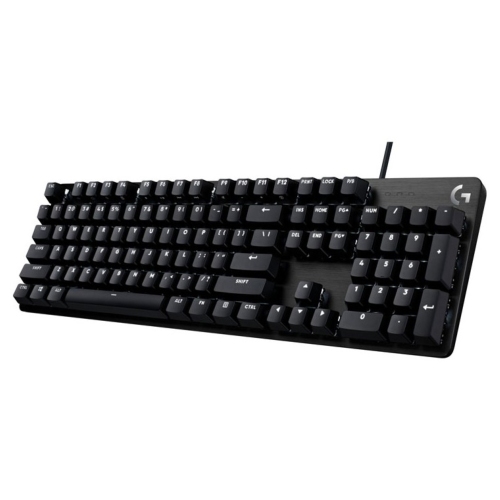

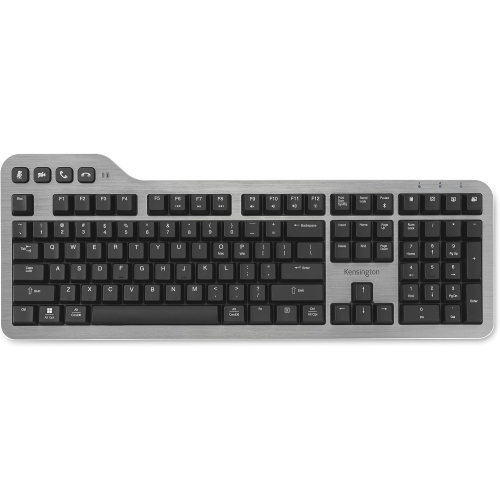
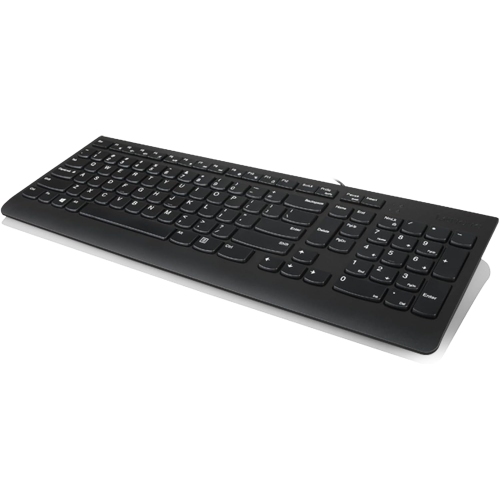

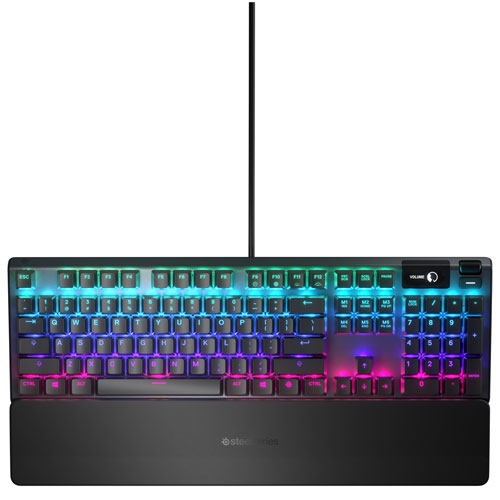
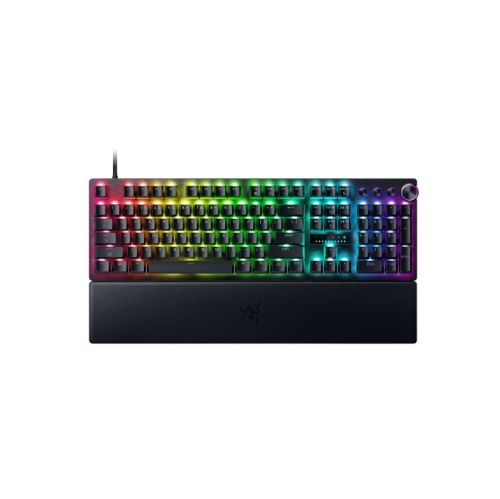
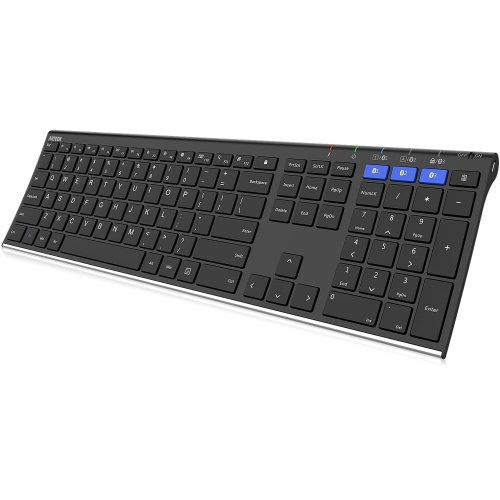

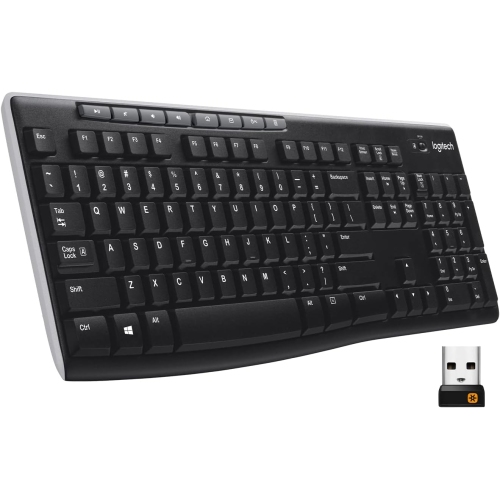
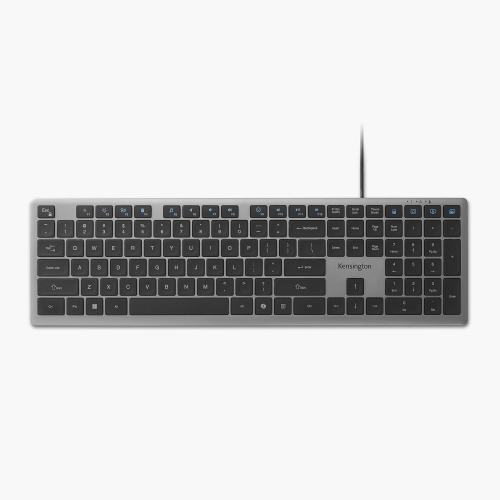
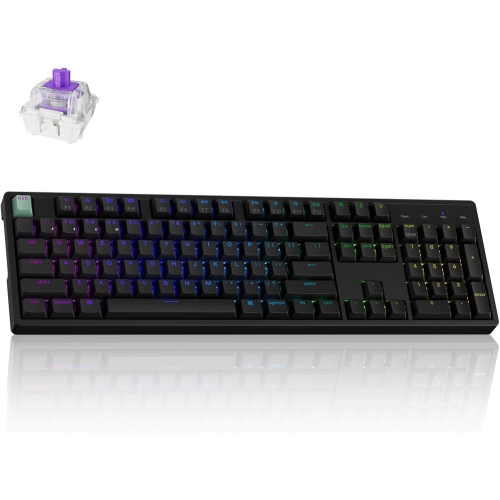
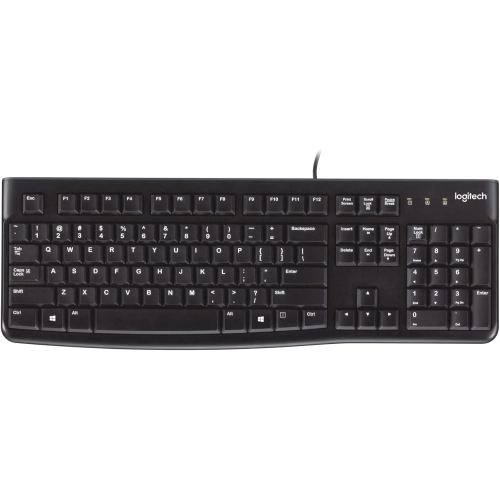
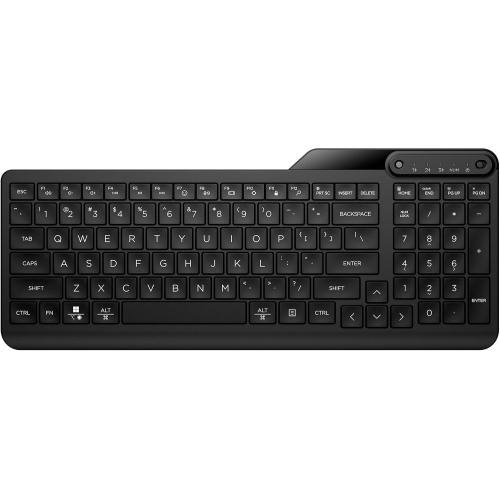
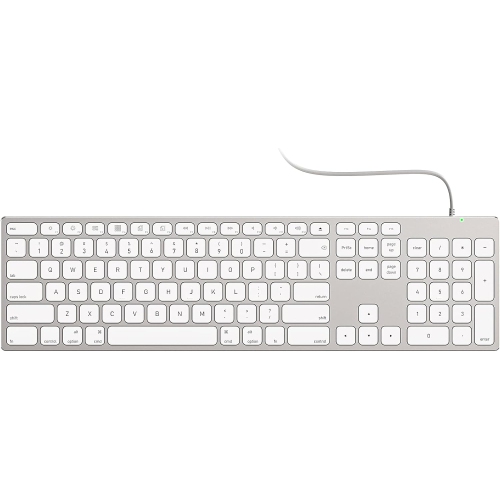
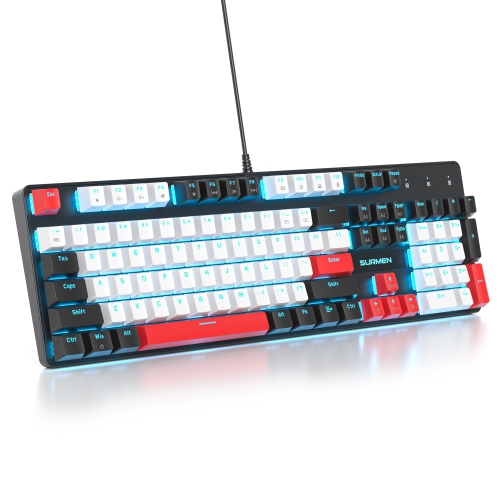
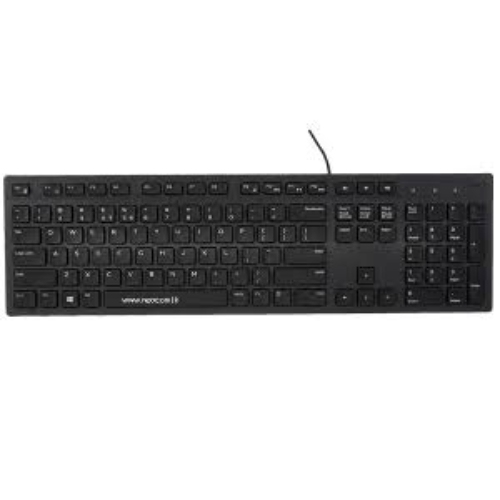
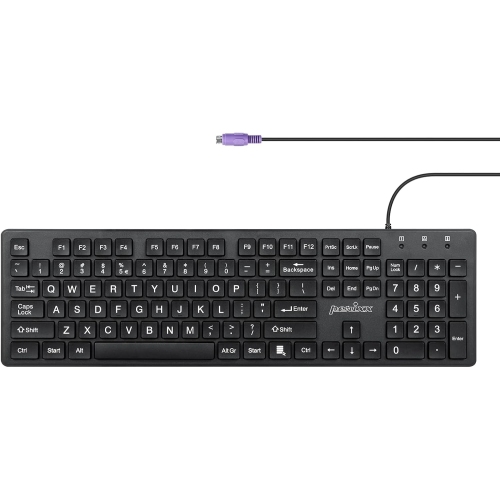
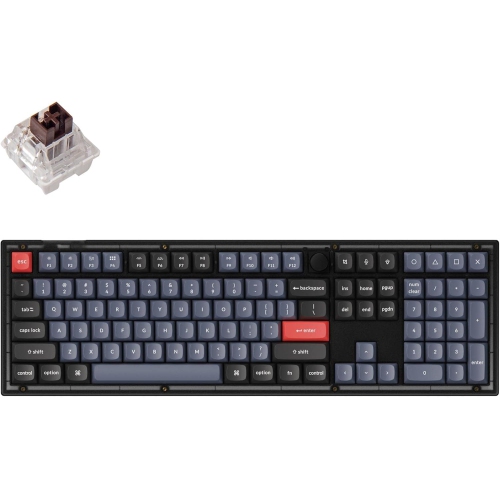
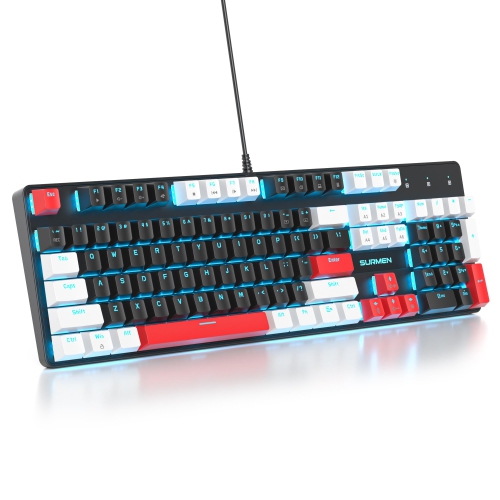
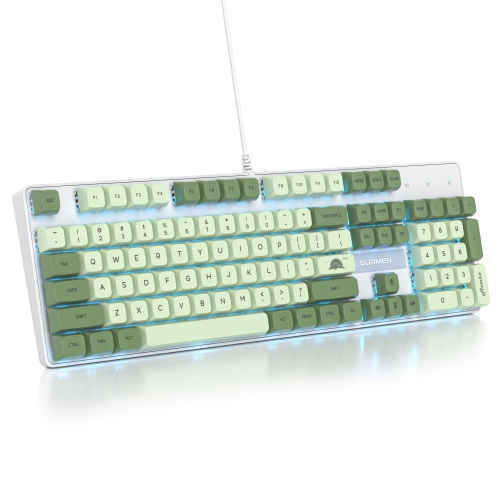
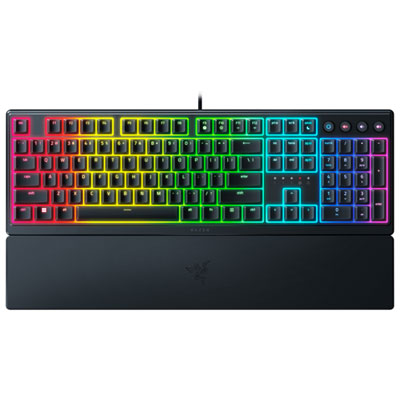
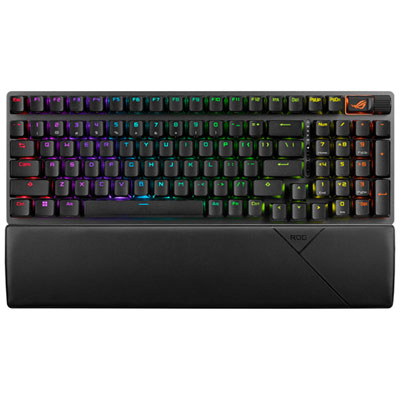
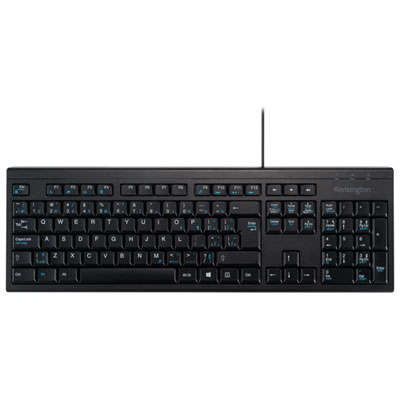
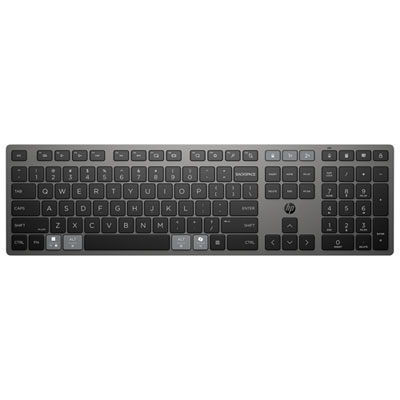
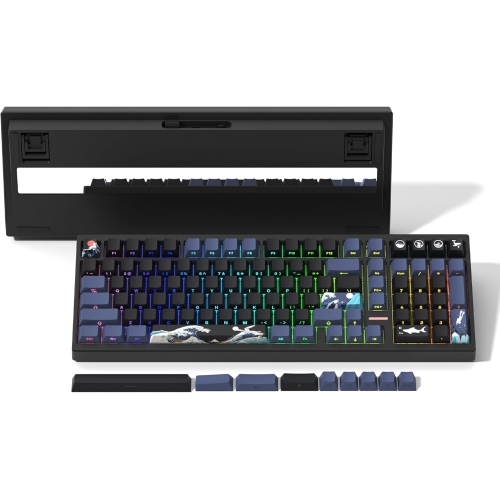
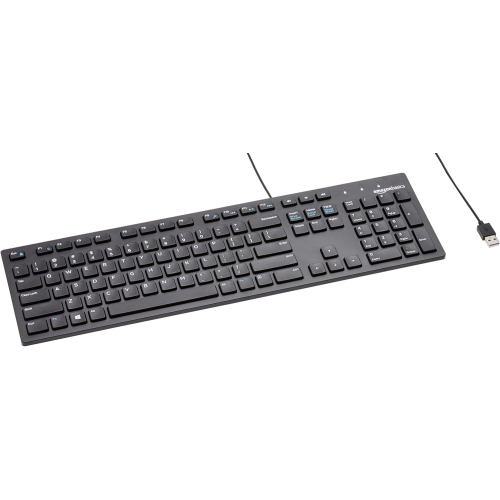
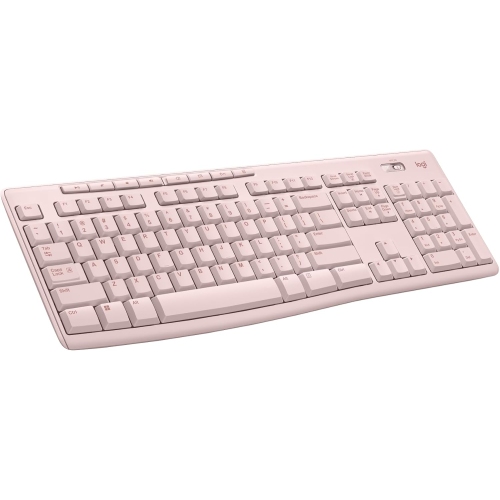

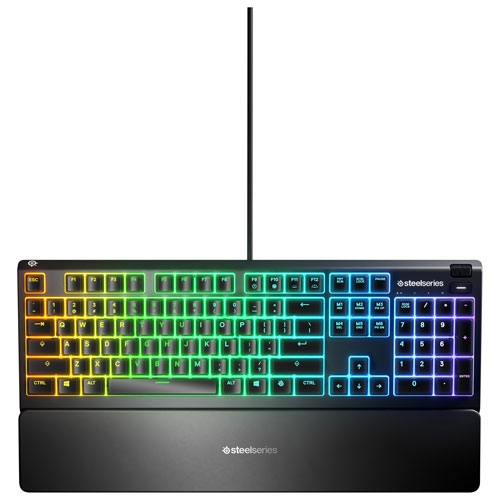
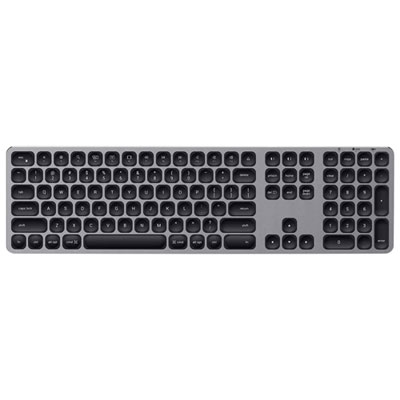
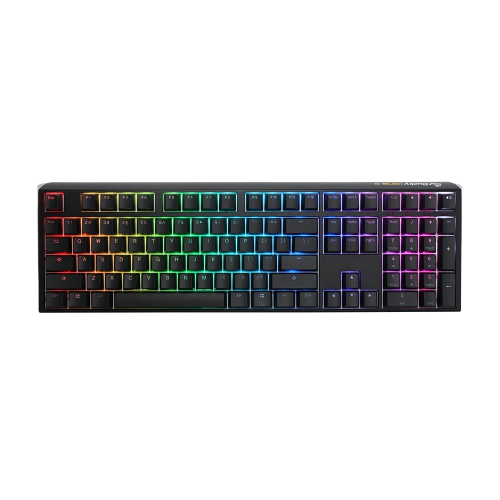
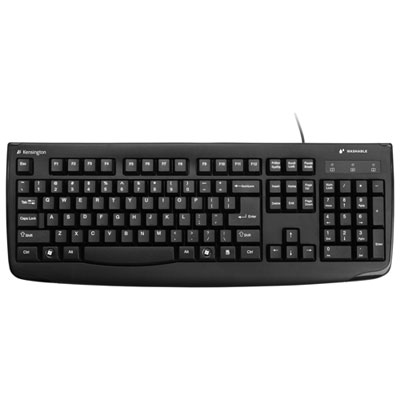
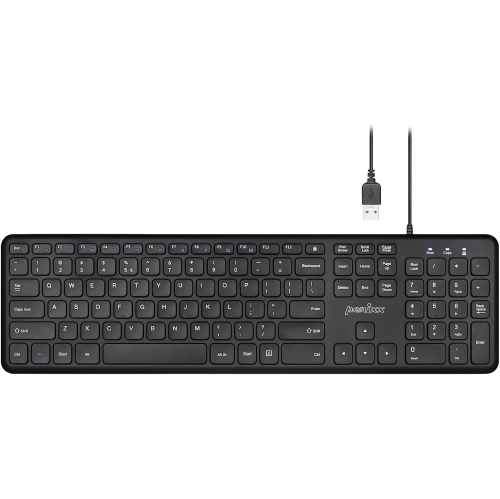
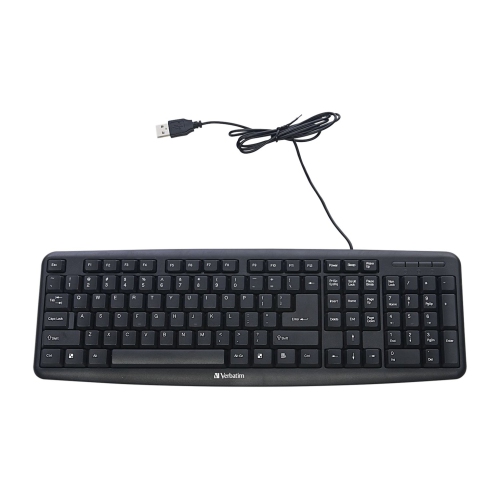

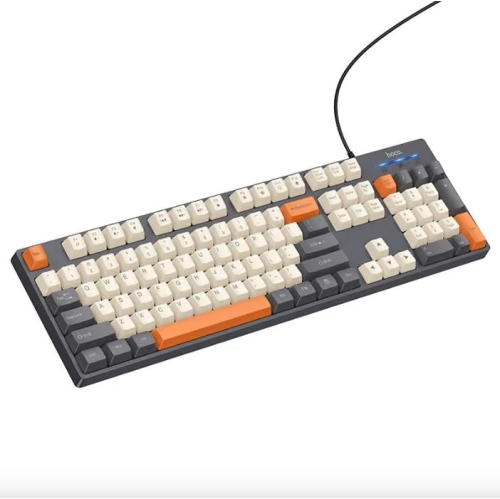
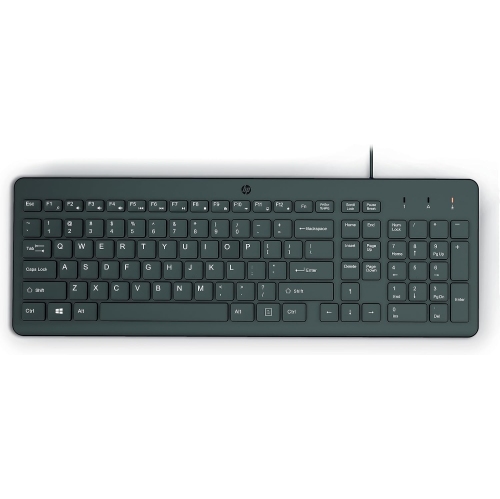
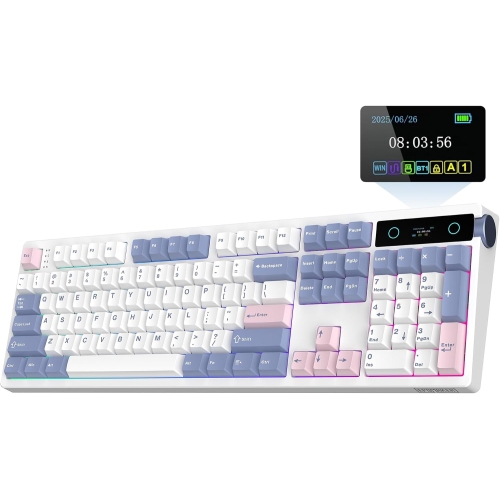
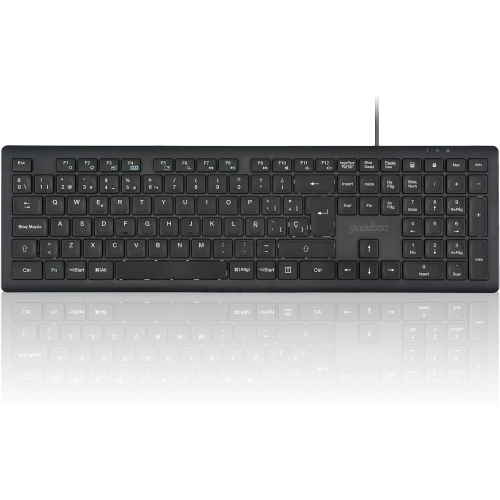
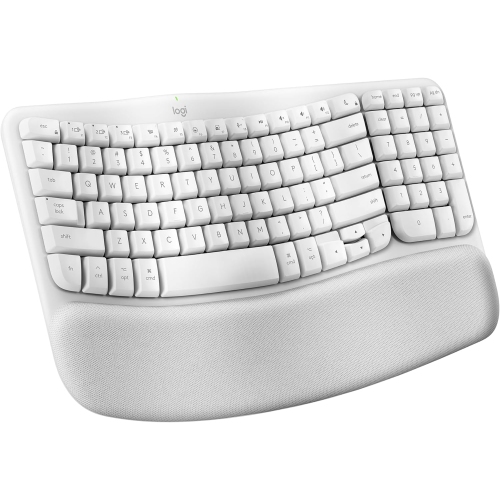
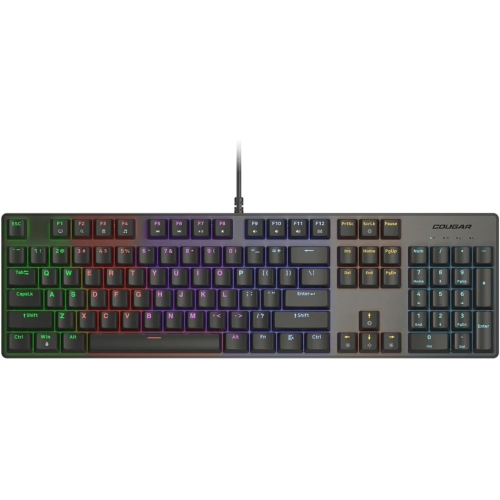
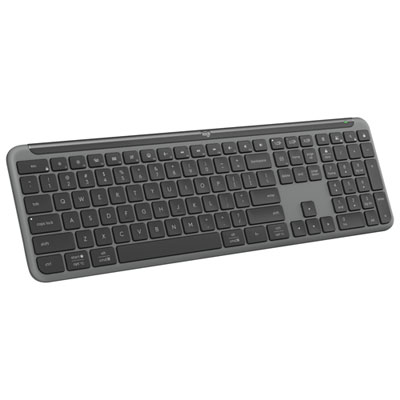
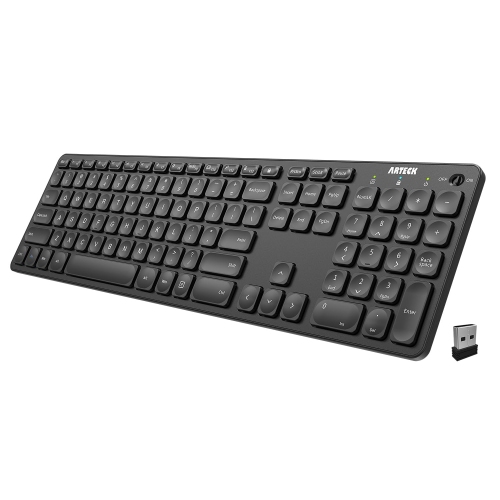
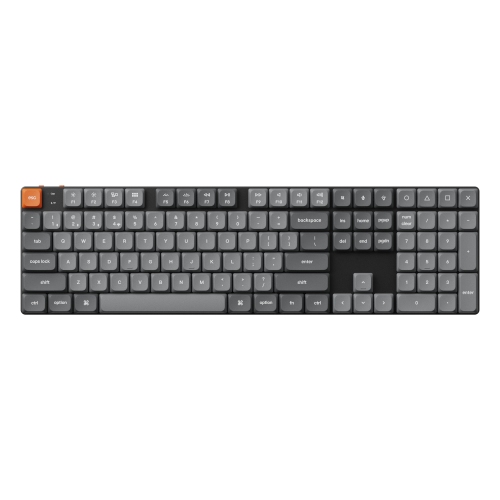
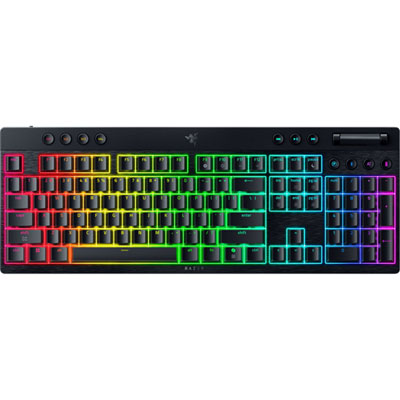
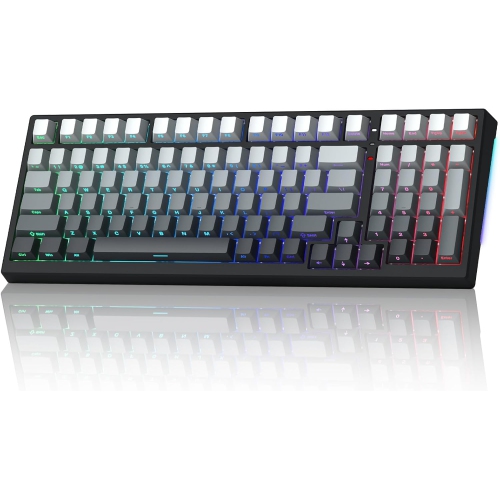

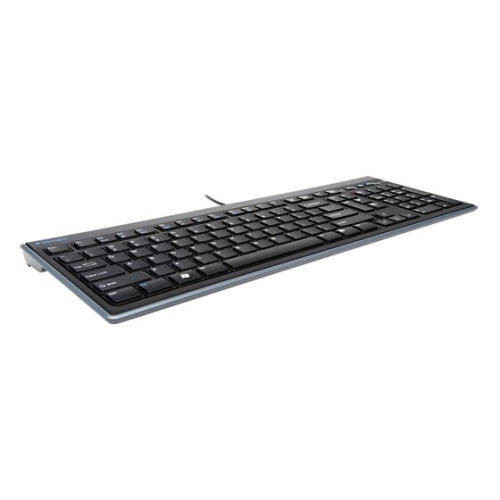
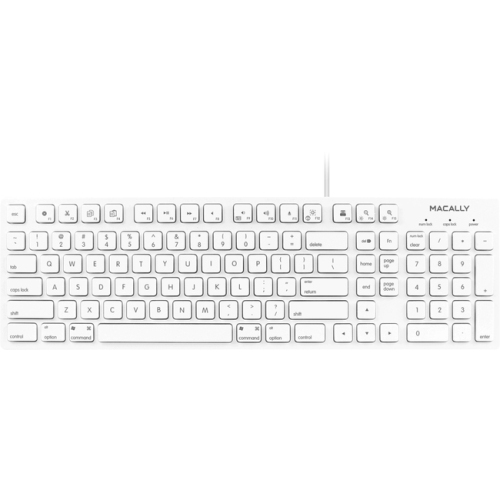
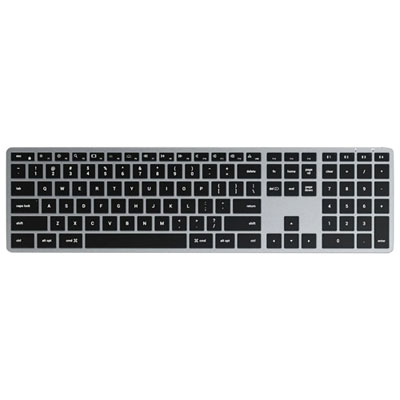
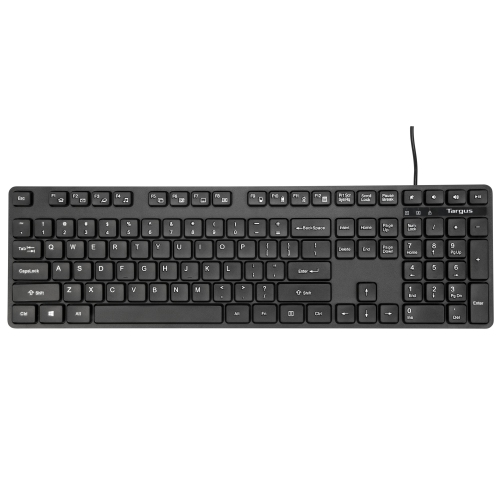
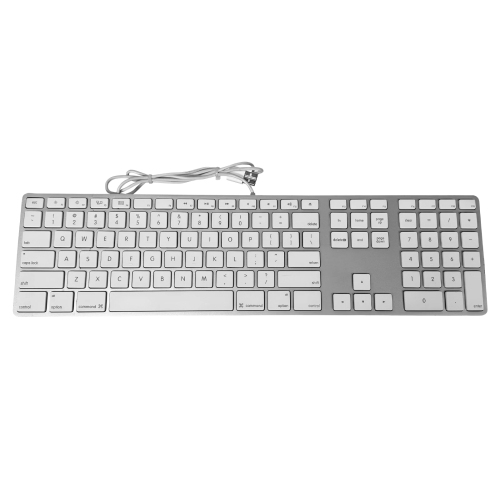
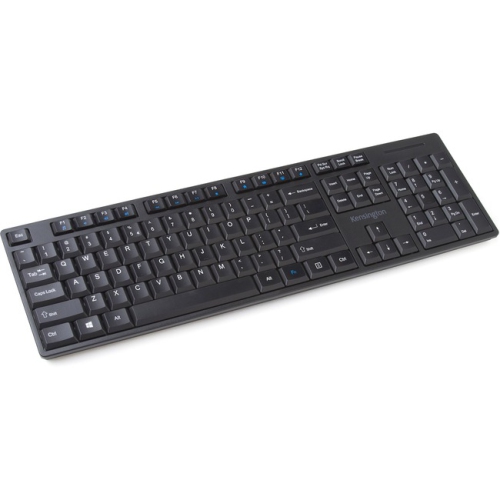
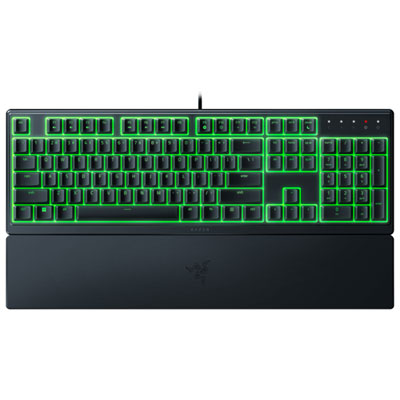
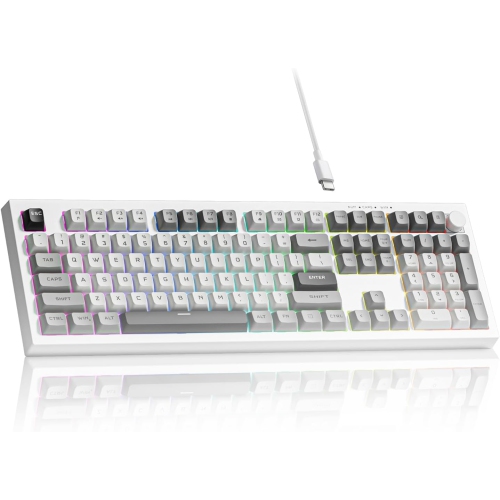
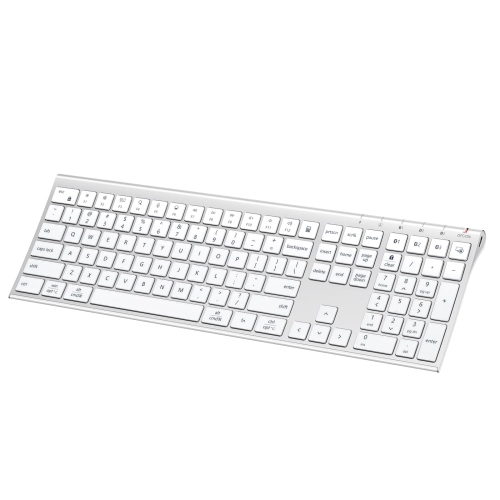
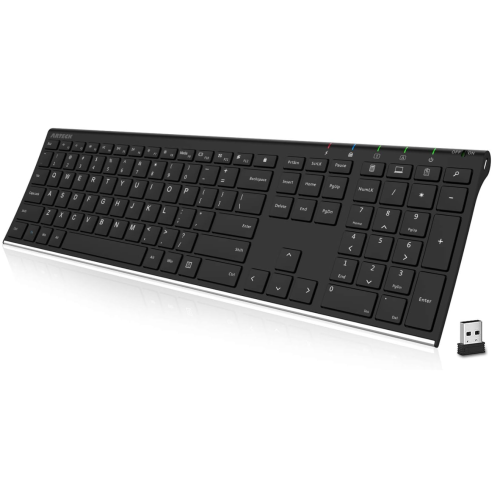
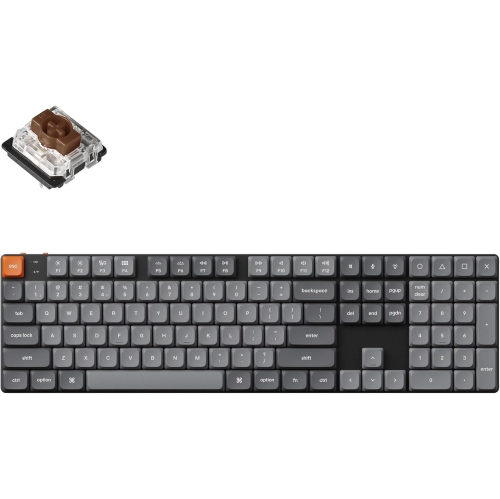
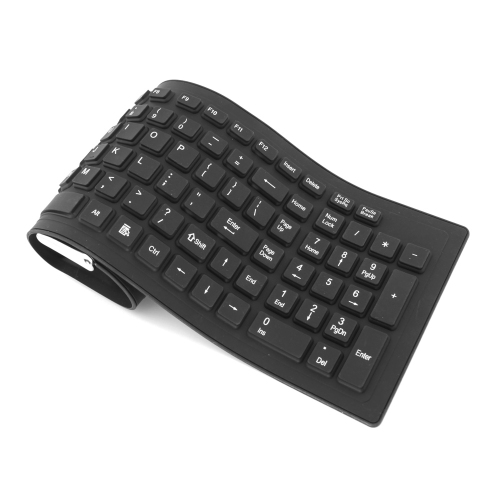

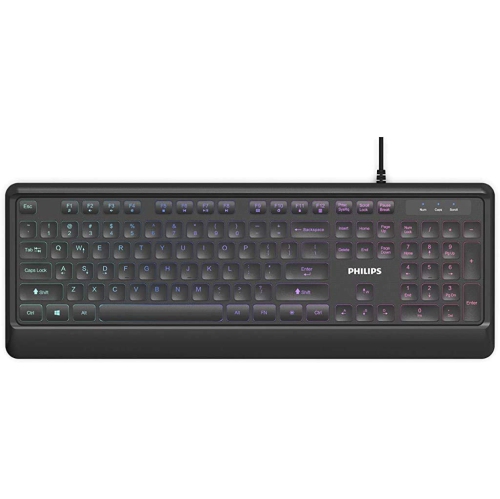
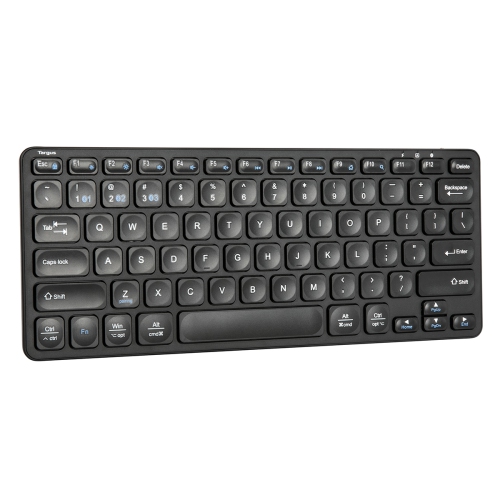

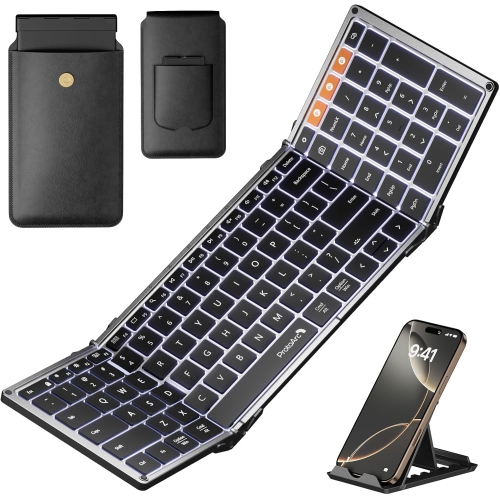
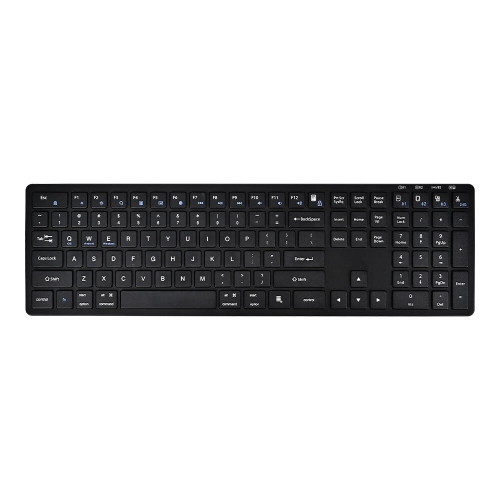
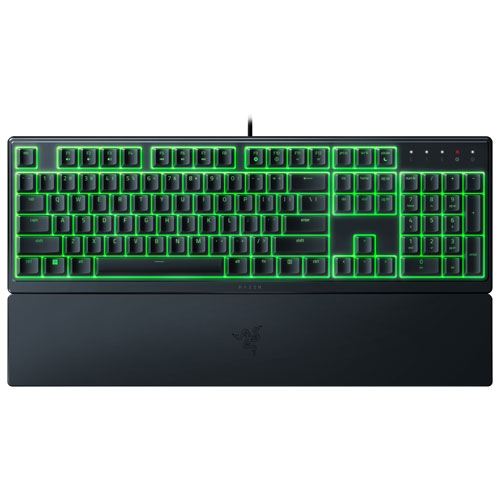
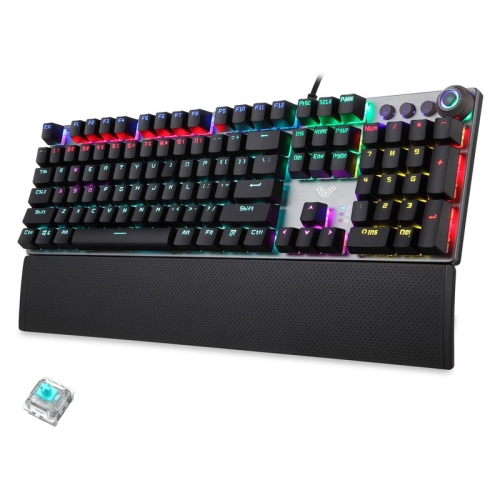
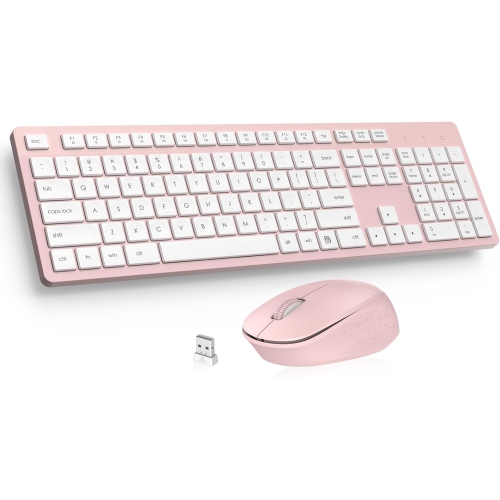
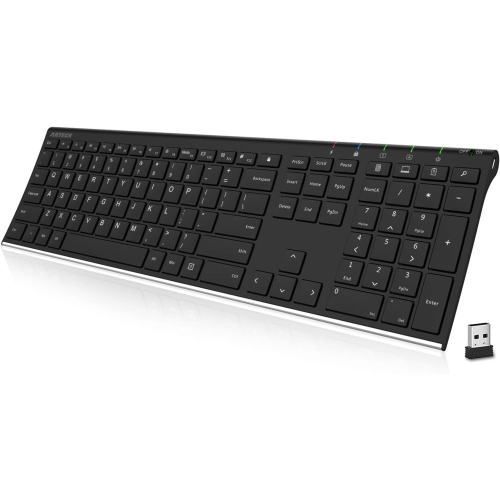
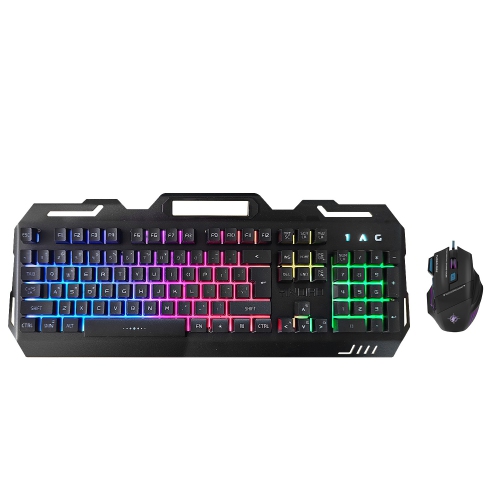
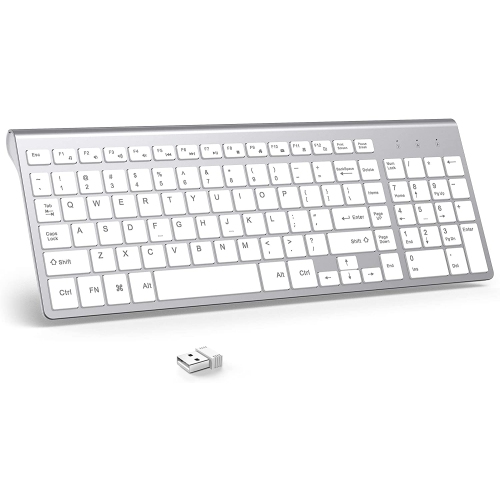
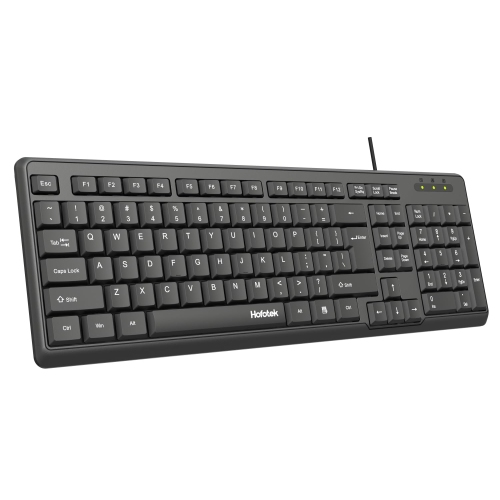
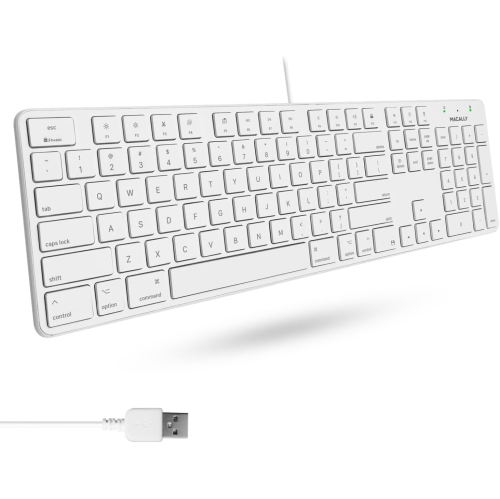
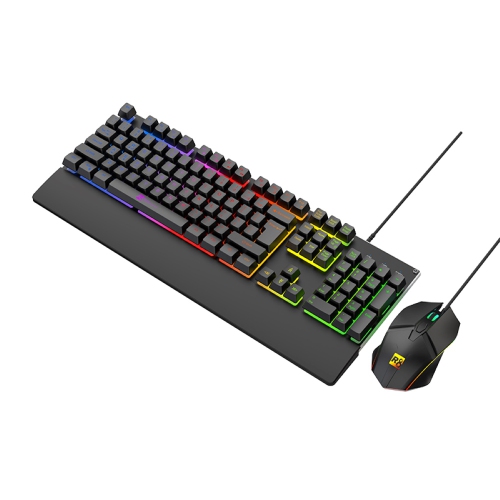
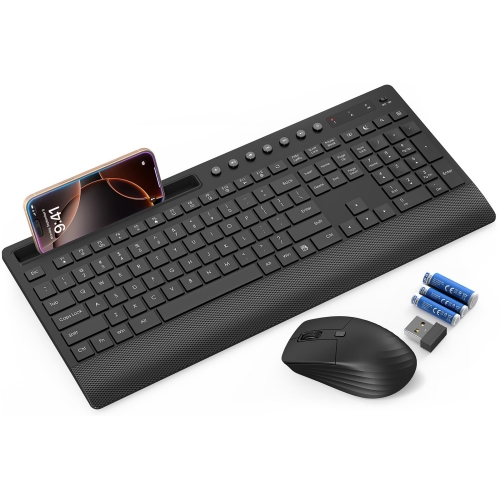
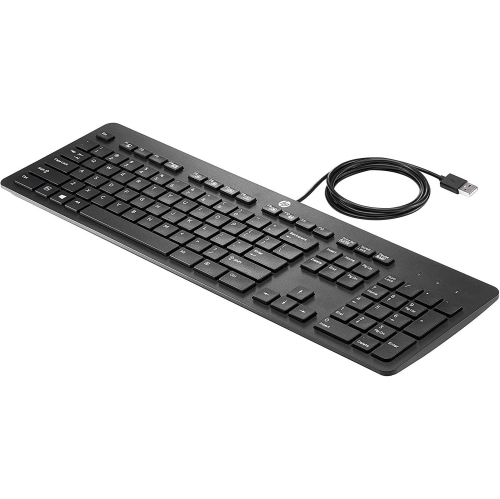
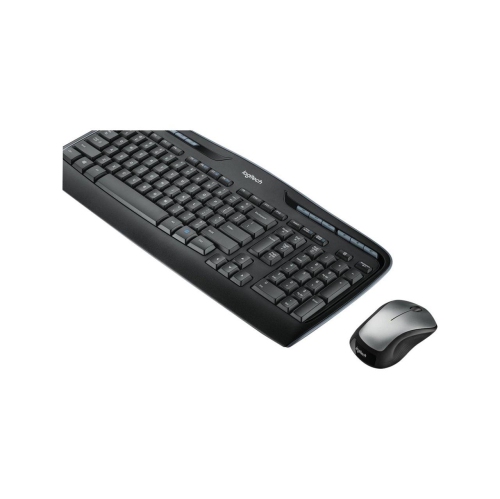
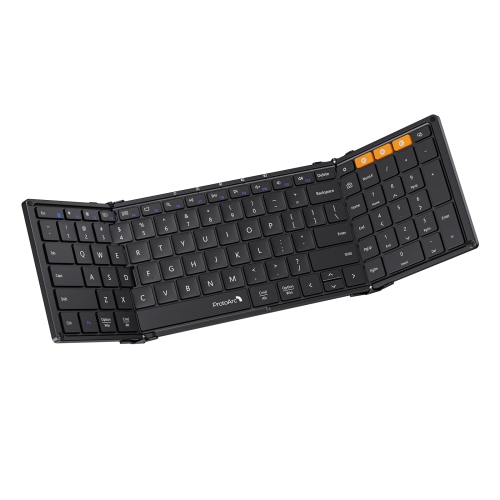
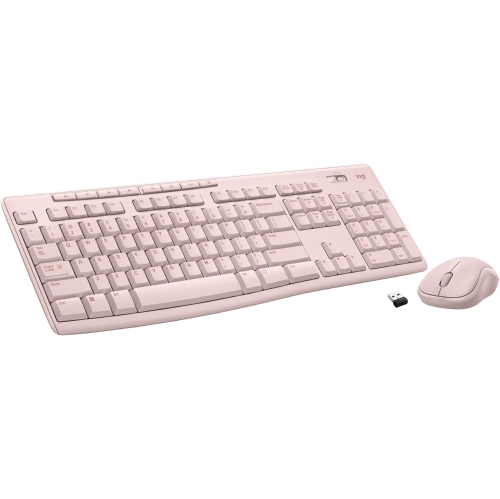

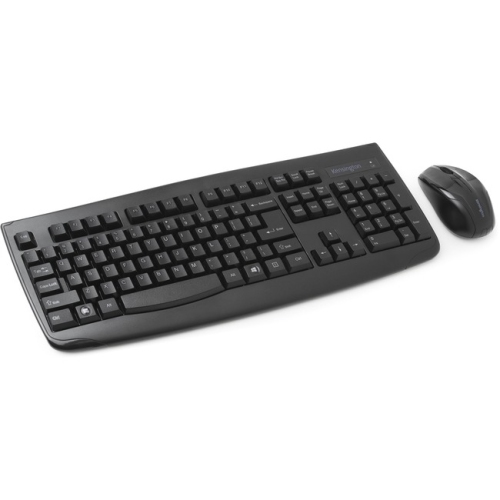
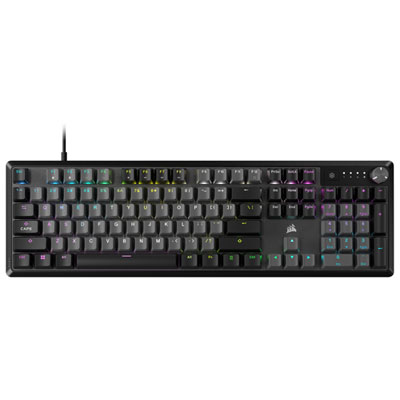

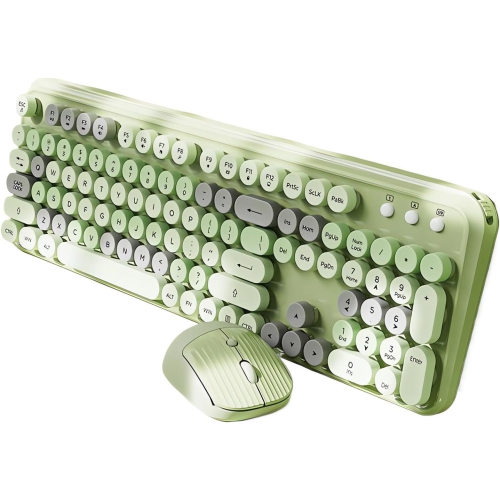
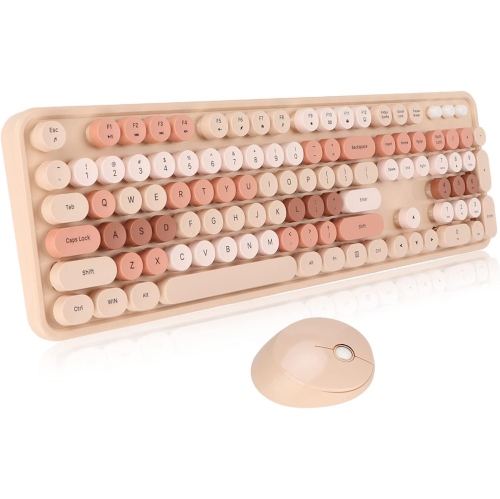
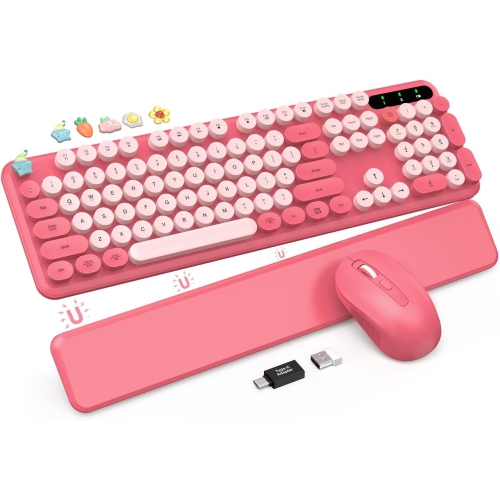
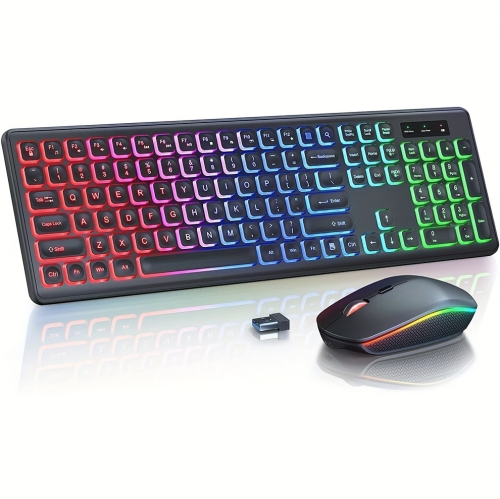
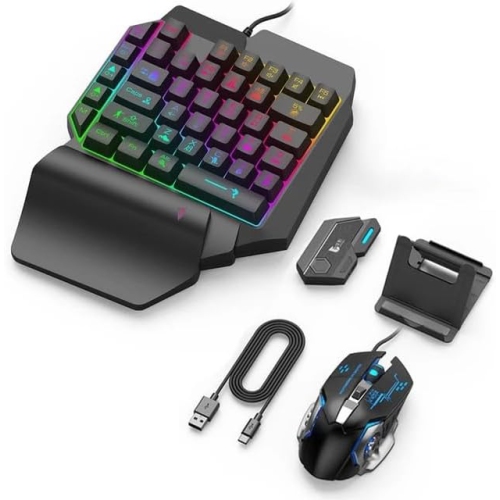


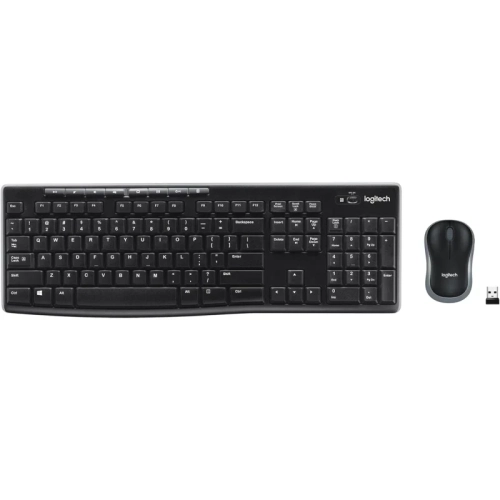
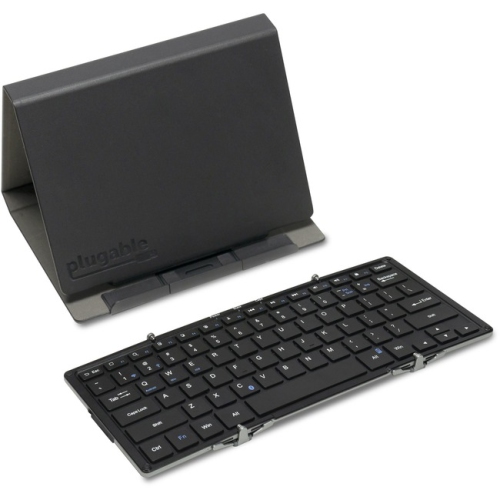
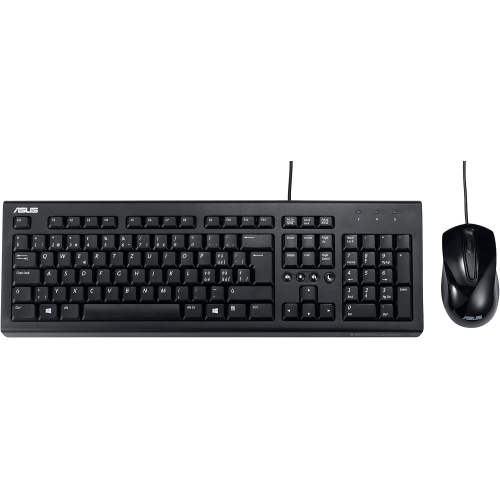
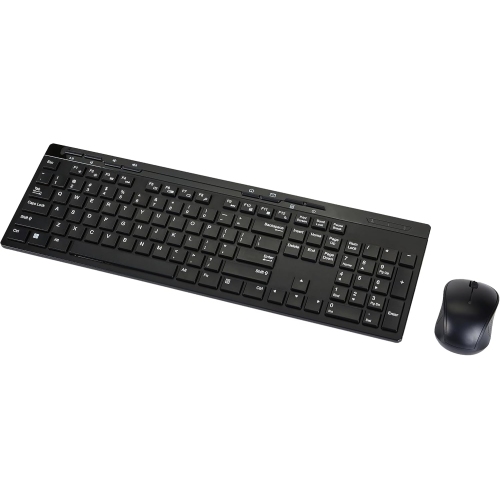
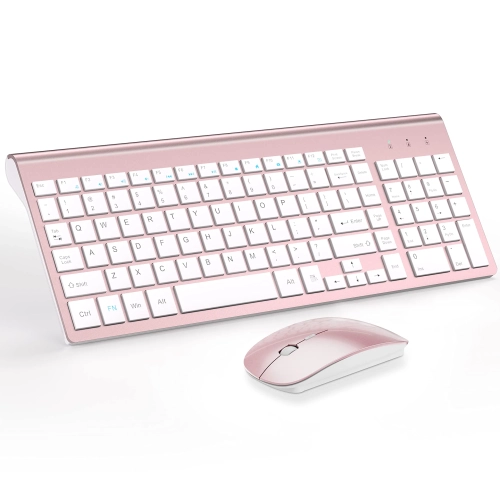
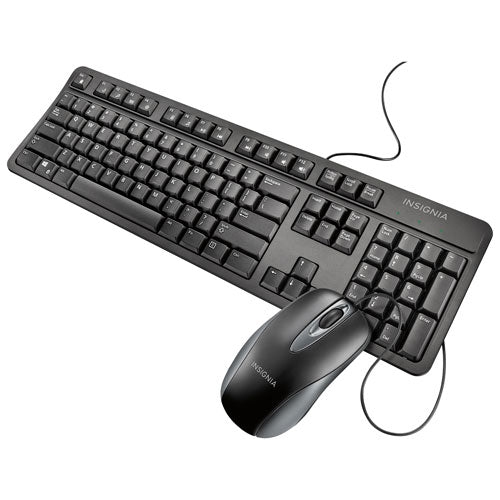
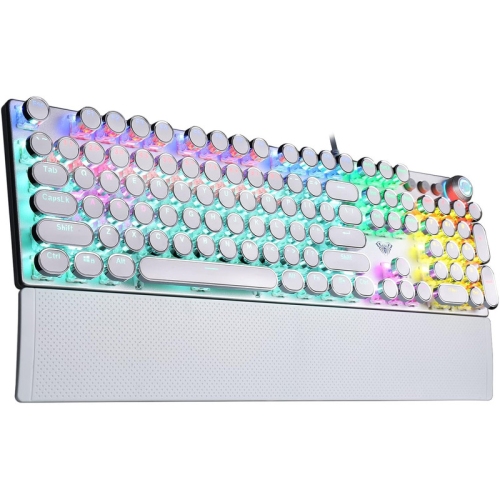
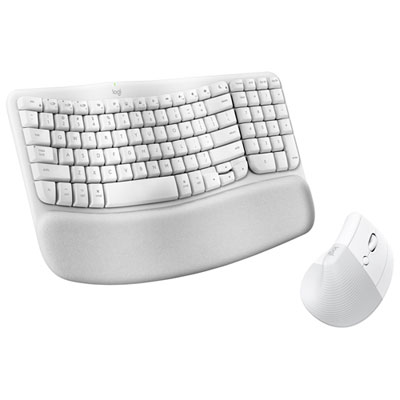
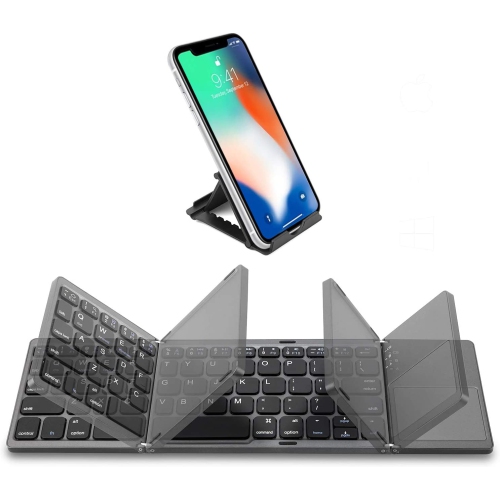
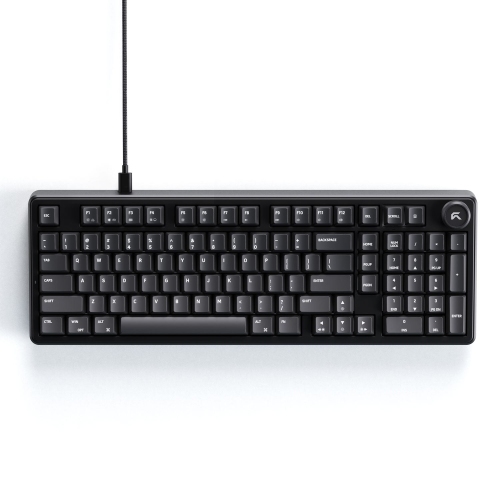
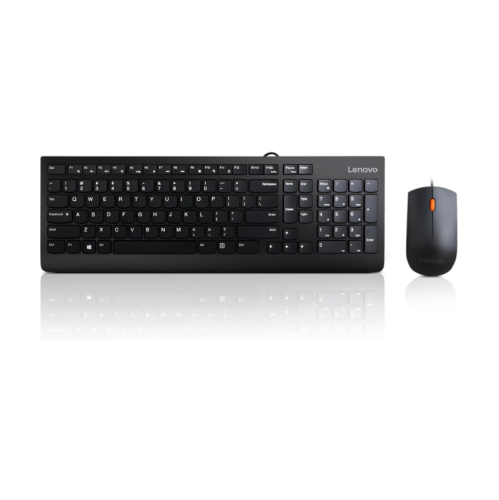
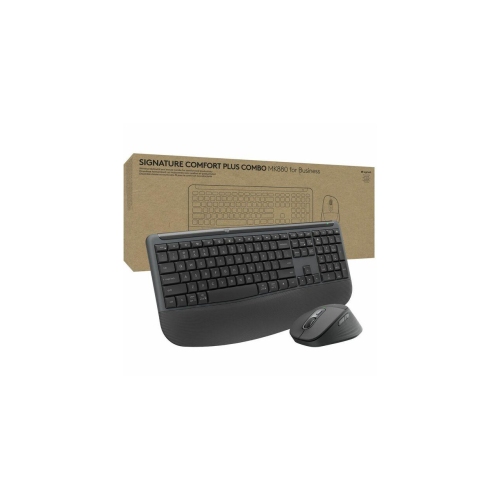
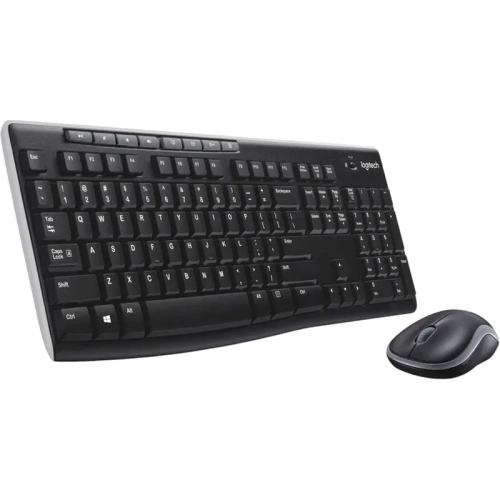
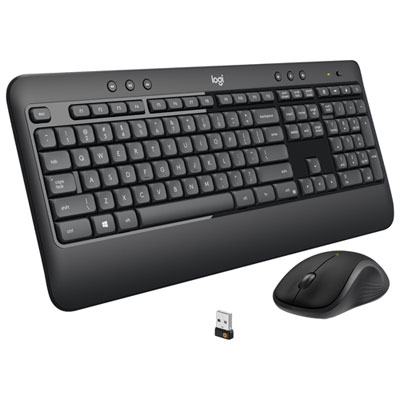
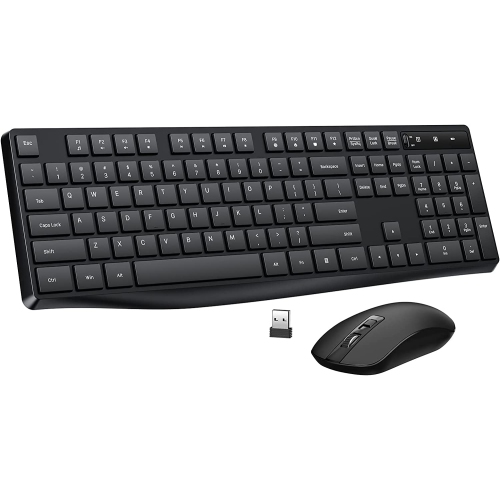
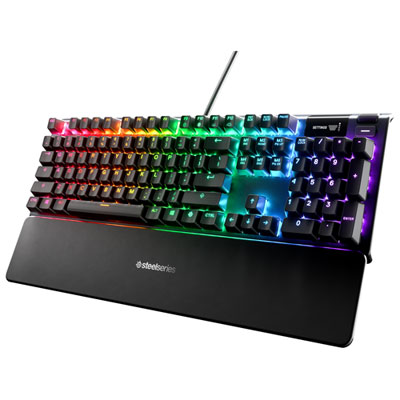
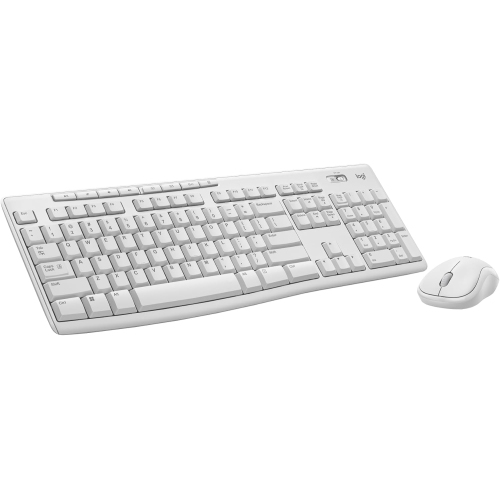
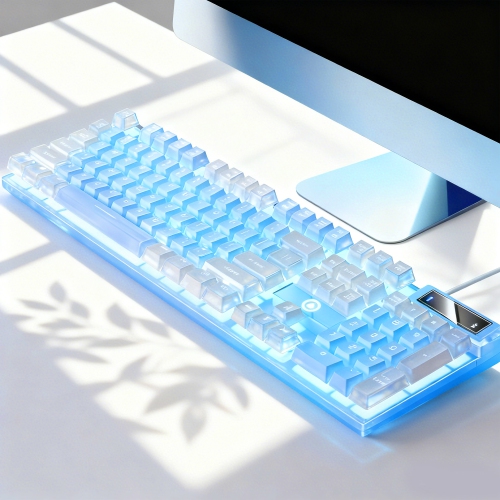

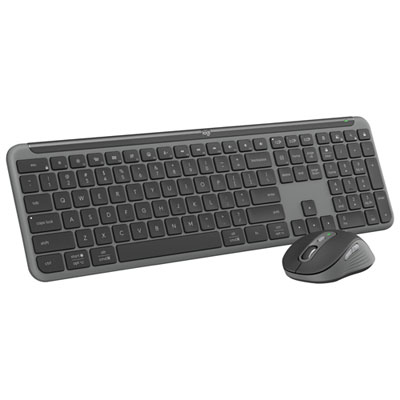


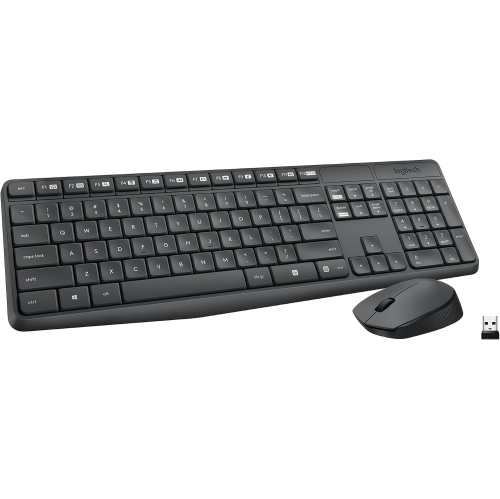
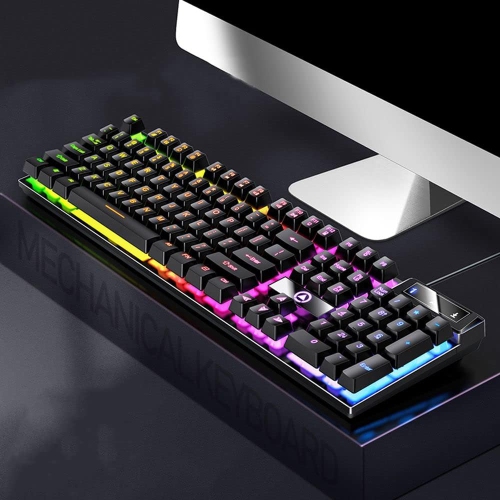
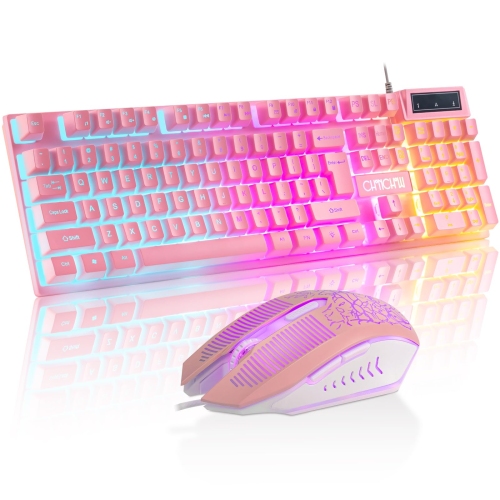
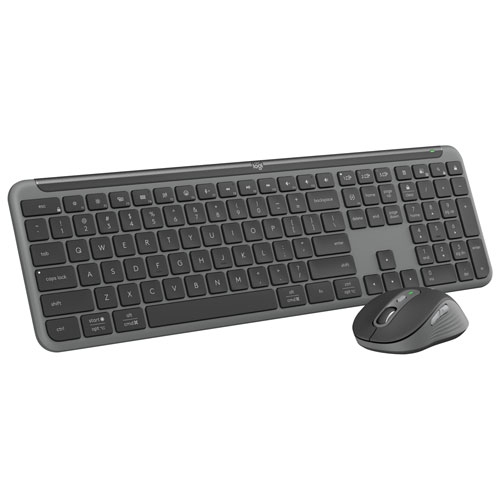
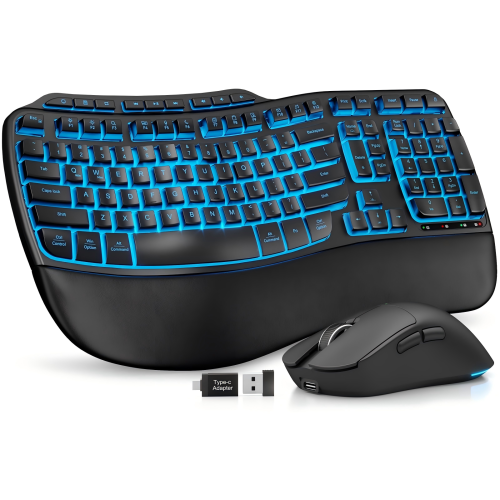
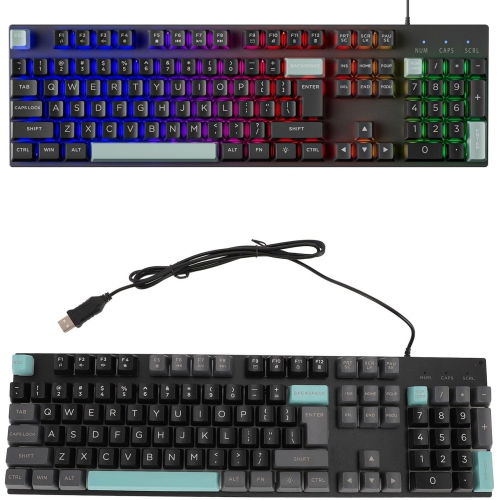
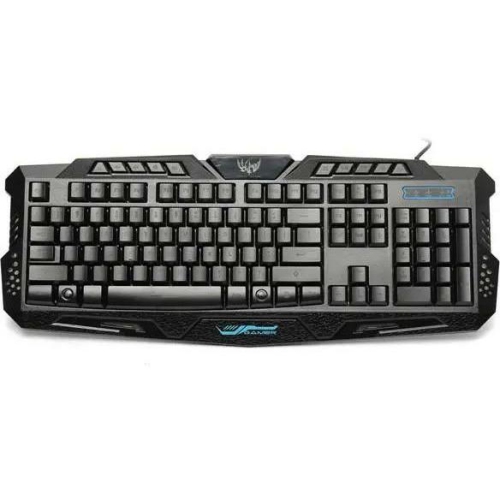
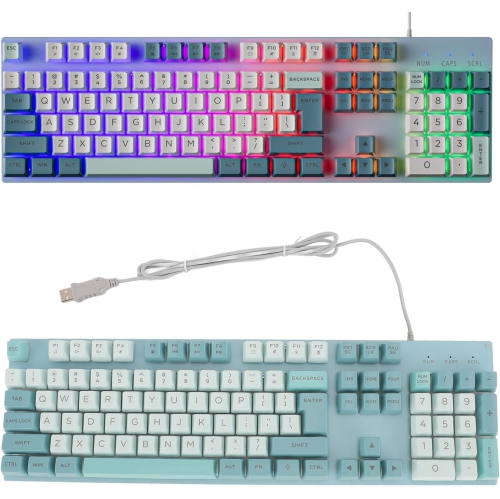
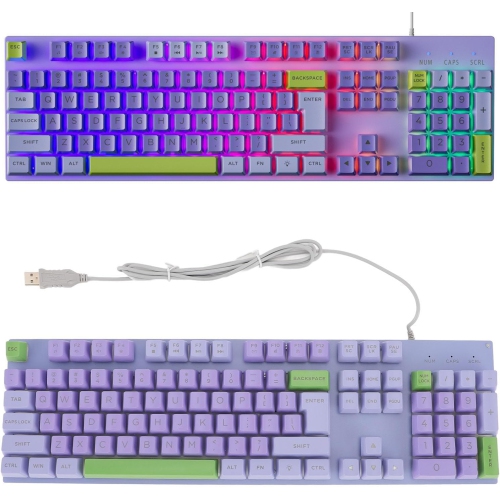
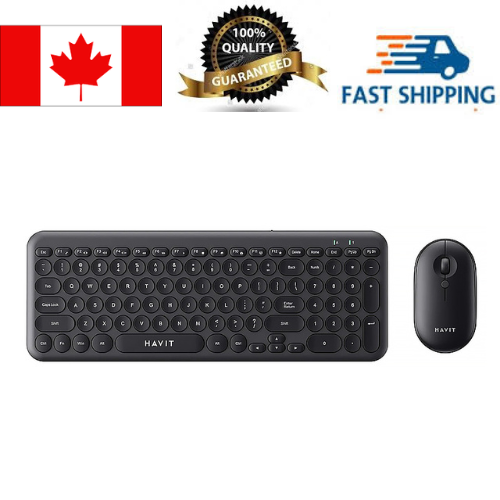
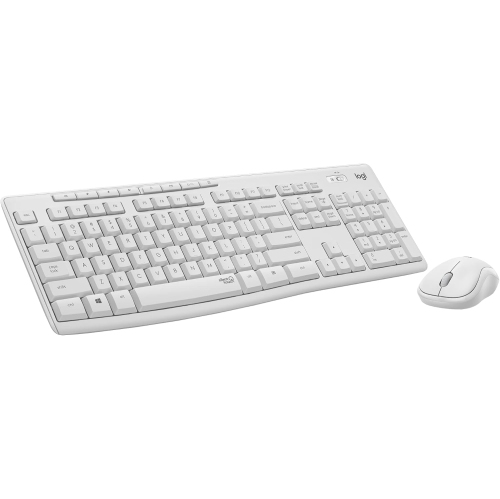
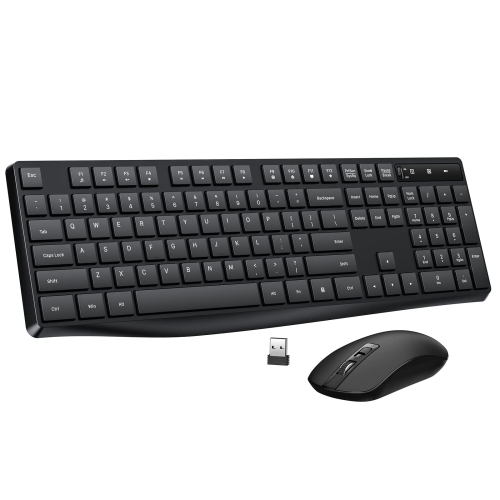
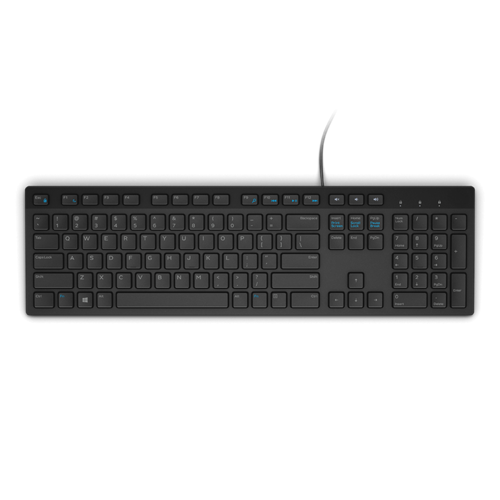
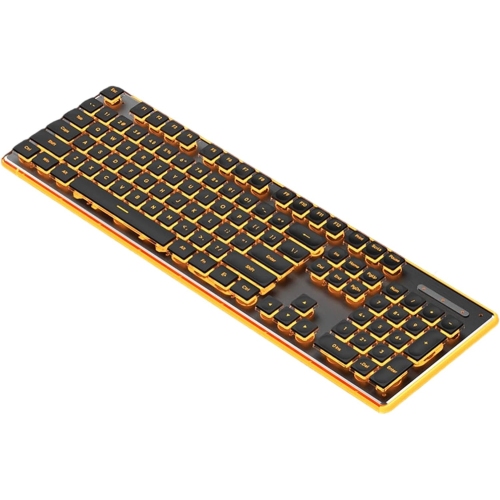
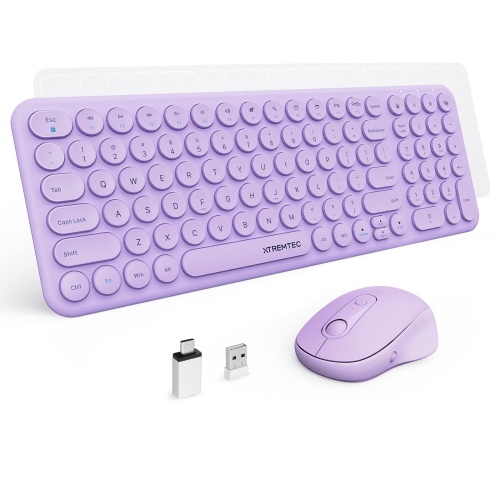
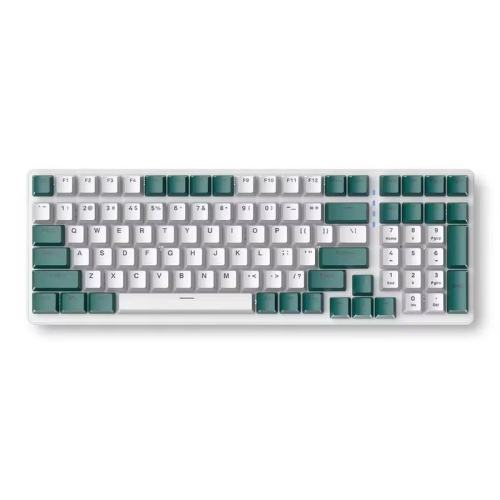
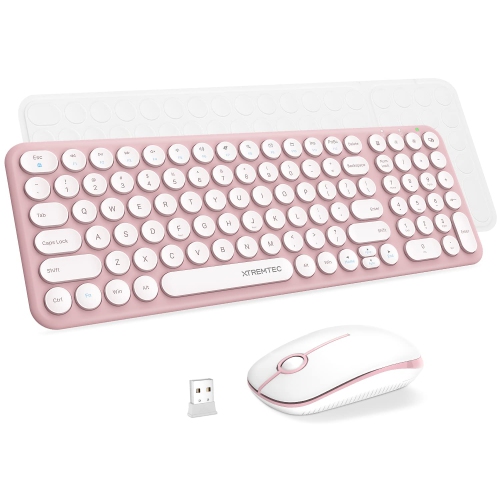
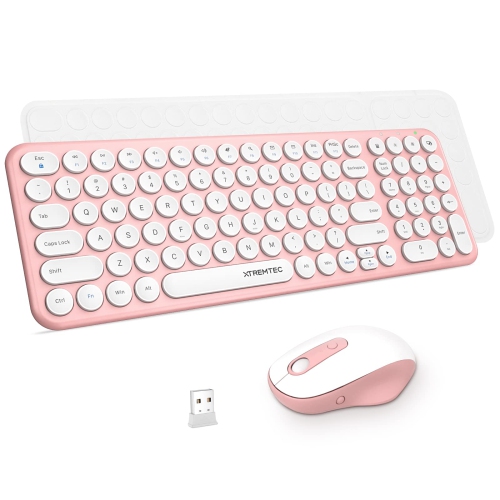
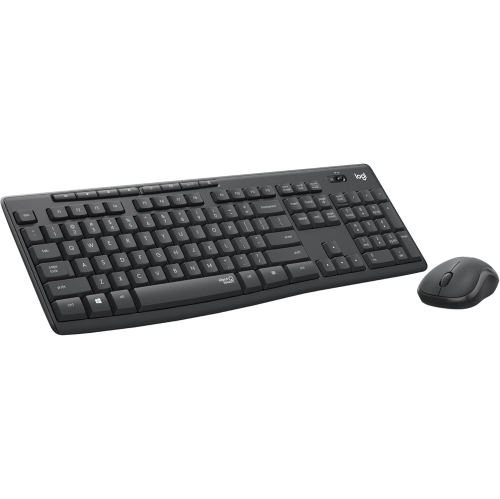
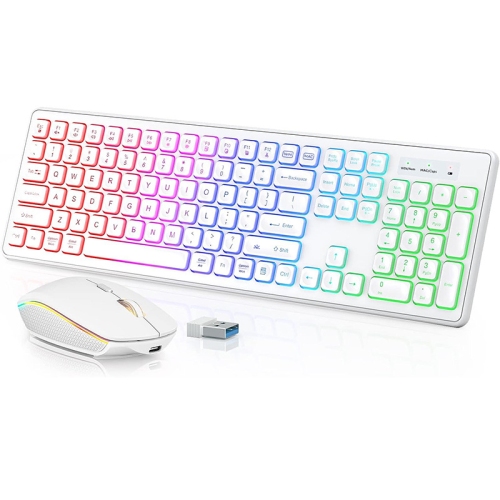
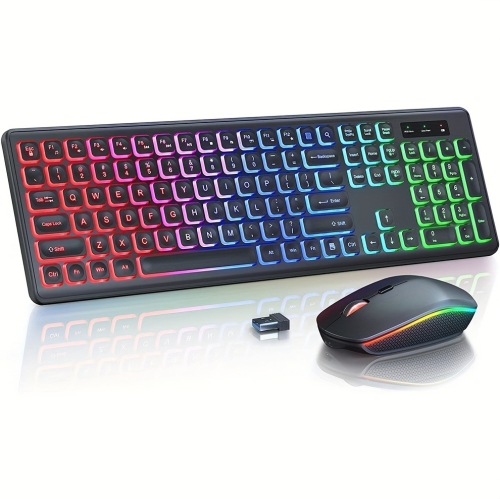
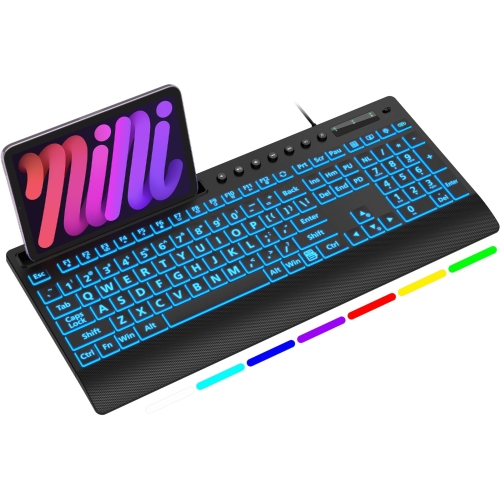
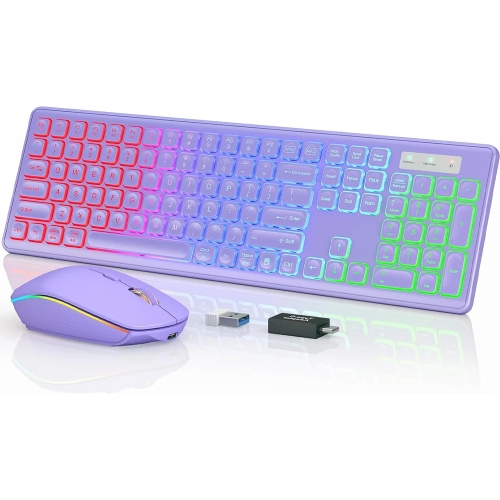
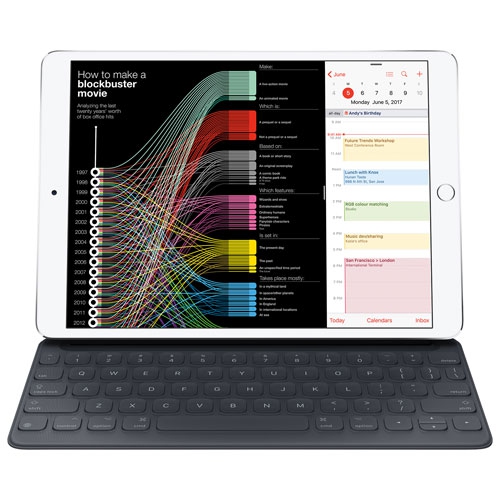
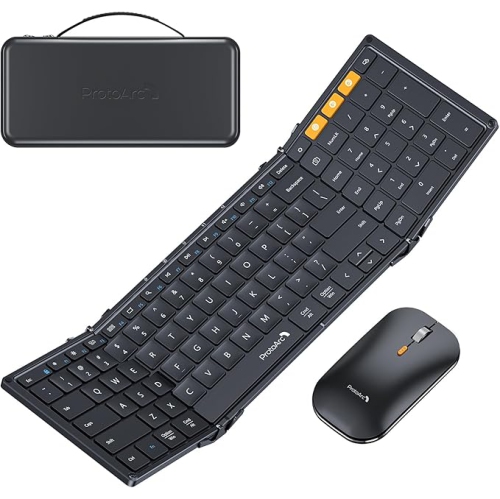


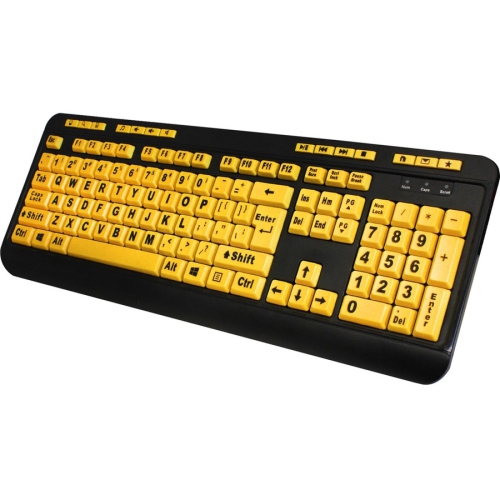

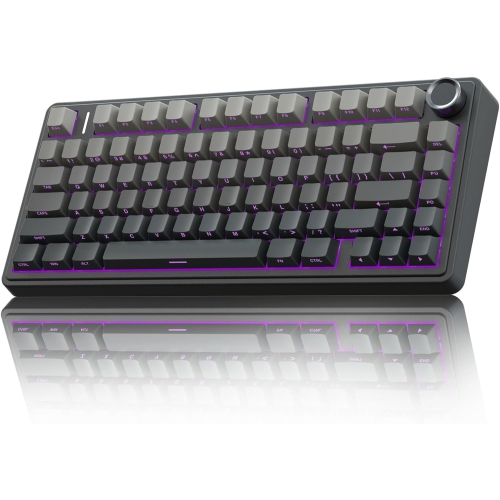
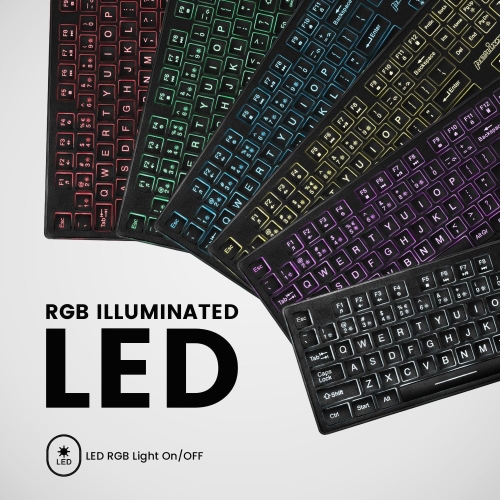
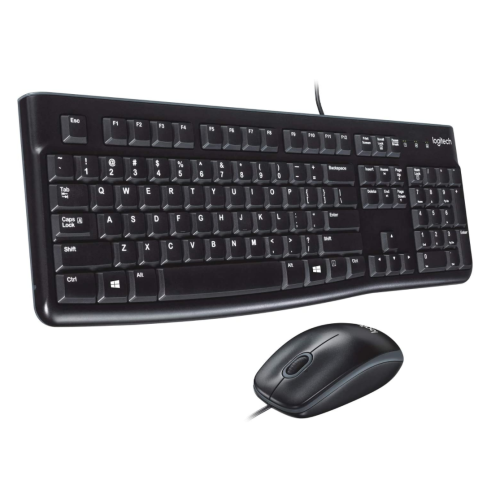
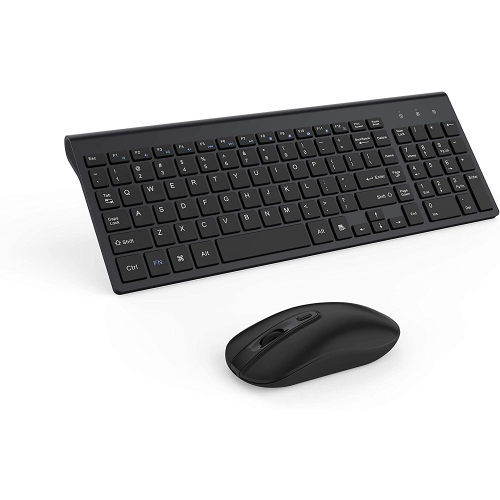


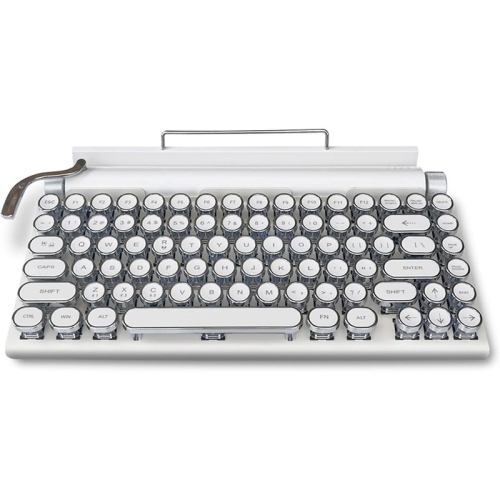
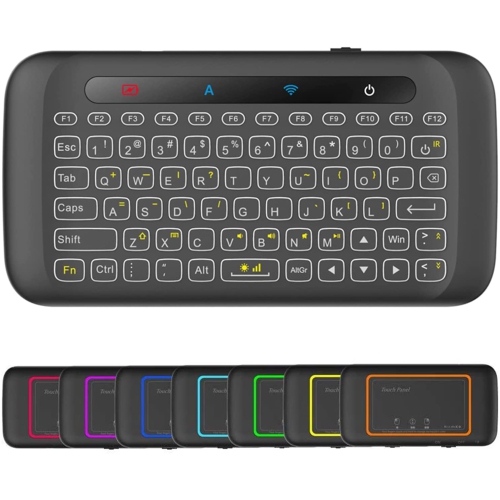

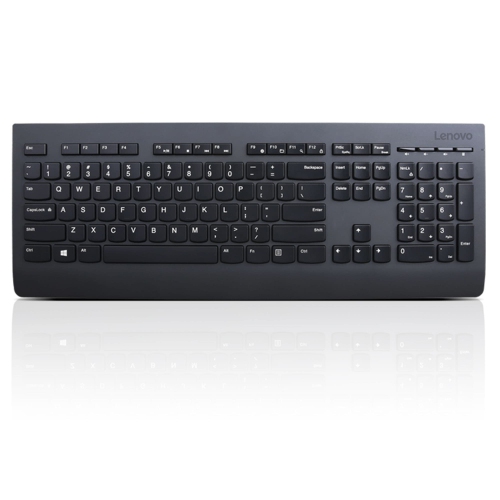


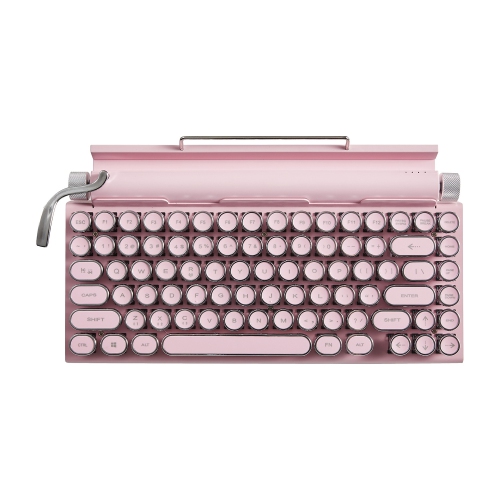
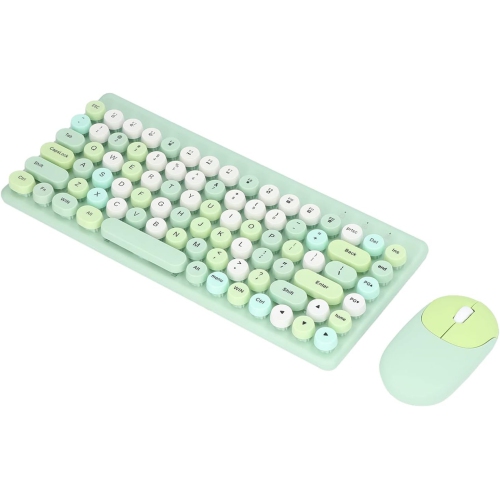
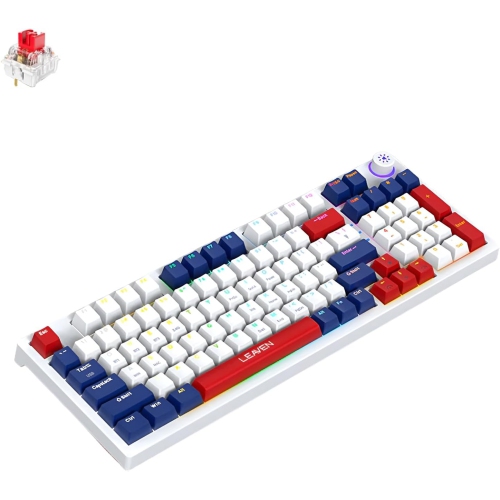
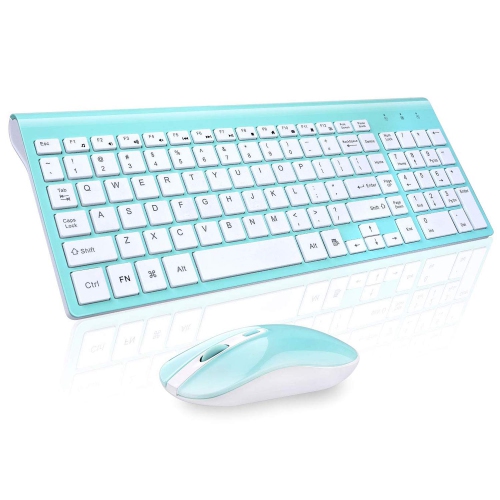
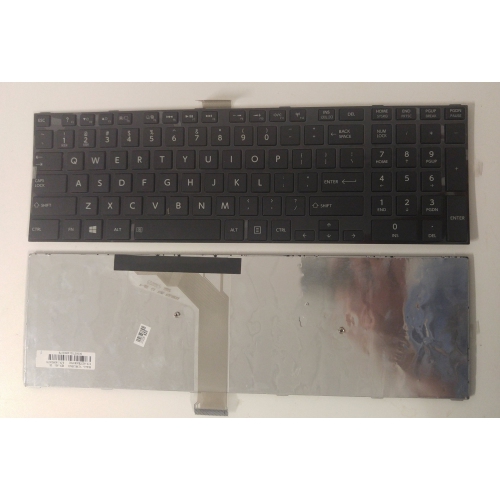
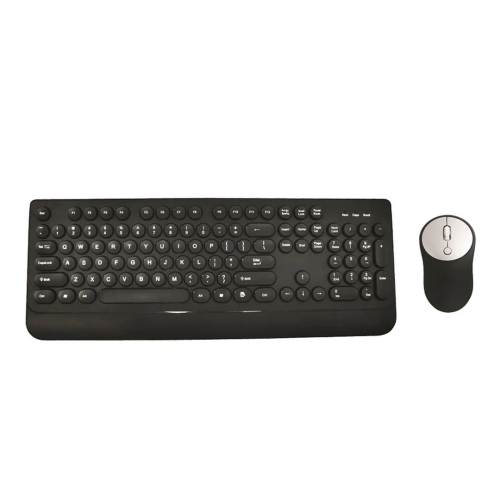
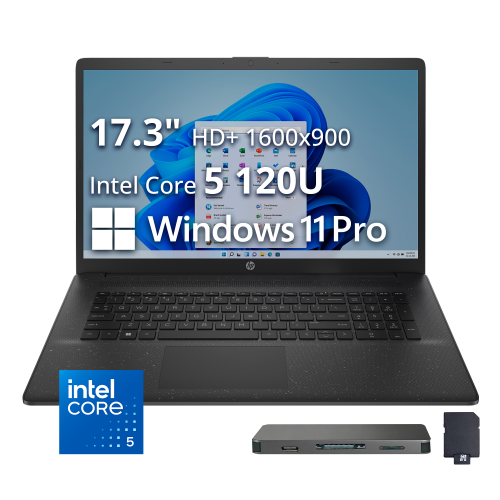
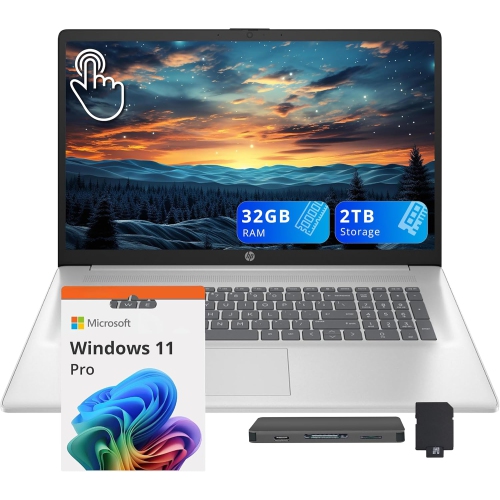
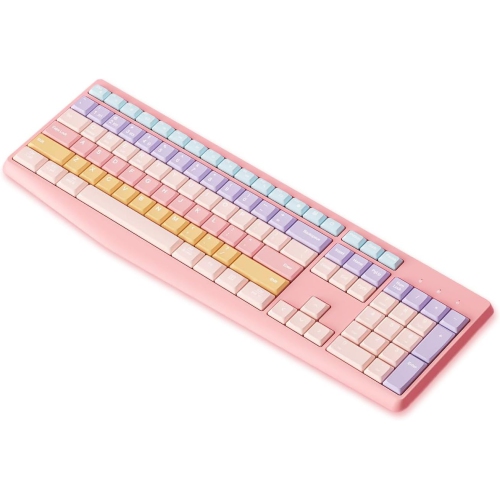

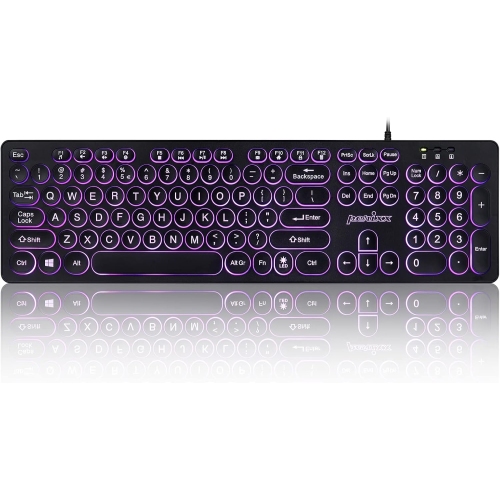
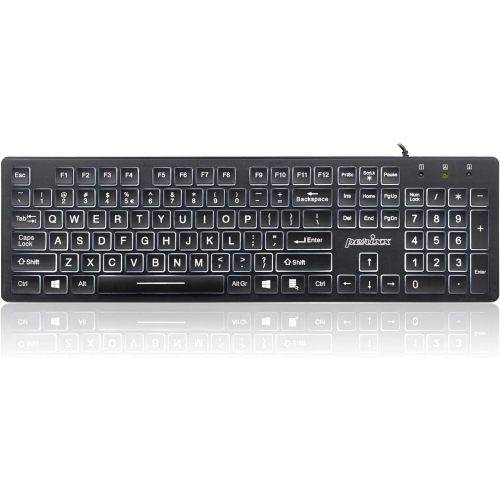
Dedicated keys put numbers and navigation within reach
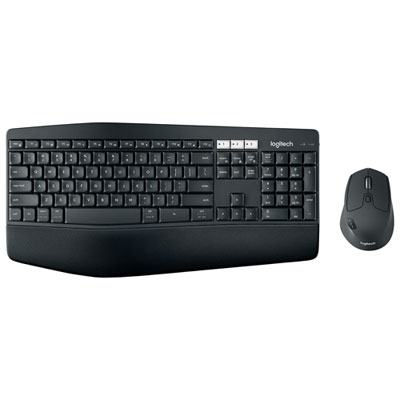
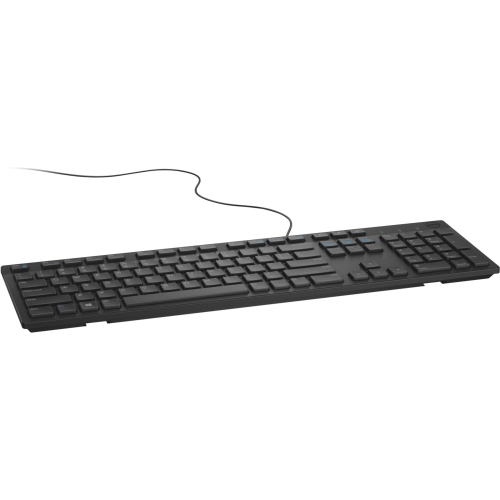
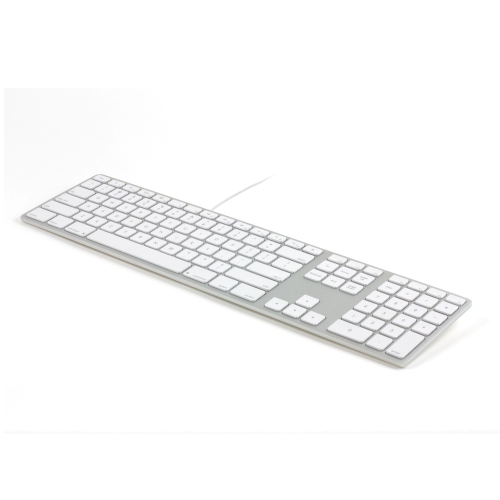
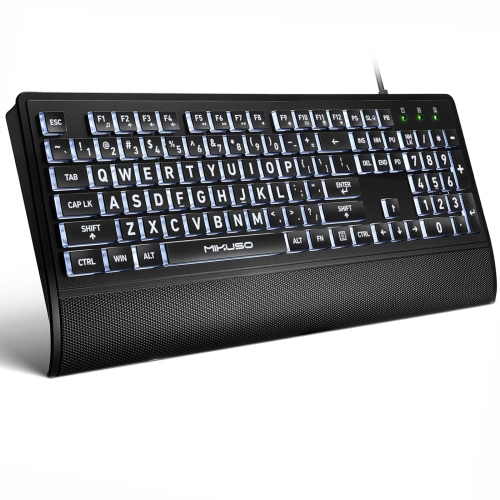
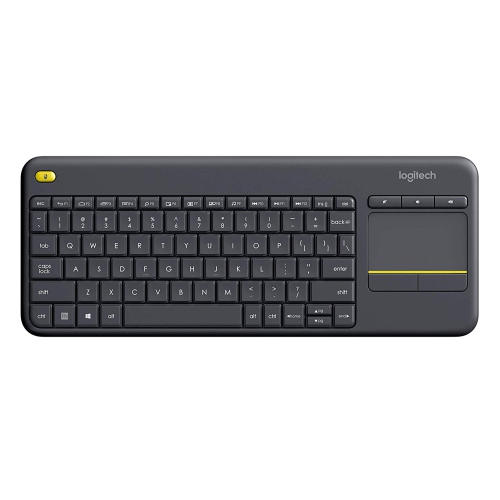
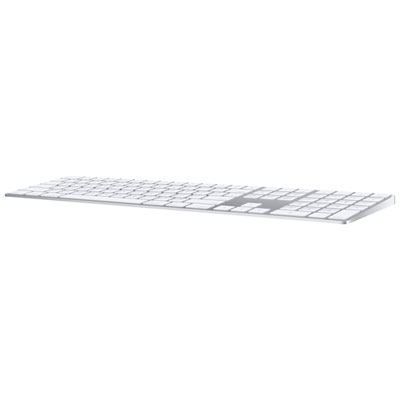
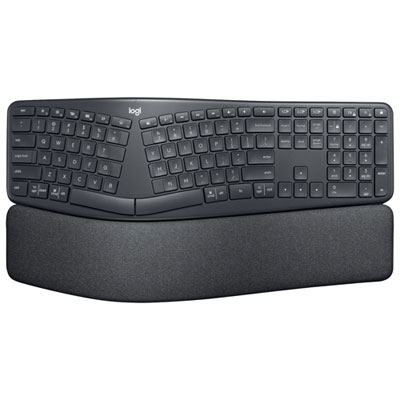
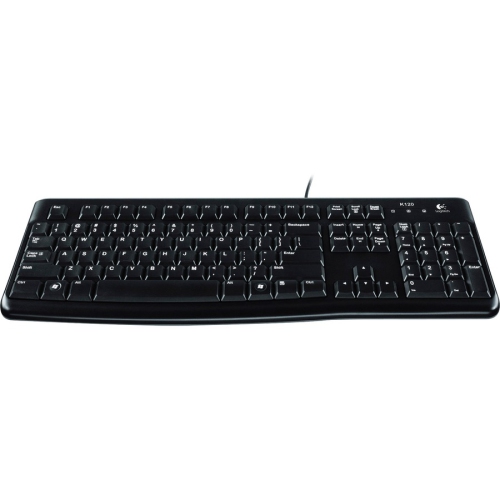
Full-size keyboards bring the main typing area, function row, navigation keys, and a dedicated numeric keypad together in one layout. Often described as 100% keyboards, they typically have 104 or 105 keys, although the exact count varies with language layout and additional controls. The number pad usually sits on the right, giving frequent spreadsheet users, bookkeepers, students, and anyone entering measurements or calculations a familiar arrangement of digits and mathematical symbols. Separate arrow keys and navigation controls such as Home, End, Page Up, and Page Down make it easier to move through documents without relying on layered shortcuts. That direct access is the defining appeal of a full-size layout: letters, numbers, and navigation each have their own space. A compact keyboard may retain a number pad while bringing the key groups closer together, so a numeric keypad alone does not necessarily indicate a traditional full-size design. On a home office desk, the extra width can be useful for moving between written reports and rows of figures; in a shared family workspace, it can provide a familiar layout for several people with different habits. Dimensions still matter, since a wide case, built-in wrist rest, or extra media controls can increase the footprint beyond the keys themselves. There should be enough room beside the keyboard for comfortable mouse movement, particularly for gaming or detailed design work. Positioning the main letter keys in front of the body, rather than centring the entire case, can help keep everyday typing more comfortably aligned. English, French, and bilingual key layouts also deserve attention, as printed symbols and the shape or position of certain keys can differ. For someone who regularly types accented characters, works with formulas, or uses keyboard shortcuts throughout the day, those details can matter as much as the overall size.
The feel of a full-size keyboard depends on its switch mechanism, keycap shape, construction, and height. Membrane keyboards use a flexible membrane system and often have a softer, cushioned keystroke, while scissor mechanisms help stabilize low-profile keys and can feel familiar to people accustomed to laptop typing. Mechanical keyboards use individual switches beneath the keys, with different designs offering different responses. Linear switches move smoothly through the keystroke, tactile switches provide a noticeable bump, and clicky switches add a distinct audible click. A tactile switch is not necessarily quiet, and a mechanical keyboard is not automatically loud: switch design, case construction, desk surface, and typing force all influence the sound. In a room shared with colleagues or someone on a video call, a quieter mechanism and a gentle typing touch can make a practical difference. Key travel and resistance are equally personal. Some people prefer shallow keys for light, quick input, while others appreciate a deeper press with more pronounced feedback. Keycaps are commonly made from ABS or PBT plastic; PBT generally resists the polished appearance that can develop with repeated use, though texture, thickness, and legend quality vary. Plastic cases can be lightweight and easy to reposition, while metal top plates or frames may add rigidity and weight. A keyboard that stays planted during fast typing feels different from one that shifts across a smooth desk, making stable feet and non-slip pads worthwhile details. Adjustable tilt can change the typing angle, but raising the rear feet is not automatically more comfortable for every person. A relaxed position with wrists reasonably straight is more useful than a steep angle chosen out of habit. Wrist rests can provide a place to pause between typing sessions, with comfort depending on their height, firmness, and placement rather than their presence alone.
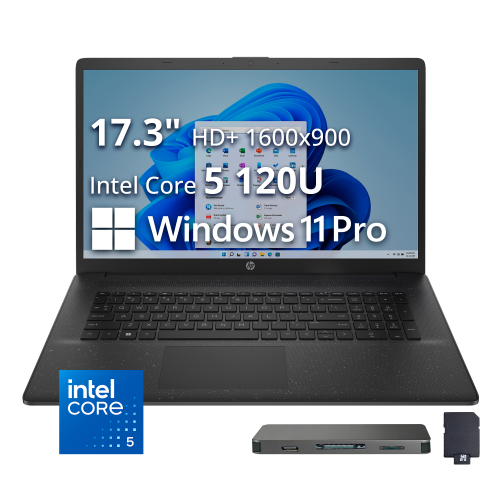
Connection options shape how a full-size keyboard fits into a workspace. A wired USB connection avoids battery maintenance and keeps the keyboard connected to one computer, provided the cable reaches comfortably and the plug matches an available port or suitable adapter. Wireless keyboards may connect through Bluetooth or a dedicated USB receiver; some support both, while others allow switching among multiple paired devices. Compatibility should cover more than establishing a connection. Function shortcuts, media controls, key assignments, and customization software can behave differently across operating systems, and a keyboard with a charging cable does not necessarily support typing over that cable. Rechargeable designs need occasional charging, while models with replaceable batteries need the correct battery type. Backlighting can make key legends easier to distinguish in a dim workspace, although brightness settings affect wireless battery life. Separate volume controls, programmable keys, and multi-key input support can be useful for particular routines without being essential for everyone. For gaming, space for mouse movement and reliable recognition of simultaneous keypresses may be more important than decorative lighting; for office work, clear legends and comfortable access to frequently used keys often take priority. The preference for a built-in number pad can also extend to Full Size Keyboard Laptops, although laptop key spacing and navigation arrangements may differ from a separate desktop keyboard. Routine care helps preserve the typing experience: disconnect the keyboard or switch it off before cleaning, remove loose debris gently, and use a lightly dampened cloth on exterior surfaces without letting moisture enter the case. Keycaps should only be removed when the design and manufacturer’s care directions permit it. Spill resistance, where specified, is not the same as waterproofing. As a gift for a student, a frequent typist, or someone setting up a dedicated workspace, a full-size keyboard is most useful when its layout, connection, sound, and desk fit suit the recipient’s daily routine.
The feel of a full-size keyboard depends on its switch mechanism, keycap shape, construction, and height. Membrane keyboards use a flexible membrane system and often have a softer, cushioned keystroke, while scissor mechanisms help stabilize low-profile keys and can feel familiar to people accustomed to laptop typing. Mechanical keyboards use individual switches beneath the keys, with different designs offering different responses. Linear switches move smoothly through the keystroke, tactile switches provide a noticeable bump, and clicky switches add a distinct audible click. A tactile switch is not necessarily quiet, and a mechanical keyboard is not automatically loud: switch design, case construction, desk surface, and typing force all influence the sound. In a room shared with colleagues or someone on a video call, a quieter mechanism and a gentle typing touch can make a practical difference. Key travel and resistance are equally personal. Some people prefer shallow keys for light, quick input, while others appreciate a deeper press with more pronounced feedback. Keycaps are commonly made from ABS or PBT plastic; PBT generally resists the polished appearance that can develop with repeated use, though texture, thickness, and legend quality vary. Plastic cases can be lightweight and easy to reposition, while metal top plates or frames may add rigidity and weight. A keyboard that stays planted during fast typing feels different from one that shifts across a smooth desk, making stable feet and non-slip pads worthwhile details. Adjustable tilt can change the typing angle, but raising the rear feet is not automatically more comfortable for every person. A relaxed position with wrists reasonably straight is more useful than a steep angle chosen out of habit. Wrist rests can provide a place to pause between typing sessions, with comfort depending on their height, firmness, and placement rather than their presence alone.
Connection options shape how a full-size keyboard fits into a workspace. A wired USB connection avoids battery maintenance and keeps the keyboard connected to one computer, provided the cable reaches comfortably and the plug matches an available port or suitable adapter. Wireless keyboards may connect through Bluetooth or a dedicated USB receiver; some support both, while others allow switching among multiple paired devices. Compatibility should cover more than establishing a connection. Function shortcuts, media controls, key assignments, and customization software can behave differently across operating systems, and a keyboard with a charging cable does not necessarily support typing over that cable. Rechargeable designs need occasional charging, while models with replaceable batteries need the correct battery type. Backlighting can make key legends easier to distinguish in a dim workspace, although brightness settings affect wireless battery life. Separate volume controls, programmable keys, and multi-key input support can be useful for particular routines without being essential for everyone. For gaming, space for mouse movement and reliable recognition of simultaneous keypresses may be more important than decorative lighting; for office work, clear legends and comfortable access to frequently used keys often take priority. The preference for a built-in number pad can also extend to Full Size Keyboard Laptops, although laptop key spacing and navigation arrangements may differ from a separate desktop keyboard. Routine care helps preserve the typing experience: disconnect the keyboard or switch it off before cleaning, remove loose debris gently, and use a lightly dampened cloth on exterior surfaces without letting moisture enter the case. Keycaps should only be removed when the design and manufacturer’s care directions permit it. Spill resistance, where specified, is not the same as waterproofing. As a gift for a student, a frequent typist, or someone setting up a dedicated workspace, a full-size keyboard is most useful when its layout, connection, sound, and desk fit suit the recipient’s daily routine.
Top selling and popular products
-
 Your price for this item is $44.99
-
 Your price for this item is $49.72
-
 Your price for this item is $159
-
 Your price for this item is $219.99
-
 Your price for this item is $199.99
-
 Your price for this item is $44.99
-
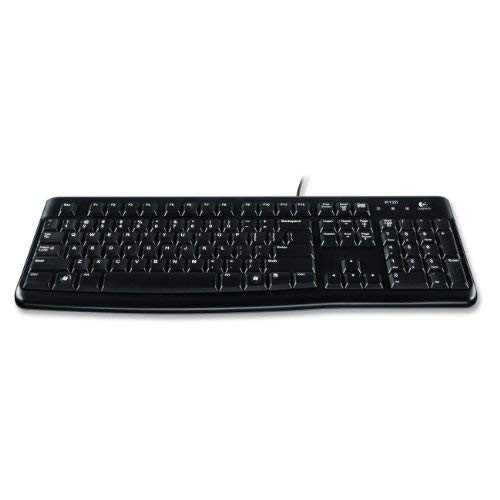 Your price for this item is $29.99
-
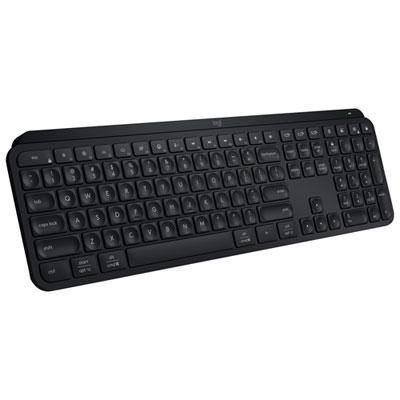 Your price for this item is $169.99
Discover more categories related to Full Size Keyboards

Top Collections:
Pokemon Centers, Best Black Friday Deals This Year, Best Black Friday Deals On Electronics, Kindle Devices, Best Budget Office Chairs, Best Black Friday Deals On Apple Products, Best Cameras for Sports Photography, Pokémon 30th Celebration Cards, Dyson Airwrap, Canon G7X Cameras
Some products may be subject to Environmental Handling Fees
(EHF) depending on your province.
Learn more about EHFs.