Laptops With High Refresh Rate
Laptops With High Refresh Rate deliver an ultra-smooth visual experience, making them a top choice for gamers, content creators, and professionals seeking seamless performance. Enhanced refresh rates help provide clearer motion and responsive visuals whether you're working on detailed projects or enjoying the latest entertainment. Explore a variety of options designed to elevate your computing experience with crisp graphics and fluid transitions. Find the ideal laptop to suit your needs and enjoy smoother visuals every day.
Sort
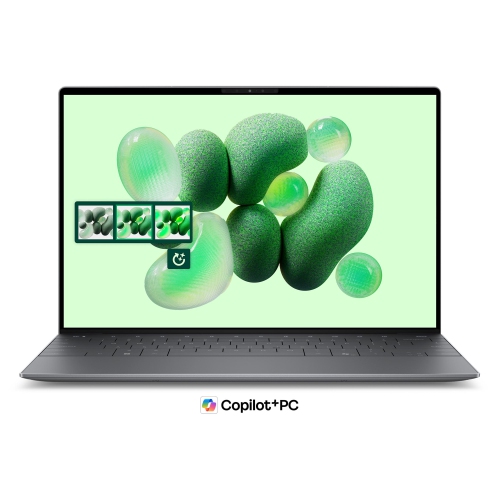
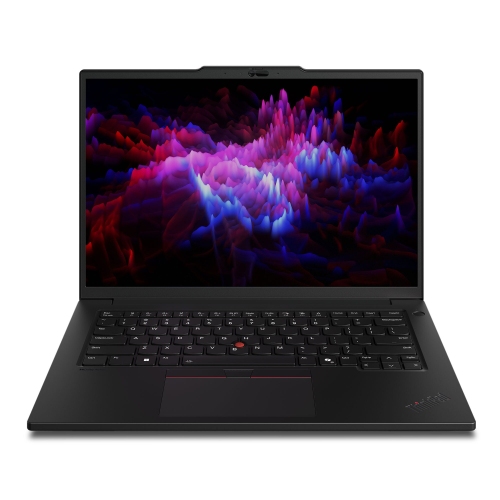
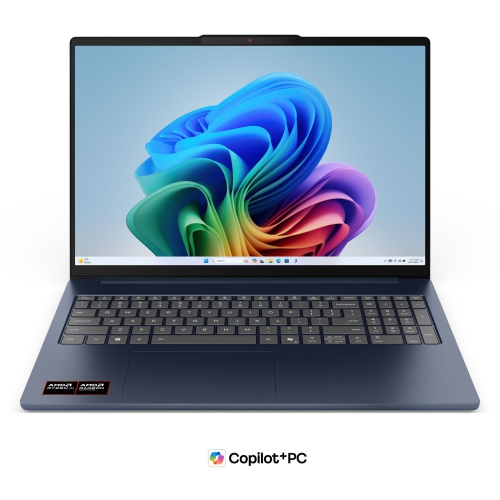
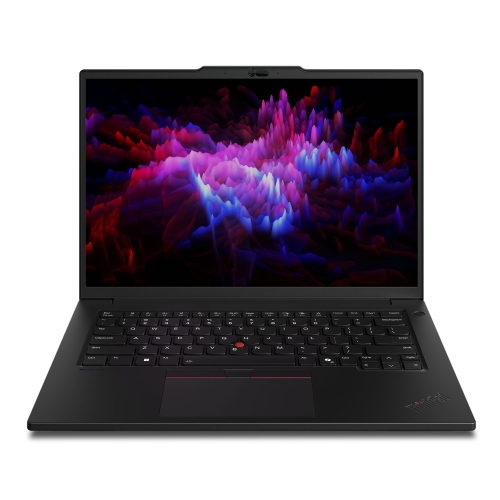
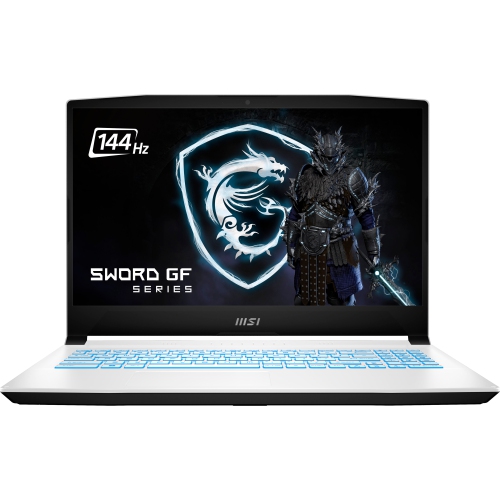
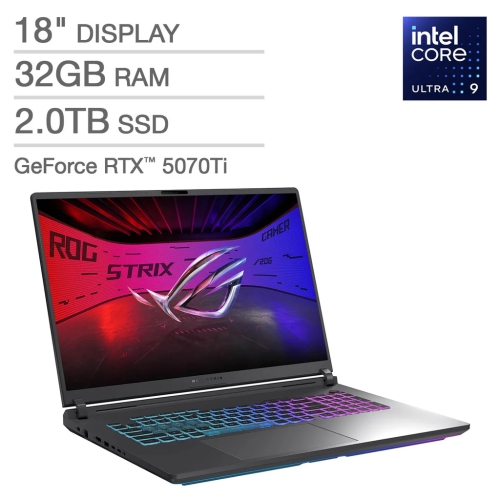
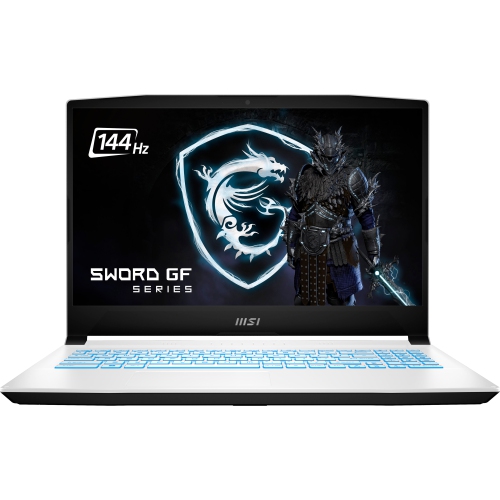
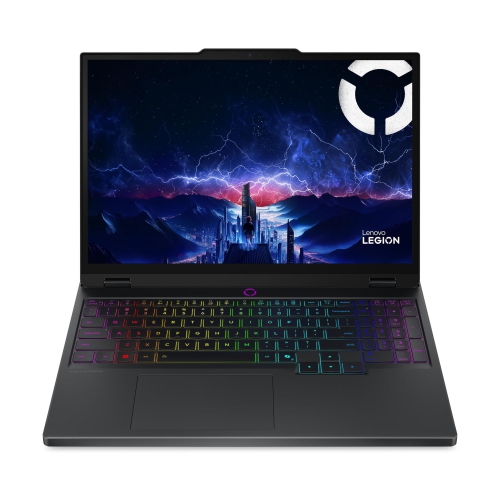
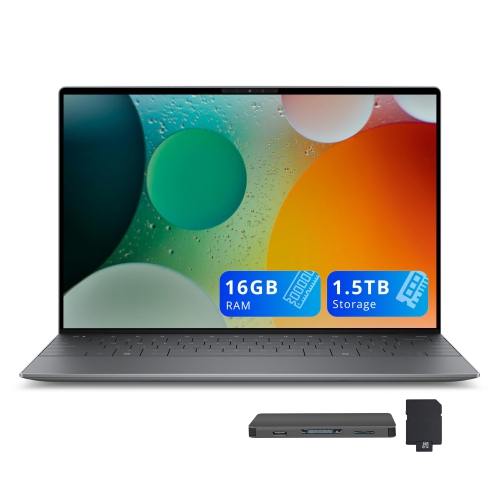
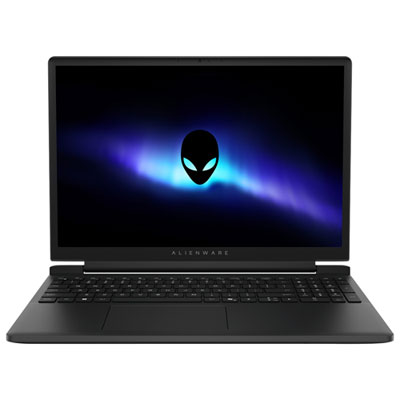
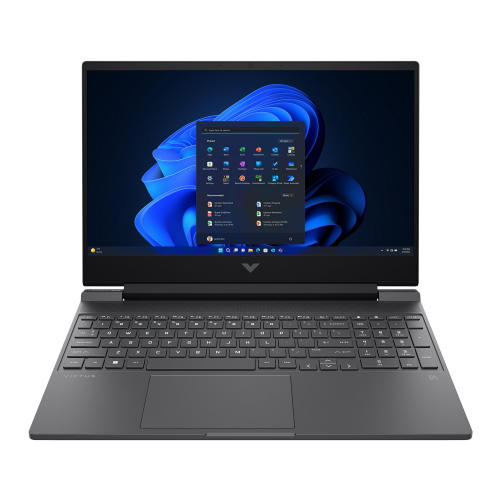

Why smoother gameplay depends on more than refresh rate
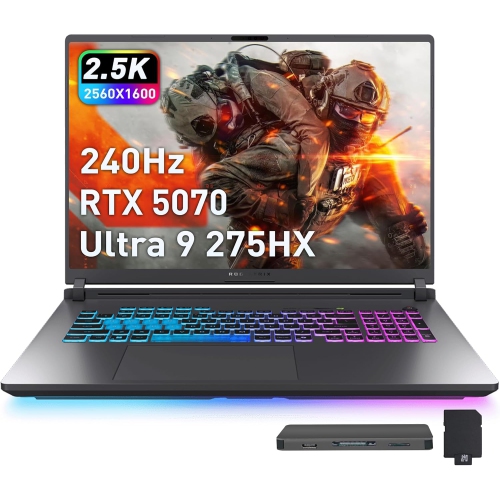
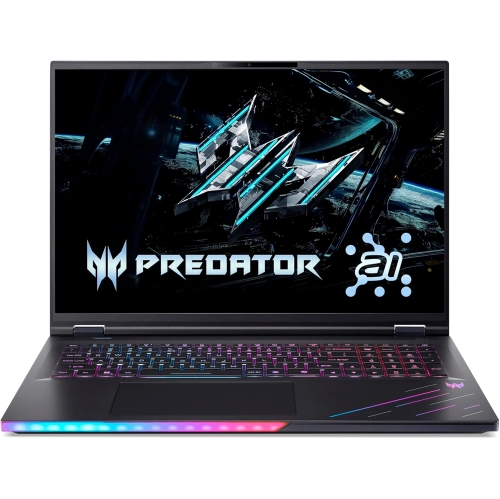
Laptops with high refresh rate displays make fast movement look smoother, whether that means following a rival through a racing game, tracking an opponent across a crowded arena, or scrolling through a detailed project timeline. Refresh rate, measured in hertz (Hz), describes how many times a screen updates its image each second. A 144Hz display can update up to 144 times per second, compared with 60 updates on a 60Hz screen. Common high refresh rate options include 120Hz, 144Hz, 165Hz and 240Hz, with some laptops offering higher rates for demanding competitive play. The difference is especially noticeable when a game delivers enough frames per second to take advantage of the display. Camera turns can appear more continuous, moving targets can be easier to follow, and controls may feel more immediate when the rest of the system keeps pace. Refresh rate is not the same as pixel response time, however. Response time describes how quickly pixels change, and a panel with slow transitions may still show trailing behind moving objects despite a high refresh rate. Adaptive sync can also help reduce screen tearing and stutter by matching the display’s updates to the graphics processor’s frame output, within the supported operating range. These features work together rather than replacing one another, so smooth motion depends on more than the Hz figure alone. For players focused on fast-paced matches, high refresh rate gaming laptops for competitive players bring that emphasis on responsive visuals into a portable computer format. Higher refresh rates can also make everyday cursor movement, webpage scrolling and window animations feel smoother, although the benefit varies by application and individual sensitivity. Films and other fixed-frame-rate video do not gain extra original frames simply because the screen refreshes faster, making gaming and interactive tasks the clearest reasons to prioritize this display feature.
The experience also depends on how the screen’s resolution, panel technology and size fit the laptop’s intended use. A higher-resolution display can reveal finer detail in text, photographs and game scenery, but rendering more pixels generally places greater demands on the graphics processor. A laptop running a visually complex game at its native resolution may therefore deliver a lower frame rate than it would at reduced settings. For competitive gaming, consistent frame delivery can matter more than turning every visual setting to its maximum; for an expansive adventure game, sharper detail and richer contrast may take priority. IPS-type LCD panels are often valued for wide viewing angles and consistent colour, while OLED panels offer deep blacks and fast pixel transitions. Mini-LED backlighting on compatible LCD displays can support strong brightness and local contrast, though performance varies with the panel and its dimming system. Refresh rate alone does not establish colour accuracy, brightness, contrast or HDR quality. Those characteristics matter to students editing photographs, designers arranging layouts and creators moving between work and gaming. A larger display gives more room for tool panels, spreadsheets and side-by-side windows, while a smaller chassis is easier to carry between a desk, classroom and shared workspace. The processor, graphics hardware, memory and storage all contribute to how comfortably that screen can be used. Dedicated graphics can be important for demanding games and accelerated creative tasks, while sufficient memory helps keep a game, voice chat and background applications running together. A solid-state drive supports responsive loading and file access, but it does not replace the graphics performance needed for high frame rates. Cooling design matters as well: a thin laptop and a larger performance-focused chassis may balance sustained speed, fan noise and portability differently. Playing while connected to power often allows stronger performance than battery operation, depending on the laptop’s power settings and design. Battery-life estimates also deserve context, since gaming at a high refresh rate is a different workload from writing documents or watching video.
Build quality and everyday practicality help determine how well a high refresh rate laptop fits into a routine beyond the screen. Metal chassis can feel rigid, while well-designed plastic construction can offer durability without unnecessary weight; hinge stability, keyboard support and the strength of the lid are useful considerations regardless of material. A comfortable keyboard matters during long assignments as much as during a gaming session, and a spacious touchpad makes a difference when there is no room for a mouse. Screen finish also affects daily use: a matte surface can reduce distracting reflections, while a glossy surface may look crisp but reflect nearby lamps and windows more clearly. For someone carrying a laptop regularly, the combined weight of the computer and its power adapter is more meaningful than the laptop’s weight alone. A padded sleeve or a bag with a fitted laptop compartment helps protect the lid and corners during travel, and keeping objects off the closed screen reduces pressure on the panel. Routine care includes clearing dust from accessible vents according to the manufacturer’s directions, using the laptop on a firm surface that does not block airflow, and cleaning the display with suitable materials rather than spraying liquid directly onto it. Connections deserve attention too. Ports for a mouse, headset, controller and external display can simplify a desk setup, while Wi-Fi capabilities and a wired network connection, where supported, affect the options for online play. An external monitor’s supported resolution and refresh rate depend on the laptop’s video output, cable and display, not just the built-in panel’s specifications. These laptops can suit a university student who wants one machine for coursework and games, a creator who values fluid navigation, or a frequent traveller who wants capable entertainment away from a desktop. As a gift, the best fit depends on the recipient’s favourite games, carrying needs and existing accessories. A balanced combination of display performance, computing power, comfortable controls and sturdy construction makes the high refresh rate useful throughout everyday ownership.
Top selling and popular products
-
 Your price for this item is $449
-
 Your price for this item is $3099
-
 Your price for this item is $1800.68
-
 Your price for this item is $664.05
-
 Your price for this item is $869.99
-
 Your price for this item is $2960.48
-
 Your price for this item is $499.68
-
 Your price for this item is $1951.79
Discover more categories related to Laptops With High Refresh Rate
Top Collections:
Best Black Friday Deals This Year, Best Black Friday Deals On Electronics, Kindle Devices, Pokemon Centers, Best Black Friday Deals On Apple Products, Best Cameras for Sports Photography, Dyson Airwrap, Pokémon 30th Celebration Cards, Apple iPhone 17 Pro, Canon G7X Cameras
Some products may be subject to Environmental Handling Fees
(EHF) depending on your province.
Learn more about EHFs.