Laptops With Multiple Usb Ports
Laptops with multiple USB ports offer added convenience and versatility for connecting a wide range of devices, from external drives and peripherals to charging cables and accessories. Whether you’re working on complex projects, enjoying entertainment, or staying productive on the go, these laptops make it easy to manage all your essential connections. Discover a variety of options designed to help you stay organized and efficient with seamless device integration.
Sort
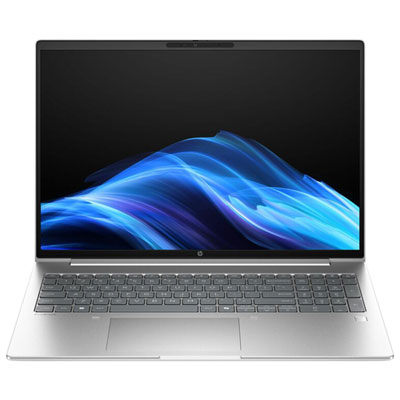
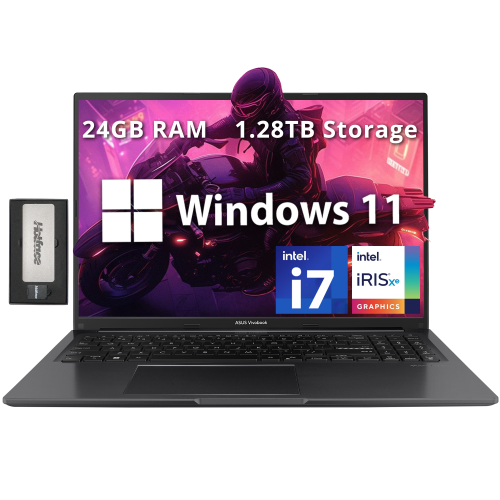
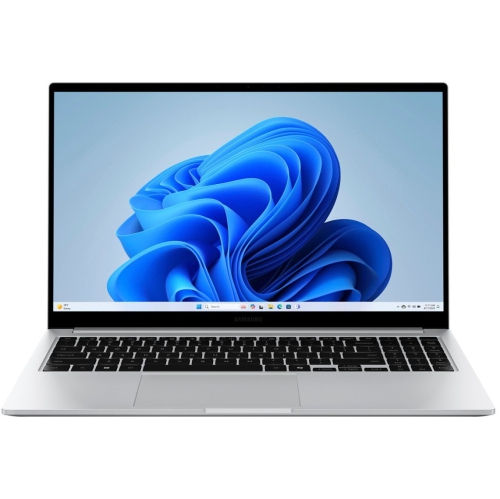
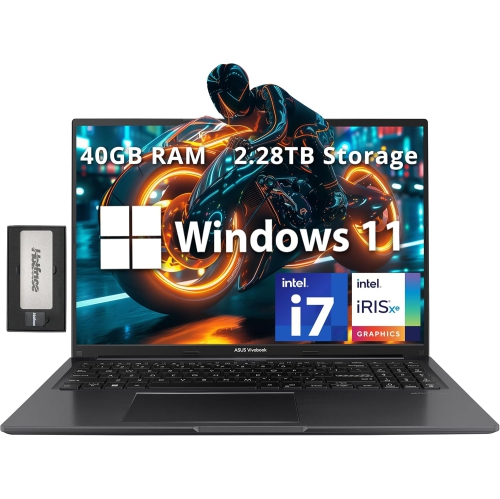
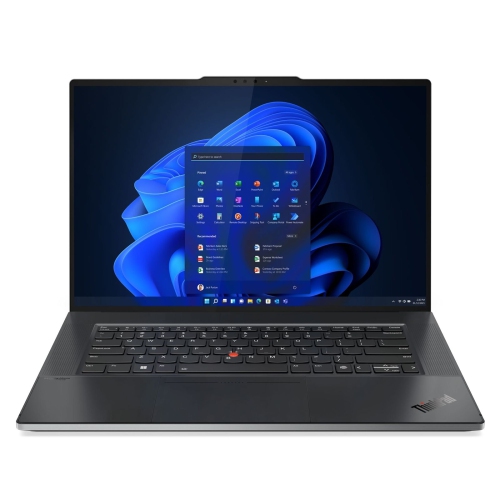
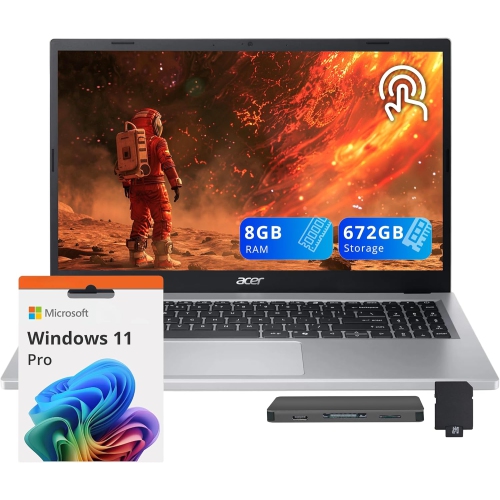
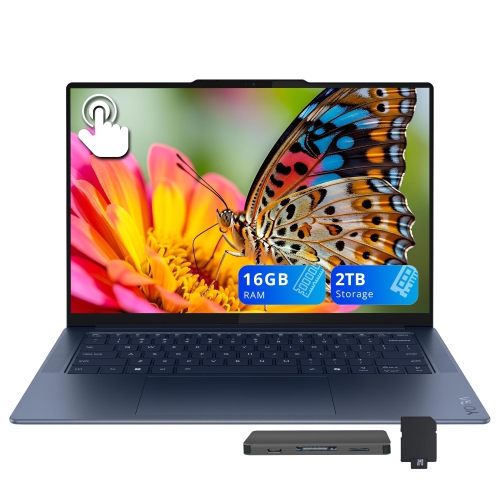
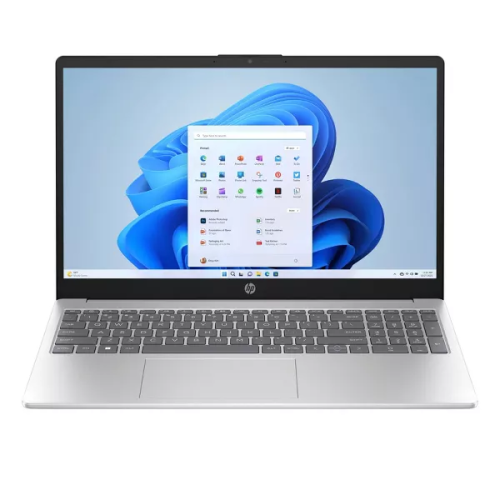
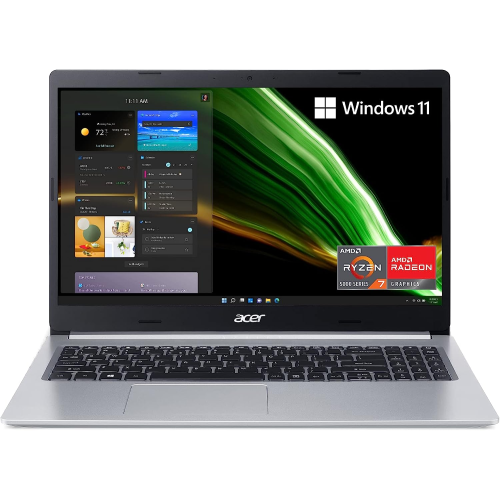
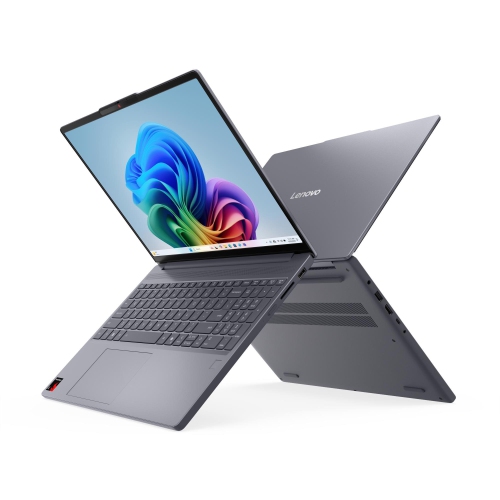
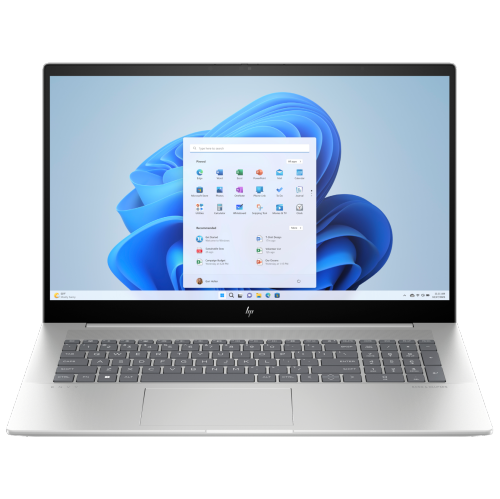


Stay connected to more devices with less adapter swapping
Laptops with multiple USB ports give you more freedom to work, study, create, and relax without constantly unplugging one device to connect another. A laptop with several built-in connections can make a noticeable difference when your desk includes a mouse, keyboard, external storage drive, printer, headset, phone, camera, or other everyday accessories. Instead of reaching behind a monitor or searching through a drawer for an adapter, you can leave frequently used devices connected and keep an available port ready for something new. When comparing laptops with multiple USB ports, look closely at both the number and type of connections. USB-A remains common for many established accessories, including wired mice, keyboards, flash drives, and select printers, while USB-C is increasingly used for newer peripherals, charging, high-speed data transfers, and display connectivity. Not every USB port performs the same functions, even when the connectors look similar. Some support faster data transfer speeds, some can charge connected devices, and others may support video output through compatible accessories. Product specifications can help you determine whether a port is intended for charging, data, display connections, or a combination of uses. It is also worth checking the physical layout: ports placed on both sides of a laptop can make cable management easier, particularly when you use the computer in a compact workspace, on a kitchen counter, or at a shared desk. A generous selection of ports is especially useful for students moving between lectures and study spaces, professionals connecting to workplace equipment, photographers transferring files, and families sharing one computer for several different tasks.
The right laptop with multiple USB ports depends on how you expect to use it each day. A student may want room for a wireless receiver, external drive, phone cable, and presentation accessory, while an office worker may need to connect a keyboard, mouse, printer, security device, and external monitor. Creators who work with photos, video, audio, or large documents can benefit from having separate connections for storage and card readers, reducing the need to swap cables while files are being moved. Gamers may appreciate additional ports for a wired controller, headset, mouse, keyboard, cooling accessory, or other peripherals, particularly when the laptop is used as a semi-permanent workstation. For travel, multiple ports can be just as helpful in a different way: one connection can handle a phone, another can connect external storage, and a remaining port can stay available for charging or a last-minute accessory at an airport lounge or hotel desk. Pay attention to the laptop’s overall design as well. Port quantity is only one part of the experience, alongside screen size, keyboard comfort, battery capacity, processing performance, memory, storage, and weight. A thinner laptop may offer a carefully selected mix of USB-A and USB-C connections, while a larger performance-focused computer may have additional ports distributed along the sides or rear. If you prefer a laptop built around newer USB-C accessories, browse Laptops With USB Type C to compare options suited to that connection standard. A laptop with ports that match your existing accessories can save time and reduce the number of adapters you need to carry, while a model with a broader mix can offer flexibility as your setup changes.
USB hubs and docking stations can expand connectivity when a laptop does not include every port you need, but built-in connections remain convenient for devices you use regularly. A compact hub can add USB-A ports, card readers, wired networking, or display outputs through one USB-C connection, making it useful for travel or occasional desk work. A powered docking station is better suited to a permanent workstation with multiple monitors, wired accessories, speakers, storage devices, and other equipment that stays connected throughout the day. When choosing between built-in ports and accessories, consider the speed and power requirements of your devices. External solid-state drives and other high-performance storage may benefit from faster USB standards, while a basic keyboard or mouse generally needs far less bandwidth. Check whether a hub shares its available speed across several connected devices and whether it receives enough power for accessories that draw more energy. Families shopping for a laptop as a gift may find that multiple USB ports make the computer easier to use for a wide range of interests, from schoolwork and video calls to home administration and creative projects. During the warmer months and into the cooler months, a versatile laptop can move easily between a home office, a bedroom desk, a classroom, or a living-room table. Before making a choice, count the devices you use most often, identify whether they require USB-A or USB-C, review the supported data and charging capabilities, and leave room for future accessories. That simple check can help you choose a laptop that keeps your workspace organised and your essential connections close at hand.
The right laptop with multiple USB ports depends on how you expect to use it each day. A student may want room for a wireless receiver, external drive, phone cable, and presentation accessory, while an office worker may need to connect a keyboard, mouse, printer, security device, and external monitor. Creators who work with photos, video, audio, or large documents can benefit from having separate connections for storage and card readers, reducing the need to swap cables while files are being moved. Gamers may appreciate additional ports for a wired controller, headset, mouse, keyboard, cooling accessory, or other peripherals, particularly when the laptop is used as a semi-permanent workstation. For travel, multiple ports can be just as helpful in a different way: one connection can handle a phone, another can connect external storage, and a remaining port can stay available for charging or a last-minute accessory at an airport lounge or hotel desk. Pay attention to the laptop’s overall design as well. Port quantity is only one part of the experience, alongside screen size, keyboard comfort, battery capacity, processing performance, memory, storage, and weight. A thinner laptop may offer a carefully selected mix of USB-A and USB-C connections, while a larger performance-focused computer may have additional ports distributed along the sides or rear. If you prefer a laptop built around newer USB-C accessories, browse Laptops With USB Type C to compare options suited to that connection standard. A laptop with ports that match your existing accessories can save time and reduce the number of adapters you need to carry, while a model with a broader mix can offer flexibility as your setup changes.
USB hubs and docking stations can expand connectivity when a laptop does not include every port you need, but built-in connections remain convenient for devices you use regularly. A compact hub can add USB-A ports, card readers, wired networking, or display outputs through one USB-C connection, making it useful for travel or occasional desk work. A powered docking station is better suited to a permanent workstation with multiple monitors, wired accessories, speakers, storage devices, and other equipment that stays connected throughout the day. When choosing between built-in ports and accessories, consider the speed and power requirements of your devices. External solid-state drives and other high-performance storage may benefit from faster USB standards, while a basic keyboard or mouse generally needs far less bandwidth. Check whether a hub shares its available speed across several connected devices and whether it receives enough power for accessories that draw more energy. Families shopping for a laptop as a gift may find that multiple USB ports make the computer easier to use for a wide range of interests, from schoolwork and video calls to home administration and creative projects. During the warmer months and into the cooler months, a versatile laptop can move easily between a home office, a bedroom desk, a classroom, or a living-room table. Before making a choice, count the devices you use most often, identify whether they require USB-A or USB-C, review the supported data and charging capabilities, and leave room for future accessories. That simple check can help you choose a laptop that keeps your workspace organised and your essential connections close at hand.
Top selling and popular products
-
 Your price for this item is $449
 -
 Your price for this item is $3099
 -
 Your price for this item is $664.05
 -
 Your price for this item is $599.68
 -
 Your price for this item is $259
 -
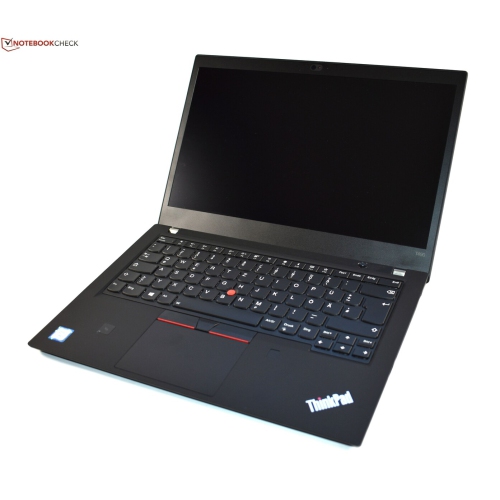 Your price for this item is $499.99
 -
 Your price for this item is $418.98
 -
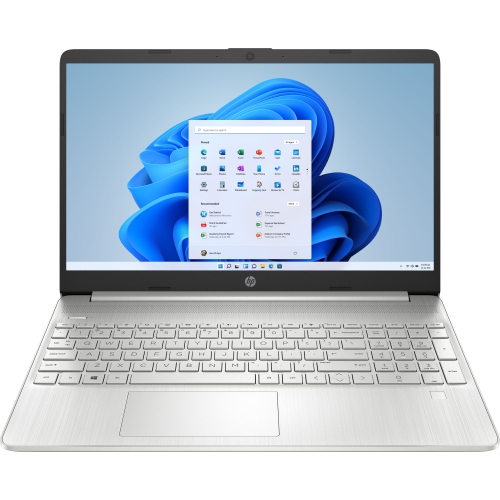 Your price for this item is $829
Discover more categories related to Laptops With Multiple Usb Ports
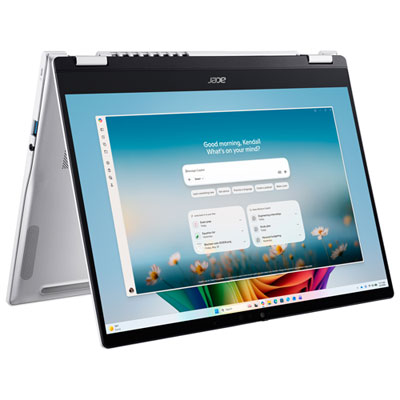

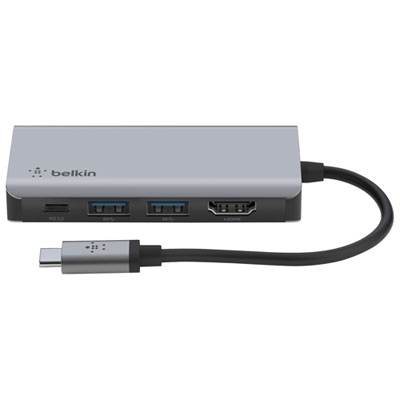
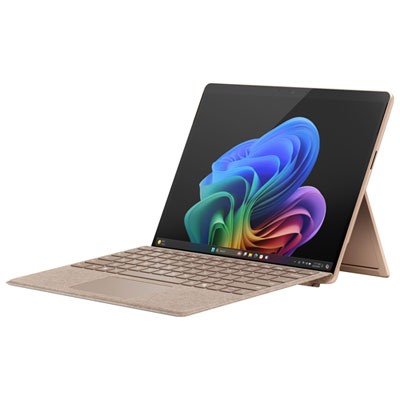
Top Collections:
Pokemon Centers, Best Cameras for Sports Photography, Kindle Devices, Samsung Galaxy Phones, Canon G7X Cameras, Pokémon 30th Celebration Cards, Refurbished Apple Laptops, iPhone 15 Apple, Laptops for Students, Budget Smartphones
Some products may be subject to Environmental Handling Fees
(EHF) depending on your province.
Learn more about EHFs.