Multi Port USB Hubs for Student Laptops
Multi Port USB Hubs for Student Laptops provide a convenient way to connect multiple devices and accessories to your laptop at once. Perfect for busy study sessions, collaborative projects, or virtual classes, these hubs help students streamline their workspace and stay organized. Whether you need to plug in flash drives, keyboards, or other essential peripherals, Multi Port USB Hubs for Student Laptops offer the flexibility and connectivity students need for a productive school day.

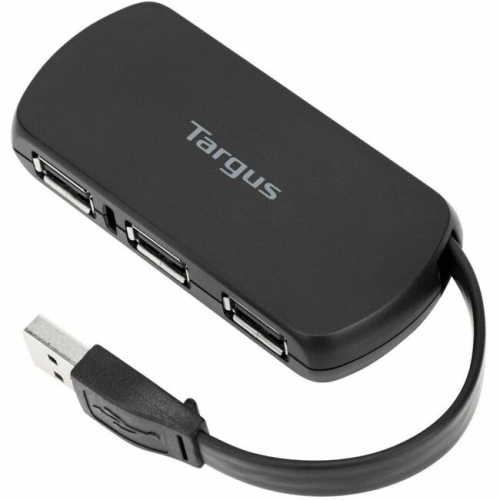
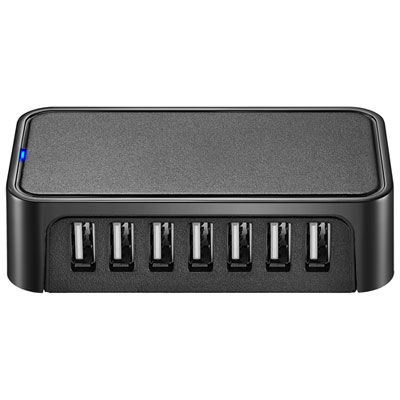

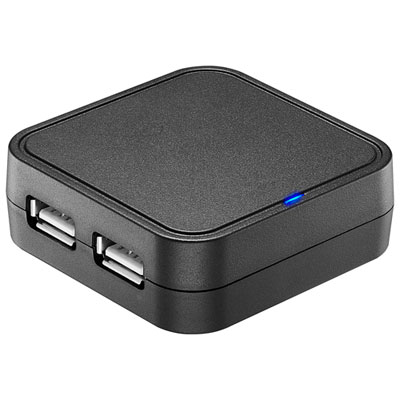
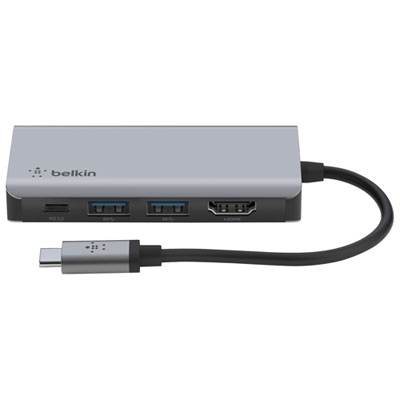
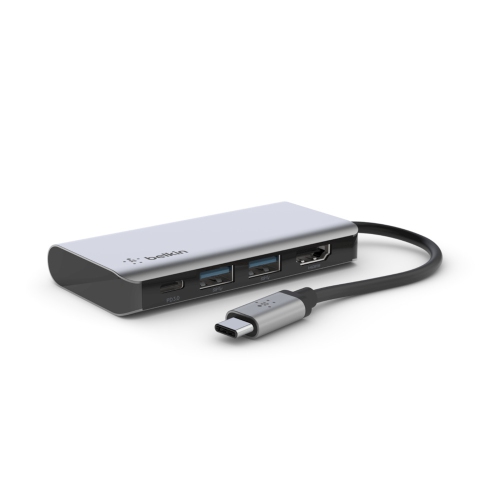
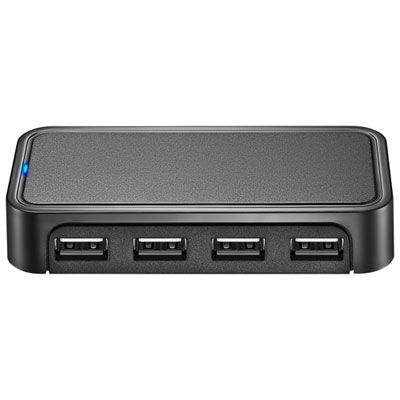
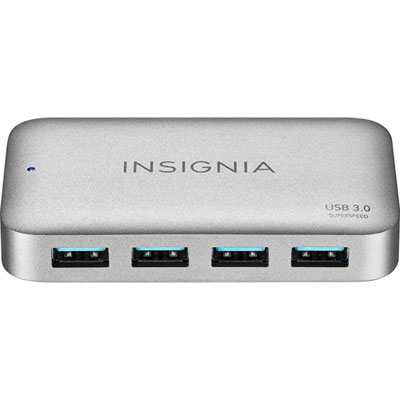
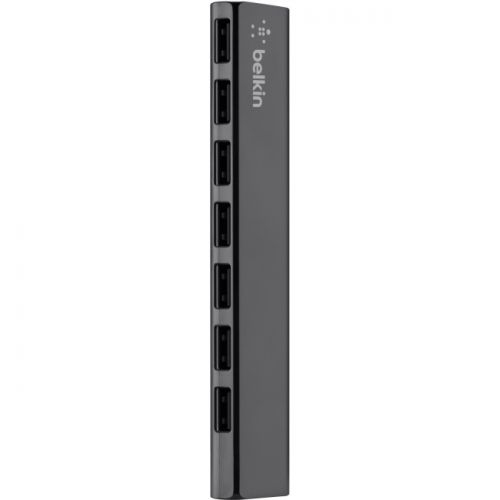
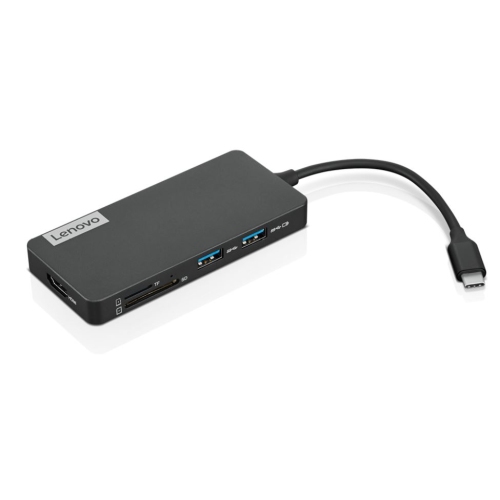
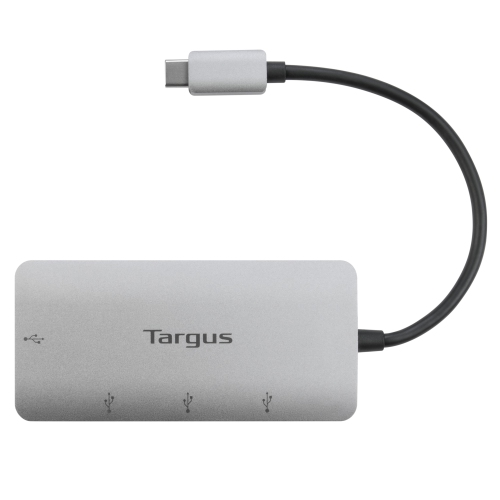
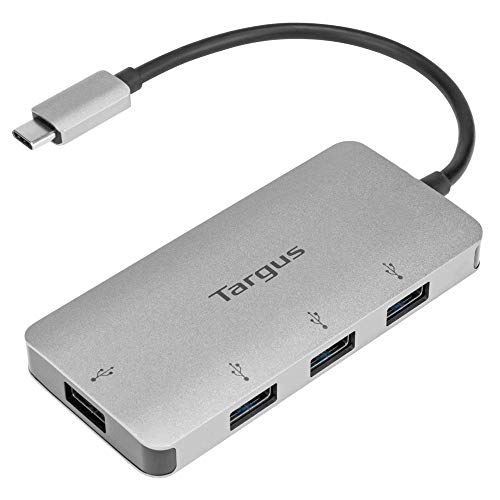
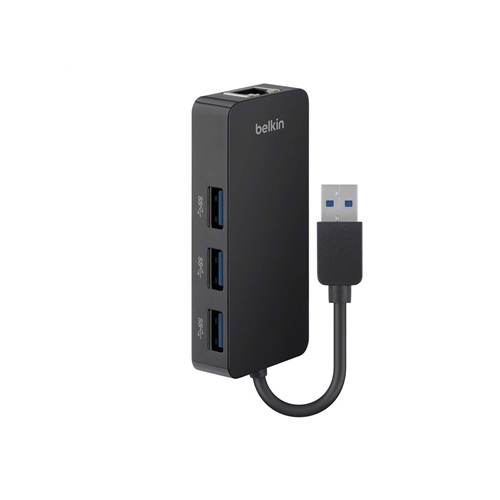

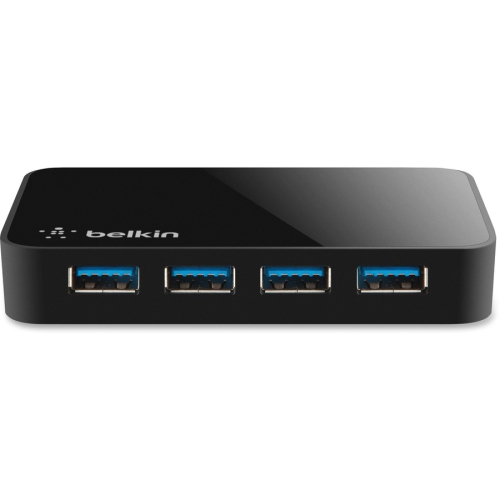
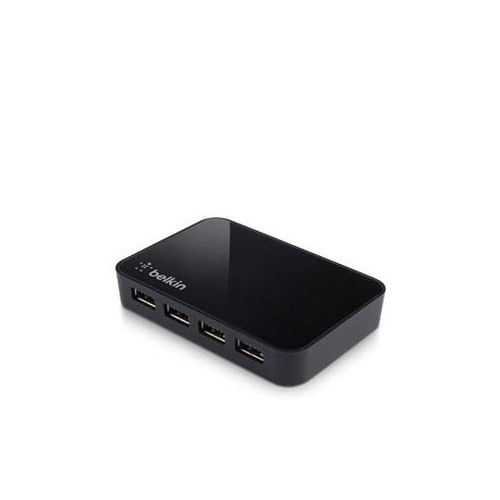
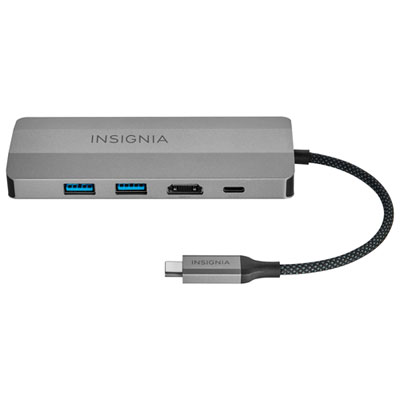
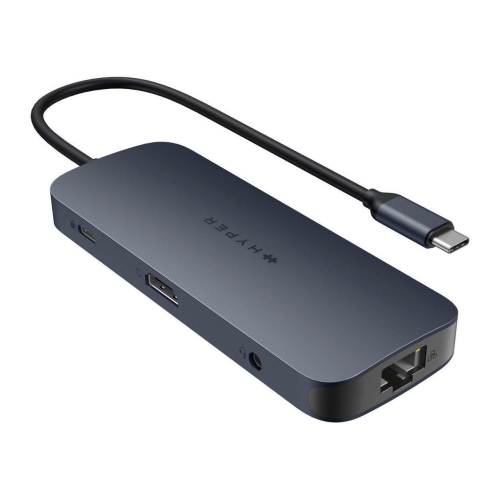
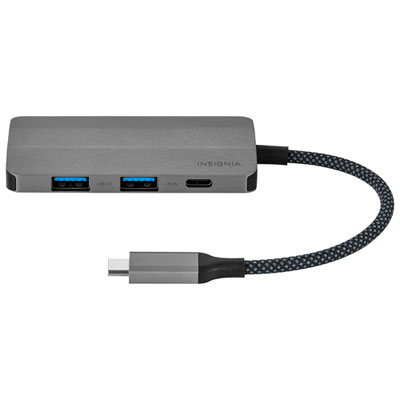
One connection for smoother study sessions and device access
When considering which multi port USB hub to choose, there are a few key factors that can help narrow down the options. Port variety is important—some hubs offer a mix of USB-A, USB-C, HDMI, SD card slots, and even Ethernet ports, making them ideal for students who need to connect a range of devices or peripherals. Power delivery is another consideration, especially for those with USB-C laptops that support charging through the hub itself. A compact, lightweight design is always a plus, particularly for students who carry their laptops from class to class or need to pack everything into a backpack for the day. Durability matters too, as student gear often endures daily commutes, accidental drops, and the occasional spill. For graduate students managing large research files or presentations, the best usb hub for graduate students might include high-speed data transfer capabilities and support for multiple high-capacity devices simultaneously. Multi port USB hubs also make thoughtful gifts for students heading off to university, as they offer practical support for both academic work and personal entertainment, such as connecting to monitors for movie nights or charging multiple devices before a weekend trip home.
Choosing a multi port USB hub is a practical investment that can enhance the flexibility and efficiency of any student’s tech setup. Whether you are outfitting your own laptop for the demands of a busy academic schedule or searching for a useful gift for a friend or family member, these hubs are a smart addition to any student’s toolkit. They are especially valuable during the back-to-school season, when students are settling into new routines and need reliable ways to connect all their devices—something that a badminton set vs usb hub simply cannot match for day-to-day productivity. For more details on the different types of hubs available and to find the right fit for your needs, visit the USB Hubs For Student Laptops page, where you can explore a curated selection designed specifically with students in mind.
FAQ
What are the benefits of using a multi port USB hub with a student laptop?
A multi port USB hub allows students to connect multiple devices—such as flash drives, keyboards, mice, and printers—to their laptops simultaneously. This is especially useful for laptops with limited built-in USB ports, making it easier to manage schoolwork, presentations, and data transfers.
Can I use a multi port USB hub to connect external monitors to my laptop?
Some multi port USB hubs include HDMI or DisplayPort outputs that allow you to connect external monitors. Be sure to check the specifications of the hub to ensure it supports video output if you need this feature for extended displays or presentations.
Are multi port USB hubs compatible with both Windows and Mac laptops?
Most multi port USB hubs are designed to be compatible with a wide range of operating systems, including Windows and macOS. Always check the product details for specific compatibility information before purchasing.
Do I need an external power source for my multi port USB hub?
Many basic USB hubs draw power directly from your laptop's USB port. However, if you plan to connect multiple high-power devices (like external hard drives), consider a powered hub that comes with its own AC adapter for stable performance.
What types of devices can I connect to a multi port USB hub?
You can connect various devices such as flash drives, external hard drives, keyboards, mice, printers, smartphones, tablets (for charging or data transfer), and sometimes even SD card readers or Ethernet adapters depending on the hub's features.
Top selling and popular products
-
 Your price for this item is $49.99
 -
 Your price for this item is $65.99
 -
 Your price for this item is $19.98
 -
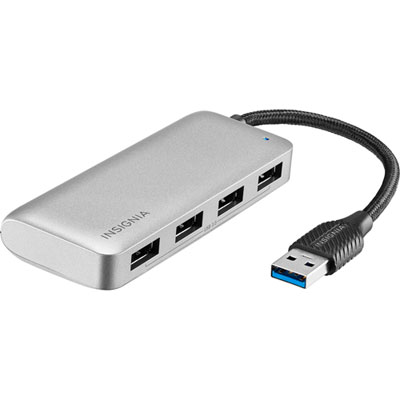 Your price for this item is $29.99
 -
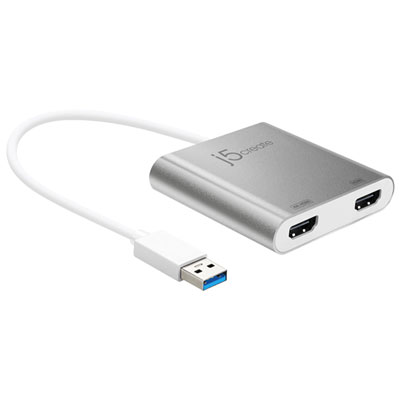 Your price for this item is $99.99
 -
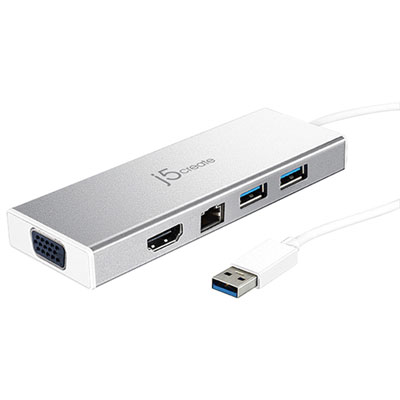 Your price for this item is $79.99
 -
 Your price for this item is $19.99
 -
 Your price for this item is $104.99