Large-Screen Tablets for Entertainment
Large-screen tablets for entertainment deliver an immersive viewing experience, making them a top choice for movie nights, gaming sessions, and streaming your favorite shows. With spacious displays, these tablets provide vibrant visuals and ample room for multitasking or sharing content with friends and family. Explore a variety of options to find the perfect device that fits your lifestyle and elevates your entertainment at home or on the go.
Sort




How screen shape affects films and reading
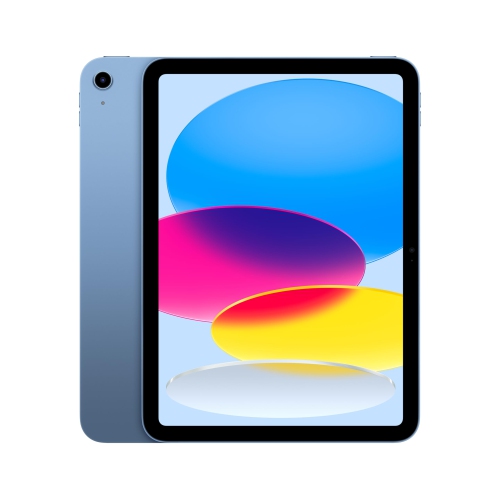
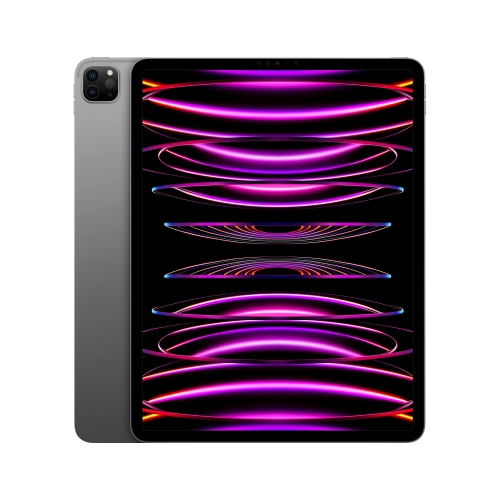
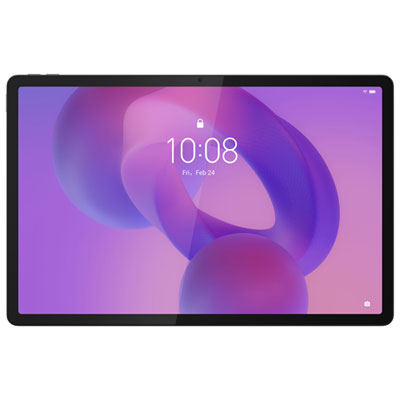
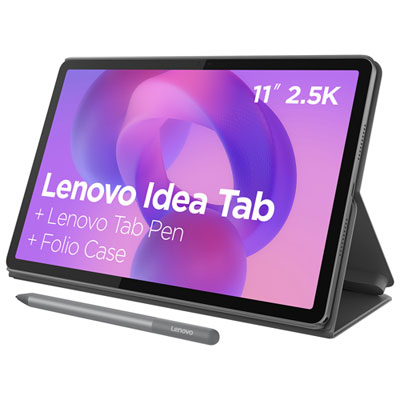
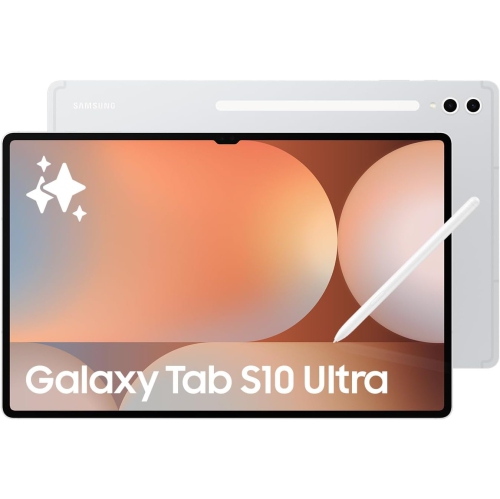
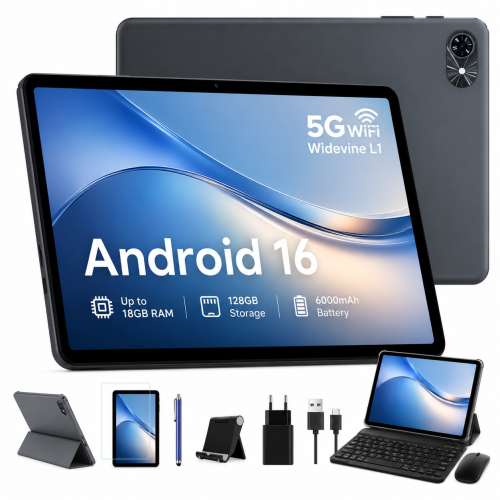
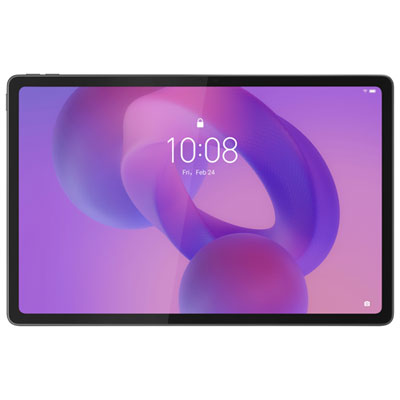
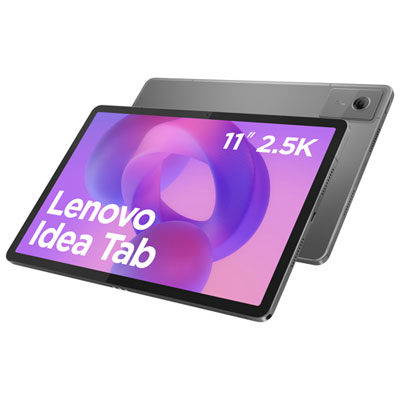
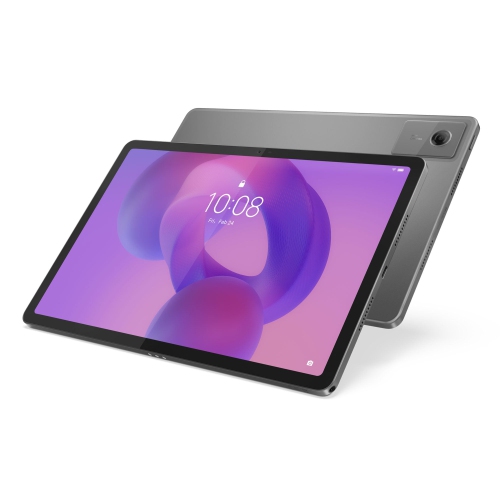
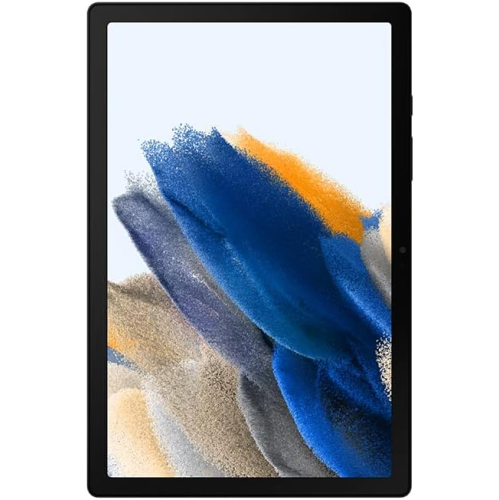
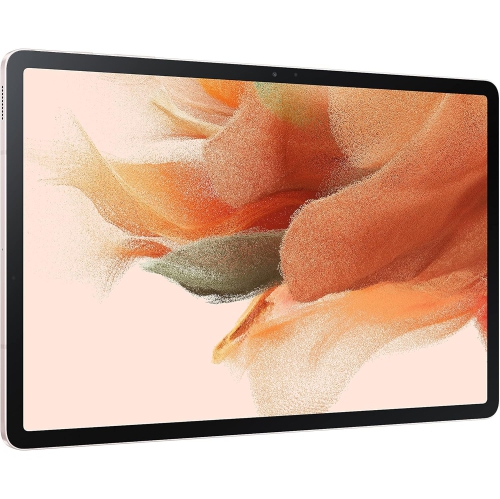
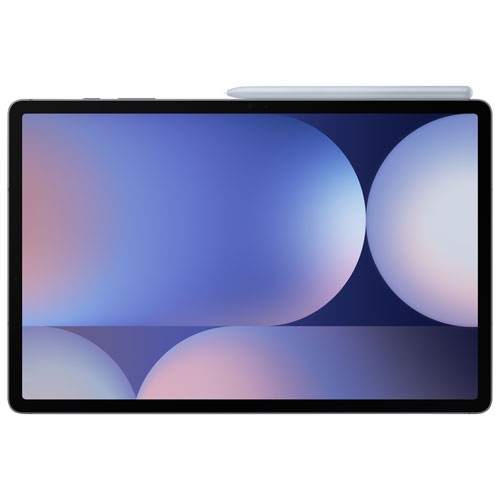
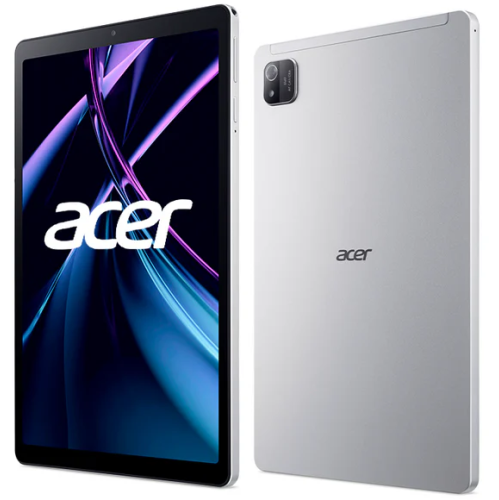
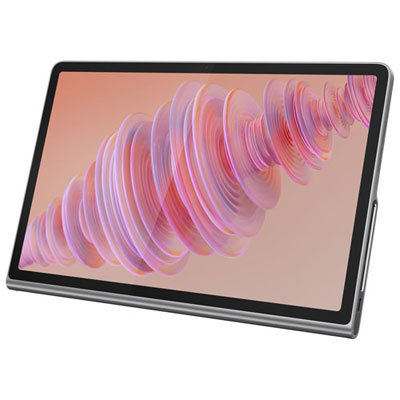
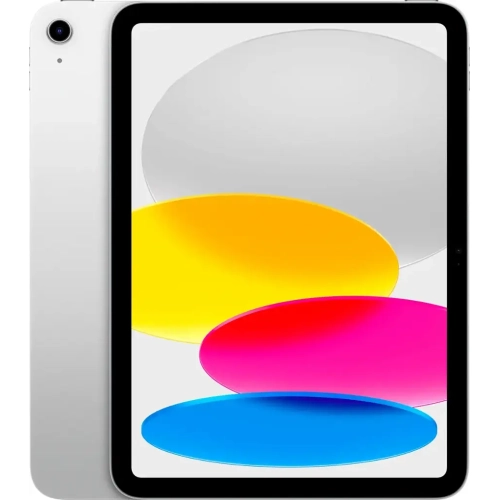
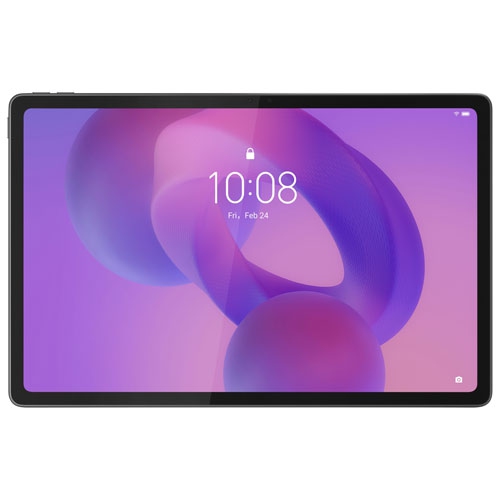
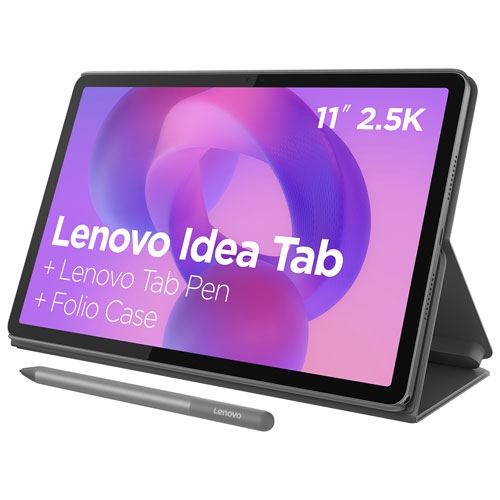
Large-screen tablets for entertainment bring movies, TV shows, games, books, and music onto a roomy touchscreen that is easy to move from a bedside table to a kitchen counter or carry on a trip. Displays around 11 to 14 inches, and larger, give subtitles, illustrated pages, and game controls more breathing room than a phone screen, while keeping the viewing experience more personal than a television across the room. Screen size is measured diagonally, but shape also affects how that space feels. A wider display can suit films and television, while a squarer screen provides useful room for magazines, comics, and reading in portrait orientation. Films may still show black bars above and below the picture, depending on their original proportions. Resolution and pixel density influence how crisp small text and fine details appear, particularly when the tablet is held close. Display technology matters, too: LCD screens can deliver bright, detailed images, while OLED screens can produce deep blacks and strong contrast in supported content. High dynamic range, or HDR, can reveal a broader range of highlights and shadow detail when both the tablet and the streaming service support it. Brightness, screen reflections, and viewing angles also shape everyday use, whether someone is watching beside a lamp or sharing an episode with another person. A higher refresh rate can make scrolling and compatible games look smoother, although it does not automatically add detail to a film. Sound completes the experience. Multiple speakers positioned around the tablet can give dialogue and music a fuller presentation, and some models adjust their audio output when turned between portrait and landscape orientation. Wireless headphones offer a more private option for shared spaces. A stable stand and a screen positioned near eye level can make an extended viewing session more comfortable than holding a tablet throughout an entire movie, especially when the larger display adds noticeable weight.
Streaming and downloaded entertainment place different demands on a tablet, so storage, connectivity, and software support are important parts of everyday enjoyment. A reliable Wi-Fi connection helps maintain picture quality and reduces interruptions, but playback also depends on the home network, the streaming service, and other activity sharing the connection. Some tablets support cellular connections for use away from Wi-Fi; that capability varies by model and requires a compatible service plan. Downloads can be useful on a train journey or during a flight, provided the app allows offline viewing and the content has been saved before departure. Download permissions and viewing periods vary between services, and not every title can be stored for later. Internal storage holds apps, games, photos, and downloaded video, with high-resolution files and larger games taking up more space. Certain tablets accept memory cards, although app installation and protected video downloads may still be restricted to internal storage. Movie fans can also explore Large Screen Android Tablets for Movies for a selection centred on film viewing. Across tablet platforms, access to preferred entertainment apps matters as much as the screen itself. Maximum streaming resolution can depend on app compatibility, device certification, and account settings, rather than display resolution alone. A capable processor and sufficient memory help with opening apps, switching between a video and messages, or running supported games without frequent pauses. Battery life varies with brightness, speaker volume, wireless activity, and the demands of the app, so playback time is not a fixed measure across every use. Charging connections and supported charging speeds differ as well. For a tablet that will stay in regular rotation, ongoing software updates, straightforward accessibility settings, and compatibility with existing headphones or controllers can make day-to-day use simpler. Split-screen features can also be useful for keeping a programme beside a conversation or checking notes alongside a video, where the software supports that layout.
Beyond films and television, a large-screen tablet offers space for illustrated novels, digital newspapers, puzzle games, video calls, and streamed performances. A reader can enlarge text without losing as much of the page, while a comic fan can take in artwork with less frequent zooming. Adjustable text size, captions, screen magnification, and audio settings can make entertainment easier to follow, although the options differ between apps. For gaming, the larger picture can make maps and menus easier to see, but touch controls may sit farther apart than they do on a phone. Supported controllers can provide another way to play, and cloud gaming depends heavily on connection speed and responsiveness. In a shared household, separate user profiles, where supported, help keep recommendations and personal information apart; parental controls can add age restrictions and viewing limits for children. Physical comfort deserves equal attention. Metal bodies can feel solid, but glass screens and slim frames still need careful handling, and a larger tablet may be tiring to grip one-handed. A fitted case with a secure stand can protect the edges and support hands-free viewing, provided its cut-outs leave speakers, buttons, cameras, and charging ports accessible. Cases must match the tablet’s exact dimensions and layout, not just its stated screen size. For routine care, a clean, soft microfibre cloth helps remove fingerprints; cleaning liquids should only be used as directed by the manufacturer, never sprayed directly into openings. Keeping the tablet away from spills and avoiding pressure inside a packed bag can help protect it during everyday use. As a gift, this type of tablet can suit a film enthusiast, an avid reader, a student relaxing between classes, or someone who wants an entertainment screen without carrying a laptop. Familiar software, comfortable weight, readable controls, and support for the recipient’s preferred apps often matter more than an impressive specification on its own.
Streaming and downloaded entertainment place different demands on a tablet, so storage, connectivity, and software support are important parts of everyday enjoyment. A reliable Wi-Fi connection helps maintain picture quality and reduces interruptions, but playback also depends on the home network, the streaming service, and other activity sharing the connection. Some tablets support cellular connections for use away from Wi-Fi; that capability varies by model and requires a compatible service plan. Downloads can be useful on a train journey or during a flight, provided the app allows offline viewing and the content has been saved before departure. Download permissions and viewing periods vary between services, and not every title can be stored for later. Internal storage holds apps, games, photos, and downloaded video, with high-resolution files and larger games taking up more space. Certain tablets accept memory cards, although app installation and protected video downloads may still be restricted to internal storage. Movie fans can also explore Large Screen Android Tablets for Movies for a selection centred on film viewing. Across tablet platforms, access to preferred entertainment apps matters as much as the screen itself. Maximum streaming resolution can depend on app compatibility, device certification, and account settings, rather than display resolution alone. A capable processor and sufficient memory help with opening apps, switching between a video and messages, or running supported games without frequent pauses. Battery life varies with brightness, speaker volume, wireless activity, and the demands of the app, so playback time is not a fixed measure across every use. Charging connections and supported charging speeds differ as well. For a tablet that will stay in regular rotation, ongoing software updates, straightforward accessibility settings, and compatibility with existing headphones or controllers can make day-to-day use simpler. Split-screen features can also be useful for keeping a programme beside a conversation or checking notes alongside a video, where the software supports that layout.
Beyond films and television, a large-screen tablet offers space for illustrated novels, digital newspapers, puzzle games, video calls, and streamed performances. A reader can enlarge text without losing as much of the page, while a comic fan can take in artwork with less frequent zooming. Adjustable text size, captions, screen magnification, and audio settings can make entertainment easier to follow, although the options differ between apps. For gaming, the larger picture can make maps and menus easier to see, but touch controls may sit farther apart than they do on a phone. Supported controllers can provide another way to play, and cloud gaming depends heavily on connection speed and responsiveness. In a shared household, separate user profiles, where supported, help keep recommendations and personal information apart; parental controls can add age restrictions and viewing limits for children. Physical comfort deserves equal attention. Metal bodies can feel solid, but glass screens and slim frames still need careful handling, and a larger tablet may be tiring to grip one-handed. A fitted case with a secure stand can protect the edges and support hands-free viewing, provided its cut-outs leave speakers, buttons, cameras, and charging ports accessible. Cases must match the tablet’s exact dimensions and layout, not just its stated screen size. For routine care, a clean, soft microfibre cloth helps remove fingerprints; cleaning liquids should only be used as directed by the manufacturer, never sprayed directly into openings. Keeping the tablet away from spills and avoiding pressure inside a packed bag can help protect it during everyday use. As a gift, this type of tablet can suit a film enthusiast, an avid reader, a student relaxing between classes, or someone who wants an entertainment screen without carrying a laptop. Familiar software, comfortable weight, readable controls, and support for the recipient’s preferred apps often matter more than an impressive specification on its own.
Top selling and popular products
-
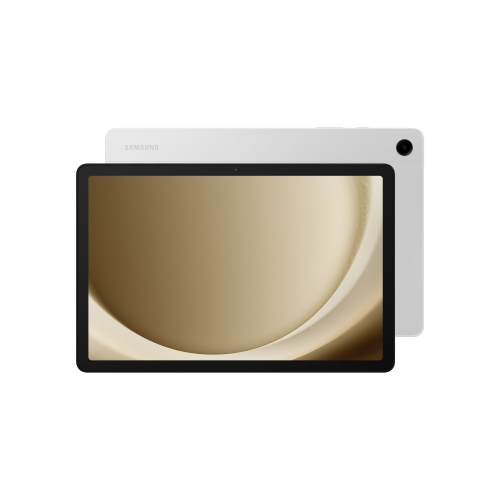 Your price for this item is $499.99
-
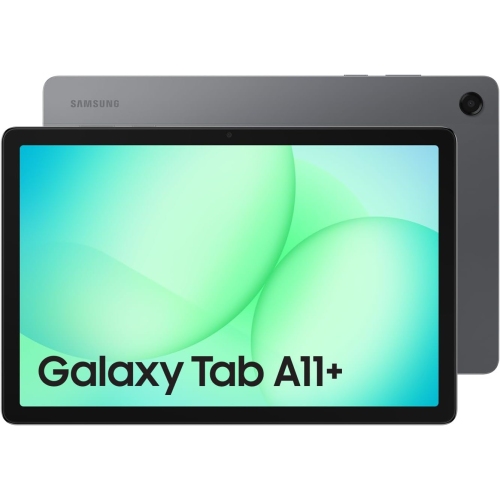 Your price for this item is $363.99
-
 Your price for this item is $579.99
-
 Your price for this item is $979.99
-
 Your price for this item is $579.99
-
 Your price for this item is $1399.99
-
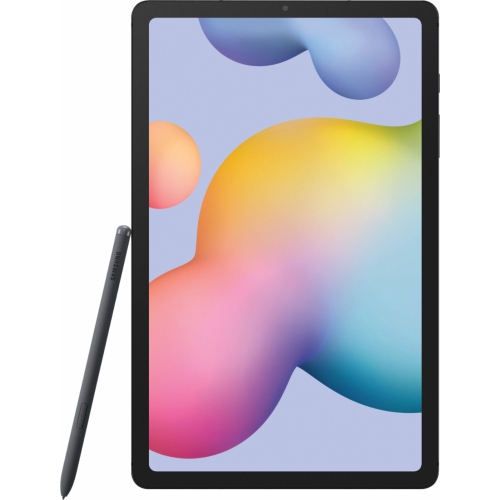 Your price for this item is $699.99
-
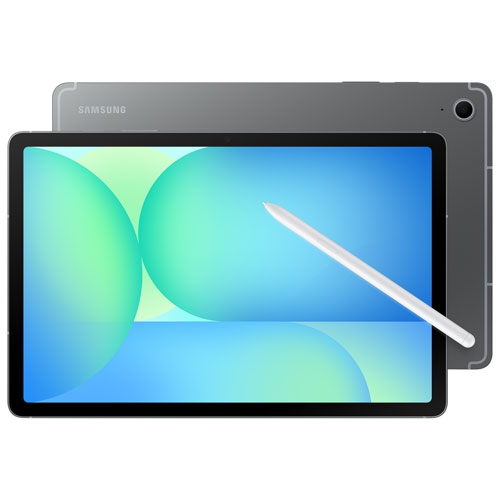 Your price for this item is $624.95
Discover more categories related to Large-Screen Tablets for Entertainment
Top Collections:
Pokemon Centers, Pokémon 30th Celebration Cards, Best Budget Office Chairs, Kindle Devices, Best Cameras for Sports Photography, Canon G7X Cameras, Best Black Friday Deals On Electronics, Best Laptops for Writers, iPhone 15 Apple, Jackery Power Stations
Some products may be subject to Environmental Handling Fees
(EHF) depending on your province.
Learn more about EHFs.