LED Mice
Looking to elevate your computing experience? Our selection of LED mice offers a vibrant and stylish way to enhance your workspace. With a variety of colors and designs available, these LED mice not only add a pop of personality to your setup but also provide precision and functionality for all your clicking needs. Whether you're working on important projects or diving into intense gaming sessions, our LED mice are sure to bring both flair and performance to your desk.
Sort

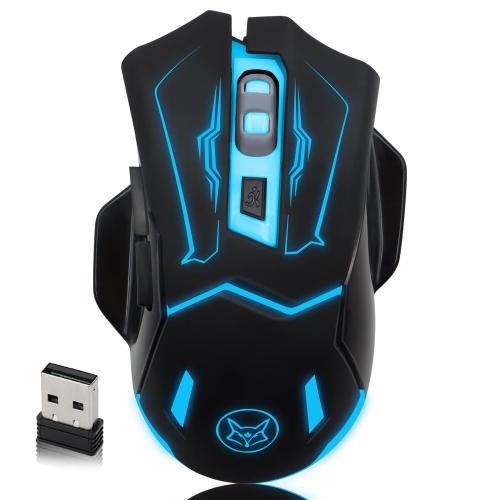
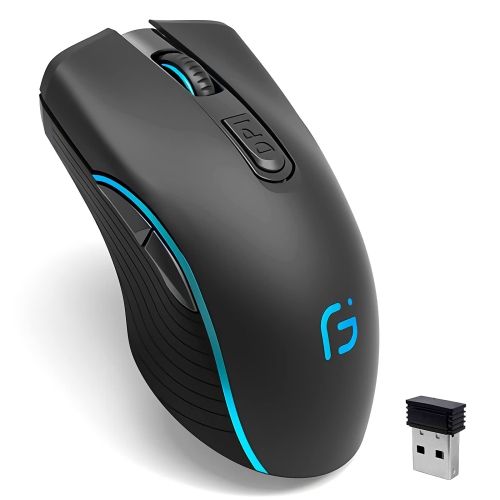
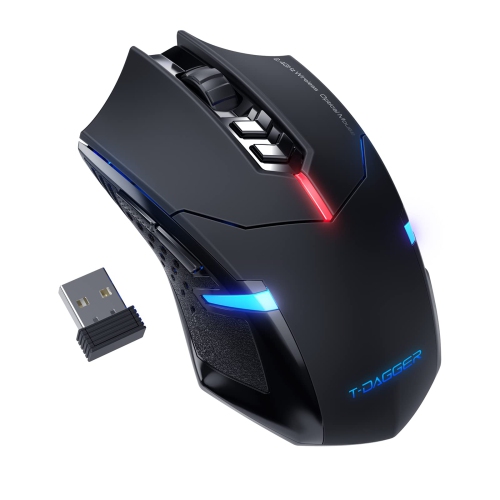
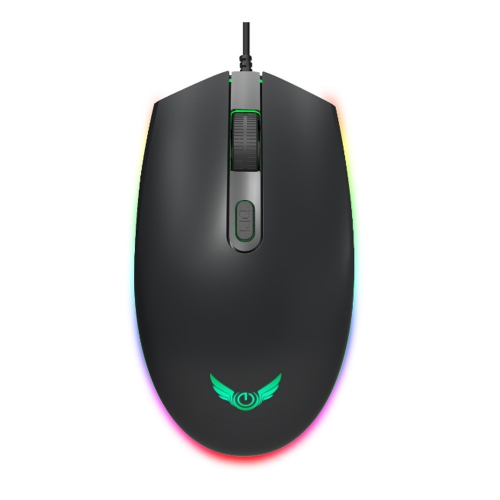
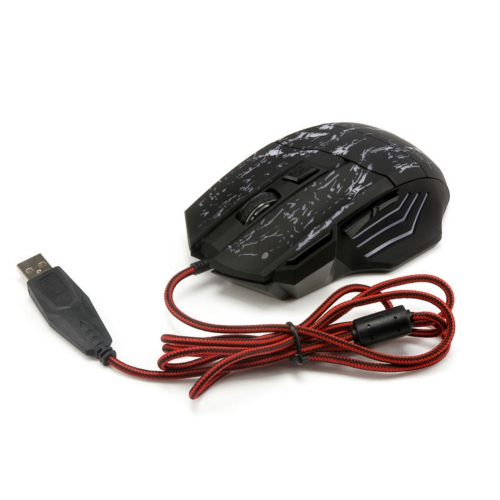


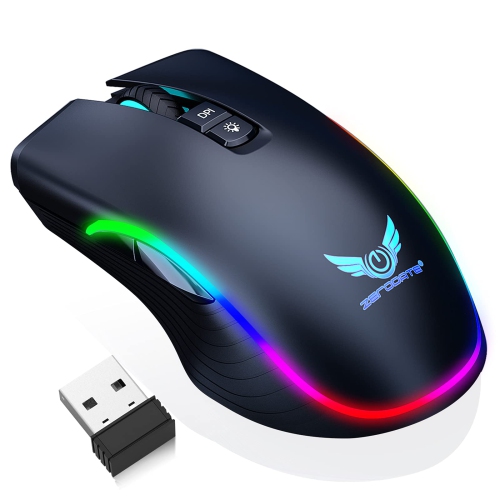

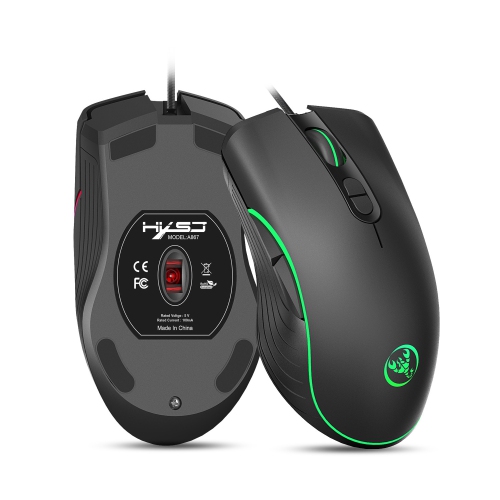
How tracking, comfort, connectivity, and lighting shape your choice
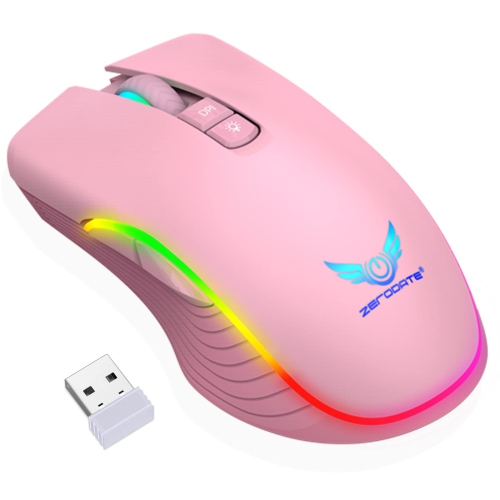
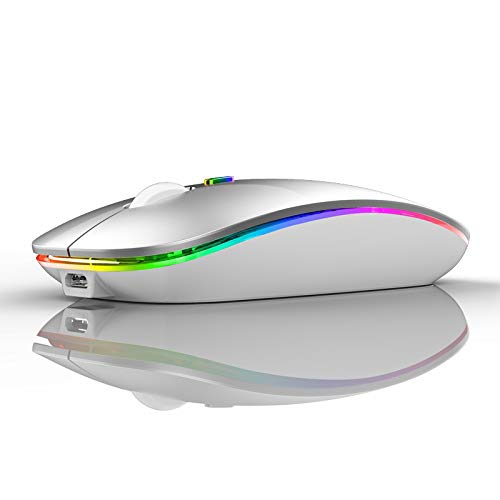
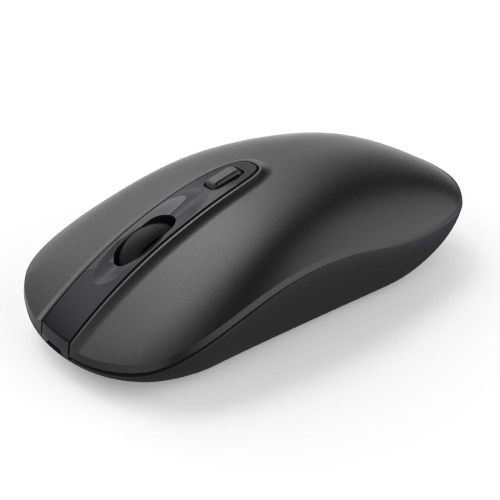
LED mice combine practical tracking technology with lighting that can add personality to a desk. The term can describe two related features: the optical LED inside the mouse that helps detect movement, and the visible LED lighting used to illuminate the shell, scroll wheel, logo, or side accents. Optical tracking works by shining a small light onto the surface beneath the mouse while a sensor captures rapid images to measure direction and speed. This is why an optical mouse can follow precise hand movements without a traditional mechanical ball, and why the surface beneath it matters. A clean, even desk mat or mouse pad generally provides more predictable tracking than a glossy, reflective, transparent, or heavily textured surface. Visible lighting is separate from tracking performance. It may glow in a single colour, cycle through several colours, or offer customizable effects through companion software. For some people, the lighting is a subtle touch that makes a home office feel more inviting; for others, it is part of a coordinated gaming setup with an illuminated keyboard, headset, and display. LED mice are available in straightforward shapes for everyday work as well as contoured designs with extra buttons, textured grips, and adjustable settings for more demanding computer use. When comparing options, consider how the mouse feels in your hand before focusing on the lighting. A comfortable shape can make a noticeable difference during a long afternoon of documents, study, photo organization, or browsing. Palm, claw, and fingertip grips each suit different contours, while the size and weight of a mouse can affect how easily it glides across a desk. A lighter design may feel quick and effortless for broad movements, whereas a heavier model can feel more planted for careful control. Right- and left-handed users should also check the shape closely: symmetrical designs may work for either hand, while sculpted models can be made specifically for one side. For alternatives designed with left-handed comfort in mind, explore Left Handed Mice.
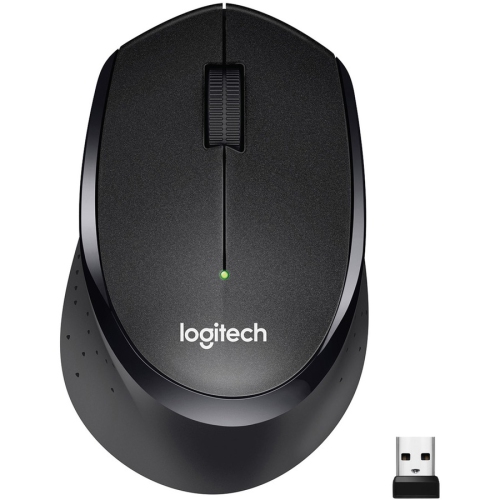
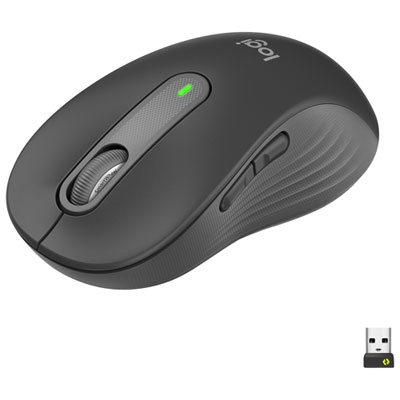
Choosing between wired and wireless LED mice comes down to desk habits, convenience, and the way the mouse will be used. A wired mouse receives power through its cable, so it does not need charging and is ready whenever it is connected. The cable can also provide a consistent connection, which many gamers and people working with detailed creative software appreciate. Look for a flexible cable with enough length to reach comfortably without pulling against the mouse, particularly if the computer tower sits under or beside the desk. Wireless models keep the desktop clear and make it easier to move between a home office, laptop table, and shared workspace. Depending on the design, they may connect through a small USB receiver or Bluetooth, and some can support more than one connection for switching between devices. Battery life, charging method, connection range, and whether the mouse can be used while charging are useful details to check. Lighting can affect battery life on wireless models, especially when bright effects remain active for extended periods, so adjustable brightness or an option to turn the illumination off can be practical. Sensitivity is another important consideration. It is often listed as DPI, or dots per inch, and describes how far the pointer moves in response to hand movement. Higher sensitivity can help users make large cursor movements with a small motion, while lower settings can offer a slower, more controlled feel. Many mice allow sensitivity to be adjusted with software or a dedicated button, making it easier to move from precise editing to general browsing. Gaming-oriented designs may also include programmable buttons, onboard profiles, low-latency connections, and lighting controls. These features can be useful for more than games: shortcuts can help with spreadsheets, presentation tools, design applications, and repetitive office tasks. For everyday use, however, a simple scroll wheel, dependable click response, comfortable grip, and quiet operation may matter more than a large button count or elaborate lighting system.
LED mice can suit students setting up a first study space, remote workers refreshing a home office, PC users who want a more personal desktop, and gamers building a coordinated setup. They can also make a thoughtful gift because a computer mouse is easy to use across many routines, from schoolwork and web browsing to creative projects and play. For a student, a compact wireless mouse may be convenient for moving between a desk and a laptop, while someone who spends long hours at a workstation may prefer an ergonomic shape, a smooth scroll wheel, and a stable connection. A gaming enthusiast may value accurate tracking, quick response, extra controls, and lighting that matches the rest of the setup. Someone receiving a mouse as a gift may appreciate features that can grow with their habits, such as adjustable sensitivity, customizable buttons, and the ability to change or disable the lighting. Before purchasing, check computer compatibility, available USB ports, Bluetooth support, operating system requirements, and the mouse dimensions. Think about the surface it will be used on, whether a mouse pad is needed, and how much room is available for movement. Also consider click noise, especially when the mouse will be used in a shared office, library, bedroom, or late at night. Lighting preferences are personal: a soft static glow can be easy to live with during work, while animated colour effects may bring energy to a gaming desk. If the mouse will be used in a darker room, look for lighting that can be dimmed rather than relying on maximum brightness. During the cooler months, when more time may be spent indoors at a desk, a comfortable, reliable mouse can make everyday computer use feel noticeably easier. The best LED mouse is the one that balances tracking, comfort, connectivity, controls, and lighting in a way that fits the user’s routine instead of adding features that will go unused.
Choosing between wired and wireless LED mice comes down to desk habits, convenience, and the way the mouse will be used. A wired mouse receives power through its cable, so it does not need charging and is ready whenever it is connected. The cable can also provide a consistent connection, which many gamers and people working with detailed creative software appreciate. Look for a flexible cable with enough length to reach comfortably without pulling against the mouse, particularly if the computer tower sits under or beside the desk. Wireless models keep the desktop clear and make it easier to move between a home office, laptop table, and shared workspace. Depending on the design, they may connect through a small USB receiver or Bluetooth, and some can support more than one connection for switching between devices. Battery life, charging method, connection range, and whether the mouse can be used while charging are useful details to check. Lighting can affect battery life on wireless models, especially when bright effects remain active for extended periods, so adjustable brightness or an option to turn the illumination off can be practical. Sensitivity is another important consideration. It is often listed as DPI, or dots per inch, and describes how far the pointer moves in response to hand movement. Higher sensitivity can help users make large cursor movements with a small motion, while lower settings can offer a slower, more controlled feel. Many mice allow sensitivity to be adjusted with software or a dedicated button, making it easier to move from precise editing to general browsing. Gaming-oriented designs may also include programmable buttons, onboard profiles, low-latency connections, and lighting controls. These features can be useful for more than games: shortcuts can help with spreadsheets, presentation tools, design applications, and repetitive office tasks. For everyday use, however, a simple scroll wheel, dependable click response, comfortable grip, and quiet operation may matter more than a large button count or elaborate lighting system.
LED mice can suit students setting up a first study space, remote workers refreshing a home office, PC users who want a more personal desktop, and gamers building a coordinated setup. They can also make a thoughtful gift because a computer mouse is easy to use across many routines, from schoolwork and web browsing to creative projects and play. For a student, a compact wireless mouse may be convenient for moving between a desk and a laptop, while someone who spends long hours at a workstation may prefer an ergonomic shape, a smooth scroll wheel, and a stable connection. A gaming enthusiast may value accurate tracking, quick response, extra controls, and lighting that matches the rest of the setup. Someone receiving a mouse as a gift may appreciate features that can grow with their habits, such as adjustable sensitivity, customizable buttons, and the ability to change or disable the lighting. Before purchasing, check computer compatibility, available USB ports, Bluetooth support, operating system requirements, and the mouse dimensions. Think about the surface it will be used on, whether a mouse pad is needed, and how much room is available for movement. Also consider click noise, especially when the mouse will be used in a shared office, library, bedroom, or late at night. Lighting preferences are personal: a soft static glow can be easy to live with during work, while animated colour effects may bring energy to a gaming desk. If the mouse will be used in a darker room, look for lighting that can be dimmed rather than relying on maximum brightness. During the cooler months, when more time may be spent indoors at a desk, a comfortable, reliable mouse can make everyday computer use feel noticeably easier. The best LED mouse is the one that balances tracking, comfort, connectivity, controls, and lighting in a way that fits the user’s routine instead of adding features that will go unused.
Top selling and popular products
-
 Your price for this item is $24.99
 -
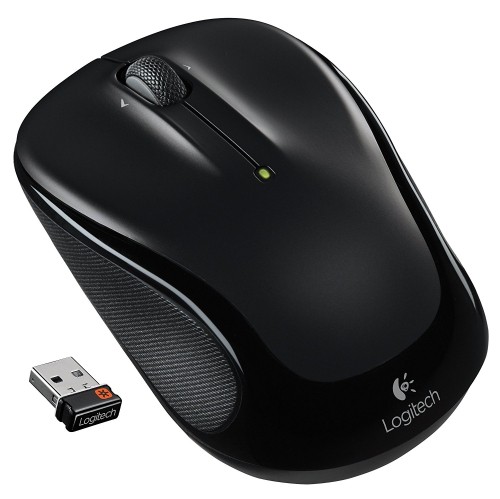 Your price for this item is $39.99
 -
 Your price for this item is $50.44
 -
 Your price for this item is $34.95
 -
 Your price for this item is $39.99
 -
 Your price for this item is $44.68
 -
 Your price for this item is $44.68
 -
 Your price for this item is $31
Discover more categories related to LED Mice
Top Collections:
Pokemon Centers, Kindle Devices, Best Cell Phones Under $500, Alarm Clock, Canon G7X Cameras, iPhone 15 Apple, Apple iPhones 16, Laptops for Students, iPhone 14 256GB, Budget Smartphones
Some products may be subject to Environmental Handling Fees
(EHF) depending on your province.
Learn more about EHFs.