Left Handed Mice
Left Handed Mice are designed to provide comfort and control for those who prefer using their left hand while navigating computers. With a variety of ergonomic shapes and user-friendly designs, these mice cater specifically to left-handed users, making everyday tasks smoother and more enjoyable. Whether you're working, gaming, or browsing the web, find the perfect fit among our selection of Left Handed Mice to enhance your computing experience.
Sort
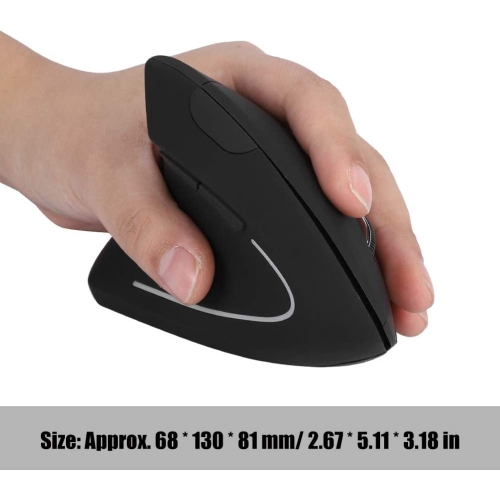
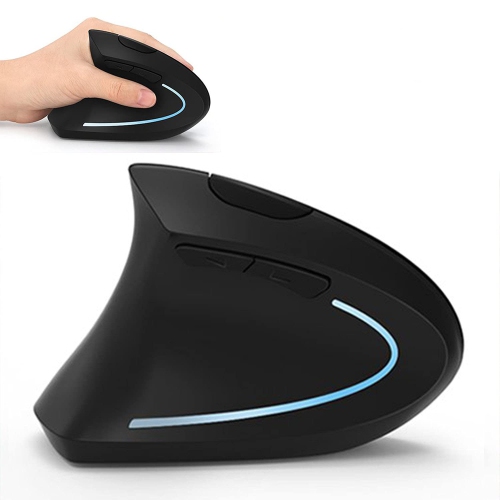
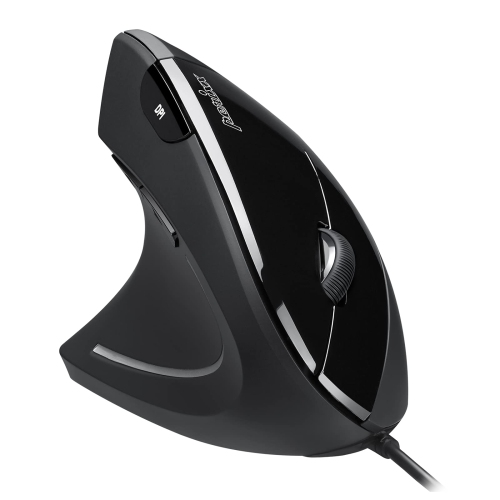
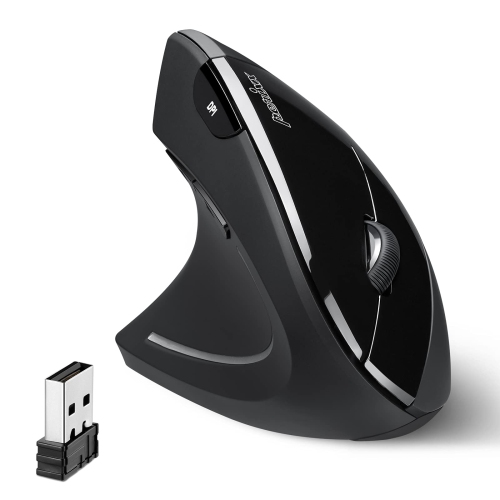
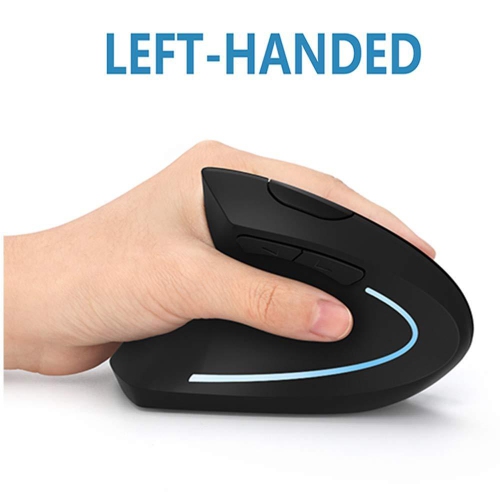

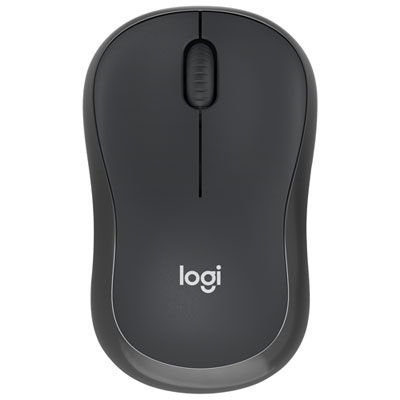
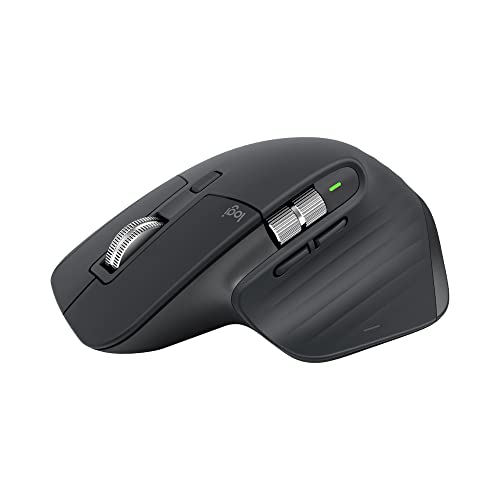
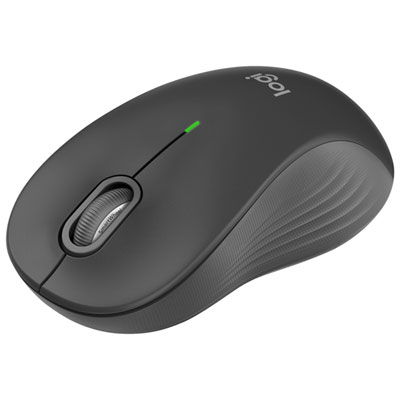
There’s more to left-hand comfort than mouse shape
Left-handed mice are computer mice designed for use in the left hand, with shapes and controls that support everyday browsing, office work, creative tasks, and gaming. The main design types are dedicated left-handed mice, left-handed vertical mice, and symmetrical ambidextrous mice. A dedicated left-handed shape follows the contours of the left palm and may place thumb controls along the right side of the mouse, where the left thumb can reach them. A vertical design holds the hand at an angle closer to a handshake position rather than flat against the desktop. This changes the position of the hand and forearm, though comfort still depends on the mouse’s dimensions, the desk setup, and individual preferences. An ambidextrous mouse has a more symmetrical body that can suit either hand, but its button layout deserves attention: a symmetrical shell does not necessarily mean that side buttons are equally accessible from both sides. Hand size and grip style also affect how a mouse feels throughout the day. A fuller body can support a palm grip, while a shorter or lower-profile shape may suit someone who mainly steers with their fingertips. With a claw grip, the palm makes lighter contact while the fingers arch over the buttons, making button height and the curve of the rear shell especially noticeable. Length, width, and weight matter together; a compact mouse can feel easy to move but leave a larger hand without much support. For someone switching from right-handed use, changing the primary click assignment in the computer’s settings can make selecting and dragging feel more natural. That setting changes button behaviour, not the physical shape or location of thumb controls. Positioning the mouse close to the keyboard, with enough room for relaxed movement, also helps create a practical left-handed workspace without requiring an awkward reach across the desk.
Connection type and tracking performance influence how left-handed mice fit into different routines. A wired mouse maintains a physical connection to the computer and needs no separate battery charging, making it useful at a fixed desktop or gaming station. Cable flexibility and routing can affect movement, particularly when the mouse sits to the left of a keyboard and the computer’s ports are on the opposite side. Wireless designs remove that cable from the work surface, which can be convenient for a laptop setup, a shared desk, or a workspace that gets rearranged regularly. Bluetooth connects through a compatible computer’s built-in wireless capability, while receiver-based connections require a suitable USB port or adapter. A mouse that supports more than one connection method can offer flexibility, but supported devices, switching controls, and software requirements vary by design. Rechargeable and replaceable-battery formats involve different routines, from connecting a charging cable to keeping the correct spare battery on hand. Tracking sensitivity, commonly expressed as DPI, determines how far the pointer travels in response to physical movement. Adjustable sensitivity can make a mouse more adaptable, allowing broad movements for careful placement or shorter movements across a large display. A high maximum DPI alone does not establish overall accuracy or comfort; predictable tracking, manageable weight, and accessible controls are just as relevant. For gaming, response consistency, button placement, and balance can matter more than an extensive list of settings. Programmable buttons may put frequently used commands within reach, while a clearly defined scroll wheel can make switching tools or moving through lists more controlled. In spreadsheets and long documents, horizontal scrolling or adjustable wheel behaviour can be useful when supported. Standard pointer functions may work without additional software, while custom button assignments and stored profiles can depend on operating system compatibility. These distinctions are especially relevant when a mouse moves between a personal computer and a workplace computer with software installation restrictions.
Materials, construction, and everyday care help determine how well a left-handed mouse holds up to repeated use. Most mouse bodies use moulded plastic, with finishes ranging from smooth shells to matte textures and rubberized grip areas. A textured side can provide a more secure contact point, while a smooth surface may be easier to wipe clean. Soft-touch coatings have a different feel from hard plastic and can show wear differently over time, particularly around the thumb rest and main buttons. Seams, scroll-wheel edges, and the small feet underneath the mouse are worth considering because these areas experience regular contact or collect dust. Mouse feet help the body glide across a suitable surface; accumulated debris can make movement feel rough even when the sensor is working properly. A clean mouse pad provides a consistent tracking surface and helps protect the feet from abrasive desktop textures. Glass, glossy finishes, and strongly patterned surfaces can affect tracking depending on the sensor, so surface compatibility matters alongside the mouse itself. Routine care generally involves disconnecting or switching off the mouse, wiping the exterior with a soft cloth, and keeping moisture away from openings, following the manufacturer’s cleaning directions. A sensor opening and scroll-wheel gap benefit from gentle dust removal rather than scraping or soaking. For travel, a protective compartment can keep the buttons and wheel from being pressed against other accessories, while careful cable storage helps avoid sharp bends in wired designs. Left-handed mice can serve students writing assignments, people managing email and documents, designers making detailed selections, and gamers who prefer left-hand control. They can also make a thoughtful gift when the recipient’s preferred grip, hand size, and computer connections are known. For a shared household computer, an ambidextrous shape may accommodate different users more easily than a strongly contoured left-handed body, although click settings may still need adjustment. Across these uses, Lefty Mice are most useful when their shape, controls, and connection method fit the person’s everyday routine, rather than adding features that rarely get used.
Connection type and tracking performance influence how left-handed mice fit into different routines. A wired mouse maintains a physical connection to the computer and needs no separate battery charging, making it useful at a fixed desktop or gaming station. Cable flexibility and routing can affect movement, particularly when the mouse sits to the left of a keyboard and the computer’s ports are on the opposite side. Wireless designs remove that cable from the work surface, which can be convenient for a laptop setup, a shared desk, or a workspace that gets rearranged regularly. Bluetooth connects through a compatible computer’s built-in wireless capability, while receiver-based connections require a suitable USB port or adapter. A mouse that supports more than one connection method can offer flexibility, but supported devices, switching controls, and software requirements vary by design. Rechargeable and replaceable-battery formats involve different routines, from connecting a charging cable to keeping the correct spare battery on hand. Tracking sensitivity, commonly expressed as DPI, determines how far the pointer travels in response to physical movement. Adjustable sensitivity can make a mouse more adaptable, allowing broad movements for careful placement or shorter movements across a large display. A high maximum DPI alone does not establish overall accuracy or comfort; predictable tracking, manageable weight, and accessible controls are just as relevant. For gaming, response consistency, button placement, and balance can matter more than an extensive list of settings. Programmable buttons may put frequently used commands within reach, while a clearly defined scroll wheel can make switching tools or moving through lists more controlled. In spreadsheets and long documents, horizontal scrolling or adjustable wheel behaviour can be useful when supported. Standard pointer functions may work without additional software, while custom button assignments and stored profiles can depend on operating system compatibility. These distinctions are especially relevant when a mouse moves between a personal computer and a workplace computer with software installation restrictions.
Materials, construction, and everyday care help determine how well a left-handed mouse holds up to repeated use. Most mouse bodies use moulded plastic, with finishes ranging from smooth shells to matte textures and rubberized grip areas. A textured side can provide a more secure contact point, while a smooth surface may be easier to wipe clean. Soft-touch coatings have a different feel from hard plastic and can show wear differently over time, particularly around the thumb rest and main buttons. Seams, scroll-wheel edges, and the small feet underneath the mouse are worth considering because these areas experience regular contact or collect dust. Mouse feet help the body glide across a suitable surface; accumulated debris can make movement feel rough even when the sensor is working properly. A clean mouse pad provides a consistent tracking surface and helps protect the feet from abrasive desktop textures. Glass, glossy finishes, and strongly patterned surfaces can affect tracking depending on the sensor, so surface compatibility matters alongside the mouse itself. Routine care generally involves disconnecting or switching off the mouse, wiping the exterior with a soft cloth, and keeping moisture away from openings, following the manufacturer’s cleaning directions. A sensor opening and scroll-wheel gap benefit from gentle dust removal rather than scraping or soaking. For travel, a protective compartment can keep the buttons and wheel from being pressed against other accessories, while careful cable storage helps avoid sharp bends in wired designs. Left-handed mice can serve students writing assignments, people managing email and documents, designers making detailed selections, and gamers who prefer left-hand control. They can also make a thoughtful gift when the recipient’s preferred grip, hand size, and computer connections are known. For a shared household computer, an ambidextrous shape may accommodate different users more easily than a strongly contoured left-handed body, although click settings may still need adjustment. Across these uses, Lefty Mice are most useful when their shape, controls, and connection method fit the person’s everyday routine, rather than adding features that rarely get used.
Top selling and popular products
-
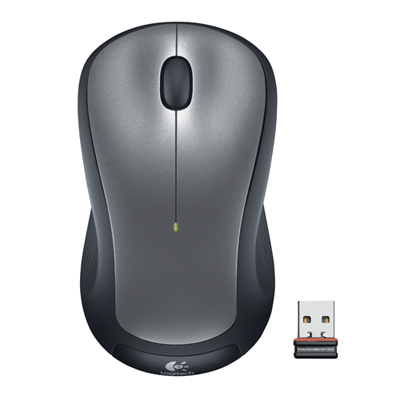 Your price for this item is $29.99
-
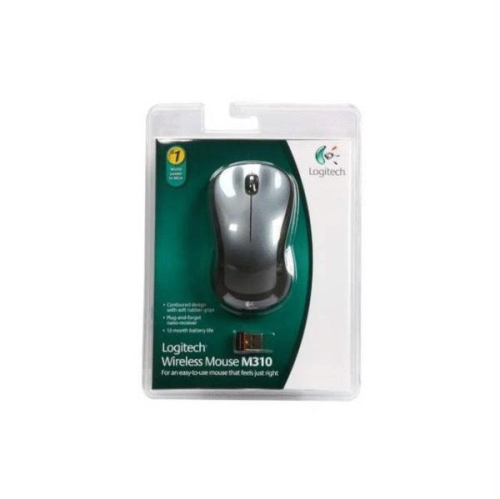 Your price for this item is $50.44
-
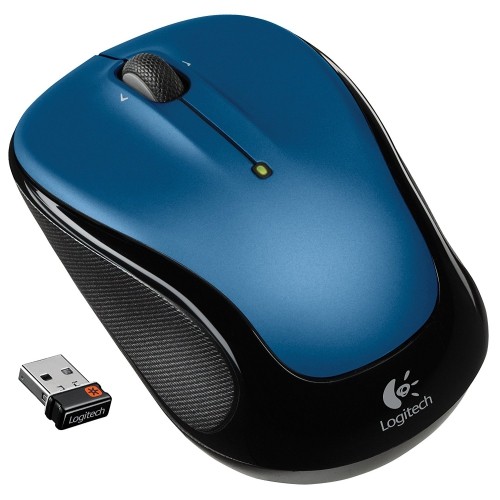 Your price for this item is $39.99
-
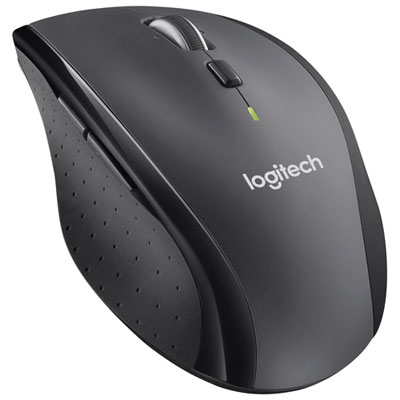 Your price for this item is $49.99
-
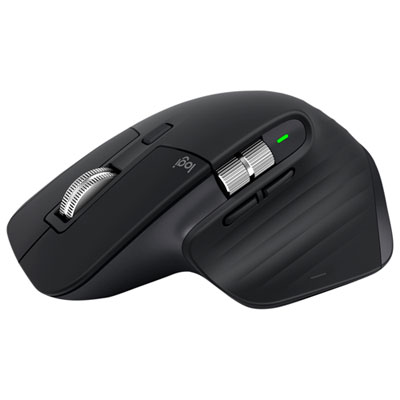 Your price for this item is $159.97
-
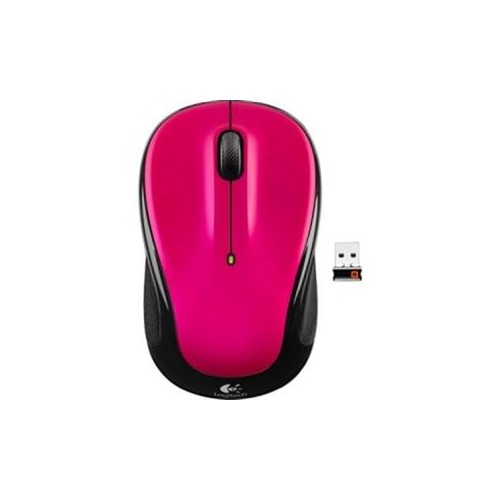 Your price for this item is $64.68
-
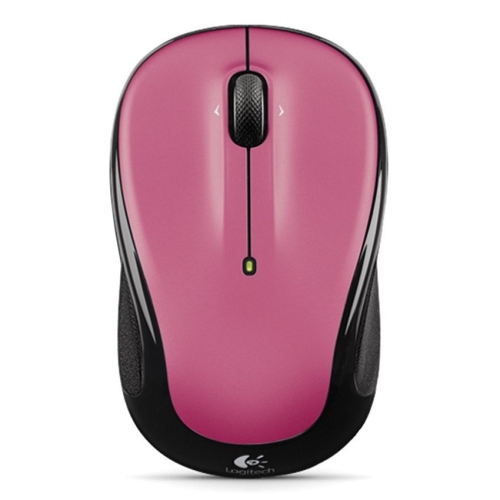 Your price for this item is $48.68
-
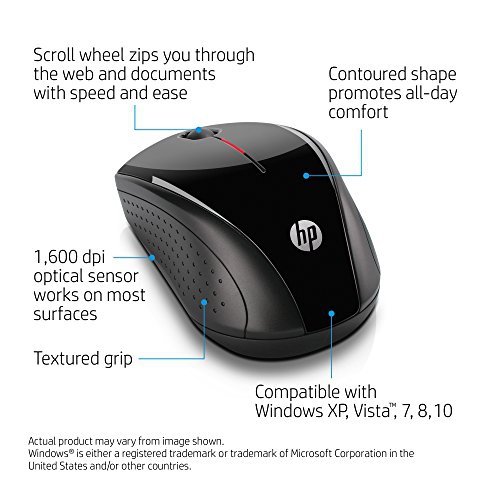 Your price for this item is $31
Discover more categories related to Left Handed Mice
Top Collections:
Best Black Friday Deals This Year, Best Black Friday Deals On Electronics, Kindle Devices, Pokemon Centers, Best Black Friday Deals On Apple Products, Best Cameras for Sports Photography, Dyson Airwrap, Pokémon 30th Celebration Cards, Apple iPhone 17 Pro, Canon G7X Cameras
Some products may be subject to Environmental Handling Fees
(EHF) depending on your province.
Learn more about EHFs.