Left Handed Computer Mice
A left-handed computer mouse is a special type of computer mouse. These mice are designed to be as ergonomic and comfortable as possible for left-handed users. Left-handed computer mice are available in both wired and wireless versions. Here are some of the best left-handed computer mice on the market today.
Sort
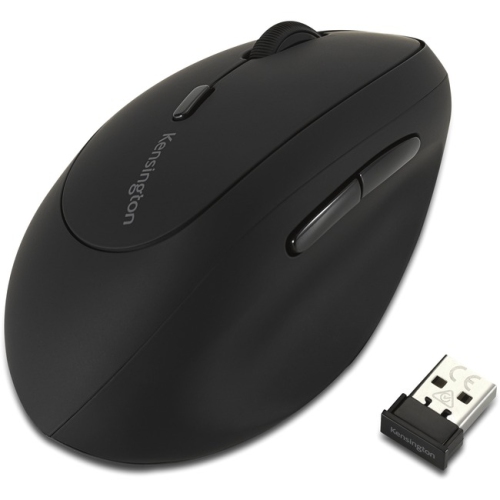
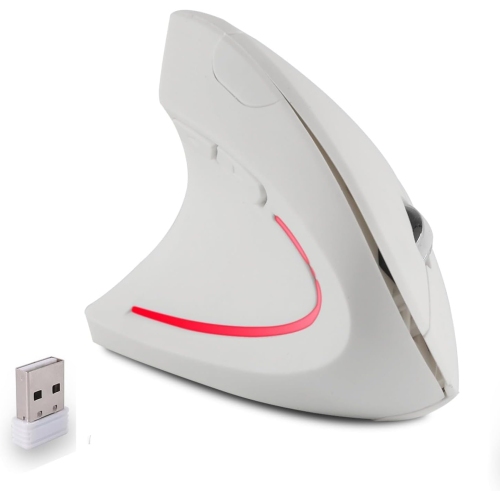

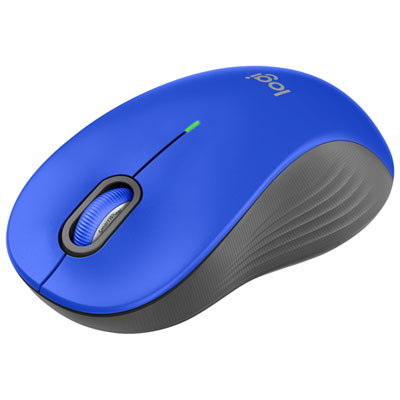
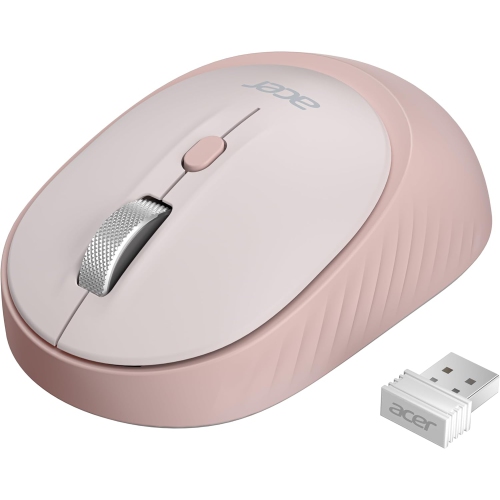


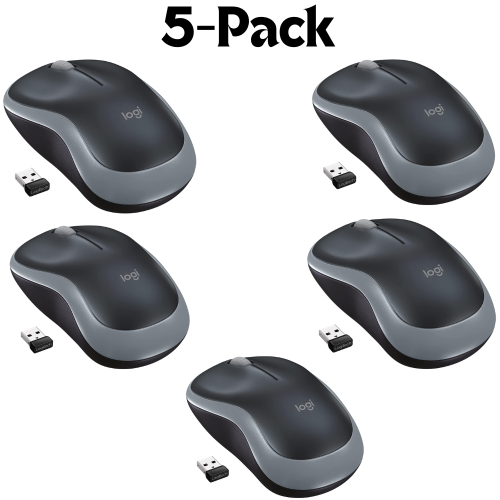
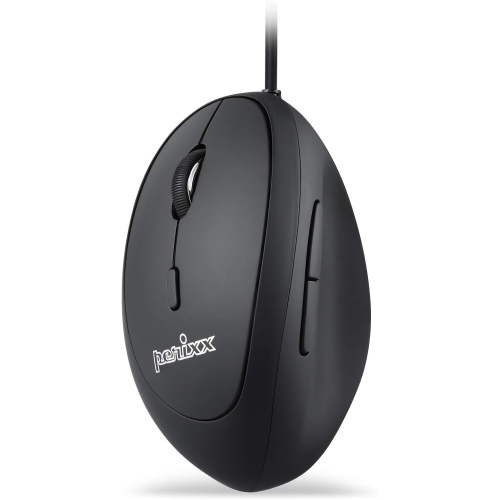
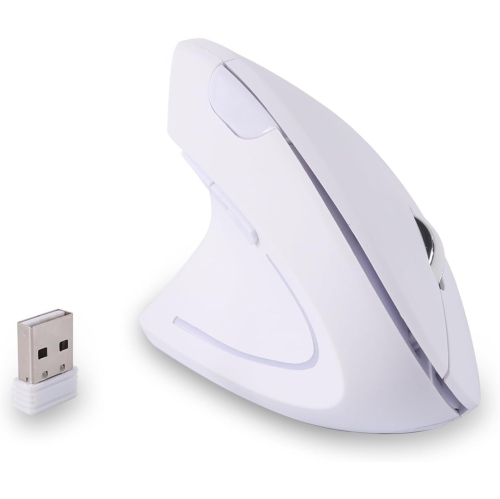
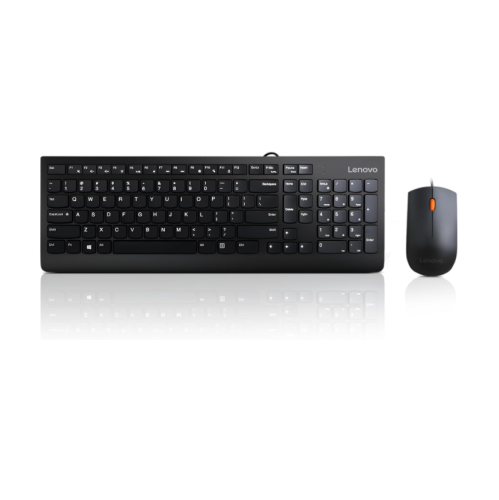
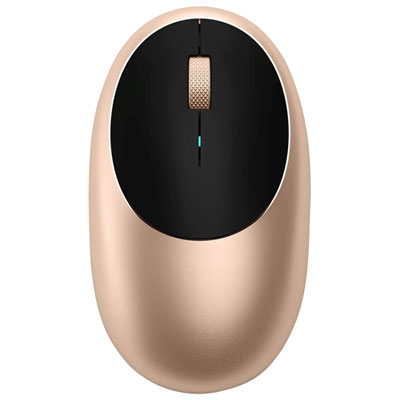
Comfort and control for work, study, and gaming
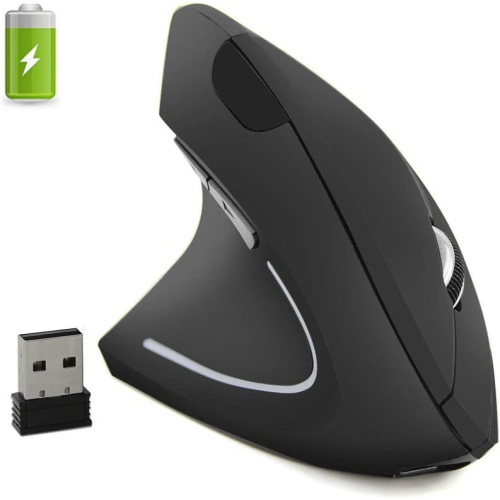
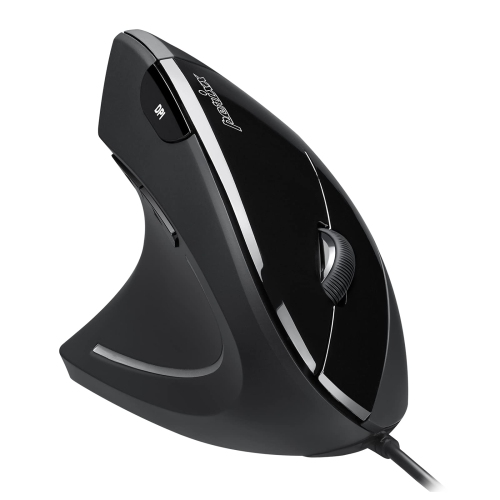
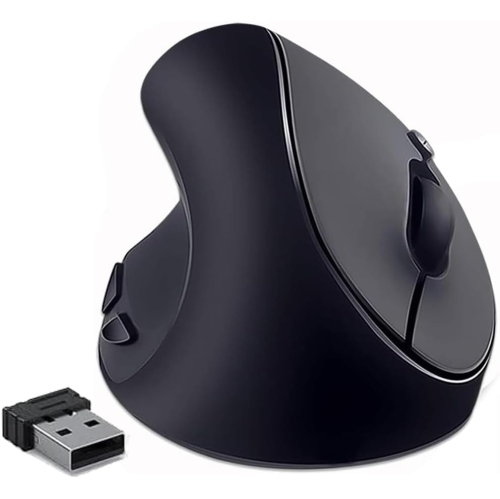
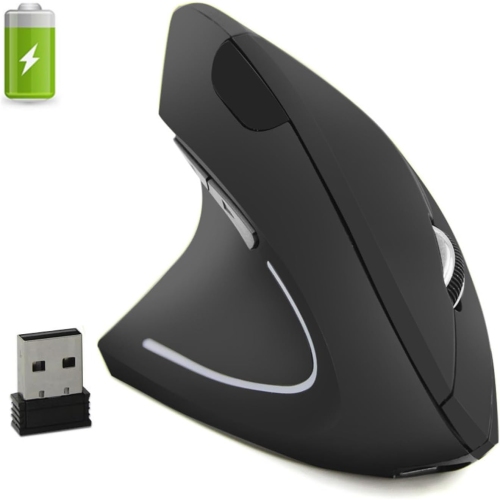
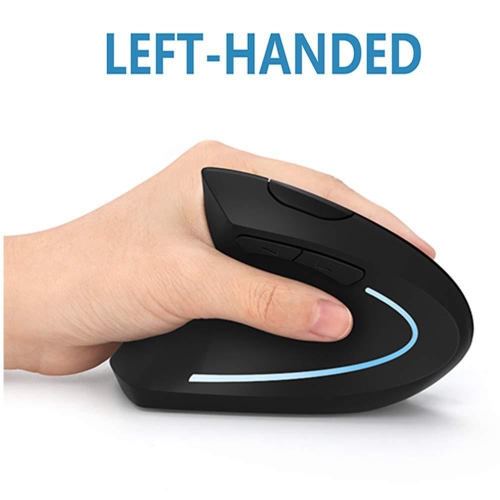
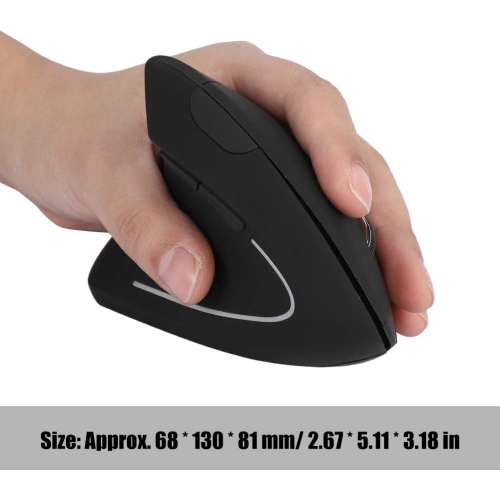
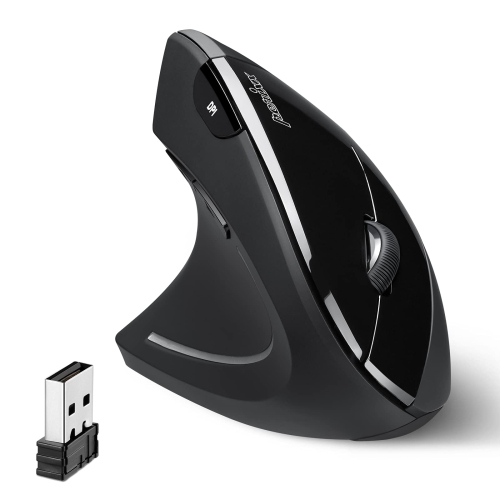
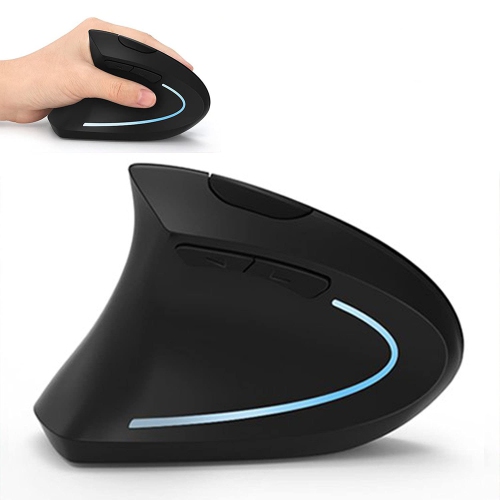
Left handed computer mice are designed to make everyday navigation feel more natural for people who prefer using their left hand. Instead of reaching across the keyboard or twisting the wrist to operate a right-handed mouse, a left-handed user can keep the mouse on the more comfortable side of the desk, with the forearm, wrist, and fingers better aligned. Some models use a sculpted shape that follows the contours of the left hand, while others have a symmetrical design that can be used on either side. The right choice depends on how you work, play, and move around your computer. A traditional low-profile mouse can be a practical fit for browsing, schoolwork, office tasks, and general home use, while an ergonomic vertical mouse positions the hand in a more upright, handshake-like posture. This can help some users reduce the inward rotation of the forearm during long sessions, although comfort is personal and may take a short adjustment period. Look closely at the shape, size, and button placement before choosing. A full-size mouse may provide more support for a larger hand, whereas a compact model can be easier to carry with a laptop between a home office, classroom, and café. The palm rest should feel supportive without forcing the fingers to stretch, and the main buttons should be easy to reach without excessive pressure. Side buttons are another important detail: on a left-handed mouse, they should be positioned where the left thumb can use them naturally, rather than being placed for right-handed operation. Some symmetrical mice include side buttons on both sides or allow unused buttons to be disabled, which can be useful in shared workspaces or households where different people use the same computer.
Connection type also plays a role in finding a left handed computer mouse that suits your setup. A wireless mouse can help keep a desk clear of extra cables and is convenient for laptops, compact workstations, and flexible seating areas. Battery-powered models are simple to set up and may be a good choice for users who want to keep a spare set of batteries in a desk drawer. Rechargeable options can be topped up between sessions, and some can continue working while connected by cable. Wired mice provide a direct connection without pairing or battery management, making them useful for desktops, study stations, and gaming setups where a consistent connection matters. Check the connection method and compatibility with your computer, particularly if your device uses only newer USB ports or if you prefer Bluetooth. Tracking performance matters as well. An optical sensor should move smoothly across a suitable surface, while adjustable sensitivity can make it easier to switch between precise tasks such as photo editing and quicker movements across a large display. A mouse pad with a smooth, even surface can improve tracking and give the feet of the mouse room to glide. For office work, quiet clicks and a comfortable scroll wheel may make a noticeable difference in a shared room, library, or late-night study area. For gaming, programmable buttons, adjustable sensitivity, onboard profiles, and a shape that stays secure during quick movements may be more important. Players who use a left-handed gaming mouse can benefit from controls arranged for the left thumb, especially in games that rely on frequent shortcuts, abilities, or inventory commands. Keep in mind that additional buttons are only helpful when they are easy to reach and can be assigned in the software; a simpler layout may feel more natural for email, documents, spreadsheets, and web browsing. If you are interested specifically in a cable-free setup, explore Left Handed Mouse Wireless options and compare their connection features, battery details, and design.
Choosing a left handed computer mouse can be particularly helpful for people who spend many hours at a computer, including students, office workers, designers, programmers, streamers, and PC gamers. It can also be useful for anyone who is learning to use a mouse with the left hand, switching hands to share a workstation, or trying to create a more balanced desk arrangement. Some users keep the mouse on the left so their dominant hand remains free for writing in a notebook, holding a phone, operating a calculator, or using a shortcut key on the keyboard. Others may alternate hands during a long workday to change their posture and give one arm a break. For children and teens, a comfortable left-handed design can make homework, creative software, and casual games easier to manage, particularly when a standard right-handed mouse feels awkward or causes the wrist to bend. A left handed mouse can also be a thoughtful gift for a student setting up a new study space, a remote worker refreshing a home office, or a gamer who has had difficulty finding controls that fit their preferred hand. When selecting one as a gift, consider whether the recipient uses a desktop or laptop, whether they prefer wired or wireless accessories, and whether their hand is likely to fit a compact, medium, or full-size shape. It is also worth checking whether they favour a flat traditional profile or the more upright position of a vertical ergonomic model. During the cooler months, when more time may be spent working, studying, creating, or gaming indoors, a dependable mouse can become one of the most frequently used parts of a computer setup. Small details such as a textured grip, smooth scroll wheel, responsive buttons, and a stable connection can make the desk feel more comfortable from the first morning email to the final evening game. Compare left handed computer mice by shape, connection, sensor performance, button layout, compatibility, and intended use to find a design that feels natural rather than simply adapting to a right-handed accessory.
Connection type also plays a role in finding a left handed computer mouse that suits your setup. A wireless mouse can help keep a desk clear of extra cables and is convenient for laptops, compact workstations, and flexible seating areas. Battery-powered models are simple to set up and may be a good choice for users who want to keep a spare set of batteries in a desk drawer. Rechargeable options can be topped up between sessions, and some can continue working while connected by cable. Wired mice provide a direct connection without pairing or battery management, making them useful for desktops, study stations, and gaming setups where a consistent connection matters. Check the connection method and compatibility with your computer, particularly if your device uses only newer USB ports or if you prefer Bluetooth. Tracking performance matters as well. An optical sensor should move smoothly across a suitable surface, while adjustable sensitivity can make it easier to switch between precise tasks such as photo editing and quicker movements across a large display. A mouse pad with a smooth, even surface can improve tracking and give the feet of the mouse room to glide. For office work, quiet clicks and a comfortable scroll wheel may make a noticeable difference in a shared room, library, or late-night study area. For gaming, programmable buttons, adjustable sensitivity, onboard profiles, and a shape that stays secure during quick movements may be more important. Players who use a left-handed gaming mouse can benefit from controls arranged for the left thumb, especially in games that rely on frequent shortcuts, abilities, or inventory commands. Keep in mind that additional buttons are only helpful when they are easy to reach and can be assigned in the software; a simpler layout may feel more natural for email, documents, spreadsheets, and web browsing. If you are interested specifically in a cable-free setup, explore Left Handed Mouse Wireless options and compare their connection features, battery details, and design.
Choosing a left handed computer mouse can be particularly helpful for people who spend many hours at a computer, including students, office workers, designers, programmers, streamers, and PC gamers. It can also be useful for anyone who is learning to use a mouse with the left hand, switching hands to share a workstation, or trying to create a more balanced desk arrangement. Some users keep the mouse on the left so their dominant hand remains free for writing in a notebook, holding a phone, operating a calculator, or using a shortcut key on the keyboard. Others may alternate hands during a long workday to change their posture and give one arm a break. For children and teens, a comfortable left-handed design can make homework, creative software, and casual games easier to manage, particularly when a standard right-handed mouse feels awkward or causes the wrist to bend. A left handed mouse can also be a thoughtful gift for a student setting up a new study space, a remote worker refreshing a home office, or a gamer who has had difficulty finding controls that fit their preferred hand. When selecting one as a gift, consider whether the recipient uses a desktop or laptop, whether they prefer wired or wireless accessories, and whether their hand is likely to fit a compact, medium, or full-size shape. It is also worth checking whether they favour a flat traditional profile or the more upright position of a vertical ergonomic model. During the cooler months, when more time may be spent working, studying, creating, or gaming indoors, a dependable mouse can become one of the most frequently used parts of a computer setup. Small details such as a textured grip, smooth scroll wheel, responsive buttons, and a stable connection can make the desk feel more comfortable from the first morning email to the final evening game. Compare left handed computer mice by shape, connection, sensor performance, button layout, compatibility, and intended use to find a design that feels natural rather than simply adapting to a right-handed accessory.
Top selling and popular products
-
 Your price for this item is $29.99
 -
 Your price for this item is $50.44
 -
 Your price for this item is $39.99
 -
 Your price for this item is $49.99
 -
 Your price for this item is $159.95
 -
 Your price for this item is $44.68
 -
 Your price for this item is $44.68
 -
 Your price for this item is $31
Discover more categories related to Left Handed Computer Mice

Top Collections:
Pokemon Centers, Kindle Devices, Best Budget Office Chairs, Apple iPhones 16, Best Laptops for Writers, iPhone 15 Apple, Canon G7X Cameras, Refurbished Apple Laptops, Alarm Clock, Motorola Razr Phones
Some products may be subject to Environmental Handling Fees
(EHF) depending on your province.
Learn more about EHFs.