Lefty Mice
Lefty mouse options are designed to provide comfortable and efficient navigation for left-handed users. With a variety of styles and designs to choose from, finding the perfect lefty mouse is simple and convenient. Whether for work, gaming, or everyday browsing, these mice are tailored to fit naturally in the left hand, making every click and scroll feel intuitive. Explore the selection and discover how a Lefty Mouse can enhance your computing experience.
Sort




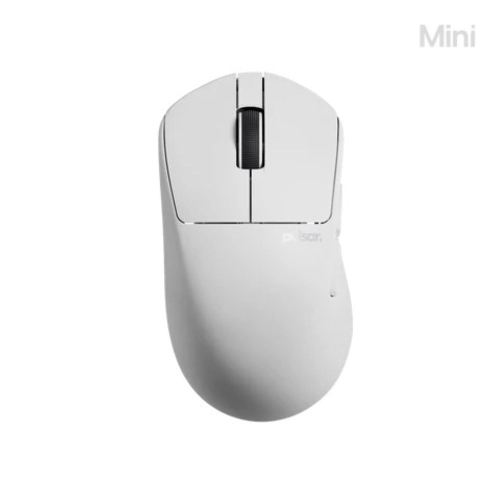
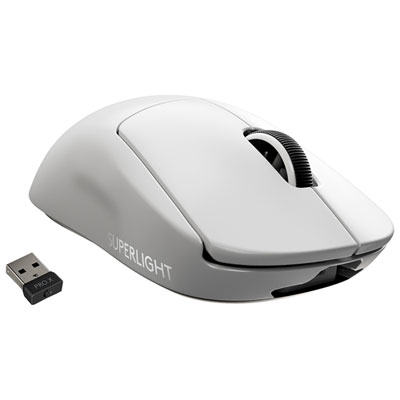
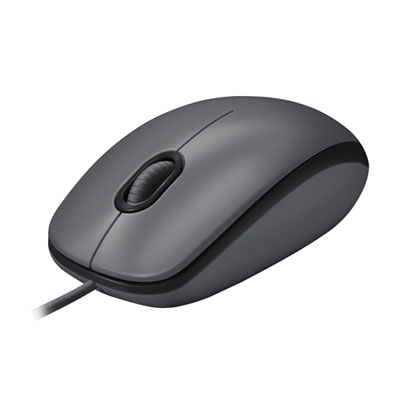
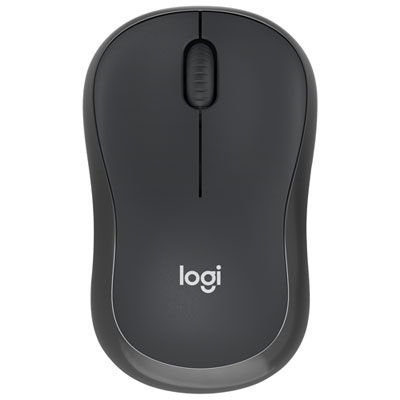
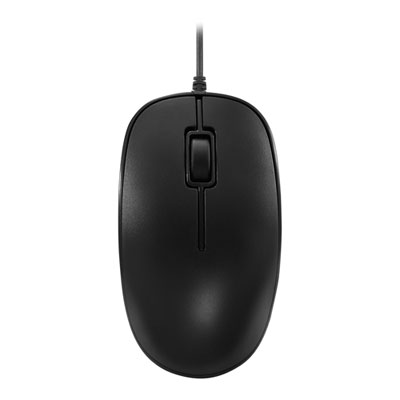
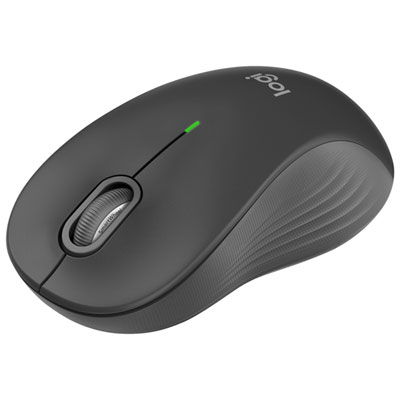

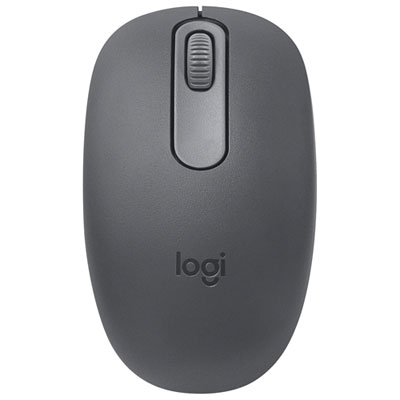
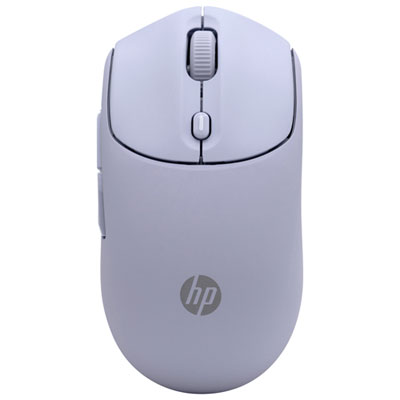
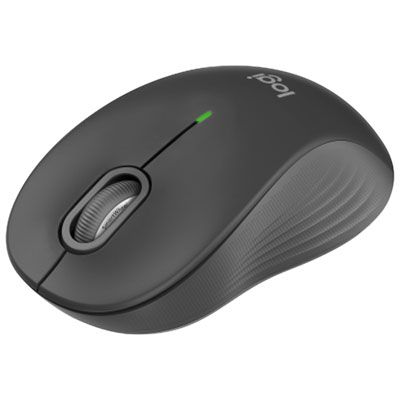
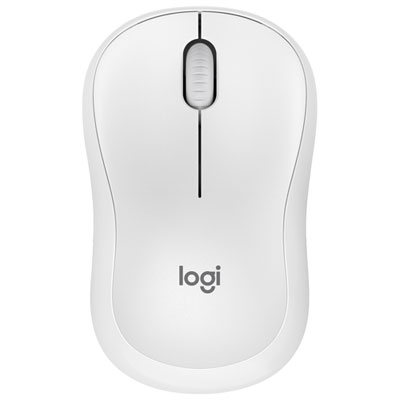
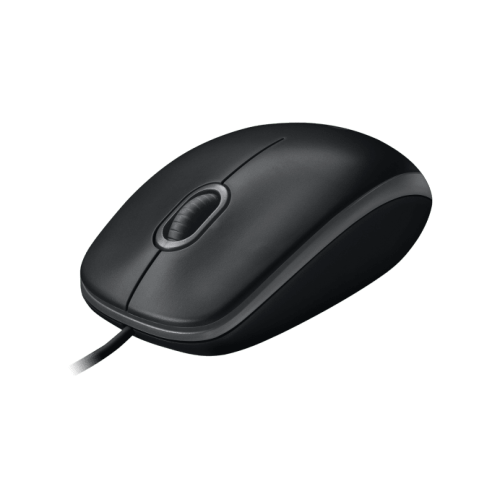
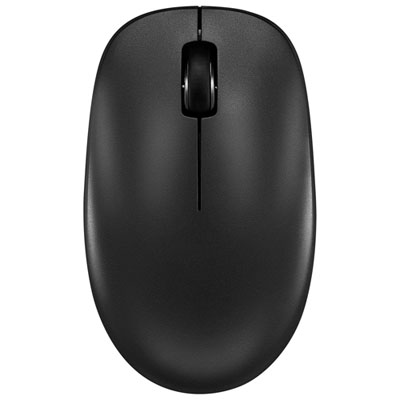
Why shape and button placement matter for left-handed comfort
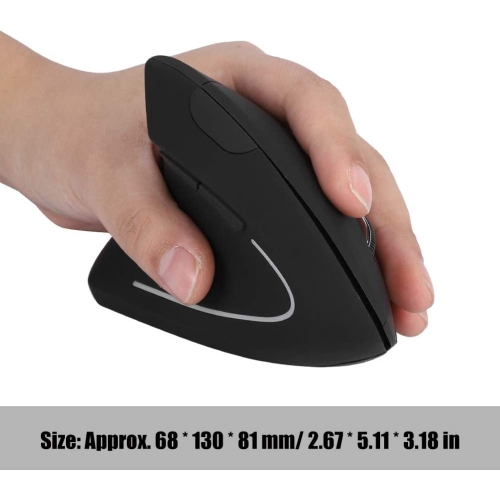
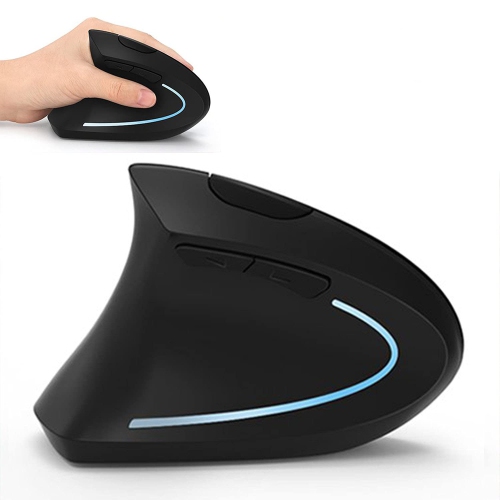
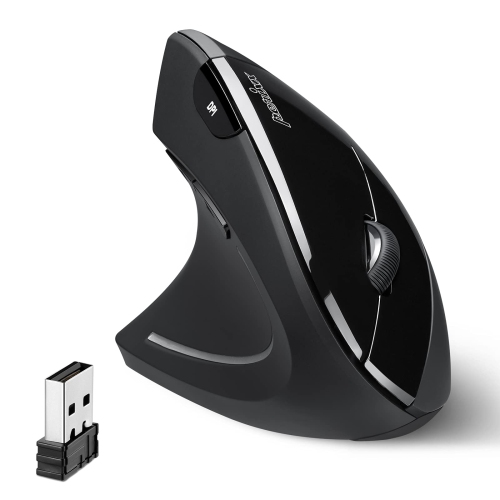
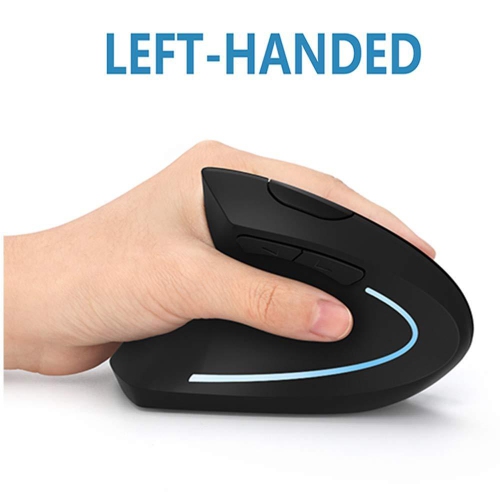
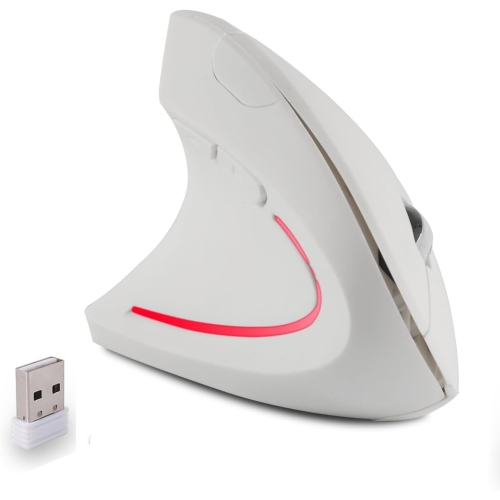
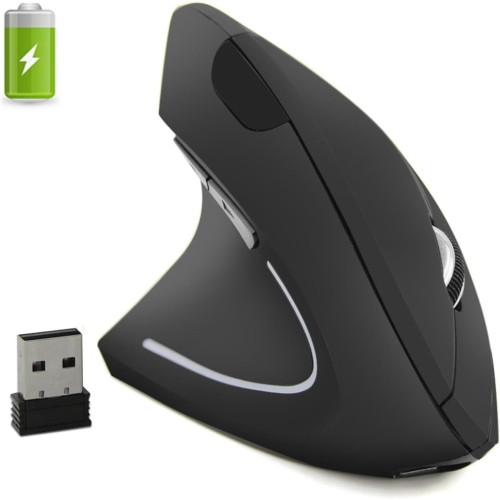
Lefty mice are computer mice designed for comfortable use in the left hand, with shapes and controls that suit left-handed navigation, work, and gaming. The main options are dedicated left-handed mice, symmetrical mice that can be used with either hand, and left-handed vertical mice. A dedicated left-handed design typically places the thumb rest and any thumb-operated buttons on the right side of the mouse, where the left thumb can reach them. A vertical design raises the hand into a more upright position rather than keeping the palm flat over the desktop. Symmetrical options, including Ambidextrous Mice, offer another approach, particularly for shared computers or people who switch hands between tasks. However, a symmetrical shell does not necessarily mean that every side button is accessible from both sides. Button placement matters just as much as the outline of the mouse. Fit also depends on hand size, finger length, and grip style. A palm grip generally benefits from a shell that supports more of the hand, while claw and fingertip grips place different demands on the height, length, and weight of the mouse. A broad, high-backed shape may feel reassuring during spreadsheet work but cumbersome to someone who prefers small, quick fingertip movements. A compact shape can be convenient beside a laptop, although compact dimensions alone do not guarantee a comfortable fit for long sessions. The most useful distinction is whether the hand can rest naturally, the fingers can reach the main buttons without stretching, and the thumb can operate side controls without shifting the entire grip. Left-handed mice can suit students writing assignments, professionals moving between documents, creative users working with detailed layouts, and gamers who prefer mouse control in their dominant hand. Their value comes from matching the design to the person and the task, rather than assuming that every left-handed user needs the same shape. Someone accustomed to a conventional mouse may prefer a familiar low profile, while another person may appreciate the support and different hand position of a dedicated left-handed shell.
Connection type and control layout shape how a left-handed mouse fits into everyday routines. Wired mice provide a direct connection without batteries to recharge or replace, though the cable needs enough freedom to move without catching on a desk edge. Wireless mice leave more room around notebooks, papers, and other accessories. Bluetooth connections can be useful when USB ports are limited, while models that connect through a USB receiver require a compatible port and somewhere safe to keep the receiver during travel. Some mice support more than one connection method or let users switch between paired devices, which can be helpful when a workday involves both a laptop and a desktop computer. Compatibility extends beyond making a connection: programmable buttons, sensitivity adjustments, and saved profiles may depend on supported software and operating systems. Swapping the primary and secondary click functions can make basic pointing feel more natural in the left hand, but it does not move physical thumb buttons or change a right-handed shell into a left-handed one. For everyday browsing and office work, predictable tracking, a manageable scroll wheel, and easily reached controls often matter more than a large button count. Quiet clicks can be useful in shared study areas or home workspaces, although quieter buttons do not necessarily make the scroll wheel silent. Gaming places different demands on a mouse. Fast-paced play may favour a lighter body, low-latency operation, and controls that remain easy to distinguish during quick movements. Games with numerous commands can benefit from additional programmable buttons, provided those buttons are positioned for the left thumb. Sensor sensitivity, usually expressed in DPI, determines how far the pointer moves in relation to physical movement. A higher maximum DPI is not automatically better; adjustable settings are useful because detailed image work, broad monitor layouts, and different games call for different levels of pointer movement. Consistent tracking and a comfortable setting are more meaningful than a headline specification alone. Scroll-wheel feel matters too: distinct steps can make individual selections easier, while faster scrolling can help with long documents and lengthy webpages.
Materials, weight, and everyday care influence how a left-handed mouse feels over time. Hard plastic shells are common, with textured panels or rubberized grips adding a different feel where the thumb and fingers rest. Smooth surfaces are generally straightforward to wipe, while grooves, seams, and heavily textured areas can collect dust and hand oils. Soft-touch finishes may feel pleasant initially, but their appearance and texture can change with repeated use and cleaning. Mouse feet also affect the experience: worn or uneven feet can make movement feel scratchy, particularly on a hard work surface. A clean, suitable mouse pad helps provide a consistent tracking area and keeps the underside from dragging across crumbs or debris. Care generally involves disconnecting or switching off the mouse, removing loose dust, and wiping the shell with a soft cloth according to the manufacturer's directions. Excess liquid, abrasive cleaners, and moisture around buttons, charging ports, or battery compartments can damage components. For rechargeable designs, battery life varies with usage, connection mode, lighting, and performance settings; replaceable-battery designs have different maintenance needs. Frequent travellers may appreciate a secure receiver compartment, a power switch, and a shape that fits easily into a laptop bag without exposing delicate controls to pressure. At a permanent desk, comfort depends partly on the surrounding setup. Space to the left of the keyboard, an appropriate work-surface height, and a mouse positioned within easy reach can help avoid an awkward stretch. A vertical mouse changes hand posture, but it is not a treatment for pain or a guarantee against strain, and its taller shape may take some adjustment. Changing position and taking regular breaks remain important regardless of mouse style. As a gift, a left-handed mouse is most useful when the recipient's preferred grip, computer connections, and usual activities are known. Those details make the difference between a thoughtful accessory and a shape that never feels quite right. Whether used for schoolwork, detailed creative tasks, daily administration, or gaming, a well-matched lefty mouse puts accessible controls and a comfortable fit at the centre of the experience.
Connection type and control layout shape how a left-handed mouse fits into everyday routines. Wired mice provide a direct connection without batteries to recharge or replace, though the cable needs enough freedom to move without catching on a desk edge. Wireless mice leave more room around notebooks, papers, and other accessories. Bluetooth connections can be useful when USB ports are limited, while models that connect through a USB receiver require a compatible port and somewhere safe to keep the receiver during travel. Some mice support more than one connection method or let users switch between paired devices, which can be helpful when a workday involves both a laptop and a desktop computer. Compatibility extends beyond making a connection: programmable buttons, sensitivity adjustments, and saved profiles may depend on supported software and operating systems. Swapping the primary and secondary click functions can make basic pointing feel more natural in the left hand, but it does not move physical thumb buttons or change a right-handed shell into a left-handed one. For everyday browsing and office work, predictable tracking, a manageable scroll wheel, and easily reached controls often matter more than a large button count. Quiet clicks can be useful in shared study areas or home workspaces, although quieter buttons do not necessarily make the scroll wheel silent. Gaming places different demands on a mouse. Fast-paced play may favour a lighter body, low-latency operation, and controls that remain easy to distinguish during quick movements. Games with numerous commands can benefit from additional programmable buttons, provided those buttons are positioned for the left thumb. Sensor sensitivity, usually expressed in DPI, determines how far the pointer moves in relation to physical movement. A higher maximum DPI is not automatically better; adjustable settings are useful because detailed image work, broad monitor layouts, and different games call for different levels of pointer movement. Consistent tracking and a comfortable setting are more meaningful than a headline specification alone. Scroll-wheel feel matters too: distinct steps can make individual selections easier, while faster scrolling can help with long documents and lengthy webpages.
Materials, weight, and everyday care influence how a left-handed mouse feels over time. Hard plastic shells are common, with textured panels or rubberized grips adding a different feel where the thumb and fingers rest. Smooth surfaces are generally straightforward to wipe, while grooves, seams, and heavily textured areas can collect dust and hand oils. Soft-touch finishes may feel pleasant initially, but their appearance and texture can change with repeated use and cleaning. Mouse feet also affect the experience: worn or uneven feet can make movement feel scratchy, particularly on a hard work surface. A clean, suitable mouse pad helps provide a consistent tracking area and keeps the underside from dragging across crumbs or debris. Care generally involves disconnecting or switching off the mouse, removing loose dust, and wiping the shell with a soft cloth according to the manufacturer's directions. Excess liquid, abrasive cleaners, and moisture around buttons, charging ports, or battery compartments can damage components. For rechargeable designs, battery life varies with usage, connection mode, lighting, and performance settings; replaceable-battery designs have different maintenance needs. Frequent travellers may appreciate a secure receiver compartment, a power switch, and a shape that fits easily into a laptop bag without exposing delicate controls to pressure. At a permanent desk, comfort depends partly on the surrounding setup. Space to the left of the keyboard, an appropriate work-surface height, and a mouse positioned within easy reach can help avoid an awkward stretch. A vertical mouse changes hand posture, but it is not a treatment for pain or a guarantee against strain, and its taller shape may take some adjustment. Changing position and taking regular breaks remain important regardless of mouse style. As a gift, a left-handed mouse is most useful when the recipient's preferred grip, computer connections, and usual activities are known. Those details make the difference between a thoughtful accessory and a shape that never feels quite right. Whether used for schoolwork, detailed creative tasks, daily administration, or gaming, a well-matched lefty mouse puts accessible controls and a comfortable fit at the centre of the experience.
Top selling and popular products
-
 Your price for this item is $29.99
-
 Your price for this item is $50.44
-
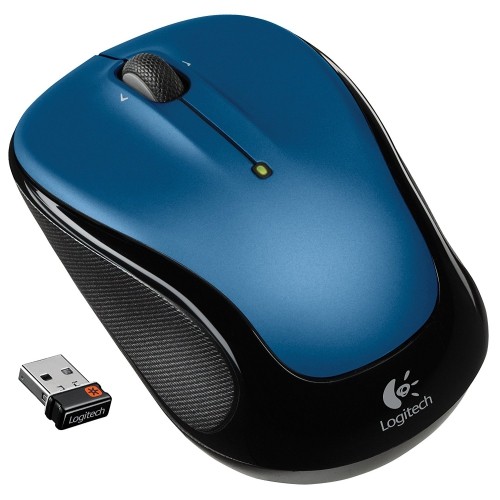 Your price for this item is $39.99
-
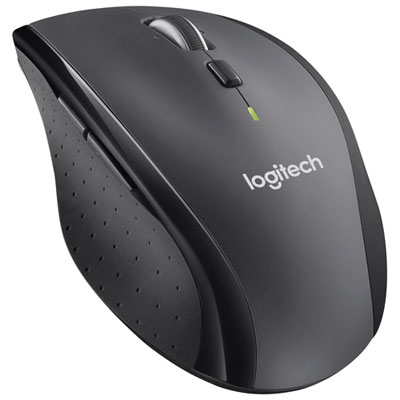 Your price for this item is $49.99
-
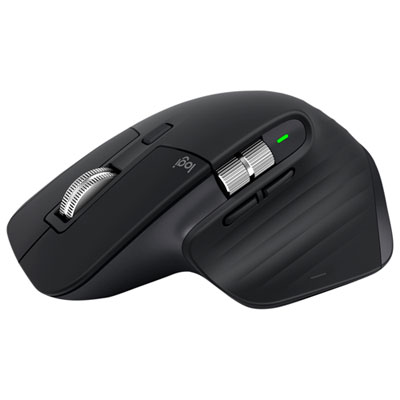 Your price for this item is $159.97
-
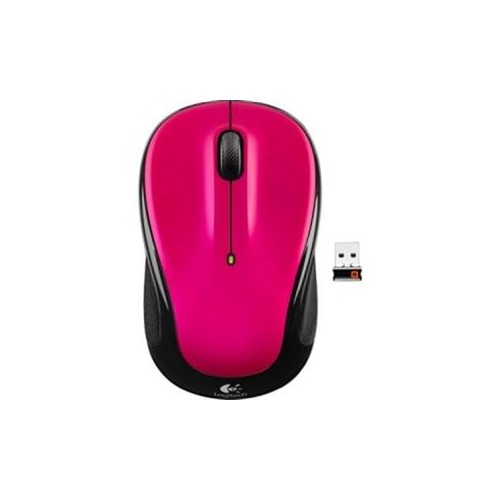 Your price for this item is $64.68
-
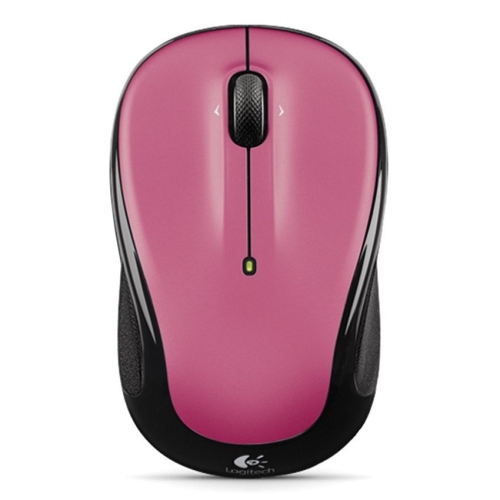 Your price for this item is $48.68
-
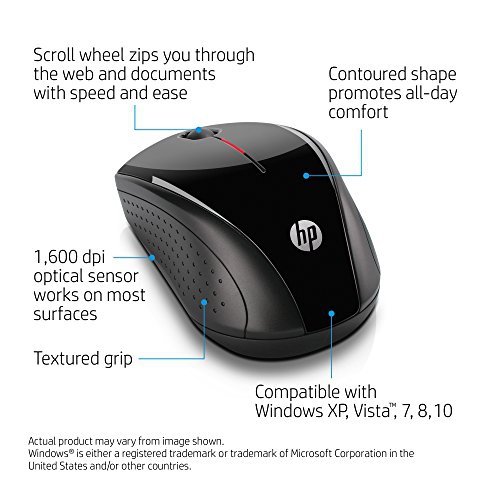 Your price for this item is $31
Discover more categories related to Lefty Mice
Top Collections:
Best Black Friday Deals This Year, Best Black Friday Deals On Electronics, Kindle Devices, Pokemon Centers, Best Black Friday Deals On Apple Products, Best Cameras for Sports Photography, Dyson Airwrap, Pokémon 30th Celebration Cards, Apple iPhone 17 Pro, Canon G7X Cameras
Some products may be subject to Environmental Handling Fees
(EHF) depending on your province.
Learn more about EHFs.