Lenovo 17 Inch Laptop Bags
The Lenovo 17 Inch Laptop Bag is designed to provide reliable protection and convenient storage for your device and daily essentials. Ideal for work, school, or travel, these bags offer a practical solution for carrying your laptop securely wherever you go. With a focus on comfort and organization, the Lenovo 17 Inch Laptop Bag helps keep your technology and accessories easily accessible throughout your busy day. Find the perfect option to match your style and meet your everyday needs.
Sort
Why laptop bag fit goes beyond screen size
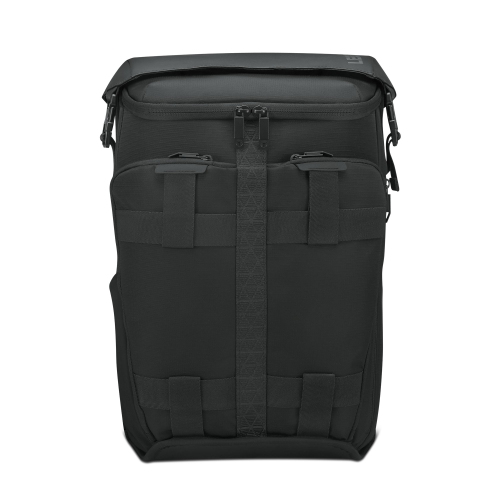
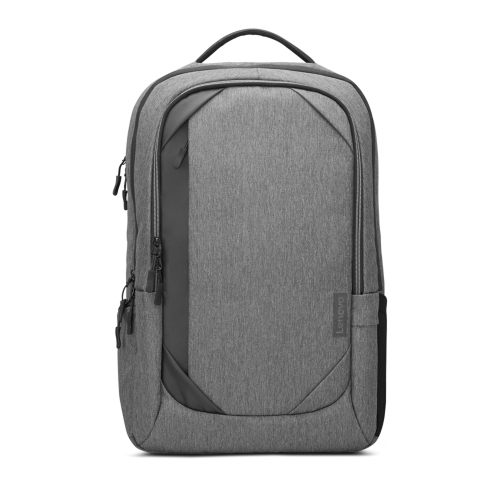
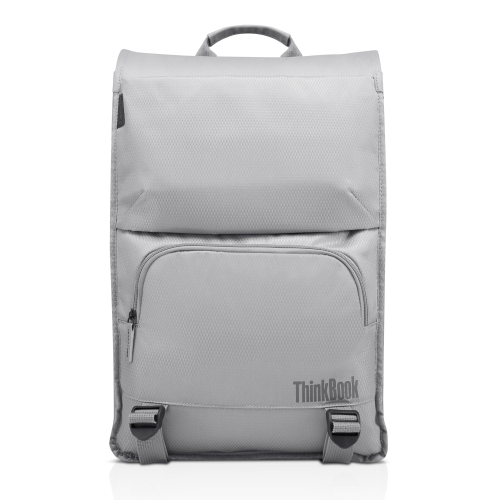
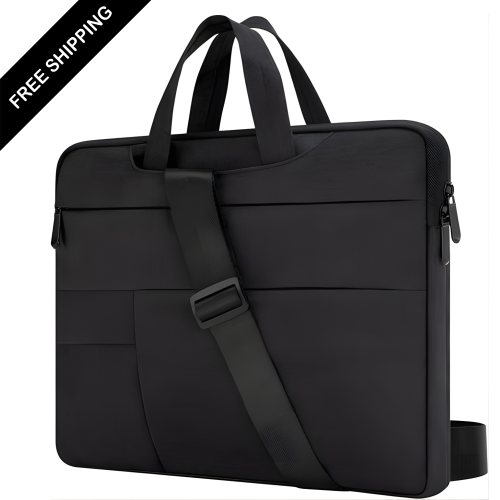
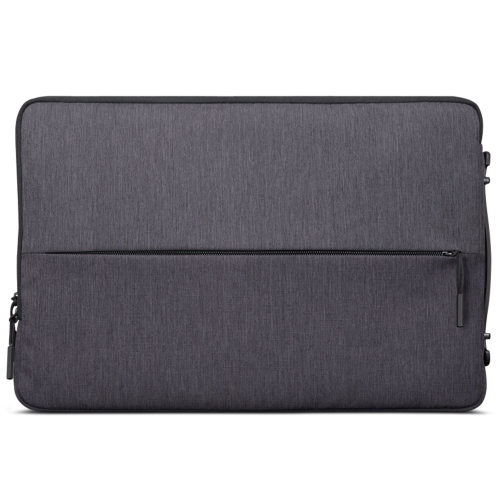
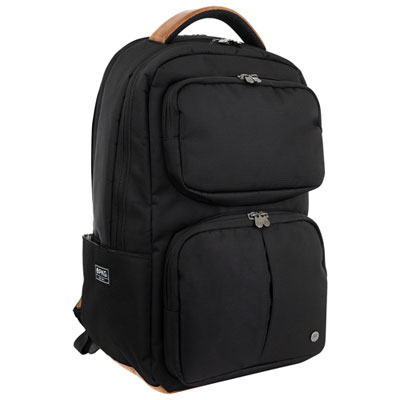
Laptop bags for 17-inch computers make it easier to carry a larger notebook between home, work, class, and other everyday stops. Their main purpose is to give the computer a dedicated space while keeping accessories manageable, whether that means a slim sleeve inside another bag or a backpack with room for a charger, documents, and headphones. Fit deserves particular attention with larger laptops. A 17-inch screen measurement describes the display diagonally, not the width or depth of the computer’s outer casing. Two laptops with similar screen sizes can have different dimensions because of their bezels, hinges, cooling systems, and overall thickness. Compare the computer’s width, depth, and height with the bag’s stated internal laptop-compartment measurements rather than relying on the screen-size label alone. A good fit allows the laptop to slide into place without forcing the zipper around its corners, while limiting excessive movement inside the compartment. If a protective shell stays on the computer, include its added thickness in those measurements. Carrying style matters just as much as size: a briefcase-style bag can keep documents upright beside a laptop, a messenger design offers shoulder access, and a backpack leaves both hands free when carrying a lunch bag or navigating a station. A sleeve is useful for separating a laptop from other belongings, but it may need to travel inside a larger bag and may not have space for a bulky power adapter. The 17 Inch Laptops Bags category provides a broader starting point for comparing carrying formats, with individual compartment dimensions remaining the key fit check. For students moving between classrooms, professionals travelling to meetings, or someone carrying a larger computer between shared workspaces, the most useful format is one that suits both the device and the rest of the daily load.
Materials and construction influence how a laptop bag feels in use and how well it stands up to repeated packing, lifting, and setting down. Nylon and polyester fabrics are common choices for soft-sided bags, while leather and leather-look finishes provide different textures and care requirements. Fabric weight, weave, backing, and stitching all matter; a material name alone does not establish how durable a bag will be. Look closely at the areas that take the most strain, including handle attachments, shoulder-strap anchors, zipper ends, and the bottom panel. Reinforced stitching and a structured base can be useful when a larger laptop shares space with a substantial charger and other daily essentials. Inside, padding along the sides and bottom helps cushion ordinary contact, while a soft lining can reduce rubbing against the computer’s finish. Some designs suspend the laptop compartment above the base of the bag, adding separation from the surface underneath when the bag is placed down. No soft-sided bag should be treated as drop-proof, and tightly packed accessories should not press directly against the screen or lid. Water-resistant fabric can offer some protection from incidental splashes, but seams, zipper openings, and the manufacturer’s stated protection level still need consideration. Carrying comfort is especially relevant once a 17-inch laptop, power adapter, and personal belongings are packed together. Wide, adjustable shoulder straps can distribute the load more comfortably than narrow straps, and a padded top handle makes short moves between a desk and a meeting room easier. With backpacks, strap placement and back-panel shape affect how closely the load sits against the body. A crossbody strap offers another carrying option, though the weight remains supported mainly on one side. For travel, a luggage pass-through can keep a compatible bag positioned on a rolling suitcase handle; checking the pass-through width and how the bag sits helps avoid an awkward setup. Even an empty bag contributes to the total carrying weight, so extra structure and pockets are most useful when they serve a regular purpose.
Organization works best when it reflects what actually travels with the computer. A separate accessory pocket can keep a power brick from resting against the laptop, while smaller compartments give charging cables, a mouse, and adapters a predictable place to land. Someone who connects to shared displays may need room for a video adapter and presentation remote; a student might place notebooks and a pencil case beside the computer instead. A wide-opening main compartment can make a large laptop easier to remove at a desk or an airport screening station, although screening procedures vary and a particular bag design does not guarantee that the computer can stay inside. External pockets can be convenient for frequently used belongings, but secure closures are worth considering for keys, identification, and other small valuables. Bottle pockets should hold their contents firmly, with drinks kept separate from electronics wherever possible. Avoid filling every compartment simply because it is there: an overpacked bag can strain closures, distort the laptop pocket, and make the load harder to carry. Day-to-day care starts with emptying crumbs and debris from the bottom, checking for loose objects near the computer compartment, and wiping up spills promptly. Follow the care label for cleaning, since coated fabrics, leather, linings, and padding may require different treatments. Spot cleaning with a suitable cloth is often more appropriate than soaking, and machine washing should only be considered when expressly permitted by the manufacturer. Let cleaned areas dry fully before putting electronics back inside, and inspect straps and stitching periodically for wear. For a gift, the recipient’s laptop dimensions and usual carrying routine are more helpful than screen size alone. A compact organizer may suit someone with only a charger and mouse, while another person may need separate space for work documents and personal belongings. Matching those habits to the bag’s layout helps make a large-laptop bag a practical part of an everyday routine rather than an oversized case that is awkward to carry.
Top selling and popular products
-
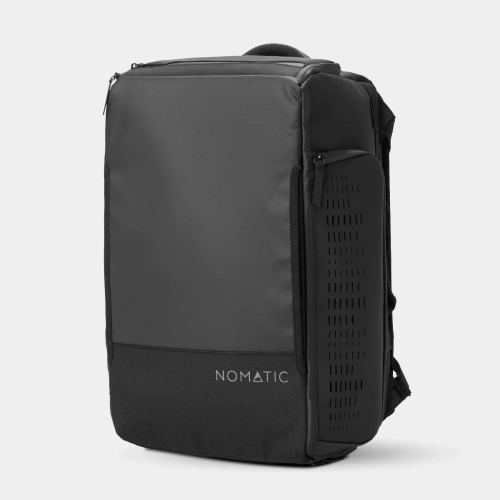 Your price for this item is $294.99
-
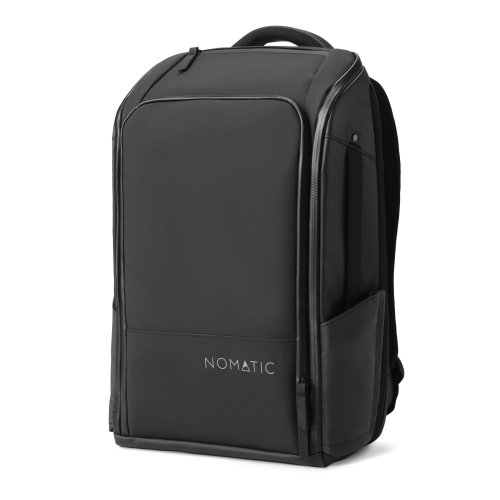 Your price for this item is $279.99
-
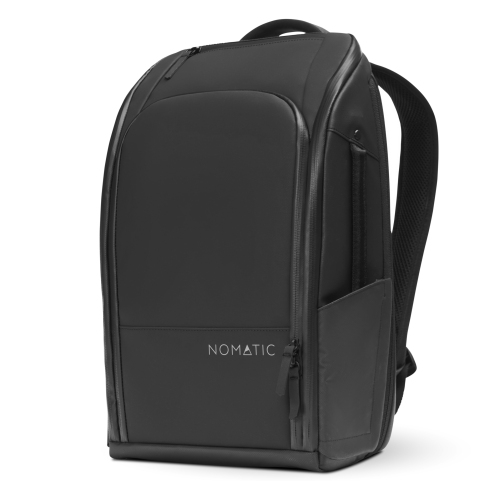 Your price for this item is $259.99
-
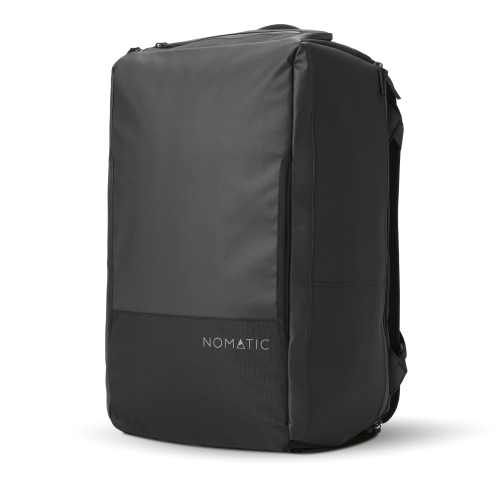 Your price for this item is $299.99
-
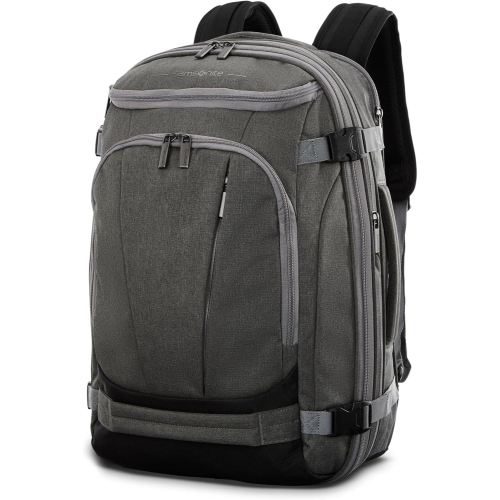 Your price for this item is $218.48
-
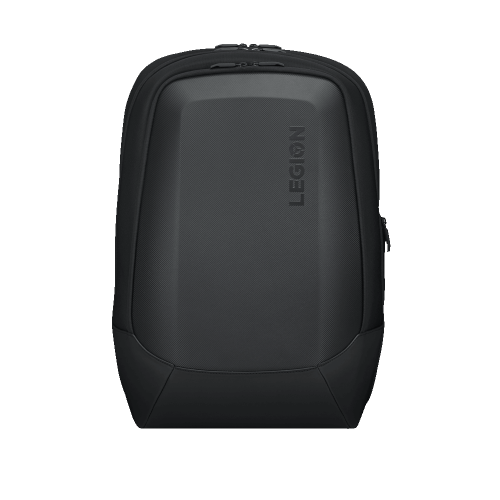 Your price for this item is $124.99
-
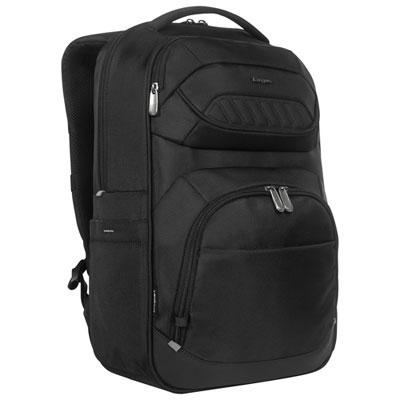 Your price for this item is $99.99
-
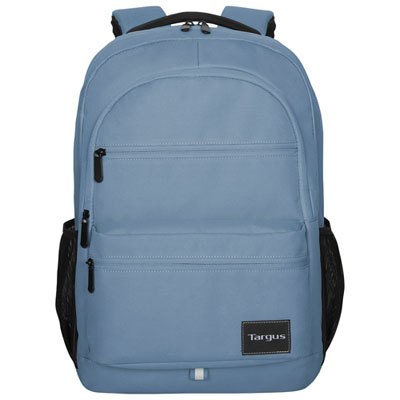 Your price for this item is $29.97
Discover more categories related to Lenovo 17 Inch Laptop Bags
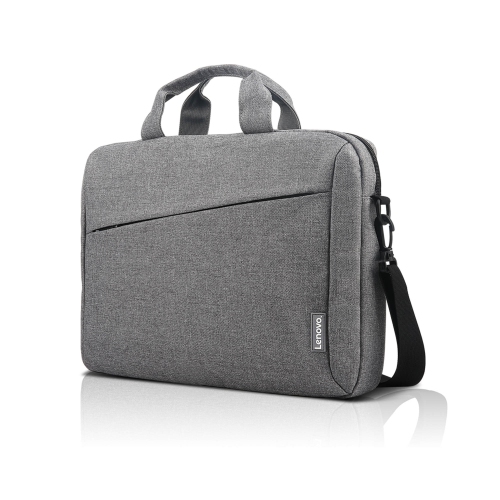
Top Collections:
Best Black Friday Deals This Year, Best Black Friday Deals On Electronics, Kindle Devices, Best Black Friday Deals On Apple Products, Best Budget Office Chairs, Best Cameras for Sports Photography, Dyson Airwrap, Canon G7X Cameras, Best Laptops for Writers, Samsung Galaxy Phones
Some products may be subject to Environmental Handling Fees
(EHF) depending on your province.
Learn more about EHFs.