Lenovo Laptop Sleeves
Protect your device in style with a Lenovo laptop sleeve, designed to offer reliable coverage while on the go. Whether commuting to work, heading to class, or traveling, a Lenovo laptop sleeve provides a convenient way to keep your laptop secure and easy to carry. Choose from a variety of sizes and designs to find the perfect match for your needs, ensuring your laptop stays safe from everyday bumps and scratches. Explore options that combine practicality with sleek aesthetics, making it simple to transport your device wherever you need to be.
Sort

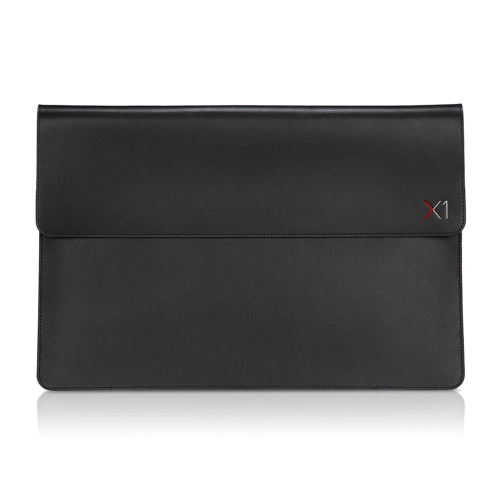
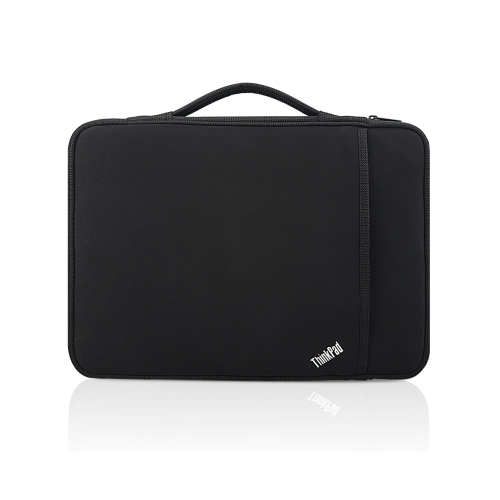

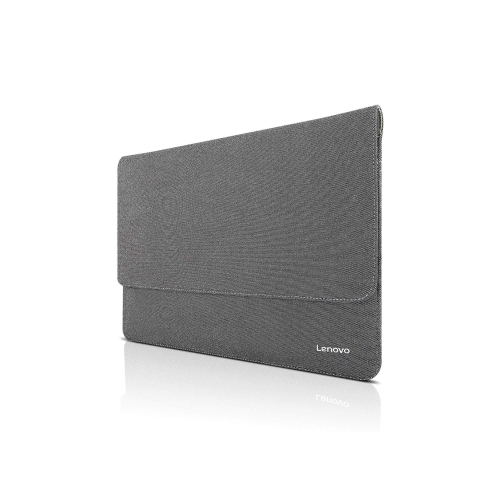
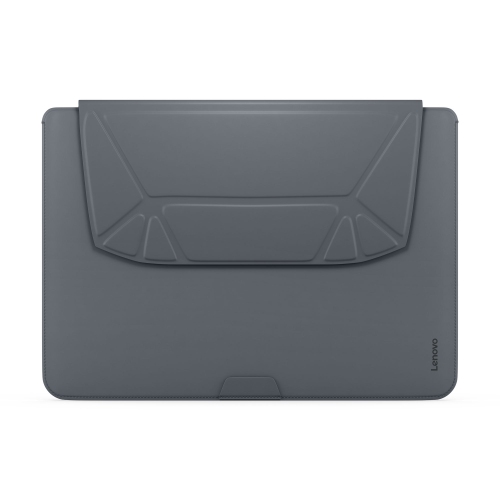
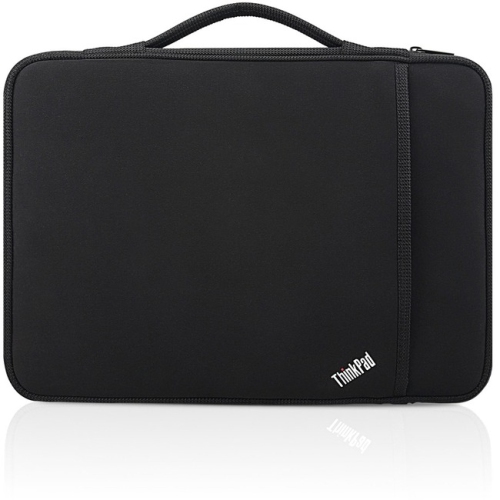
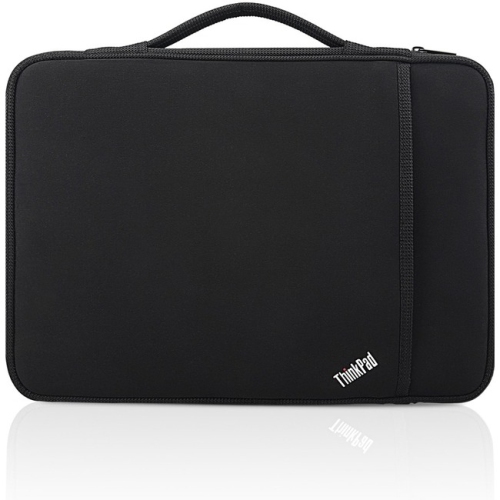
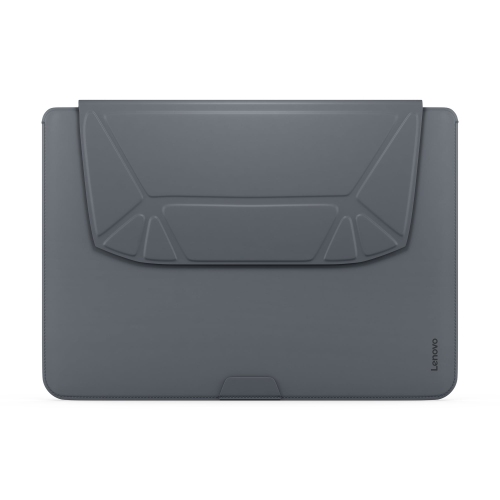
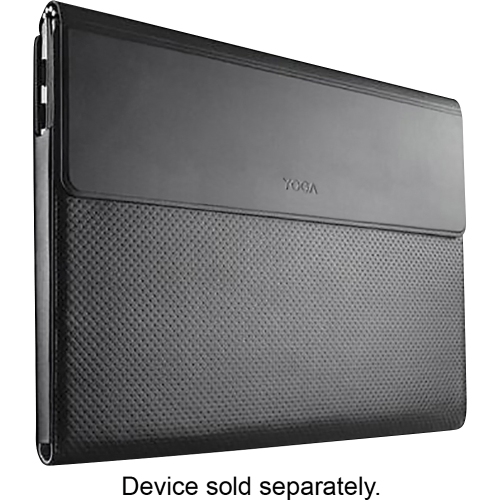

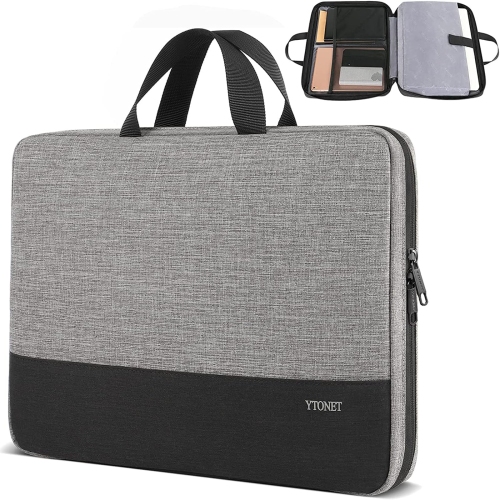
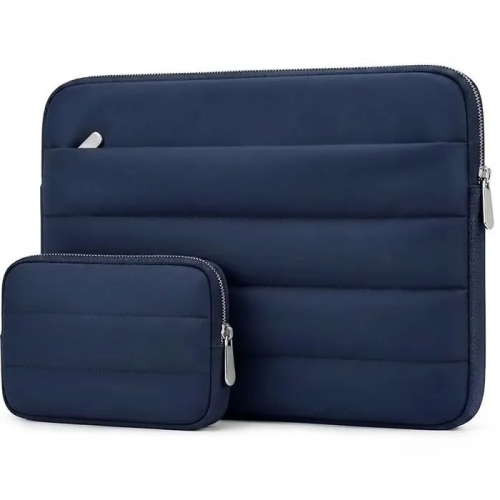
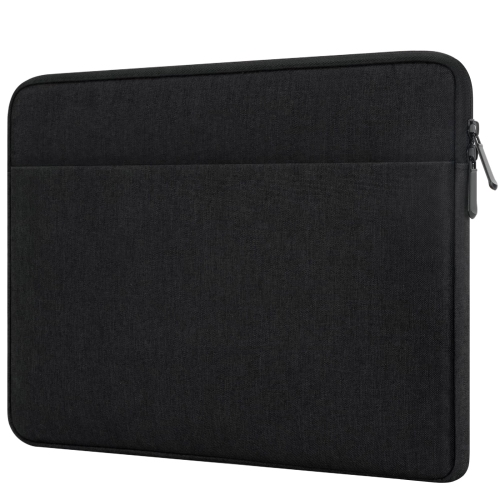
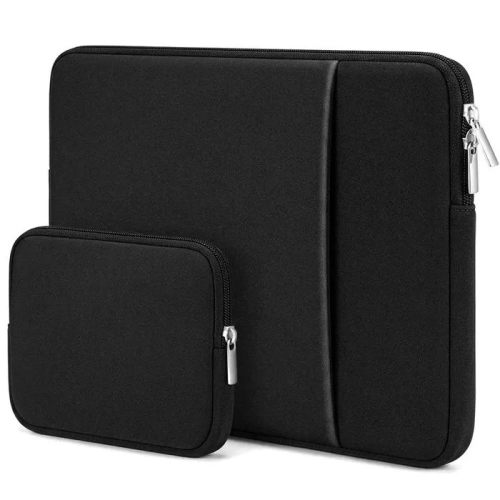
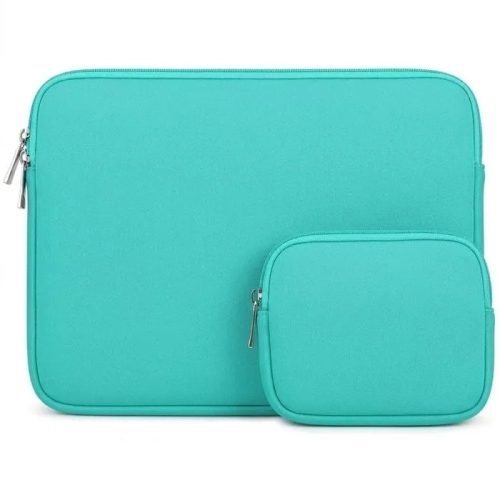
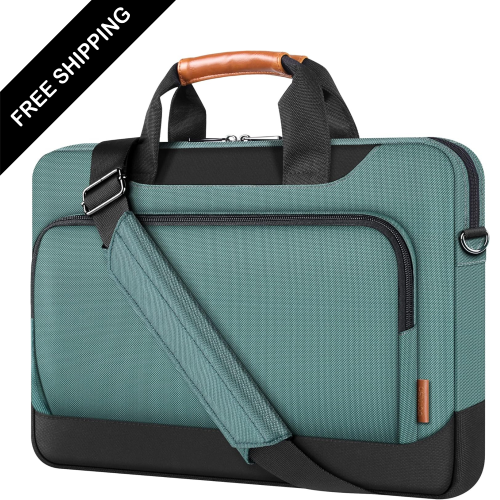
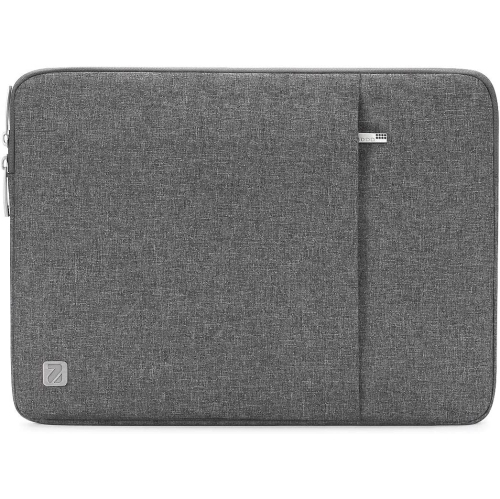
Why screen size alone won’t tell you which sleeve fits
A laptop sleeve is a close-fitting cover that helps protect a laptop from scratches and scuffs while it’s being carried or stored. Unlike a laptop bag, a sleeve generally holds little more than the computer itself. That slim shape makes it useful when a backpack or tote already has room for everything else but lacks a padded laptop compartment. Fit matters more than the screen size printed on the label. For laptops in the 13- to 17-inch range, the advertised size refers to the screen measured diagonally, not the width of the computer. Two laptops with the same screen size can have different footprints because of the frame around the display, the hinge design and the shape of the chassis. Comparing the laptop’s closed width, depth and thickness with the sleeve’s listed interior dimensions gives a better sense of fit. Thickness at the hinge matters, as does any hard cover that stays on the laptop. Exterior measurements are useful for a different reason: they show how much room the sleeve itself will take up inside a bag. A well-fitted sleeve lets the laptop slide in without catching at the opening, and the closure should sit flat without having to be pulled around the corners. Too much extra space lets the laptop shift when the sleeve is tipped upright; too little makes it awkward to pull out when space is tight, such as at a crowded lecture desk. The position of the opening makes a difference, too. An opening along the short edge can be convenient in a backpack that loads from the top, while a long opening gives more room to lift the laptop out flat on a work surface. A sleeve that opens on three sides offers wide access, though it’s best laid flat before unzipping so the laptop doesn’t slide out.
Materials and construction affect how a sleeve feels in the hand, how easily it slides into a bag and how much bulk it adds. Neoprene typically has some give and can sit close around a laptop without adding much weight, although that stretch doesn’t make up for a sleeve that’s too small. A woven nylon or polyester exterior usually feels less stretchy, and a soft lining helps keep the lid from rubbing directly against coarse fabric or seams. A lightly padded sleeve can be enough to separate a laptop from notebooks and folders, while firmer padding along the edges adds a buffer where the sleeve rests against the bottom of a bag. Padding varies from one part of a sleeve to another: thick front and back panels don’t necessarily mean the corners are just as well cushioned. Details such as bound seams, stitched handle attachments and a fabric guard between the zipper and the laptop can make a difference with repeated use. A flap closure avoids a zipper along the laptop’s edge, while a zipper that closes all the way around the opening can help keep the laptop in place when it’s carried upright. A water-resistant exterior may buy enough time to wipe away a splash, but it doesn’t make the seams or zipper waterproof. Likewise, padding can soften ordinary bumps without making a sleeve a substitute for a rigid case where drops or crushing are a concern. A shallow accessory pocket is handy for a cable or a few papers, but a bulky charger pressed against the lid can put pressure on the display through the fabric. For a broader look at designs to compare by fit, padding and carry style, browse Good Laptop Sleeves.
How the laptop moves through the day often determines which features are worth the extra room. A commuter who keeps a laptop in a packed backpack may prefer a slim sleeve with no outside pocket to snag as it slides past a lunch container. Someone who carries a laptop between meeting rooms may find a low-profile handle easier to grip than the smooth edge of a sleeve, especially when carrying a notebook at the same time. For a student moving between a desk, a lab bench and a library table, a wide opening can make it easier to get the laptop in and out without clearing the whole surface. Travellers may value a closure that’s easy to reach inside a carry-on, particularly when the sleeve has to come out in a narrow aisle. At home, a simple sleeve can keep a laptop from getting scuffed when it shares a drawer with other equipment. A sleeve can also make a practical gift for someone who regularly takes a laptop to class or work. The recipient’s laptop dimensions and the way they carry it are more useful for choosing a fit than screen size alone, particularly if the sleeve needs to fit inside a bag they already use. A little care keeps a sleeve doing its job. Crumbs and grit can collect in the corners and rub against the laptop’s finish, so it helps to empty the sleeve and brush out the lining from time to time. Many fabric sleeves can be spot-cleaned with a soft, damp cloth, but the care label is the best reference before using soap, soaking the sleeve or machine washing it. The inside should be fully dry before the laptop goes back in. Frayed stitching, compressed corner padding or a zipper that no longer closes reliably are signs that a sleeve may not hold or cushion the laptop as well as it used to.
Top selling and popular products
-
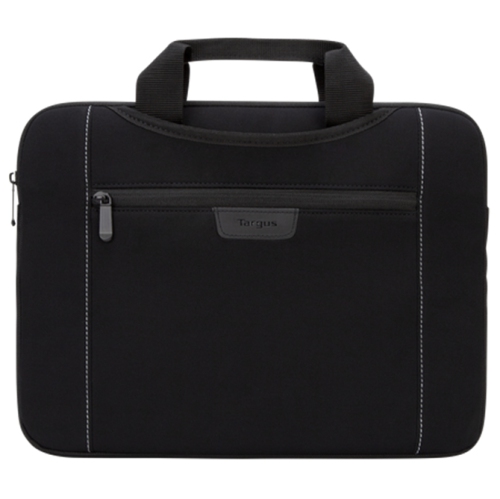 Your price for this item is $58.68
-
 Your price for this item is $15.99
-
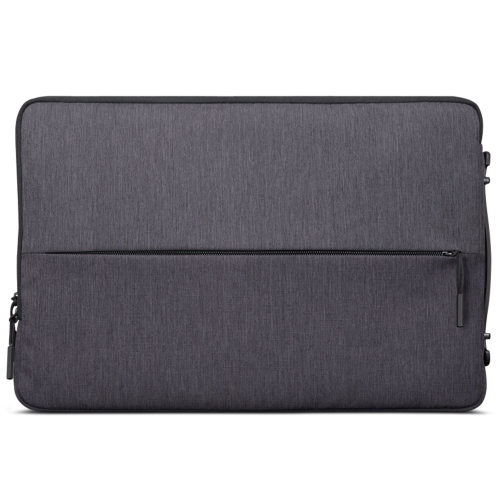 Your price for this item is $16.99
-
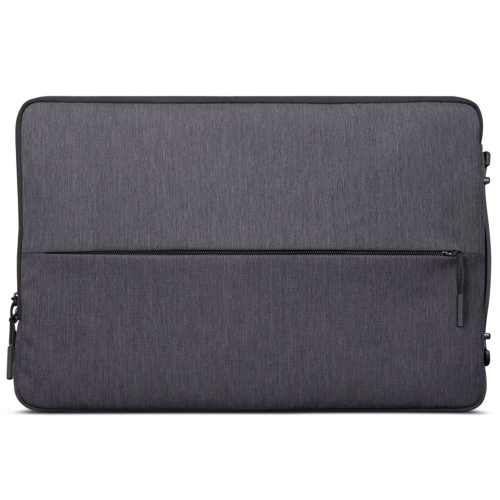 Your price for this item is $19.99
-
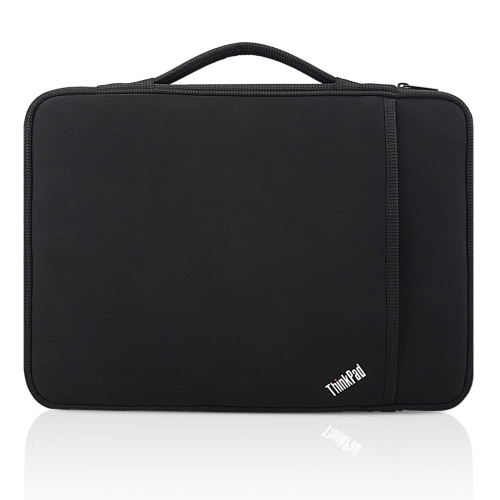 Your price for this item is $28.99
-
 Your price for this item is $47.99
-
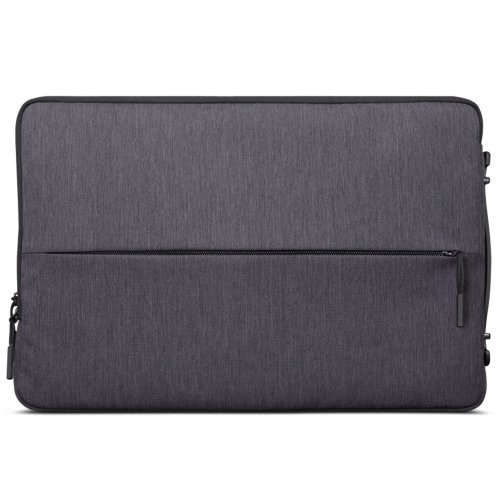 Your price for this item is $15.99
-
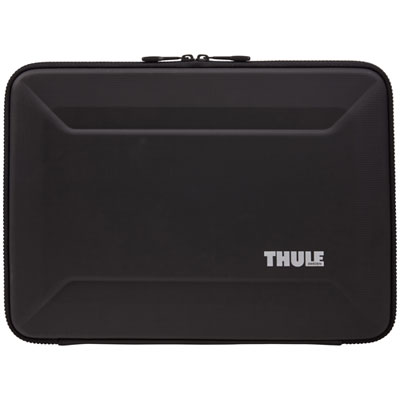 Your price for this item is $64.99
Discover more categories related to Lenovo Laptop Sleeves

Top Collections:
Best Black Friday Deals This Year, Best Black Friday Deals On Electronics, Kindle Devices, Best Black Friday Deals On Apple Products, Best Budget Office Chairs, Best Cameras for Sports Photography, Dyson Airwrap, Canon G7X Cameras, Best Laptops for Writers, Samsung Galaxy Phones
Some products may be subject to Environmental Handling Fees
(EHF) depending on your province.
Learn more about EHFs.