Lenovo L15
Discover the versatility and performance of the Lenovo L15, designed to meet a wide range of computing needs. Whether for work, study, or entertainment, the Lenovo L15 offers reliable solutions to keep you productive and connected. Explore options tailored for various lifestyles and find the perfect fit for your daily tasks with the Lenovo L15.
Sort










How business laptops differ from USB-C portable monitors
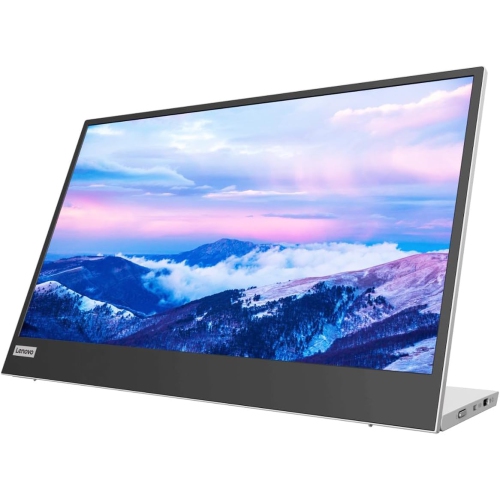
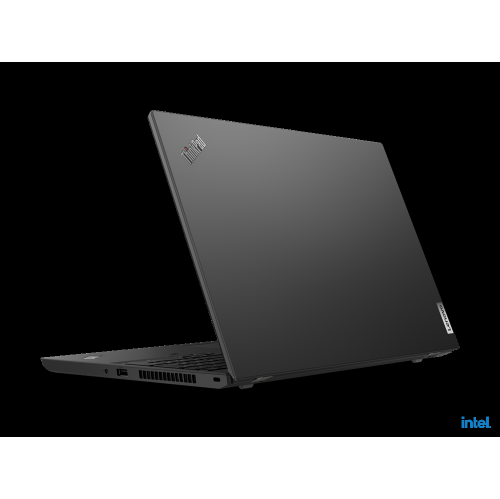
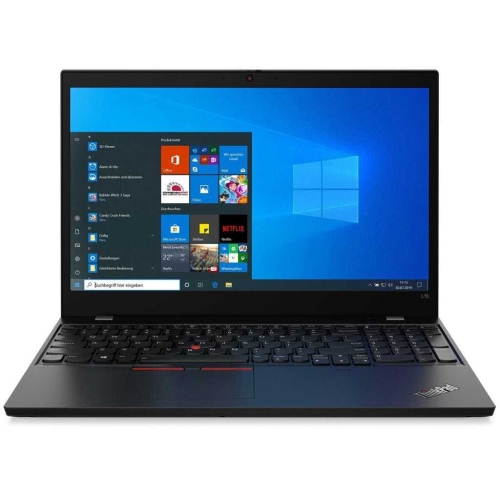
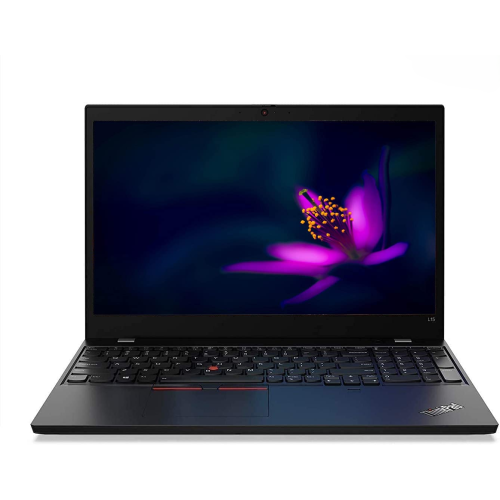
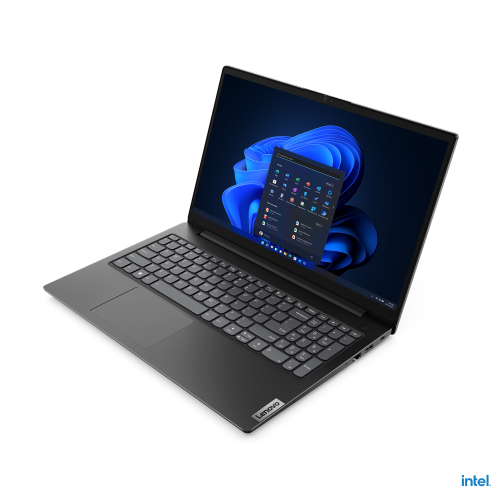
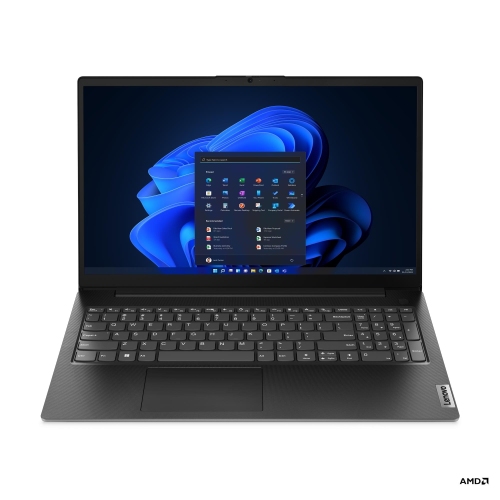
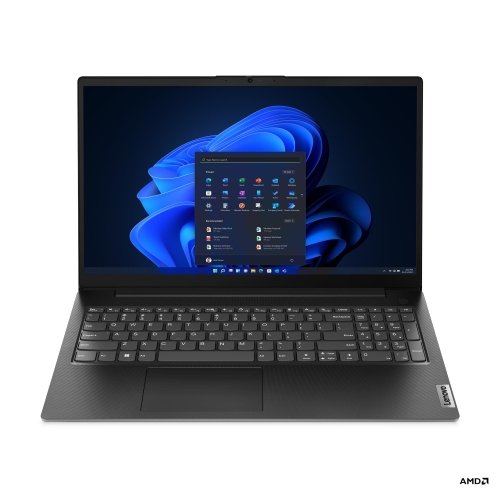
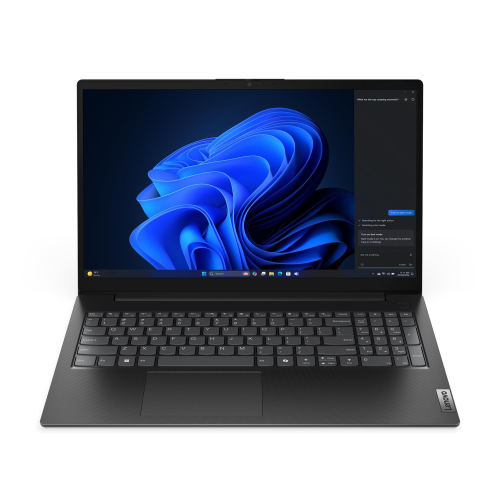
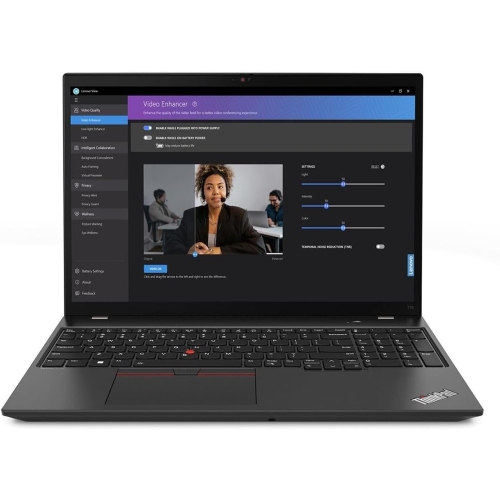
The L15 name can refer to two different categories of computer equipment: business laptops and USB-C portable monitors. A business laptop is a complete computer, with its own processor, memory, storage, operating system, keyboard, and built-in display. A portable monitor is an additional screen that connects to a compatible computer or other supported device; it does not replace the computer that runs applications and stores files. That distinction matters when comparing equipment for work, school, or a shared home office. For laptop use, everyday tasks might include writing reports, joining video meetings, managing spreadsheets, and keeping several browser tabs open alongside messaging software. Processor performance and memory influence how comfortably those tasks run together, while storage capacity affects the space available for documents, applications, and downloaded files. Specifications can differ substantially between generations and configurations, so a shared family name does not mean identical performance or features. Someone working mainly in documents has different requirements from a person handling large datasets, editing video, or using specialized design software. Keyboard feel, touchpad response, and screen readability also shape the experience over a full working day. A clearly defined keyboard layout can make frequent typing more comfortable, while a display with suitable brightness and viewing angles helps when reading small text or sharing a document across a table. Camera quality, microphone performance, and convenient audio connections become particularly relevant when the laptop doubles as a meeting space. Port selection deserves equal attention: connecting an existing mouse, an external screen, a wired network, or removable storage may require particular connections or a compatible dock. Wireless connectivity, including the supported Wi-Fi standard, should suit the network where the computer will be used. Battery runtime varies with settings and workload, and advertised figures may not reflect a day filled with video calls. The supplied charger, its size, and access to suitable power therefore remain practical considerations for anyone moving between locations.
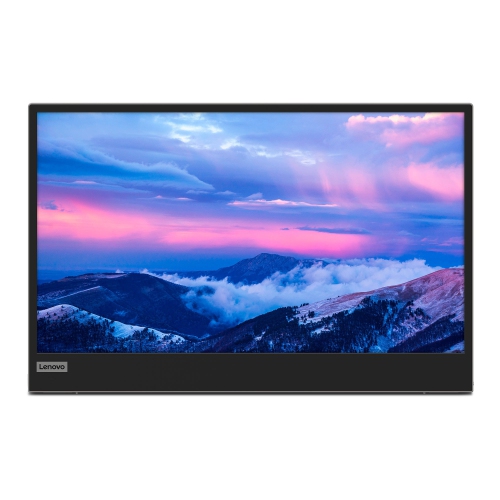
A USB-C portable monitor serves a different purpose: it adds working space without requiring a full-size desktop display. An extra screen can keep reference material visible beside a report, place meeting participants alongside shared notes, or separate a spreadsheet from the application used to enter its figures. For students, it can mean having lecture material open next to an assignment. For someone working between offices, it can make a temporary desk feel more familiar without carrying another computer. Screen size, resolution, and scaling work together to determine how much content fits comfortably and how easy small text is to read. A compact display may fit neatly beside a laptop, but physical dimensions still matter on a narrow desk or a crowded meeting table. Surface finish can also affect visibility, particularly where overhead lights or nearby windows create reflections. Brightness and colour performance are separate considerations, and professional image work may call for capabilities beyond those needed for email and documents. Connection compatibility is especially important with USB-C. The connector’s shape alone does not confirm that a laptop, tablet, or phone can send video through that port. The source device must support an appropriate video-output mode, and the cable must support the required signal and power. Some setups can carry both video and power through one cable, while others need an additional power connection. Charging through the display, connection placement, and support for other devices depend on the equipment involved rather than the connector alone. A stable stand and useful tilt range help position the screen for seated work, while orientation support determines whether a tall document can be viewed vertically. Touch input, built-in speakers, and mounting options are features to verify rather than assume. These details determine how naturally a portable display fits into an existing setup, from a quiet study corner to a desk used for frequent client presentations.
Physical fit and everyday care matter for both laptops and portable displays, particularly when they travel in the same bag. Screen measurements describe the diagonal viewing area, not the full width, height, or thickness of the device. A sleeve or backpack compartment therefore needs room for the chassis, with separate space for the charger, stand, and cables. Carrying weight also includes those accessories, which can make a noticeable difference during a commute or a walk across campus. Casing materials vary, with plastics, metals, and mixed constructions offering different combinations of weight, rigidity, and surface feel. Durability depends on more than material alone: hinge design, protection around the screen, connection points, and careful handling all play a part. A padded sleeve can reduce contact with other belongings, while keeping keys, plugs, and pens away from the display helps prevent scratches and pressure marks. Hinges and folding stands work best when moved within their intended range rather than forced into position. During cleaning, power should be disconnected and the manufacturer’s directions followed, using a soft cloth and an approved method for the screen finish. Spraying liquid directly onto a display or allowing moisture into ports can cause damage. At a desk, leaving ventilation openings clear helps a laptop manage heat, and giving cables a little slack reduces strain on connections. An external keyboard and mouse can also make it easier to position a laptop or portable screen at a comfortable viewing height. For demanding professional software, shoppers comparing business computers with mobile workstations can also explore Lenovo P15V, with application requirements guiding the comparison. As a gift, either category is most useful when matched to the recipient’s existing equipment: a laptop needs to suit their software and daily workload, while a portable monitor needs compatible connections and a genuine use for extra screen space. The right fit comes from understanding whether the need is a complete computer or an additional display, then matching the specifications and physical design to that role.
A USB-C portable monitor serves a different purpose: it adds working space without requiring a full-size desktop display. An extra screen can keep reference material visible beside a report, place meeting participants alongside shared notes, or separate a spreadsheet from the application used to enter its figures. For students, it can mean having lecture material open next to an assignment. For someone working between offices, it can make a temporary desk feel more familiar without carrying another computer. Screen size, resolution, and scaling work together to determine how much content fits comfortably and how easy small text is to read. A compact display may fit neatly beside a laptop, but physical dimensions still matter on a narrow desk or a crowded meeting table. Surface finish can also affect visibility, particularly where overhead lights or nearby windows create reflections. Brightness and colour performance are separate considerations, and professional image work may call for capabilities beyond those needed for email and documents. Connection compatibility is especially important with USB-C. The connector’s shape alone does not confirm that a laptop, tablet, or phone can send video through that port. The source device must support an appropriate video-output mode, and the cable must support the required signal and power. Some setups can carry both video and power through one cable, while others need an additional power connection. Charging through the display, connection placement, and support for other devices depend on the equipment involved rather than the connector alone. A stable stand and useful tilt range help position the screen for seated work, while orientation support determines whether a tall document can be viewed vertically. Touch input, built-in speakers, and mounting options are features to verify rather than assume. These details determine how naturally a portable display fits into an existing setup, from a quiet study corner to a desk used for frequent client presentations.
Physical fit and everyday care matter for both laptops and portable displays, particularly when they travel in the same bag. Screen measurements describe the diagonal viewing area, not the full width, height, or thickness of the device. A sleeve or backpack compartment therefore needs room for the chassis, with separate space for the charger, stand, and cables. Carrying weight also includes those accessories, which can make a noticeable difference during a commute or a walk across campus. Casing materials vary, with plastics, metals, and mixed constructions offering different combinations of weight, rigidity, and surface feel. Durability depends on more than material alone: hinge design, protection around the screen, connection points, and careful handling all play a part. A padded sleeve can reduce contact with other belongings, while keeping keys, plugs, and pens away from the display helps prevent scratches and pressure marks. Hinges and folding stands work best when moved within their intended range rather than forced into position. During cleaning, power should be disconnected and the manufacturer’s directions followed, using a soft cloth and an approved method for the screen finish. Spraying liquid directly onto a display or allowing moisture into ports can cause damage. At a desk, leaving ventilation openings clear helps a laptop manage heat, and giving cables a little slack reduces strain on connections. An external keyboard and mouse can also make it easier to position a laptop or portable screen at a comfortable viewing height. For demanding professional software, shoppers comparing business computers with mobile workstations can also explore Lenovo P15V, with application requirements guiding the comparison. As a gift, either category is most useful when matched to the recipient’s existing equipment: a laptop needs to suit their software and daily workload, while a portable monitor needs compatible connections and a genuine use for extra screen space. The right fit comes from understanding whether the need is a complete computer or an additional display, then matching the specifications and physical design to that role.
Top selling and popular products
-
 Your price for this item is $449
-
 Your price for this item is $3099
-
 Your price for this item is $449.99
-
 Your price for this item is $664.05
-
 Your price for this item is $869.99
-
 Your price for this item is $2960.48
-
 Your price for this item is $489.7
-
 Your price for this item is $829
Discover more categories related to Lenovo L15

Top Collections:
Pokemon Centers, Best Black Friday Deals This Year, Best Black Friday Deals On Electronics, Kindle Devices, Best Budget Office Chairs, Best Black Friday Deals On Apple Products, Best Cameras for Sports Photography, Pokémon 30th Celebration Cards, Dyson Airwrap, Canon G7X Cameras
Some products may be subject to Environmental Handling Fees
(EHF) depending on your province.
Learn more about EHFs.