Lenovo ThinkBook 15
Discover the versatility and performance of the Lenovo ThinkBook 15, designed to meet a variety of professional and personal computing needs. Whether you're working from home, attending virtual meetings, or tackling daily tasks, the Lenovo ThinkBook 15 offers a reliable solution for users seeking efficiency and convenience. Explore a range of options to find the ideal model that fits your workflow and enhances productivity.
Sort


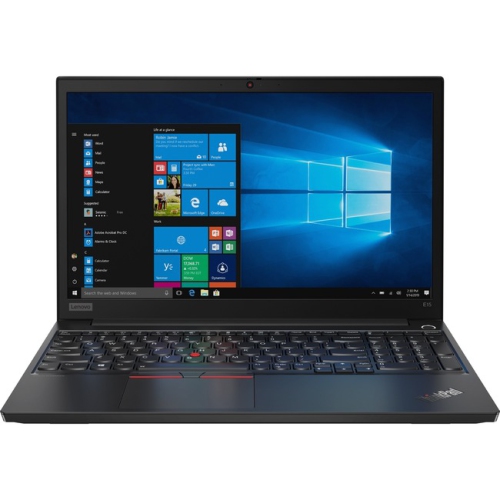

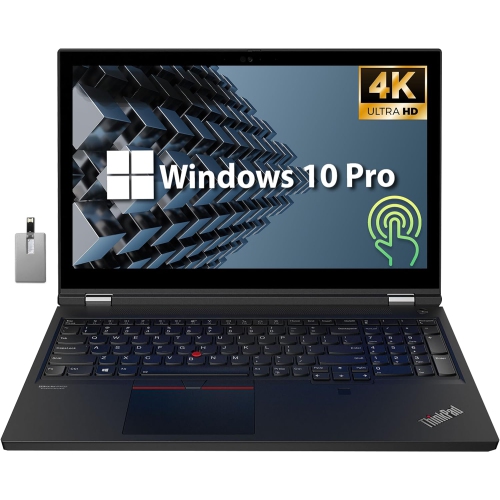
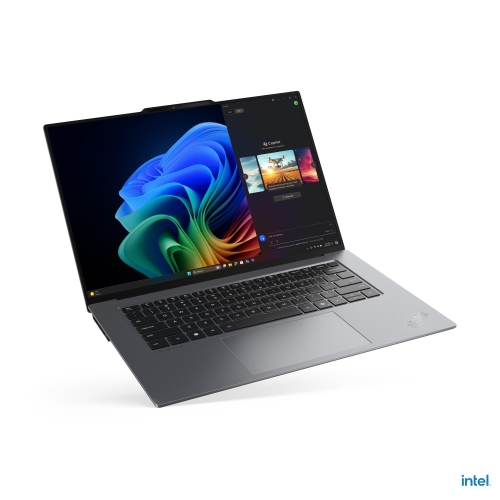
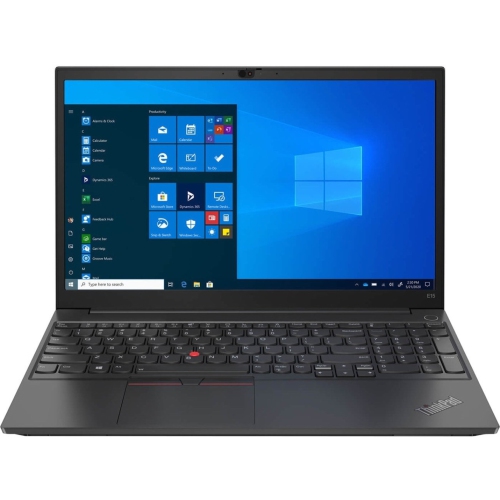
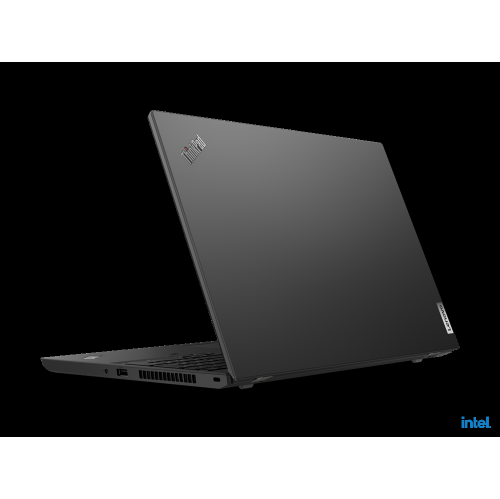

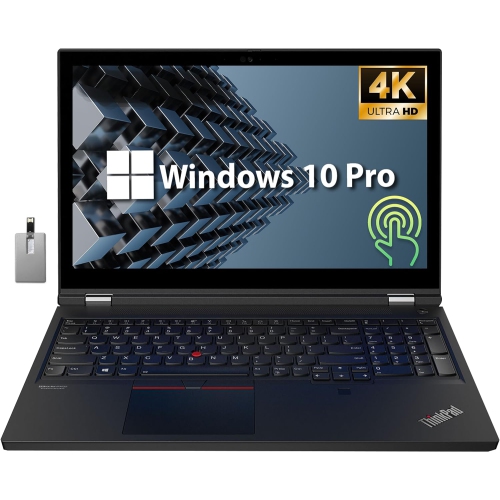
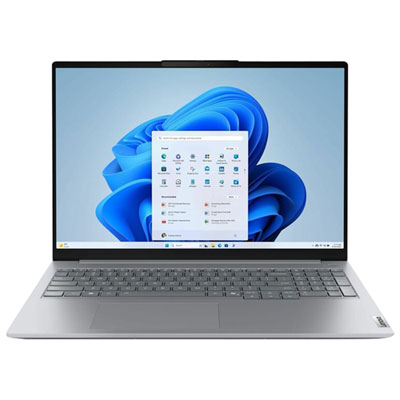
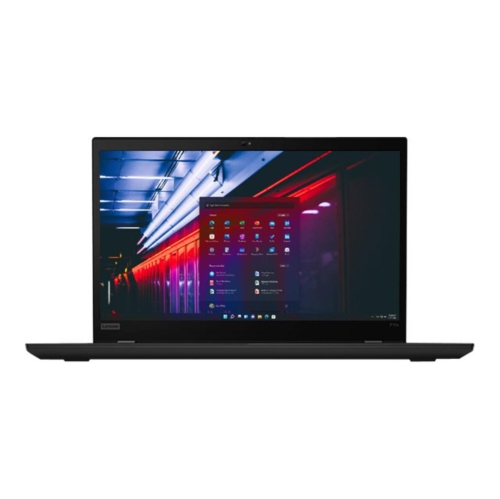


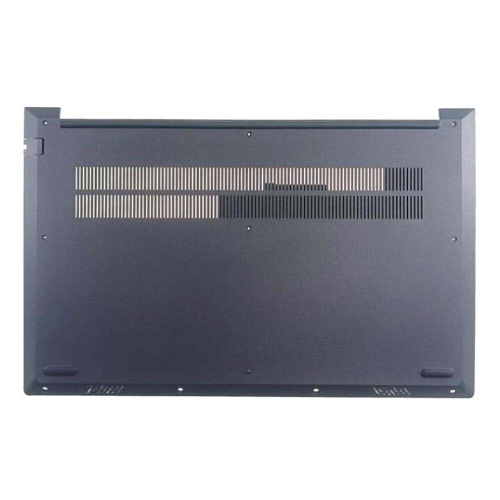
Room for spreadsheets without giving up everyday portability
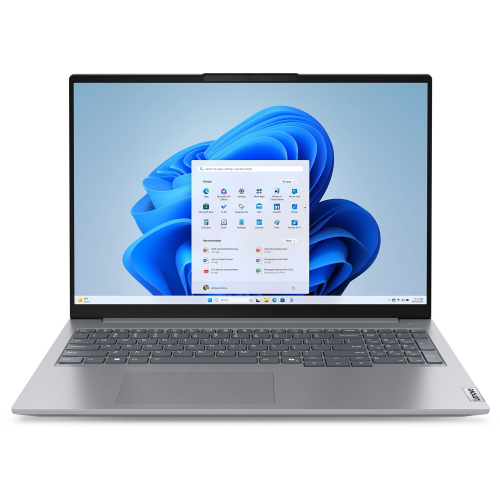
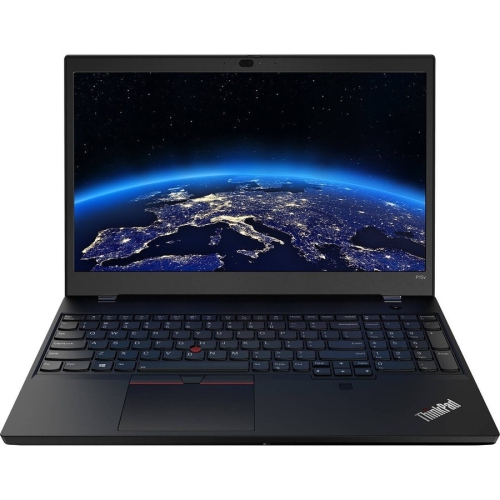
A 15.6-inch business laptop offers a practical balance of workspace and portability for everyday productivity, from preparing documents and managing spreadsheets to attending video meetings and working in browser-based applications. This size suits students, small-business owners, office professionals, and people who move between a home desk and a shared workspace. A Full HD display, with a resolution of 1920 x 1080, provides room for detailed documents and side-by-side windows without requiring an external monitor for every task. An anti-glare finish can help reduce distracting reflections from overhead lighting, although screen brightness and desk placement still affect viewing comfort. Touch input is a separate feature rather than something to assume from the screen size, so the display specifications matter when comparing configurations. For someone who spends the day entering figures, a keyboard with a dedicated numeric keypad can make invoices, expense reports, and spreadsheet work more convenient. Keyboard layout, key spacing, and touchpad size also deserve attention, particularly when the laptop will be the main computer rather than an occasional travel companion. A larger screen means a wider chassis, so carrying comfort depends on the laptop’s actual dimensions and weight, not just its display measurement. A padded bag should fit the full body of the computer without putting pressure on its corners or connected accessories. Construction varies, with aluminium panels, plastic components, or combinations of materials affecting the feel and weight of the chassis. A firm keyboard deck and a stable hinge are useful qualities for frequent typing and repeated opening throughout the day. Neither a metal finish nor a business-oriented design automatically means protection against spills or drops. For long writing sessions, an external keyboard and a raised screen can help create a more comfortable desk setup, while the built-in keyboard remains convenient for lectures, meeting rooms, and working away from a permanent workstation.
Performance depends on the particular configuration and generation, even when laptops share the same screen size and similar styling. The processor handles application workloads, while memory helps keep active programs and browser tabs ready to use. For email, word processing, online research, and routine administrative tasks, a mainstream processor paired with sufficient memory is generally more useful than choosing by the processor’s name alone. Someone who keeps a video meeting open alongside a large spreadsheet, a presentation, and numerous browser tabs has different needs from someone who mainly writes documents. A configuration with 16GB of RAM can provide useful headroom for this kind of multitasking, while heavier workloads may benefit from more memory. Upgrade options should be checked carefully: some designs include replaceable memory modules, some combine onboard memory with an expansion slot, and others have more restricted options. The amount installed at purchase and the maximum supported capacity are not necessarily the same. An NVMe solid-state drive supports responsive application launches and quick access to stored files, but capacity remains a separate consideration. Documents take relatively little space compared with large photo libraries, video files, or locally stored project folders. Cloud storage can reduce local storage needs, though offline access matters when travelling or working without a dependable connection. Integrated graphics are typically suited to everyday office work, streaming, and lighter visual tasks; demanding three-dimensional design, complex video editing, or graphics-intensive games require closer attention to graphics specifications and application requirements. Processor generation also influences features and efficiency, so two machines with similar descriptions can behave differently under sustained use. Battery life varies with screen brightness, meeting software, wireless activity, and workload. A stated battery estimate should therefore be treated as a reference rather than a promise of a full working day. For mobile use, the supplied charger’s size and the laptop’s supported charging methods are worth considering alongside battery capacity.
Connections, communication features, and day-to-day care can make just as much difference as processing speed. USB-A ports accommodate many familiar accessories, while USB-C capabilities vary: a port may support data transfer, charging, video output, or a combination of these functions. The connector’s shape alone does not confirm what it can do. Thunderbolt 4 support is configuration-dependent, and a docking station needs to match the laptop’s supported connection standards. HDMI can simplify connecting to a meeting-room display or an external monitor, while an Ethernet port provides an option for a wired network connection. Wi-Fi performance also depends on the router, signal strength, and network conditions. For video calls, camera resolution, microphone quality, and speaker placement affect how clearly people can see and hear each other. A physical webcam shutter provides a straightforward way to cover the camera when it is not in use, but it does not mute the microphone. A fingerprint reader, where included, can make supported sign-in methods more convenient without replacing the need for strong account protection and software updates. Someone who regularly compares documents or works with wide spreadsheets may also want to browse Lenovo ThinkBook 16 Gen 6 when considering a larger display format; actual dimensions, screen proportions, and carrying weight remain important points of comparison. For either size, keeping ventilation openings clear helps the cooling system function as intended. Use the laptop on a firm surface rather than bedding, carry it in a protective sleeve, and shut it down before cleaning. A soft microfibre cloth and cleaning methods approved for the screen finish help avoid unnecessary wear; liquid should never be sprayed directly onto the computer. Regular file backups also protect against disruption if a device is damaged or needs service. As a graduation or new-business gift, a productivity-focused laptop can be useful, provided its operating system, keyboard layout, software compatibility, and physical size suit the recipient’s daily work.
Performance depends on the particular configuration and generation, even when laptops share the same screen size and similar styling. The processor handles application workloads, while memory helps keep active programs and browser tabs ready to use. For email, word processing, online research, and routine administrative tasks, a mainstream processor paired with sufficient memory is generally more useful than choosing by the processor’s name alone. Someone who keeps a video meeting open alongside a large spreadsheet, a presentation, and numerous browser tabs has different needs from someone who mainly writes documents. A configuration with 16GB of RAM can provide useful headroom for this kind of multitasking, while heavier workloads may benefit from more memory. Upgrade options should be checked carefully: some designs include replaceable memory modules, some combine onboard memory with an expansion slot, and others have more restricted options. The amount installed at purchase and the maximum supported capacity are not necessarily the same. An NVMe solid-state drive supports responsive application launches and quick access to stored files, but capacity remains a separate consideration. Documents take relatively little space compared with large photo libraries, video files, or locally stored project folders. Cloud storage can reduce local storage needs, though offline access matters when travelling or working without a dependable connection. Integrated graphics are typically suited to everyday office work, streaming, and lighter visual tasks; demanding three-dimensional design, complex video editing, or graphics-intensive games require closer attention to graphics specifications and application requirements. Processor generation also influences features and efficiency, so two machines with similar descriptions can behave differently under sustained use. Battery life varies with screen brightness, meeting software, wireless activity, and workload. A stated battery estimate should therefore be treated as a reference rather than a promise of a full working day. For mobile use, the supplied charger’s size and the laptop’s supported charging methods are worth considering alongside battery capacity.
Connections, communication features, and day-to-day care can make just as much difference as processing speed. USB-A ports accommodate many familiar accessories, while USB-C capabilities vary: a port may support data transfer, charging, video output, or a combination of these functions. The connector’s shape alone does not confirm what it can do. Thunderbolt 4 support is configuration-dependent, and a docking station needs to match the laptop’s supported connection standards. HDMI can simplify connecting to a meeting-room display or an external monitor, while an Ethernet port provides an option for a wired network connection. Wi-Fi performance also depends on the router, signal strength, and network conditions. For video calls, camera resolution, microphone quality, and speaker placement affect how clearly people can see and hear each other. A physical webcam shutter provides a straightforward way to cover the camera when it is not in use, but it does not mute the microphone. A fingerprint reader, where included, can make supported sign-in methods more convenient without replacing the need for strong account protection and software updates. Someone who regularly compares documents or works with wide spreadsheets may also want to browse Lenovo ThinkBook 16 Gen 6 when considering a larger display format; actual dimensions, screen proportions, and carrying weight remain important points of comparison. For either size, keeping ventilation openings clear helps the cooling system function as intended. Use the laptop on a firm surface rather than bedding, carry it in a protective sleeve, and shut it down before cleaning. A soft microfibre cloth and cleaning methods approved for the screen finish help avoid unnecessary wear; liquid should never be sprayed directly onto the computer. Regular file backups also protect against disruption if a device is damaged or needs service. As a graduation or new-business gift, a productivity-focused laptop can be useful, provided its operating system, keyboard layout, software compatibility, and physical size suit the recipient’s daily work.
Top selling and popular products
-
 Your price for this item is $449
-
 Your price for this item is $3099
-
 Your price for this item is $449.99
-
 Your price for this item is $664.05
-
 Your price for this item is $869.99
-
 Your price for this item is $2960.48
-
 Your price for this item is $489.7
-
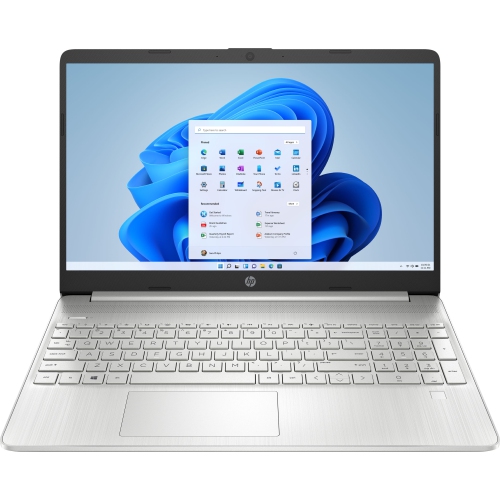 Your price for this item is $829
Discover more categories related to Lenovo ThinkBook 15
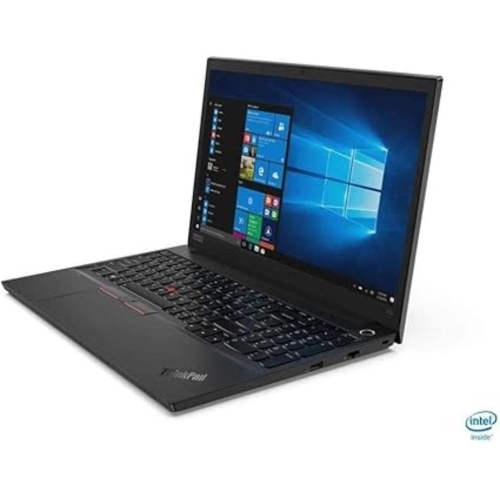
Top Collections:
Pokemon Centers, Best Black Friday Deals This Year, Best Black Friday Deals On Electronics, Kindle Devices, Best Budget Office Chairs, Best Black Friday Deals On Apple Products, Best Cameras for Sports Photography, Pokémon 30th Celebration Cards, Dyson Airwrap, Canon G7X Cameras
Some products may be subject to Environmental Handling Fees
(EHF) depending on your province.
Learn more about EHFs.