Lenovo Laptop Intel Core I5
Discover the perfect balance of performance and reliability with the Lenovo Laptop Intel Core I5 collection. Whether you're tackling daily tasks, streaming your favorite content, or managing projects on the go, these laptops are designed to keep up with your busy lifestyle. Explore a range of options that combine efficiency and style, making it easy to find the ideal fit for work, study, or entertainment. Upgrade your computing experience with a Lenovo Laptop Intel Core I5 and enjoy seamless productivity wherever you are.
Sort
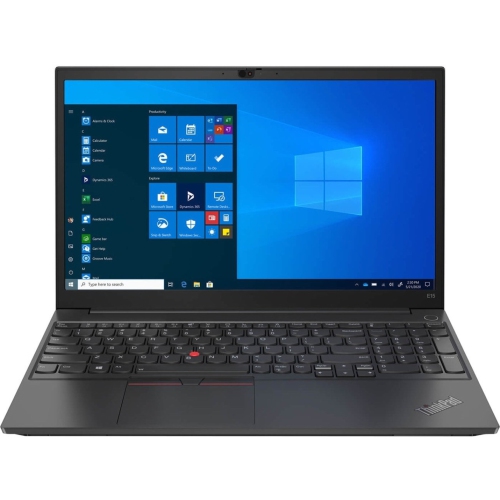

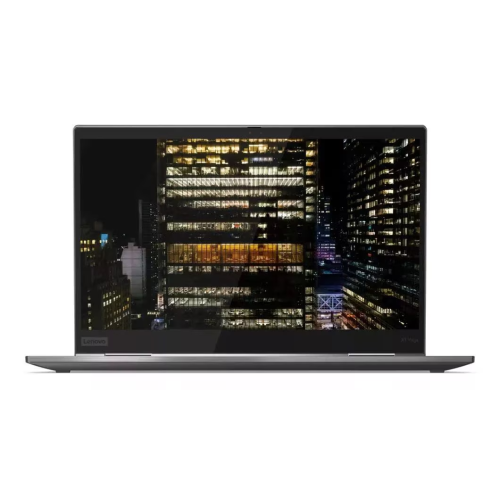
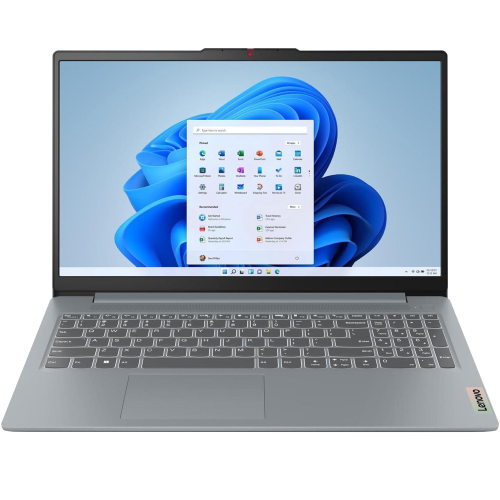
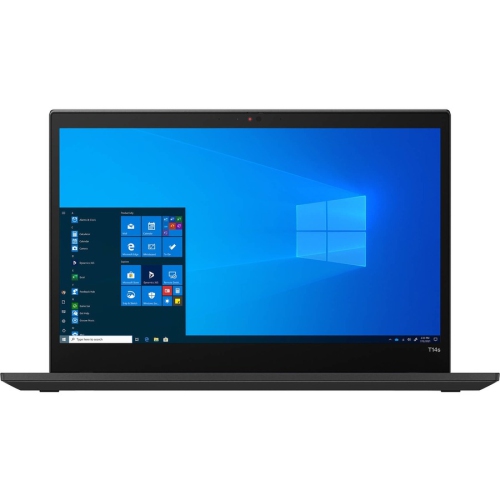
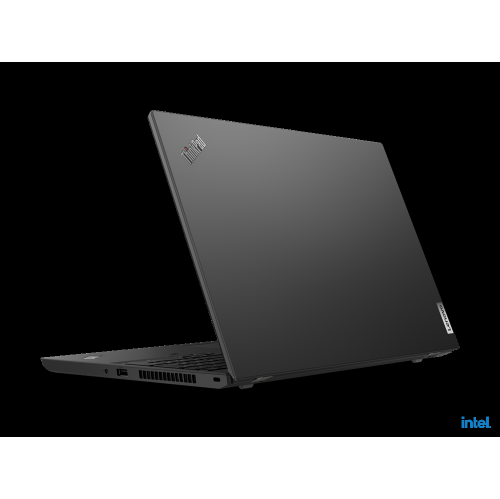
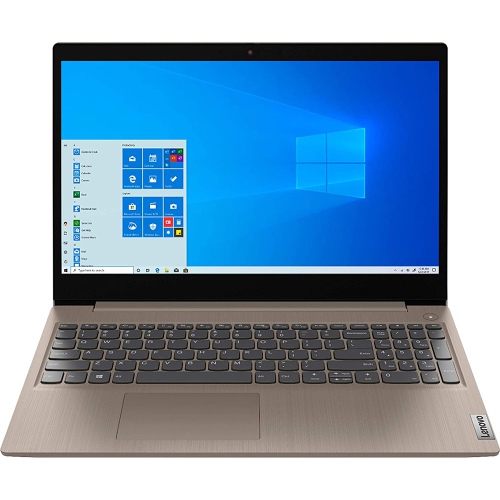
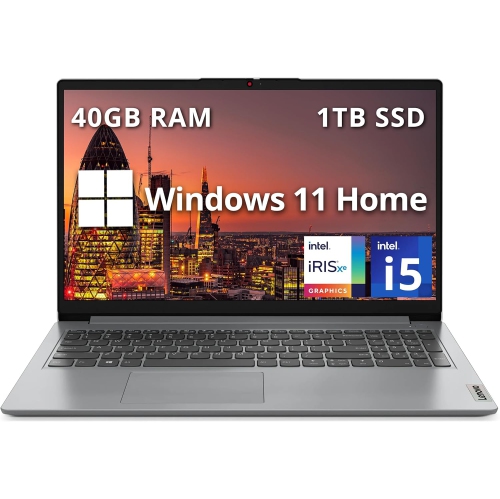
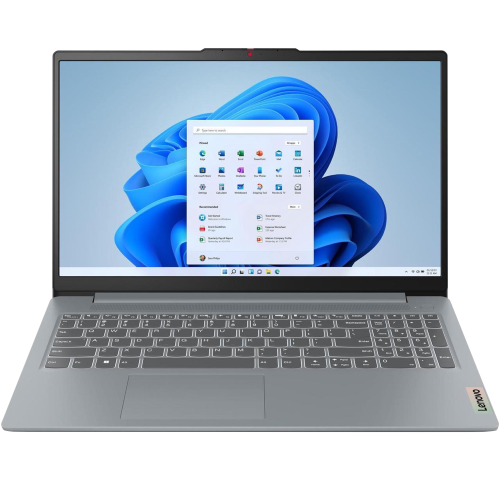
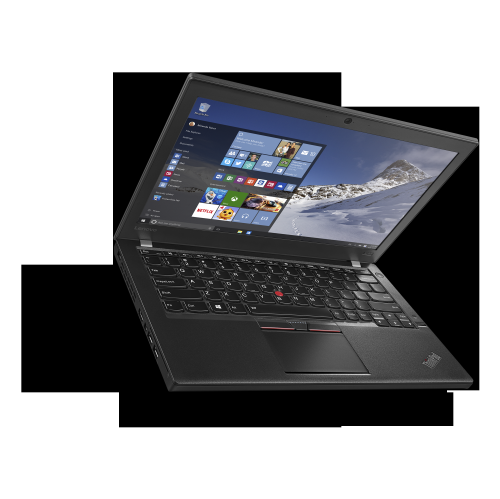
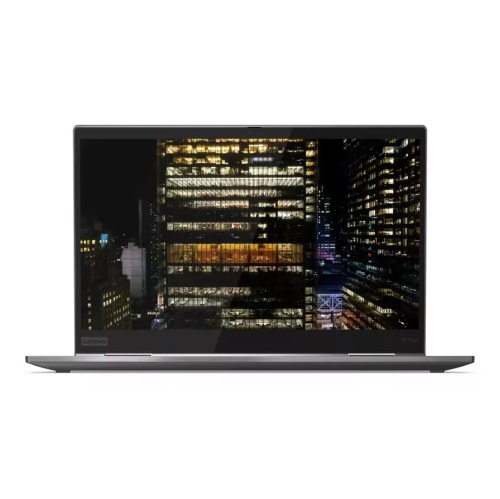
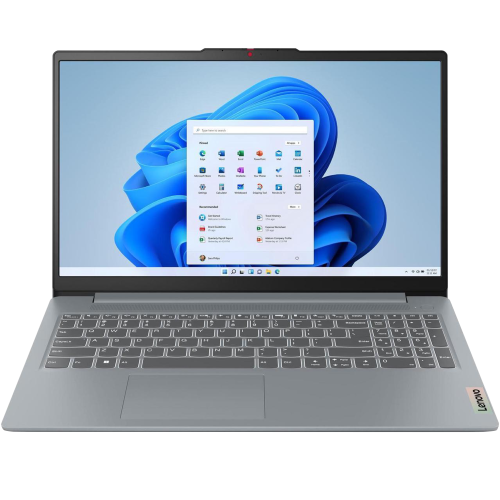
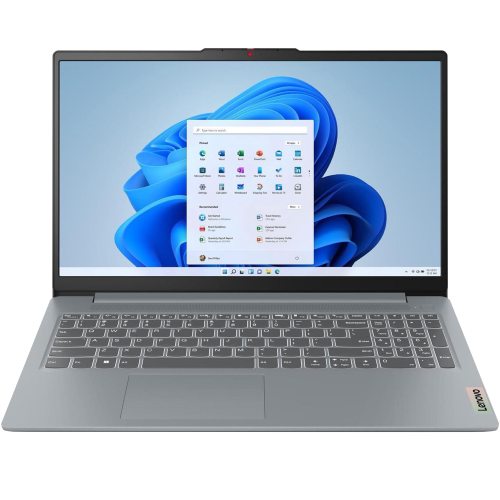
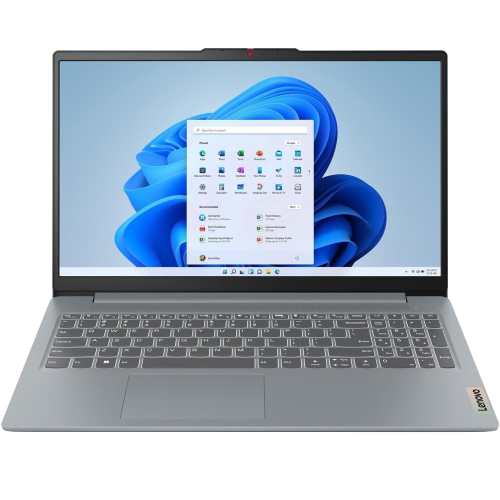
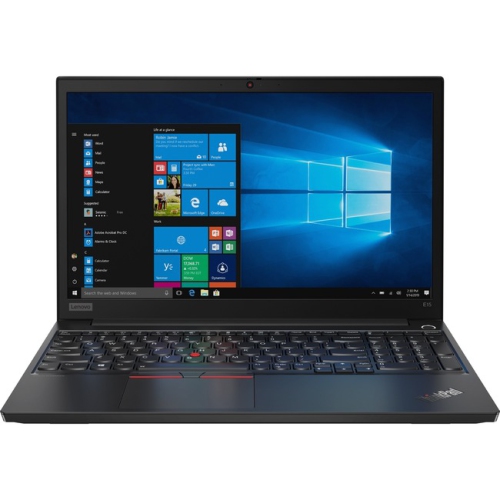
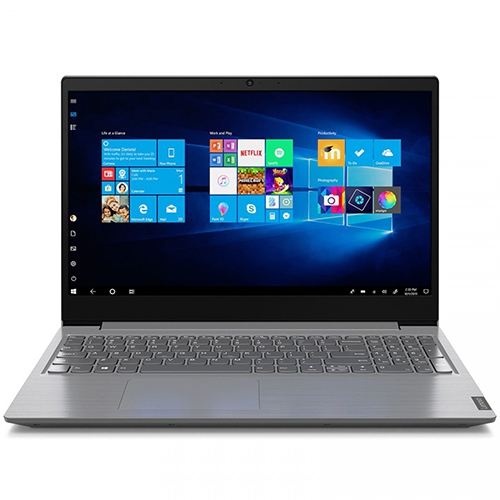
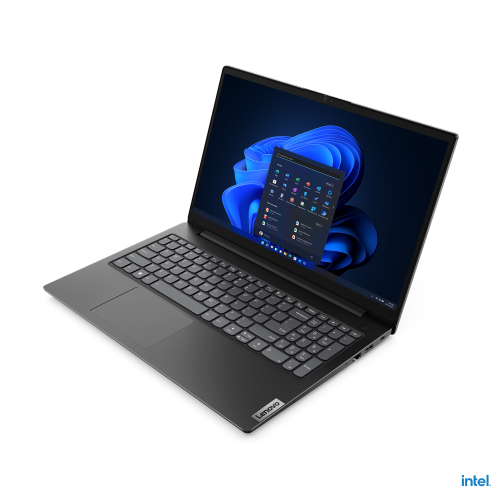
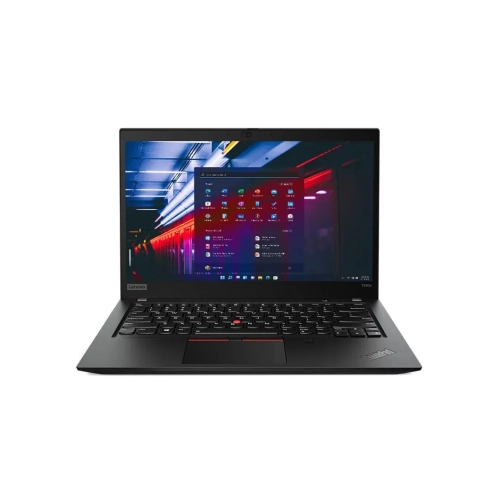
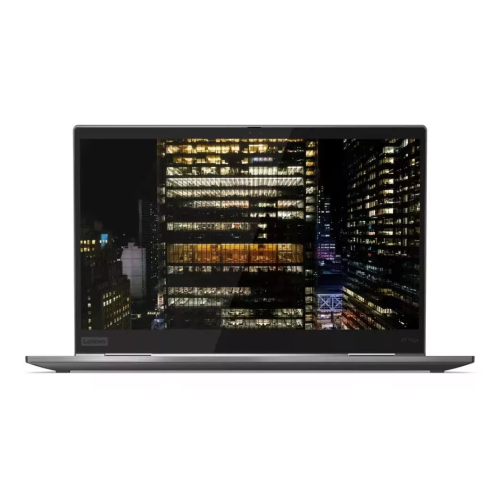

Everyday laptop performance goes beyond the processor label
Laptops with Core i5 processors can provide a practical balance of responsiveness and everyday computing capability for school, office work, and home use. Typical tasks include writing documents, managing spreadsheets, browsing with several tabs open, joining video calls, and streaming entertainment after work. A student might move between lecture notes, research articles, and a presentation, while someone working from home may keep email, a shared document, and a meeting window open together. How smoothly a laptop handles those activities depends on more than its processor name. Processor generation, memory, storage, cooling, and software requirements all contribute to the experience, so two Core i5 laptops can perform differently despite sharing the same processor family. Memory gives active applications room to work: 8 GB can support lighter everyday use, while 16 GB provides more breathing room for busier multitasking and larger documents. A solid-state drive helps the system start promptly and keeps opening applications and files feeling responsive. Storage capacity matters separately from speed, especially for people who keep photographs, downloaded videos, or substantial project folders on the laptop rather than relying mainly on online storage. A 512 GB drive offers more room than a 256 GB drive, although the operating system and installed applications take up part of that space. Integrated graphics can handle ordinary visual tasks and many forms of media playback, while demanding games, complex design work, and heavier video editing may call for dedicated graphics and other supporting hardware. The processor label alone does not establish suitability for specialized software. For general household computing, however, this category can cover a useful middle ground between basic tasks and more involved work. It suits people who need a computer that can move from an assignment to a video call without making every activity feel like a separate setup, with the exact capabilities determined by the complete configuration.
Screen size and physical design shape how a laptop fits into daily life just as much as its internal components. A compact 14-inch design can fit comfortably into many backpacks and leave room on a small desk for a notebook, while a 15-inch or 16-inch screen provides a larger workspace for side-by-side documents and detailed spreadsheets. Overall dimensions still vary with the screen’s proportions and the width of its borders, so the diagonal measurement does not tell the whole story. Weight also becomes more noticeable when a computer travels alongside a charger, lunch, and textbooks. For someone who works mainly at a desk, a larger display and a comfortable keyboard may matter more than the lightest possible build. Full HD resolution generally provides useful clarity for text and everyday media, while higher resolutions can show finer detail but may increase power demands. Brightness, reflections, and viewing angles affect readability in a classroom, shared office, or room with overhead lighting. A matte finish can reduce distracting reflections, whereas a glossy touchscreen supports direct interaction but can show fingerprints more readily. Convertible designs add flexibility for supported touch and pen tasks, although those capabilities depend on the model and compatible accessories. Keyboard layout is another practical detail: a number pad can help with frequent numerical entry, and a backlit keyboard makes keys easier to identify in a dim room. A responsive touchpad supports everyday navigation when there is no space for a mouse. Connections influence the setup, too. USB ports can accommodate accessories, an HDMI output can connect a compatible display, and a headset connection may be useful for calls. USB-C capabilities differ between laptops; charging, display output, and data transfer are not necessarily supported by every port. Wi-Fi performance likewise depends on the laptop’s wireless hardware, the router, and the strength of the connection where it is used.
Materials, construction, and routine care all influence how a laptop holds up to frequent use. Plastic housings can keep weight manageable, while metal panels may give the lid or keyboard area a firmer feel; neither material alone establishes how well the entire computer is built. Hinge construction, chassis rigidity, and the way a device is carried also matter. A fitted, padded sleeve helps protect surfaces from scratches inside a bag, and a dedicated laptop compartment keeps pressure from loose accessories away from the screen. Cables and small objects left on the keyboard can damage the display when the lid closes. A soft, lint-free cloth is useful for routine cleaning, with any cleaning method kept consistent with the manufacturer’s care directions. Ventilation openings need clear space, since a laptop resting on bedding or a thick cushion can trap heat and restrict airflow. A hard, flat surface supports more dependable cooling during longer work sessions. Battery runtime varies with screen brightness, applications, wireless activity, and power settings, so demanding tasks can shorten unplugged use considerably compared with light document work. A compatible charger and access to power remain useful for a full day of mixed activities. For shared households, separate user accounts help keep personal files and settings organized, while regular software updates and backups support ongoing use. These laptops can suit secondary school and post-secondary students, home-office workers, and family members replacing an older everyday computer. As a gift, the most useful configuration is one that fits the recipient’s software needs, preferred screen size, and usual routine, rather than simply carrying a familiar processor label. For workloads that may benefit from a different processor tier, the Lenovo Laptop I7 category provides a related comparison, though generation and overall configuration still determine the practical difference. A well-matched Core i5 laptop brings together sufficient memory, suitable storage, comfortable controls, and a screen that fits the way its owner works.
Top selling and popular products
-
 Your price for this item is $449
-
 Your price for this item is $3099
-
 Your price for this item is $1800.68
-
 Your price for this item is $664.05
-
 Your price for this item is $869.99
-
 Your price for this item is $2960.48
-
 Your price for this item is $499.68
-
 Your price for this item is $1951.79
Discover more categories related to Lenovo Laptop Intel Core I5

Top Collections:
Best Black Friday Deals This Year, Best Black Friday Deals On Electronics, Kindle Devices, Pokemon Centers, Best Black Friday Deals On Apple Products, Best Cameras for Sports Photography, Dyson Airwrap, Pokémon 30th Celebration Cards, Apple iPhone 17 Pro, Canon G7X Cameras
Some products may be subject to Environmental Handling Fees
(EHF) depending on your province.
Learn more about EHFs.