Lenovo ThinkPad I7
Lenovo ThinkPad I7 laptops deliver the performance and reliability needed for a seamless computing experience at work, school, or home. With a focus on speed and efficiency, these laptops are built to handle demanding tasks and multitasking with ease. Explore a variety of models designed to suit both professional and personal needs, combining advanced technology with user-friendly features. Find the ideal Lenovo ThinkPad I7 to support your productivity and keep you connected wherever you go.
Sort
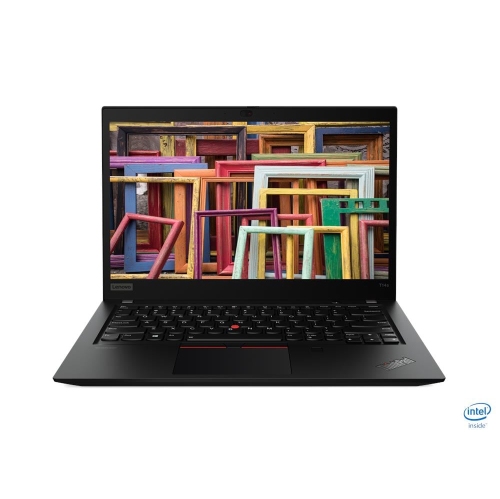
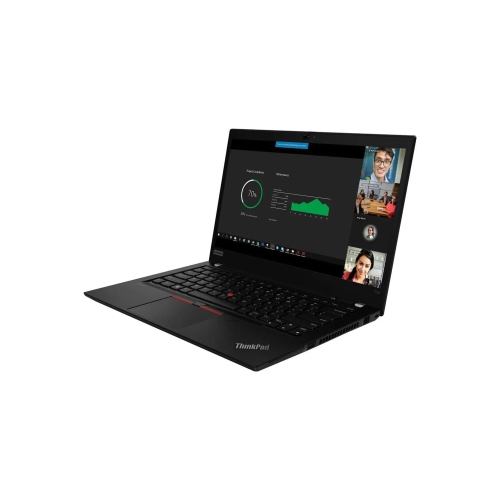
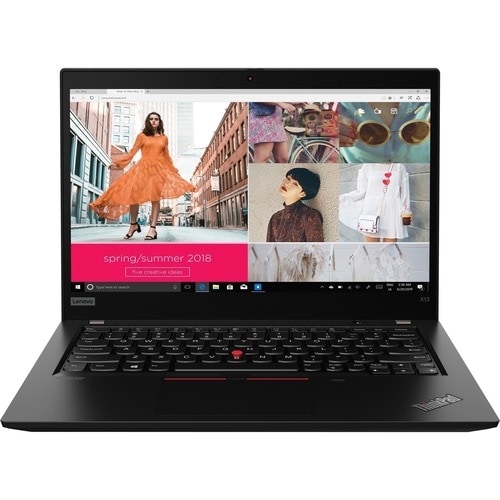
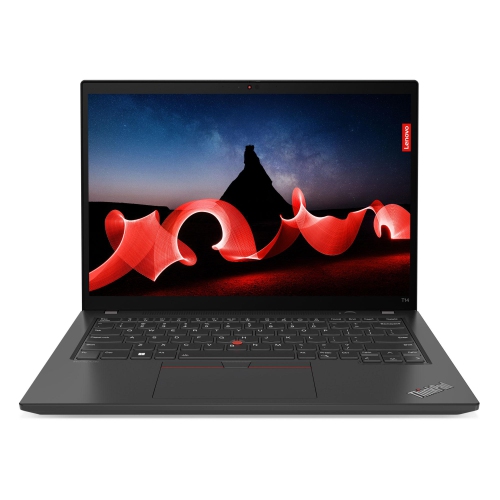
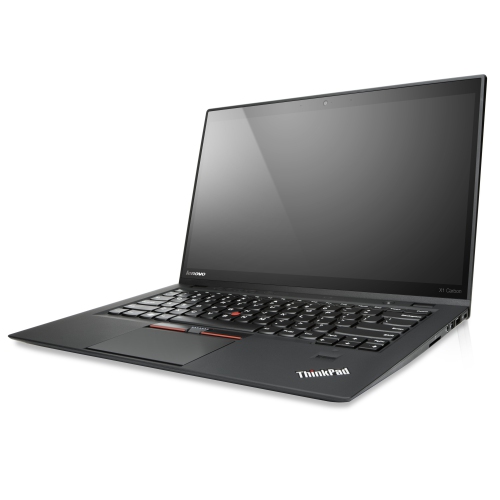
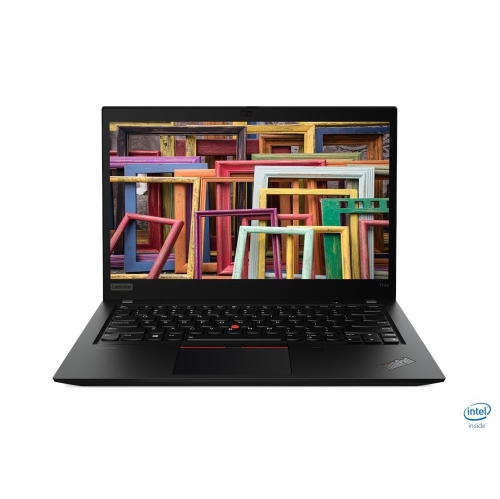
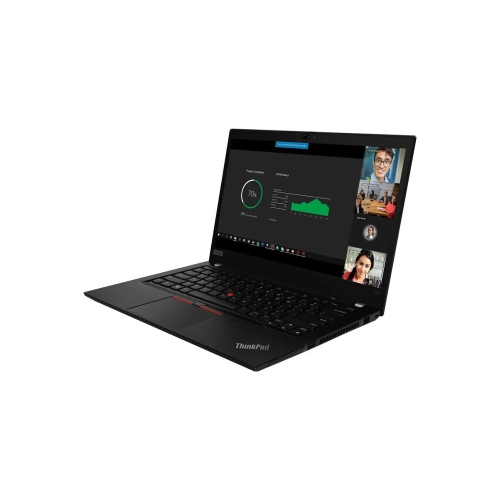
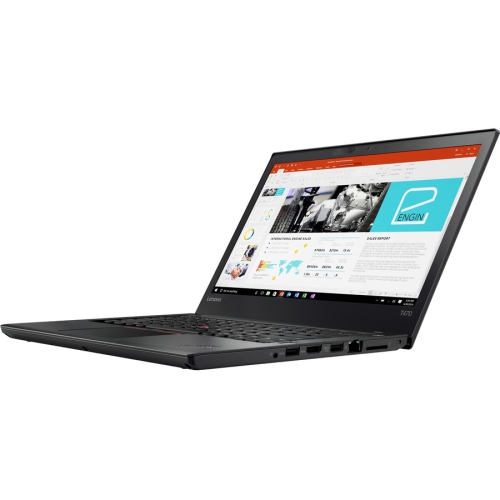
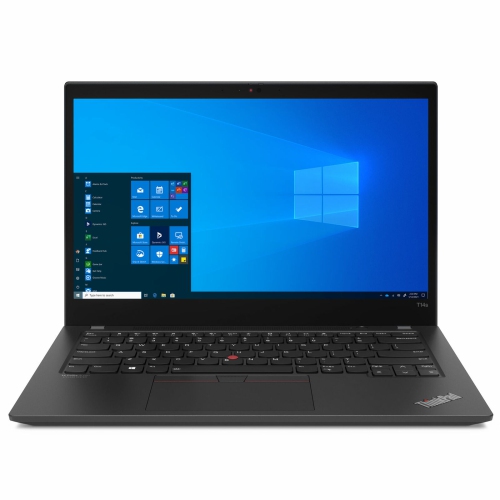
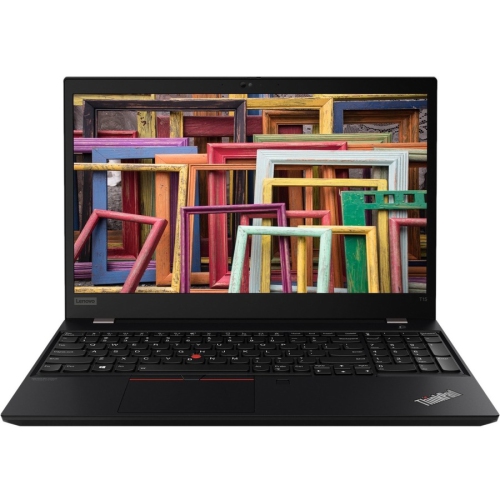
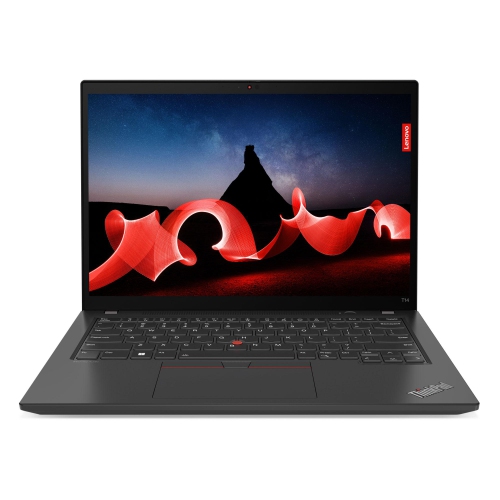
Business laptop performance goes beyond the processor badge
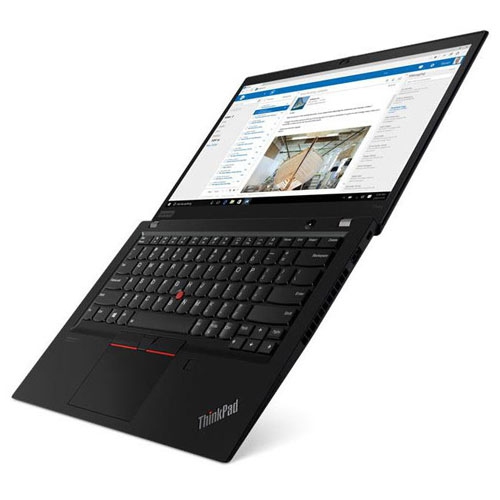
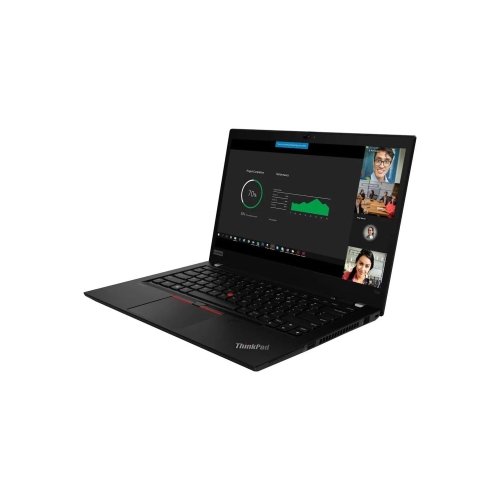
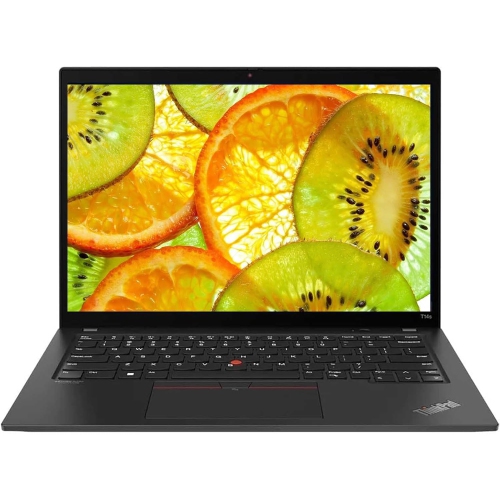
Business laptops with i7 processors bring together computing power, practical keyboards, and connectivity for work that moves between a desk, a meeting room, and a home office. They suit professionals working across spreadsheets, presentations, browser-based applications, and video calls, as well as students running development tools or research software. The i7 designation identifies a processor tier within a generation, not a single, fixed level of performance. Processor generation, core configuration, cooling, and power settings all influence how a laptop responds during a long compilation or a demanding calculation. Two computers carrying an i7 label can therefore feel quite different under the same workload. A thin, lightweight design may prioritize portability, while a larger chassis may provide more cooling capacity for sustained tasks. Memory and storage also shape the experience. Having enough RAM helps keep several applications responsive at once; 16GB can support many everyday business workloads, while 32GB or more provides additional headroom for larger datasets, virtual machines, and heavier multitasking. A solid-state drive helps applications open quickly and keeps file access responsive, although capacity matters when project folders, software installations, and locally stored media begin to accumulate. A 512GB drive may suit work centred on documents and cloud storage, while larger capacities leave more room for substantial local files. Upgrade options differ between laptop designs, with some using soldered memory and others providing accessible memory slots or replaceable storage. Graphics requirements deserve separate attention: integrated graphics can handle office applications and many everyday visual tasks, but complex 3D work, certain engineering applications, and demanding video projects may benefit from dedicated graphics. For someone keeping a large workbook open beside a browser, messaging application, and online meeting, the balance of processor, memory, storage, and cooling matters more than the processor badge alone. Software compatibility is equally important, particularly when a workplace or course depends on a particular operating system, application version, or hardware feature.
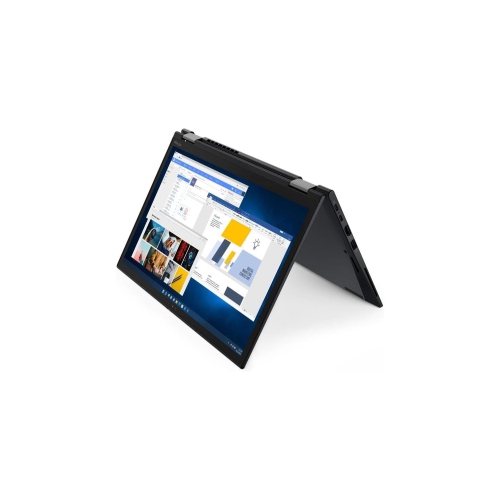
The physical design of a business laptop makes a difference over hours of daily use. A keyboard with well-spaced keys, a comfortable layout, and clear feedback can make lengthy reports or frequent correspondence less tiring. Backlighting is useful in dim meeting rooms, while a dedicated number pad may appeal to people who enter figures throughout the day. Keyboard layouts vary with chassis size, and a more compact computer may trade a number pad for a smaller footprint. Touchpad size, palm-rest space, and the position of frequently used keys all affect comfort, particularly when an external keyboard is not part of the setup. Screen size brings similar trade-offs. A 14-inch display can fit comfortably into many work bags, while a 16-inch screen provides more space for side-by-side documents and detailed spreadsheets. Resolution influences text sharpness and the amount of usable detail, but brightness, glare control, and colour accuracy also matter. A matte display can reduce distracting reflections from overhead lights, and a taller screen shape can show more lines of a document or code file. Touch input and a folding hinge are useful for some workflows, though neither is essential for conventional typing and desktop applications. Construction varies by model and may include metal alloys, reinforced composites, or combinations of materials designed to balance weight and rigidity. A firm lid, stable hinges, and a chassis that resists flex can contribute to a reassuring feel during regular travel. Durability claims should be read alongside the stated testing and warranty terms; testing does not make a laptop immune to spills, drops, or pressure inside an overfilled bag. A padded sleeve and a bag compartment that fits the computer securely help protect the screen and corners. The fit should accommodate the laptop’s actual dimensions, not just its advertised display size. For people carrying a charger, headset, and paperwork as well, the combined weight is more meaningful than the laptop’s weight in isolation.
Connectivity and everyday upkeep help determine how smoothly a business laptop fits into an established routine. USB-A ports can keep familiar accessories useful, while USB-C may support charging, external displays, or docking, depending on the port’s specifications. Identical-looking connectors do not necessarily provide identical capabilities, so support for display output, charging power, and high-speed data transfer needs to match the intended setup. HDMI can simplify connections to meeting-room screens, and wired networking may be useful at a fixed desk where a dependable physical connection is preferred. Wi-Fi capabilities, webcam quality, microphone performance, and speaker clarity matter for people who spend much of the day collaborating remotely. A camera shutter, fingerprint reader, or other sign-in feature can add convenience and privacy where included, while workplace security requirements may call for particular hardware and management features. Battery life depends on screen brightness, wireless activity, software load, battery condition, and power settings; a video meeting or sustained calculation typically uses more power than reading a document. Charging arrangements matter too, especially when one adapter is expected to serve both a laptop and a docking station. For related processor-based options, the Lenovo Core I7 collection provides a broader point of comparison. Across business laptops, long-term usability also depends on straightforward care: keeping ventilation openings clear, using the computer on a firm surface, and cleaning the screen with a soft cloth according to the manufacturer’s directions. Liquids should not be sprayed directly onto the display or keyboard. Operating system updates, regular backups, and sensible storage management help keep daily work organized and reduce disruption when something goes wrong. For a student, independent professional, or family member receiving a laptop as a gift, compatibility with required software and existing accessories is especially valuable. A comfortable screen, suitable keyboard, appropriate connections, and enough computing headroom create a better everyday fit than an impressive specification considered on its own.
Top selling and popular products
-
 Your price for this item is $449
-
 Your price for this item is $3099
-
 Your price for this item is $1800.68
-
 Your price for this item is $664.05
-
 Your price for this item is $869.99
-
 Your price for this item is $2960.48
-
 Your price for this item is $499.68
-
 Your price for this item is $1951.79
Discover more categories related to Lenovo ThinkPad I7
Top Collections:
Best Black Friday Deals This Year, Best Black Friday Deals On Electronics, Kindle Devices, Pokemon Centers, Best Black Friday Deals On Apple Products, Best Cameras for Sports Photography, Dyson Airwrap, Pokémon 30th Celebration Cards, Apple iPhone 17 Pro, Canon G7X Cameras
Some products may be subject to Environmental Handling Fees
(EHF) depending on your province.
Learn more about EHFs.