Lenovo P11 Plus
Discover the versatility and convenience of the Lenovo P11 Plus, a device designed to keep up with your dynamic lifestyle. Whether you’re working, streaming, or staying connected on the go, the Lenovo P11 Plus offers a seamless experience for productivity and entertainment. Explore a range of options and find the ideal model to match your needs, all in one place. Elevate your everyday routine with the Lenovo P11 Plus and enjoy reliable performance wherever you are.
Sort


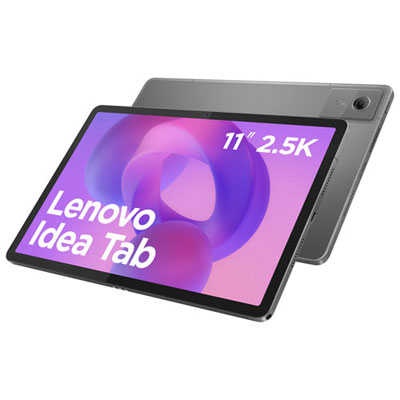
What makes an 11-inch tablet comfortable for everyday use
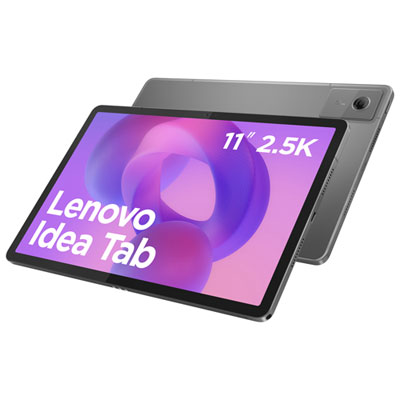
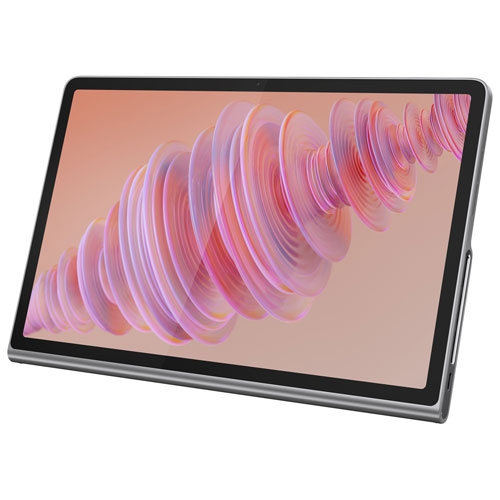
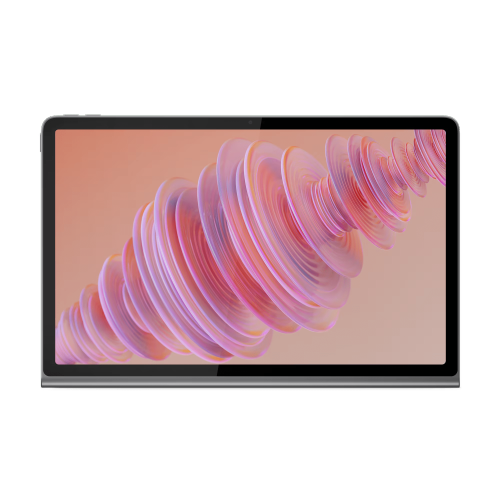
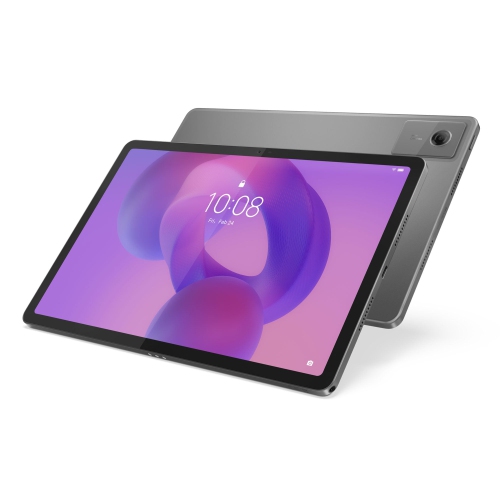
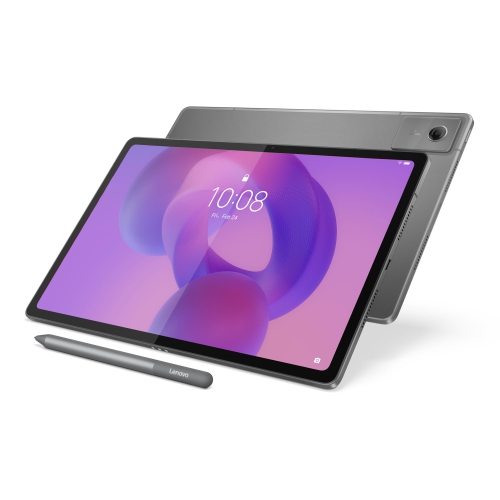
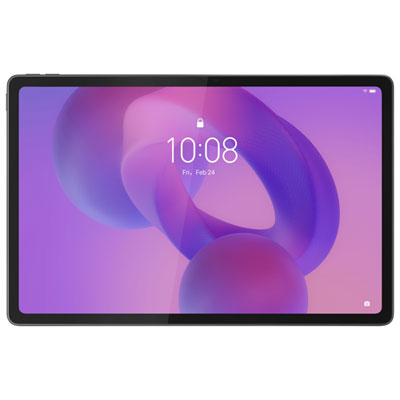
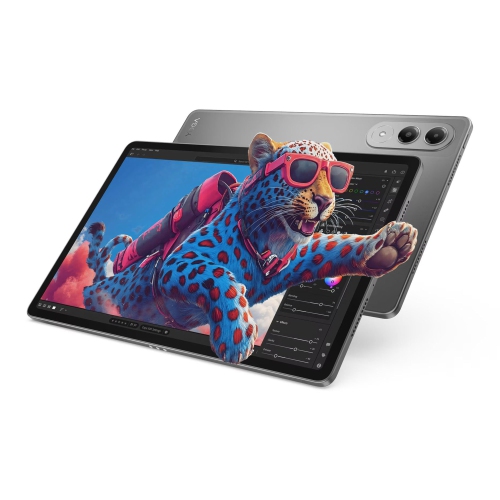
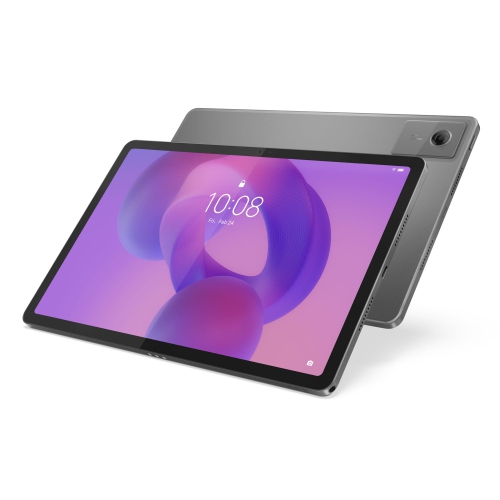
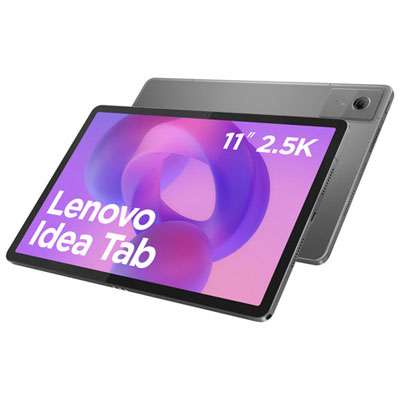
An 11-inch tablet offers a comfortable middle ground between a phone and a laptop, with enough screen space for films, digital books, video calls, and everyday tasks without taking over a desk or filling a bag. Tablets in this size range suit people who want to read a recipe on the kitchen counter, watch a programme from the sofa, or review a document away from their main computer. Display resolution is one useful distinction: a 2000 × 1200 screen has room for detailed images and crisp text, while an IPS panel can help keep the picture clear when viewed from an angle. That matters when two people share a screen or a tablet sits on a stand beside a workspace. Brightness, reflections, and adjustable text size also affect reading comfort; resolution alone does not tell the whole story. An 11-inch measurement describes the screen diagonally, rather than the width of the device, so overall dimensions and weight are more helpful when judging how it will fit in a handbag or feel during a long reading session. Sound deserves similar attention. Multiple speakers can make dialogue easier to follow and give films a fuller sound, although speaker placement and the way the tablet is held influence the listening experience. Headphones offer a more private option for shared rooms and travel, with connection choices depending on the device. For entertainment, the most useful combination is a clear display, comfortable handling, dependable wireless connectivity, and support for the apps a household actually uses. Streaming quality can also depend on the service, subscription, and device certification, not just the screen’s resolution. A tablet used mainly for reading and occasional video needs a different balance of features from one shared by several family members for games, calls, and downloaded films. A well-matched tablet feels easy to pick up for a short task while remaining comfortable enough for a longer session.
Everyday performance depends on the processor, memory, software, and the demands of individual apps working together. An eight-core processor can handle a range of tasks, but core count by itself is not a reliable measure of speed. Opening a few browser tabs, checking email, and playing a video place different demands on a tablet from a detailed game or a large creative project. Memory helps keep apps responsive when switching between them, while internal storage holds apps, photos, files, and downloads. The usable space is less than the stated storage capacity because the operating system and preinstalled software take up part of it. Where supported, a microSD card adds room for compatible files, such as photos and downloaded media, but it does not increase working memory, and not every app can be moved to it. This distinction is useful for a student keeping course readings on hand or a traveller saving entertainment for a journey without reliable internet access. Wi-Fi supports streaming, browsing, and online communication wherever a suitable network is accessible; mobile data requires a configuration with the appropriate hardware and a separate service plan. Battery capacity is another part of the picture rather than a promise of a fixed runtime. Screen brightness, video calls, gaming, wireless activity, and battery condition all influence how long a charge lasts. Charging speed also depends on both the tablet and a compatible charger, so the connector shape alone does not establish charging performance. For study or light work, a tablet can be a convenient place to annotate a reading, join a meeting, or make brief changes to a document. More involved spreadsheets, specialized software, and lengthy assignments may still be better suited to a computer. App compatibility and software support matter especially for these uses. An older operating system may not support every new app feature, and update eligibility can vary by model and region. The software version, security support, and requirements of essential apps are worth checking alongside the hardware specifications.
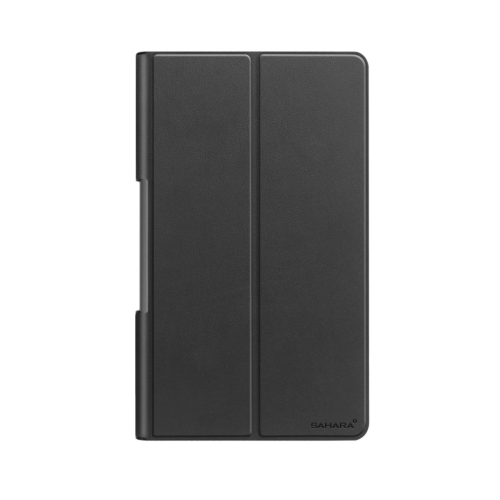
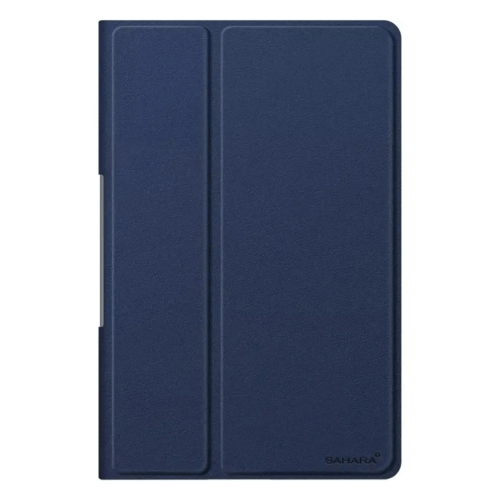
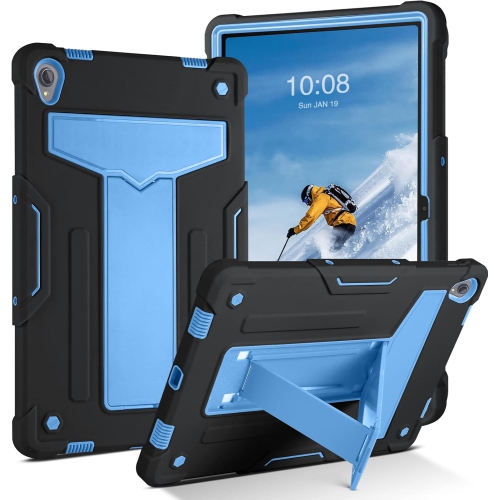
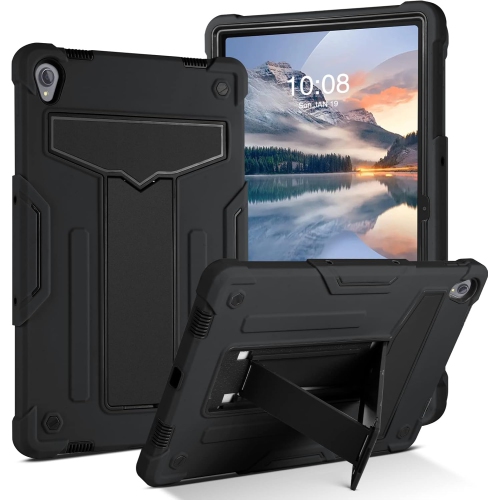
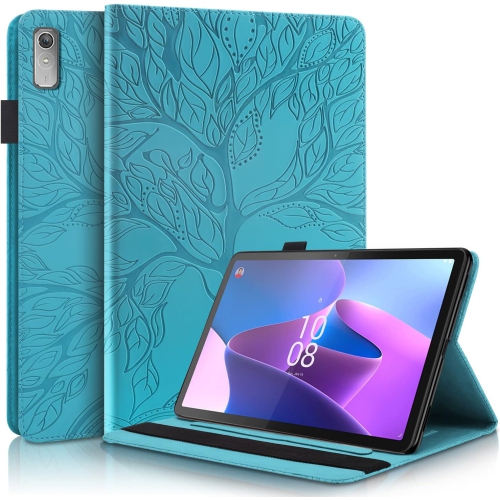
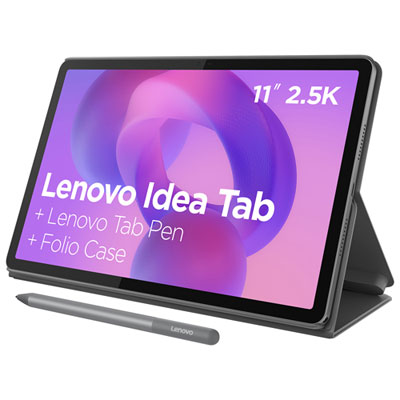
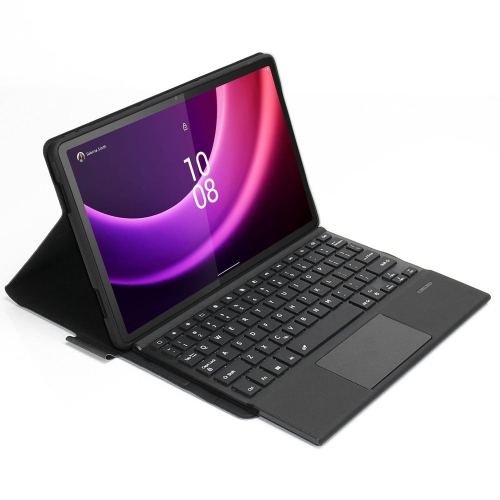
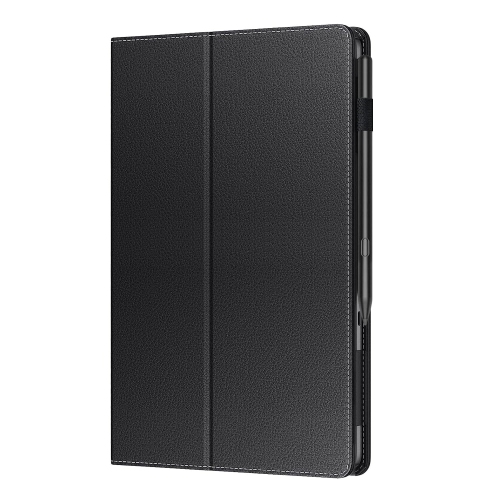
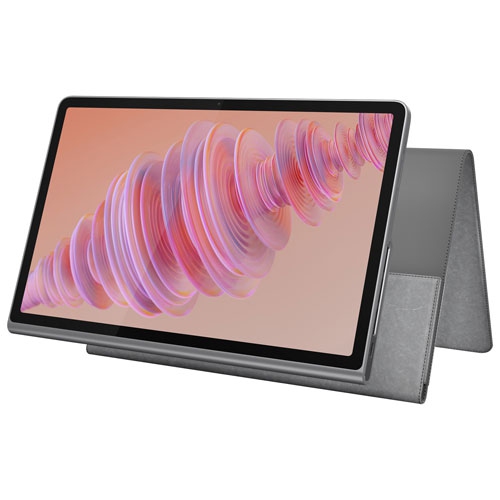
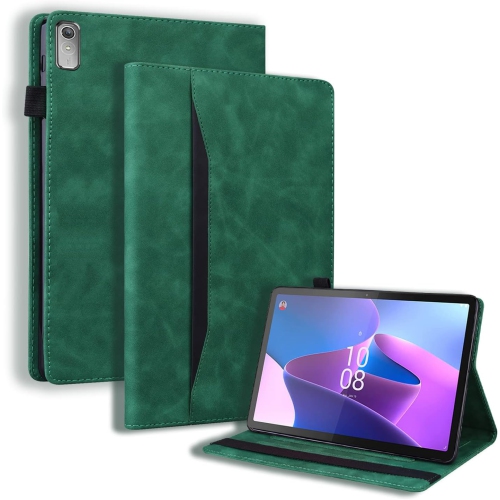
Cases, stands, keyboards, and compatible pens can shape how a tablet fits into daily life, but their fit is more exact than a shared screen measurement suggests. A protective cover needs the correct dimensions and cut-outs for the cameras, speakers, buttons, and charging port. Even tablets with similar names or the same display size may have different layouts, attachment points, or pen support. The related Lenovo Tablet P11 page provides another place to browse, while the full model designation remains the best starting point for checking accessory compatibility. A folio-style cover can protect the screen inside a bag and fold into a stand for watching videos or following a recipe. A case with a raised edge may help limit contact between the screen and a flat surface, although no case makes a tablet immune to damage. Metal housings can feel firm and smooth, while textured case materials can improve grip; added protection also increases weight and bulk. A stable stand matters during video calls, particularly when tapping the screen or typing on a separate keyboard. Keyboard layouts, connection methods, and shortcut support vary, and an active pen must use a technology the tablet supports to provide features such as pressure sensitivity or palm rejection. These details make a difference for handwritten notes, diagrams, and casual drawing. For shared family use, separate profiles and parental controls, where supported, can help organize access to apps and content. As a gift, a tablet is most useful when it suits the recipient’s familiar apps, accessibility needs, and preferred activities rather than simply offering the longest specification list. Straightforward care helps protect that usefulness: wipe the screen with a soft, lint-free cloth, follow the manufacturer’s cleaning directions, and keep liquid away from ports. A padded compartment helps prevent keys and other hard objects from rubbing against the display during travel. Together, a suitable fit, compatible accessories, and sensible handling support a tablet that is comfortable to use for reading, entertainment, learning, and everyday communication.
Everyday performance depends on the processor, memory, software, and the demands of individual apps working together. An eight-core processor can handle a range of tasks, but core count by itself is not a reliable measure of speed. Opening a few browser tabs, checking email, and playing a video place different demands on a tablet from a detailed game or a large creative project. Memory helps keep apps responsive when switching between them, while internal storage holds apps, photos, files, and downloads. The usable space is less than the stated storage capacity because the operating system and preinstalled software take up part of it. Where supported, a microSD card adds room for compatible files, such as photos and downloaded media, but it does not increase working memory, and not every app can be moved to it. This distinction is useful for a student keeping course readings on hand or a traveller saving entertainment for a journey without reliable internet access. Wi-Fi supports streaming, browsing, and online communication wherever a suitable network is accessible; mobile data requires a configuration with the appropriate hardware and a separate service plan. Battery capacity is another part of the picture rather than a promise of a fixed runtime. Screen brightness, video calls, gaming, wireless activity, and battery condition all influence how long a charge lasts. Charging speed also depends on both the tablet and a compatible charger, so the connector shape alone does not establish charging performance. For study or light work, a tablet can be a convenient place to annotate a reading, join a meeting, or make brief changes to a document. More involved spreadsheets, specialized software, and lengthy assignments may still be better suited to a computer. App compatibility and software support matter especially for these uses. An older operating system may not support every new app feature, and update eligibility can vary by model and region. The software version, security support, and requirements of essential apps are worth checking alongside the hardware specifications.
Cases, stands, keyboards, and compatible pens can shape how a tablet fits into daily life, but their fit is more exact than a shared screen measurement suggests. A protective cover needs the correct dimensions and cut-outs for the cameras, speakers, buttons, and charging port. Even tablets with similar names or the same display size may have different layouts, attachment points, or pen support. The related Lenovo Tablet P11 page provides another place to browse, while the full model designation remains the best starting point for checking accessory compatibility. A folio-style cover can protect the screen inside a bag and fold into a stand for watching videos or following a recipe. A case with a raised edge may help limit contact between the screen and a flat surface, although no case makes a tablet immune to damage. Metal housings can feel firm and smooth, while textured case materials can improve grip; added protection also increases weight and bulk. A stable stand matters during video calls, particularly when tapping the screen or typing on a separate keyboard. Keyboard layouts, connection methods, and shortcut support vary, and an active pen must use a technology the tablet supports to provide features such as pressure sensitivity or palm rejection. These details make a difference for handwritten notes, diagrams, and casual drawing. For shared family use, separate profiles and parental controls, where supported, can help organize access to apps and content. As a gift, a tablet is most useful when it suits the recipient’s familiar apps, accessibility needs, and preferred activities rather than simply offering the longest specification list. Straightforward care helps protect that usefulness: wipe the screen with a soft, lint-free cloth, follow the manufacturer’s cleaning directions, and keep liquid away from ports. A padded compartment helps prevent keys and other hard objects from rubbing against the display during travel. Together, a suitable fit, compatible accessories, and sensible handling support a tablet that is comfortable to use for reading, entertainment, learning, and everyday communication.
Top selling and popular products
-
 Your price for this item is $499.99
 -
 Your price for this item is $199.95
 -
 Your price for this item is $325
 -
 Your price for this item is $579.99
 -
 Your price for this item is $139.99
 -
 Your price for this item is $119.99
 -
 Your price for this item is $979.99
 -
 Your price for this item is $579.99
Discover more categories related to Lenovo P11 Plus
Top Collections:
Pokemon Centers, Kindle Devices, Best Budget Office Chairs, Apple iPhones 16, Best Laptops for Writers, iPhone 15 Apple, Canon G7X Cameras, Refurbished Apple Laptops, Alarm Clock, Motorola Razr Phones
Some products may be subject to Environmental Handling Fees
(EHF) depending on your province.
Learn more about EHFs.