Lenovo P11 Gen 2
Discover the versatility and performance of the Lenovo P11 Gen 2, designed to keep up with your everyday tasks and entertainment needs. Whether you're working, streaming, or staying connected on the go, the Lenovo P11 Gen 2 offers a seamless experience for users of all ages. Explore a range of options to find the perfect fit for your lifestyle and enjoy advanced technology that complements both productivity and leisure.
Sort

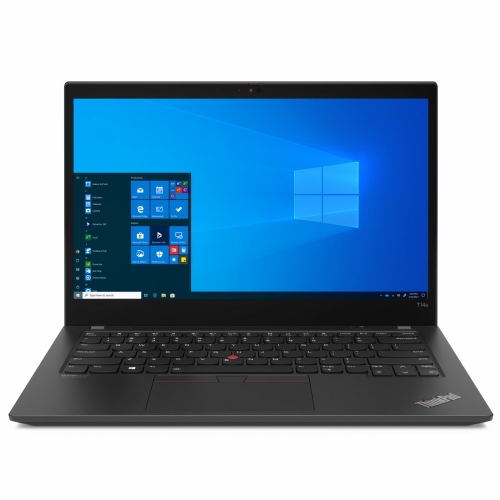
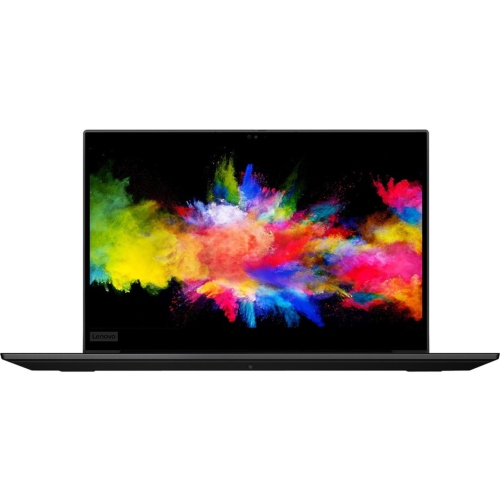
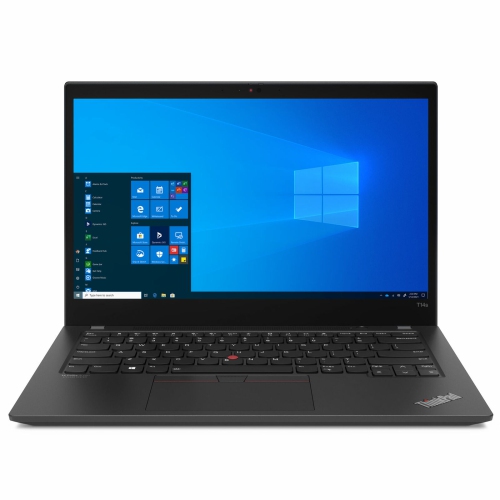
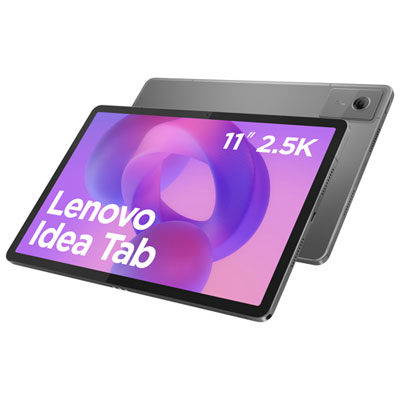
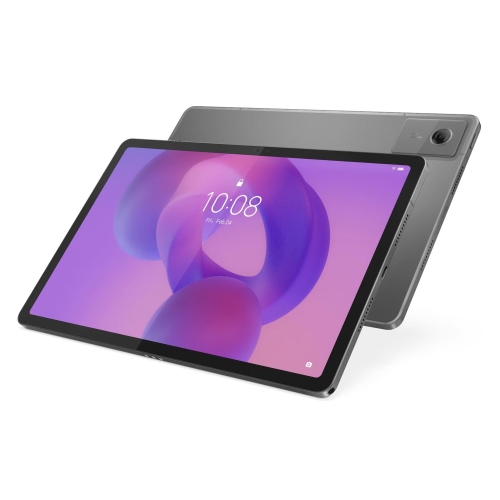
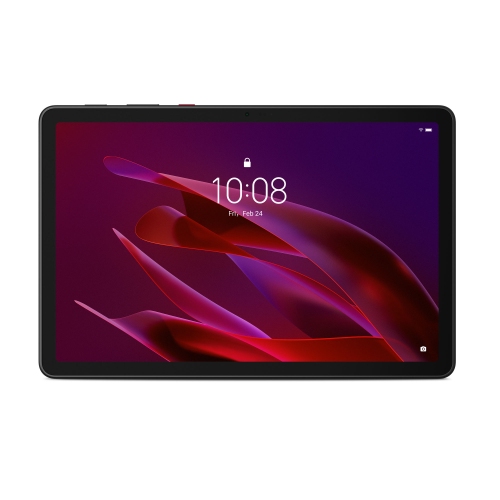
More screen space for reading and everyday multitasking
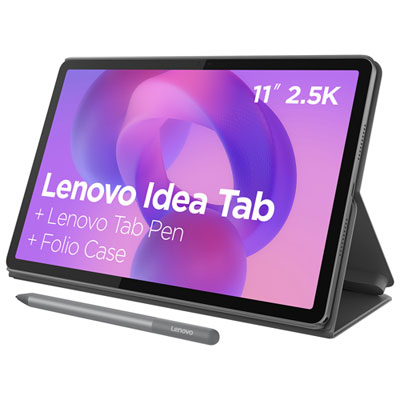
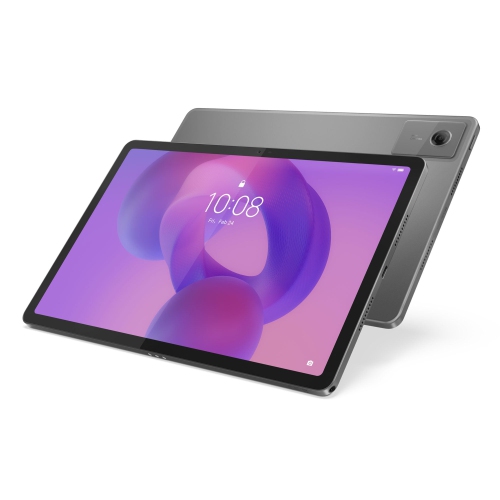
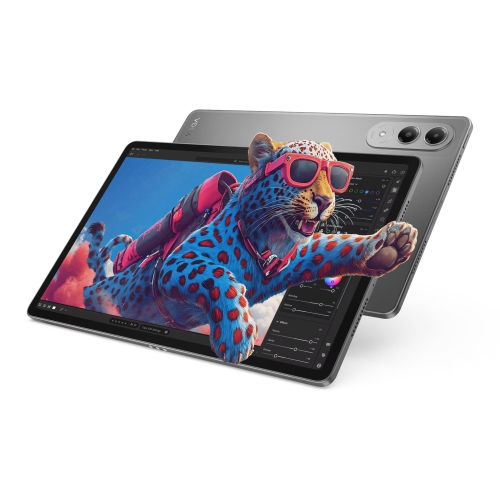
An 11.5-inch tablet offers a comfortable middle ground between a phone and a laptop, with enough screen space for reading, streaming and everyday tasks while remaining easy to carry from a desk to the sofa. The larger display gives digital magazines room to retain their page layouts, makes subtitles easier to follow and leaves more space for on-screen controls during casual games. A 2K resolution of 2000 x 1200 pixels provides detail for text, photographs and video, while an IPS panel helps maintain a clear picture when the screen is viewed at an angle. That matters when two people are watching a programme together or a tablet is propped beside a kitchen counter with a recipe open. A refresh rate of up to 120Hz can make scrolling, supported games and interface animations look smoother, although the effect depends on the app and its settings. Screen brightness and reflections also influence viewing comfort: a bright display helps with visibility, but even a high-resolution panel can be harder to read when a ceiling light reflects directly across it. Within the Lenovo Tablet P11 family, generation and configuration are important distinctions because similarly named tablets can have different dimensions, internal hardware and accessory support. Larger-screen tablets suit a broad mix of users, from students reviewing lecture slides to readers who prefer adjustable text and families sharing a device for entertainment. Multiple speakers can give dialogue and music a fuller presentation than a single small speaker, while headphones offer a more private way to listen during shared travel or quiet study. Speaker placement remains practical, too: holding a tablet in landscape orientation should leave the sound outlets unobstructed. For video calls, the position of the front camera and the angle of the stand can be just as noticeable as the camera’s resolution, especially during a long conversation or an online class.
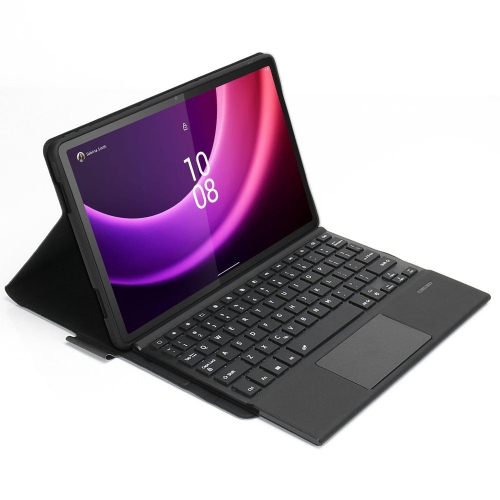
Everyday tablet performance depends on the balance between the processor, memory, storage and the demands of the apps being used. An octa-core processor can handle a varied routine of browsing, video playback, email and casual gaming, but processor design and software optimization matter more than core count alone. Memory affects how comfortably a device moves between open apps; 4GB of RAM serves a different workload from higher-memory configurations, particularly when several browser tabs, a document and a video call are running together. Internal storage has a separate role, holding apps, downloaded programmes, photographs and other files. A stated capacity of 128GB does not mean all of that space is available for personal content, since system software and preinstalled apps occupy part of it. Where supported, a microSD card provides additional room for compatible files, although it does not increase RAM and may not accommodate every app. Split-screen functionality makes a larger display more useful for light productivity, such as keeping a reading passage beside a notes app or referring to a timetable while drafting an email. A compatible keyboard can make longer messages and coursework more comfortable, while supported active pens allow handwritten notes, sketches and annotations. Pen support is generation-specific; a stylus that works with one tablet is not automatically compatible with another. Connectivity shapes these uses as well. Wi-Fi performance depends on the tablet, router, network settings and distance between devices, so a newer wireless standard alone does not guarantee a faster connection. Bluetooth supports compatible headphones and keyboards, while USB-C provides a connection for charging and supported accessories. The connector’s shape does not establish whether video output or a particular data speed is supported. Software version, remaining security support and app requirements also affect long-term usefulness, particularly for school accounts, work tools and services that handle personal information. These details help distinguish a tablet suited to occasional entertainment from one intended for a more involved daily routine.
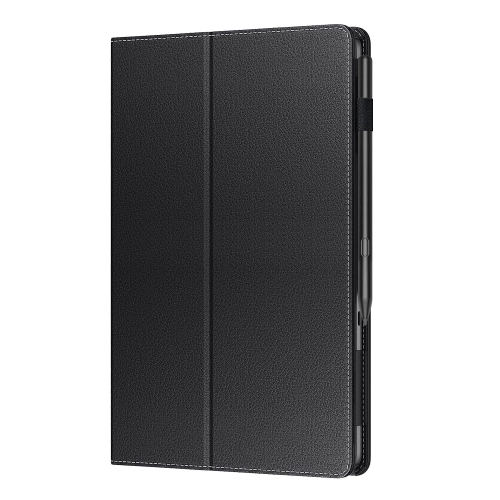
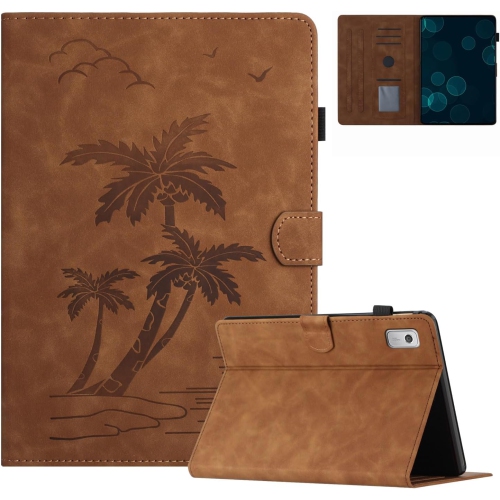
Physical design and accessory fit become more noticeable with regular use. A metal-backed tablet can feel firm in the hand, but its glass display still needs protection from impacts, pressure and grit inside a bag. A fitted folio covers the screen during transport and can fold into a stand for watching videos or reading at a table. The best fit depends on the exact generation and model dimensions, not just the advertised screen size: camera openings, charging ports, speaker grilles and button positions all need to line up. A case that presses against a button or partly covers a speaker can turn a useful accessory into a daily irritation. Added protection also changes weight and handling. A slim cover keeps a tablet relatively easy to slip beside a notebook, while a thicker protective case may offer a more substantial grip for shared household use. Stand stability matters when tapping the screen, and an adjustable viewing angle helps keep the display comfortable without balancing it against a mug or stack of books. Routine care is straightforward: a clean, soft microfibre cloth lifts fingerprints, and any cleaning method should follow the device manufacturer’s directions rather than involve spraying liquid directly onto the screen. Charging ports benefit from careful handling, with cables disconnected by the plug instead of pulled by the cord. Battery life varies with brightness, refresh rate, wireless activity and workload; streaming a film, joining a video call and reading an offline book place different demands on the same charge. A tablet can also make a practical gift for a student, an enthusiastic reader or someone who enjoys keeping recipes, photos and entertainment close at hand. Suitability rests on familiar apps, comfortable controls and the recipient’s preferred activities rather than screen size alone. For children or shared use, separate profiles and parental controls, where supported, help keep personal content and settings distinct. Paired with correctly fitted protection and genuinely compatible accessories, a larger-screen tablet can serve as a dependable companion for learning, communication and downtime.
Top selling and popular products
-
 Your price for this item is $449
-
 Your price for this item is $3099
-
 Your price for this item is $1800.68
-
 Your price for this item is $664.05
-
 Your price for this item is $869.99
-
 Your price for this item is $2960.48
-
 Your price for this item is $489.7
-
 Your price for this item is $1199
Discover more categories related to Lenovo P11 Gen 2
Top Collections:
Best Black Friday Deals This Year, Best Black Friday Deals On Electronics, Kindle Devices, Best Black Friday Deals On Apple Products, Best Budget Office Chairs, Best Cameras for Sports Photography, Dyson Airwrap, Canon G7X Cameras, Best Laptops for Writers, Samsung Galaxy Phones
Some products may be subject to Environmental Handling Fees
(EHF) depending on your province.
Learn more about EHFs.