Lenovo Tablet P11
Discover the versatility and performance of the Lenovo Tablet P11, designed to enhance your everyday digital experience. Whether you're browsing, streaming, or staying productive on the go, the Lenovo Tablet P11 offers a seamless blend of style and functionality. Explore a range of options that cater to various needs, making it easy to find the perfect fit for work, entertainment, or learning. Elevate your tech setup with the Lenovo Tablet P11 and enjoy a reliable companion for all your tasks.
Sort
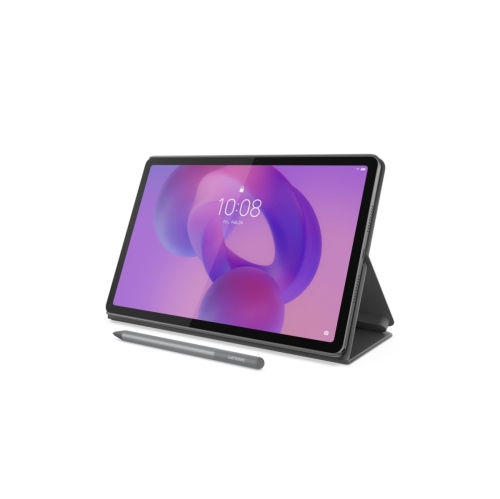
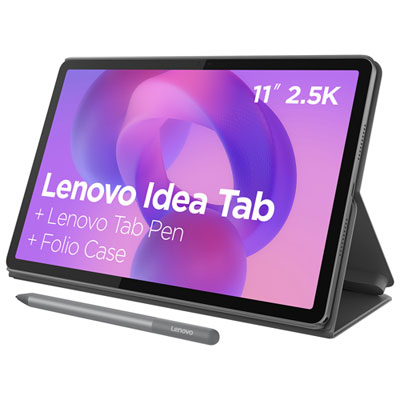
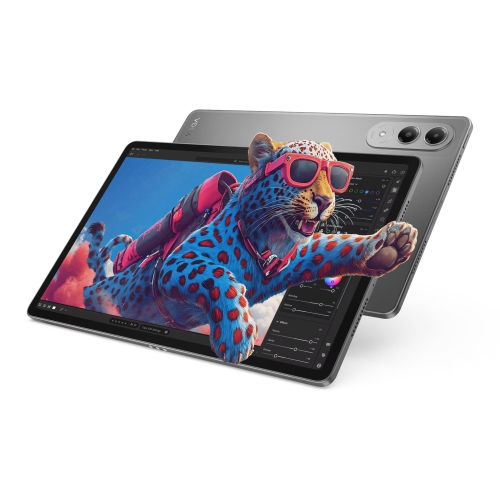
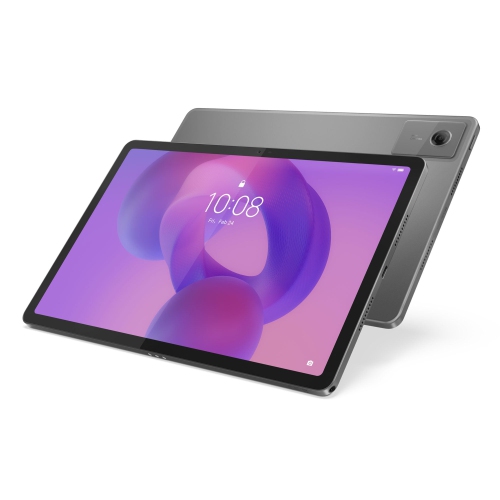
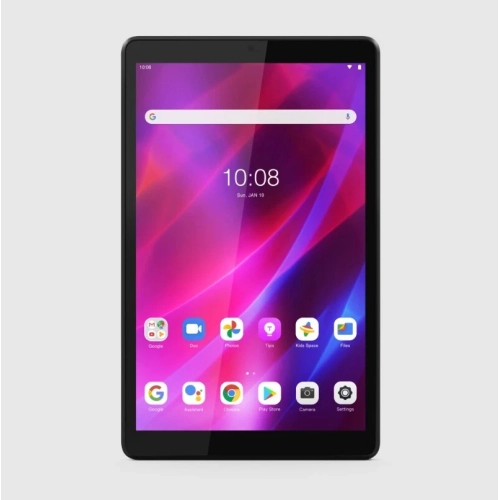
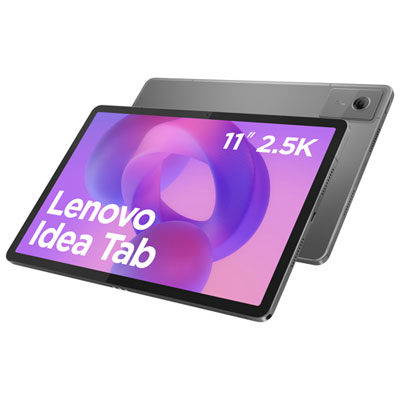
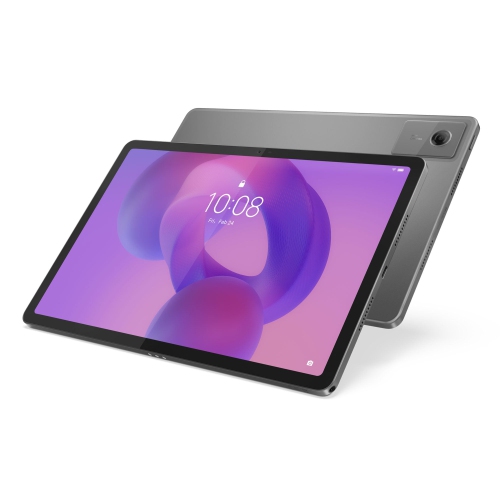
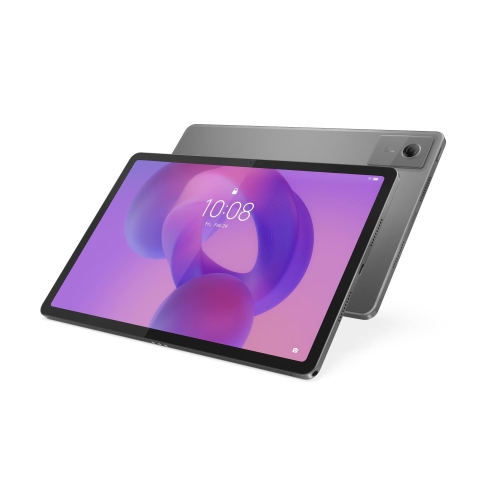
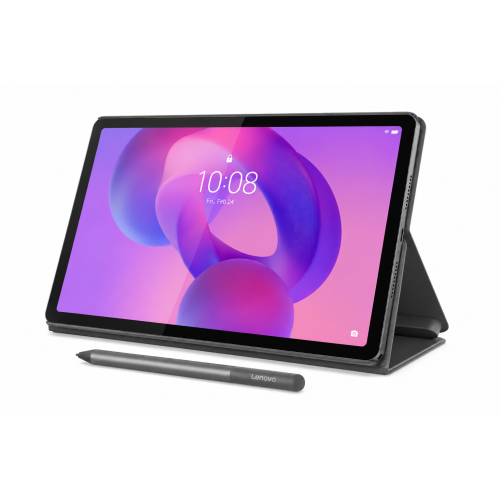
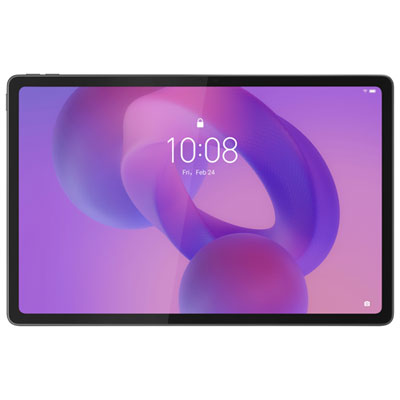
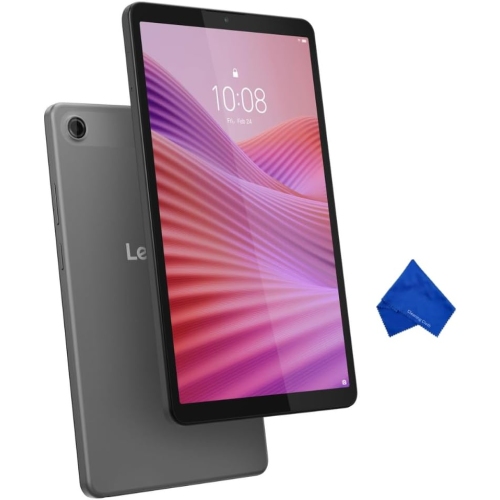
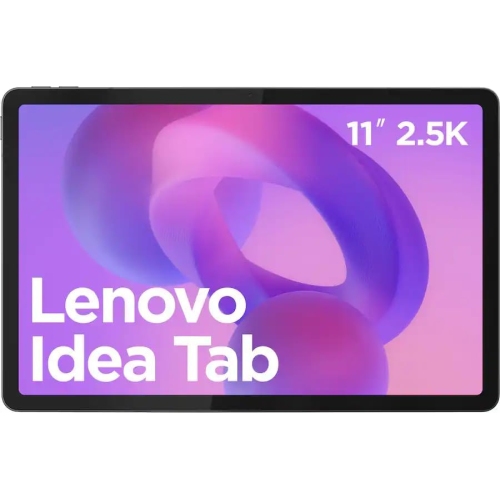
An 11-inch screen for more than streaming
An 11-inch tablet offers a comfortable middle ground between a phone’s compact screen and the larger footprint of a laptop. Its touchscreen provides room for streaming video, reading, everyday browsing, video calls, and light work without requiring a desk. That balance suits someone who watches a favourite series at the kitchen table, reads digital magazines on the sofa, or keeps recipes beside a mixing bowl. For students, a tablet can provide a convenient place to review course material, annotate documents with a compatible pen, and join online study sessions. For families, it can serve as a shared screen for learning apps, games, and entertainment, with account settings and parental controls helping establish appropriate access. Display quality makes a noticeable difference across these activities. A 2K screen can render text and fine details clearly, while an IPS panel typically offers broad viewing angles, useful when two people are watching together or the tablet is resting on a stand. Brightness, colour reproduction, and reflections also affect the experience; a sharp display is most comfortable when its brightness suits the surrounding light rather than being left at its highest setting. Screen proportions influence how much of a document fits on the display and how much space appears above and below a widescreen film. Sound deserves similar attention. Multiple speakers can make dialogue easier to follow and give music a fuller presentation, although headphones remain useful in shared spaces. For long reading sessions, font size, screen orientation, and a supported viewing position can matter as much as resolution. An 11-inch screen is spacious enough for illustrated books and sheet music, yet still small enough to move easily from room to room. As a gift, this type of tablet can suit a reader, a student, or someone who enjoys casual digital entertainment, especially when its controls and everyday functions match the recipient’s comfort with technology.
The experience behind the screen depends on the processor, memory, storage, and software working together. Everyday browsing and video playback place different demands on a tablet than a detailed drawing app, a large game, or several apps running side by side. Memory helps keep active tasks responsive, while internal storage holds apps, photos, downloaded videos, and other files. These are separate specifications: more storage does not automatically make an app run faster, and more memory does not create extra room for a film library. Expandable storage, where supported, can be useful for media and documents, although some apps and system files must remain on the tablet itself. Downloaded content is convenient for a commute or a trip where a dependable connection is not guaranteed, provided the service permits offline use. At home, Wi-Fi performance depends on both the tablet and the network, including distance from the router and the number of connected devices. Mobile connectivity is a separate feature and should not be assumed from screen size or appearance. Battery endurance also varies with brightness, volume, wireless activity, and workload. A stated video-playback figure describes a particular test rather than every possible day of use; video calls, games, and demanding apps can consume power more quickly. Charging speed and the required adapter are distinct considerations, especially for a device that travels between school, work, and home. Software compatibility and update support affect access to apps and security features over time. Family use benefits from separate profiles where supported, clear permissions, and a screen lock that keeps personal messages and files private. For video calls, camera placement and a stable stand can make the conversation more comfortable than holding the tablet throughout a meeting. Specifications and accessory support can differ between generations, including those in the Lenovo P11 Gen 2 range, so a similar name or screen measurement does not necessarily mean identical performance, connections, or compatibility.
Materials, handling, and accessories shape how well a tablet fits into daily routines. A metal body can feel firm and substantial, while plastic components may reduce weight or provide a textured grip; the overall construction, edges, and balance matter more than any single material. A thin device may be easy to slide into a bag, but holding it unsupported for a long film can still tire the hands. A folio with a secure stand can keep the screen at a comfortable angle for viewing, typing, or following a recipe. Case fit needs to account for the exact dimensions, camera position, buttons, speakers, and charging port, not simply an 11-inch screen description. A raised edge may help protect the display when the device is placed face down, while reinforced corners can provide extra cushioning against everyday bumps. Neither feature makes a tablet immune to damage, and a secure compartment remains useful when carrying it alongside keys or other hard objects. A compatible keyboard can make longer messages, school assignments, and document edits easier, although mobile apps may not offer every function of desktop software. An active pen, where supported, can add precision for handwriting, sketching, and marking up files; pen technology must match the tablet, since a basic touch stylus is not equivalent to an active pen with pressure sensitivity or palm rejection. Routine care is straightforward. A soft, lint-free cloth helps remove fingerprints, and cleaning should follow the device manufacturer’s directions, with liquids kept away from openings and cleaning products never sprayed directly onto the screen. Food, drinks, and loose charging cables are best kept clear of a shared workspace. For children, a protective case and a stable place to use the device can make supervised activities more comfortable. For adults, the most useful accessories often reflect one familiar routine: reading with the screen propped upright, taking handwritten notes during a class, or joining calls with the camera positioned near eye level. Thoughtful fit and care help a tablet remain a practical companion for those everyday tasks.
Top selling and popular products
-
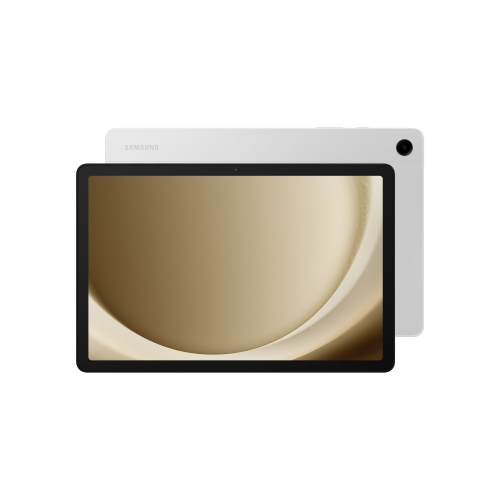 Your price for this item is $499.99
-
 Your price for this item is $1749.99
-
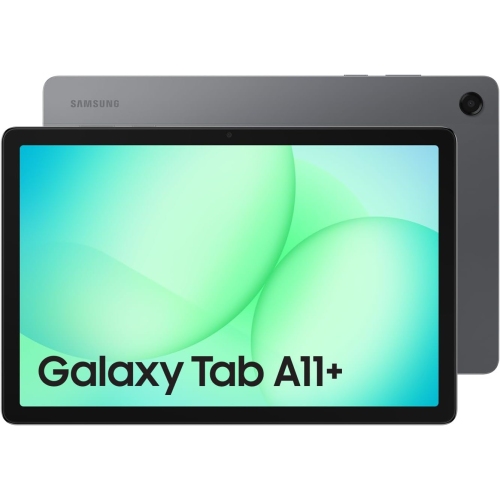 Your price for this item is $394.99
-
 Your price for this item is $579.99
-
 Your price for this item is $979.99
-
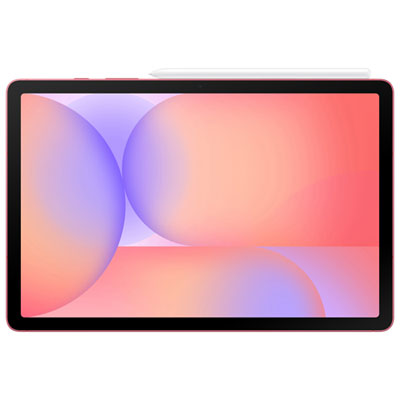 Your price for this item is $579.99
-
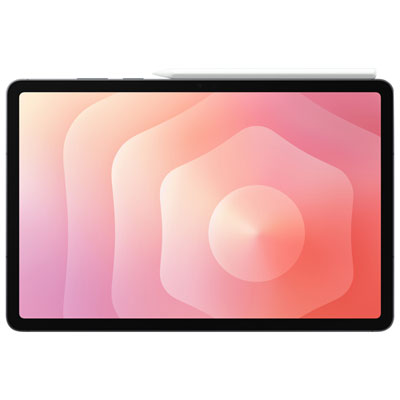 Your price for this item is $1099.99
-
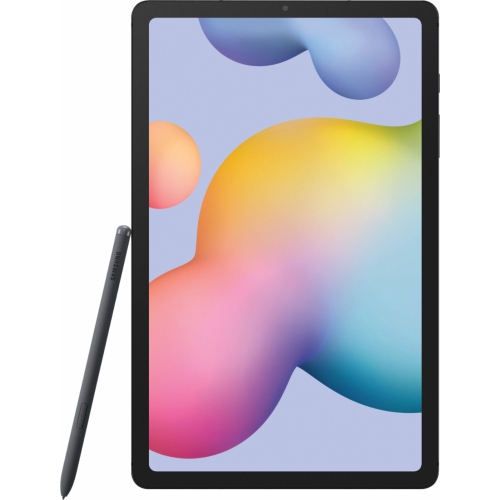 Your price for this item is $699.99
Discover more categories related to Lenovo Tablet P11
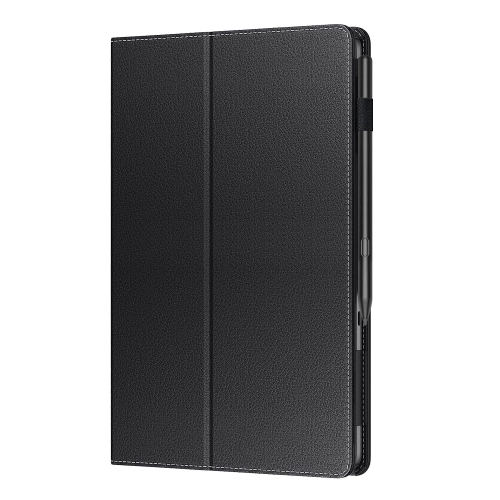
Top Collections:
Best Black Friday Deals This Year, Best Black Friday Deals On Electronics, Kindle Devices, Best Black Friday Deals On Apple Products, Best Budget Office Chairs, Best Cameras for Sports Photography, Dyson Airwrap, Canon G7X Cameras, Best Laptops for Writers, Samsung Galaxy Phones
Some products may be subject to Environmental Handling Fees
(EHF) depending on your province.
Learn more about EHFs.