Lenovo Replacement Batteries
Looking to power up your device with a reliable replacement battery? Our selection of replacement batteries provides the perfect solution for extending the life of your electronics. Whether you need a new battery for your laptop, tablet, or smartphone, we have a variety of options to choose from. They are designed to meet the same high standards as the original batteries that came with your device, ensuring optimal performance and longevity.
Sort
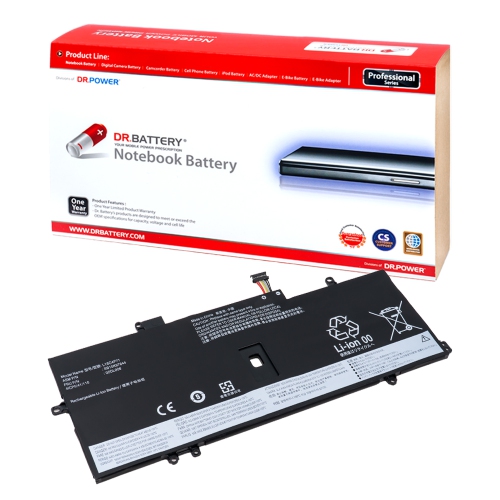
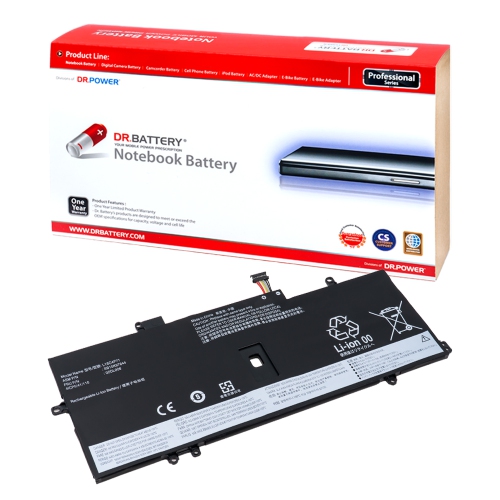
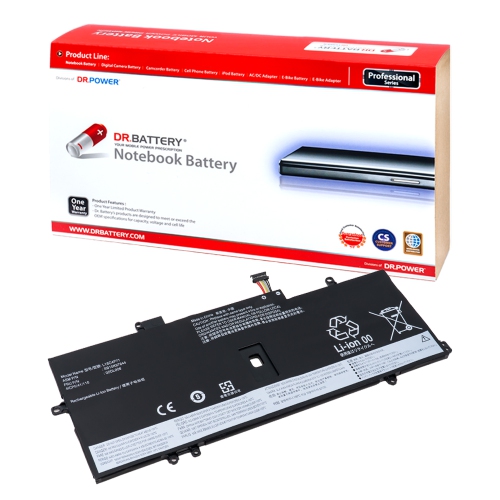
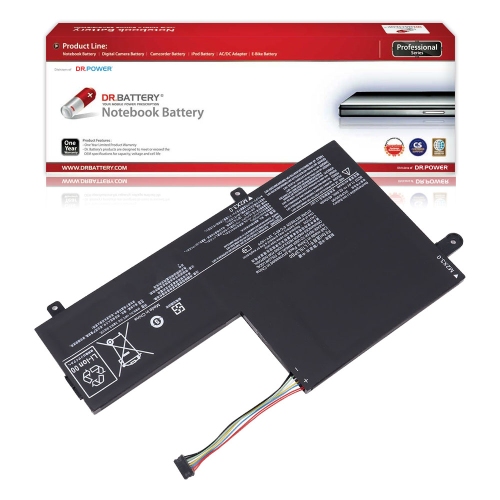
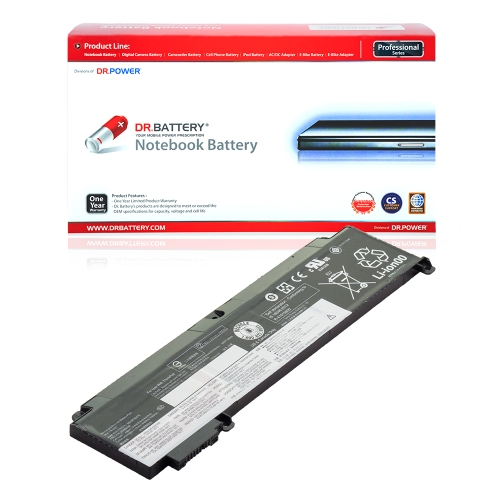
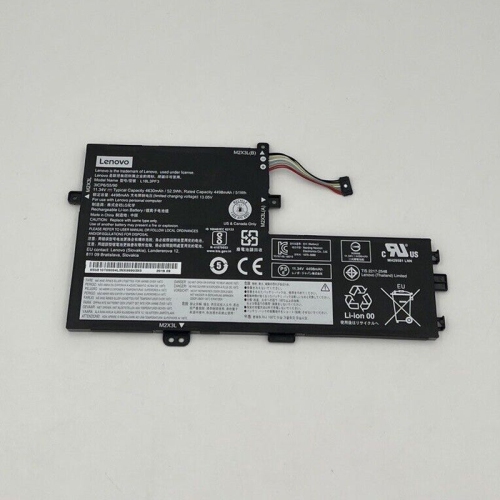
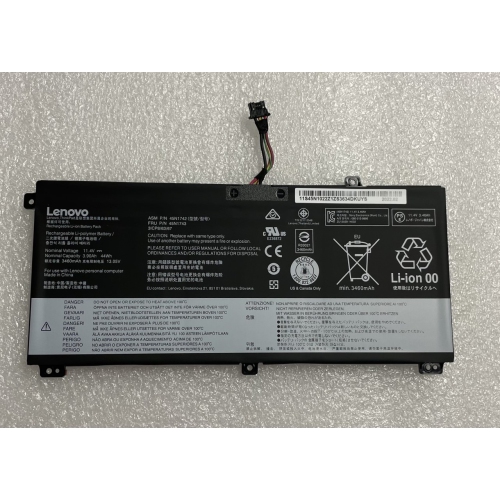
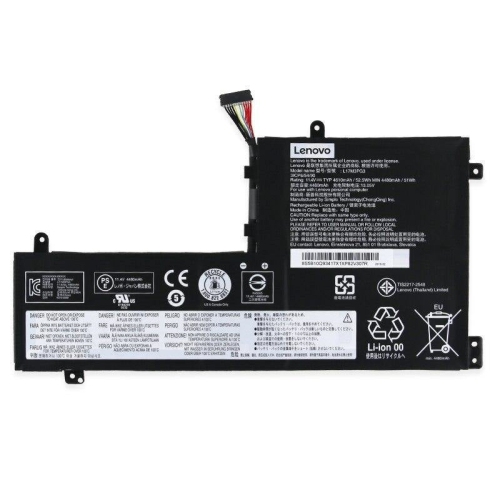
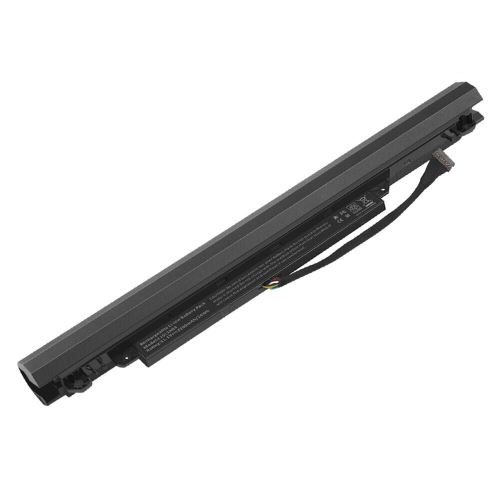
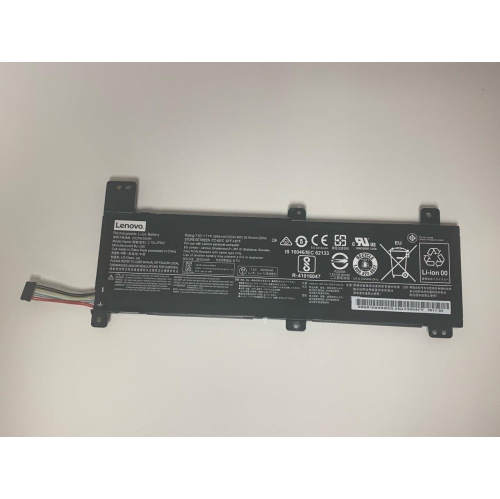
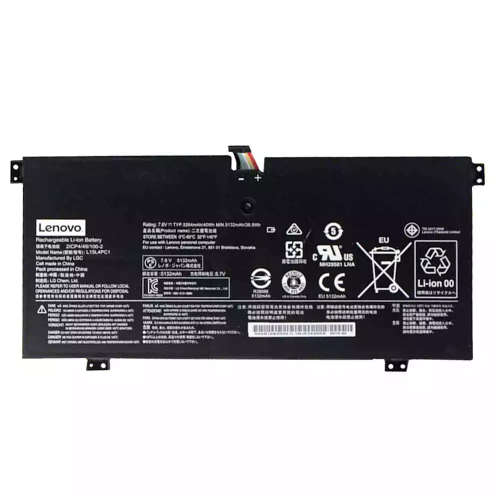
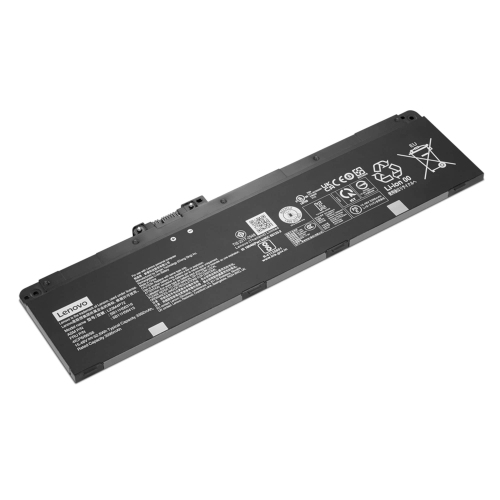
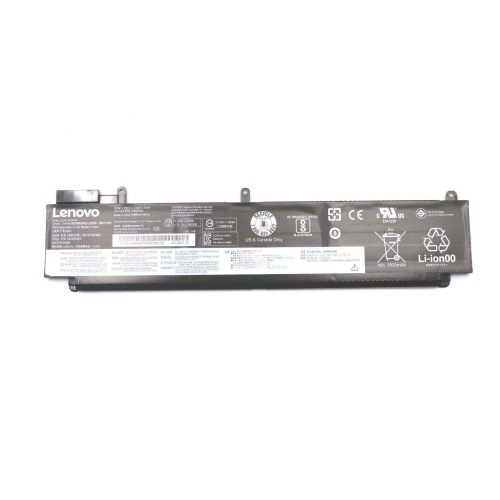
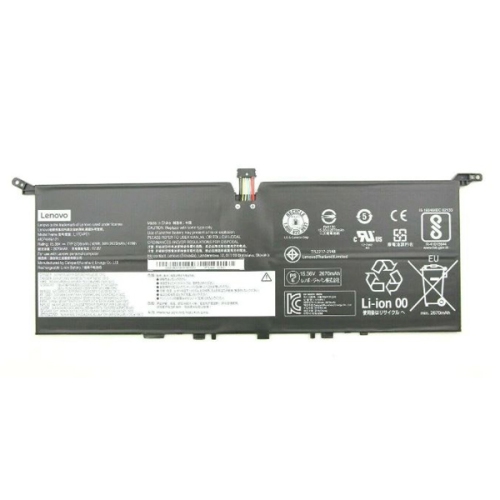
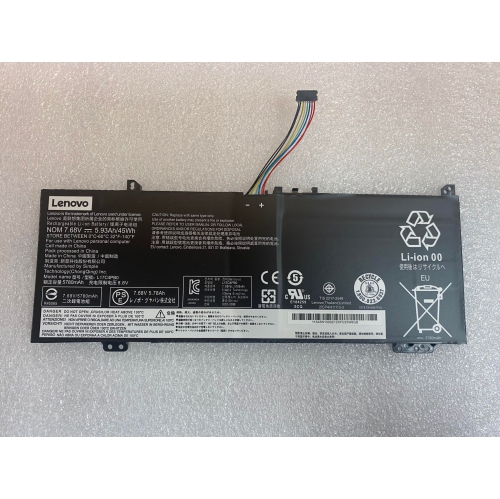
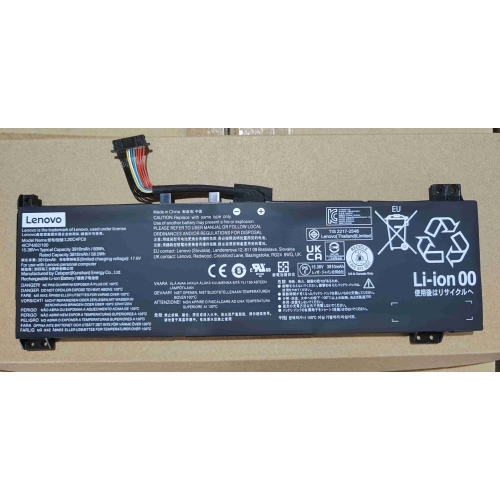
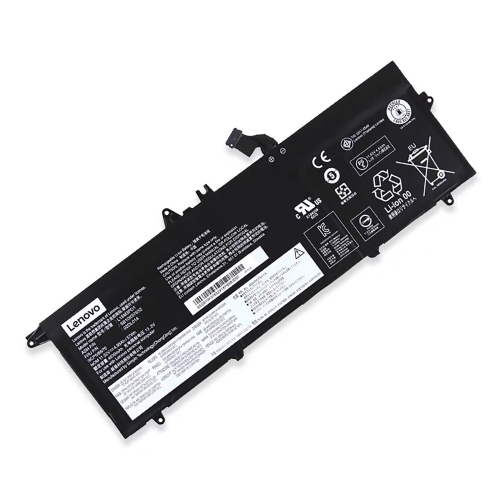
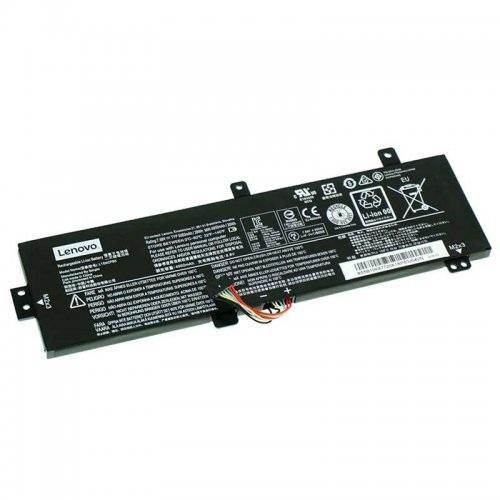
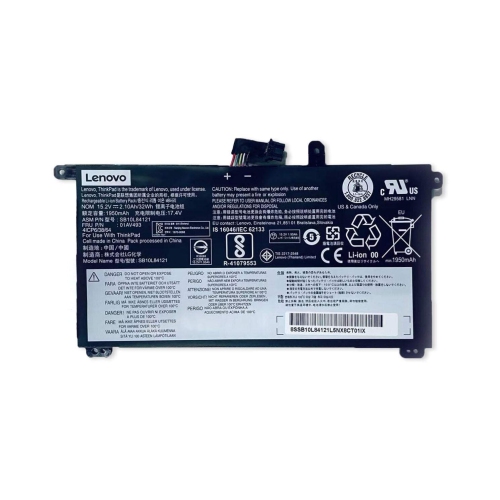
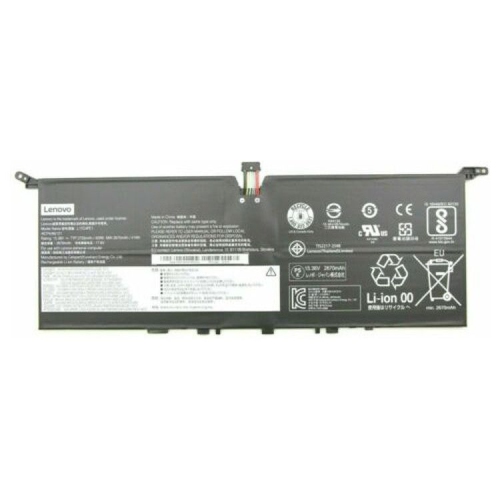
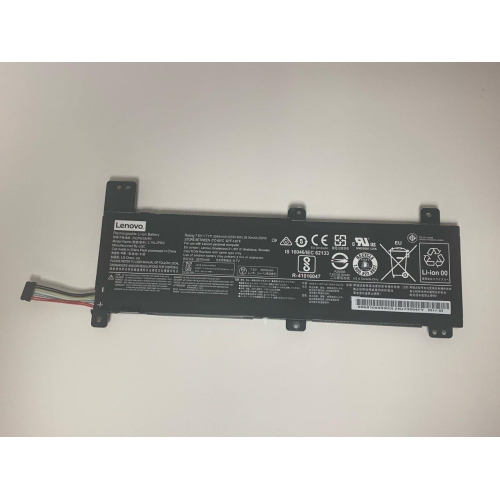
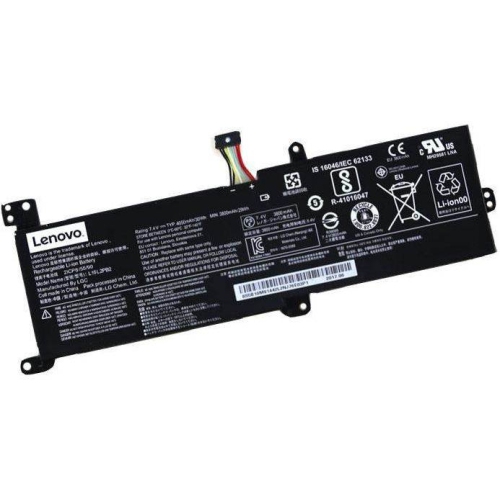
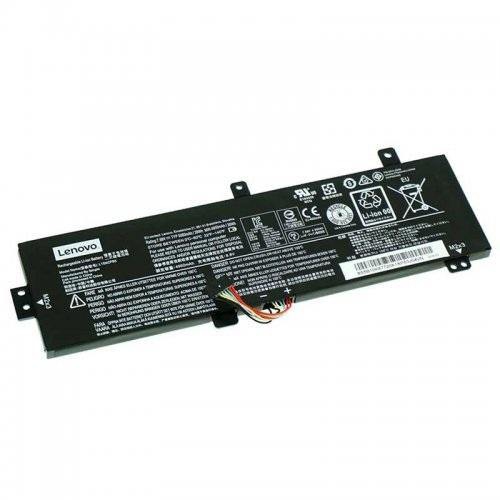
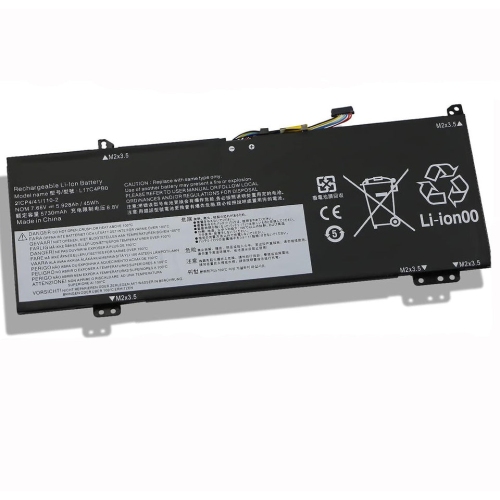
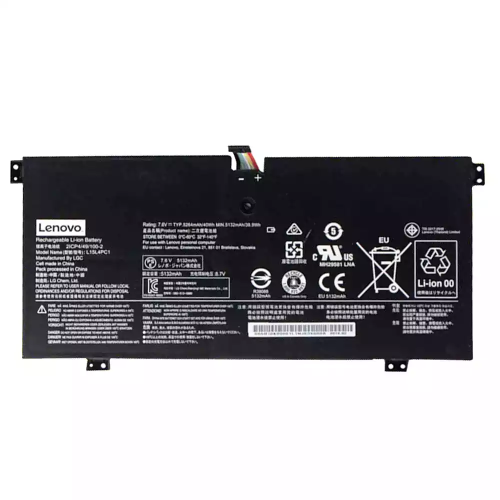
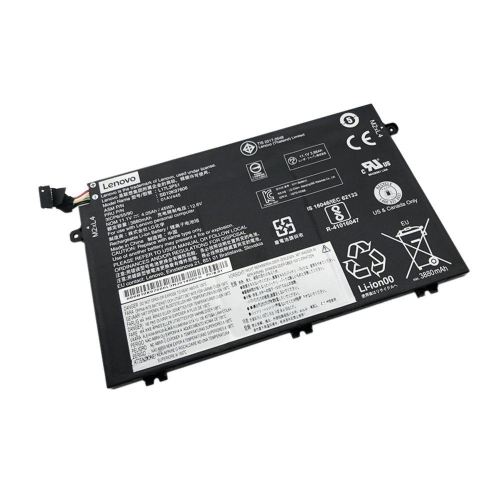
![DR. BATTERY - Replacement for Lenovo V4000-Ise / Z41-70 / Z51-70 / L14L4A01 / L14S4A01 [14.4V / 2200Mah / 32Wh]](https://multimedia.bbycastatic.ca/multimedia/products/500x500/157/15766/15766639.jpeg)
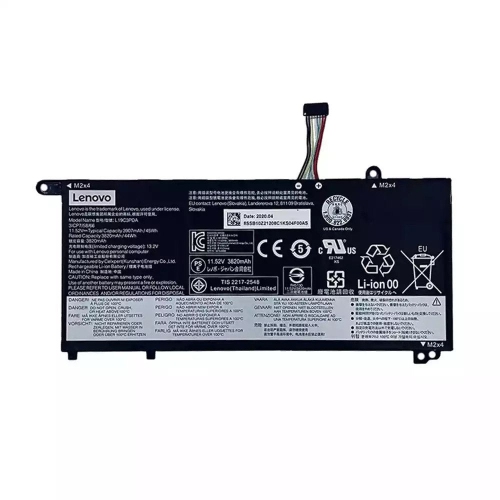
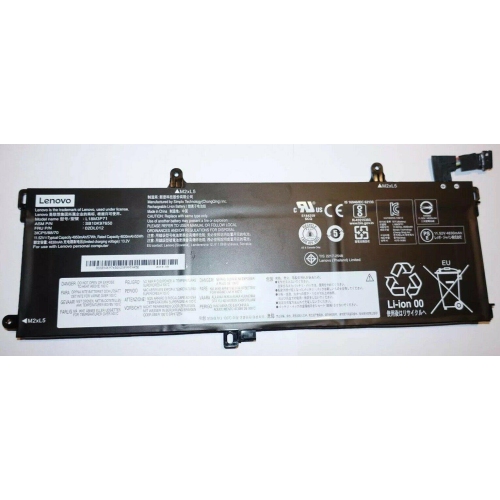
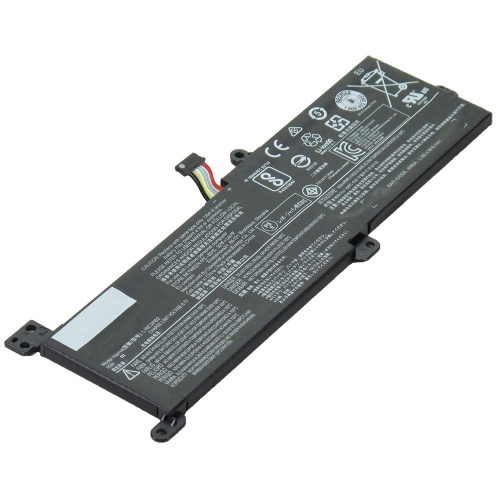
![DR. BATTERY 01Av422 Battery for Lenovo | Replaces 01Av423 01Av424 01Av425 4X50M08812 [4400Mah / 47Wh]](https://multimedia.bbycastatic.ca/multimedia/products/500x500/159/15941/15941217.jpeg)
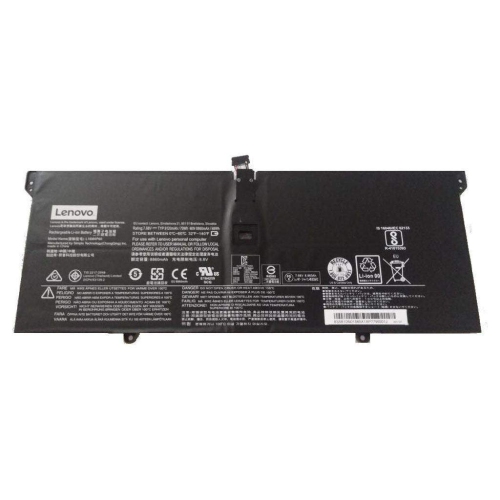
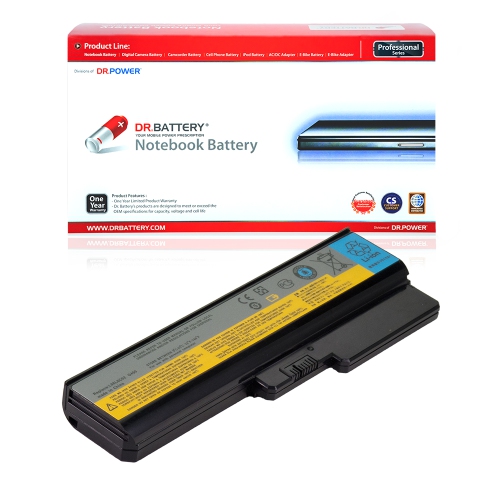
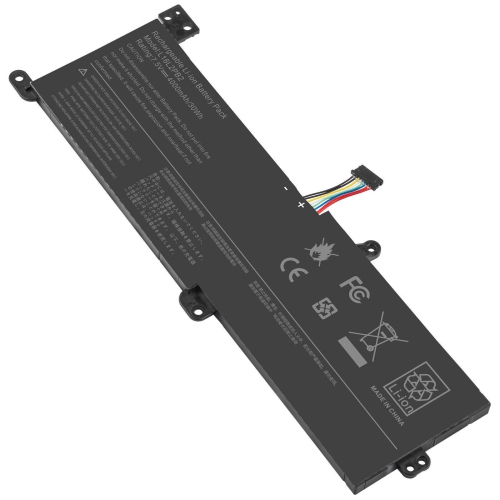
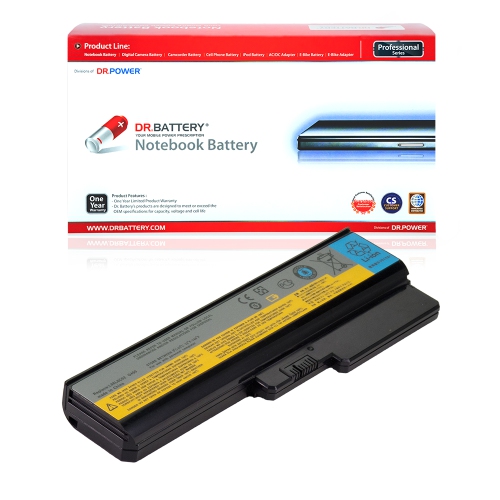
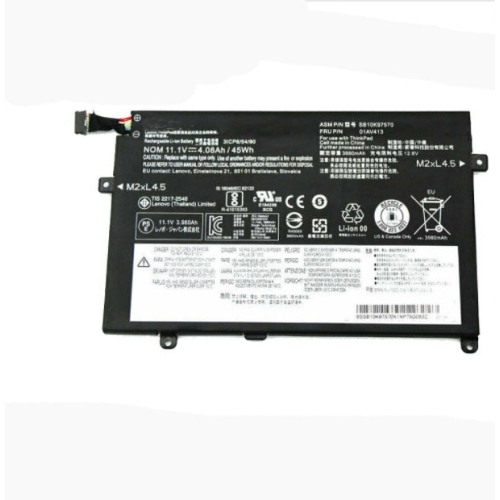
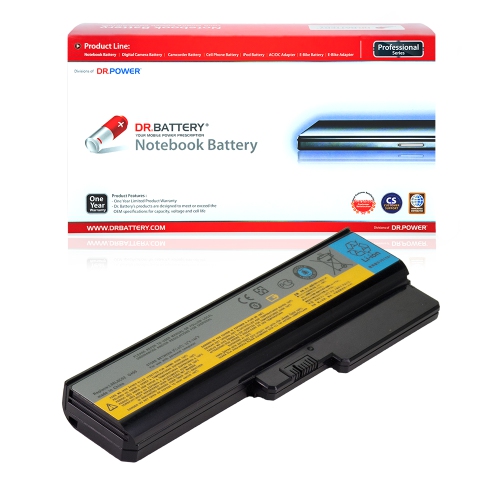
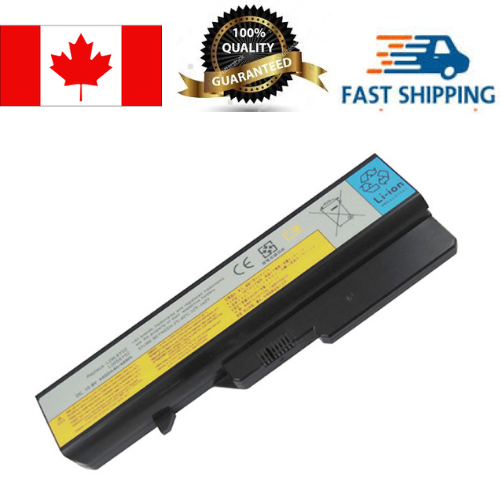
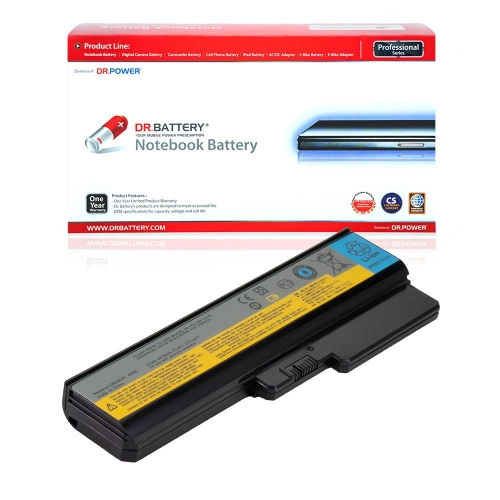
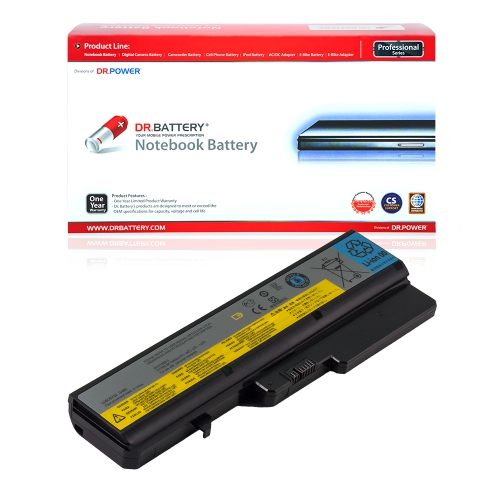
![DR. BATTERY Replacement Laptop Battery 42T4949 42T4951 Asm 42T4958 for Lenovo Thinkpad Edge E120 E125 E135 E145 [11.1V / 49Wh]](https://multimedia.bbycastatic.ca/multimedia/products/500x500/171/17134/17134755.jpeg)
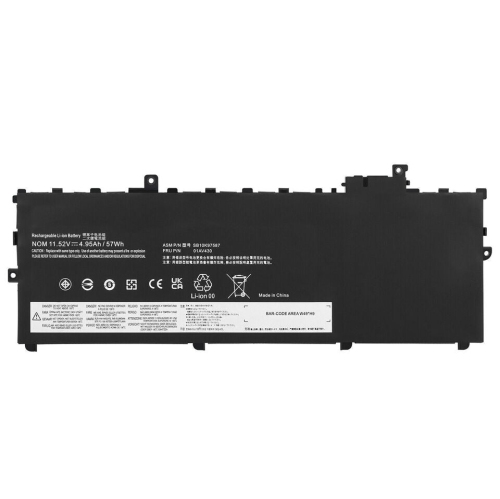

![DR. BATTERY Replacement Laptop Battery 5B10K90780 5B10K90783 L15C3Pb0 L15M3Pb2 for Lenovo N22 Winbook [11.4V / 45Wh]](https://multimedia.bbycastatic.ca/multimedia/products/500x500/171/17109/17109177.jpeg)
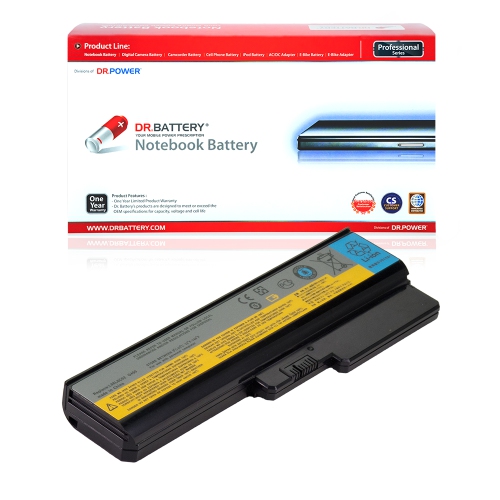
![DR. BATTERY - Replacement for Lenovo Thinkpad X230 2325-2Uu / 2325-2Vu / 2325-3Qg / 2325-3Qu / 42T4863 / 42T4865 / 42T4866 [14.8V / 2200Mah / 33Wh]](https://multimedia.bbycastatic.ca/multimedia/products/500x500/157/15753/15753766.jpeg)
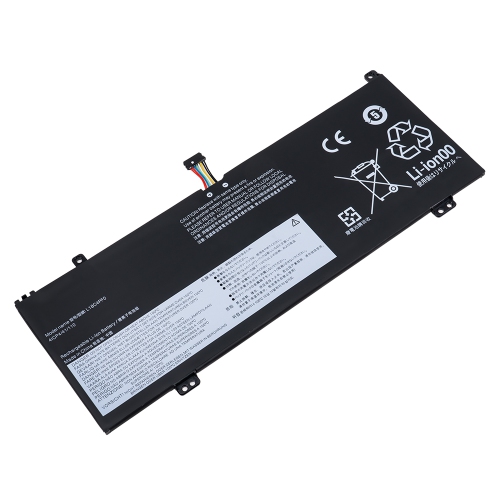
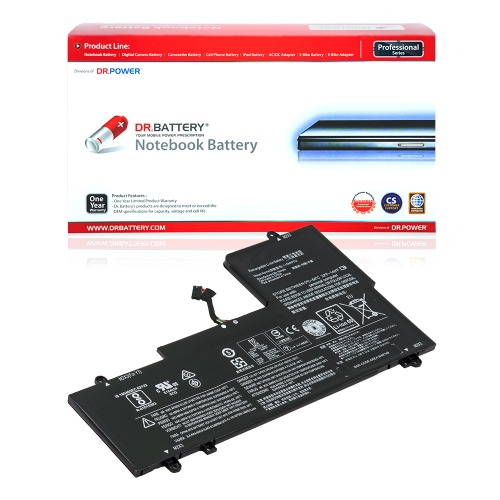
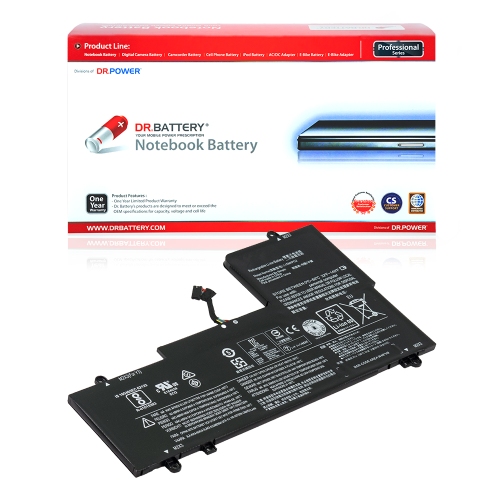
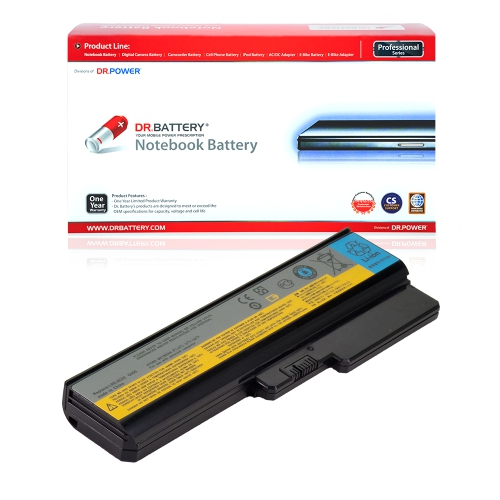
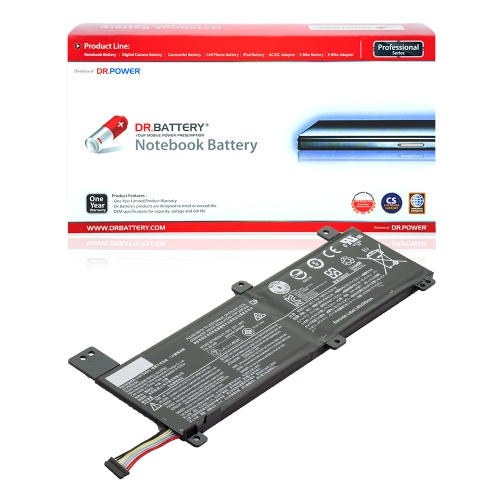
![DR. BATTERY Replacement for Lenovo Flex 2 15 59422161 15 59422162 15 59422163 L13M4E61 L13S4A61 L13S4E61 [7.2V / 32Wh]](https://multimedia.bbycastatic.ca/multimedia/products/500x500/157/15779/15779970.jpeg)
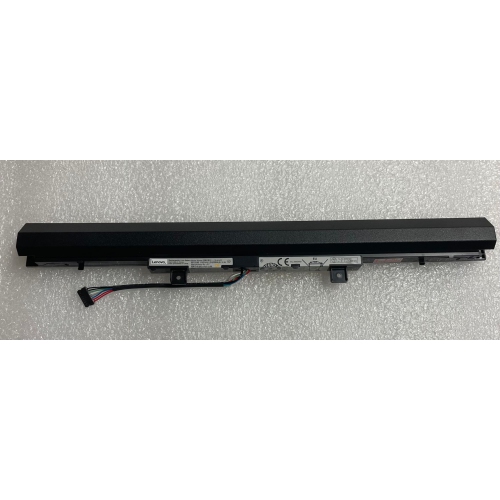
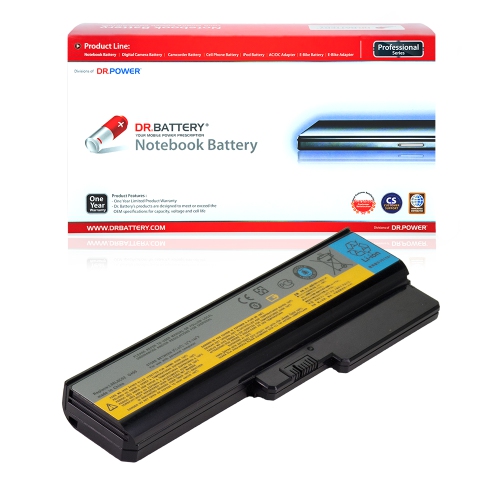
![DR. BATTERY - Replacement for Lenovo Ideapad N22 / N22-20 / N42-20 / 5B10W67247 / 5B10W67285 / 5B10W67340 / L15L3Pb1 [11.1V / 4050Mah / 45Wh]](https://multimedia.bbycastatic.ca/multimedia/products/500x500/158/15863/15863907.jpeg)

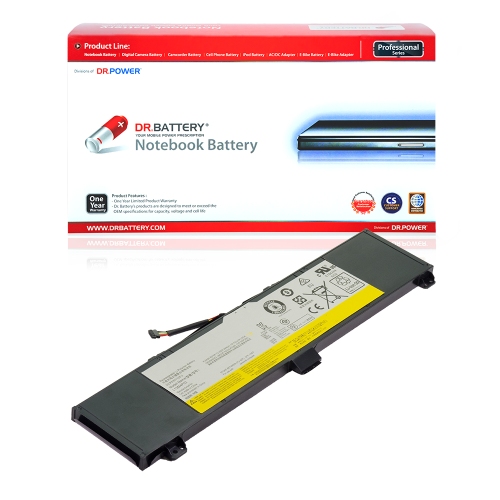
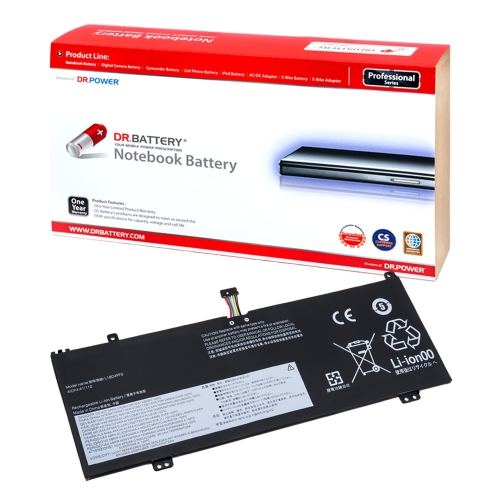
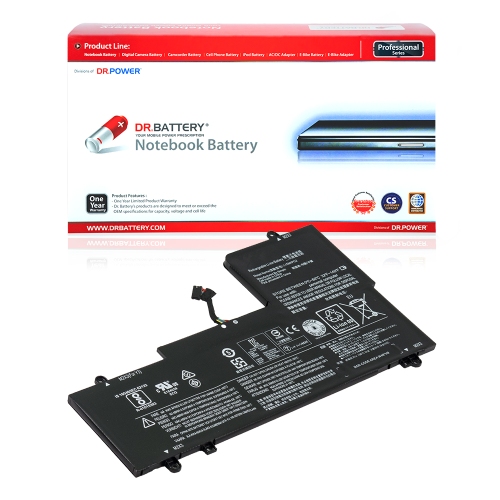
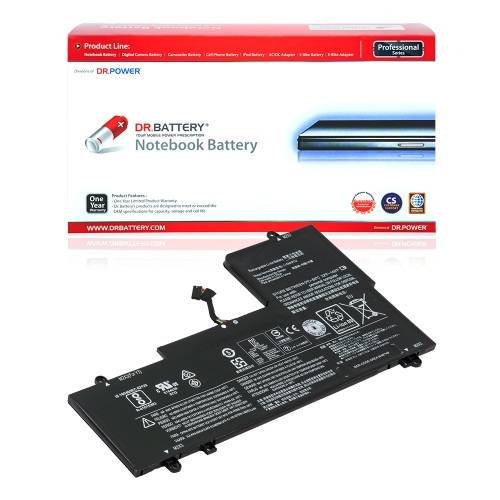
![DR. BATTERY - Replacement for Lenovo Ideapad N22 / N22-20 / N42-20 / Sb10W67248 / Sb10W67355 / Sb10W67366 / Sb18C15129 [11.1V / 4050Mah / 45Wh]](https://multimedia.bbycastatic.ca/multimedia/products/500x500/158/15863/15863937.jpeg)
![DR. BATTERY Replacement for Lenovo Flex 2 15 59422165 15 59422167 15 59422168 L13M4A61 L13M4E61 L13S4A61 [7.2V / 32Wh]](https://multimedia.bbycastatic.ca/multimedia/products/500x500/157/15780/15780004.jpeg)
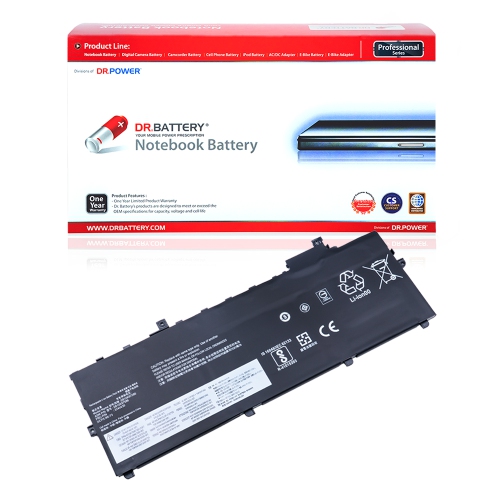
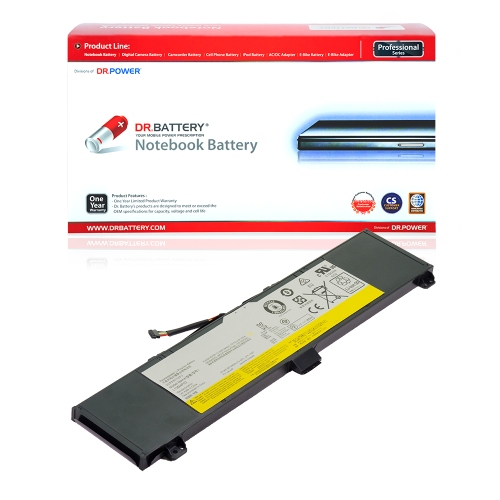
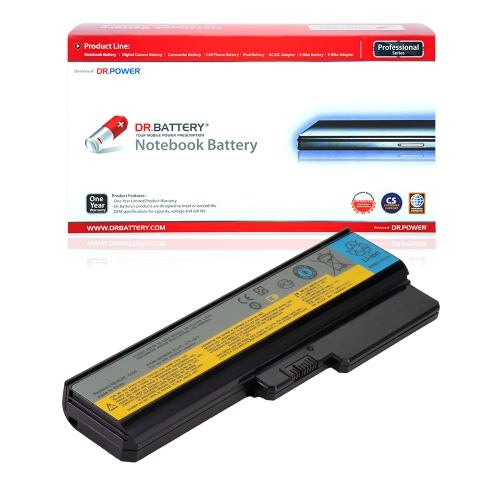
![DR. BATTERY - Replacement for Lenovo Thinkpad T431S 20Aa0012 / 20Aa0014 / 20Aa0015 / 20Aa0016 / 45N1120 / 45N1121 / 45N1122 [11.1V / 4250Mah / 47Wh]](https://multimedia.bbycastatic.ca/multimedia/products/500x500/158/15864/15864104.jpeg)
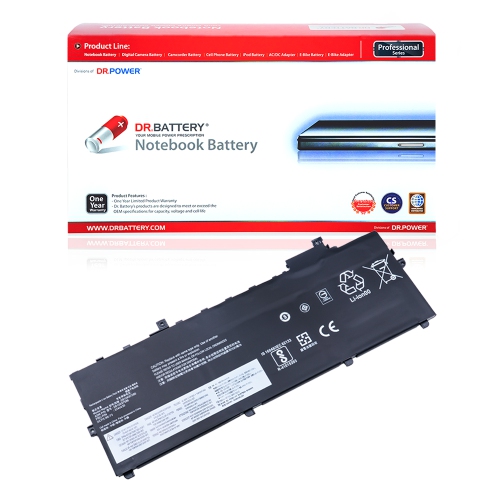
![DR. BATTERY - Replacement for Lenovo Thinkpad T431S 20Aa002Q / 20Aa002T / 20Aa002U / 20Aa002V / 3Icp6 / 64 / 84 / 45N1120 [11.1V / 4250Mah / 47Wh]](https://multimedia.bbycastatic.ca/multimedia/products/500x500/158/15864/15864156.jpeg)
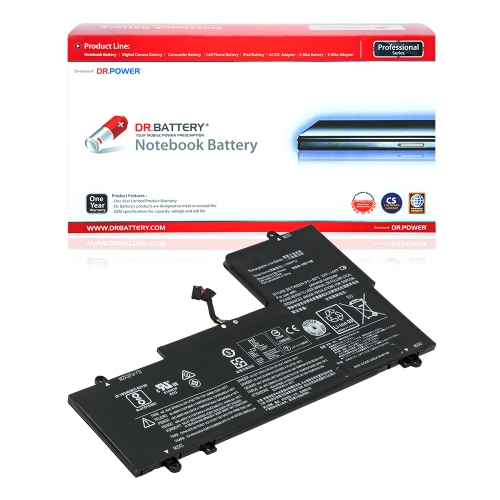
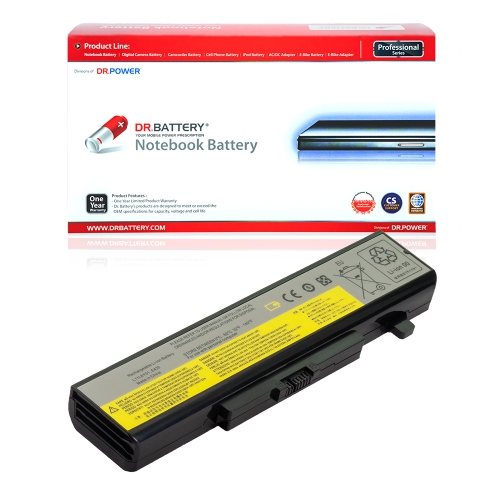
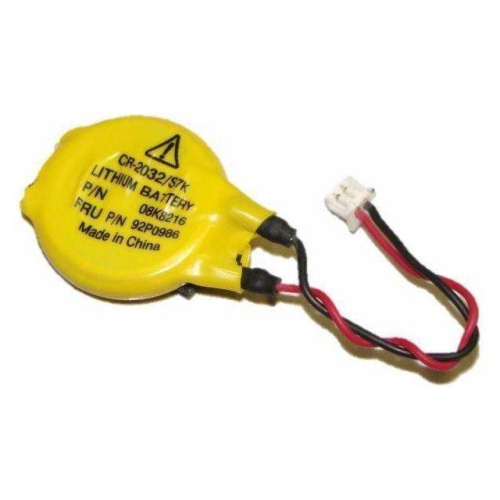
![DR. BATTERY Replacement for Lenovo Flex 2 14 59423170 14 59435728 L13L4E61 L13M4A61 L13M4E61 L13S4A61 L13S4E61 [7.2V / 32Wh]](https://multimedia.bbycastatic.ca/multimedia/products/500x500/157/15779/15779974.jpeg)
![DR. BATTERY - Replacement for Lenovo Ideapad S210T / S210T-Con / S210T-Ith / 888015454 / L12M3A01 / L12S3F01 [10.8V / 2200Mah / 24Wh]](https://multimedia.bbycastatic.ca/multimedia/products/500x500/157/15766/15766618.jpeg)
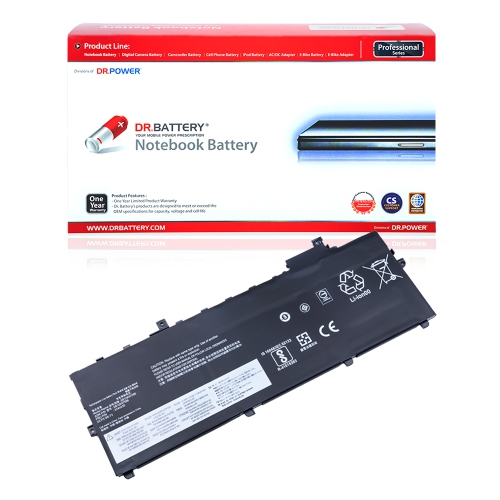
![DR. BATTERY - Replacement for Lenovo Thinkpad A475 20Kms02A08 / 20Kl0008Ge / 01Av428 / 01Av452 / 01Av490 / 01Av491 [4400Mah / 47Wh]](https://multimedia.bbycastatic.ca/multimedia/products/500x500/159/15941/15941197.jpeg)
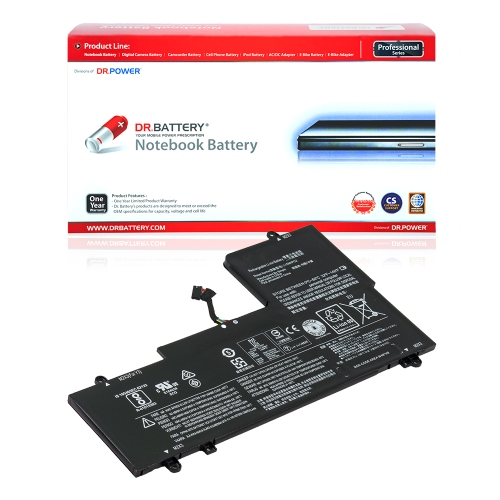
![DR. BATTERY - Replacement for Lenovo Thinkpad X230 2325-23G / 2325-23U / 2325-2Cg / 2325-2Dg / 42T4866 / 42T4867 / 42T4868 [14.8V / 2200Mah / 33Wh]](https://multimedia.bbycastatic.ca/multimedia/products/500x500/157/15753/15753762.jpeg)
![DR. BATTERY - Replacement for Lenovo Ideapad Flex 3 1120 / 1120 80Lx / 1130 / 1470 / 1480 / 1580 / L14M2P22 / L14S2P21 [7.4V / 4050Mah / 30Wh]](https://multimedia.bbycastatic.ca/multimedia/products/500x500/158/15891/15891428.jpeg)
![DR. BATTERY - Replacement for Lenovo Thinkpad T431S 20Aa001G / 20Aa001H / 20Aa001K / 20Aa001L / 64 / 84 / 45N1120 / 45N1121 [11.1V / 4250Mah / 47Wh]](https://multimedia.bbycastatic.ca/multimedia/products/500x500/158/15864/15864155.jpeg)
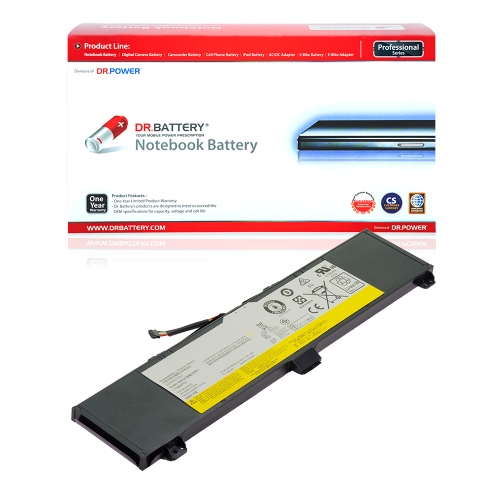
![DR. BATTERY - Replacement for Lenovo Legion Y7000 / Y7000P / L17L3Pg1 / L17M3Pg1 / L17S3Pg1 / Sb10W67196 / Sb10W69462 [11.25V / 4670Mah / 52.5Wh]](https://multimedia.bbycastatic.ca/multimedia/products/500x500/158/15864/15864097.jpeg)
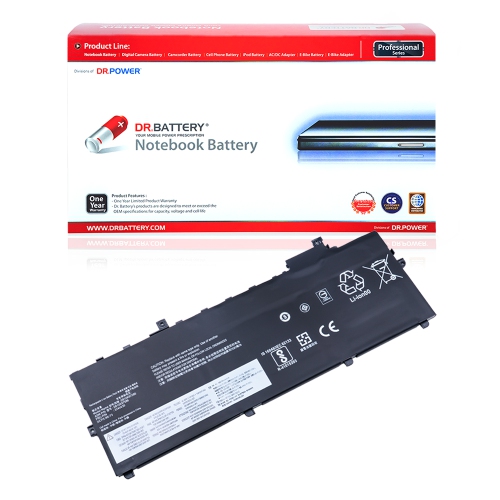
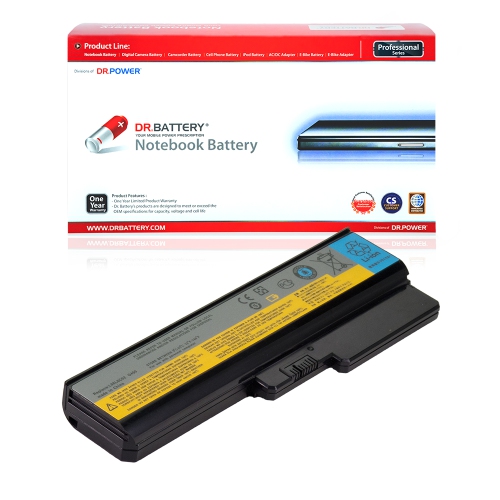
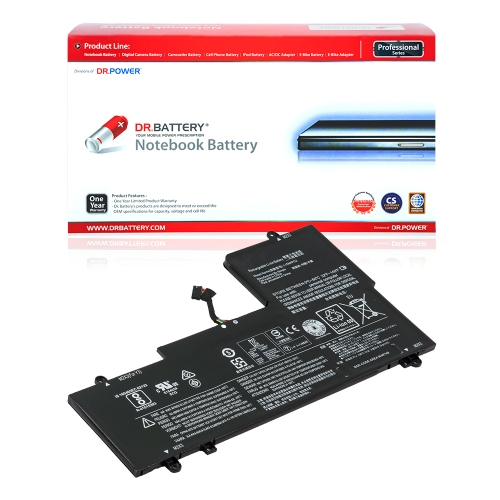
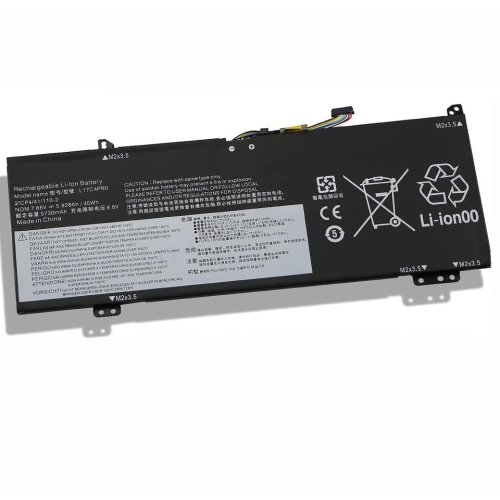
![DR. BATTERY - Replacement for Lenovo Thinkpad X230 2325-5Pu / 2325-5Rg / 2325-5Ru / 2325-5Sg / 45N1018 / 45N1019 / 45N1022 [14.8V / 2200Mah / 33Wh]](https://multimedia.bbycastatic.ca/multimedia/products/500x500/157/15753/15753795.jpeg)
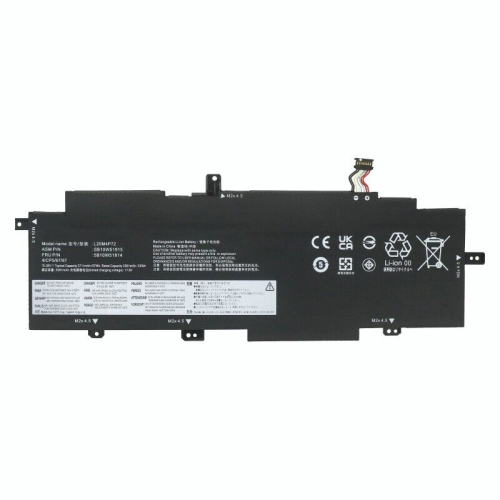
![DR. BATTERY - Replacement for Lenovo Ideapad Flex 3 1120 / 1120 80Lx / 1130 / 1470 / 1480 / 1580 / L14M2P22 / L14S2P21 [7.4V / 4050Mah / 30Wh]](https://multimedia.bbycastatic.ca/multimedia/products/500x500/158/15891/15891498.jpeg)
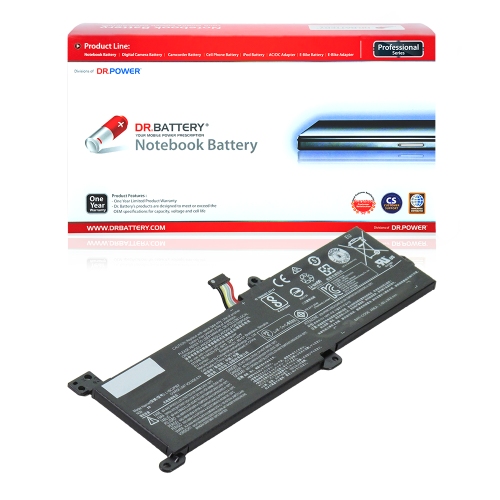
![DR. BATTERY - Replacement for Lenovo Thinkpad X230 2324-9Au / 2324-9Bu / 2324-9Cu / 2324-9Uu / 42T4941 / 42T4942 / 42Y4834 [14.8V / 2200Mah / 33Wh]](https://multimedia.bbycastatic.ca/multimedia/products/500x500/157/15753/15753783.jpeg)
![DR. BATTERY - Replacement for Lenovo Thinkpad T431S 20Aa002A / 20Aa002B / 20Aa002C / 45N1123 / Asm 45N1120 / Asm 45N1122 [11.1V / 4250Mah / 47Wh]](https://multimedia.bbycastatic.ca/multimedia/products/500x500/158/15864/15864120.jpeg)
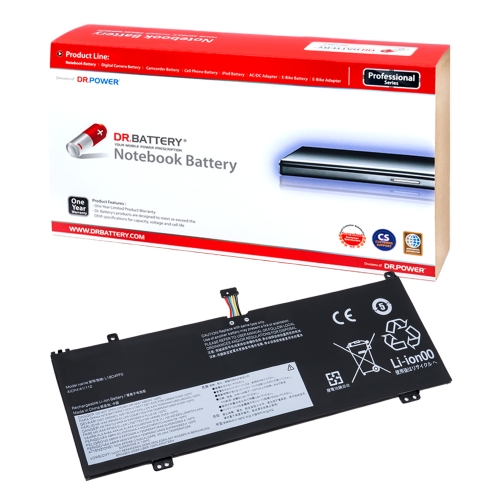
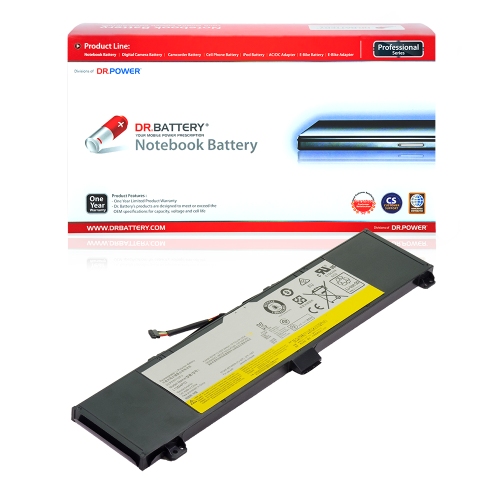
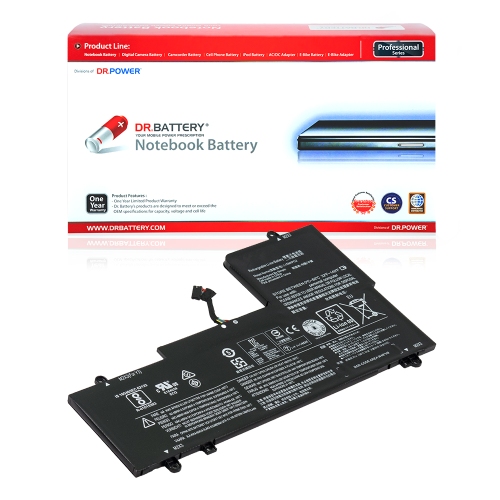
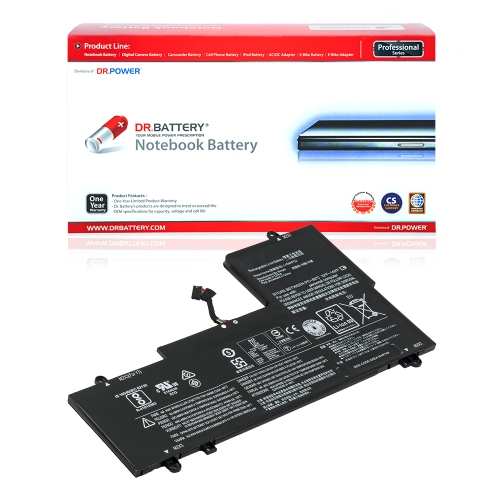
![DR. BATTERY Replacement Laptop Battery L15L4E01 for Lenovo Ideapad 100-14Iby 80Mh0011Cf 80Mh0012Us 80Mh005Hus [14.6V / 41Wh]](https://multimedia.bbycastatic.ca/multimedia/products/500x500/171/17109/17109173.jpeg)
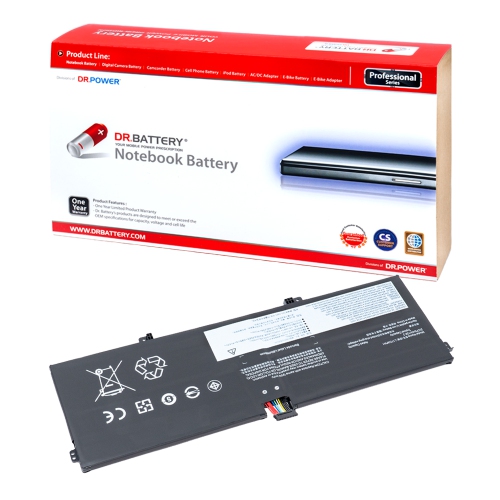
![DR. BATTERY - Replacement for Lenovo Thinkpad A475 20Kms02A08 / 20Kl0008Ge / 01Av422 / 01Av423 / 01Av424 / 01Av425 / 01Av426 [4400Mah / 47Wh]](https://multimedia.bbycastatic.ca/multimedia/products/500x500/159/15941/15941208.jpeg)
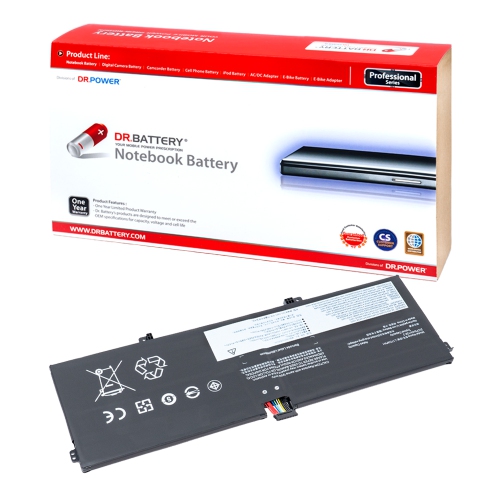
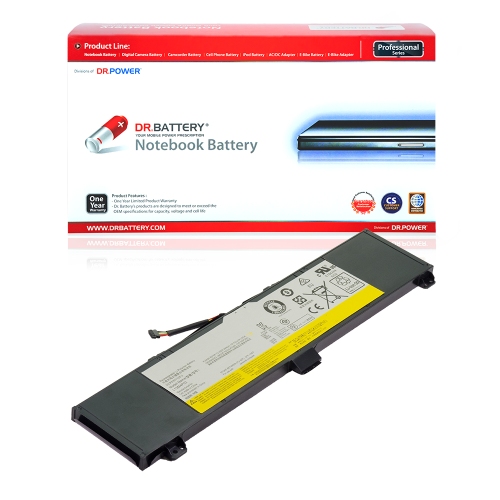
![DR. BATTERY Replacement Laptop Battery L15L4E01 for Lenovo Ideapad 100-14Iby 20563 20643 80Mh000Xus 80Mh000Yus [14.6V / 41Wh]](https://multimedia.bbycastatic.ca/multimedia/products/500x500/171/17109/17109176.jpeg)
![DR. BATTERY - Replacement for Lenovo Ideapad S210 / S210 59397503 / S210 59410972 / 888015454 / L12M3A01 / L12S3F01 [10.8V / 2200Mah / 24Wh]](https://multimedia.bbycastatic.ca/multimedia/products/500x500/157/15766/15766612.jpeg)
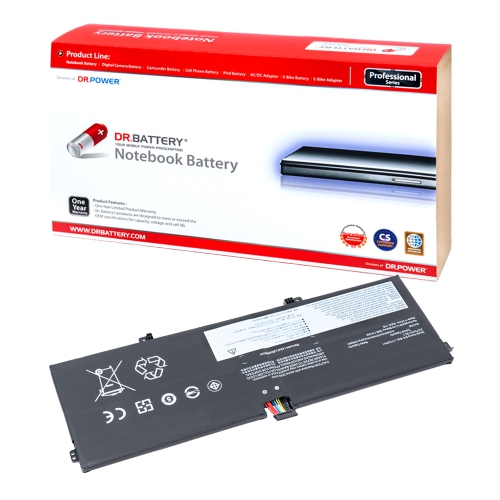
![DR. BATTERY Battery for Lenovo Thinkpad A475 A485 P51S P52S T470 T480 T570 T580 [4400Mah / 47Wh]](https://multimedia.bbycastatic.ca/multimedia/products/500x500/159/15941/15941202.jpeg)
![DR. BATTERY 47Wh Laptop Battery for Lenovo Thinkpad A475 A485 P51S P52S T470 T480 T570 T580 [4400Mah / 47Wh]](https://multimedia.bbycastatic.ca/multimedia/products/500x500/159/15941/15941250.jpeg)
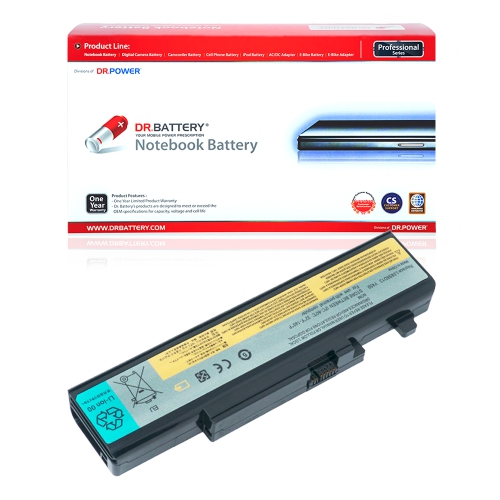
![DR. BATTERY 01Av422 Laptop Battery for Lenovo Thinkpad A475 A485 P51S P52S T470 T480 T570 T580 [4400Mah / 47Wh]](https://multimedia.bbycastatic.ca/multimedia/products/500x500/159/15941/15941240.jpeg)
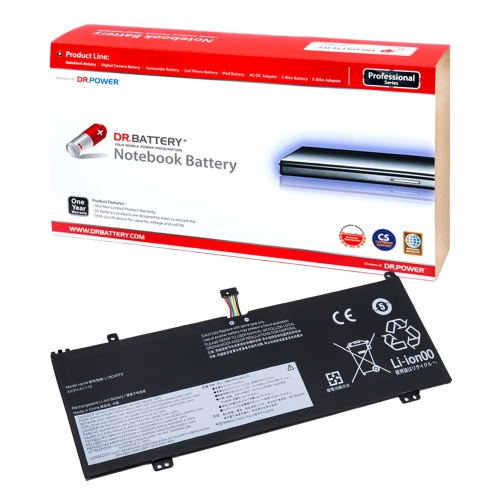
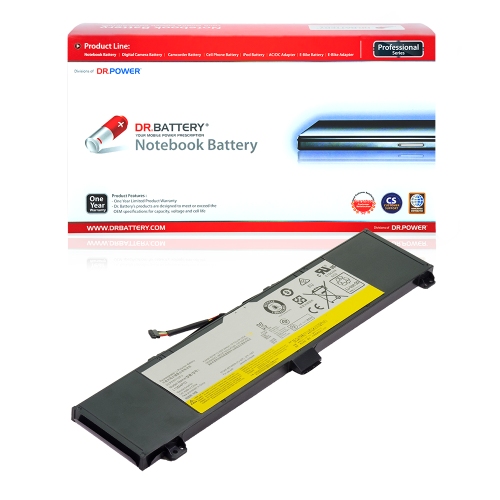
![DR. BATTERY Replacement for Lenovo Thinkpad P51S 20Hbs02700 20Hbs05J00 20Hca03Hau 01Av425 01Av426 01Av427 [11.4V / 24Wh]](https://multimedia.bbycastatic.ca/multimedia/products/500x500/159/15935/15935627.jpeg)
![DR. BATTERY Replacement Laptop Battery L15L4E01 for Lenovo Ideapad 100-14Ibd 80Rk 80Rk002Uih 80Rk002Wvn14 [14.6V / 41Wh]](https://multimedia.bbycastatic.ca/multimedia/products/500x500/171/17109/17109174.jpeg)
![DR. BATTERY - Replacement for Lenovo Thinkpad P52S 20Lbcto1Ww / 20Lbs03V00 / 20Lbs09500 / 01Av490 / 01Av491 / Sb10K97579 [4400Mah / 47Wh]](https://multimedia.bbycastatic.ca/multimedia/products/500x500/159/15941/15941242.jpeg)
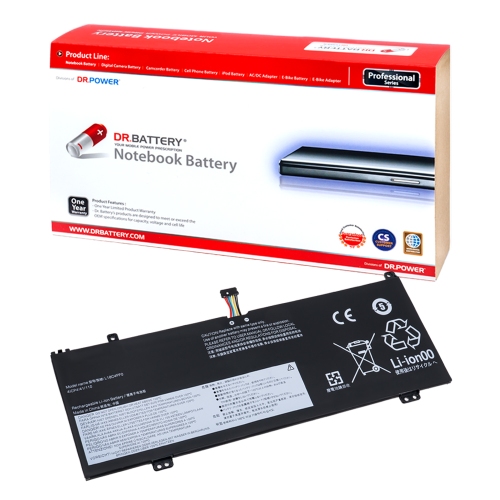
![DR. BATTERY Replacement for Lenovo Flex 2 15 59422170 L13M4E61 L13S4A61 L13S4E61 L13L4A61 L13L4E61 L13M4A61 [7.2V / 32Wh]](https://multimedia.bbycastatic.ca/multimedia/products/500x500/157/15779/15779947.jpeg)
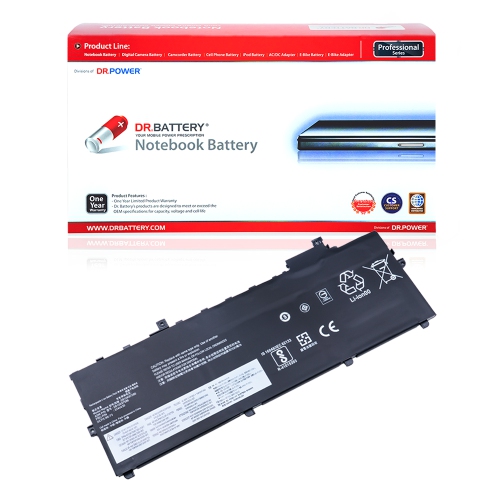
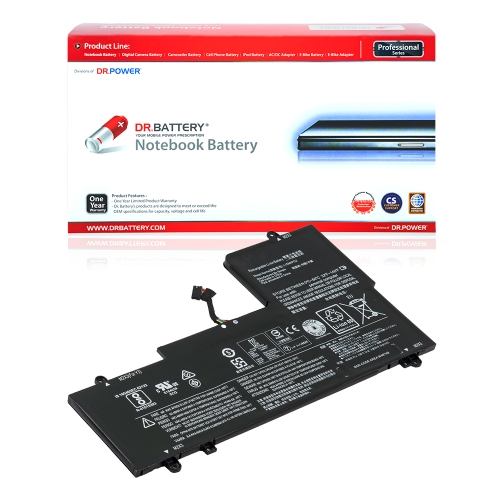
![DR. BATTERY - Replacement for Lenovo Legion Y7000 / Y7000P / 5B10W67238 / 5B10W69449 / 928Qa223H / L17L3Pg1 / L17M3Pg1 [11.25V / 4670Mah / 52.5Wh]](https://multimedia.bbycastatic.ca/multimedia/products/500x500/158/15864/15864176.jpeg)
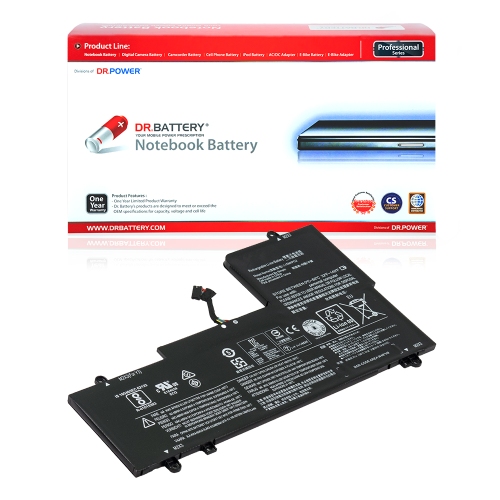
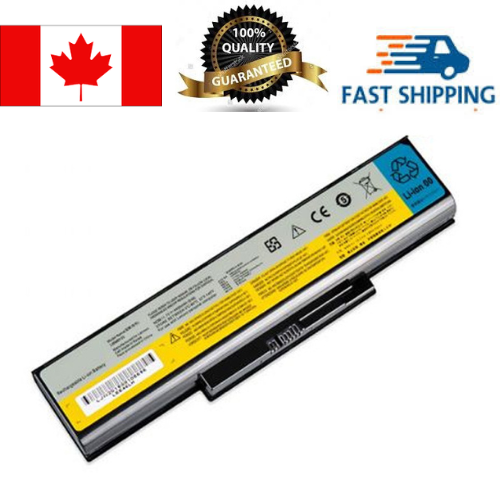
![DR. BATTERY - Replacement for Lenovo Legion Y7000 / Y7000P / 5B10W67238 / 5B10W69449 / 928Qa223H / L17L3Pg1 / L17M3Pg1 [11.25V / 4670Mah / 52.5Wh]](https://multimedia.bbycastatic.ca/multimedia/products/500x500/158/15864/15864075.jpeg)
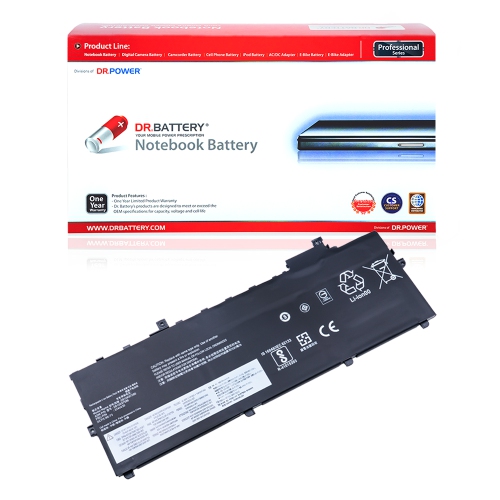
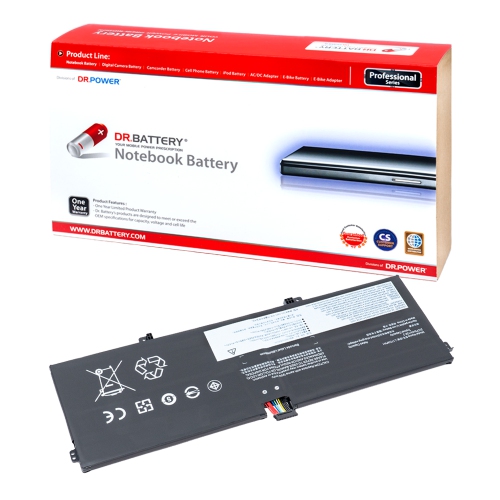
![DR. BATTERY - Replacement for Lenovo Thinkpad T570 20Ha000Pau / 20Haa008Nz / 20Haa01Anz / 01Av426 / 01Av427 / 01Av428 [4400Mah / 47Wh]](https://multimedia.bbycastatic.ca/multimedia/products/500x500/159/15941/15941203.jpeg)
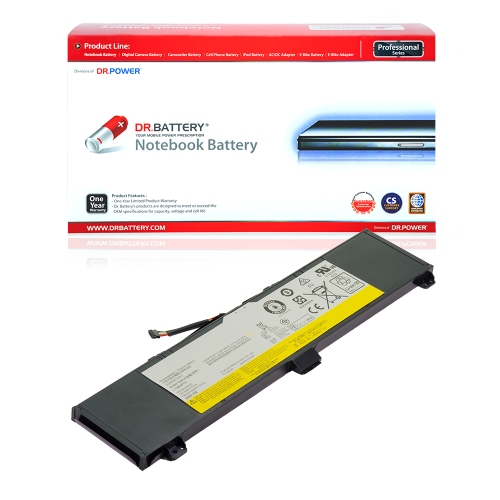
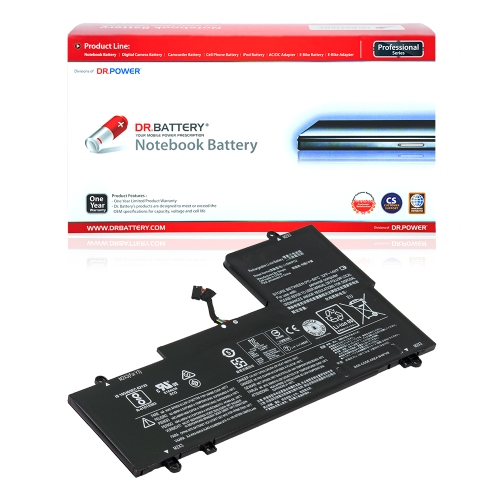
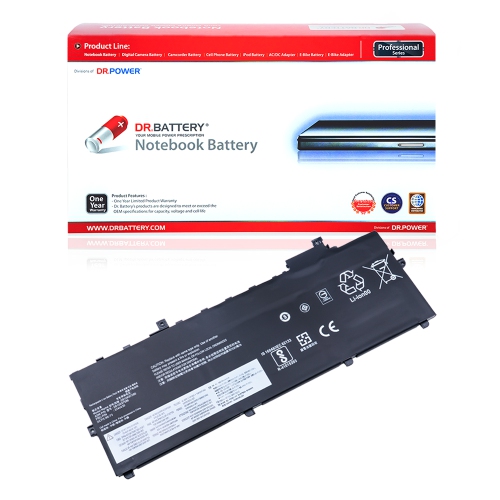
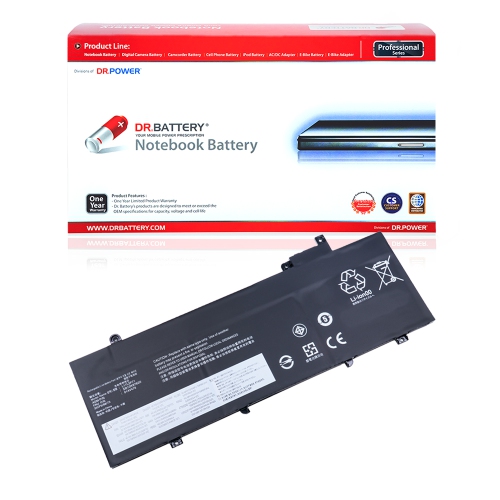
![DR. BATTERY - Replacement for Lenovo Thinkpad T480 20L50000Md / 20L50002Md / 20L50004Ix / Sb10K97583 / Sb10K97584 / Sb10K97585 [4400Mah / 47Wh]](https://multimedia.bbycastatic.ca/multimedia/products/500x500/159/15941/15941243.jpeg)
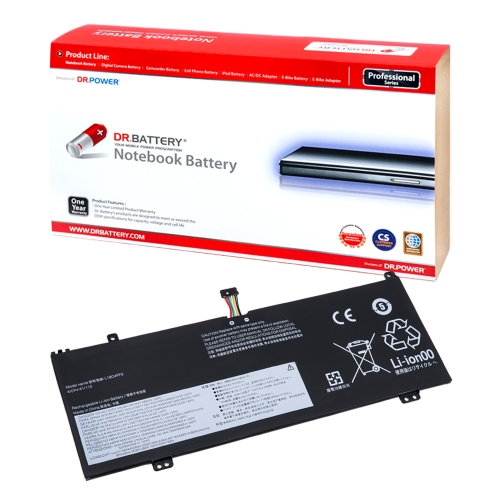
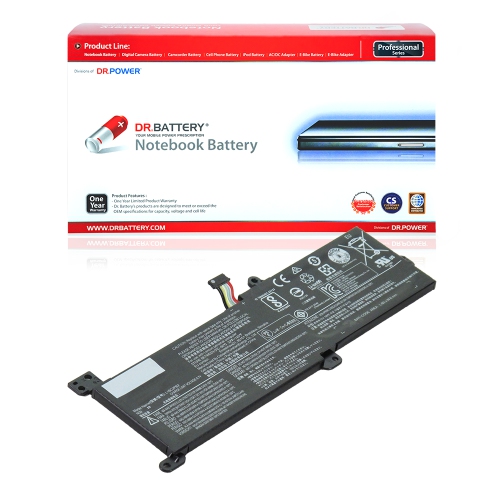
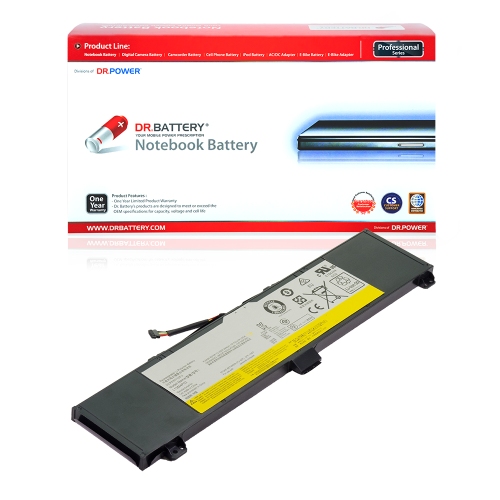
![DR. BATTERY Replacement for Lenovo Flex 2 15 59422170 L13M4A61 L13M4E61 L13S4A61 L13S4E61 L13L4A61 L13L4E61 [7.2V / 32Wh]](https://multimedia.bbycastatic.ca/multimedia/products/500x500/157/15779/15779973.jpeg)
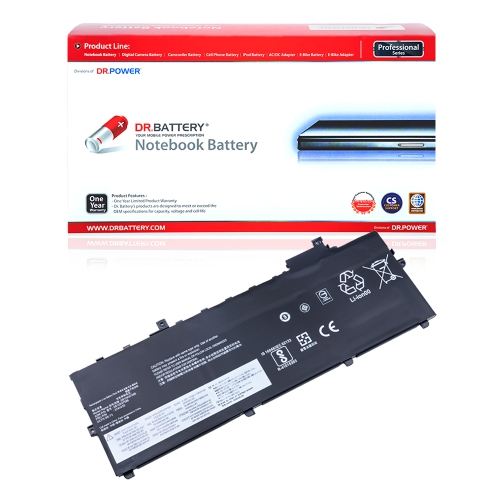
![DR. BATTERY - Replacement for Lenovo Thinkpad T580 20L9S09T00 / 20L9S1Nj00 / 20L9S1Uy00 / 01Av452 / 01Av490 / 01Av491 [4400Mah / 47Wh]](https://multimedia.bbycastatic.ca/multimedia/products/500x500/159/15941/15941192.jpeg)
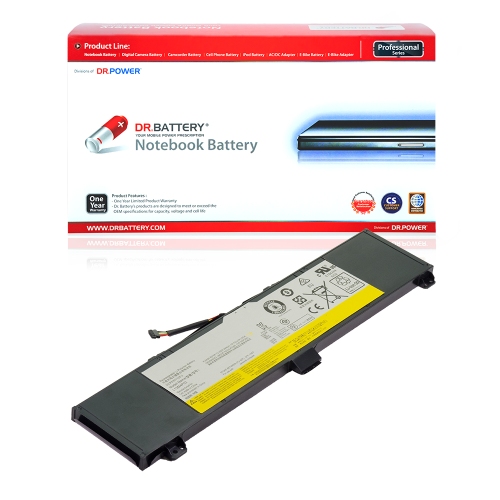
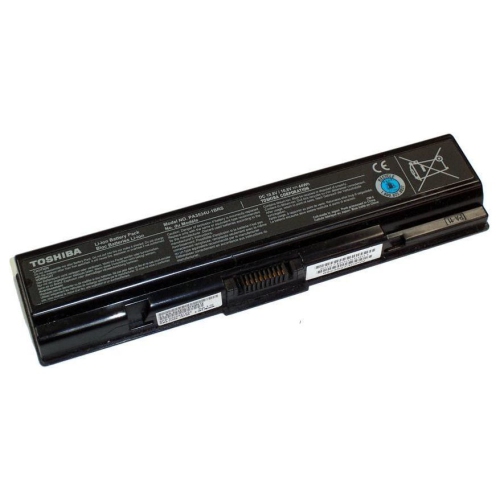
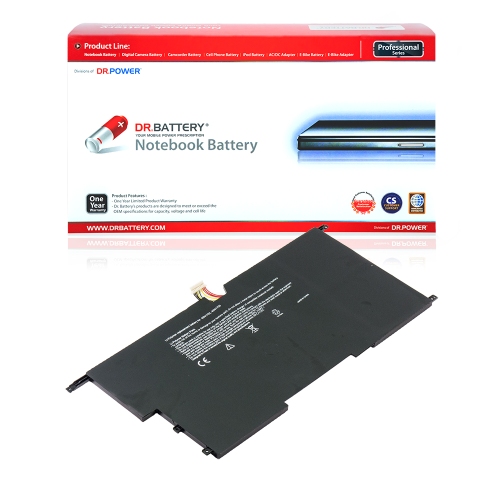
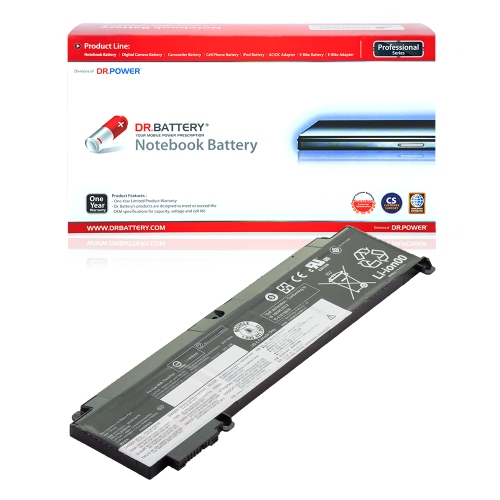
![DR. BATTERY - Replacement for Lenovo Thinkpad P52S 20Lbs0S700 / 20Lcs0W70F / 20Lcs13X00 / Sb10K97582 / Sb10K97583 / Sb10K97584 [4400Mah / 47Wh]](https://multimedia.bbycastatic.ca/multimedia/products/500x500/159/15941/15941207.jpeg)
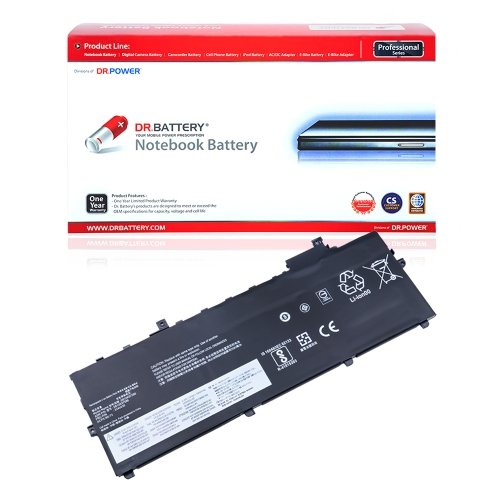
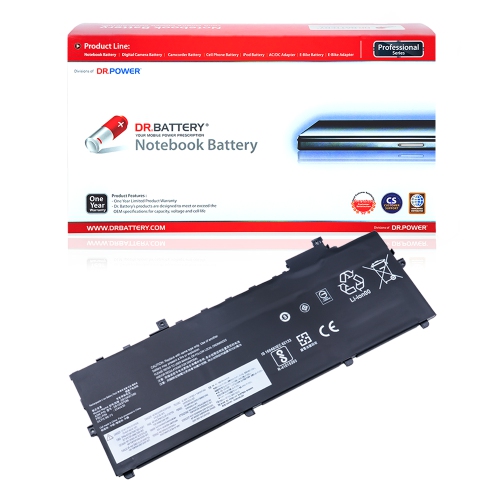
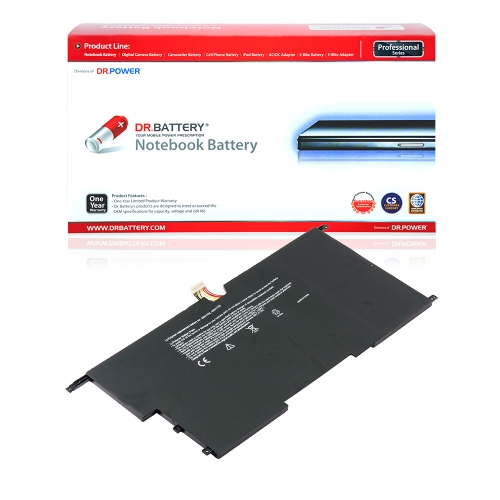
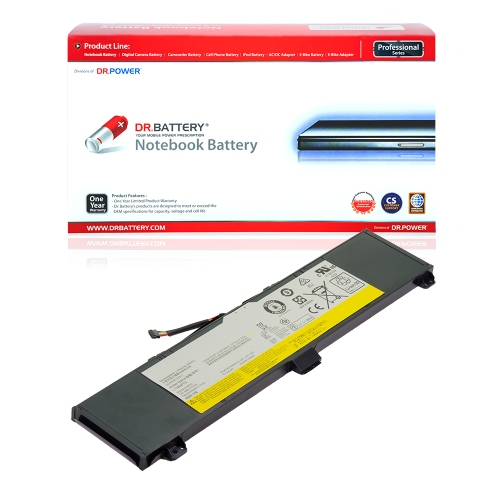
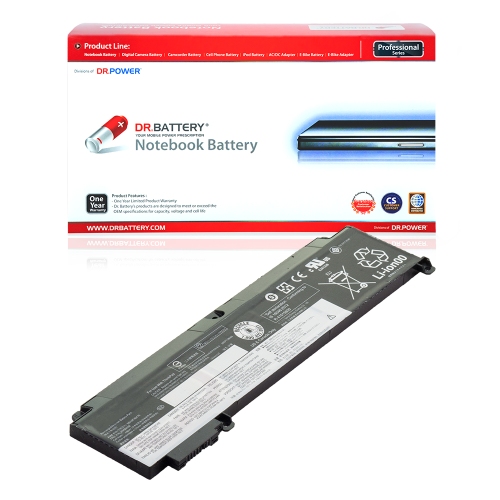
![DR. BATTERY - Replacement for Lenovo Thinkpad T570 20Has0G900 / 20Has33000 / 20Has44K00 / 01Av490 / 01Av491 / Sb10K97579 [4400Mah / 47Wh]](https://multimedia.bbycastatic.ca/multimedia/products/500x500/159/15941/15941201.jpeg)
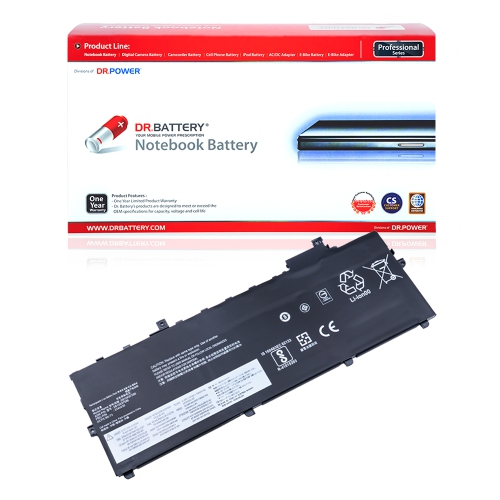
![DR. BATTERY - Replacement for Lenovo Thinkpad P51S 20Hbs02700 / 20Hbs05J00 / 20Hca03Hau / 01Av422 / 01Av423 / 01Av424 [4400Mah / 47Wh]](https://multimedia.bbycastatic.ca/multimedia/products/500x500/159/15941/15941200.jpeg)
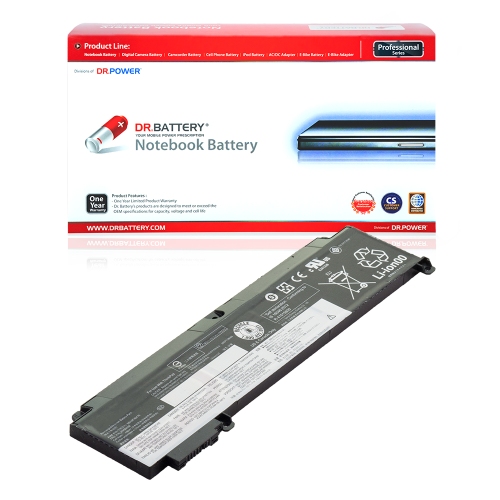
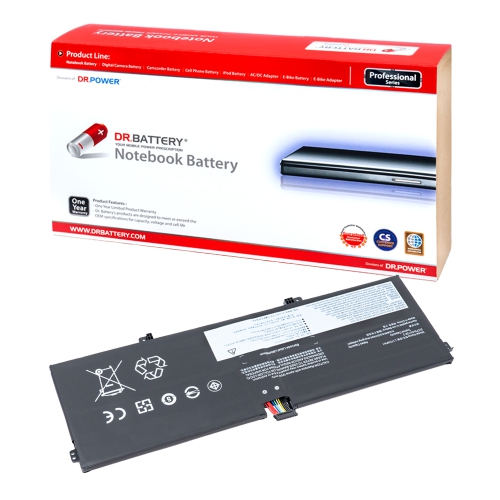
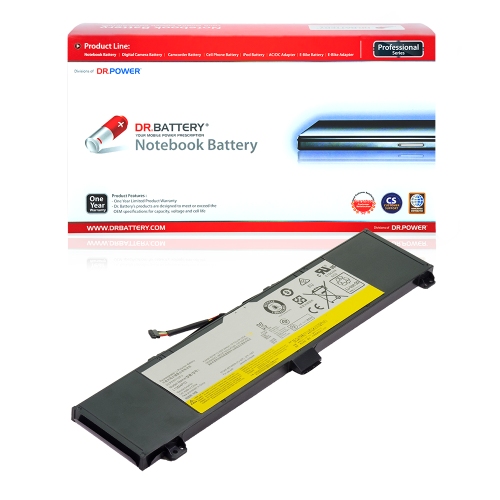
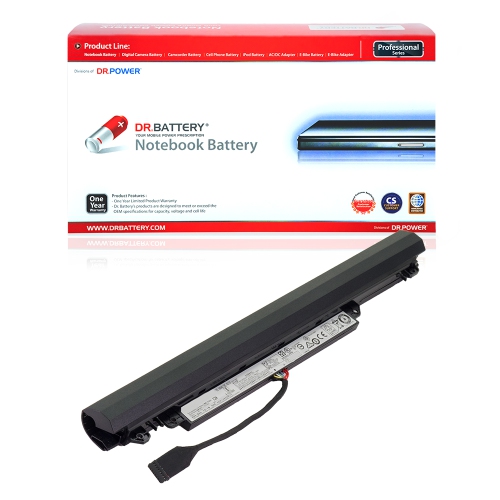
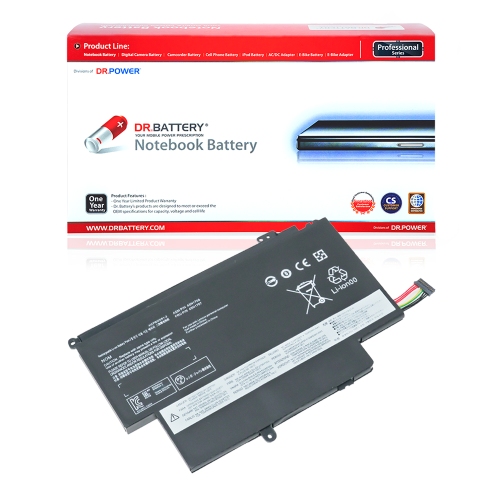
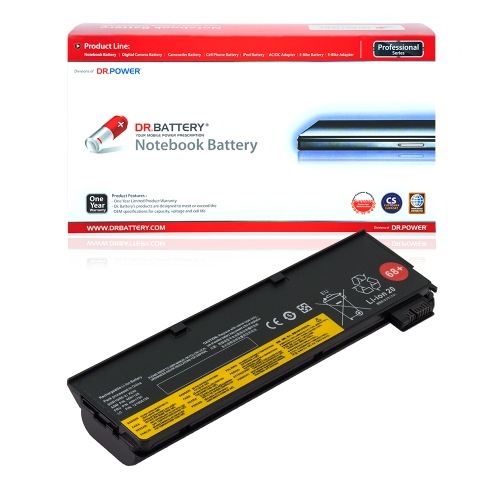
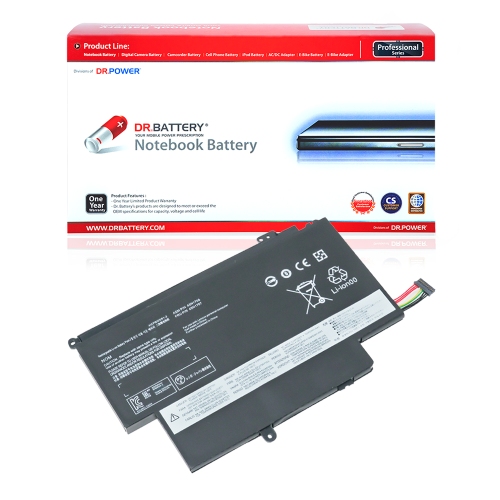
![DR. BATTERY Replacement for Lenovo Thinkpad P51S 20Hb000Smz 20Hba00Scd 20Hba00Ucd 01Av428 01Av452 01Av490 [11.4V / 24Wh]](https://multimedia.bbycastatic.ca/multimedia/products/500x500/159/15935/15935620.jpeg)
![DR. BATTERY - Replacement for Lenovo Ideapad S210 Touch 20257 / 888015454 / L12M3A01 / L12S3F01 [10.8V / 2200Mah / 24Wh]](https://multimedia.bbycastatic.ca/multimedia/products/500x500/157/15766/15766599.jpeg)
![DR. BATTERY - Replacement for Lenovo Thinkpad A475 20Kms02A08 / 20Kl0008Ge / Sb10K97583 / Sb10K97584 / Sb10K97585 / Sb10K97597 [4400Mah / 47Wh]](https://multimedia.bbycastatic.ca/multimedia/products/500x500/159/15941/15941193.jpeg)
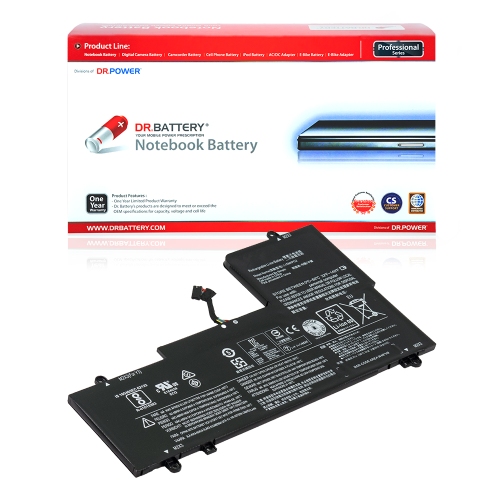
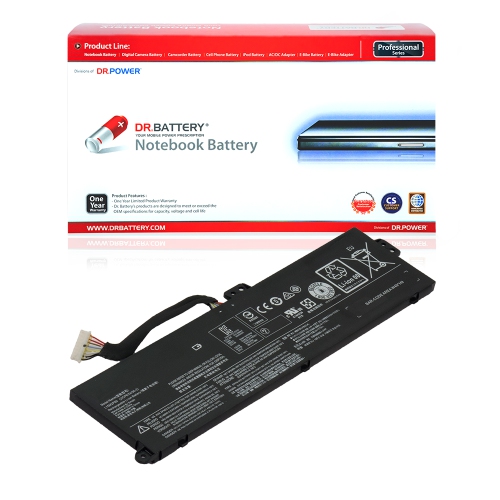
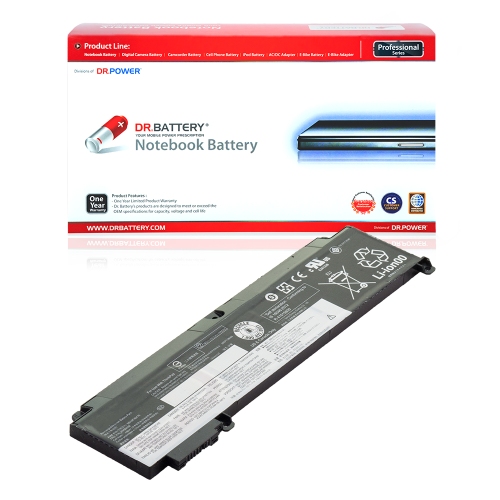
![DR. BATTERY - Replacement for Lenovo Thinkpad T570 20H90055Au / 20H9A00Cau / 20Ha / Sb10K97597 / 01Av422 / 01Av423 / 01Av424 [4400Mah / 47Wh]](https://multimedia.bbycastatic.ca/multimedia/products/500x500/159/15941/15941196.jpeg)
![DR. BATTERY - Replacement for Lenovo Thinkpad P51S 20Hb000Smz / 20Hba00Scd / 20Hba00Ucd / Sb10K97579 / Sb10K97580 / Sb10K97581 [4400Mah / 47Wh]](https://multimedia.bbycastatic.ca/multimedia/products/500x500/159/15941/15941222.jpeg)
![DR. BATTERY - Replacement for Lenovo Thinkpad T480 20L50005Hv / 20L5000Afr / 20L5000Aml / 01Av423 / 01Av424 / 01Av425 [4400Mah / 47Wh]](https://multimedia.bbycastatic.ca/multimedia/products/500x500/159/15941/15941220.jpeg)
![DR. BATTERY - Replacement for Lenovo Legion R7000 / R7000 2020 / Sb10W86191 / 5B10W86195 / L19C4PC0 / L19L4PC0 / L19M4PC0 [15.36V / 3890Mah / 60Wh]](https://multimedia.bbycastatic.ca/multimedia/products/500x500/157/15799/15799757.jpeg)
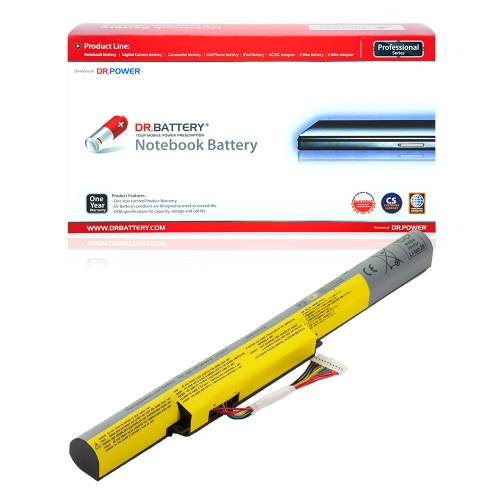
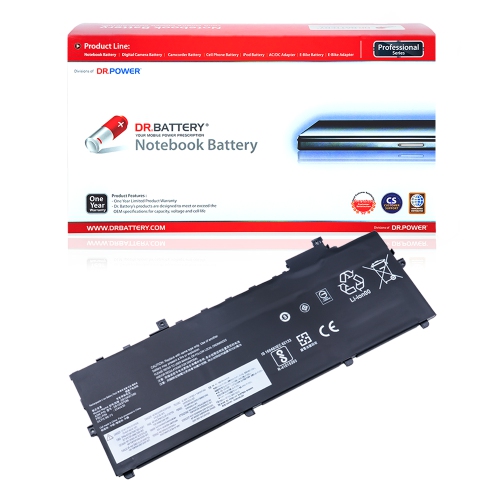
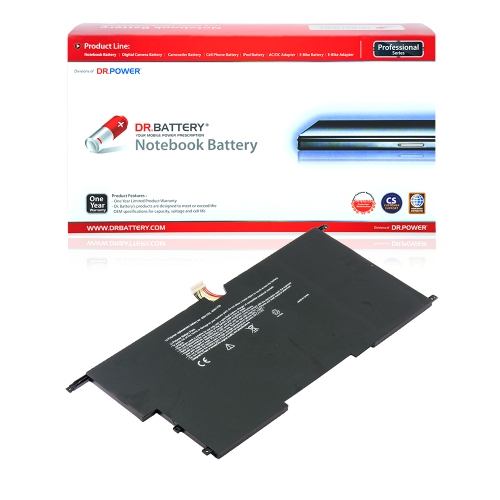
![DR. BATTERY - Replacement for Lenovo Thinkpad T580 20La0024Mx / 20Las13E00 / 20Las1J60D / Sb10K97580 / Sb10K97581 / Sb10K97582 [4400Mah / 47Wh]](https://multimedia.bbycastatic.ca/multimedia/products/500x500/159/15941/15941221.jpeg)
![DR. BATTERY - Replacement for Lenovo Thinkpad X220 / X220I / X230 / X230I / 42T4942 / 42Y4834 / 42Y4864 / 45N1018 / 45N1019 [14.8V / 2200Mah / 33Wh]](https://multimedia.bbycastatic.ca/multimedia/products/500x500/157/15753/15753734.jpeg)
![DR. BATTERY - Replacement for Lenovo Thinkpad T470 20Hes21407 / 20Hes30K00 / 20Hes3F00J / 01Av428 / 01Av452 / 01Av490 [4400Mah / 47Wh]](https://multimedia.bbycastatic.ca/multimedia/products/500x500/159/15941/15941229.jpeg)
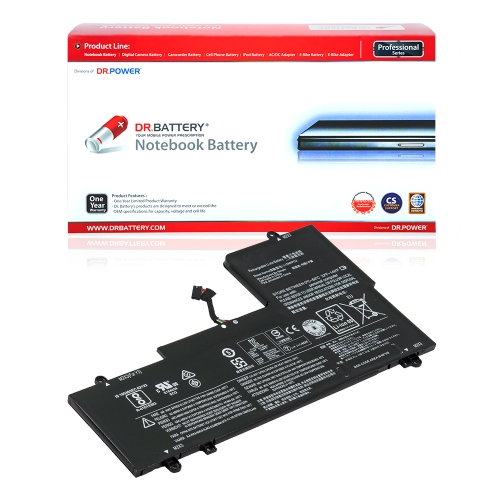
![DR. BATTERY - Replacement for Lenovo Ideapad Z400A-Ith / Z400T / Z500 / Z500A / L12M4K01 / L12S4E21 / L12S4K01 / L12L4K01 [14.4V / 2200Mah / 32Wh]](https://multimedia.bbycastatic.ca/multimedia/products/500x500/159/15936/15936664.jpeg)
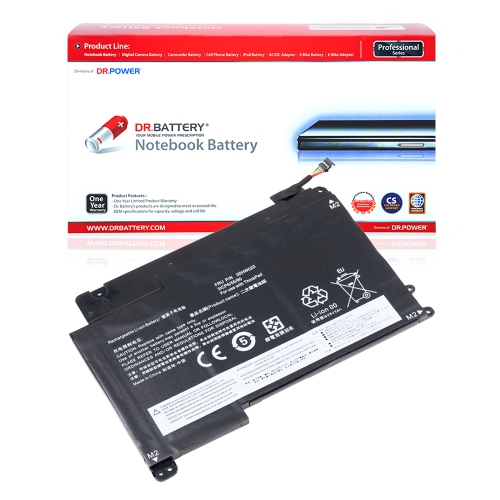
![DR. BATTERY - Replacement for Lenovo Thinkpad P51S 20Hbs02700 / 20Hbs05J00 / 20Hca03Hau / 01Av427 / 01Av428 / 01Av452 [4400Mah / 47Wh]](https://multimedia.bbycastatic.ca/multimedia/products/500x500/159/15941/15941244.jpeg)
![DR. BATTERY - Replacement for Lenovo Thinkpad T480 20L5000Vus / 20L5000Wus / 20L50013Us / 01Av491 / Sb10K97579 / Sb10K97580 [4400Mah / 47Wh]](https://multimedia.bbycastatic.ca/multimedia/products/500x500/159/15941/15941239.jpeg)
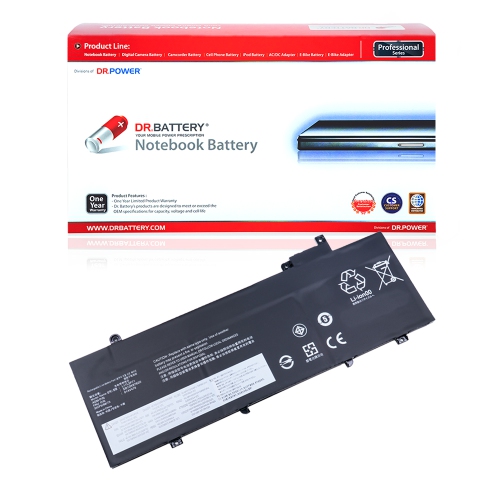
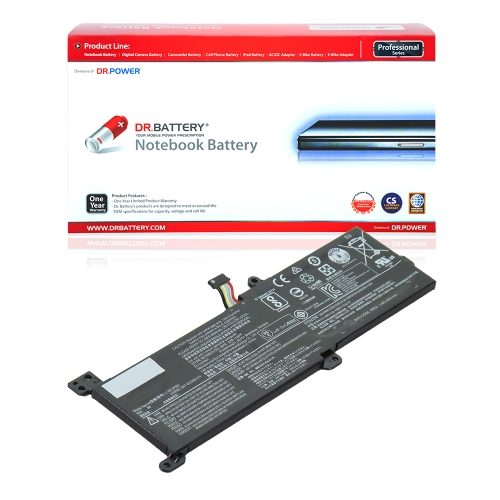
![DR. BATTERY - Replacement for Lenovo Ideapad S215 / S215 59372287 / S215 Touch / 888015454 / L12M3A01 / L12S3F01 [10.8V / 2200Mah / 24Wh]](https://multimedia.bbycastatic.ca/multimedia/products/500x500/157/15766/15766595.jpeg)
![DR. BATTERY - Replacement for Lenovo Thinkpad P52S 20Lcs1Du08 / 20Lcs28T28 / 20Lcs29701 / Sb10K97597 / 01Av422 / 01Av423 [4400Mah / 47Wh]](https://multimedia.bbycastatic.ca/multimedia/products/500x500/159/15941/15941214.jpeg)
![DR. BATTERY Replacement for Lenovo Thinkpad T470 20Hes0K819 20Hes12V03 20Hes19Q0H Sb10K97584 Sb10K97585 Sb10K97597 [11.4V / 24Wh]](https://multimedia.bbycastatic.ca/multimedia/products/500x500/159/15935/15935521.jpeg)
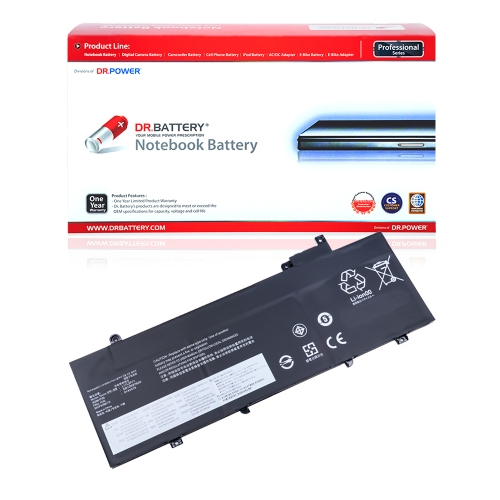
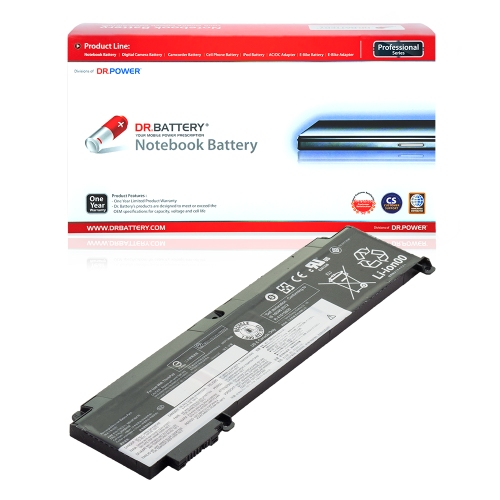
![DR. BATTERY - Replacement for Lenovo Ideapad N22 / N22-20 / N42-20 / 5B10W67340 / L15L3Pb1 / L15M3Pb1 / Sb10W67248 [11.1V / 4050Mah / 45Wh]](https://multimedia.bbycastatic.ca/multimedia/products/500x500/158/15863/15863955.jpeg)
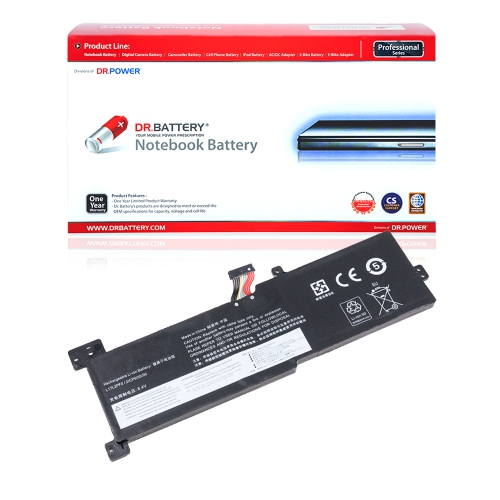
![DR. BATTERY - Replacement for Lenovo Thinkpad X220 / X220I / X230 / X230I / 42Y4864 / 45N1018 / 45N1019 / 45N1022 / 45N1023 [14.8V / 2200Mah / 33Wh]](https://multimedia.bbycastatic.ca/multimedia/products/500x500/157/15753/15753742.jpeg)
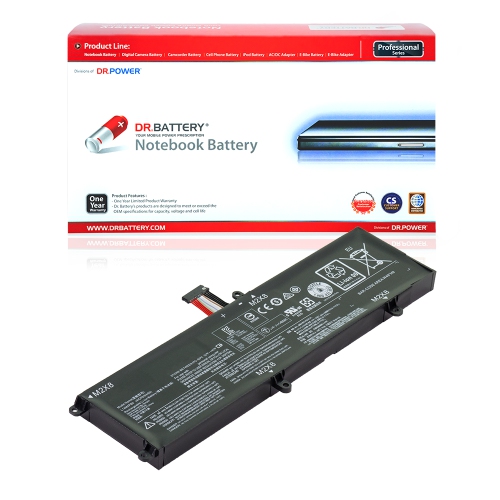
![DR. BATTERY - Replacement for Lenovo Thinkpad T480 20L5000Asp / 20L5000Rue / 20L5000Sfe / 01Av427 / 01Av428 / 01Av452 [4400Mah / 47Wh]](https://multimedia.bbycastatic.ca/multimedia/products/500x500/159/15941/15941237.jpeg)
![DR. BATTERY - Replacement for Lenovo Ideapad S210T / S210T-Con / S210T-Ith / 888015454 / L12M3A01 / L12S3F01 [10.8V / 2200Mah / 24Wh]](https://multimedia.bbycastatic.ca/multimedia/products/500x500/157/15766/15766594.jpeg)
![DR. BATTERY - Replacement for Lenovo Ideapad S215 / S215 59372287 / S215 Touch / 888015454 / L12M3A01 / L12S3F01 [10.8V / 2200Mah / 24Wh]](https://multimedia.bbycastatic.ca/multimedia/products/500x500/157/15766/15766621.jpeg)
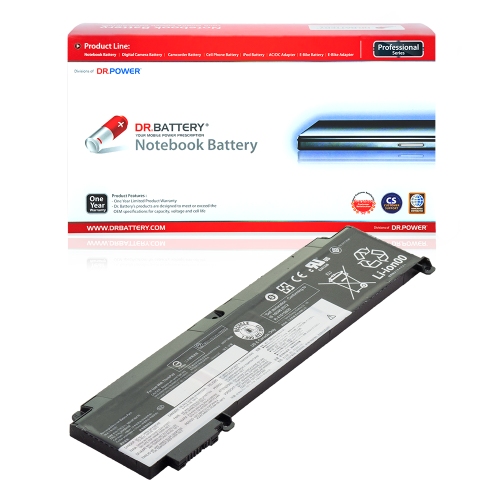
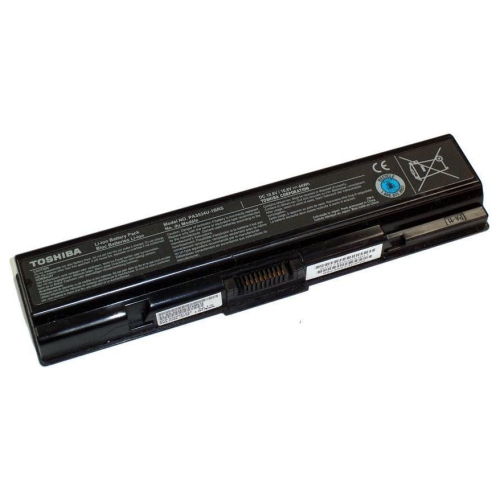
![DR. BATTERY - Replacement for Lenovo Ideapad S215 / S215 59372287 / S215 Touch / 888015454 / L12M3A01 / L12S3F01 [10.8V / 2200Mah / 24Wh]](https://multimedia.bbycastatic.ca/multimedia/products/500x500/157/15766/15766630.jpeg)
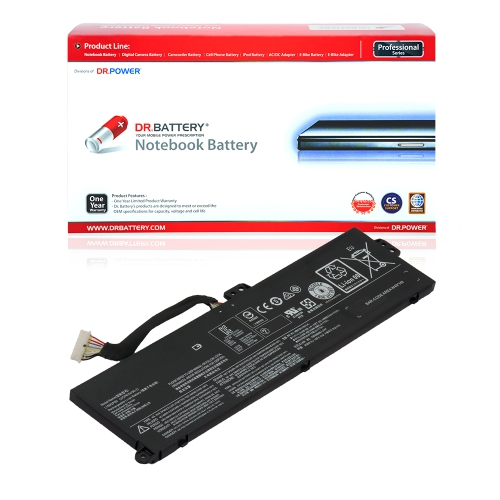
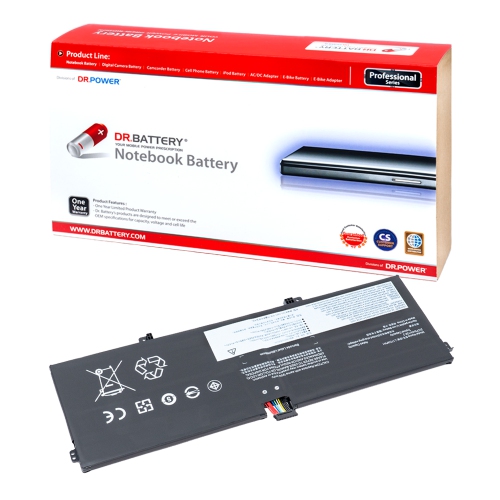
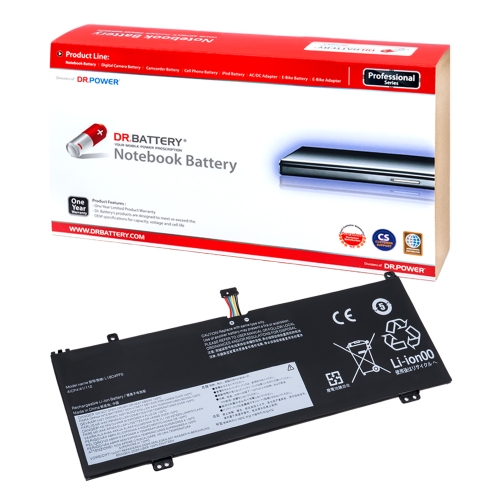
![DR. BATTERY - Replacement for Lenovo Thinkpad X220 / X220I / X230 / X230I / 0A36305 / 0A36306 / 0A36307 / 42T4861 / 42T4862 [14.8V / 2200Mah / 33Wh]](https://multimedia.bbycastatic.ca/multimedia/products/500x500/157/15759/15759167.jpeg)
![DR. BATTERY - Replacement for Lenovo Thinkpad X220 / X220I / X230 / X230I / 04W1890 / 0A36281 / 0A36282 / 0A36283 / 0A36305 [14.8V / 2200Mah / 33Wh]](https://multimedia.bbycastatic.ca/multimedia/products/500x500/157/15753/15753754.jpeg)
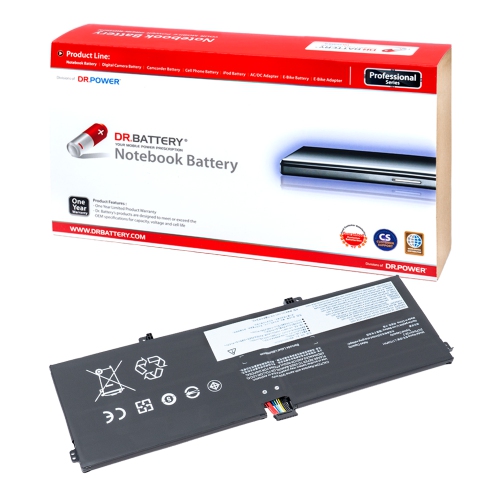
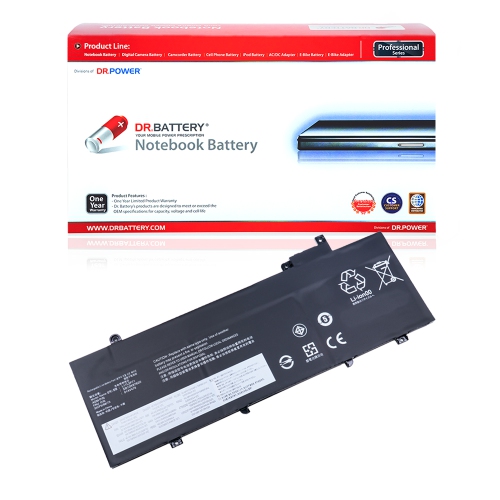
![DR. BATTERY - Replacement for Lenovo Legion R7000 / R7000 2020 / 5B10W86195 / L19C4PC0 / L19L4PC0 / L19M4PC0 / L19Spc0 [15.36V / 3890Mah / 60Wh]](https://multimedia.bbycastatic.ca/multimedia/products/500x500/157/15799/15799769.jpeg)
Longer unplugged use starts with exact model compatibility
Lenovo replacement batteries can help restore the everyday freedom of a compatible laptop when its original battery no longer lasts through a class, workday, travel connection, or quiet afternoon at the kitchen table. Over time, laptop batteries naturally lose capacity through repeated charging and discharging, and the change is often gradual: a computer that once ran for hours may begin needing an outlet after a short video call or a few pages of notes. A replacement battery is designed to bring back more practical unplugged use, whether the laptop is used for remote work, school assignments, household finances, creative projects, or staying connected while moving from room to room. It can also be a useful purchase for someone who relies on an older laptop that still meets their needs but has become difficult to use away from a wall socket. Before choosing a battery, identify the exact laptop model, machine type, serial number, and battery part number whenever possible. Similar-looking batteries may have different connectors, dimensions, voltage ratings, cell configurations, or mounting points, so visual matching alone is not enough. The information on the laptop’s underside, in its system settings, or in the original battery documentation can help narrow down the correct replacement. Checking the manufacturer’s compatibility information is an important step, particularly when several versions of the same laptop family were released over different production periods. Capacity, usually shown in watt-hours (Wh), is another useful specification because it indicates how much energy the battery can store. A higher number does not automatically mean it is the right choice; the replacement must match the laptop’s electrical and physical requirements first. It is also worth considering how the computer is used. Someone who spends most of the day near a desk may simply need dependable backup power, while a commuter, student, traveller, or professional moving between meetings may place greater value on longer unplugged sessions. As the weather becomes cooler and people spend more time working, studying, and relaxing indoors, a dependable battery can make it easier to use a laptop in a reading chair, at a dining table, or in a room where an outlet is not close by.
Replacing an internal laptop battery requires care, patience, and the right information. Many compatible computers include a built-in battery rather than a simple slide-out pack, which means the bottom cover may need to be removed before the battery can be accessed. Anyone completing the replacement should shut down the laptop fully, disconnect the charger and accessories, and follow the manufacturer’s service instructions for the exact model. On supported systems, a built-in battery may need to be disabled through the firmware or BIOS power settings before the case is opened. This step helps reduce the chance of electrical damage during servicing, but menu names and procedures differ, so the instructions for the specific computer should be followed rather than relying on a general tutorial. When the cover is removed, use the correct screwdriver and keep track of each fastener; a small tray or labelled container can prevent the familiar end-of-repair scramble for one missing screw. Battery connectors should be handled by the plastic connector housing, never by pulling on the wires, and the battery should not be bent, pierced, squeezed, or exposed to heat. If the battery is swollen, cracked, leaking, unusually hot, or giving off an odour, stop using the laptop and seek qualified service instead of attempting a replacement at home. The new battery should sit flat, align with its retaining points, and connect securely without force. After reassembly, charge and use it according to the manufacturer’s guidance. Initial battery readings can sometimes take a few charge cycles to settle, so the operating system may need time to display a more accurate estimate. Good daily habits can also help make the most of a replacement: keep the laptop’s vents clear, install important system updates, avoid leaving it in a hot vehicle, and use power-saving settings when maximum runtime is not required. For more category options, shoppers can also browse Thinkpad Batteries.
The right replacement battery is especially valuable when a laptop remains reliable in every other respect. A familiar keyboard, established software setup, saved files, and comfortable screen can make keeping an existing computer in service more convenient than changing to an entirely new device. It may also be a thoughtful practical gift for a student preparing for a demanding term, a family member who works from home, or someone who travels with a laptop and wants greater confidence between charging points. Since compatibility is more important than appearance, gather the recipient’s exact computer details before purchasing a battery as a gift; the model name alone may not identify the correct part. Battery life also depends on the laptop’s age, display brightness, wireless connections, applications, storage activity, and workload, so a replacement restores battery capacity but does not turn an older computer into a newer one. Heavy video editing, gaming, video conferencing, and other demanding tasks will use power faster than writing, reading, or browsing. It is helpful to think in terms of dependable flexibility rather than a guaranteed number of hours. A healthy battery can make a real difference during a train ride, a lecture, a presentation, or an evening when the nearest outlet is already occupied. Look for clear compatibility details, appropriate voltage and capacity, secure construction, and return or warranty information that supports a confident purchase. When installation feels outside your comfort level, a qualified technician can verify the part, inspect the laptop, and complete the work safely. With careful selection and proper handling, Lenovo replacement batteries can provide a practical way to extend the useful day-to-day experience of a compatible laptop through the cooler months and beyond.
Replacing an internal laptop battery requires care, patience, and the right information. Many compatible computers include a built-in battery rather than a simple slide-out pack, which means the bottom cover may need to be removed before the battery can be accessed. Anyone completing the replacement should shut down the laptop fully, disconnect the charger and accessories, and follow the manufacturer’s service instructions for the exact model. On supported systems, a built-in battery may need to be disabled through the firmware or BIOS power settings before the case is opened. This step helps reduce the chance of electrical damage during servicing, but menu names and procedures differ, so the instructions for the specific computer should be followed rather than relying on a general tutorial. When the cover is removed, use the correct screwdriver and keep track of each fastener; a small tray or labelled container can prevent the familiar end-of-repair scramble for one missing screw. Battery connectors should be handled by the plastic connector housing, never by pulling on the wires, and the battery should not be bent, pierced, squeezed, or exposed to heat. If the battery is swollen, cracked, leaking, unusually hot, or giving off an odour, stop using the laptop and seek qualified service instead of attempting a replacement at home. The new battery should sit flat, align with its retaining points, and connect securely without force. After reassembly, charge and use it according to the manufacturer’s guidance. Initial battery readings can sometimes take a few charge cycles to settle, so the operating system may need time to display a more accurate estimate. Good daily habits can also help make the most of a replacement: keep the laptop’s vents clear, install important system updates, avoid leaving it in a hot vehicle, and use power-saving settings when maximum runtime is not required. For more category options, shoppers can also browse Thinkpad Batteries.
The right replacement battery is especially valuable when a laptop remains reliable in every other respect. A familiar keyboard, established software setup, saved files, and comfortable screen can make keeping an existing computer in service more convenient than changing to an entirely new device. It may also be a thoughtful practical gift for a student preparing for a demanding term, a family member who works from home, or someone who travels with a laptop and wants greater confidence between charging points. Since compatibility is more important than appearance, gather the recipient’s exact computer details before purchasing a battery as a gift; the model name alone may not identify the correct part. Battery life also depends on the laptop’s age, display brightness, wireless connections, applications, storage activity, and workload, so a replacement restores battery capacity but does not turn an older computer into a newer one. Heavy video editing, gaming, video conferencing, and other demanding tasks will use power faster than writing, reading, or browsing. It is helpful to think in terms of dependable flexibility rather than a guaranteed number of hours. A healthy battery can make a real difference during a train ride, a lecture, a presentation, or an evening when the nearest outlet is already occupied. Look for clear compatibility details, appropriate voltage and capacity, secure construction, and return or warranty information that supports a confident purchase. When installation feels outside your comfort level, a qualified technician can verify the part, inspect the laptop, and complete the work safely. With careful selection and proper handling, Lenovo replacement batteries can provide a practical way to extend the useful day-to-day experience of a compatible laptop through the cooler months and beyond.
Top selling and popular products
-
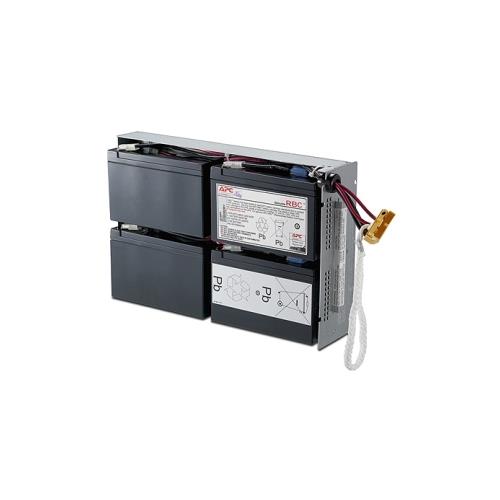 Your price for this item is $727.82
 -
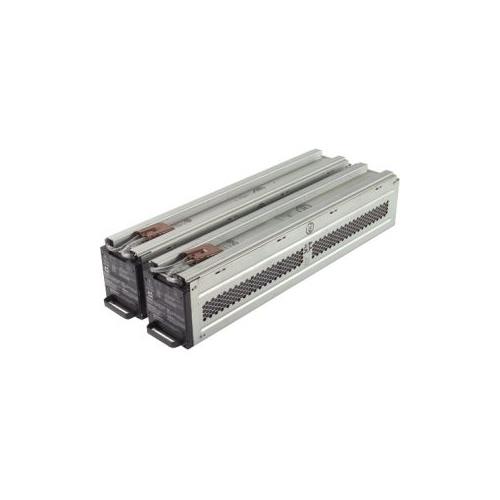 Your price for this item is $1116.68
 -
![DR. BATTERY Replacement for HP Probook 430 G6-5Pq40Ea G6-5Pq62Ea G6-5Pq75Ea L32407-541 L32407-Ac1 L32656-002 [11.55V / 40Wh]](https://multimedia.bbycastatic.ca/multimedia/products/500x500/154/15458/15458885.jpeg) Your price for this item is $69.99
Your price for this item is $69.99 -
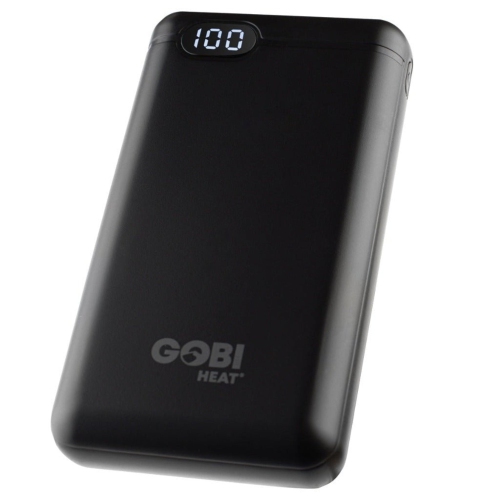 Your price for this item is $100
 -
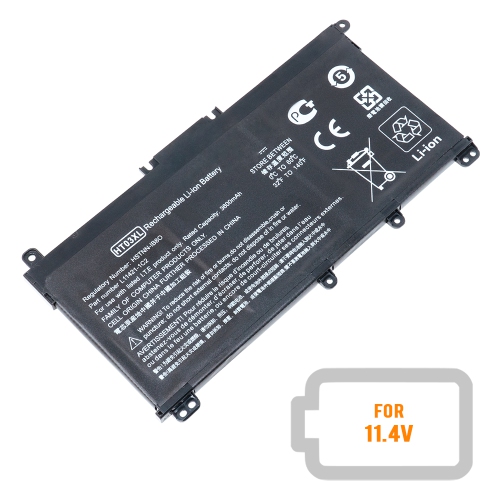 Your price for this item is $39.77
 -
 Your price for this item is $87.99
 -
 Your price for this item is $129
 -
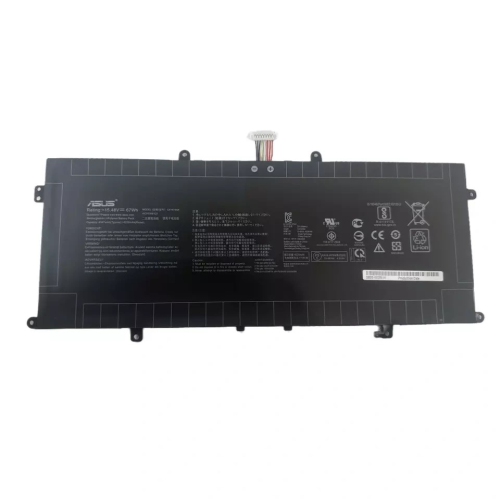 Your price for this item is $94.99
Discover more categories related to Lenovo Replacement Batteries
Top Collections:
Pokemon Centers, Kindle Devices, Best Budget Office Chairs, Canon G7X Cameras, Apple iPhones 16, Samsung Galaxy Phones, Refurbished Apple Laptops, Laptops for Students, iPhone 15 Apple, Budget Smartphones
Some products may be subject to Environmental Handling Fees
(EHF) depending on your province.
Learn more about EHFs.