Thinkpad Batteries
Power up your laptop and stay productive on the go with our selection of high-quality replacement batteries for your Thinkpad. Designed to provide long-lasting performance and reliable power, these batteries are essential for ensuring that your device stays charged and ready whenever you need it. Whether you're a student, professional, or casual user, having a backup battery can make all the difference in staying connected and getting work done efficiently. Explore our range of Thinkpad batteries to find the perfect match for your laptop model.
Sort
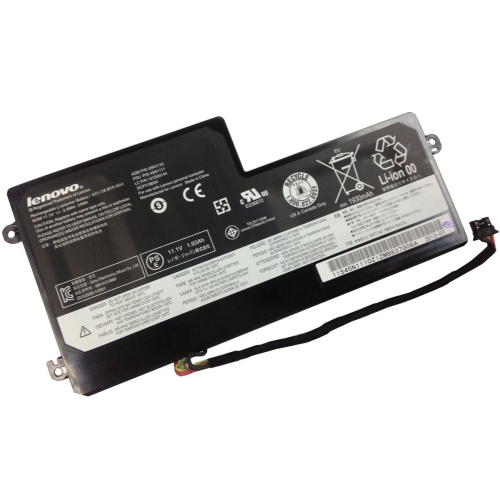
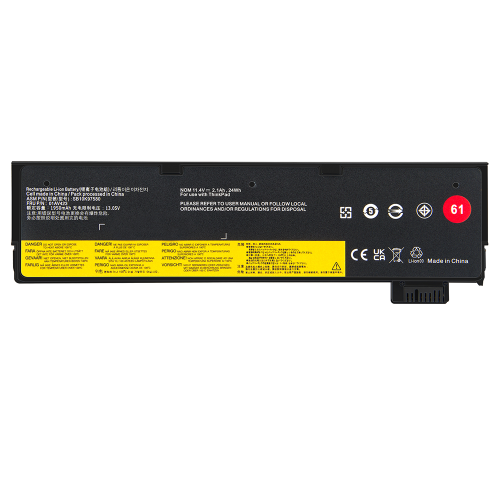
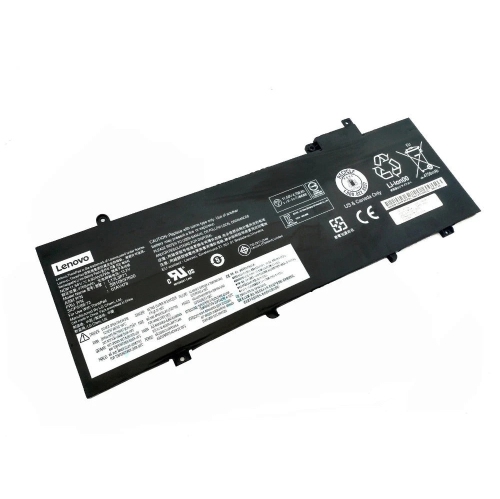
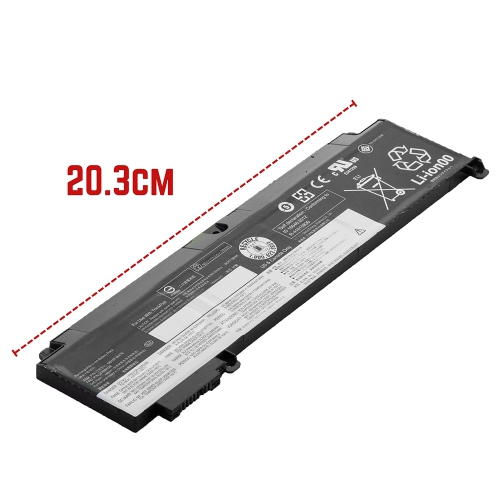

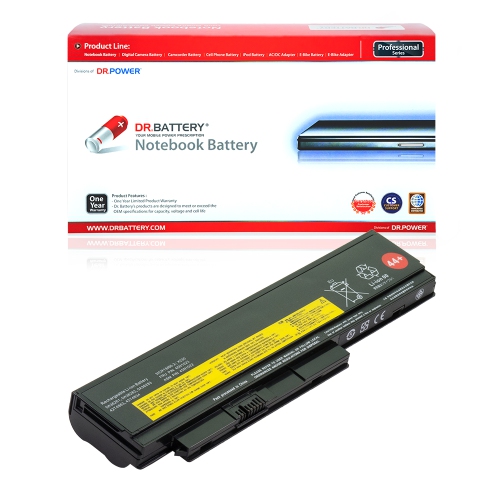
![DR. BATTERY - Replacement for Lenovo Thinkpad X220 / X220I / X230 / X230I / 42T4873 / 42T4875 / 42T4876 / 42T4899 / 42T4901 [14.8V / 2200Mah / 33Wh]](https://multimedia.bbycastatic.ca/multimedia/products/500x500/157/15753/15753789.jpeg)
![DR. BATTERY - Replacement for Lenovo Thinkpad X220 / X220I / X230 / X230I / 42T4867 / 42T4868 / 42T4873 / 42T4875 / 42T4876 [14.8V / 2200Mah / 33Wh]](https://multimedia.bbycastatic.ca/multimedia/products/500x500/157/15753/15753744.jpeg)
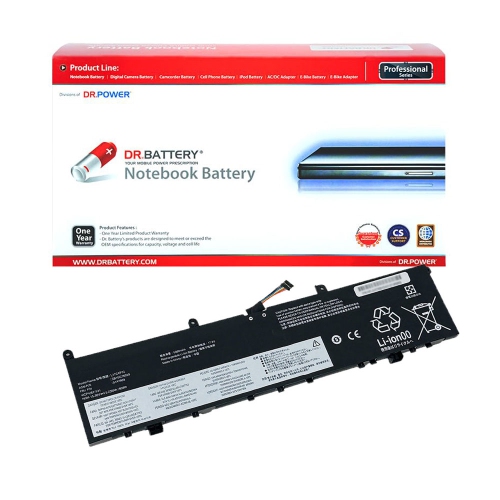
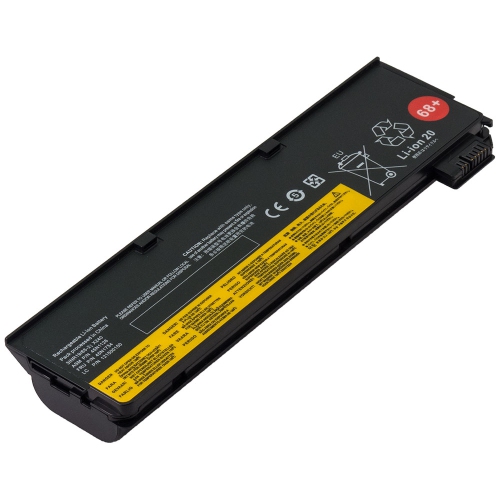
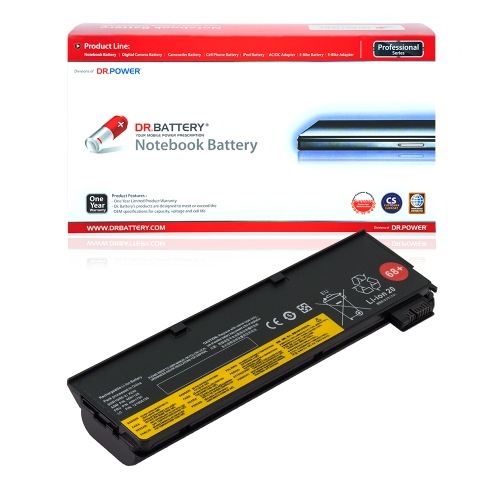
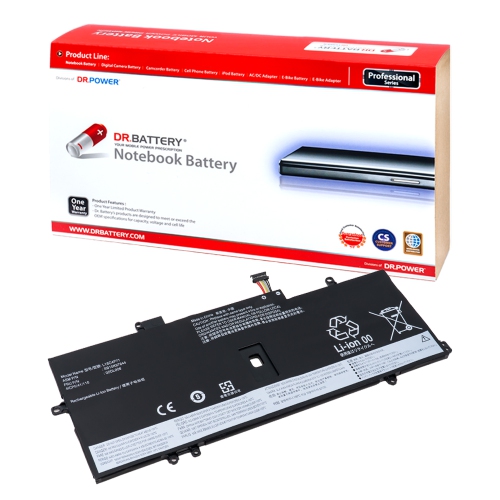
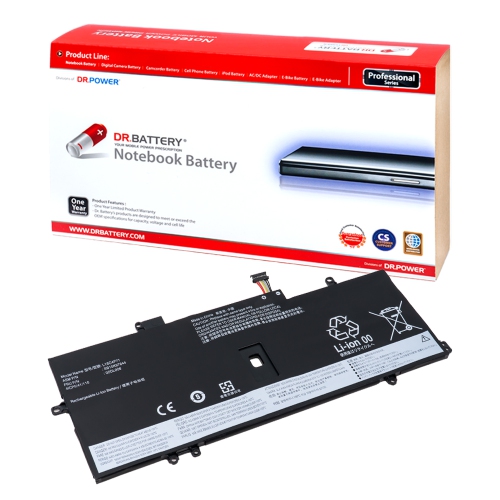
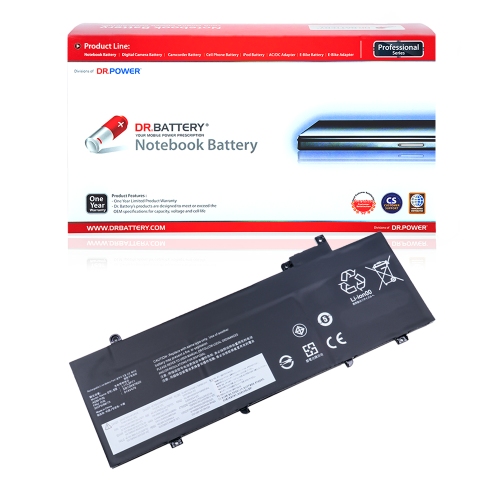
![DR. BATTERY Replacement for Lenovo Thinkpad T470 20Hes0K819 20Hes12V03 20Hes19Q0H Sb10K97584 Sb10K97585 Sb10K97597 [11.4V / 24Wh]](https://multimedia.bbycastatic.ca/multimedia/products/500x500/159/15935/15935521.jpeg)
![DR. BATTERY - Replacement for Lenovo Thinkpad X220 / X220I / X230 / X230I / 04W1890 / 0A36281 / 0A36282 / 0A36283 / 0A36305 [14.8V / 2200Mah / 33Wh]](https://multimedia.bbycastatic.ca/multimedia/products/500x500/157/15753/15753754.jpeg)
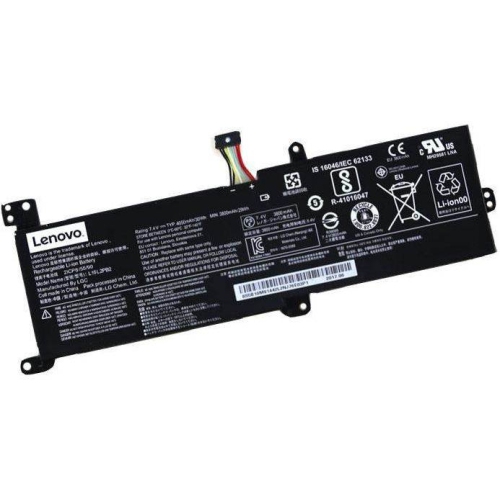
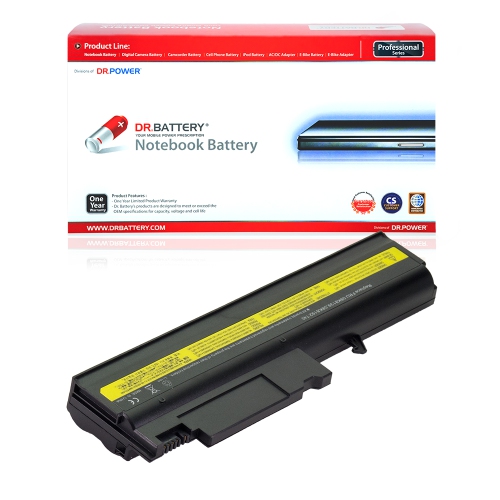
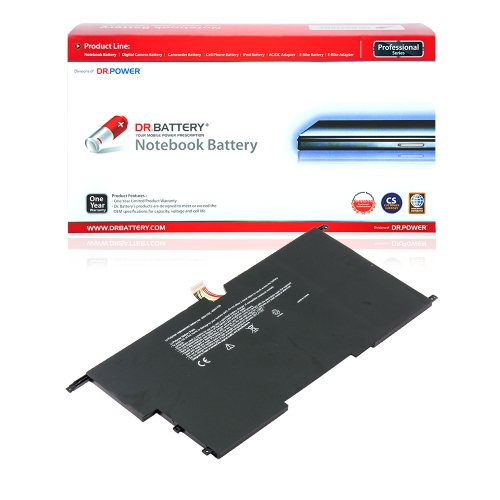
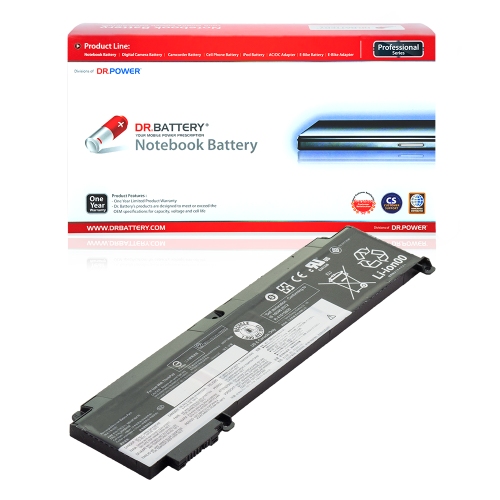
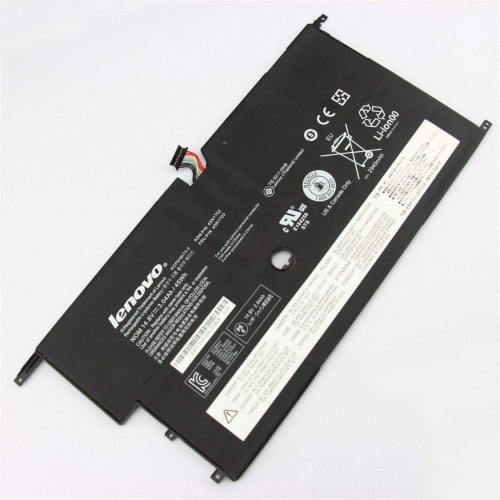
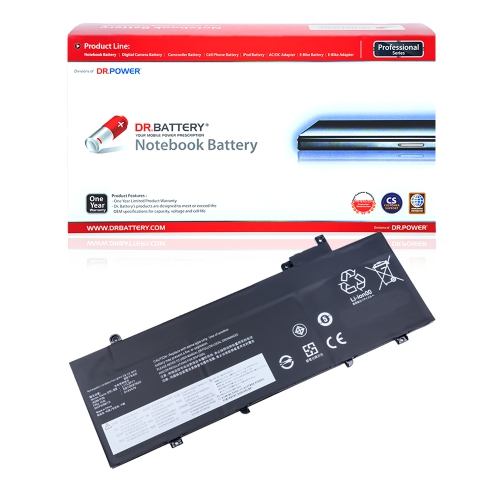
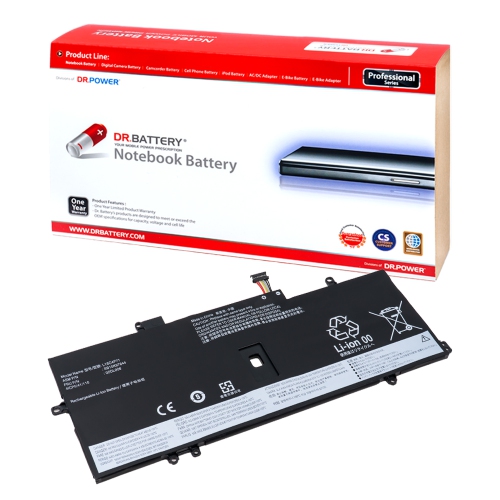
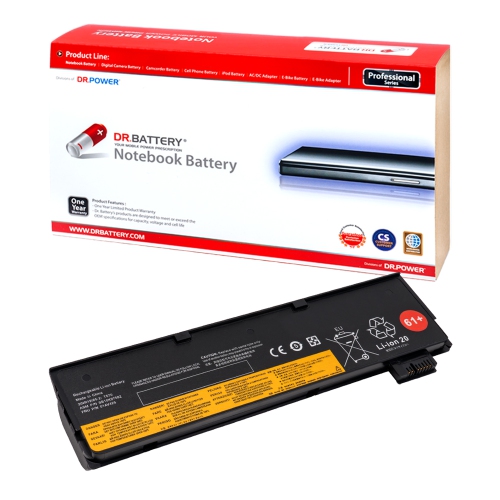
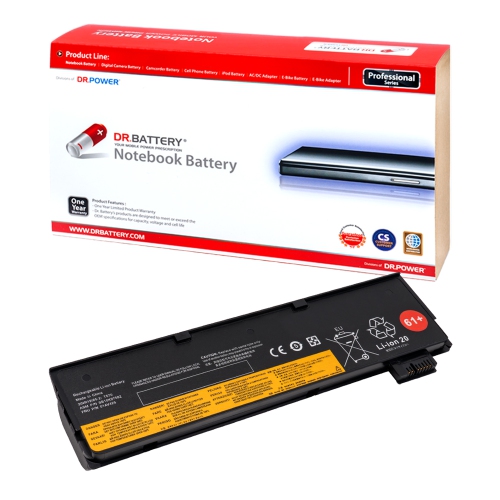
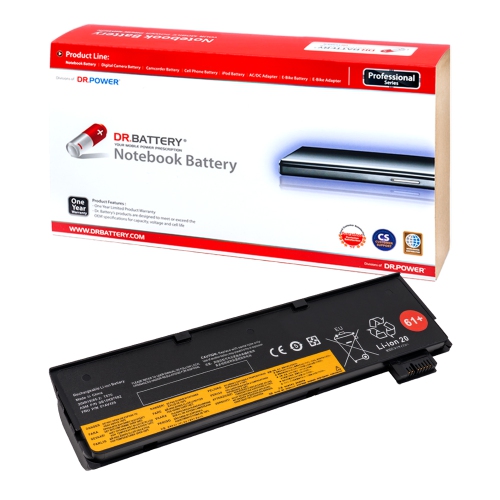
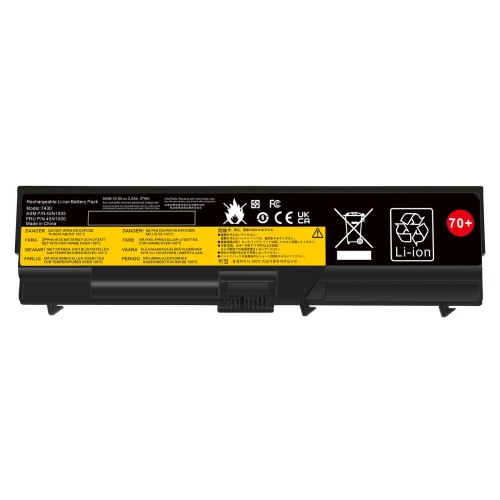
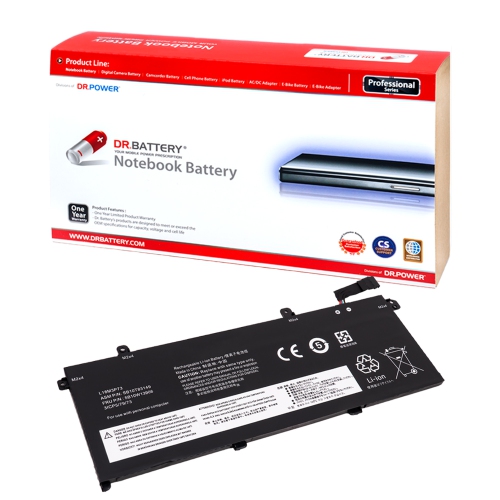
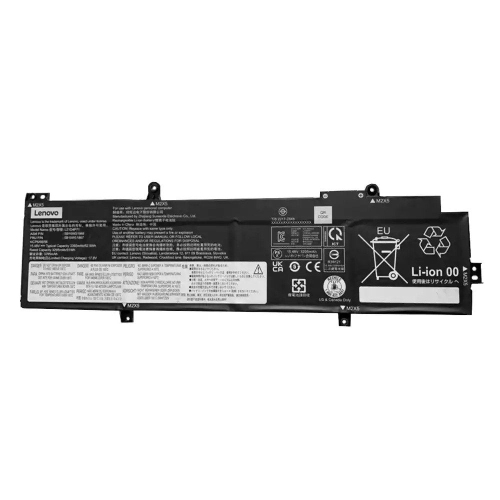
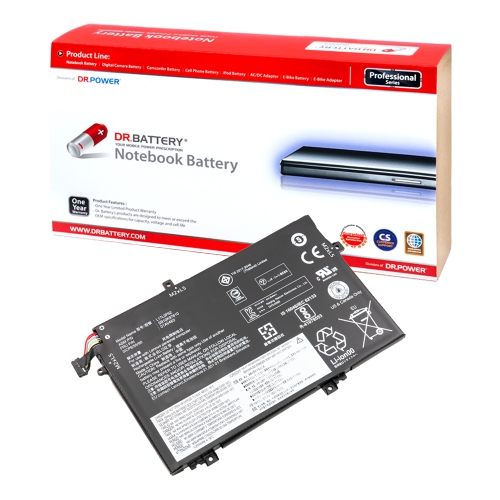
![DR. BATTERY 0A36303 Battery Compatible w Lenovo Thinkpad Edge 14 Edge 15 E40 E50 T520 L520 T420 T410 T510 W520 W510 L420 L412 L512 [10.8V/48Wh]](https://multimedia.bbycastatic.ca/multimedia/products/500x500/152/15227/15227932.jpeg)
![DR. BATTERY 45N1176 Battery Compatible w Lenovo Ithinkpad X131E X140E Edge E325 E120 E125 E130 E145 E320 E325 E330 E335 X121E X130E Series [14.4V]](https://multimedia.bbycastatic.ca/multimedia/products/500x500/152/15224/15224916.jpeg)
![DR. BATTERY 45N1071 45N1070 Laptop Battery Compatible With Lenovo Thinkpad X1 Carbon 3444 3448 3460 3443 3444-2Gu 3444-55U [14.8V]](https://multimedia.bbycastatic.ca/multimedia/products/500x500/152/15232/15232876.jpeg)
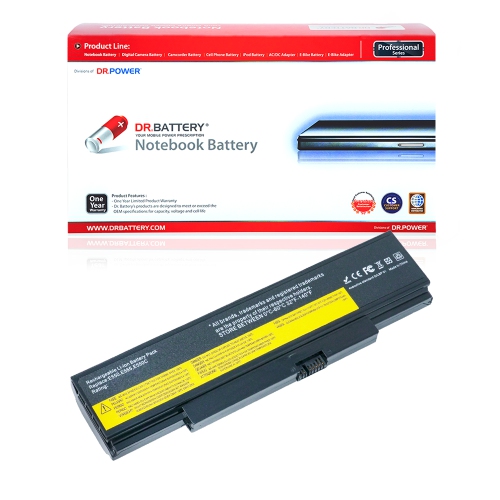
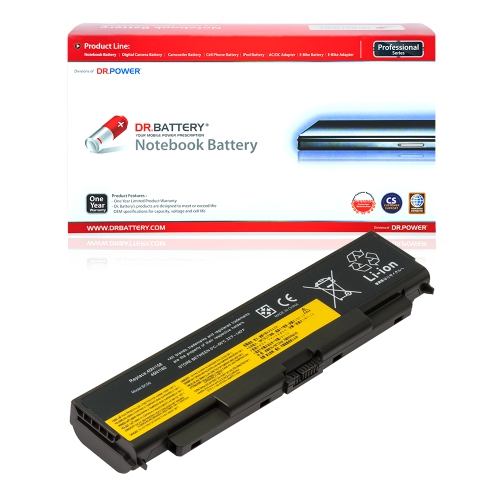
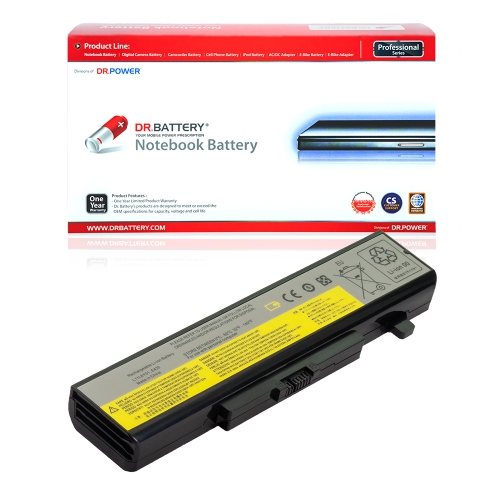
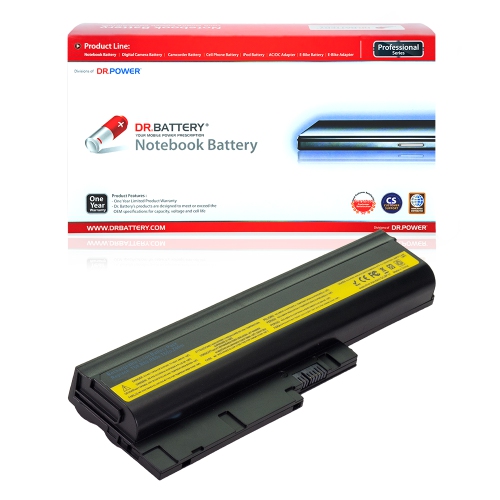
![DR. BATTERY Replacement for Ibm Thinkpad Sl500 T500 T60 T60P Fru 92P1129 Fru 92P1131 Fru 92P1133 Fru 92P1137 [10.8V / 48Wh]](https://multimedia.bbycastatic.ca/multimedia/products/500x500/152/15236/15236794.jpeg)
![DR. BATTERY 45N1751 45N1750 Battery Compatible With Lenovo Thinkpad Yoga 11E 20E5001B 20D90027Us 45N1748 45N1748 [7.4V]](https://multimedia.bbycastatic.ca/multimedia/products/500x500/152/15237/15237391.jpeg)
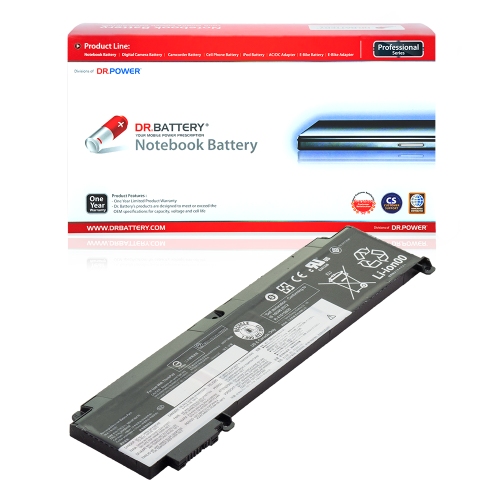
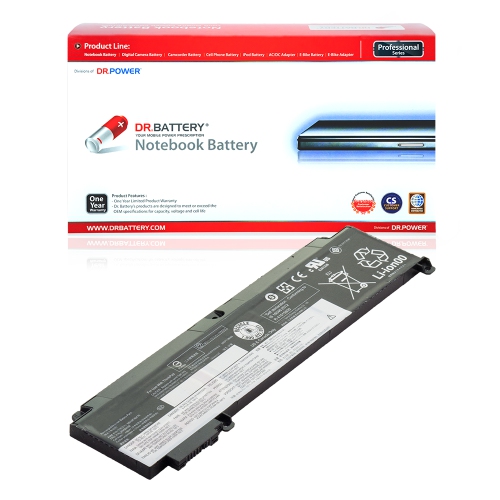
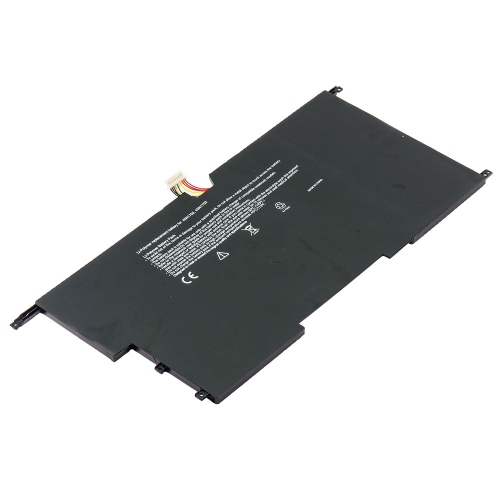
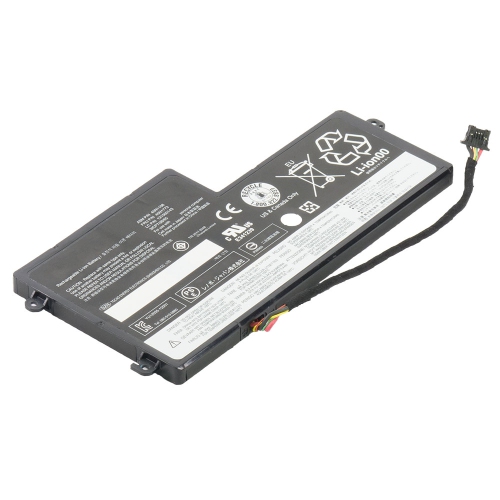
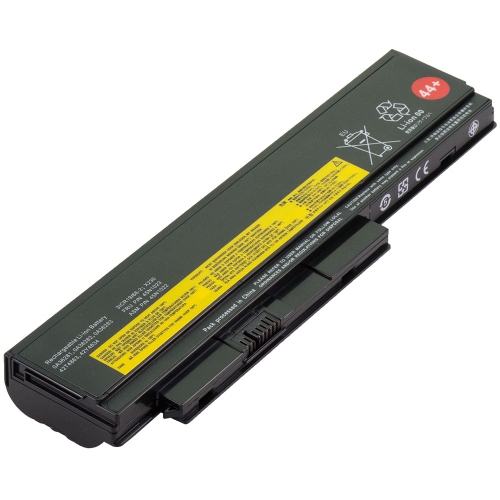
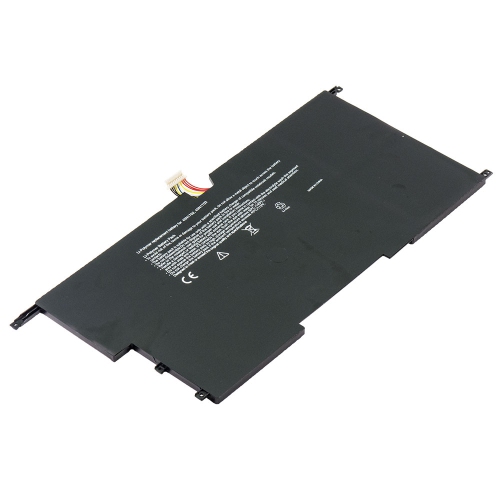
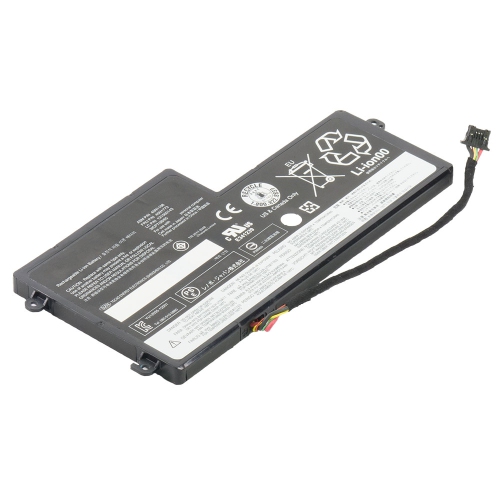
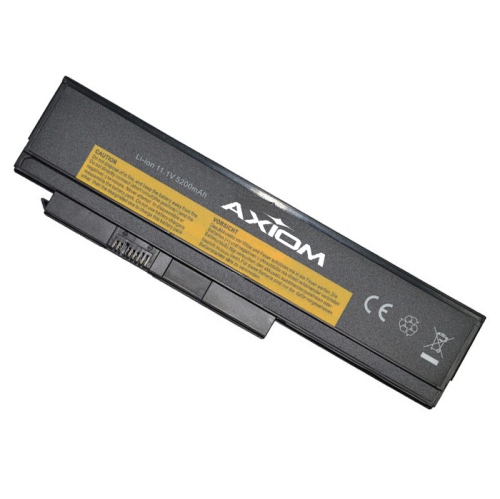
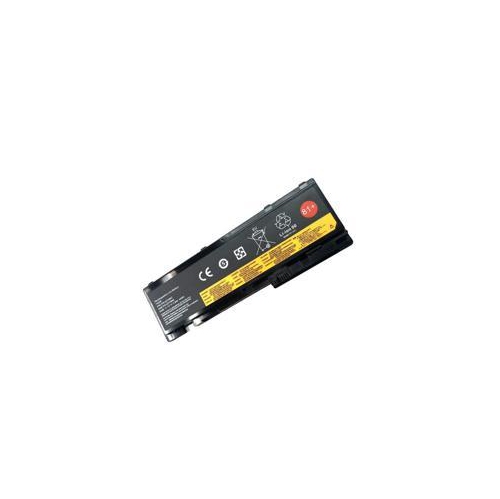
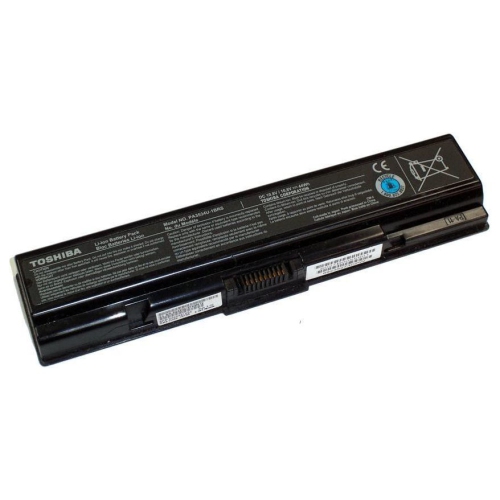
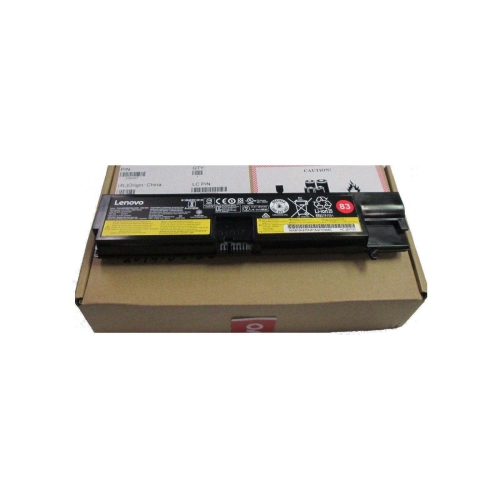
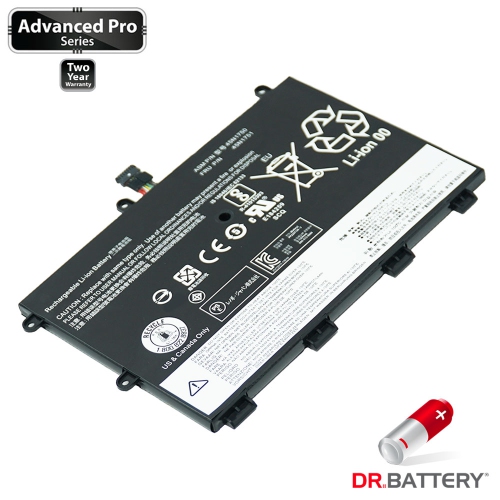
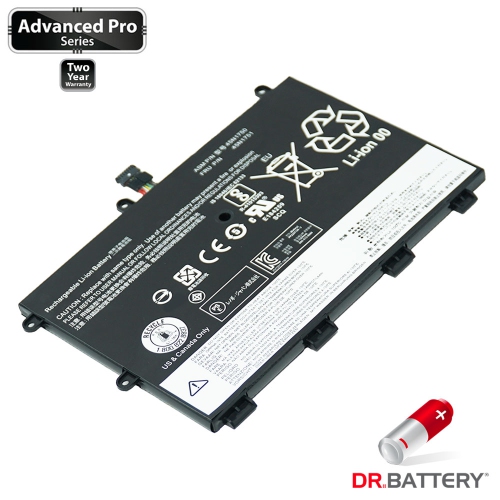
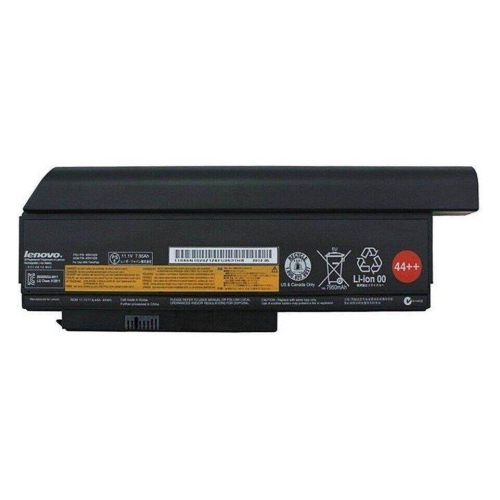
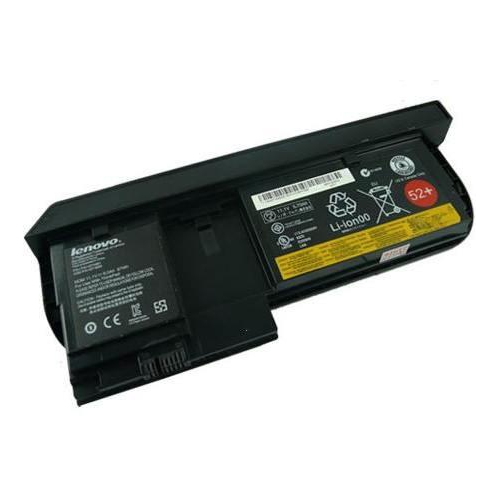
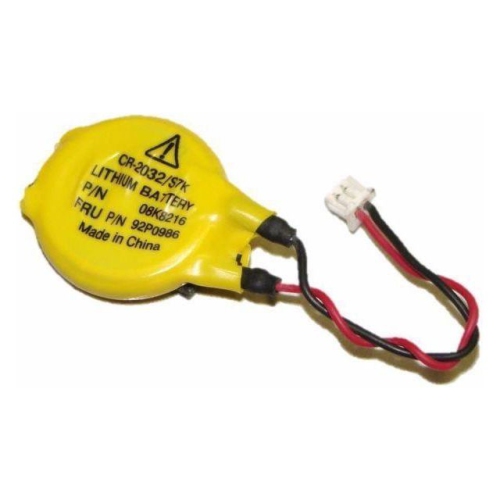
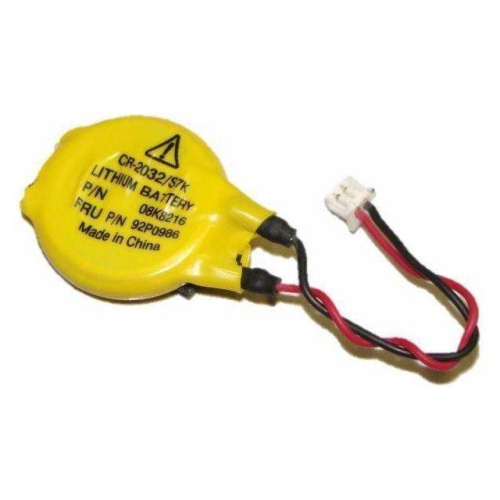
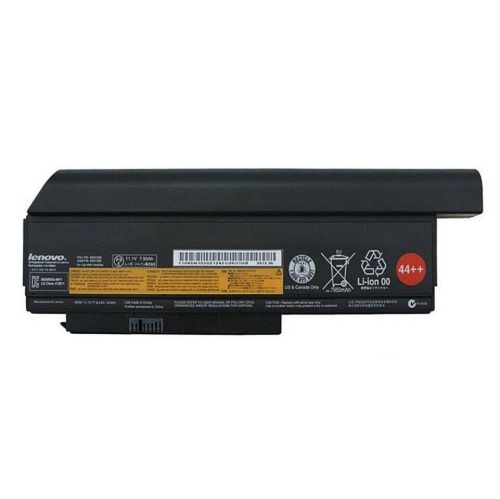
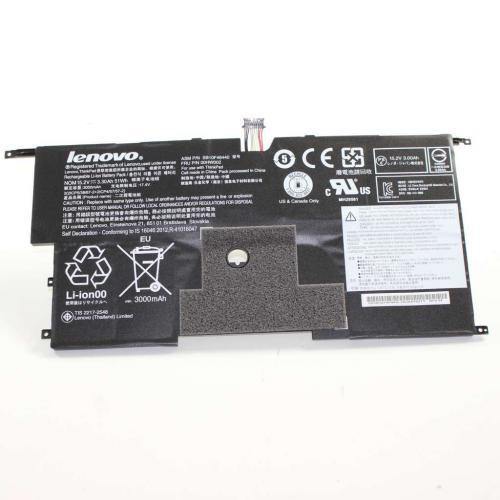
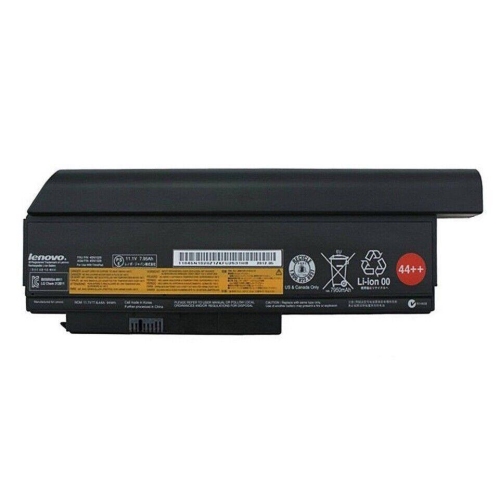
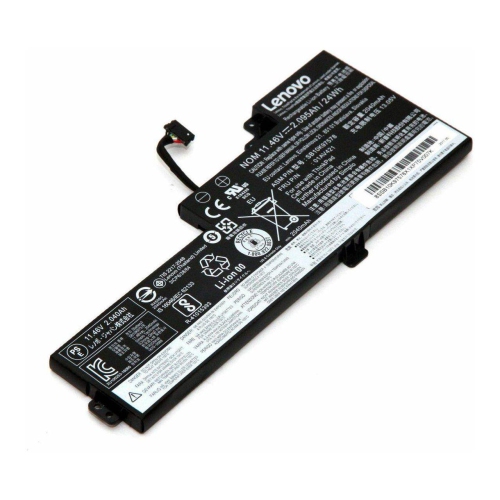
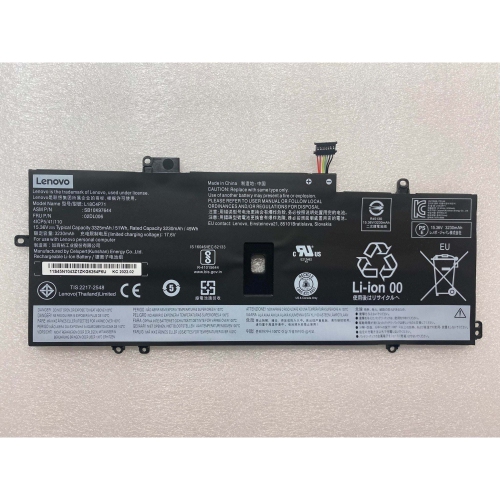
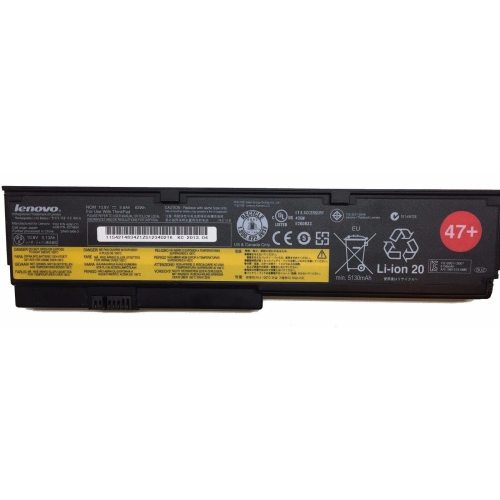
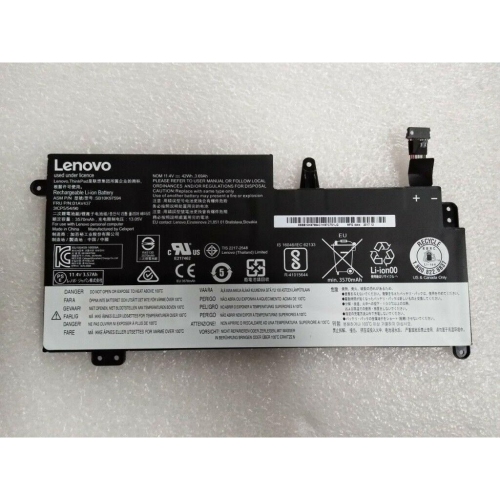
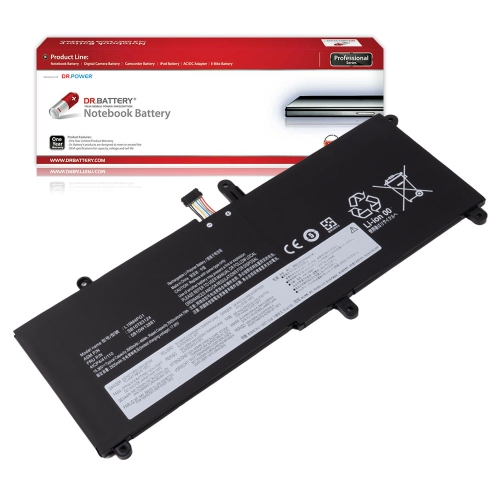
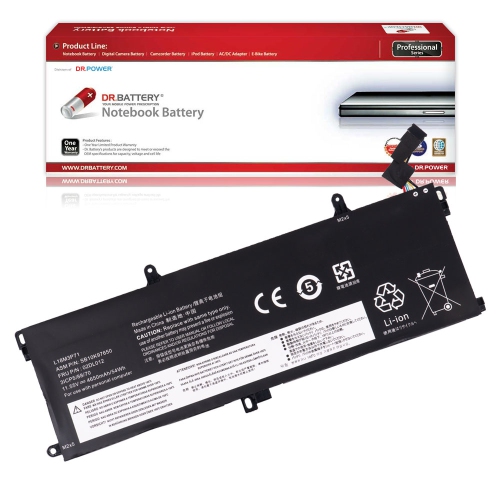
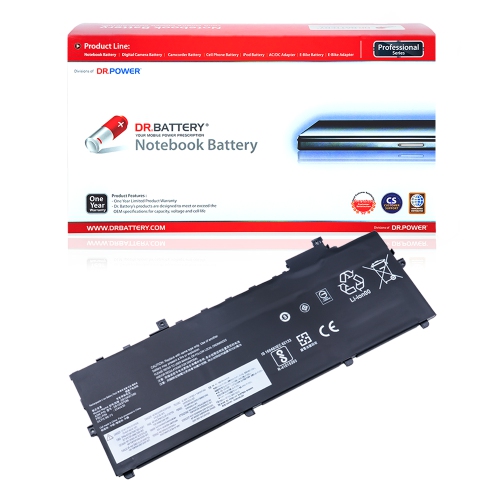

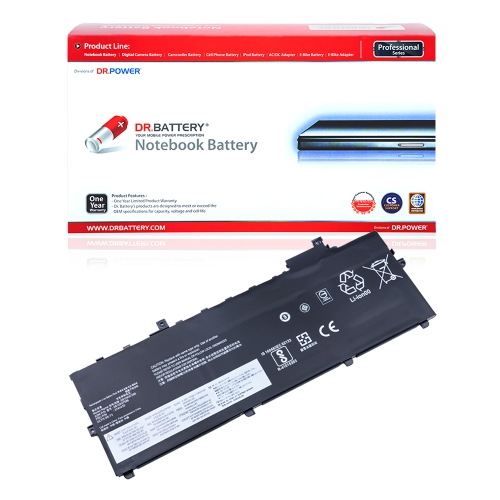
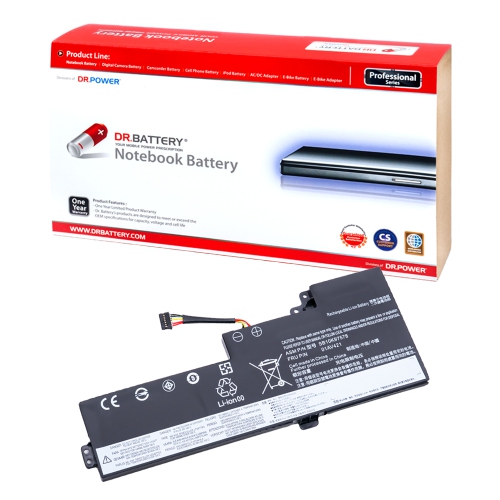
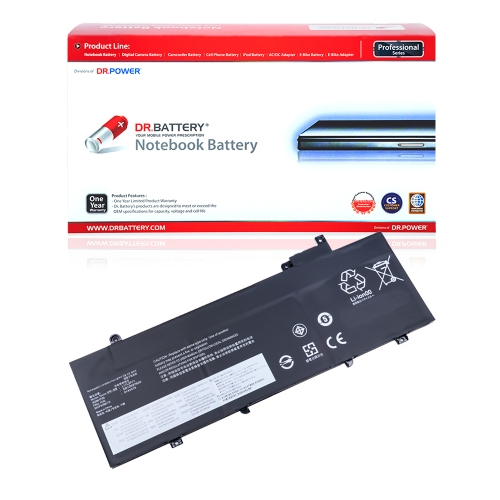
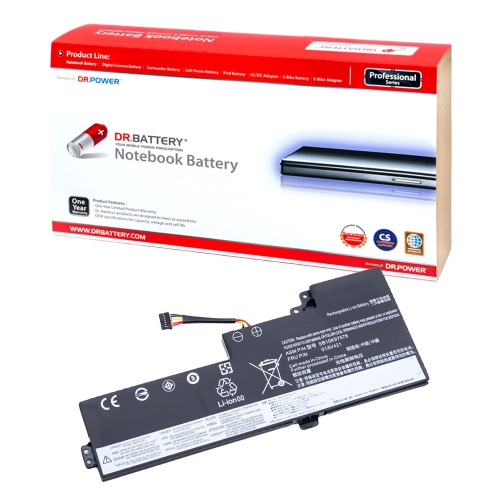
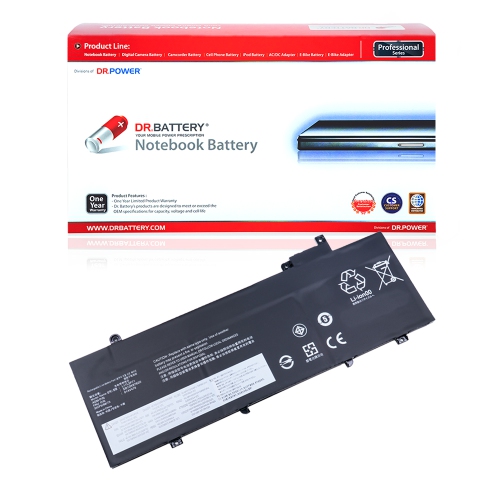
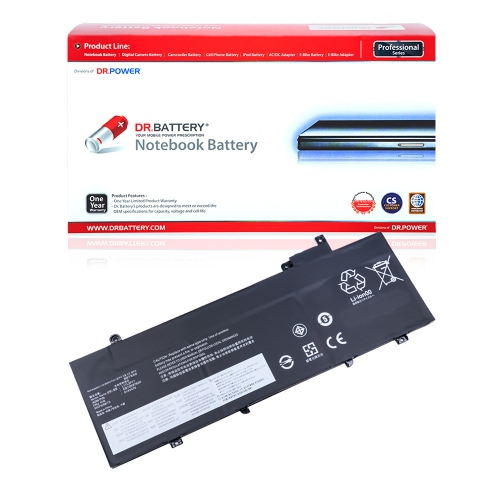
![DR. BATTERY - Replacement for Ibm Thinkpad X201 / Elite X200 / Elite X200S / Enchanced X200S / 42T4543 / 42T4647 / 42T4648 [10.8V / 4400Mah / 48Wh]](https://multimedia.bbycastatic.ca/multimedia/products/500x500/159/15936/15936452.jpeg)
![DR. BATTERY - Replacement for Ibm Thinkpad Enchanced X201 / 42T4834 / 42T4835 / 42T4837 / 43R9253 / 43R9254 / 43R9255 [10.8V / 4400Mah / 48Wh]](https://multimedia.bbycastatic.ca/multimedia/products/500x500/159/15936/15936454.jpeg)
![DR. BATTERY - Replacement for Ibm Thinkpad X200 7465 / 2023 / 2024 / 7454 / 7455 / 42T4696 / 42T4823 / 42T4825 / 42T4834 [10.8V / 4400Mah / 48Wh]](https://multimedia.bbycastatic.ca/multimedia/products/500x500/159/15936/15936449.jpeg)
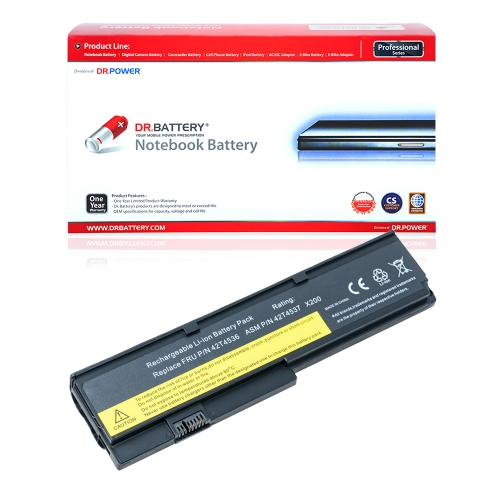
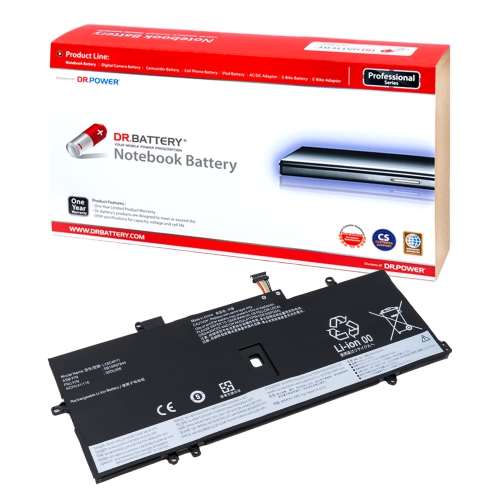
![DR. BATTERY - Replacement for Ibm Thinkpad X201 / Elite X200 / Elite X200S / Enchanced X200S / 43R9255 / 42T4534 / 42T4535 [10.8V / 4400Mah / 48Wh]](https://multimedia.bbycastatic.ca/multimedia/products/500x500/159/15936/15936427.jpeg)
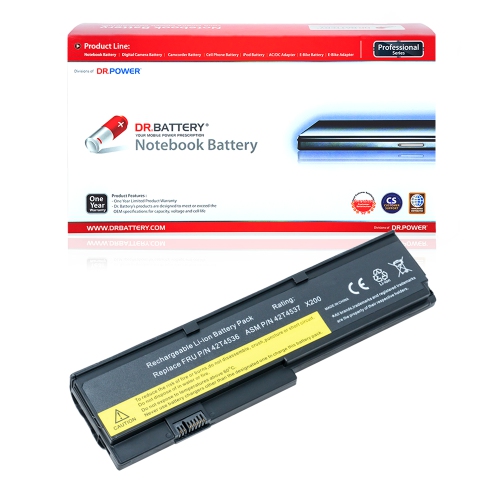
![DR. BATTERY Replacement for Lenovo Thinkpad P52S 20Lbs0S700 20Lcs0W70F 20Lcs13X00 01Av491 Sb10K97579 Sb10K97580 [11.4V / 24Wh]](https://multimedia.bbycastatic.ca/multimedia/products/500x500/159/15935/15935571.jpeg)
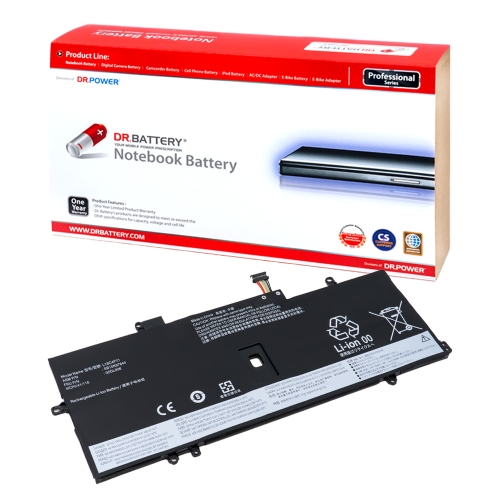
![DR. BATTERY Replacement for Lenovo Thinkpad P51S 20Hb000Smz 20Hba00Scd 20Hba00Ucd 01Av428 01Av452 01Av490 [11.4V / 24Wh]](https://multimedia.bbycastatic.ca/multimedia/products/500x500/159/15935/15935620.jpeg)
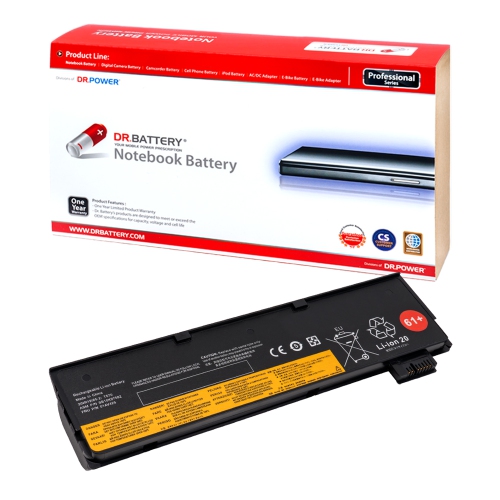
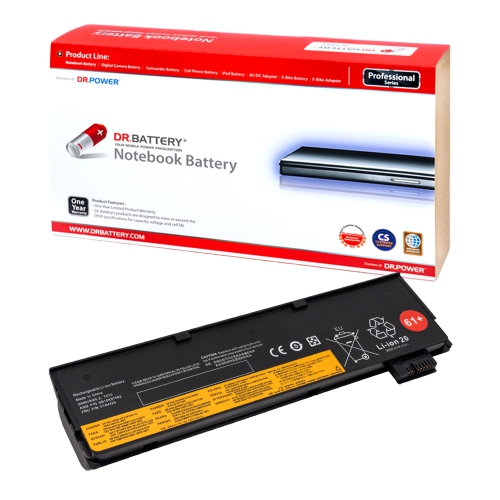
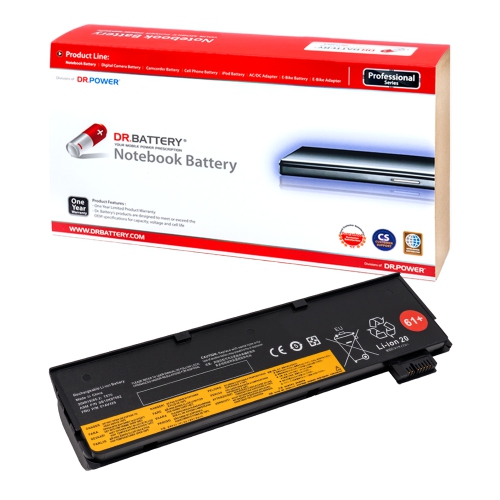
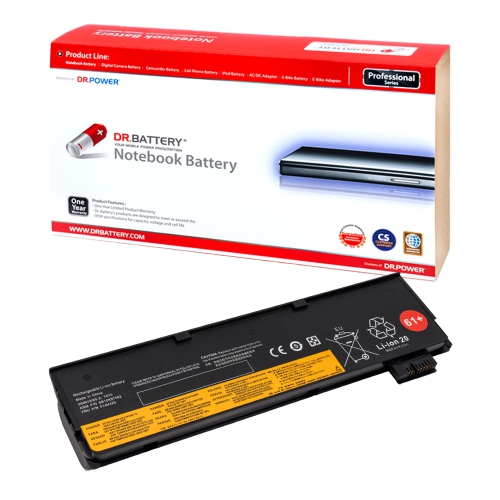
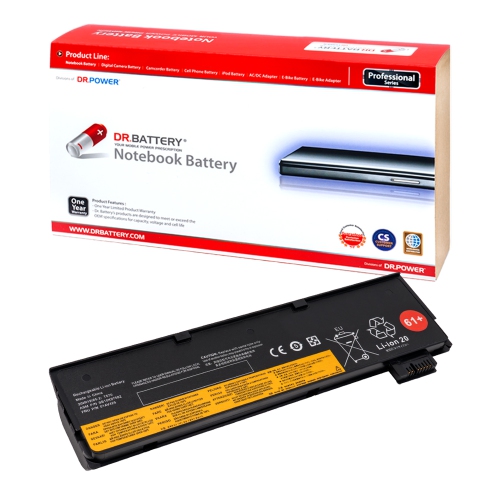
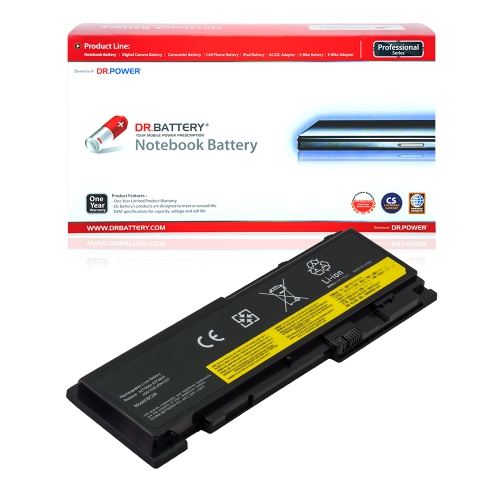
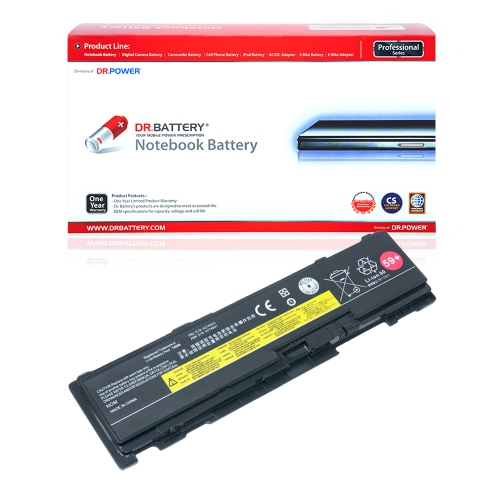
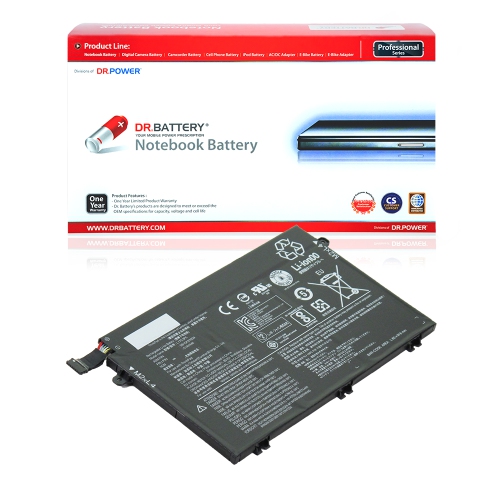
![DR. BATTERY 00Hw026 00Hw027 01Av433 Sb10F46464 Sb10F46465 Sb10K97590 Battery Compatible With Lenovo Thinkpad Yoga 260 370 [14.8V]](https://multimedia.bbycastatic.ca/multimedia/products/500x500/156/15648/15648753.jpeg)
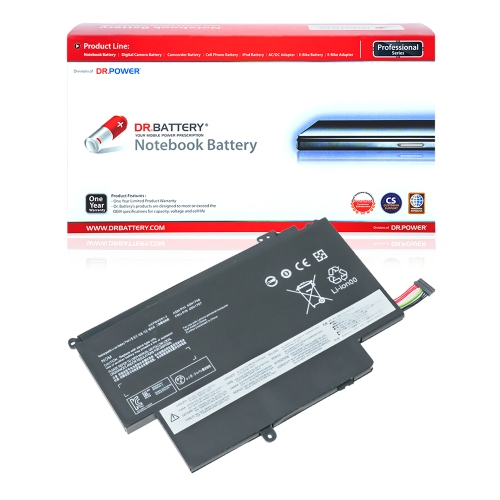
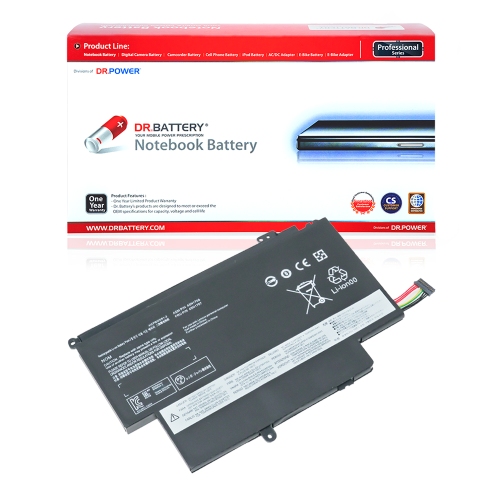
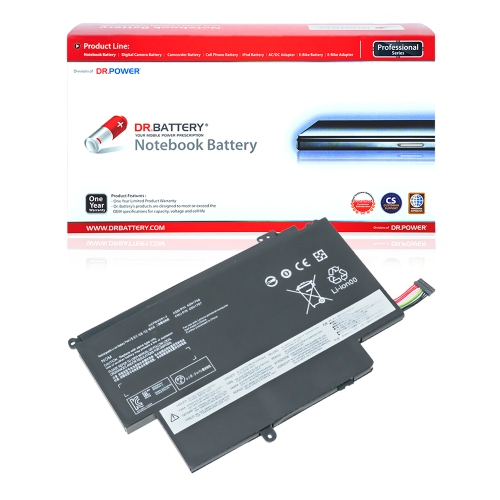
![DR. BATTERY 45N1108 45N1773 45N1111 45N1109 45N1110 Laptop Battery Compatible With Lenovo Thinkpad X240 Thinkpad X270 Thinkpad T440 [11.1V]](https://multimedia.bbycastatic.ca/multimedia/products/500x500/156/15649/15649115.jpeg)
![DR. BATTERY - Replacement for Lenovo Thinkpad X220 / X220I / X230 / X230I / 42Y4864 / 45N1018 / 45N1019 / 45N1022 / 45N1023 [14.8V / 2200Mah / 33Wh]](https://multimedia.bbycastatic.ca/multimedia/products/500x500/157/15753/15753742.jpeg)
![DR. BATTERY - Replacement for Lenovo Thinkpad X220 / X220I / X230 / X230I / 42T4942 / 42Y4834 / 42Y4864 / 45N1018 / 45N1019 [14.8V / 2200Mah / 33Wh]](https://multimedia.bbycastatic.ca/multimedia/products/500x500/157/15753/15753734.jpeg)
![DR. BATTERY - Replacement for Lenovo Thinkpad X230 2325-2Uu / 2325-2Vu / 2325-3Qg / 2325-3Qu / 42T4863 / 42T4865 / 42T4866 [14.8V / 2200Mah / 33Wh]](https://multimedia.bbycastatic.ca/multimedia/products/500x500/157/15753/15753766.jpeg)
![DR. BATTERY - Replacement for Lenovo Thinkpad X220 / X220I / X230 / X230I / 42T4876 / 42T4899 / 42T4901 / 42T4902 / 42T4940 [14.8V / 2200Mah / 33Wh]](https://multimedia.bbycastatic.ca/multimedia/products/500x500/157/15753/15753784.jpeg)
![DR. BATTERY - Replacement for Lenovo Thinkpad X220 / X220I / X230 / X230I / 42T4865 / 42T4866 / 42T4867 / 42T4868 / 42T4873 [14.8V / 2200Mah / 33Wh]](https://multimedia.bbycastatic.ca/multimedia/products/500x500/157/15759/15759170.jpeg)
![DR. BATTERY - Replacement for Lenovo Thinkpad X230 2325-63U / 2325-64G / 2325-64U / 2325-65G / 42T4875 / 42T4876 / 42T4899 [14.8V / 2200Mah / 33Wh]](https://multimedia.bbycastatic.ca/multimedia/products/500x500/157/15759/15759172.jpeg)
![DR. BATTERY - Replacement for Lenovo Thinkpad X220 / X220I / X230 / X230I / 0A36307 / 42T4861 / 42T4862 / 42T4863 / 42T4865 [14.8V / 2200Mah / 33Wh]](https://multimedia.bbycastatic.ca/multimedia/products/500x500/157/15759/15759171.jpeg)
![DR. BATTERY - Replacement for Lenovo Thinkpad X220 / X220I / X230 / X230I / 0A36305 / 0A36306 / 0A36307 / 42T4861 / 42T4862 [14.8V / 2200Mah / 33Wh]](https://multimedia.bbycastatic.ca/multimedia/products/500x500/157/15759/15759167.jpeg)
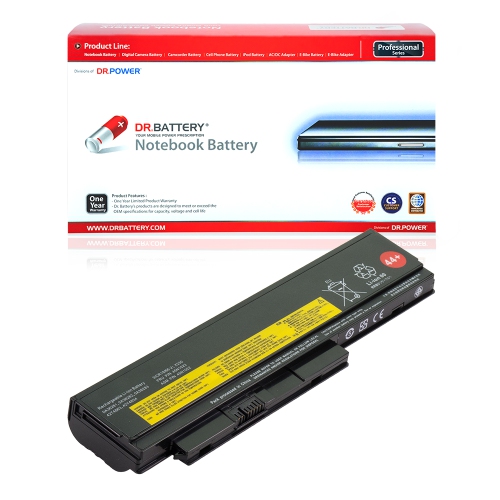
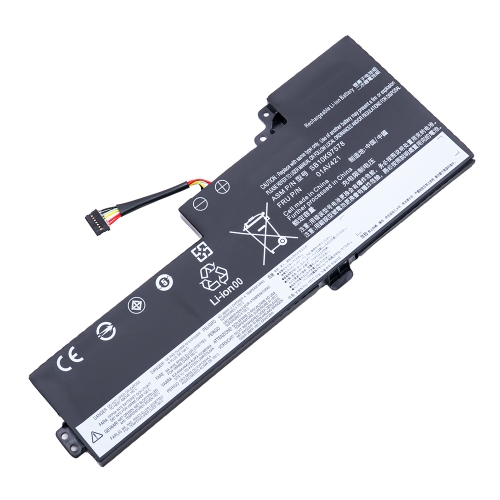
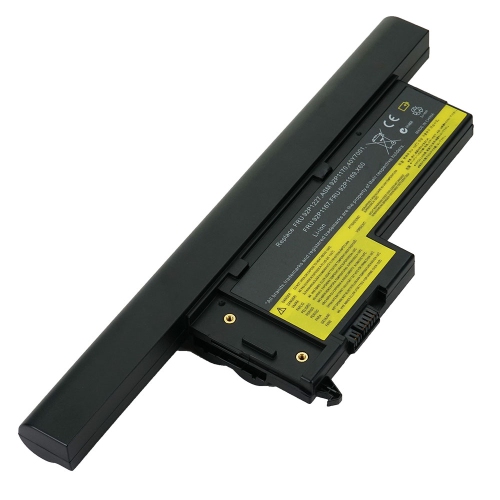
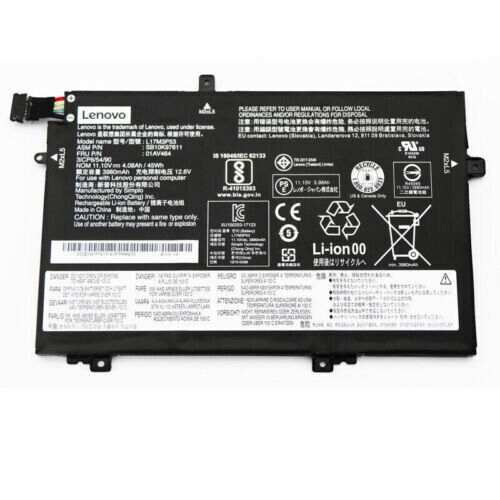
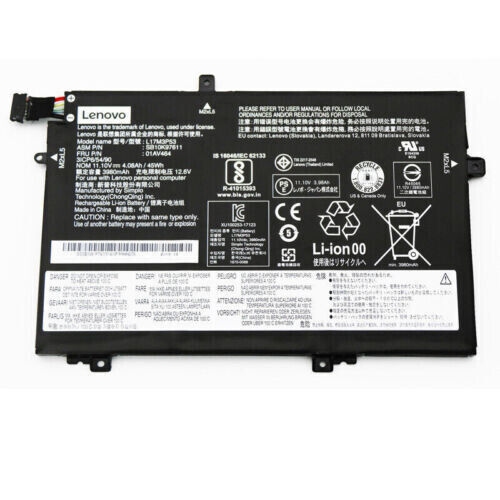
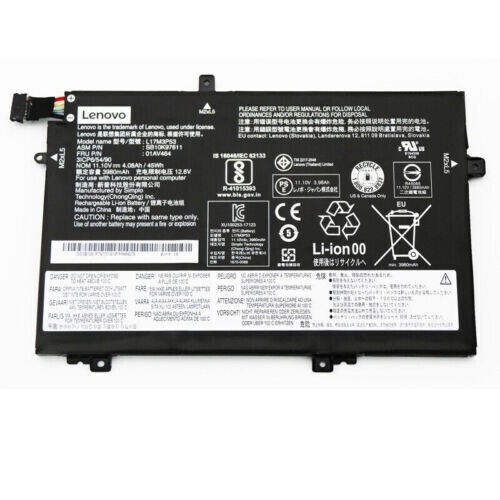
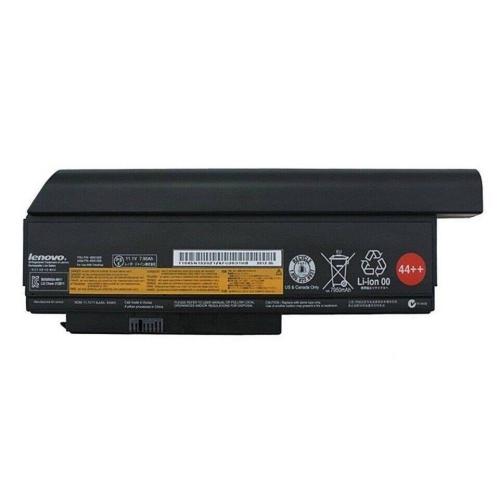
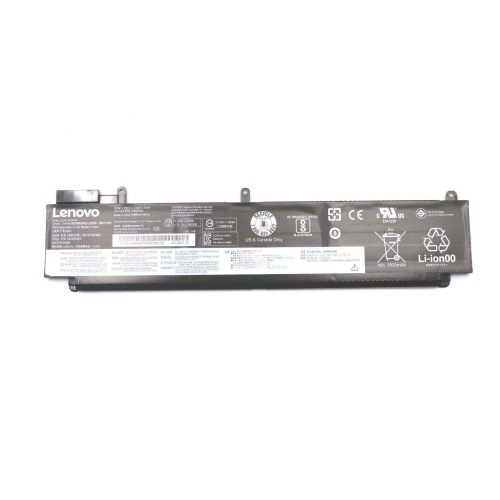
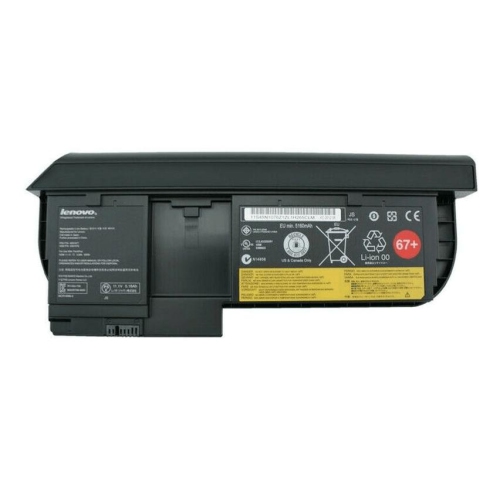
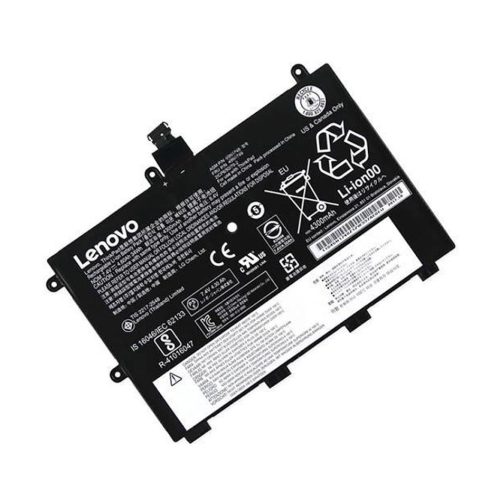
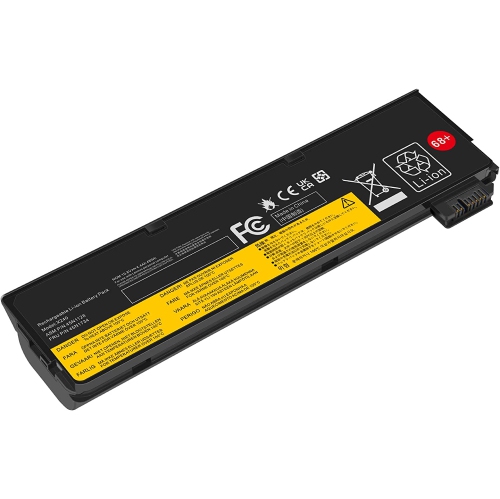
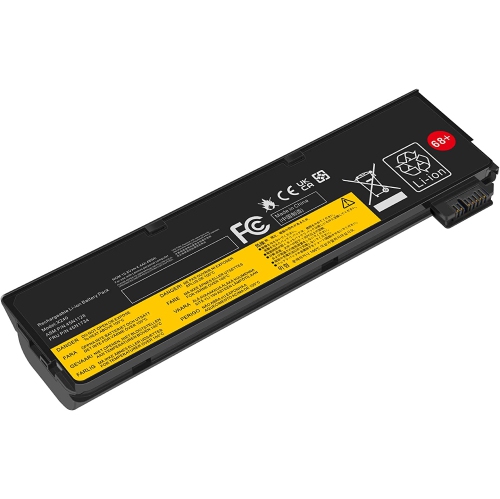
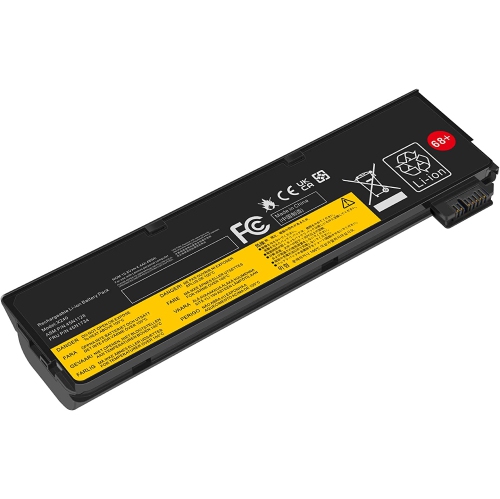
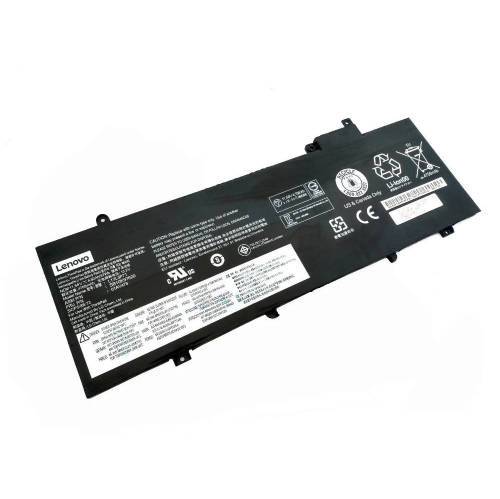
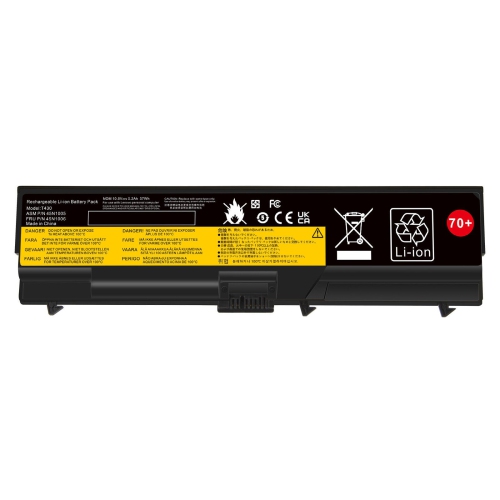
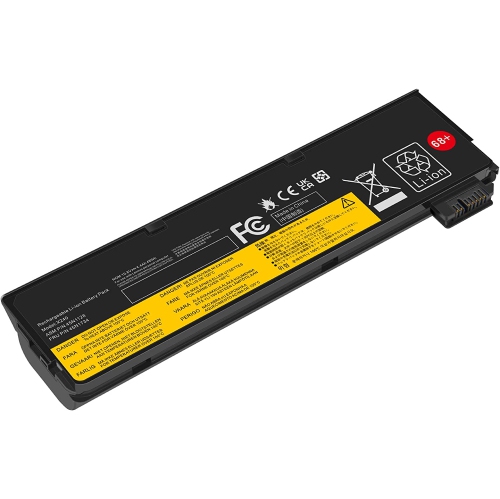
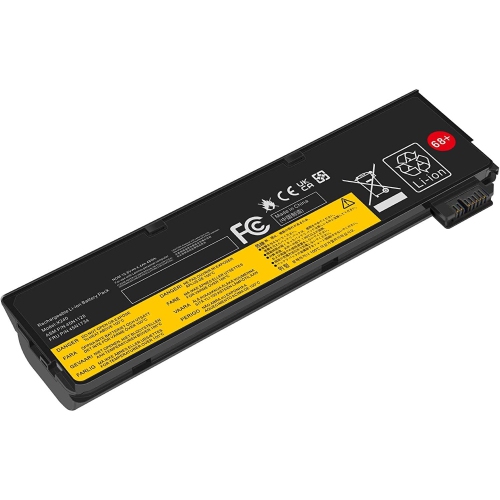
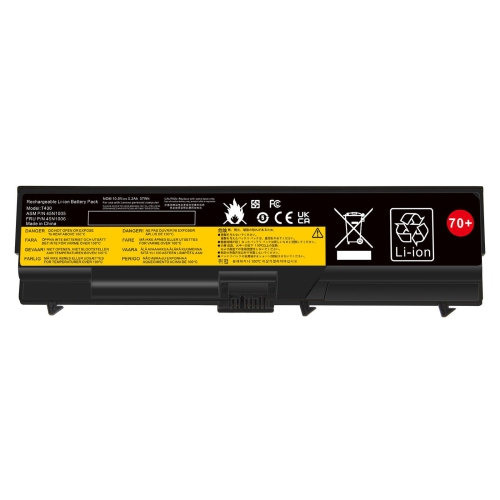
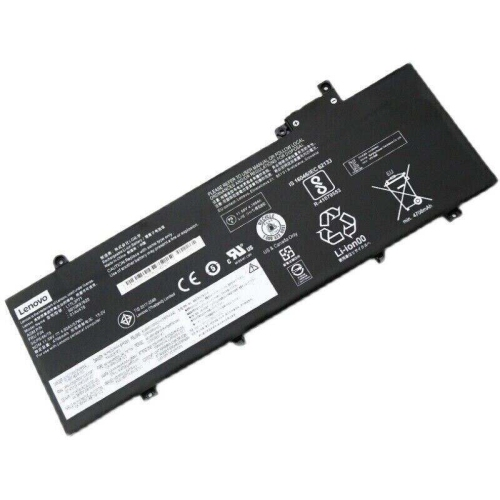
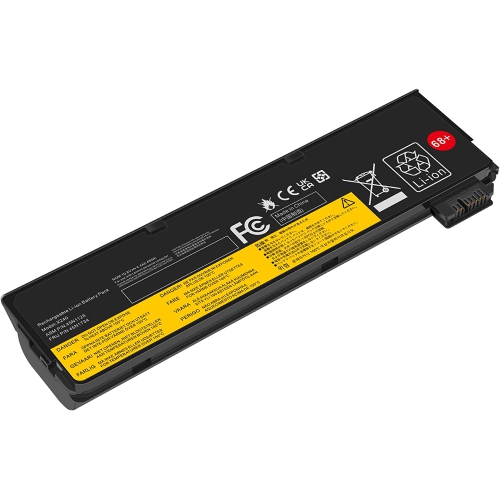
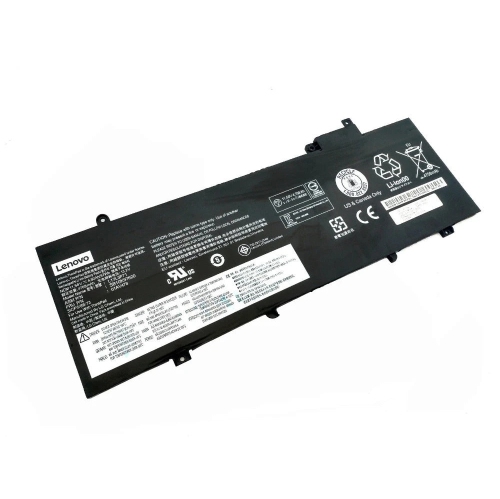
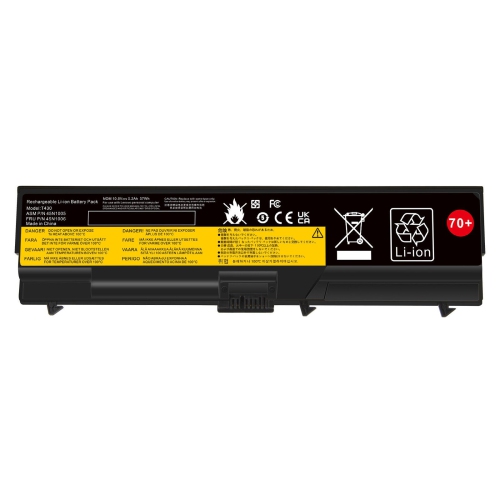
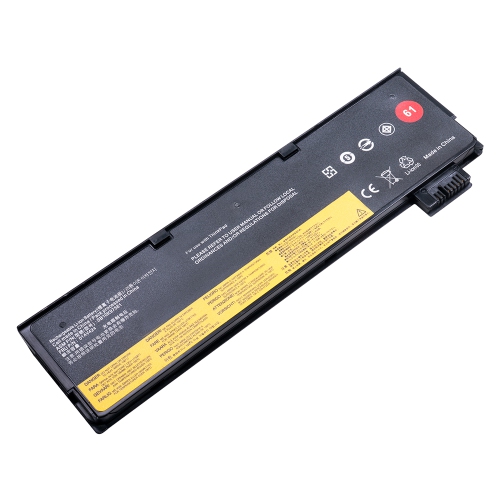
![DR. BATTERY Replacement Laptop Battery R60 for Ibm Thinkpad 42T5246 92P1141 92P1141 92P1137 92P1128 92P1130 92P1141 [10.8V / 48Wh]](https://multimedia.bbycastatic.ca/multimedia/products/500x500/170/17072/17072879.jpeg)
![DR. BATTERY Replacement Laptop Battery R60 for Ibm Thinkpad R61E T60 T60P T500 W500 Sl500 Sl400 Sl300 [10.8V / 48Wh]](https://multimedia.bbycastatic.ca/multimedia/products/500x500/170/17072/17072880.jpeg)
![DR. BATTERY Replacement Laptop Battery R60 for Ibm Thinkpad R61E T60 T60P T500 W500 Sl500 Sl400 Sl300 [10.8V / 71Wh]](https://multimedia.bbycastatic.ca/multimedia/products/500x500/170/17072/17072847.jpeg)
![DR. BATTERY Replacement Laptop Battery R60 for Ibm Thinkpad 42T5246 92P1141 92P1141 92P1137 92P1128 92P1130 92P1141 [10.8V / 71Wh]](https://multimedia.bbycastatic.ca/multimedia/products/500x500/170/17072/17072846.jpeg)
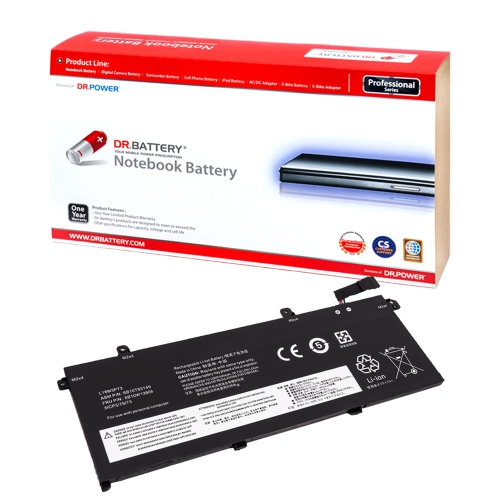
![DR. BATTERY Replacement Laptop Battery 01Av414 01Av415 01Av418 Sb10K97571 for Lenovo Thinkpad E570 E570C E575 Edge E570 Series [15.28V / 32Wh]](https://multimedia.bbycastatic.ca/multimedia/products/500x500/170/17090/17090157.jpeg)
![DR. BATTERY Replacement Laptop Battery 20H5A01PCd 20H5A01Rcd for Lenovo Thinkpad E570 E570C E575 Edge E570 Series [15.28V / 32Wh]](https://multimedia.bbycastatic.ca/multimedia/products/500x500/170/17090/17090158.jpeg)
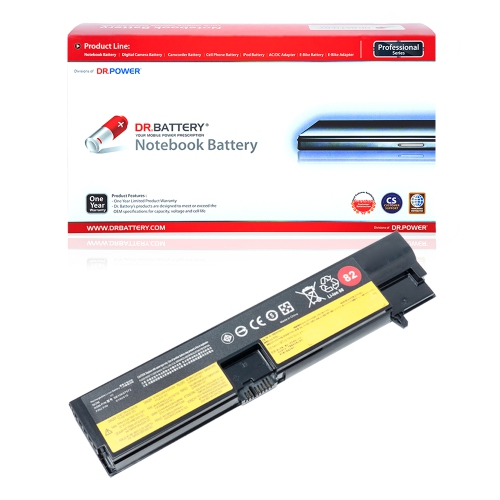
![DR. BATTERY Replacement Laptop Battery 20H5A00Ecd 20H5A014CD 20H5A01Ncd for Lenovo Thinkpad E570 E570C E575 Edge E570 Series [15.28V / 32Wh]](https://multimedia.bbycastatic.ca/multimedia/products/500x500/170/17090/17090156.jpeg)
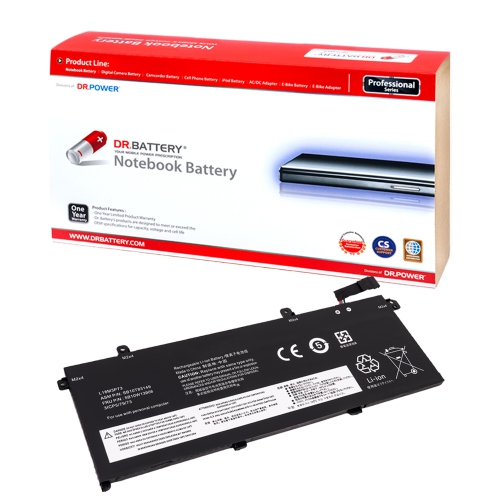

![DR. BATTERY Replacement Laptop Battery 20H5005Ecd 20H5005PCd 20H5A005CD for Lenovo Thinkpad E570 E570C E575 Edge E570 Series [15.28V / 32Wh]](https://multimedia.bbycastatic.ca/multimedia/products/500x500/170/17090/17090154.jpeg)

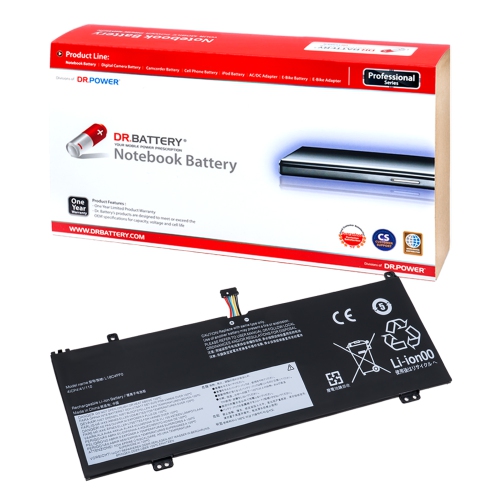
![DR. BATTERY Replacement Laptop Battery 42T4949 42T4951 Asm 42T4958 for Lenovo Thinkpad Edge E120 E125 E135 E145 [11.1V / 49Wh]](https://multimedia.bbycastatic.ca/multimedia/products/500x500/171/17134/17134755.jpeg)
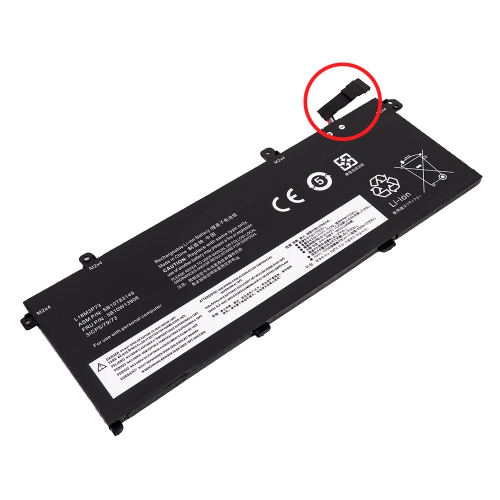
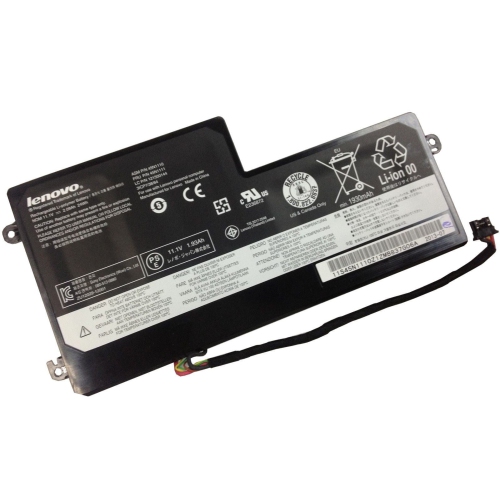
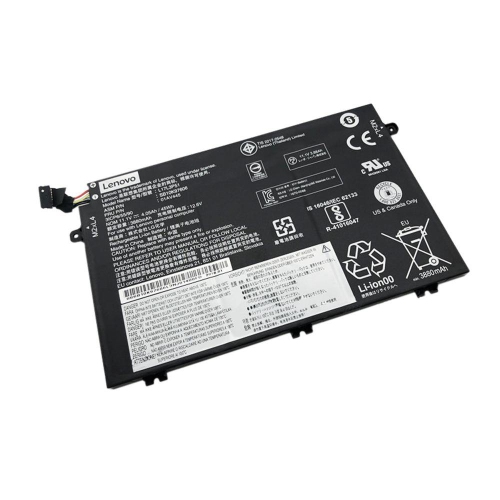
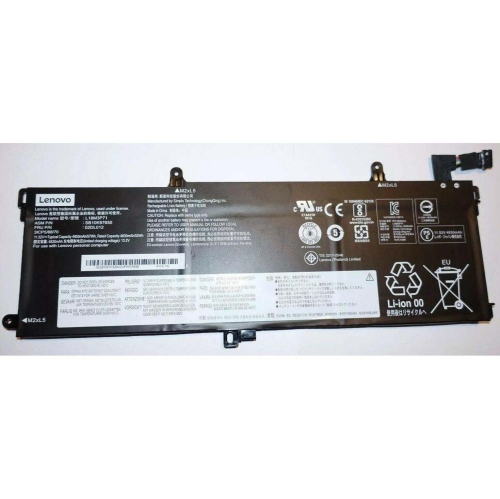
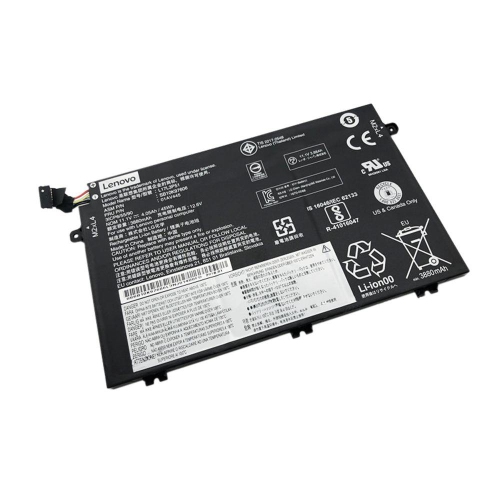
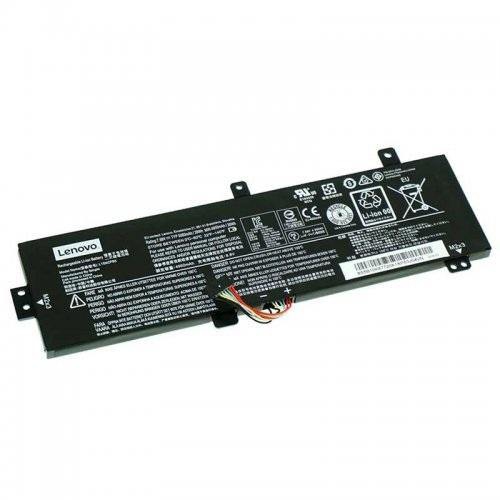

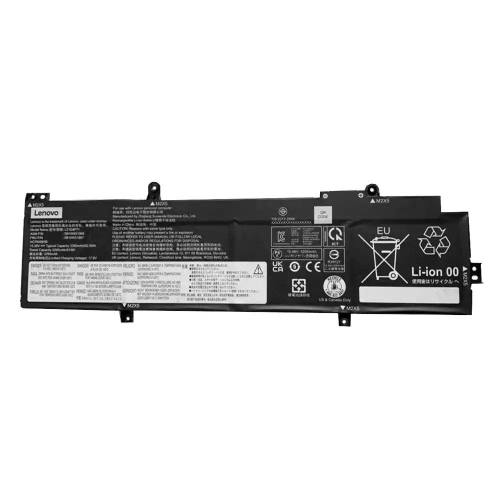
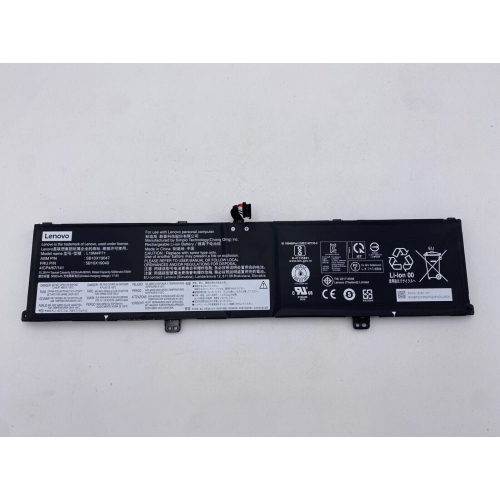
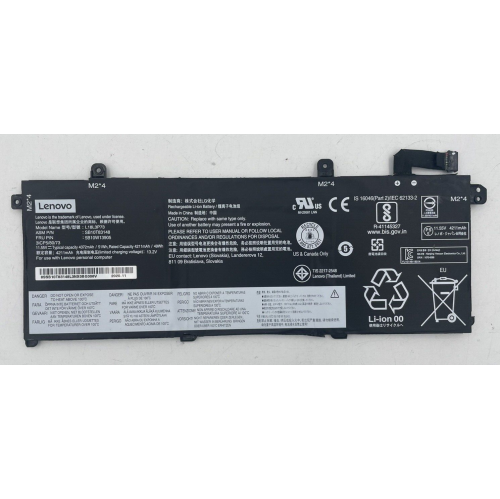
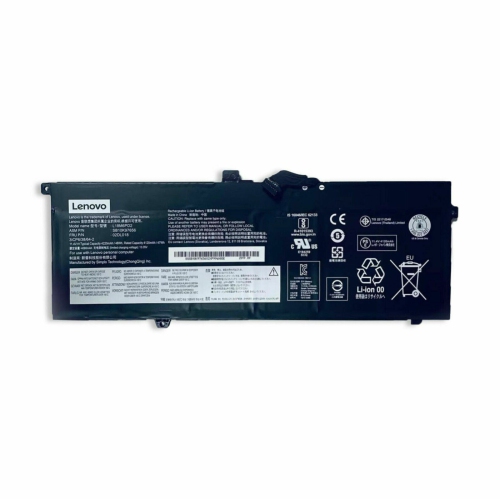
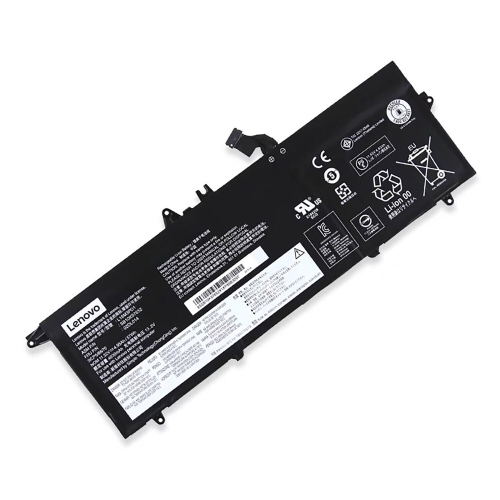
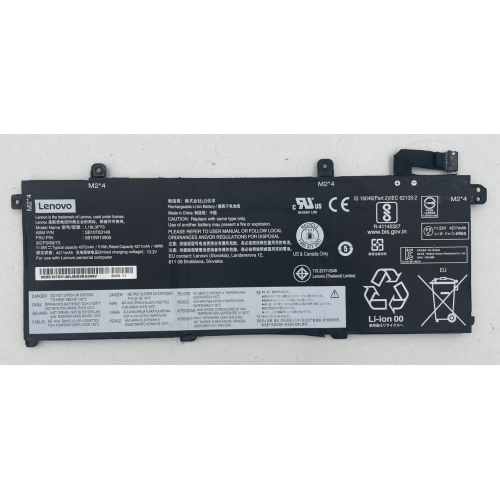
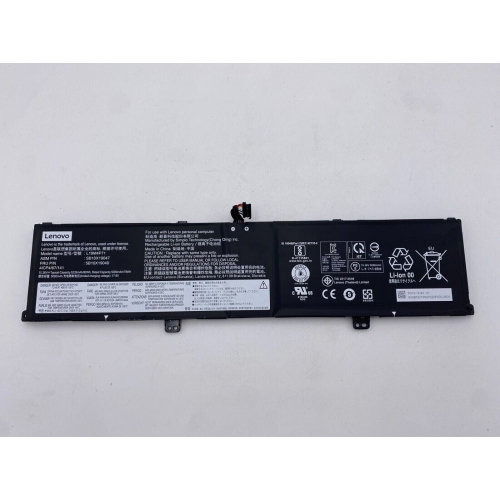
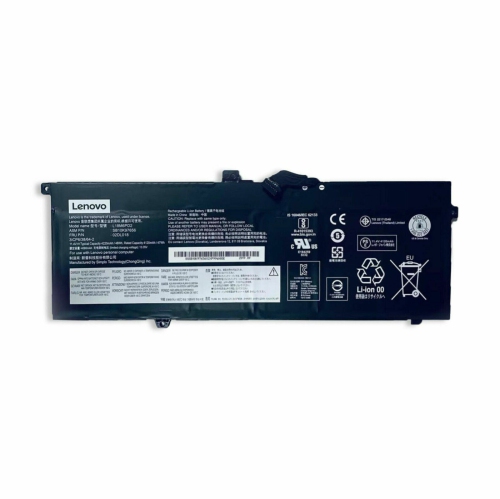
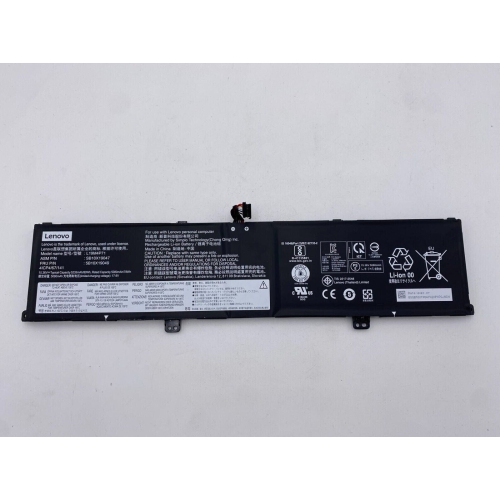
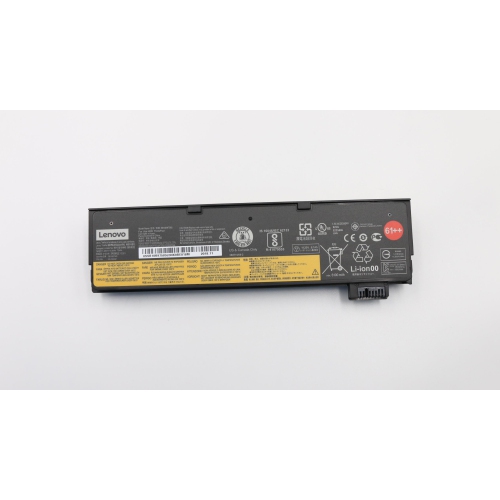
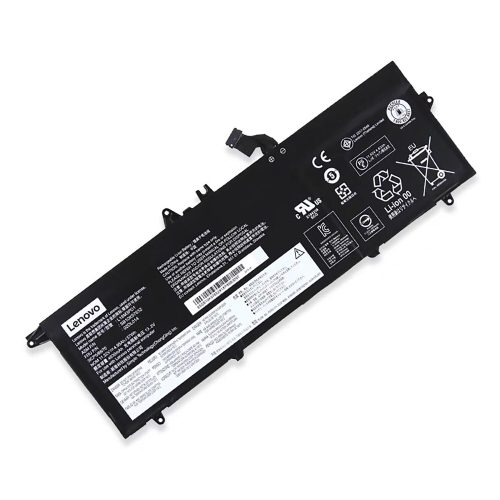
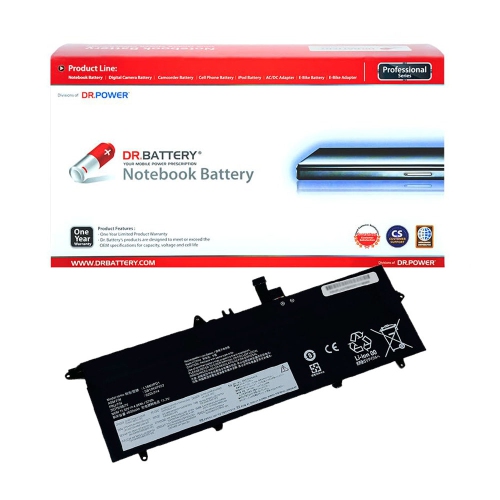
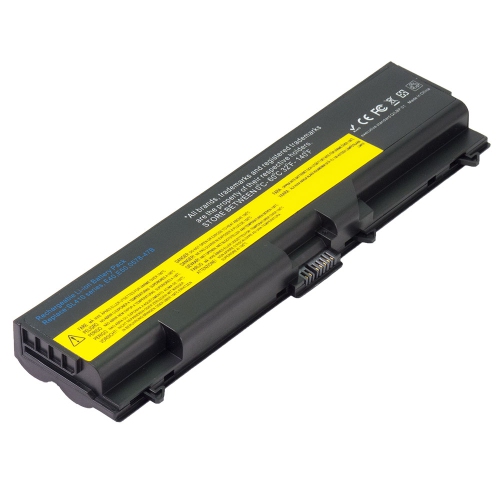
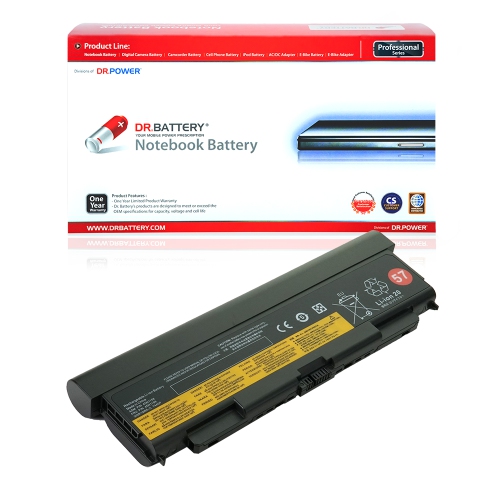
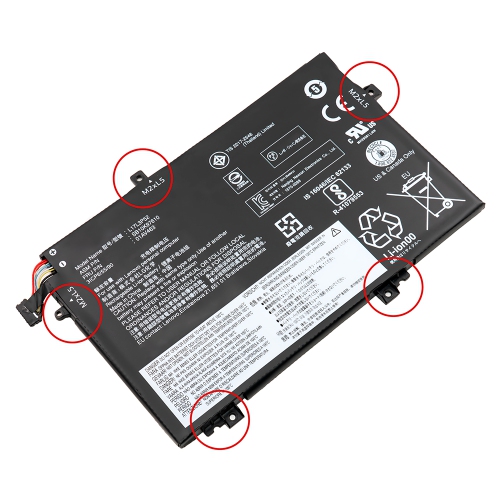
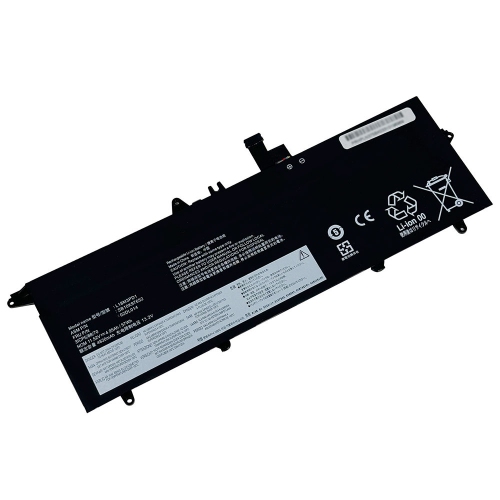
![DR. BATTERY - Replacement for Lenovo Ideapad S210 Touch 20257 / 888015454 / L12M3A01 / L12S3F01 [10.8V / 2200Mah / 24Wh]](https://multimedia.bbycastatic.ca/multimedia/products/500x500/157/15766/15766599.jpeg)
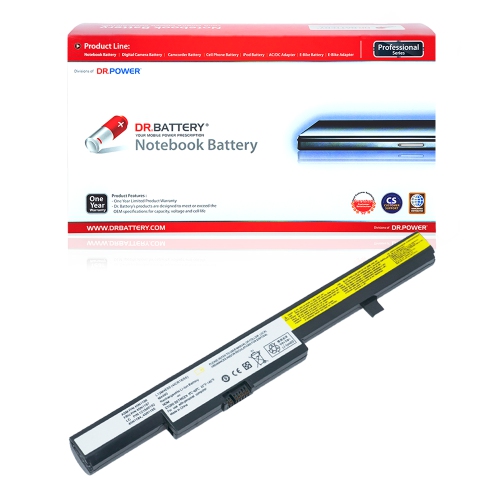
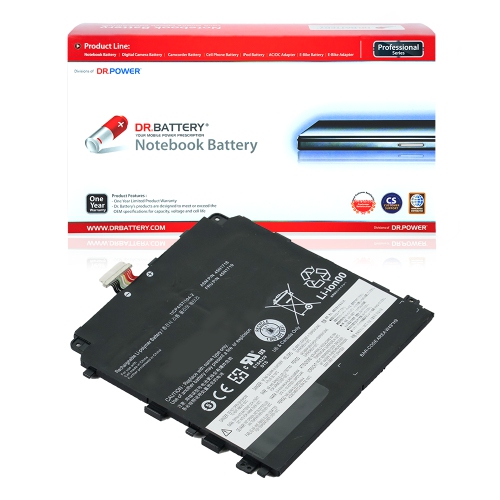
What to know before replacing your laptop battery
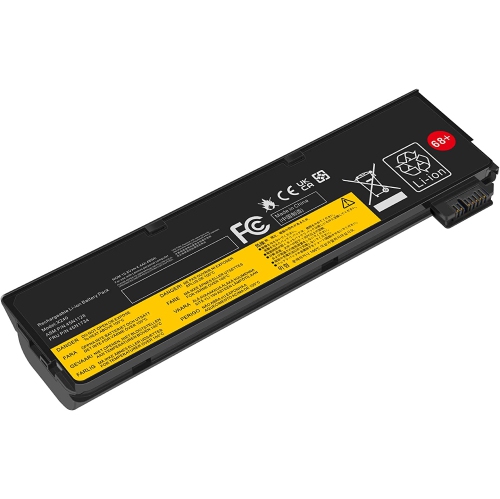
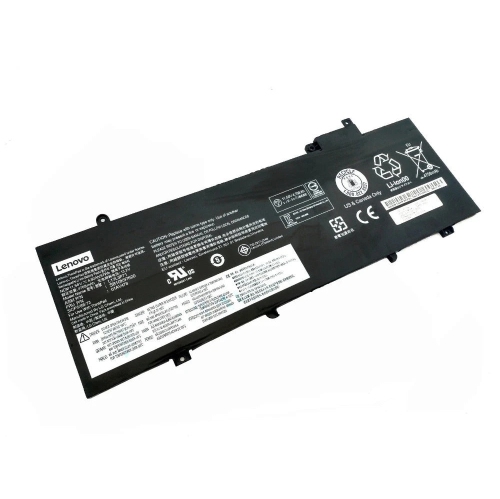
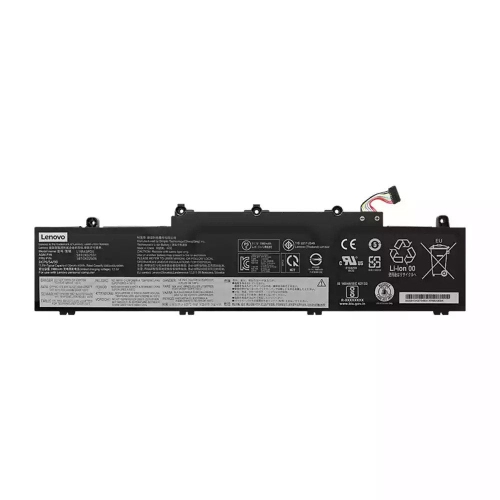
ThinkPad batteries are designed to give compatible laptops the freedom to work away from a wall outlet, whether you are moving between meetings, studying in a library, travelling by train, or keeping a home office running during a power interruption. When a laptop battery no longer holds a useful charge, drops from a high percentage to empty without warning, or shuts down as soon as the power adapter is removed, a replacement can help restore dependable portable use. Before choosing a battery, identify the exact laptop model, generation, battery type, voltage, capacity, and part number listed on the original component or in the computer’s system information. Similar-looking batteries are not always interchangeable, and a battery made for one size or generation may not fit the internal connector, mounting points, or charging requirements of another. Search results and product listings can include batteries for different laptop families, so matching the complete model information is more reliable than choosing based only on the computer’s screen size or series name. For example, shoppers looking for a compatible option for a particular older business laptop can browse Lenovo T470 Batteries while confirming that the replacement matches the computer’s specifications. A correct fit should sit securely in the chassis, connect without forcing the cable or contacts, and be recognized by the laptop’s operating system after installation. Capacity, measured in watt-hours, is also worth comparing: a higher capacity may provide longer use between charges, while a lower-capacity option may be suitable when portability, price, or a lighter configuration is the priority.
Replacement battery pricing commonly falls between $50 and $140 CAD, depending on the laptop model, cell capacity, construction, warranty, and whether the battery is an original equipment manufacturer part or a compatible third-party alternative. An original replacement may offer a closer match to the laptop’s factory specifications and may include a standard manufacturer warranty. Compatible alternatives can provide more choice across older or less common models, but warranty terms, cell quality, documentation, and long-term performance can vary considerably between sellers. Look for clear information about rated capacity, voltage, certification, return coverage, and expected compatibility rather than relying on a low price alone. A battery that appears inexpensive may not deliver the same usable runtime as its printed rating, and inconsistent quality can lead to faster capacity loss or unexpected shutdowns. It is also helpful to check whether the battery is internal or externally removable. Internal batteries generally require the bottom cover to be removed, while removable designs may allow the replacement to be changed without opening the laptop. Anyone replacing an internal battery should save work, shut down the computer, unplug the power adapter, and follow the manufacturer’s service instructions. On supported models, the built-in battery can often be disabled through the BIOS setup before the chassis is opened; this typically involves entering BIOS during startup, opening the configuration or power settings, and selecting the option to disable the internal battery. The exact menu names and key sequence can differ by model, so the instructions for the specific laptop should take priority. Once the replacement is installed and the computer is reassembled, connecting the AC adapter normally re-enables the internal battery. If the battery is swollen, cracked, unusually hot, leaking, or producing an odour, do not continue using or attempting to remove it without appropriate assistance.
ThinkPad replacement batteries can be useful for remote workers, students, field technicians, frequent travellers, and anyone using an older laptop that remains reliable for everyday tasks but no longer has enough battery life for a full commute or afternoon of work. They can also be a practical gift for a family member who uses a laptop in different rooms, a student who studies away from a desk, or a colleague who depends on a computer during travel. Consider the recipient’s exact model before purchasing, since a replacement selected without the correct part number may not be useful even if it is listed under the same general laptop family. After installation, allow the computer to recognize the new battery and check its reported capacity through the operating system or the manufacturer’s diagnostics. Battery life will depend on screen brightness, wireless connections, processor activity, connected accessories, and the applications being used; video calls and intensive multitasking typically draw more power than word processing or reading. For more consistent performance, use the supplied or compatible power adapter, keep charging ports and ventilation areas clear, and avoid exposing the laptop to extreme heat or cold during storage and transport. Keeping the battery charged within the operating system’s recommended limits, when such settings are available, may also help support everyday performance. During cooler months, a laptop carried outdoors can temporarily show reduced runtime until it returns to room temperature, so allowing the computer to warm gradually before charging is sensible. With accurate model matching, clear warranty information, and careful installation, the right replacement battery can make a familiar laptop more dependable for work, study, travel, and daily use away from an outlet.
Replacement battery pricing commonly falls between $50 and $140 CAD, depending on the laptop model, cell capacity, construction, warranty, and whether the battery is an original equipment manufacturer part or a compatible third-party alternative. An original replacement may offer a closer match to the laptop’s factory specifications and may include a standard manufacturer warranty. Compatible alternatives can provide more choice across older or less common models, but warranty terms, cell quality, documentation, and long-term performance can vary considerably between sellers. Look for clear information about rated capacity, voltage, certification, return coverage, and expected compatibility rather than relying on a low price alone. A battery that appears inexpensive may not deliver the same usable runtime as its printed rating, and inconsistent quality can lead to faster capacity loss or unexpected shutdowns. It is also helpful to check whether the battery is internal or externally removable. Internal batteries generally require the bottom cover to be removed, while removable designs may allow the replacement to be changed without opening the laptop. Anyone replacing an internal battery should save work, shut down the computer, unplug the power adapter, and follow the manufacturer’s service instructions. On supported models, the built-in battery can often be disabled through the BIOS setup before the chassis is opened; this typically involves entering BIOS during startup, opening the configuration or power settings, and selecting the option to disable the internal battery. The exact menu names and key sequence can differ by model, so the instructions for the specific laptop should take priority. Once the replacement is installed and the computer is reassembled, connecting the AC adapter normally re-enables the internal battery. If the battery is swollen, cracked, unusually hot, leaking, or producing an odour, do not continue using or attempting to remove it without appropriate assistance.
ThinkPad replacement batteries can be useful for remote workers, students, field technicians, frequent travellers, and anyone using an older laptop that remains reliable for everyday tasks but no longer has enough battery life for a full commute or afternoon of work. They can also be a practical gift for a family member who uses a laptop in different rooms, a student who studies away from a desk, or a colleague who depends on a computer during travel. Consider the recipient’s exact model before purchasing, since a replacement selected without the correct part number may not be useful even if it is listed under the same general laptop family. After installation, allow the computer to recognize the new battery and check its reported capacity through the operating system or the manufacturer’s diagnostics. Battery life will depend on screen brightness, wireless connections, processor activity, connected accessories, and the applications being used; video calls and intensive multitasking typically draw more power than word processing or reading. For more consistent performance, use the supplied or compatible power adapter, keep charging ports and ventilation areas clear, and avoid exposing the laptop to extreme heat or cold during storage and transport. Keeping the battery charged within the operating system’s recommended limits, when such settings are available, may also help support everyday performance. During cooler months, a laptop carried outdoors can temporarily show reduced runtime until it returns to room temperature, so allowing the computer to warm gradually before charging is sensible. With accurate model matching, clear warranty information, and careful installation, the right replacement battery can make a familiar laptop more dependable for work, study, travel, and daily use away from an outlet.
Top selling and popular products
-
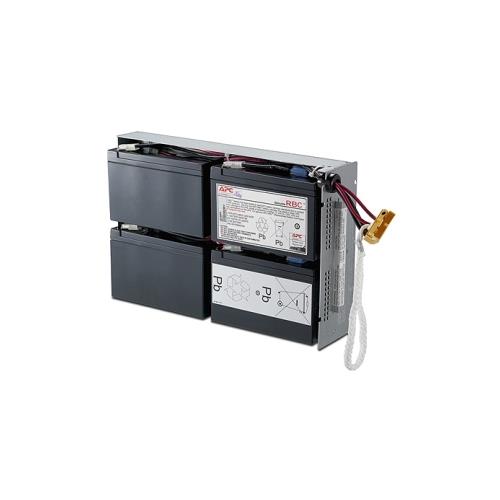 Your price for this item is $758.68
 -
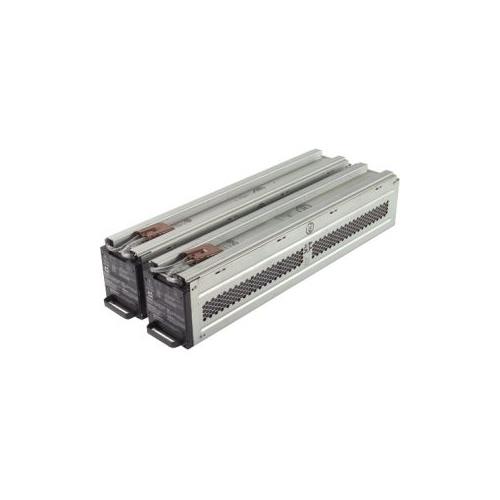 Your price for this item is $1116.98
 -
![DR. BATTERY Replacement for HP Probook 430 G6-5Pq40Ea G6-5Pq62Ea G6-5Pq75Ea L32407-541 L32407-Ac1 L32656-002 [11.55V / 40Wh]](https://multimedia.bbycastatic.ca/multimedia/products/500x500/154/15458/15458885.jpeg) Your price for this item is $69.99
Your price for this item is $69.99 -
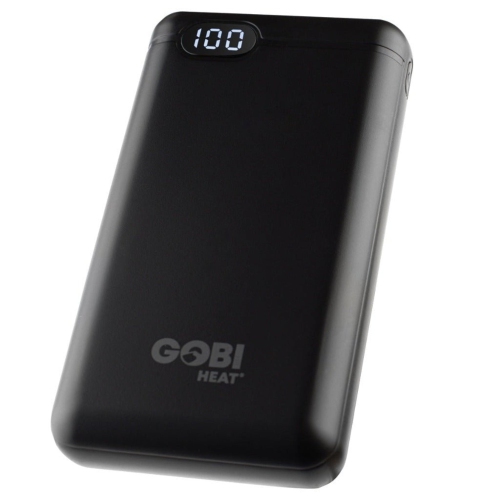 Your price for this item is $100
 -
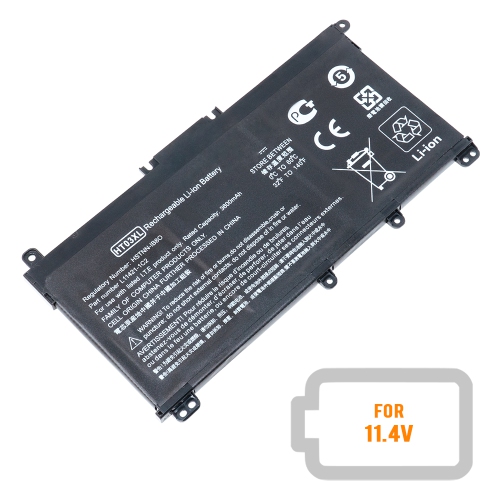 Your price for this item is $39.77
 -
 Your price for this item is $87.99
 -
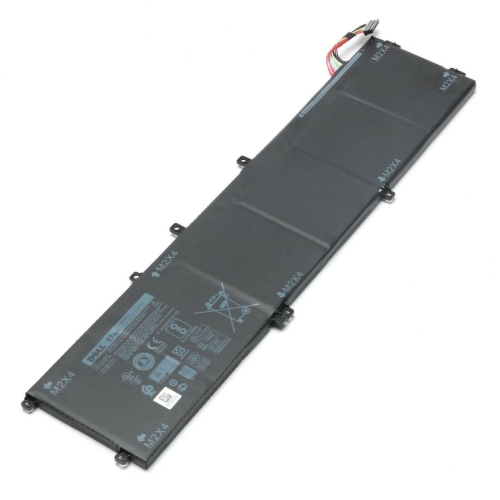 Your price for this item is $129.98
 -
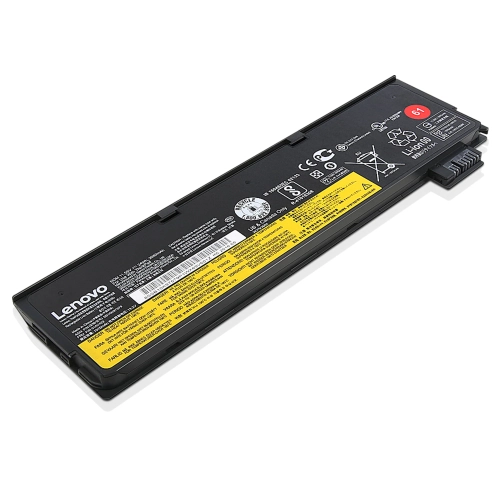 Your price for this item is $89.98
Discover more categories related to Thinkpad Batteries
Top Collections:
Pokemon Centers, Kindle Devices, Best Budget Office Chairs, Apple iPhones 16, Best Laptops for Writers, iPhone 15 Apple, Canon G7X Cameras, Refurbished Apple Laptops, Alarm Clock, Motorola Razr Phones
Some products may be subject to Environmental Handling Fees
(EHF) depending on your province.
Learn more about EHFs.