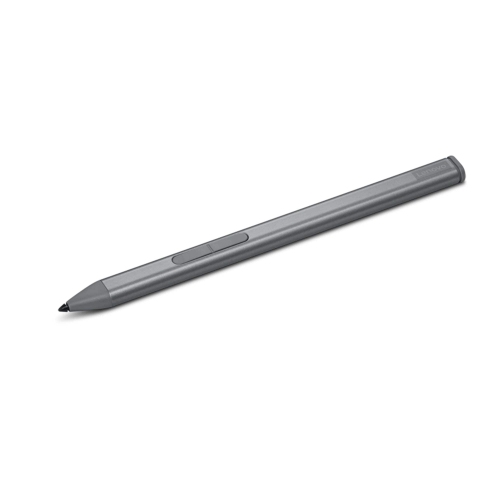
Best Stylus for Lenovo Tablet

Finding the best stylus for a Lenovo tablet can make note-taking, drawing, editing, and navigating easier and more precise. This ranked selection highlights top-rated options based on user review ratings, helping you compare features such as pressure sensitivity, palm rejection, comfort, compatibility, and battery life to find the right fit for your tablet and daily routine.

Read More

What to look for in the best styluses for Lenovo tablets

1. Compatibility

Check that the stylus is designed for your specific Lenovo tablet model. Compatibility can vary by tablet series and may depend on support for technologies such as Lenovo Active Pen or Microsoft Pen Protocol.

2. Pressure Sensitivity

Pressure sensitivity lets you vary line thickness or shading by pressing more or less firmly. This feature is especially useful for drawing, digital art, and handwritten notes.

3. Palm Rejection

Palm rejection allows you to rest your hand on the screen while writing or sketching without creating unwanted marks. It can make longer note-taking and drawing sessions more comfortable.

4. Battery Life and Comfort

Consider how the stylus is powered, including whether it uses replaceable batteries, rechargeable power, or a passive design. A balanced shape, comfortable grip, responsive tip, and convenient storage can also improve everyday use.
Citrus catapult arrow
  1. 1

    About this product

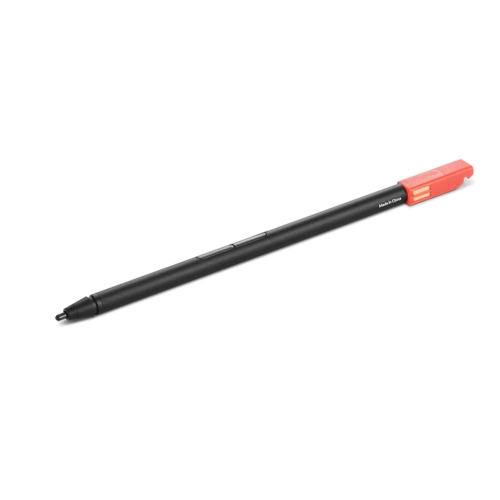
    A versatile stylus designed for precise writing and drawing on compatible tablets and Chromebooks.

    A versatile stylus designed for precise writing and drawing on compatible tablets and Chromebooks.

    What customers like

    • Comfortable and lightweight design
    • Great value for the price
    • Excellent compatibility with various devices
    • Smooth and precise writing and drawing experience
    • Long battery life and reliable performance
    (139)
    $58.99
    SAVE $13
    Your price for this item is $58.99
  2. 2

    About this product

    A powerful Android 14 tablet in Luna Grey with 3K display, Dimensity 8300 processor, and precision pen.

    A powerful Android 14 tablet in Luna Grey with 3K display, Dimensity 8300 processor, and precision pen.

    What customers like

    • Strong sound and speaker quality
    • High-resolution, vivid display
    • Quality stylus and pen features included
    • Excellent value for the price
    • Fast and smooth performance
    (54)
    $399.99
    SAVE $130
    Your price for this item is $399.99
  3. 3

    About this product

    A luna grey tablet featuring a 12.1" touchscreen, 256GB storage, pen, and folio case included.

    A luna grey tablet featuring a 12.1" touchscreen, 256GB storage, pen, and folio case included.

    What customers like

    • Large and sharp display
    • Long battery life
    • Ample storage capacity
    • Includes pen and folio case
    • Fast and smooth performance
    (31)
    $449.97 Your price for this item is $449.97
  4. 4

    About this product

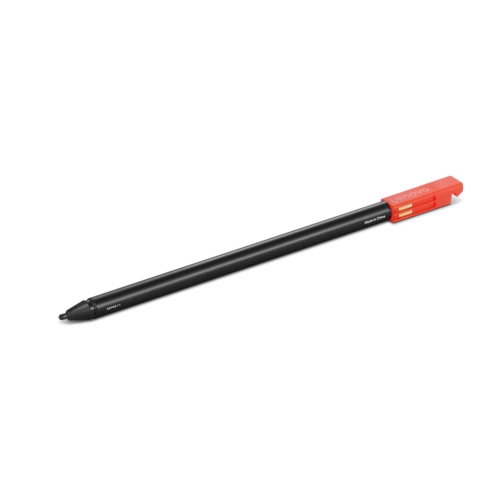
    A precision stylus designed for seamless note-taking and drawing on X1 Yoga Gen 6 devices.

    A precision stylus designed for seamless note-taking and drawing on X1 Yoga Gen 6 devices.

    What customers like

    • Good quality and functionality
    • Perfect fit for device
    • Useful for drawing and editing
    • Works as expected
    • Easy to use and set up
    (25)
    $74.83 Your price for this item is $74.83
  5. 5

    About this product

    A luna grey tablet featuring a 12.1" touchscreen, 256GB storage, pen, and folio case included.

    A luna grey tablet featuring a 12.1" touchscreen, 256GB storage, pen, and folio case included.

    (4)
    $429.99 Your price for this item is $429.99
  6. 6

    About this product

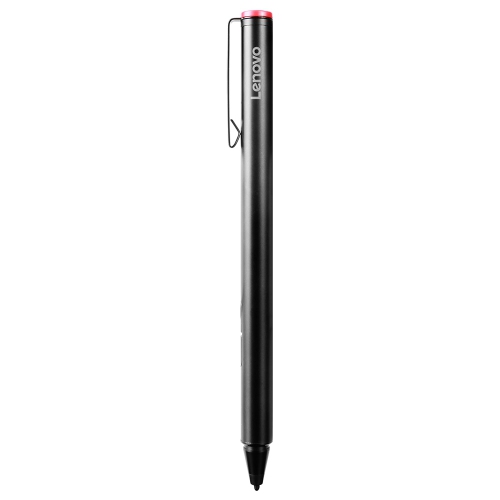
    A sleek stylus designed for precise writing and drawing on compatible Lenovo devices.

    A sleek stylus designed for precise writing and drawing on compatible Lenovo devices.

    (1)
    $56.99
    SAVE $8
    Your price for this item is $56.99
  7. 7

    About this product

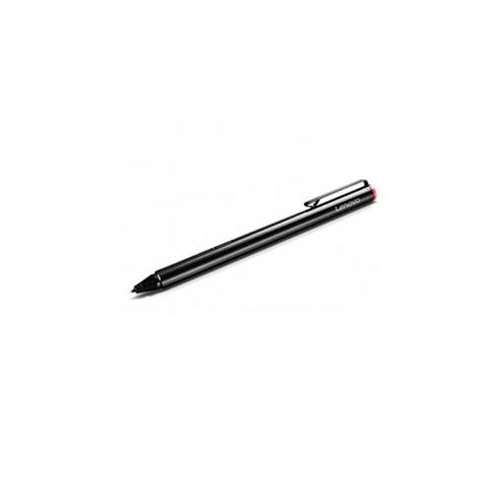
    An intuitive stylus designed for precise input and seamless compatibility with 13W Yoga devices.

    An intuitive stylus designed for precise input and seamless compatibility with 13W Yoga devices.

    (1)
    $44.99 Your price for this item is $44.99
  8. 8

    About this product

    A grey Android tablet featuring a 12.7" 3K display, fast processor, JBL speakers, and precision pen.

    A grey Android tablet featuring a 12.7" 3K display, fast processor, JBL speakers, and precision pen.

    (2)
    $339.99
    SAVE $60
    Your price for this item is $339.99
  9. 9

    About this product

    A powerful tablet with a 12.1" touchscreen, 256GB storage, pen, folio case, and Android 15.

    A powerful tablet with a 12.1" touchscreen, 256GB storage, pen, folio case, and Android 15.

    (1)
    $404.97
    SAVE $45
    Your price for this item is $404.97

The Best Stylus for Lenovo Tablet collection is designed for shoppers who want a more natural way to interact with a compatible tablet. A stylus can make handwriting, sketching, annotating documents, navigating menus, and marking up photos feel more precise than using a fingertip. It can also be helpful for students taking notes in class, professionals reviewing presentations or signing forms, artists developing early ideas, and anyone who prefers the feel of pen and paper when organizing thoughts. For a gift, a well-matched stylus is a practical addition to a tablet setup, especially for a graduate, remote worker, teacher, designer, or family member who enjoys drawing and journaling.

Compatibility should be the first consideration when choosing a stylus. Tablet support can vary by model, operating system, and input technology, so shoppers should check the tablet’s specifications before purchasing. Some styluses are designed for active input and may offer pressure sensitivity, tilt recognition, palm rejection, shortcut buttons, or wireless pairing, while others provide straightforward touch control without requiring a battery. Matching the stylus to the tablet helps ensure that writing appears where intended and that features such as palm rejection or pressure-sensitive strokes work as expected.

The shape and balance of a stylus can make a noticeable difference during longer sessions. A comfortable barrel, a responsive tip, and a weight that feels steady in the hand can help reduce fatigue while taking several pages of notes or refining a detailed illustration. Shoppers may also wish to consider charging methods, battery life, replacement nib availability, storage options, and whether the stylus includes useful accessories. A magnetic attachment or clip can help keep it close to the tablet, while a spare tip can be convenient for households where the stylus is used regularly.

Different users may have different priorities. A student may value quick note-taking and a reliable writing response, while a creative user may prefer pressure control and tilt support for varied line weight and shading. Someone using a tablet for work may appreciate programmable buttons for switching tools, opening applications, or undoing an action. For casual browsing, signing documents, or tapping small controls, a simple and comfortable design may be all that is needed. Considering how the stylus will be used each day makes it easier to choose an option that feels helpful rather than complicated.

Read More

FAQ

Some products may be subject to Environmental Handling Fees(EHF) depending on your province. Learn more about EHFs.