Lenovo ThinkPad T14S
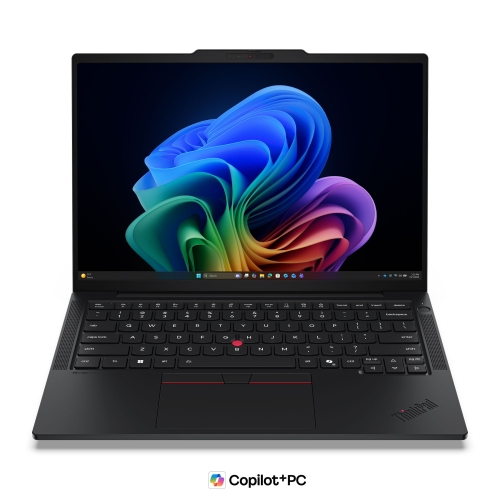
Discover the ideal balance of performance and portability with the Lenovo ThinkPad T14 S. Designed to support productivity in any setting, this versatile laptop is a smart choice for professionals and students alike. Whether you're working on the go or setting up your home office, the Lenovo ThinkPad T14 S offers reliability and efficiency for everyday tasks. Explore a range of configurations to find the perfect fit for your needs.
Sort
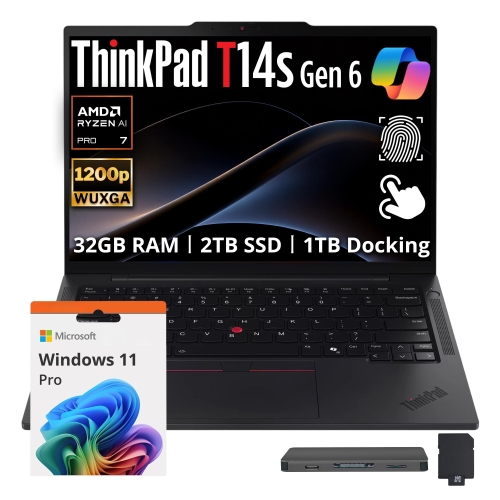
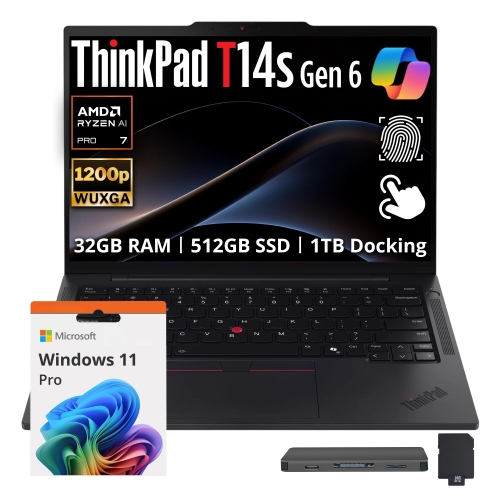
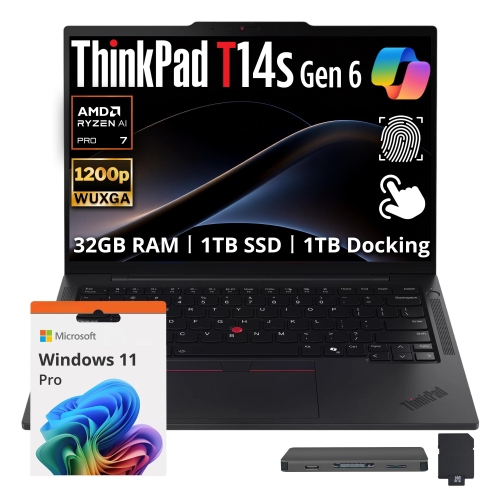
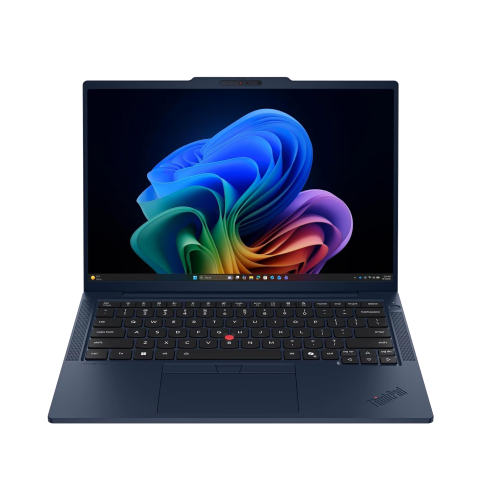







Slim business laptops that move with your work
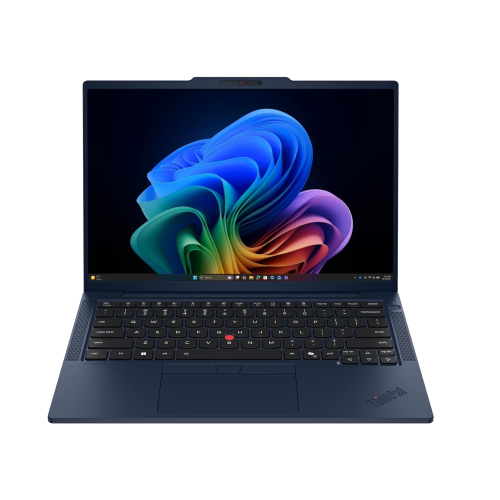
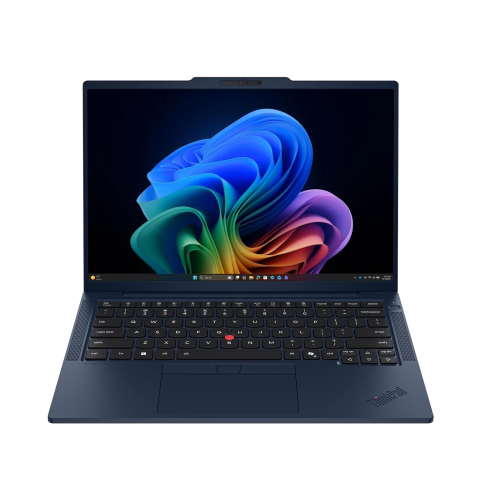
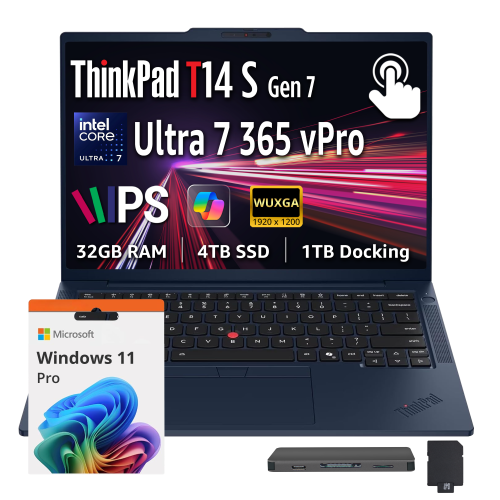
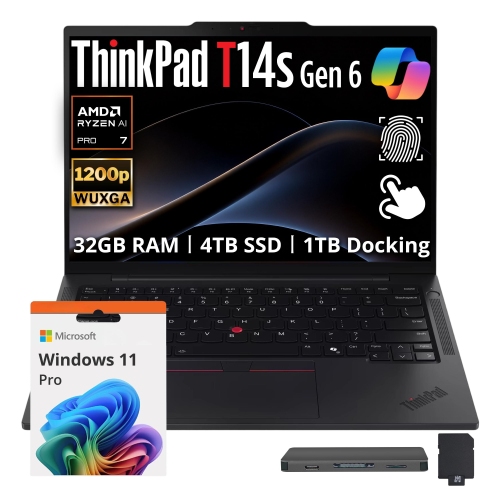
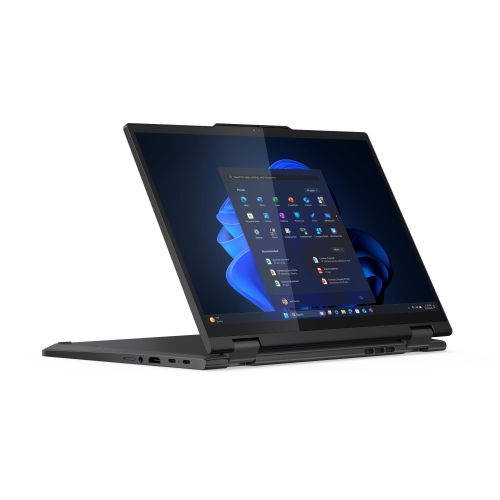
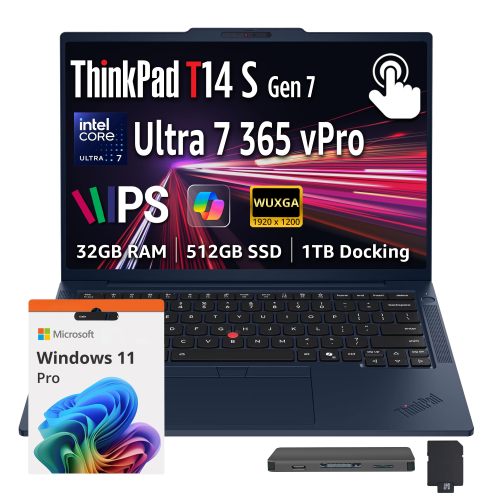
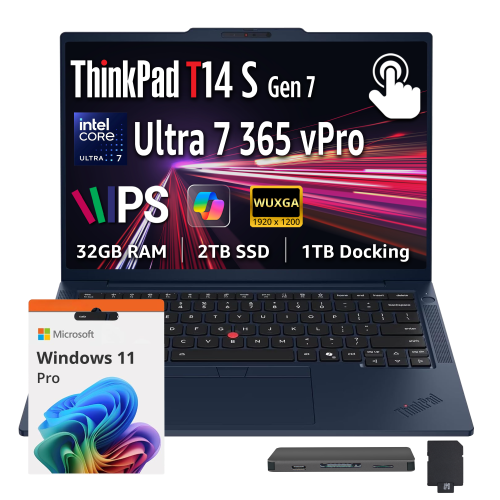
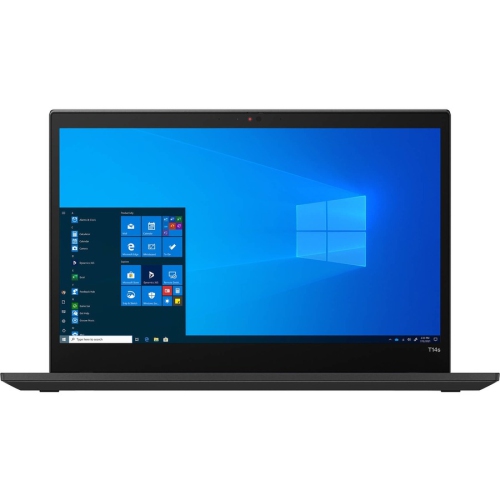
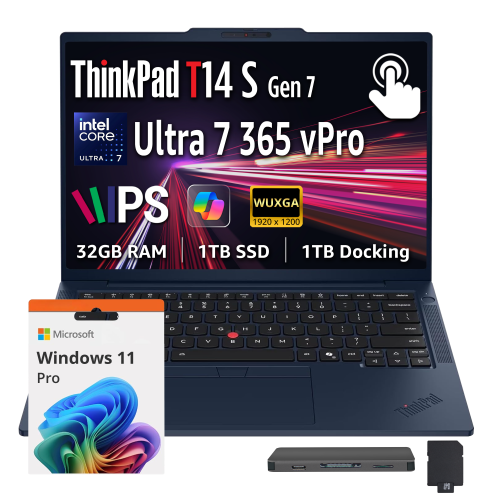
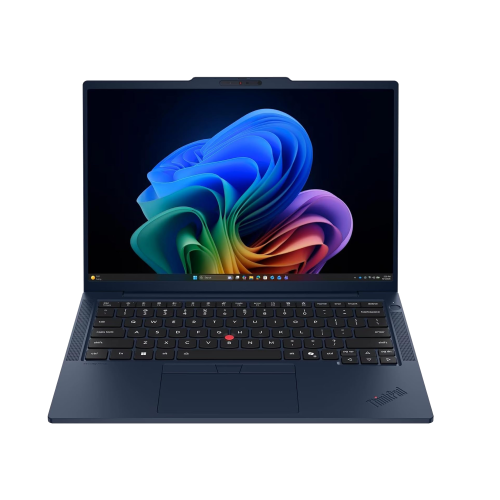
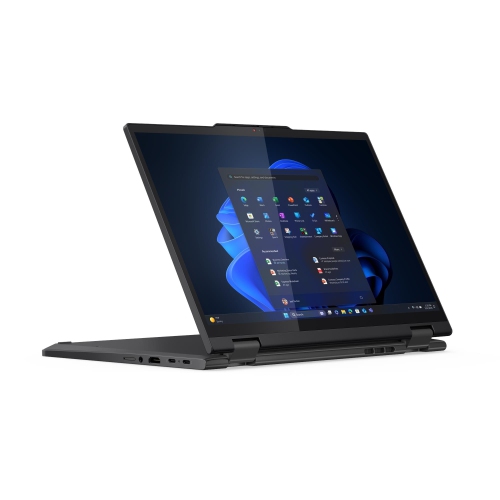
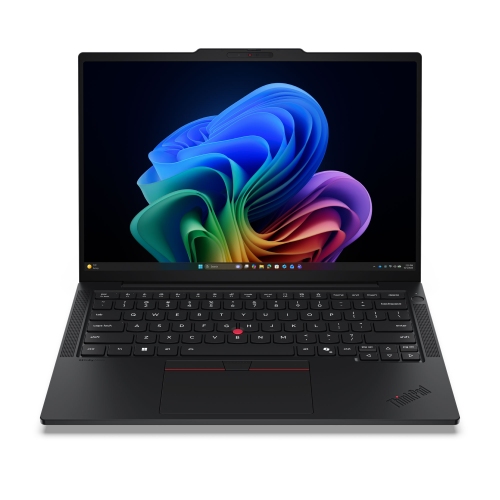
Slim 14-inch business laptops bring together a manageable screen size, a portable design, and the everyday features that matter for office work, study, and travel between workspaces. Their appeal is practical: there is room to review a spreadsheet, edit a proposal, or keep a video meeting beside a set of notes without carrying a larger notebook. For someone moving from a home desk to a shared office, the combination of laptop weight, charger size, and bag fit can make a noticeable difference over a full day. A slim profile slips neatly into a backpack or briefcase, while a well-fitted padded sleeve helps protect the lid and corners from contact with keys, cables, and other belongings. Construction varies by model and generation, with materials such as aluminium, magnesium alloy, and carbon-fibre components used to balance rigidity and weight. A firm keyboard deck and stable display hinges contribute to a reassuring feel during frequent typing and opening, although durability testing does not make a laptop immune to drops or spills. The display deserves equal attention because it shapes nearly every task. A 1920 x 1200 screen has a 16:10 aspect ratio, providing more vertical workspace than a comparable 16:9 screen for documents, web pages, and long email threads. Anti-glare finishes can reduce distracting reflections beneath office lighting, while higher-resolution panels offer finer text and additional detail. OLED and IPS screens have different strengths, and colour coverage, brightness, touch support, and power consumption vary across configurations. For extended writing sessions, keyboard spacing, tactile feedback, and a comfortable palm rest can matter as much as display specifications. A responsive touchpad or pointing device supports precise navigation when there is no room for a mouse, such as at a small meeting table. These qualities make compact business notebooks a natural fit for consultants, administrators, graduate students, and professionals whose work follows them from one desk to another.
Performance in a thin business laptop depends on the processor, memory, storage, and cooling design working together, rather than on a single specification. Email, browser-based tools, presentations, and video calls place different demands on a computer than large datasets, software development, or detailed design work. A capable processor helps keep everyday tasks responsive, while sufficient memory allows several applications to remain open without frequent pauses as the system moves between them. For routine productivity, 16GB of memory can provide useful headroom; 32GB or more may better suit heavier multitasking, demanding applications, and larger projects. Many slim laptops use memory that is soldered to the motherboard, so the installed capacity may not be upgradeable later. Solid-state storage contributes to quick startup and application loading, with capacity needs shaped by the size of local files, downloaded media, and software installations. Someone who works mainly with shared online documents may need less local space than a researcher carrying extensive datasets or a designer keeping project assets close at hand. Processor architecture is another distinction worth understanding. Some business notebooks use x86 processors, while others use ARM-based processors; compatibility with specialized applications, device drivers, security tools, and older peripherals can differ. Workplace software requirements are particularly important when a laptop needs to connect to an organization’s managed systems. Certain processors also include a neural processing unit that can accelerate supported tasks, such as selected video-call effects or on-device features, but benefits depend on the application. Integrated graphics generally suit office productivity, media playback, and many everyday creative tasks, while demanding 3D workloads may call for workstation-class capabilities. The related Lenovo P14S page provides another point of comparison for professional computing needs. Across these categories, the most useful configuration is one that matches the actual workload: preparing presentations on the road is different from compiling large software projects or working with complex engineering files, even when both activities take place on a compact screen.
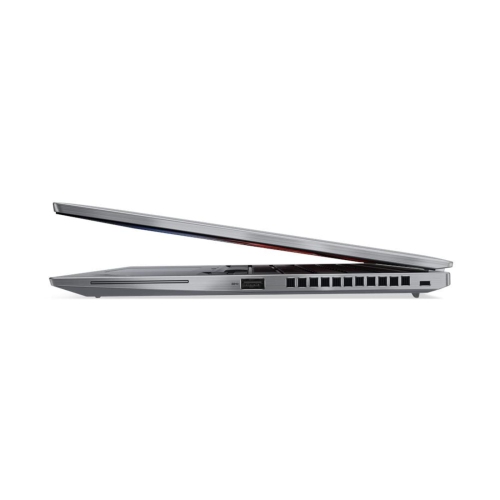
Connectivity, security, and day-to-day care round out the experience of owning a portable business laptop. USB-C connections may support charging, external displays, or docking, but those functions depend on the port specifications rather than the connector shape alone. USB4 and other high-speed connections can simplify a desk setup, while USB-A, HDMI, and a headphone connection remain useful for familiar accessories and meeting-room equipment. A compatible dock can connect a monitor, keyboard, mouse, and wired network through a single cable, creating a more comfortable workspace without giving up portability. Wi-Fi 6E and Wi-Fi 7 support depend on the laptop configuration, and their benefits also require compatible networking equipment. Optional cellular connectivity can be helpful away from a trusted network, although it requires the appropriate hardware and a compatible mobile service plan. For video meetings, microphone clarity, camera quality, and speaker placement influence how easily conversations flow. A physical camera shutter offers a visible way to cover the lens, while a fingerprint reader or compatible infrared camera can make sign-in more convenient. A trusted platform module can support hardware-based security features, but protecting work files also relies on configured encryption, software updates, strong account credentials, and reliable backups. Battery runtime varies with screen brightness, applications, wireless use, and power settings; a quoted maximum is not a promise of the same result during continuous calls or intensive work. Charger compatibility matters too, especially when one adapter will be shared between a desk and a travel bag. Keeping vents unobstructed on a firm surface helps airflow, while gentle cleaning with a suitable cloth preserves the screen and keyboard without introducing excess moisture. Carrying the laptop in a snug compartment and avoiding pressure against the lid can help limit everyday wear. For a student starting a demanding program or a professional receiving a practical gift, a compact business notebook can become a useful daily companion when its keyboard, display, software compatibility, and carrying weight suit the way that person works.
Performance in a thin business laptop depends on the processor, memory, storage, and cooling design working together, rather than on a single specification. Email, browser-based tools, presentations, and video calls place different demands on a computer than large datasets, software development, or detailed design work. A capable processor helps keep everyday tasks responsive, while sufficient memory allows several applications to remain open without frequent pauses as the system moves between them. For routine productivity, 16GB of memory can provide useful headroom; 32GB or more may better suit heavier multitasking, demanding applications, and larger projects. Many slim laptops use memory that is soldered to the motherboard, so the installed capacity may not be upgradeable later. Solid-state storage contributes to quick startup and application loading, with capacity needs shaped by the size of local files, downloaded media, and software installations. Someone who works mainly with shared online documents may need less local space than a researcher carrying extensive datasets or a designer keeping project assets close at hand. Processor architecture is another distinction worth understanding. Some business notebooks use x86 processors, while others use ARM-based processors; compatibility with specialized applications, device drivers, security tools, and older peripherals can differ. Workplace software requirements are particularly important when a laptop needs to connect to an organization’s managed systems. Certain processors also include a neural processing unit that can accelerate supported tasks, such as selected video-call effects or on-device features, but benefits depend on the application. Integrated graphics generally suit office productivity, media playback, and many everyday creative tasks, while demanding 3D workloads may call for workstation-class capabilities. The related Lenovo P14S page provides another point of comparison for professional computing needs. Across these categories, the most useful configuration is one that matches the actual workload: preparing presentations on the road is different from compiling large software projects or working with complex engineering files, even when both activities take place on a compact screen.
Connectivity, security, and day-to-day care round out the experience of owning a portable business laptop. USB-C connections may support charging, external displays, or docking, but those functions depend on the port specifications rather than the connector shape alone. USB4 and other high-speed connections can simplify a desk setup, while USB-A, HDMI, and a headphone connection remain useful for familiar accessories and meeting-room equipment. A compatible dock can connect a monitor, keyboard, mouse, and wired network through a single cable, creating a more comfortable workspace without giving up portability. Wi-Fi 6E and Wi-Fi 7 support depend on the laptop configuration, and their benefits also require compatible networking equipment. Optional cellular connectivity can be helpful away from a trusted network, although it requires the appropriate hardware and a compatible mobile service plan. For video meetings, microphone clarity, camera quality, and speaker placement influence how easily conversations flow. A physical camera shutter offers a visible way to cover the lens, while a fingerprint reader or compatible infrared camera can make sign-in more convenient. A trusted platform module can support hardware-based security features, but protecting work files also relies on configured encryption, software updates, strong account credentials, and reliable backups. Battery runtime varies with screen brightness, applications, wireless use, and power settings; a quoted maximum is not a promise of the same result during continuous calls or intensive work. Charger compatibility matters too, especially when one adapter will be shared between a desk and a travel bag. Keeping vents unobstructed on a firm surface helps airflow, while gentle cleaning with a suitable cloth preserves the screen and keyboard without introducing excess moisture. Carrying the laptop in a snug compartment and avoiding pressure against the lid can help limit everyday wear. For a student starting a demanding program or a professional receiving a practical gift, a compact business notebook can become a useful daily companion when its keyboard, display, software compatibility, and carrying weight suit the way that person works.
Top selling and popular products
-
 Your price for this item is $449
-
 Your price for this item is $3099
-
 Your price for this item is $449.99
-
 Your price for this item is $664.05
-
 Your price for this item is $869.99
-
 Your price for this item is $2960.48
-
 Your price for this item is $489.7
-
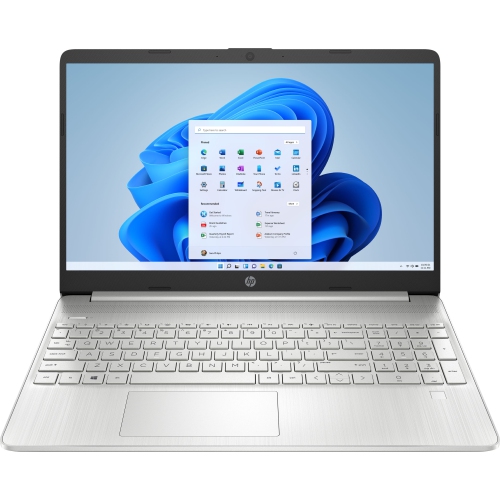 Your price for this item is $829
Discover more categories related to Lenovo ThinkPad T14S


Top Collections:
Pokemon Centers, Best Black Friday Deals This Year, Best Black Friday Deals On Electronics, Kindle Devices, Best Budget Office Chairs, Best Black Friday Deals On Apple Products, Best Cameras for Sports Photography, Pokémon 30th Celebration Cards, Dyson Airwrap, Canon G7X Cameras
Some products may be subject to Environmental Handling Fees
(EHF) depending on your province.
Learn more about EHFs.