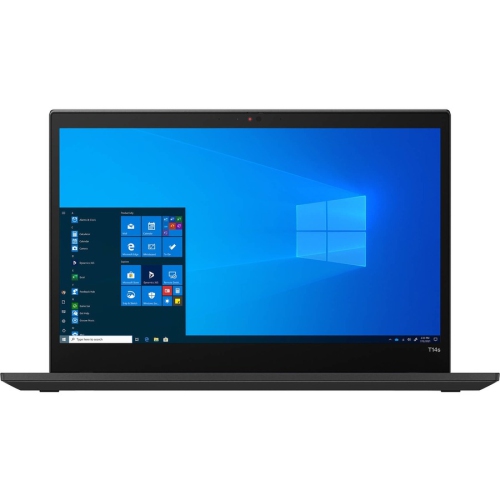
ThinkPad T14s Gen 4
Discover the power and versatility of the ThinkPad T14 Gen 4, designed to keep up with your dynamic work and lifestyle needs. Whether you're managing tasks on the go or setting up a productive workspace at home, the ThinkPad T14 Gen 4 offers seamless performance and reliability. Explore a range of configurations and options to find the perfect fit for your everyday computing demands.
Sort
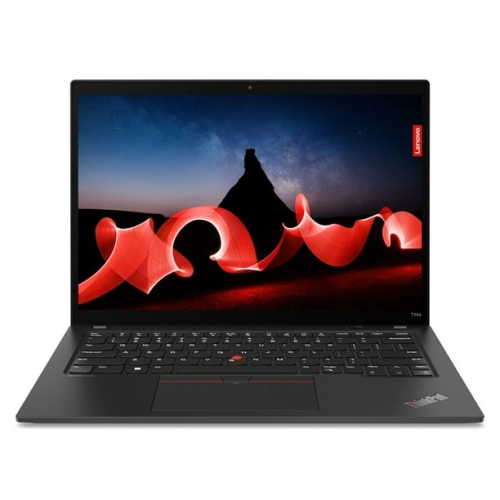

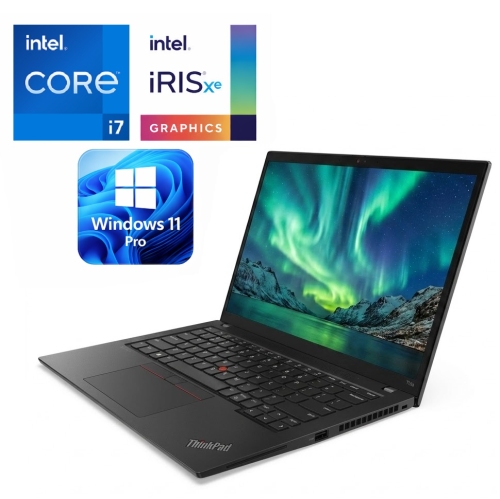

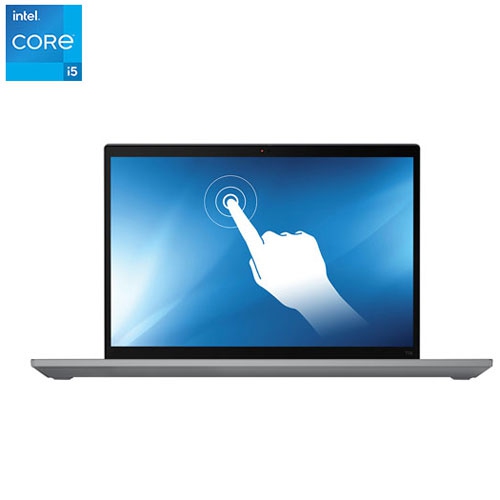


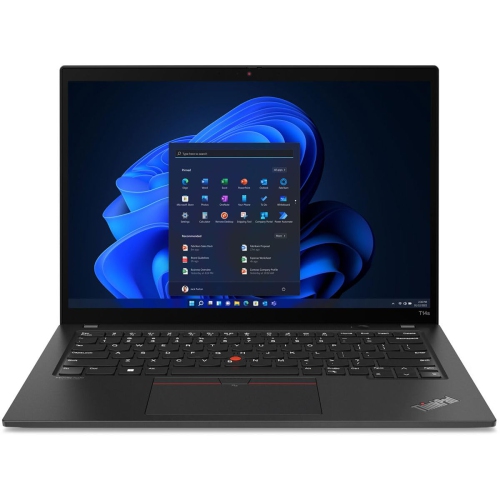


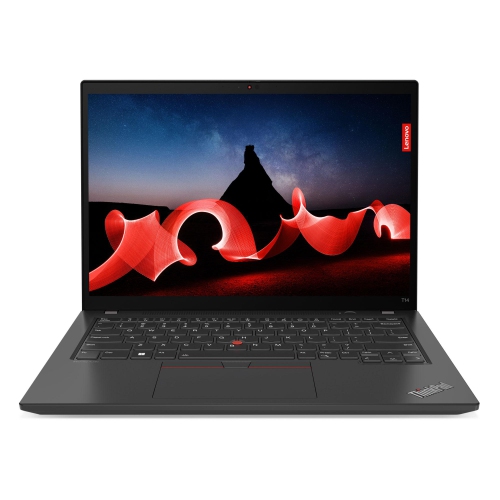

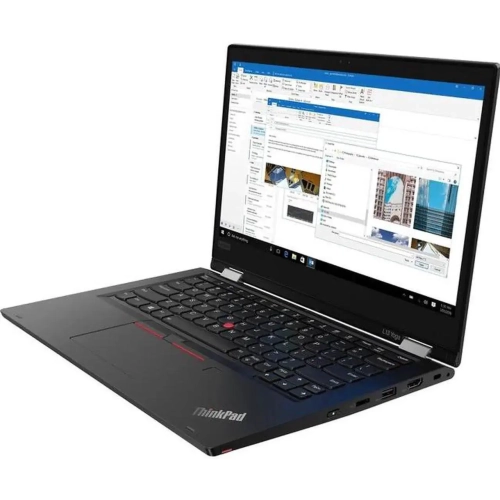


A slimmer business laptop with room to work
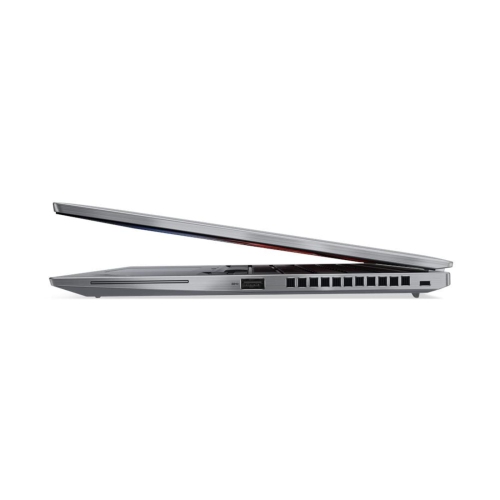
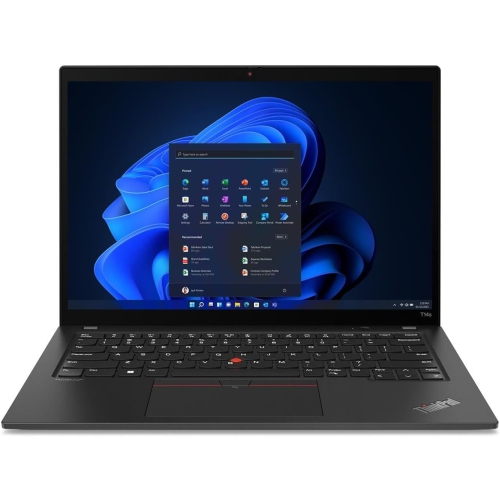
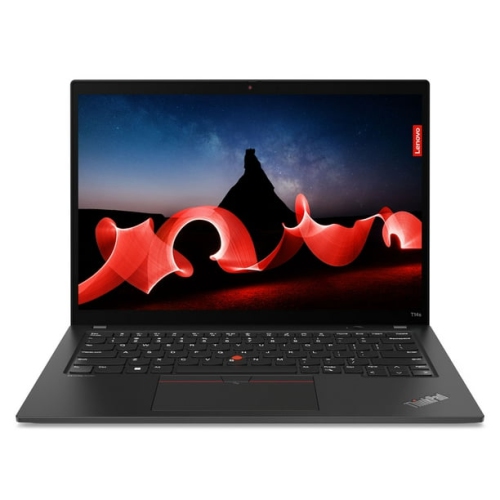
A lightweight 14-inch business laptop brings together the working space of a conventional notebook and a slimmer profile that fits easily into a daily routine. This format suits professionals moving between desks and meeting rooms, students carrying a computer between lectures, and remote workers who need a dependable machine for documents, calls, and browser-based tools. The appeal lies in practical details: a keyboard comfortable enough for lengthy reports, a screen that keeps text readable, and connections that reduce the need for extra adapters. A 14-inch display with a 16:10 aspect ratio provides more vertical room than a similarly sized 16:9 screen, making it easier to see spreadsheet rows, review contracts, or keep reference material beside a draft. WUXGA resolution, typically 1920 x 1200 pixels, offers a useful balance of workspace and clarity for everyday office tasks. Display specifications still matter within the same size category. An anti-glare surface helps soften distracting reflections from overhead lighting, while brightness and viewing angles influence how comfortably two people can review a presentation together. Touch input can be useful for quick navigation, although many desk-based workflows rely more heavily on the keyboard and pointing controls. Higher-resolution panels and OLED displays may appeal to people who value fine detail and rich contrast, but their effect on battery life depends on the panel, settings, and workload. Portability also involves more than the weight of the computer itself. A compact charger, a properly fitted sleeve, and room for essential cables all contribute to how manageable a laptop feels in a shoulder bag. For someone who writes proposals at a shared desk, presents in a conference room, and finishes administrative tasks at home, this class of notebook offers a practical middle ground between a large workstation and a smaller device with less screen space.
Performance in a thin business notebook depends on the complete configuration, not simply the processor tier printed in its specifications. Processor generation, power settings, cooling, memory capacity, and storage all influence how smoothly everyday work proceeds. Email and document editing place different demands on a computer than compiling code, running virtual machines, or working with large datasets. A system used for video meetings while several browser windows and office applications remain open benefits from enough memory to keep those tasks responsive. For many office workflows, 16 GB provides useful working room, while 32 GB can better accommodate heavier multitasking and development tools. Some slim laptops use soldered memory that cannot be upgraded after purchase, so installed capacity is an important distinction between configurations that otherwise look alike. A solid-state drive supports quick application launches and file access; the capacity needed depends on whether most documents live in shared online storage or whether large project folders must travel with the computer. Integrated graphics generally suit presentations, streaming, routine image editing, and everyday productivity, whereas demanding three-dimensional rendering and intensive gaming usually call for a different class of hardware. Connections deserve equal attention because they shape the experience at a desk. USB-A supports many familiar accessories, HDMI can simplify a presentation setup, and USB-C may handle charging, data, and external displays when the particular port supports those functions. Thunderbolt support varies by platform and configuration, and a USB-C connector alone does not establish its capabilities. Dock compatibility, monitor resolution, and charging requirements therefore need to match the actual computer. Wi-Fi capability also depends on the installed hardware and the network being used. Optional mobile broadband, where supported, requires suitable hardware and a compatible service plan. Battery runtime varies with screen brightness, wireless activity, video calls, and application demands, so a published maximum is not a promise of identical results through a busy working day.
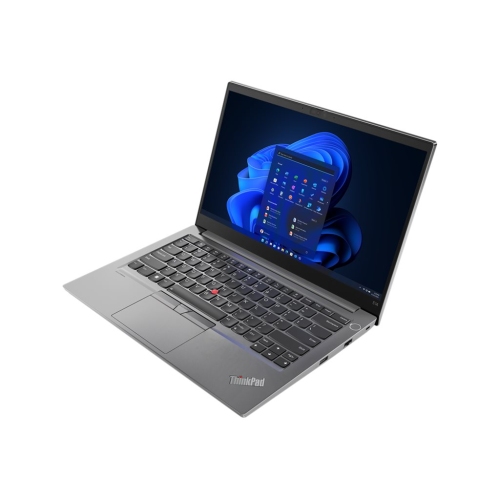
The physical construction of a business laptop influences how it handles repeated packing, opening, and use away from a permanent desk. Depending on the design, materials may include aluminium, magnesium alloy, reinforced composites, or a combination of surfaces selected for stiffness and lower weight. A firm keyboard deck and well-supported hinges can make daily typing and screen adjustment feel more assured, although no thin notebook should be treated as impact-proof. Durability testing, when documented, describes particular test conditions rather than a guarantee against accidental damage. A sleeve sized for the computer’s actual dimensions helps limit rubbing against other objects in a bag, and a padded compartment keeps the chassis separate from chargers and loose accessories. Care is usually straightforward: a soft, lint-free cloth lifts fingerprints, ventilation openings need to remain clear, and cleaning liquids should never be sprayed directly onto the screen or keyboard. Manufacturer care directions take priority, especially for coated displays. Comfort and privacy are just as important during regular use. Key spacing, backlighting, touchpad size, and the presence of a pointing stick can affect how naturally someone works through a long document. A raised display with an external keyboard and mouse can improve positioning at a permanent desk, while a headset helps keep speech clear during calls in shared spaces. Depending on configuration, a fingerprint reader or compatible facial recognition can make sign-in more convenient; a physical webcam shutter provides a visible way to cover the camera when it is not needed. These features complement, rather than replace, account security and workplace requirements. For a related business-laptop range, Thinkpad E14 Gen 4 offers another point of reference for size, connections, and configuration details. Whether the computer is intended for independent consulting, coursework, administrative work, or frequent presentations, the strongest fit comes from matching its screen, memory, portability, and connectivity to the tasks it will handle repeatedly. Those everyday details often matter more to long-term satisfaction than a single headline specification.
Performance in a thin business notebook depends on the complete configuration, not simply the processor tier printed in its specifications. Processor generation, power settings, cooling, memory capacity, and storage all influence how smoothly everyday work proceeds. Email and document editing place different demands on a computer than compiling code, running virtual machines, or working with large datasets. A system used for video meetings while several browser windows and office applications remain open benefits from enough memory to keep those tasks responsive. For many office workflows, 16 GB provides useful working room, while 32 GB can better accommodate heavier multitasking and development tools. Some slim laptops use soldered memory that cannot be upgraded after purchase, so installed capacity is an important distinction between configurations that otherwise look alike. A solid-state drive supports quick application launches and file access; the capacity needed depends on whether most documents live in shared online storage or whether large project folders must travel with the computer. Integrated graphics generally suit presentations, streaming, routine image editing, and everyday productivity, whereas demanding three-dimensional rendering and intensive gaming usually call for a different class of hardware. Connections deserve equal attention because they shape the experience at a desk. USB-A supports many familiar accessories, HDMI can simplify a presentation setup, and USB-C may handle charging, data, and external displays when the particular port supports those functions. Thunderbolt support varies by platform and configuration, and a USB-C connector alone does not establish its capabilities. Dock compatibility, monitor resolution, and charging requirements therefore need to match the actual computer. Wi-Fi capability also depends on the installed hardware and the network being used. Optional mobile broadband, where supported, requires suitable hardware and a compatible service plan. Battery runtime varies with screen brightness, wireless activity, video calls, and application demands, so a published maximum is not a promise of identical results through a busy working day.
The physical construction of a business laptop influences how it handles repeated packing, opening, and use away from a permanent desk. Depending on the design, materials may include aluminium, magnesium alloy, reinforced composites, or a combination of surfaces selected for stiffness and lower weight. A firm keyboard deck and well-supported hinges can make daily typing and screen adjustment feel more assured, although no thin notebook should be treated as impact-proof. Durability testing, when documented, describes particular test conditions rather than a guarantee against accidental damage. A sleeve sized for the computer’s actual dimensions helps limit rubbing against other objects in a bag, and a padded compartment keeps the chassis separate from chargers and loose accessories. Care is usually straightforward: a soft, lint-free cloth lifts fingerprints, ventilation openings need to remain clear, and cleaning liquids should never be sprayed directly onto the screen or keyboard. Manufacturer care directions take priority, especially for coated displays. Comfort and privacy are just as important during regular use. Key spacing, backlighting, touchpad size, and the presence of a pointing stick can affect how naturally someone works through a long document. A raised display with an external keyboard and mouse can improve positioning at a permanent desk, while a headset helps keep speech clear during calls in shared spaces. Depending on configuration, a fingerprint reader or compatible facial recognition can make sign-in more convenient; a physical webcam shutter provides a visible way to cover the camera when it is not needed. These features complement, rather than replace, account security and workplace requirements. For a related business-laptop range, Thinkpad E14 Gen 4 offers another point of reference for size, connections, and configuration details. Whether the computer is intended for independent consulting, coursework, administrative work, or frequent presentations, the strongest fit comes from matching its screen, memory, portability, and connectivity to the tasks it will handle repeatedly. Those everyday details often matter more to long-term satisfaction than a single headline specification.
Top selling and popular products
-
 Your price for this item is $449
-
 Your price for this item is $3099
-
 Your price for this item is $449.99
-
 Your price for this item is $664.05
-
 Your price for this item is $869.99
-
 Your price for this item is $2960.48
-
 Your price for this item is $489.7
-
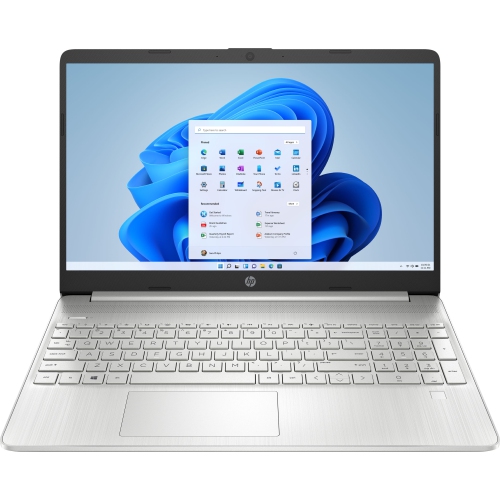 Your price for this item is $829
Discover more categories related to ThinkPad T14s Gen 4

Top Collections:
Pokemon Centers, Best Black Friday Deals This Year, Best Black Friday Deals On Electronics, Kindle Devices, Best Budget Office Chairs, Best Black Friday Deals On Apple Products, Best Cameras for Sports Photography, Pokémon 30th Celebration Cards, Dyson Airwrap, Canon G7X Cameras
Some products may be subject to Environmental Handling Fees
(EHF) depending on your province.
Learn more about EHFs.