Lenovo ThinkPad T470s Laptops
Discover the power and versatility of the Lenovo ThinkPad T470 Laptop, designed to keep up with your busiest days whether you're working, studying, or on the move. With a reputation for reliability and performance, this laptop offers a seamless experience for professionals and students alike. Explore a range of configurations and options to find the perfect fit for your needs. Upgrade your computing setup with the Lenovo ThinkPad T470 Laptop and enjoy dependable technology at your fingertips.
Sort
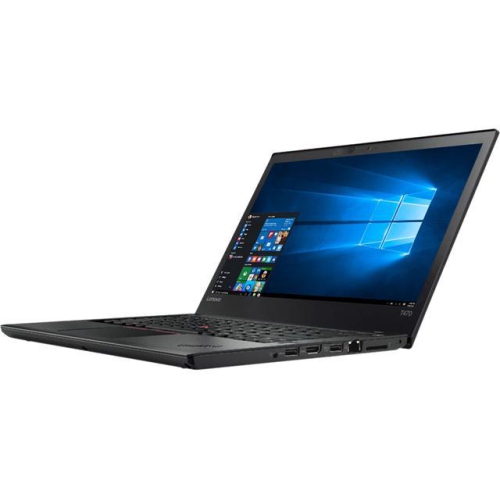
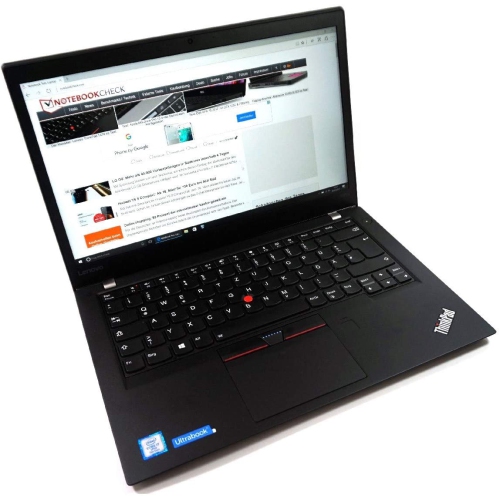
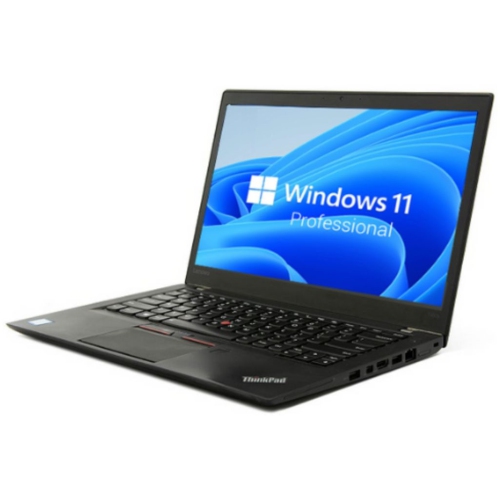
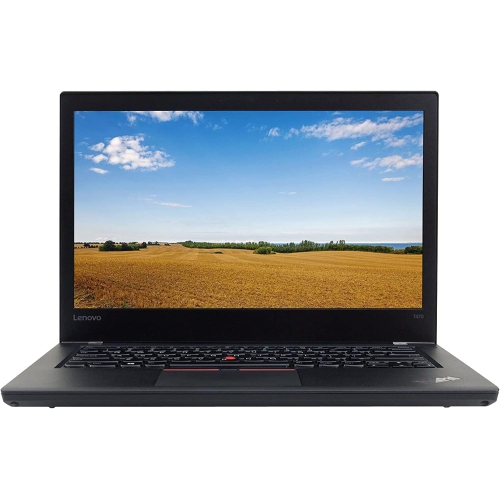
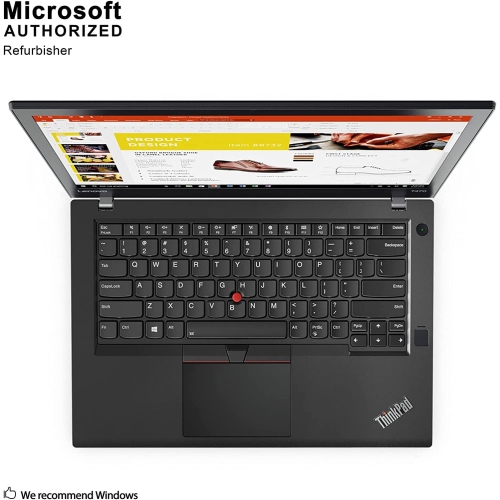
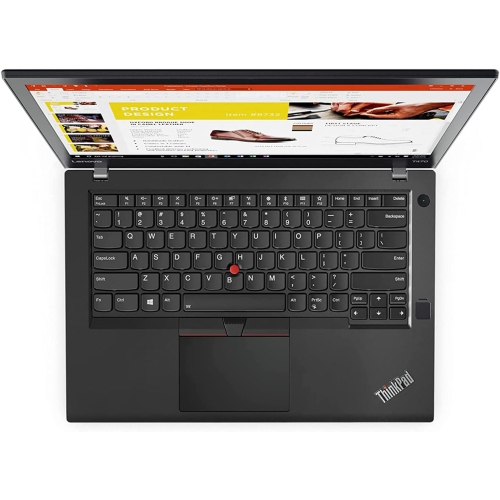

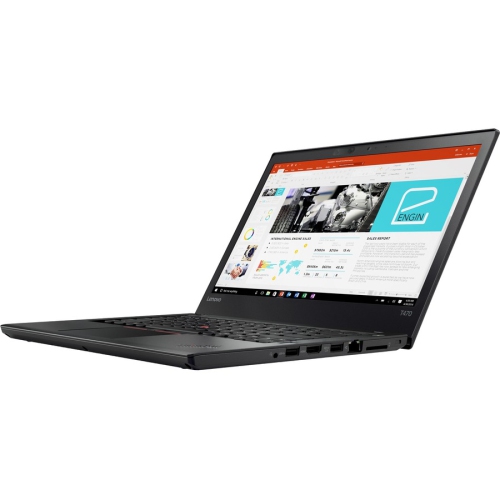
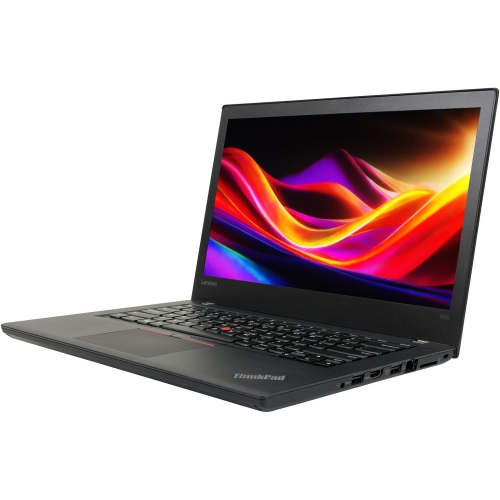
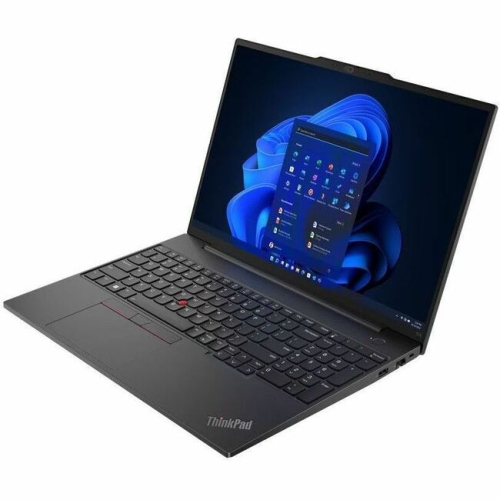
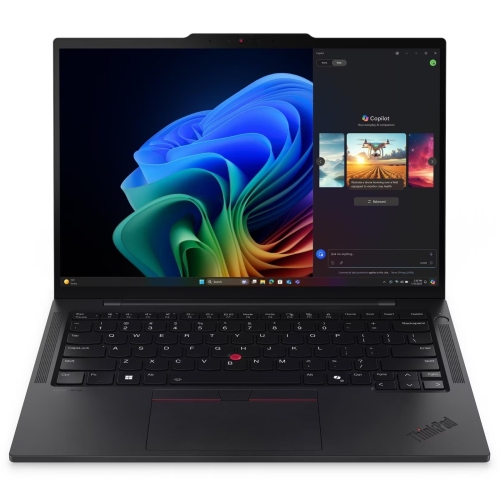
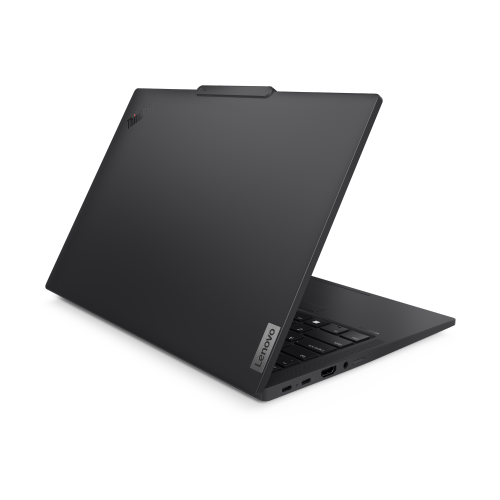
Comfortable typing without the bulk of larger laptops
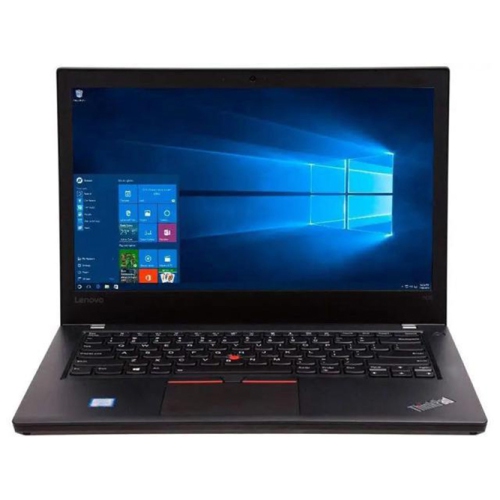
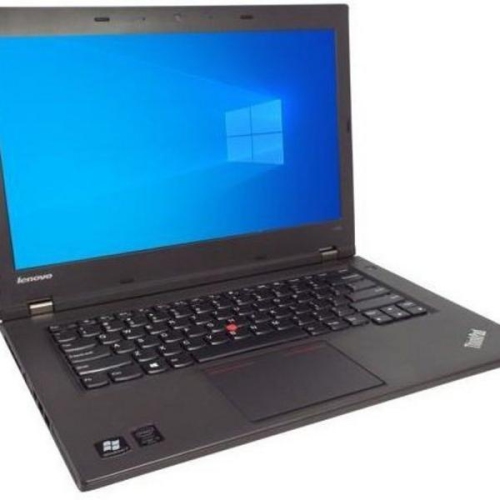
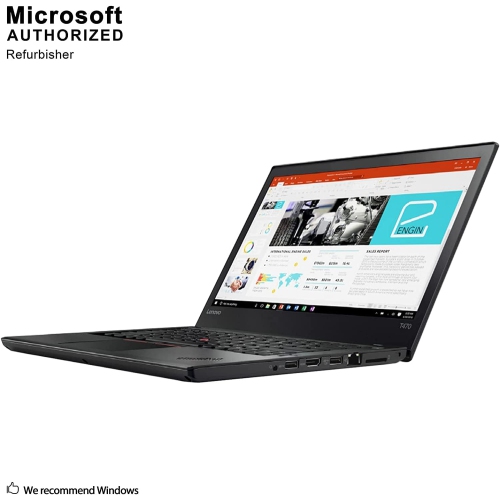
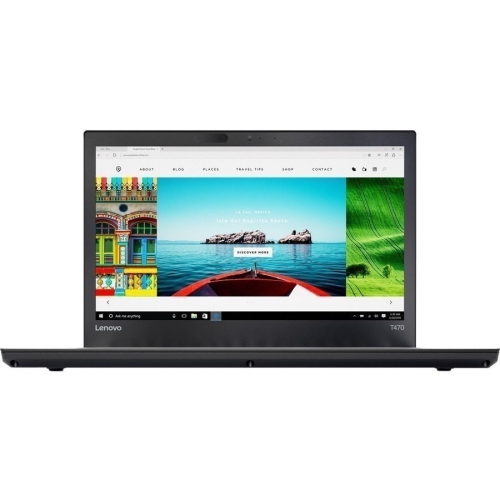
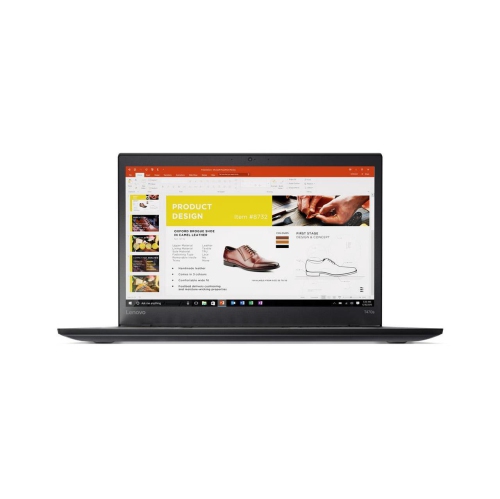
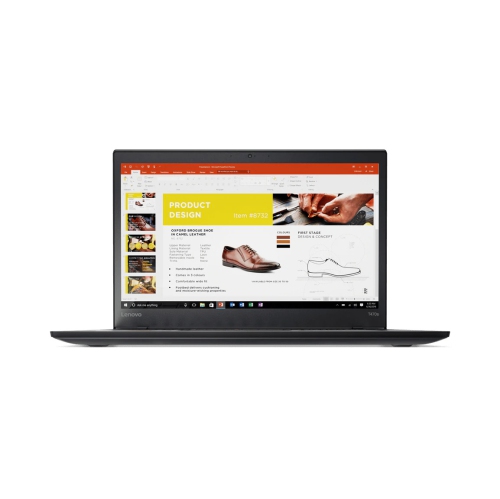
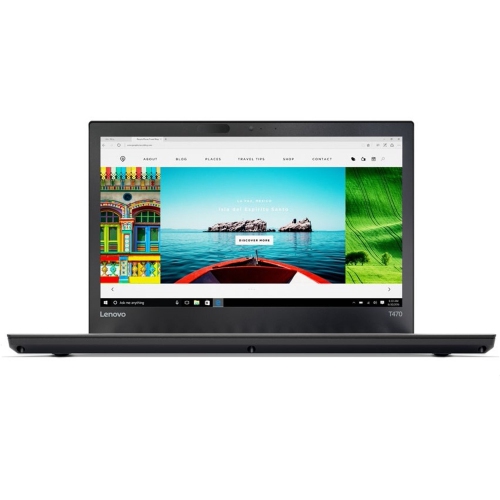
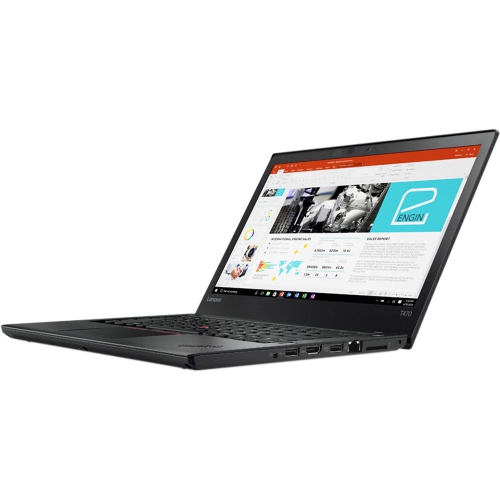
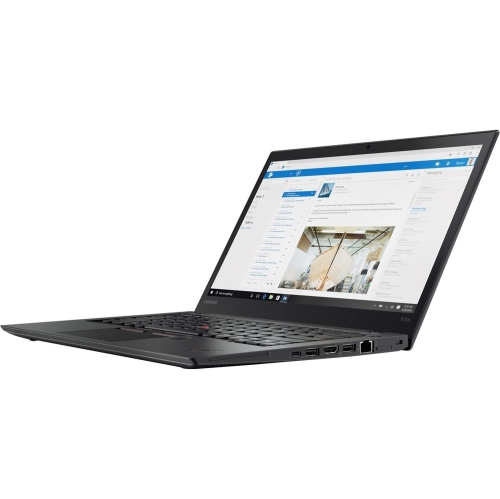
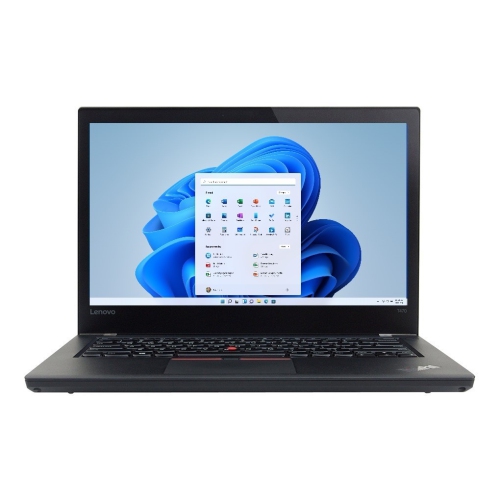
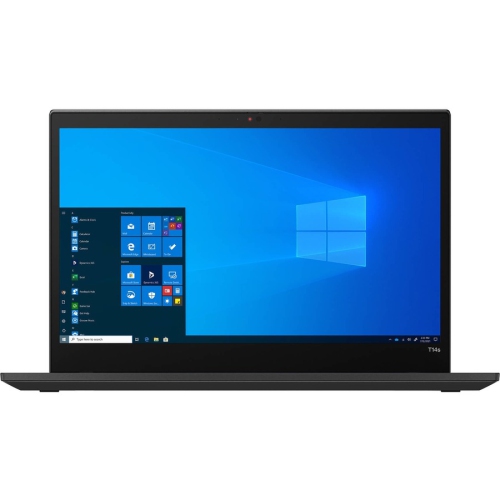
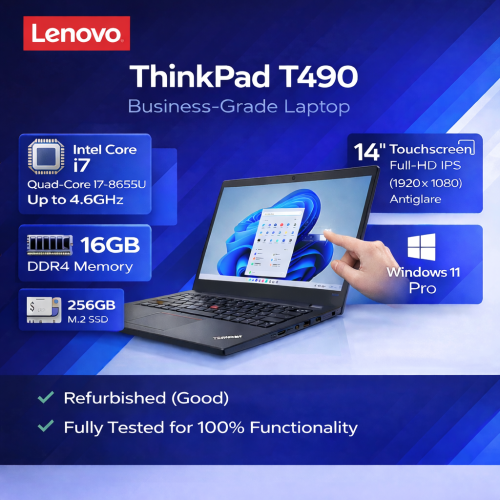
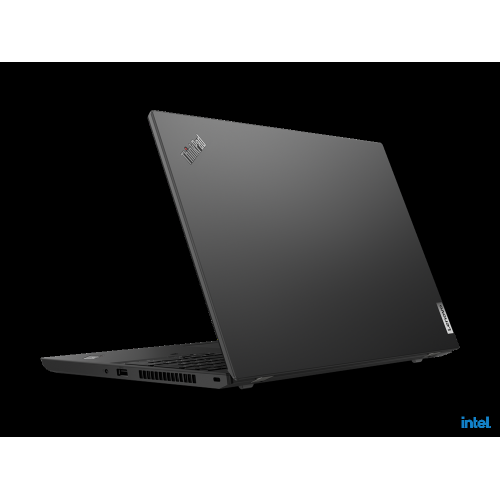
Slim 14-inch business laptops bring a useful balance of screen space, keyboard comfort, and portability to everyday work. This format suits people who need a proper typing surface and a readable display without carrying a larger notebook between home, campus, and the office. At a desk, there is room to work through a spreadsheet, keep reference material beside a document, or follow a video meeting while taking notes. In a bag, the relatively compact footprint leaves space for a charger, notebook, and a few daily essentials. Lightweight designs in this category can weigh around 1.3 kg, although the exact weight depends on the configuration. Reinforced chassis construction and metal or composite materials help balance low weight with the rigidity needed for regular travel. A firm keyboard deck, sound hinges, and a lid that closes evenly matter just as much as the finish, particularly on a previously used laptop. Many business notebooks pair a touchpad with a small keyboard-mounted pointing stick, giving users another way to move the cursor without lifting their hands far from the keys. Keyboard backlighting can be useful for evening coursework or typing in a dim meeting room, but it should be confirmed in the listing rather than assumed. A 14-inch Full HD display has a resolution of 1920 × 1080, providing practical space for documents and browser windows; other screen configurations may differ. An anti-glare finish helps soften reflections from overhead lighting, though brightness and viewing angles still affect comfort beside a window. Students, remote workers, administrative staff, and frequent commuters may all appreciate this blend of portability and familiar desktop-style controls. For someone receiving a laptop as a gift, compatibility with their school or workplace software is more important than appearance alone. A compact business notebook is most useful when its screen, keyboard, connections, and performance match the tasks its recipient actually does.
Performance in an older business laptop depends on the complete configuration, not simply the processor designation. Sixth- and seventh-generation processors can support document editing, email, web research, and other everyday tasks, but their capabilities should not be confused with those of much newer hardware carrying a similar performance label. Several open browser tabs, a video call, and a large spreadsheet place different demands on a machine than a single word-processing document. Memory helps determine how comfortably those tasks run together. An 8 GB configuration may suit lighter use, while 16 GB provides more room for multitasking, subject to the needs of the applications involved. Some slim business designs combine memory fixed to the mainboard with a replaceable module, so the installed amount, slot arrangement, and supported maximum all matter when considering future upgrades. Storage deserves equally close attention. A solid-state drive makes everyday file access and application loading feel more responsive than a traditional mechanical hard drive, but capacity determines how much can stay on the laptop. A 256 GB drive may accommodate office applications and a modest collection of documents, while large photo folders, downloaded lectures, and project files can require more space. Neither memory nor storage alone makes an older notebook suitable for demanding video production, complex 3D work, or graphics-heavy games; integrated graphics are generally better matched to everyday productivity and media playback. Software compatibility is another essential consideration. An installed operating system is not, by itself, proof that the hardware meets its official requirements or will receive ongoing security updates. This is particularly important with older processor generations and laptops intended to access workplace accounts or sensitive files. Ports also shape daily usefulness: full-size USB connections, a display output, and an audio socket can make existing accessories easier to use, while charging, docking, and external-monitor support through USB-C vary by model. Wi-Fi specifications, webcam quality, and microphone performance are worth checking for regular online meetings. Shoppers comparing closely related business notebooks can also explore Thinkpad T470 Laptops, keeping differences in dimensions, weight, battery design, and connections in mind rather than treating similar names as identical configurations.
Condition and care have a noticeable effect on the experience of owning a refurbished business laptop. Refurbishment describes a preparation process, but testing, cosmetic grading, replacement parts, and included accessories can differ between listings. Scratches on a lid may have little effect on everyday use, whereas a loose charging connection, a worn hinge, or uneven keyboard response can become a persistent inconvenience. Listing details should distinguish cosmetic wear from functional limitations and explain what is included, particularly the power adapter and any stated warranty coverage. Battery health deserves attention because capacity declines with age and use, even when a laptop otherwise works well. A person moving between classrooms may need dependable unplugged operation, while someone working mainly at a desk may place more importance on a reliable charger and suitable monitor connections. Published battery-life figures from when a computer was new should not be treated as a promise for a previously used unit. Screen brightness, video calls, wireless activity, and background applications all influence actual running time. Some thin notebooks also have internal batteries that require servicing rather than a quick external swap. For transport, a padded sleeve should fit the laptop’s measured width, depth, and thickness, not just its stated screen size. Leaving a little clearance around the corners makes removal easier without allowing the computer to slide loosely inside. At home, a firm surface keeps ventilation openings clear; a duvet or soft sofa cushion can trap heat underneath the chassis. Carrying the laptop by its base rather than its screen helps protect the hinges, and keeping cables out of the closing lid prevents avoidable pressure on the display. Routine cleaning is straightforward: shut the computer down, unplug it, and use a soft microfibre cloth, following the manufacturer’s directions for any cleaning solution. Liquid should never be sprayed directly onto the screen or keyboard. During the cooler months, a laptop brought indoors from a cold journey should reach room temperature and be free of condensation before it is powered on. With suitable software, thoughtful handling, and realistic expectations about battery life and performance, a slim business laptop can serve comfortably as an everyday workspace for writing, learning, household administration, and staying connected.
Performance in an older business laptop depends on the complete configuration, not simply the processor designation. Sixth- and seventh-generation processors can support document editing, email, web research, and other everyday tasks, but their capabilities should not be confused with those of much newer hardware carrying a similar performance label. Several open browser tabs, a video call, and a large spreadsheet place different demands on a machine than a single word-processing document. Memory helps determine how comfortably those tasks run together. An 8 GB configuration may suit lighter use, while 16 GB provides more room for multitasking, subject to the needs of the applications involved. Some slim business designs combine memory fixed to the mainboard with a replaceable module, so the installed amount, slot arrangement, and supported maximum all matter when considering future upgrades. Storage deserves equally close attention. A solid-state drive makes everyday file access and application loading feel more responsive than a traditional mechanical hard drive, but capacity determines how much can stay on the laptop. A 256 GB drive may accommodate office applications and a modest collection of documents, while large photo folders, downloaded lectures, and project files can require more space. Neither memory nor storage alone makes an older notebook suitable for demanding video production, complex 3D work, or graphics-heavy games; integrated graphics are generally better matched to everyday productivity and media playback. Software compatibility is another essential consideration. An installed operating system is not, by itself, proof that the hardware meets its official requirements or will receive ongoing security updates. This is particularly important with older processor generations and laptops intended to access workplace accounts or sensitive files. Ports also shape daily usefulness: full-size USB connections, a display output, and an audio socket can make existing accessories easier to use, while charging, docking, and external-monitor support through USB-C vary by model. Wi-Fi specifications, webcam quality, and microphone performance are worth checking for regular online meetings. Shoppers comparing closely related business notebooks can also explore Thinkpad T470 Laptops, keeping differences in dimensions, weight, battery design, and connections in mind rather than treating similar names as identical configurations.
Condition and care have a noticeable effect on the experience of owning a refurbished business laptop. Refurbishment describes a preparation process, but testing, cosmetic grading, replacement parts, and included accessories can differ between listings. Scratches on a lid may have little effect on everyday use, whereas a loose charging connection, a worn hinge, or uneven keyboard response can become a persistent inconvenience. Listing details should distinguish cosmetic wear from functional limitations and explain what is included, particularly the power adapter and any stated warranty coverage. Battery health deserves attention because capacity declines with age and use, even when a laptop otherwise works well. A person moving between classrooms may need dependable unplugged operation, while someone working mainly at a desk may place more importance on a reliable charger and suitable monitor connections. Published battery-life figures from when a computer was new should not be treated as a promise for a previously used unit. Screen brightness, video calls, wireless activity, and background applications all influence actual running time. Some thin notebooks also have internal batteries that require servicing rather than a quick external swap. For transport, a padded sleeve should fit the laptop’s measured width, depth, and thickness, not just its stated screen size. Leaving a little clearance around the corners makes removal easier without allowing the computer to slide loosely inside. At home, a firm surface keeps ventilation openings clear; a duvet or soft sofa cushion can trap heat underneath the chassis. Carrying the laptop by its base rather than its screen helps protect the hinges, and keeping cables out of the closing lid prevents avoidable pressure on the display. Routine cleaning is straightforward: shut the computer down, unplug it, and use a soft microfibre cloth, following the manufacturer’s directions for any cleaning solution. Liquid should never be sprayed directly onto the screen or keyboard. During the cooler months, a laptop brought indoors from a cold journey should reach room temperature and be free of condensation before it is powered on. With suitable software, thoughtful handling, and realistic expectations about battery life and performance, a slim business laptop can serve comfortably as an everyday workspace for writing, learning, household administration, and staying connected.
Top selling and popular products
-
 Your price for this item is $449
 -
 Your price for this item is $3099
 -
 Your price for this item is $299.95
 -
 Your price for this item is $664.05
 -
 Your price for this item is $599.68
 -
 Your price for this item is $869.99
 -
 Your price for this item is $259
 -
 Your price for this item is $418.98
Discover more categories related to Lenovo ThinkPad T470s Laptops

Top Collections:
Pokemon Centers, Kindle Devices, Best Budget Office Chairs, Apple iPhones 16, Best Laptops for Writers, iPhone 15 Apple, Canon G7X Cameras, Refurbished Apple Laptops, Alarm Clock, Motorola Razr Phones
Some products may be subject to Environmental Handling Fees
(EHF) depending on your province.
Learn more about EHFs.