Lenovo Thinkpad T480
Discover the versatility and reliability of the Lenovo ThinkPad T480, designed to support your work and everyday computing needs. Whether you're tackling important projects or staying connected on the go, the Lenovo ThinkPad T480 offers a dependable solution for professionals and students alike. Explore a range of models and configurations to find the perfect fit for your requirements, all backed by the quality and performance you expect. Find your ideal Lenovo ThinkPad T480 and elevate your productivity today.
Sort
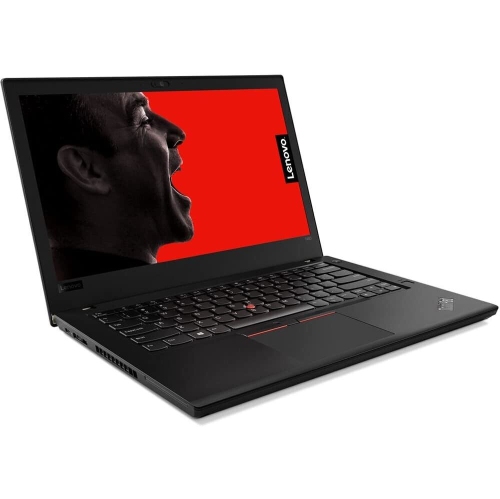
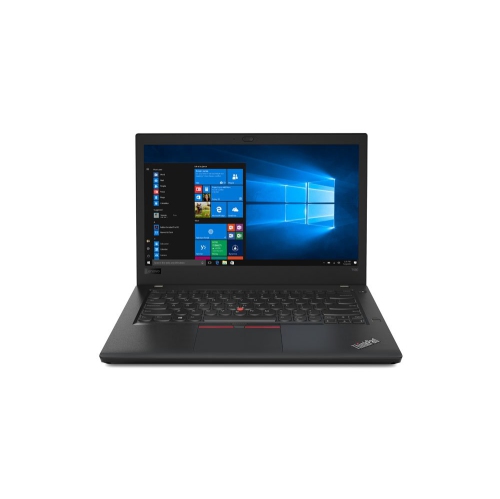
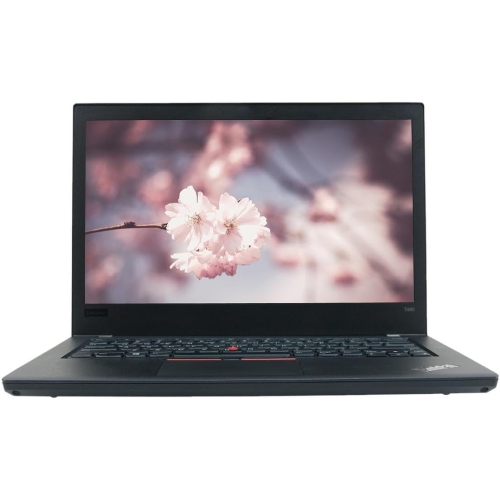
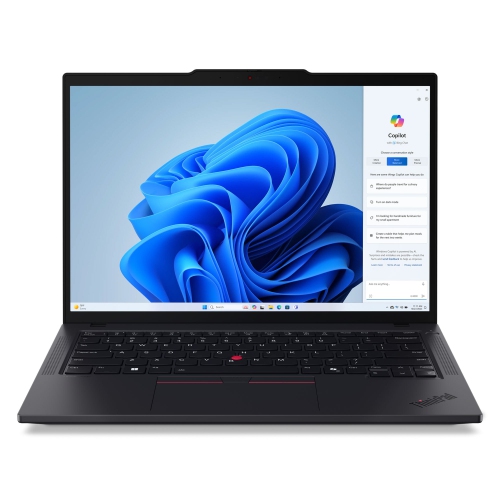
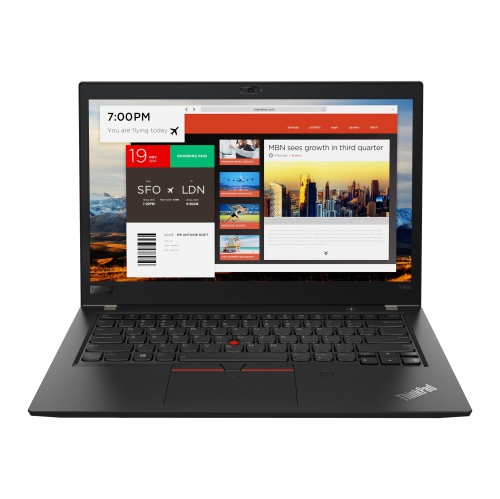
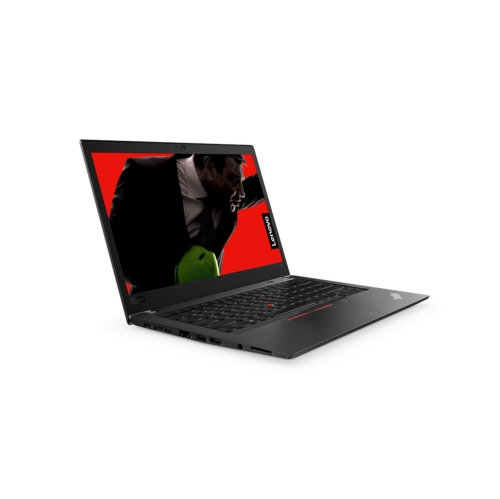

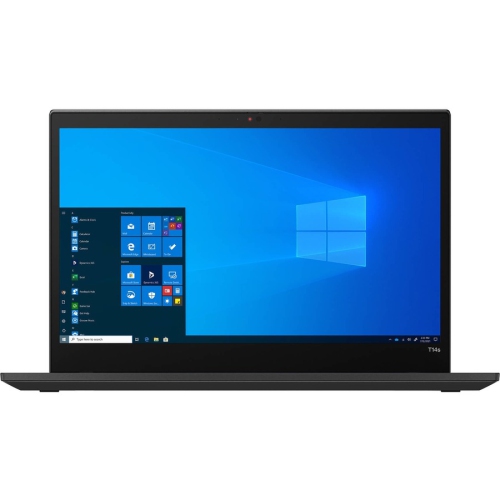
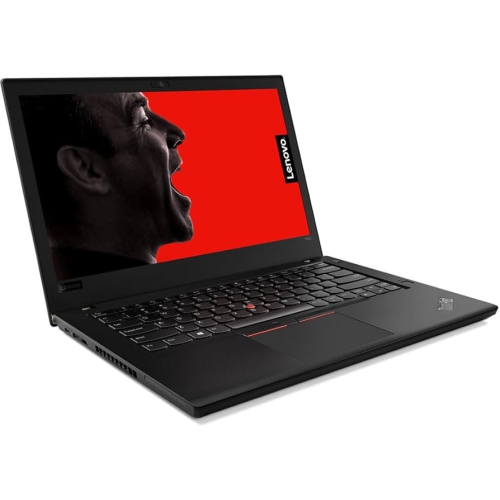
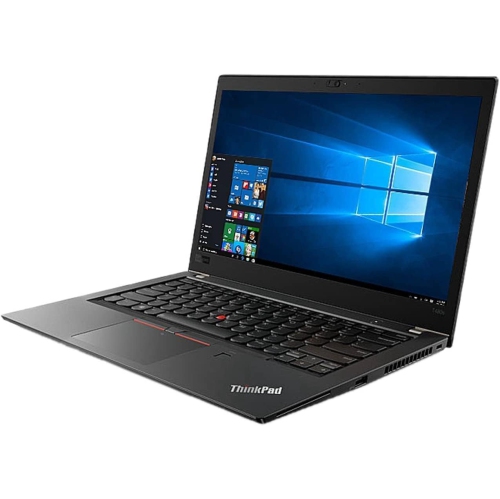
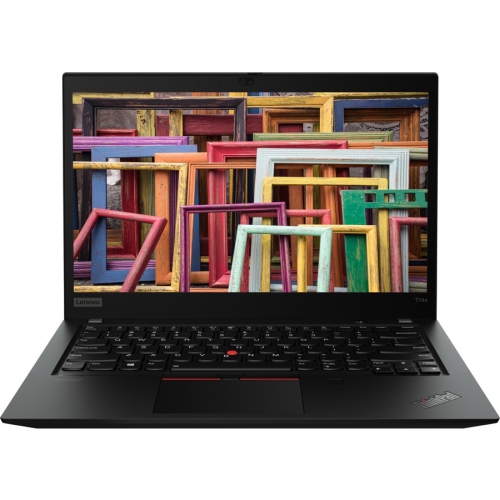
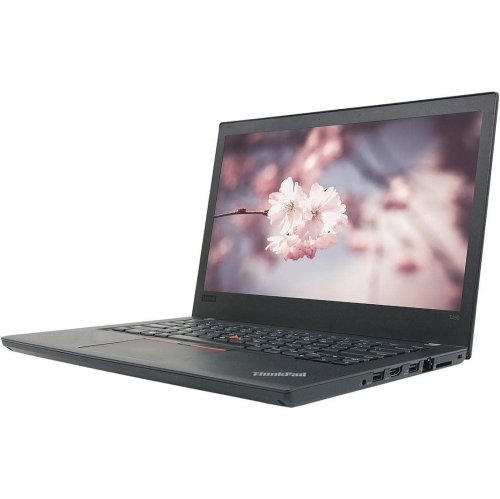
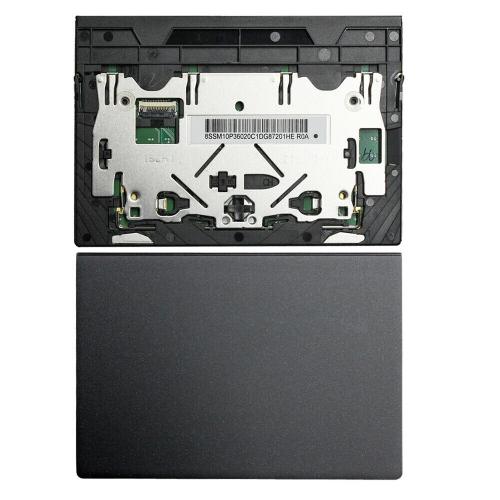
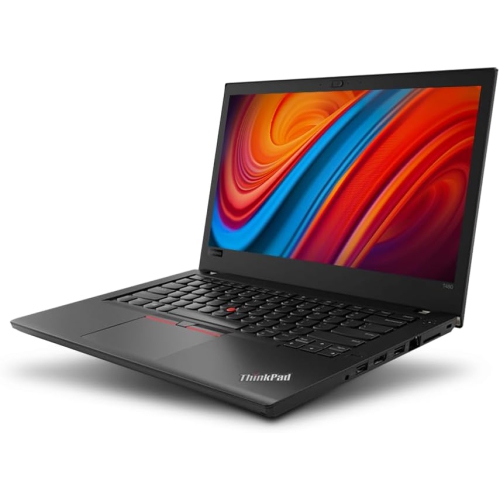
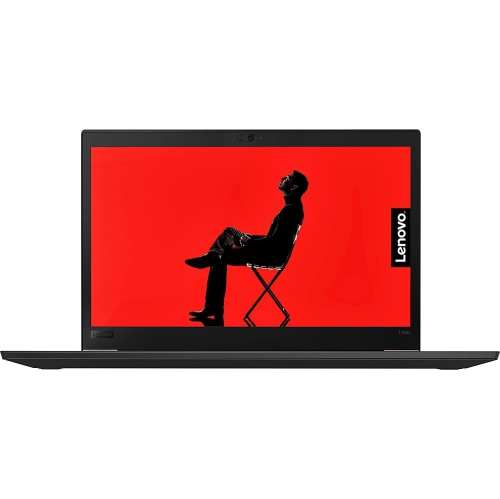
Everyday comfort in a business laptop that travels easily
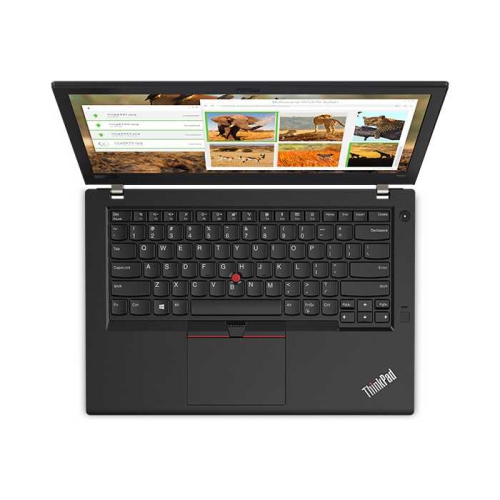
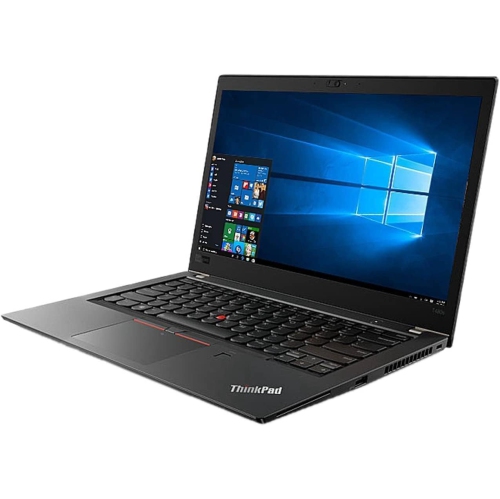
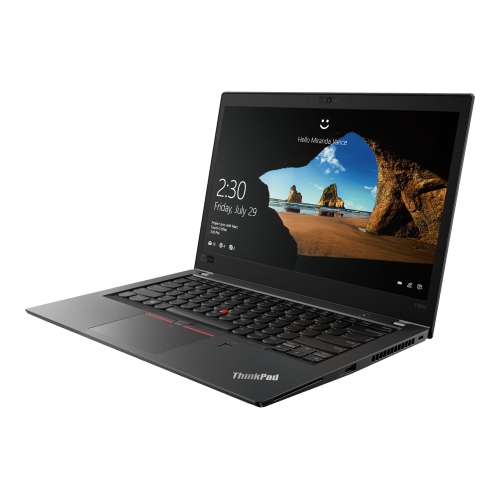
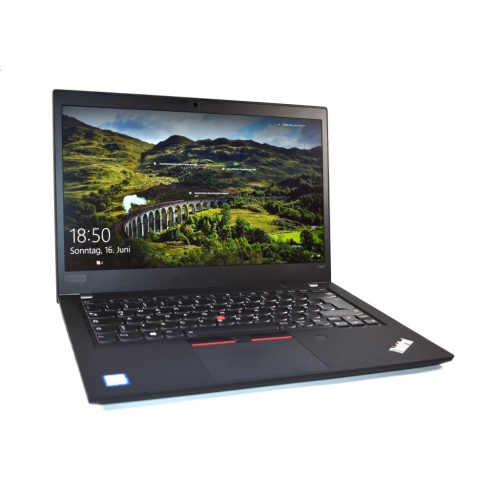
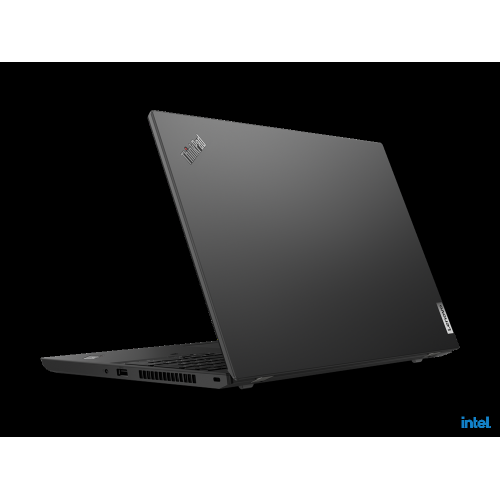
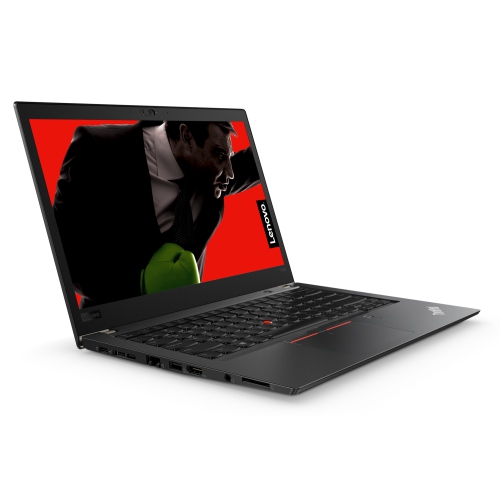
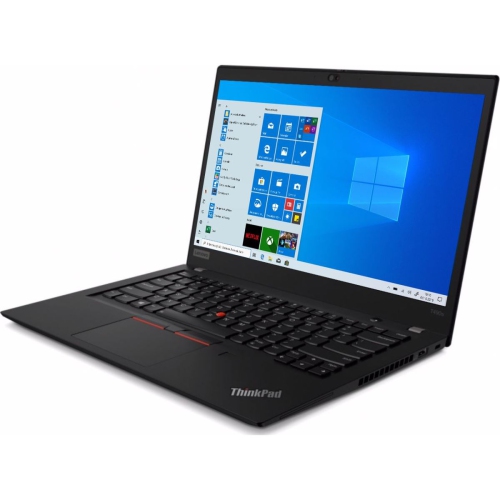
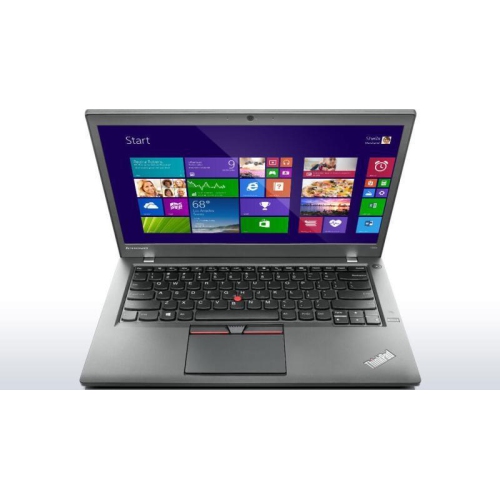
A 14-inch business laptop offers a practical balance between a comfortable workspace and a size that travels easily between a desk, a meeting room, and a lecture hall. This type of notebook suits everyday tasks such as writing reports, managing spreadsheets, attending video calls, and keeping reference material open alongside a document. Its appeal often lies in the details: a keyboard with well-spaced keys, a matte screen that helps reduce distracting reflections, and physical connections for equipment already in use. For a student, that can mean typing a lengthy assignment without carrying a separate keyboard. For someone working from home, it can mean connecting a monitor, a wired network, and a mouse without building a desk around adapters. Business-oriented designs generally favour understated finishes and sturdy construction over decorative details, although casing materials and reinforcement differ between models. A textured exterior can be easier to grip when moving between rooms, while a firm hinge helps keep the screen steady during typing. The familiar combination of a touchpad and a small keyboard-mounted pointing stick offers different ways to move the cursor, particularly when space is tight. Keyboard backlighting, a fingerprint reader, a camera privacy shutter, and other convenience features depend on the configuration rather than the laptop category alone. On refurbished units, keyboard layout also deserves attention: English, French Canadian, bilingual, and other layouts can place symbols differently, even when the computer’s software language is adjustable. A clear description of the keyboard and cosmetic condition helps establish what daily use will feel like. For a family member returning to school or someone setting up a home office, a business notebook can be a useful gift when its software compatibility, screen, and input layout match their routine. The best fit is less about an impressive specification in isolation and more about a machine that feels comfortable through repeated, ordinary tasks.
Configuration makes a substantial difference to how an older business notebook performs. Within this generation of 14-inch laptops, processor options can differ in both age and core count, so two computers with similar exteriors may behave differently when several applications are open. A four-core processor generally offers more room for multitasking than a comparable two-core option, though actual performance also depends on cooling, memory, and the software being used. For common office and school workloads, 16GB of memory provides useful headroom for browser tabs, video meetings, and document editing together. More demanding development tools, large datasets, or virtual machines may benefit from additional memory, provided the hardware supports the required capacity. Models with two accessible memory slots offer flexibility, but maximum supported capacity should be confirmed for the exact configuration rather than assumed from appearance. A solid-state drive helps keep startup, application launches, and file access responsive; storage capacity determines how much room remains for photos, coursework, project files, and downloaded media. Screen specifications deserve equal attention. A 14-inch display describes physical size, not resolution or panel quality. Full HD, at 1920 × 1080 pixels, gives text and spreadsheets more usable detail than a 1366 × 768 panel, while higher-resolution options can make fine text appear sharper with appropriate scaling. An IPS panel generally maintains a more consistent image when viewed from an angle, which is helpful when sharing a screen across a table. Touch capability is a separate feature and should not be assumed. Integrated graphics are well suited to everyday productivity and video playback, but demanding gaming, complex 3D work, and intensive video effects require different expectations. Operating system eligibility also depends on the exact processor and security hardware, not simply the notebook’s release year. Shoppers comparing nearby designs can also explore Lenovo ThinkPad T490s, with attention to differences in memory expansion, battery design, weight, and connections rather than assuming that similarly named laptops share the same construction.
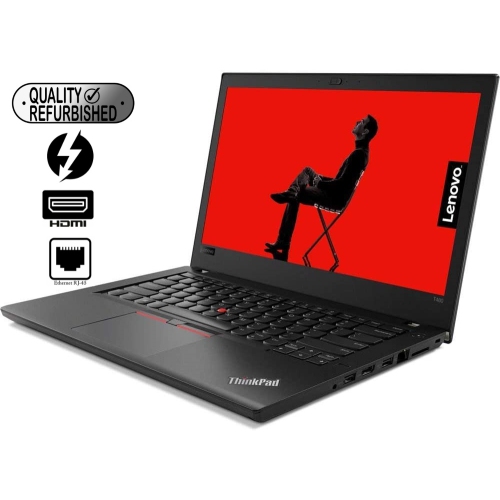
Connections, battery condition, and serviceability shape ownership just as much as processor speed. Full-size USB ports remain useful for a mouse, a keyboard, or removable storage, while HDMI makes it straightforward to connect a compatible monitor or presentation screen. A built-in Ethernet port can provide a wired connection at a fixed workstation, with Wi-Fi handling everyday wireless access elsewhere. USB-C is convenient for charging and compatible accessories, but the connector’s shape alone does not establish its data speed, display capabilities, or docking support. Thunderbolt 3, where fitted, adds options for compatible docks and peripherals; the laptop, cable, dock, and power supply still need to work together. For older notebooks with this connection, manufacturer firmware updates are an important part of ongoing maintenance because they can address controller reliability as well as compatibility. Battery design is another distinguishing feature in this category. Some configurations combine an internal battery with a removable external pack, offering a different ownership experience from a fully sealed design. Where supported, a charged, functioning internal battery can keep the notebook running during an external battery swap. That capability should be confirmed for the particular unit, and it does not guarantee a set number of working hours. Screen brightness, calls, processor load, and the condition of both batteries affect runtime. A refurbished computer’s cosmetic grade does not necessarily describe battery health, so those details are worth considering separately, along with the included charger and warranty terms. A padded sleeve should accommodate the actual chassis dimensions and any protruding battery, rather than relying on screen size alone. At a desk, a hard, flat surface keeps ventilation openings clear; on the move, a dedicated compartment protects the lid from pressure and keeps loose accessories away from the screen. Routine care is simple: use a soft cloth, follow the manufacturer’s cleaning directions, and avoid spraying liquid directly onto the computer. Accessible storage, memory, and batteries can make maintenance more practical, although repairs still require compatible parts and suitable handling. Together, these details help distinguish a dependable everyday work companion from a notebook whose specifications look suitable but whose physical condition or features do not match the intended use.
Configuration makes a substantial difference to how an older business notebook performs. Within this generation of 14-inch laptops, processor options can differ in both age and core count, so two computers with similar exteriors may behave differently when several applications are open. A four-core processor generally offers more room for multitasking than a comparable two-core option, though actual performance also depends on cooling, memory, and the software being used. For common office and school workloads, 16GB of memory provides useful headroom for browser tabs, video meetings, and document editing together. More demanding development tools, large datasets, or virtual machines may benefit from additional memory, provided the hardware supports the required capacity. Models with two accessible memory slots offer flexibility, but maximum supported capacity should be confirmed for the exact configuration rather than assumed from appearance. A solid-state drive helps keep startup, application launches, and file access responsive; storage capacity determines how much room remains for photos, coursework, project files, and downloaded media. Screen specifications deserve equal attention. A 14-inch display describes physical size, not resolution or panel quality. Full HD, at 1920 × 1080 pixels, gives text and spreadsheets more usable detail than a 1366 × 768 panel, while higher-resolution options can make fine text appear sharper with appropriate scaling. An IPS panel generally maintains a more consistent image when viewed from an angle, which is helpful when sharing a screen across a table. Touch capability is a separate feature and should not be assumed. Integrated graphics are well suited to everyday productivity and video playback, but demanding gaming, complex 3D work, and intensive video effects require different expectations. Operating system eligibility also depends on the exact processor and security hardware, not simply the notebook’s release year. Shoppers comparing nearby designs can also explore Lenovo ThinkPad T490s, with attention to differences in memory expansion, battery design, weight, and connections rather than assuming that similarly named laptops share the same construction.
Connections, battery condition, and serviceability shape ownership just as much as processor speed. Full-size USB ports remain useful for a mouse, a keyboard, or removable storage, while HDMI makes it straightforward to connect a compatible monitor or presentation screen. A built-in Ethernet port can provide a wired connection at a fixed workstation, with Wi-Fi handling everyday wireless access elsewhere. USB-C is convenient for charging and compatible accessories, but the connector’s shape alone does not establish its data speed, display capabilities, or docking support. Thunderbolt 3, where fitted, adds options for compatible docks and peripherals; the laptop, cable, dock, and power supply still need to work together. For older notebooks with this connection, manufacturer firmware updates are an important part of ongoing maintenance because they can address controller reliability as well as compatibility. Battery design is another distinguishing feature in this category. Some configurations combine an internal battery with a removable external pack, offering a different ownership experience from a fully sealed design. Where supported, a charged, functioning internal battery can keep the notebook running during an external battery swap. That capability should be confirmed for the particular unit, and it does not guarantee a set number of working hours. Screen brightness, calls, processor load, and the condition of both batteries affect runtime. A refurbished computer’s cosmetic grade does not necessarily describe battery health, so those details are worth considering separately, along with the included charger and warranty terms. A padded sleeve should accommodate the actual chassis dimensions and any protruding battery, rather than relying on screen size alone. At a desk, a hard, flat surface keeps ventilation openings clear; on the move, a dedicated compartment protects the lid from pressure and keeps loose accessories away from the screen. Routine care is simple: use a soft cloth, follow the manufacturer’s cleaning directions, and avoid spraying liquid directly onto the computer. Accessible storage, memory, and batteries can make maintenance more practical, although repairs still require compatible parts and suitable handling. Together, these details help distinguish a dependable everyday work companion from a notebook whose specifications look suitable but whose physical condition or features do not match the intended use.
Top selling and popular products
-
 Your price for this item is $449
 -
 Your price for this item is $3099
 -
 Your price for this item is $299.95
 -
 Your price for this item is $664.05
 -
 Your price for this item is $599.68
 -
 Your price for this item is $869.99
 -
 Your price for this item is $259
 -
 Your price for this item is $418.98
Discover more categories related to Lenovo Thinkpad T480

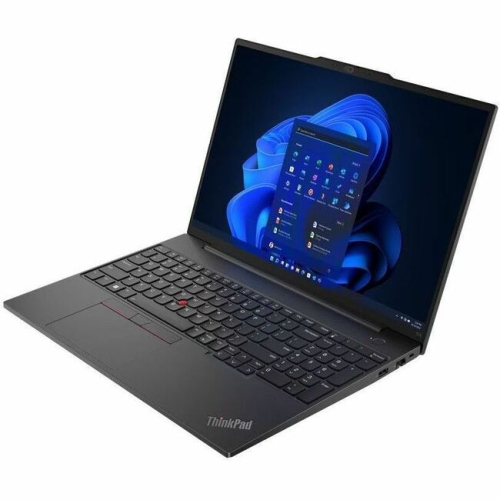
Top Collections:
Pokemon Centers, Kindle Devices, Best Budget Office Chairs, Apple iPhones 16, Best Laptops for Writers, iPhone 15 Apple, Canon G7X Cameras, Refurbished Apple Laptops, Alarm Clock, Motorola Razr Phones
Some products may be subject to Environmental Handling Fees
(EHF) depending on your province.
Learn more about EHFs.