Lenovo ThinkPad T490s
Discover the Lenovo ThinkPad T490 – a versatile choice for professionals and students seeking reliability and performance. Designed to handle everyday tasks with ease, the Lenovo ThinkPad T490 offers the flexibility you need whether you're working in the office, studying at home, or on the move. Explore a range of options to find the right fit for your workflow and enjoy a streamlined experience with the Lenovo ThinkPad T490.
Sort
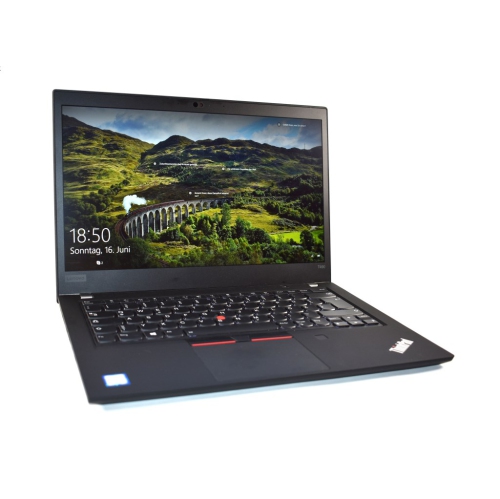
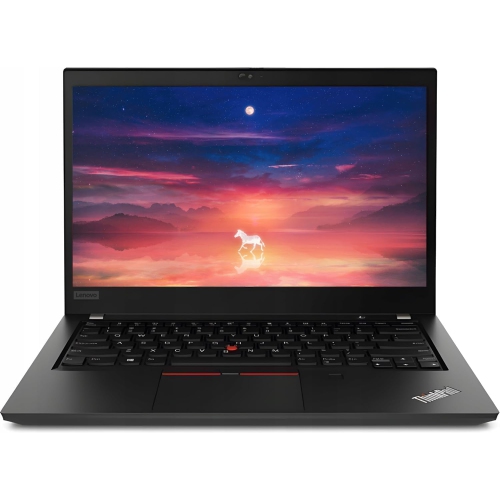

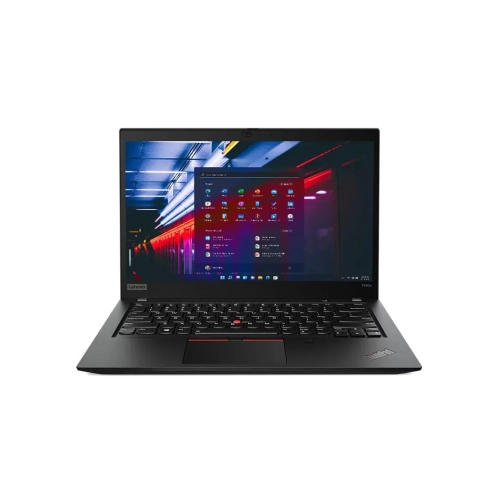
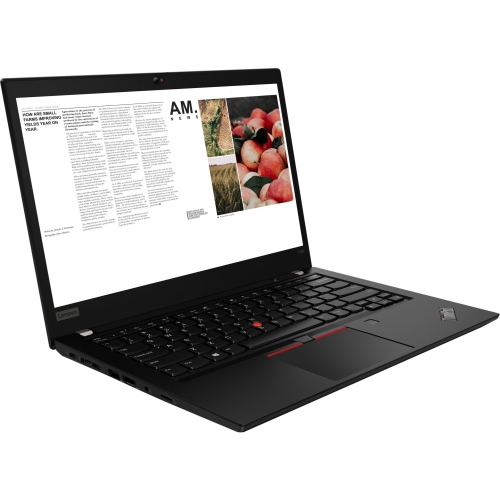
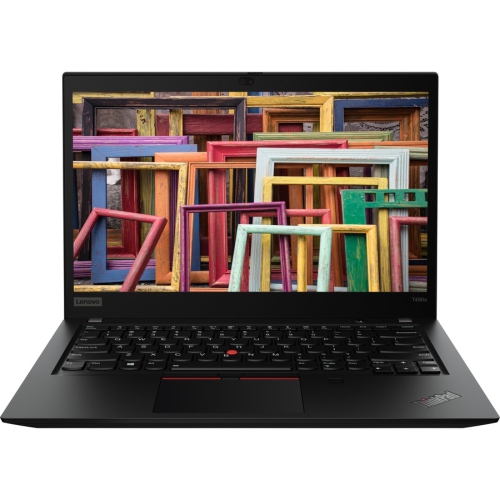
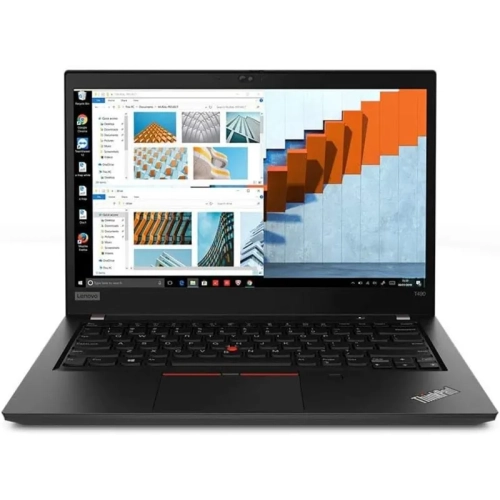
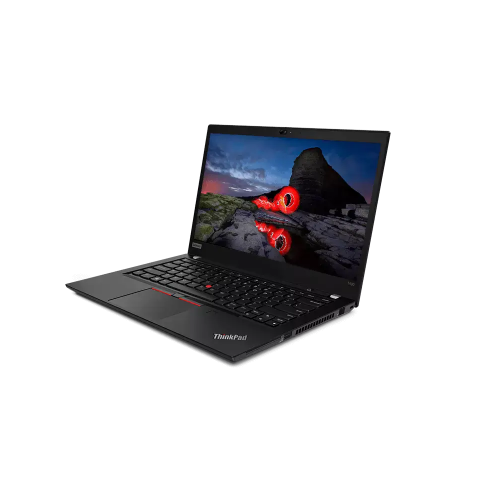
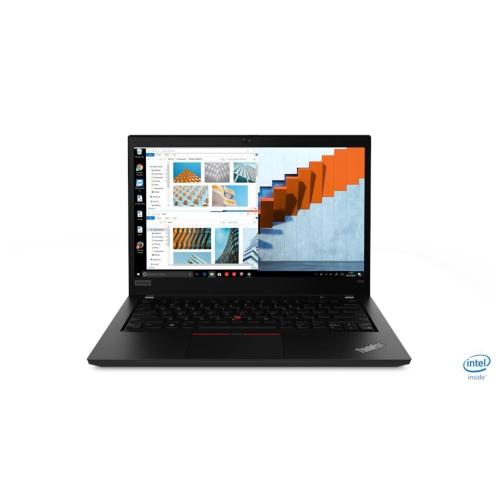
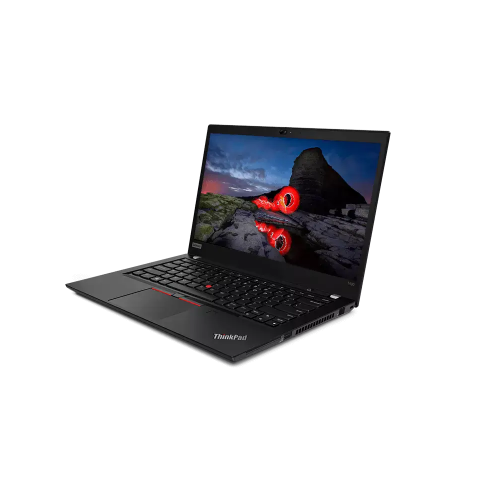
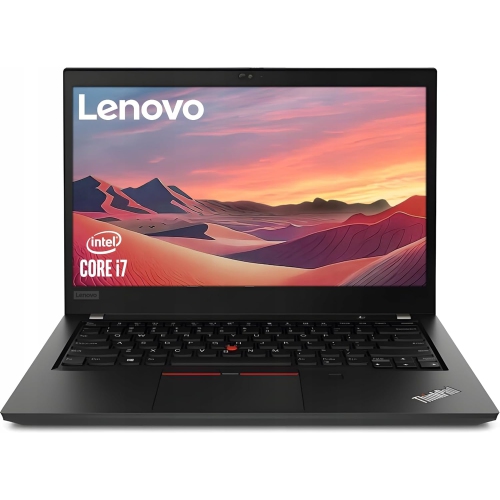
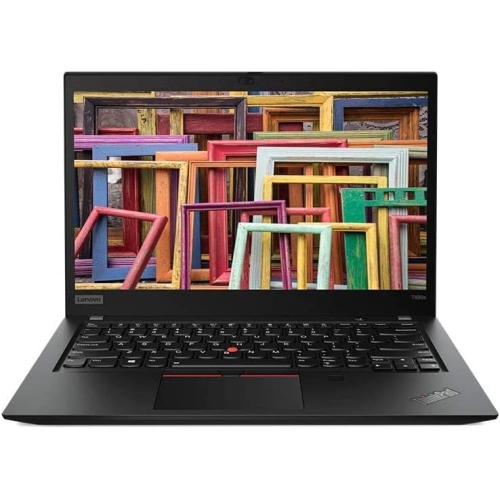
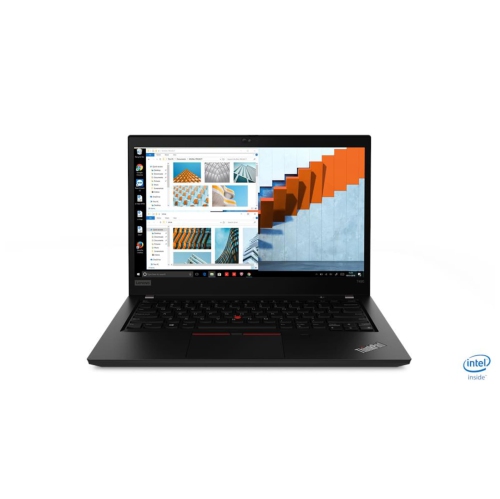
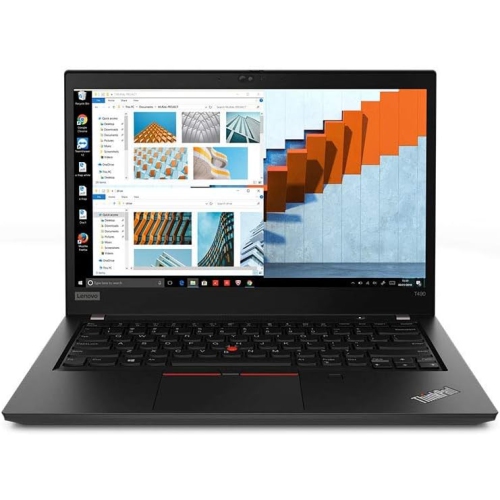
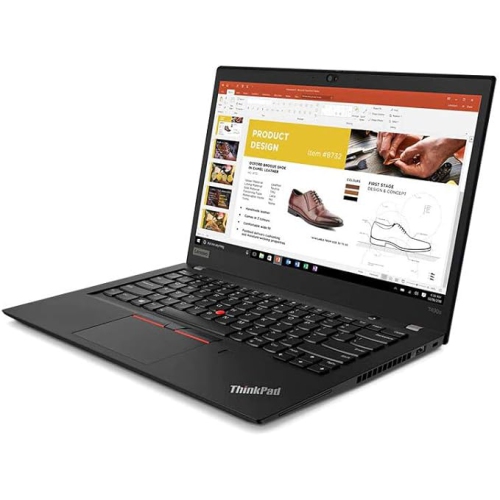

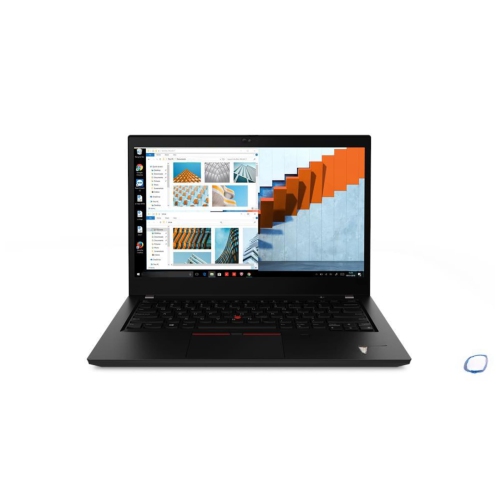
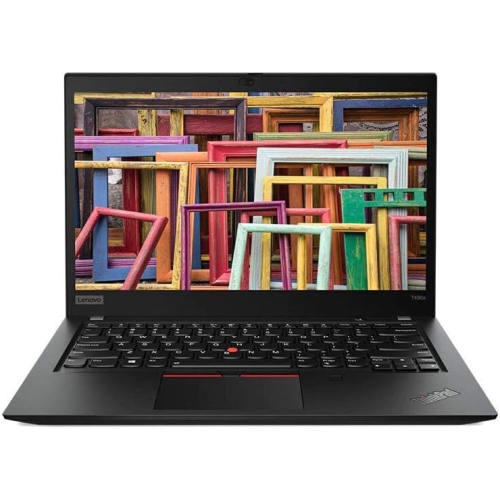
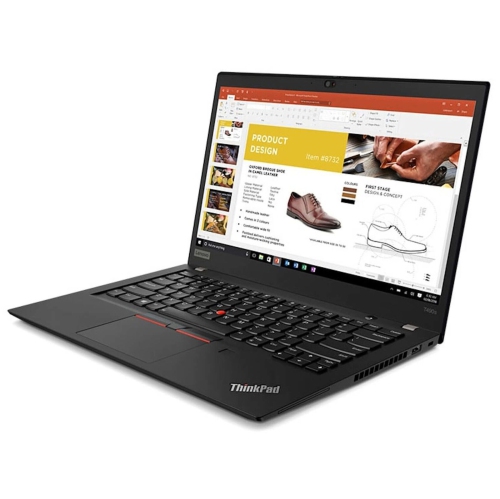
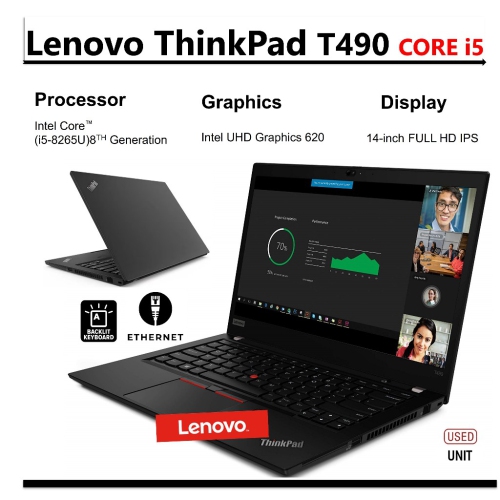
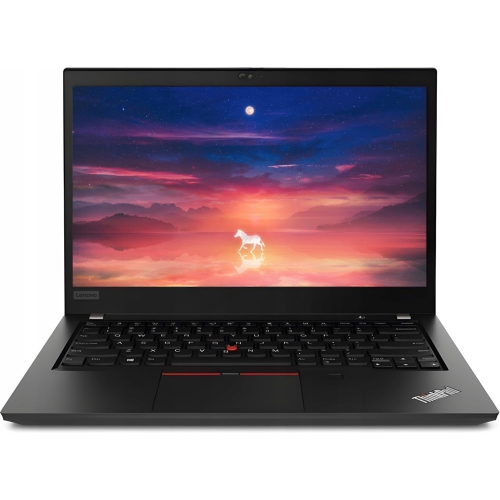
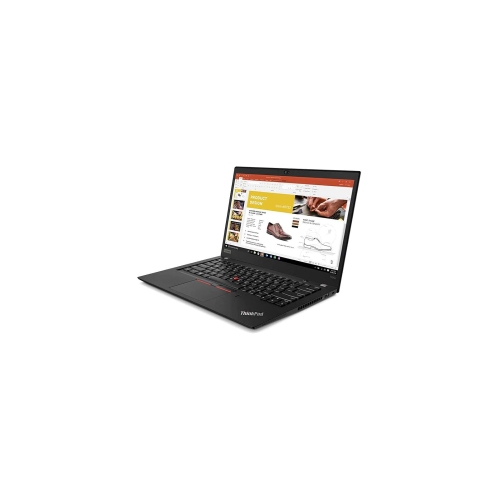
14-inch business laptops for work beyond the desk
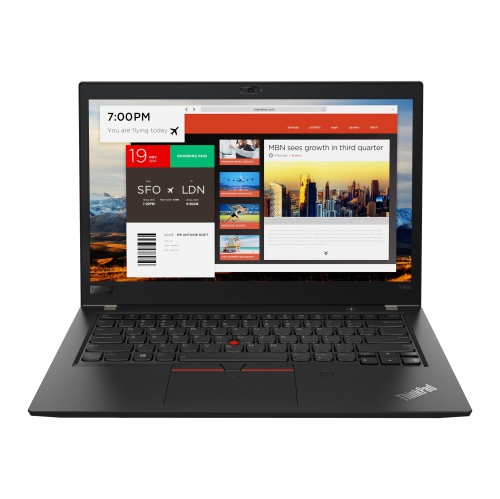
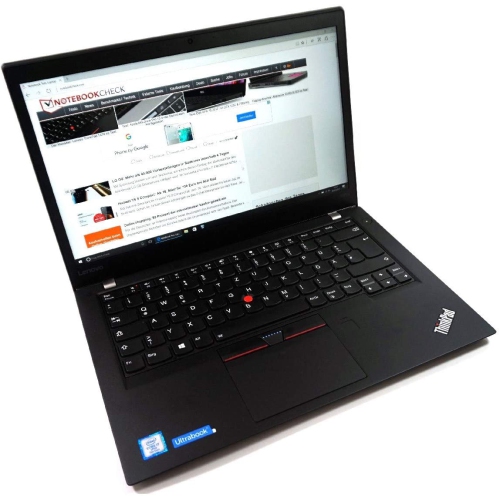
Slim 14-inch business laptops bring together a comfortable working screen, a practical keyboard and a compact shape that fits easily into a daily routine. This category is especially relevant to office workers, students, consultants and anyone who moves between a desk, meeting room and shared workspace. A 14-inch display leaves room to read documents, review spreadsheets and follow a video call without the bulk of a larger notebook. Full HD resolution, expressed as 1920 × 1080 pixels, provides useful detail for text and everyday media, while an anti-glare finish can make reflections less distracting beneath overhead lighting. An IPS panel generally offers more consistent colours and wider viewing angles than a basic panel, which helps when sharing a presentation with someone seated beside the screen. Touch input is useful for scrolling and selecting onscreen controls, but it is a configuration-dependent feature rather than something to assume from the laptop’s appearance. The appeal of a business-focused design also comes from details that become noticeable over a full working day: clearly marked keys, comfortable spacing, a responsive touchpad and hinges that hold the display steady while typing. Some keyboards include a small pointing stick that lets the user move the cursor without lifting their hands far from the home row. Keyboard backlighting can help in dim rooms, although its inclusion varies. Lightweight construction is another practical advantage, particularly when a laptop shares a bag with a charger, notebook and headset. Materials may include magnesium or aluminium alloys, reinforced plastics, or composite panels, with different materials used for the lid, base and internal frame. These choices can balance weight and rigidity, but a slim housing still benefits from a padded sleeve and careful handling. For someone who writes reports on the train, takes lecture notes or handles appointments between client visits, that combination of manageable size and familiar desktop-style controls often matters more than a striking exterior.
Performance in a thin business notebook depends on the processor, installed memory, storage and the demands of the software being used. Older configurations built around eighth-generation quad-core processors can remain suitable for email, word processing, web research, spreadsheets and media playback, provided their specifications meet the requirements of the applications involved. A typical working session might include a browser with several reference tabs, an open document and a video meeting; memory capacity makes a meaningful difference when these tasks overlap. An 8GB configuration can suit lighter workloads, while 16GB generally provides more headroom for multitasking and larger files. In especially slim designs, memory may be soldered to the system board, so it cannot simply be replaced with a higher-capacity module later. The installed amount therefore deserves attention from the outset. Solid-state storage contributes to responsive startup and file access, and an M.2 PCIe NVMe drive is a common feature in this class. Storage capacity determines how much room remains for applications, downloaded course material, photographs and locally saved work. A smaller drive can be manageable when most documents are stored online, whereas larger collections of files benefit from more internal capacity. Storage replacement options depend on the machine’s design and should not be confused with memory upgradeability. Integrated graphics are generally intended for everyday visual tasks rather than demanding modern games, complex 3D modelling or intensive video production. A compact office notebook can be a capable writing and administration tool without being a substitute for a graphics-focused workstation. Operating system support also matters with older hardware: processor eligibility alone does not establish compatibility, and the installed version, security settings and application requirements all play a part. A buyer comparing similar business notebook designs may also explore Lenovo Thinkpad T480 laptops, paying particular attention to differences in dimensions, memory layout, connections and battery design rather than assuming that closely related names describe identical capabilities.
Everyday convenience also depends on how well a laptop connects to the rest of a workspace. USB-A ports remain useful for familiar peripherals, while USB-C connections may support charging, displays or docking, depending on their specifications. The connector’s shape alone does not guarantee every function. A display output can simplify presentations or support a larger monitor at a desk, and a compatible dock can reduce the number of cables that need reconnecting at the start of a work session. Wi-Fi performance depends on the installed wireless hardware as well as the network, so a stable connection is particularly valuable for remote meetings and large file transfers. A built-in webcam and microphone cover basic communication needs, while privacy shutters, fingerprint readers and other security features vary by configuration. These features complement good passwords, software updates and appropriate device settings rather than replacing them. For used or refurbished laptops, cosmetic condition, battery health and the scope of any stated testing are separate considerations. Light marks on a lid do not establish how long a battery will last, and a clean keyboard does not confirm the condition of internal components. Battery runtime changes with brightness, workload, wireless use and battery wear; original runtime figures should not be treated as a promise for a previously used machine. The supplied charger also needs the correct connector and power specification. For carrying fit, compare the laptop’s full dimensions with the sleeve or bag compartment, since a nominal 14-inch label describes the display rather than the entire housing. Day-to-day care is straightforward: keep vents clear, use the computer on a firm surface and avoid closing the lid over pens or cables. Clean the display with an appropriate soft cloth and keep liquid away from openings. Carrying the laptop by its base rather than its screen helps protect the hinges. Together, suitable specifications, thoughtful handling and compatible accessories make a slim business notebook a practical companion for study, professional work and household administration.
Performance in a thin business notebook depends on the processor, installed memory, storage and the demands of the software being used. Older configurations built around eighth-generation quad-core processors can remain suitable for email, word processing, web research, spreadsheets and media playback, provided their specifications meet the requirements of the applications involved. A typical working session might include a browser with several reference tabs, an open document and a video meeting; memory capacity makes a meaningful difference when these tasks overlap. An 8GB configuration can suit lighter workloads, while 16GB generally provides more headroom for multitasking and larger files. In especially slim designs, memory may be soldered to the system board, so it cannot simply be replaced with a higher-capacity module later. The installed amount therefore deserves attention from the outset. Solid-state storage contributes to responsive startup and file access, and an M.2 PCIe NVMe drive is a common feature in this class. Storage capacity determines how much room remains for applications, downloaded course material, photographs and locally saved work. A smaller drive can be manageable when most documents are stored online, whereas larger collections of files benefit from more internal capacity. Storage replacement options depend on the machine’s design and should not be confused with memory upgradeability. Integrated graphics are generally intended for everyday visual tasks rather than demanding modern games, complex 3D modelling or intensive video production. A compact office notebook can be a capable writing and administration tool without being a substitute for a graphics-focused workstation. Operating system support also matters with older hardware: processor eligibility alone does not establish compatibility, and the installed version, security settings and application requirements all play a part. A buyer comparing similar business notebook designs may also explore Lenovo Thinkpad T480 laptops, paying particular attention to differences in dimensions, memory layout, connections and battery design rather than assuming that closely related names describe identical capabilities.
Everyday convenience also depends on how well a laptop connects to the rest of a workspace. USB-A ports remain useful for familiar peripherals, while USB-C connections may support charging, displays or docking, depending on their specifications. The connector’s shape alone does not guarantee every function. A display output can simplify presentations or support a larger monitor at a desk, and a compatible dock can reduce the number of cables that need reconnecting at the start of a work session. Wi-Fi performance depends on the installed wireless hardware as well as the network, so a stable connection is particularly valuable for remote meetings and large file transfers. A built-in webcam and microphone cover basic communication needs, while privacy shutters, fingerprint readers and other security features vary by configuration. These features complement good passwords, software updates and appropriate device settings rather than replacing them. For used or refurbished laptops, cosmetic condition, battery health and the scope of any stated testing are separate considerations. Light marks on a lid do not establish how long a battery will last, and a clean keyboard does not confirm the condition of internal components. Battery runtime changes with brightness, workload, wireless use and battery wear; original runtime figures should not be treated as a promise for a previously used machine. The supplied charger also needs the correct connector and power specification. For carrying fit, compare the laptop’s full dimensions with the sleeve or bag compartment, since a nominal 14-inch label describes the display rather than the entire housing. Day-to-day care is straightforward: keep vents clear, use the computer on a firm surface and avoid closing the lid over pens or cables. Clean the display with an appropriate soft cloth and keep liquid away from openings. Carrying the laptop by its base rather than its screen helps protect the hinges. Together, suitable specifications, thoughtful handling and compatible accessories make a slim business notebook a practical companion for study, professional work and household administration.
Top selling and popular products
-
 Your price for this item is $449
 -
 Your price for this item is $3099
 -
 Your price for this item is $299.95
 -
 Your price for this item is $664.05
 -
 Your price for this item is $599.68
 -
 Your price for this item is $869.99
 -
 Your price for this item is $259
 -
 Your price for this item is $418.98
Discover more categories related to Lenovo ThinkPad T490s
Top Collections:
Pokemon Centers, Kindle Devices, Best Budget Office Chairs, Apple iPhones 16, Best Laptops for Writers, iPhone 15 Apple, Canon G7X Cameras, Refurbished Apple Laptops, Alarm Clock, Motorola Razr Phones
Some products may be subject to Environmental Handling Fees
(EHF) depending on your province.
Learn more about EHFs.