LG 32 Monitors 4K
Experience a new level of clarity and performance with the LG 32 Monitor 4K. Perfect for work, gaming, streaming, or creative projects, these monitors deliver impressive visuals for any task. Enhance your setup with a display that brings out the best in your entertainment and productivity. Discover options designed to fit your needs and upgrade your viewing experience with the LG 32 Monitor 4K.
Sort
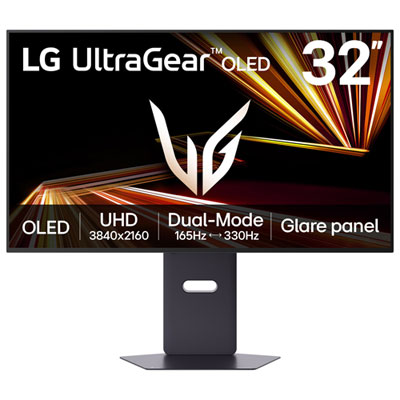
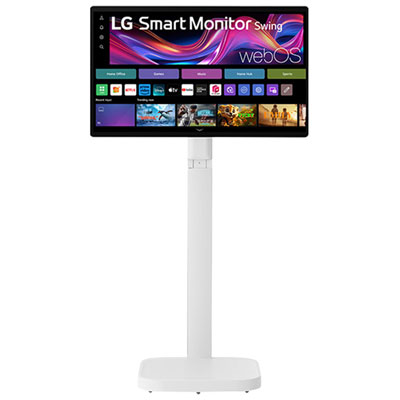
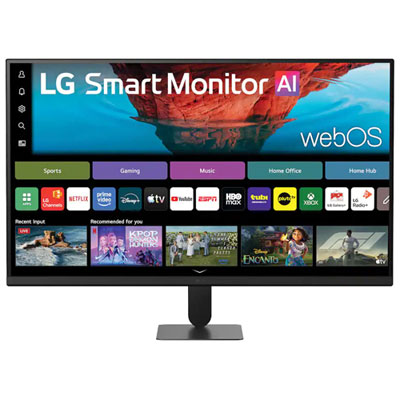
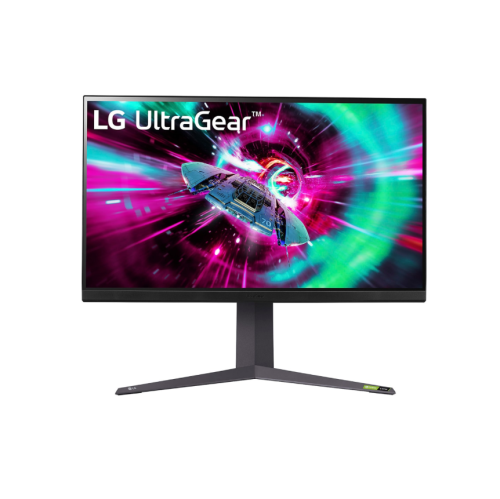
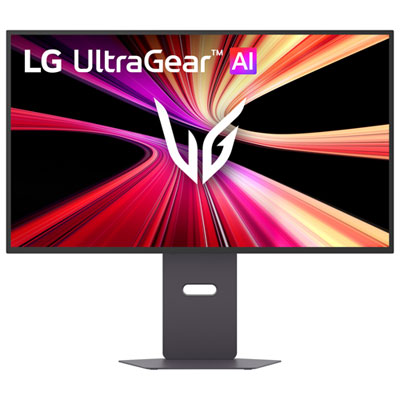
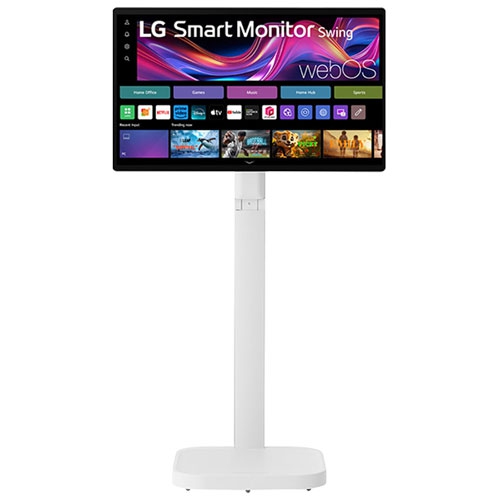
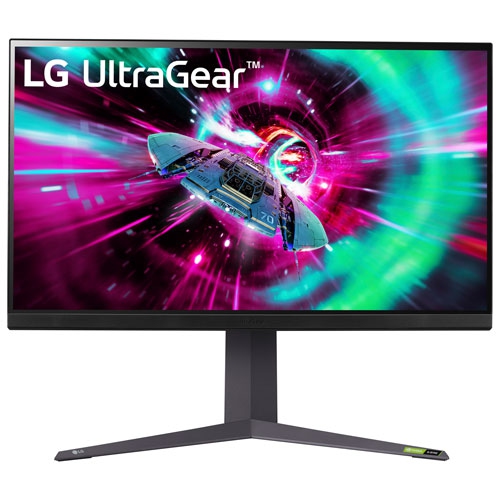
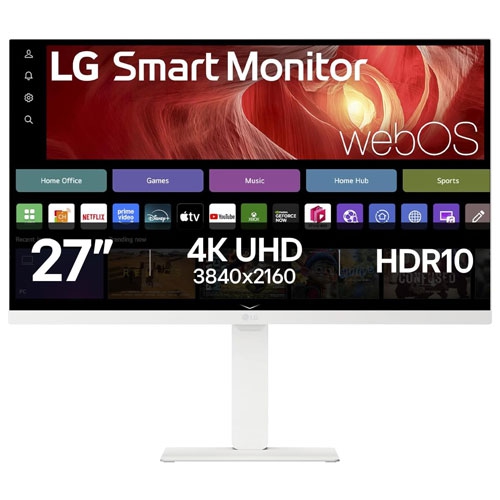
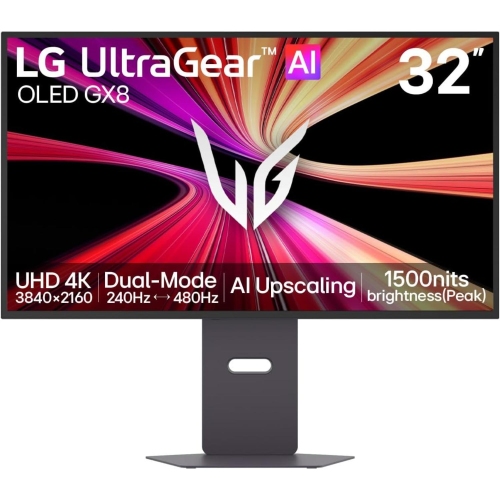
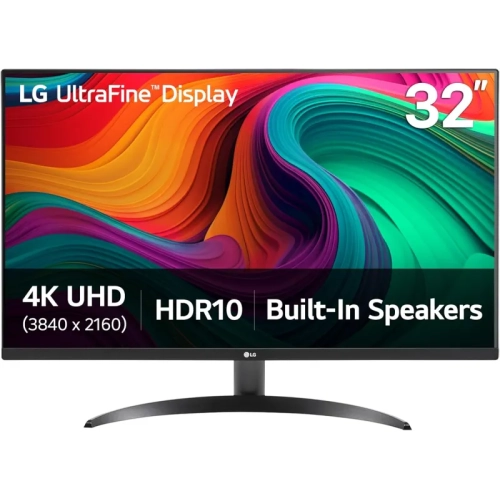
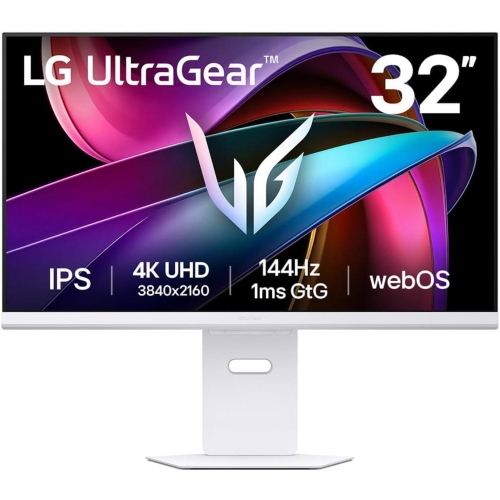
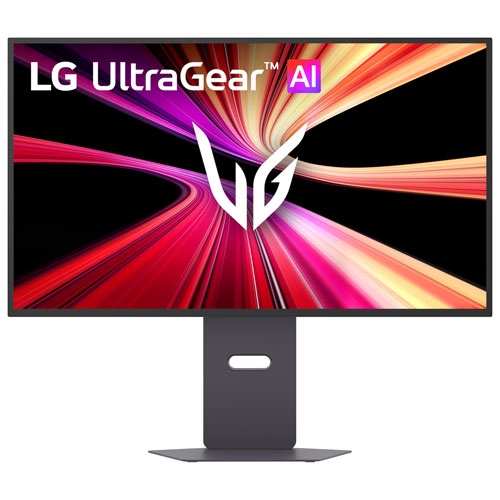
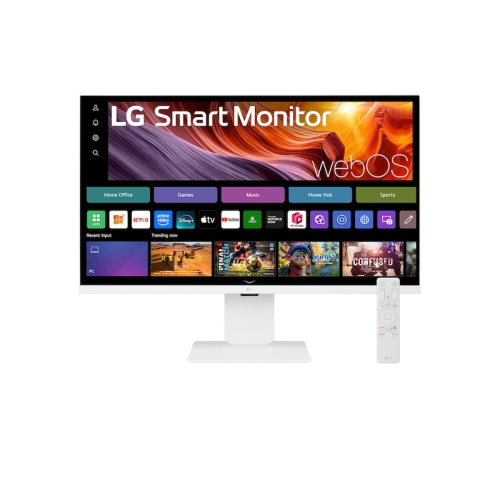
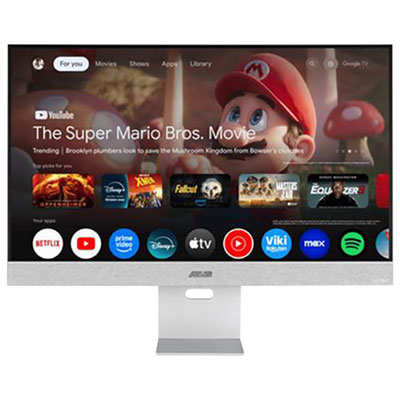
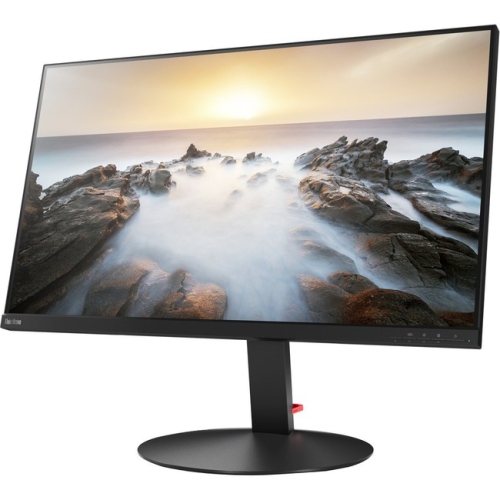
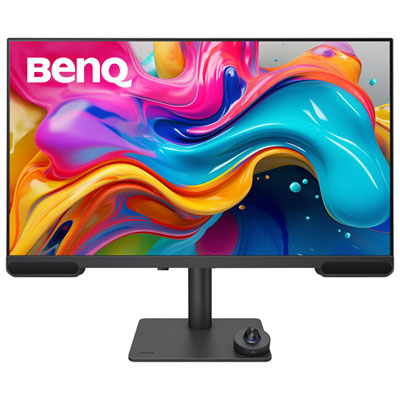

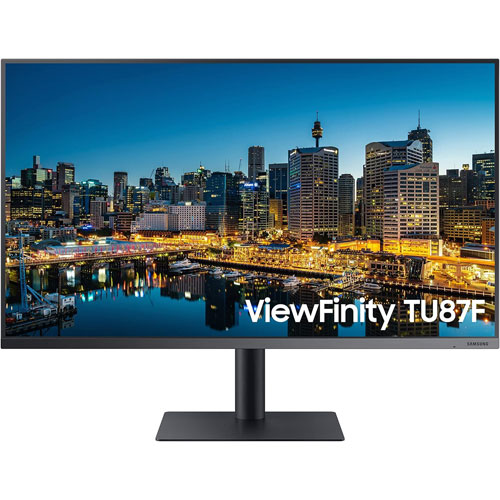

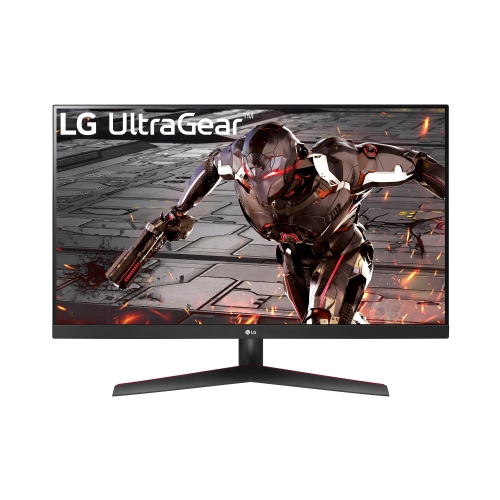
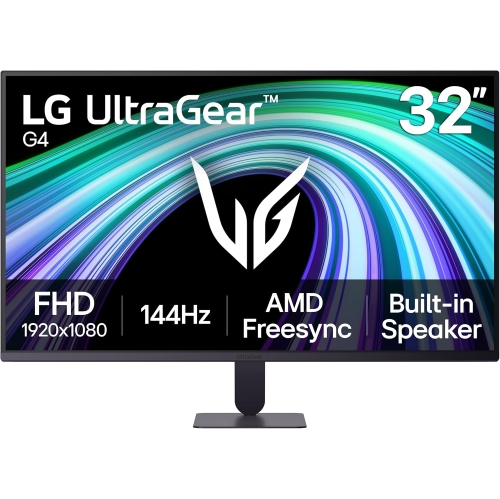
Sharper detail and more room for everyday multitasking
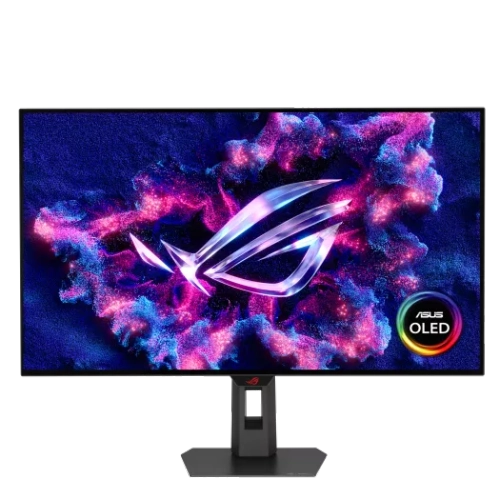
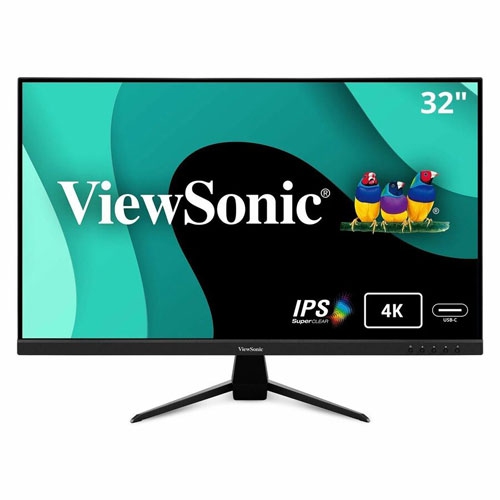
32-inch 4K monitors offer a spacious desktop with enough detail for everyday office work, creative projects, and entertainment. A 4K UHD resolution of 3840 × 2160 contains four times as many pixels as Full HD, making fine text, spreadsheet cells, and high-resolution images appear more clearly defined when suitable content is displayed. At this screen size, that extra room is useful for keeping a document beside research notes, stretching a video-editing timeline across the desktop, or reviewing several pages of a presentation without constantly switching windows. Many displays described as 32-inch have an actual viewable diagonal of approximately 31.5 inches, so the stated dimensions are more useful than the size label alone when planning a desk layout. The stand’s depth also matters: a large screen needs room behind the keyboard without pushing the user too close to the panel. Adjustable height, tilt, and swivel can help position the screen comfortably for different users and seating arrangements. A compatible monitor arm can free up desk space, provided its mounting pattern and weight capacity match the display. Screen size and text size are separate considerations, too. Display scaling can make menus and lettering easier to read while preserving the benefit of a detailed 4K image, although higher scaling settings leave less usable space for open windows. For someone working through long documents or detailed drawings, a comfortable viewing distance and a well-positioned screen can matter as much as resolution. A matte surface can soften visible reflections, but even a matte display benefits from placement away from direct window glare or a bright lamp reflected in the panel. Where desk space is tighter, the LG 27 IPS UHD 4K range offers a smaller-screen comparison with the same UHD resolution. The difference is largely about physical workspace, preferred text scaling, and how much of the desk the display should occupy.
Image quality across 32-inch 4K monitors depends on more than the pixel count. Panel technology, brightness, contrast, colour coverage, and factory calibration all influence how a display looks in daily use. IPS panels generally maintain more consistent colour and brightness when viewed from an angle, which can be useful when sharing a screen with a colleague or moving between the centre and edges of a large desktop. VA panels commonly offer stronger native contrast, helping dark areas appear deeper, though viewing-angle behaviour and motion handling vary by display. For photo editing, illustration, and design, accurate colour reproduction is more valuable than an image that simply looks vivid. Coverage of colour spaces such as sRGB or DCI-P3 describes the range of colours a screen can reproduce, while calibration and suitable display settings affect how faithfully those colours are shown. A wide colour gamut does not automatically mean accurate colour in every application. Photographers checking skin tones and designers preparing web graphics benefit from colour-managed software and settings matched to their output. HDR support also varies considerably. Accepting an HDR signal is not the same as delivering bright highlights and detailed shadows; peak brightness, contrast, and local dimming capabilities help determine the result. For everyday spreadsheets, browsing, and streaming, a 60 Hz refresh rate can be perfectly suitable. Games, fast scrolling, and moving graphics may look smoother at higher refresh rates, provided the connected device can deliver the necessary frames. Rendering games at native 4K resolution places greater demands on graphics hardware than playing at a lower resolution. Response-time performance and input lag are separate considerations from resolution, particularly for fast-paced games. Compatible variable refresh rate support can reduce visible tearing when frame rates fluctuate. These differences explain why two screens with the same diagonal size and UHD resolution may suit quite different routines, from quiet document work to detailed creative production or an evening of gaming.
Connections and construction shape how comfortably a 32-inch 4K monitor fits into a working setup. HDMI and DisplayPort are common video connections, but the supported resolution and refresh rate depend on the capabilities of the monitor, source device, port, and cable together. A laptop with a suitable USB-C video output may connect to a compatible display through one cable, and some monitors can also provide laptop charging and access to attached USB accessories. Those functions are not included with every USB-C connection: video support, USB hub features, and power delivery need to match the intended setup. A laptop used for demanding work may require more charging power than a monitor can supply, making its separate charger necessary. Multiple video inputs are useful when a desk serves both a work computer and a personal device, while a built-in KVM switch, where included, can let compatible computers share a keyboard and mouse. Integrated speakers can handle calls or casual listening, but their presence and sound quality vary; separate speakers or headphones may be preferable for music, films, or focused work. Physical details deserve similar attention. A stable base, secure adjustment mechanism, and accessible ports make a large display easier to live with. Plastic housings and metal stand components are common, but material choice alone does not establish durability; careful handling and a sturdy desk help protect the screen from knocks and tipping. Cable routing can reduce clutter and prevent accidental pulls when a laptop is disconnected. For routine care, a clean, dry microfibre cloth removes light dust, while more persistent marks should be treated according to the manufacturer’s cleaning directions. Liquid should never be sprayed directly onto the screen, and pressing hard on the panel can cause damage. As a gift for a student, remote worker, photographer, or gamer, a large 4K monitor is most useful when its connections, stand dimensions, and performance suit the recipient’s existing equipment and daily activities.
Top selling and popular products
-
 Your price for this item is $2237.68
-
 Your price for this item is $320.68
-
 Your price for this item is $469
-
 Your price for this item is $149.99
-
 Your price for this item is $265.99
-
 Your price for this item is $229.99
-
 Your price for this item is $1138.68
-
 Your price for this item is $355.68
Discover more categories related to LG 32 Monitors 4K
Top Collections:
Best Black Friday Deals This Year, Best Black Friday Deals On Electronics, Kindle Devices, Pokemon Centers, Best Black Friday Deals On Apple Products, Best Cameras for Sports Photography, Dyson Airwrap, Pokémon 30th Celebration Cards, Apple iPhone 17 Pro, Canon G7X Cameras
Some products may be subject to Environmental Handling Fees
(EHF) depending on your province.
Learn more about EHFs.