LG 22 Monitors
Discover the perfect balance of performance and style with the LG 22 Monitor. Ideal for both work and entertainment, this monitor offers a sleek design that fits seamlessly into any home or office setup. Whether you're upgrading your workspace or enhancing your gaming experience, the LG 22 Monitor delivers reliable quality and visual clarity. Explore options to find the right fit for your needs and enjoy an improved viewing experience every day.
Sort
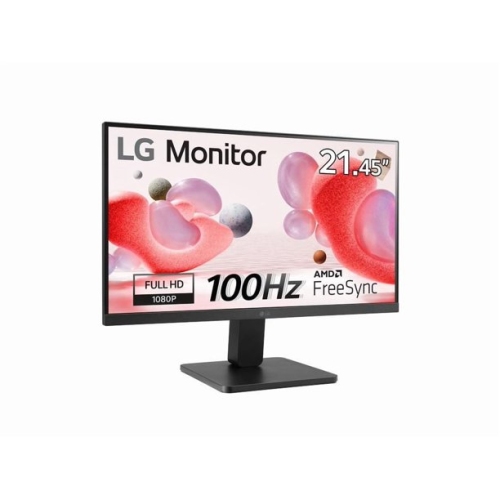
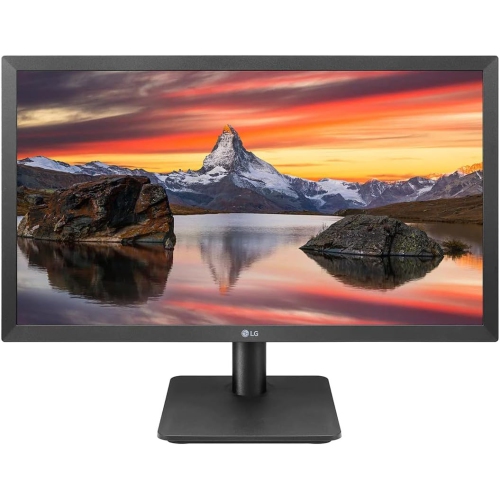
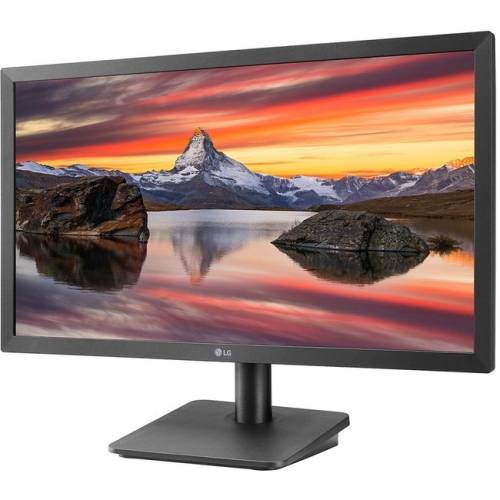
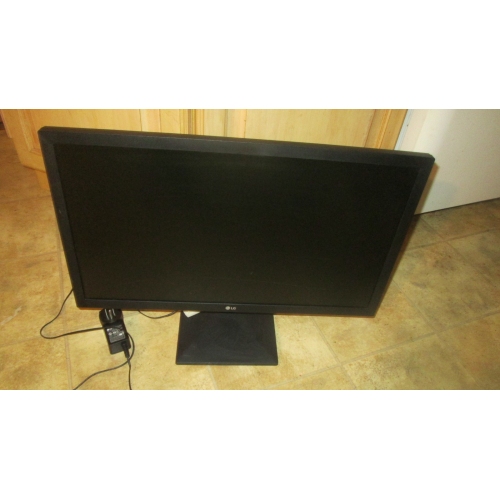
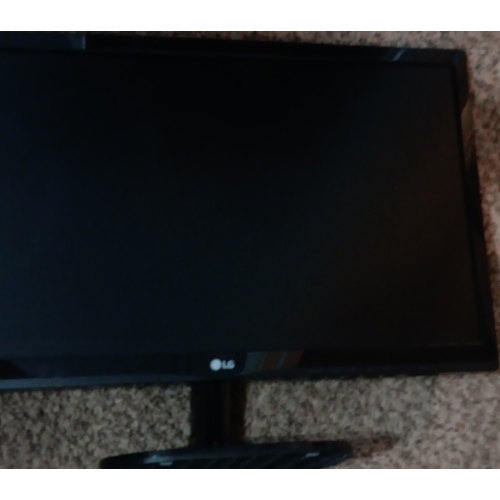
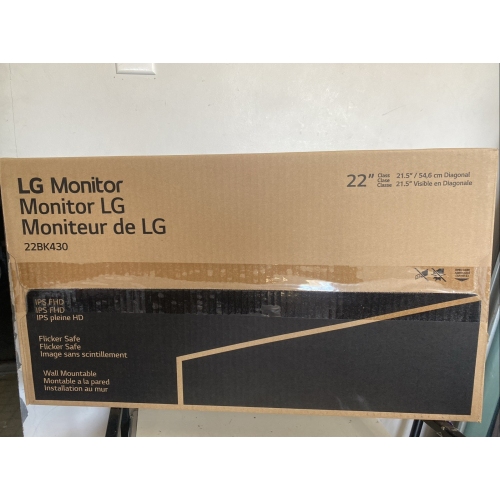
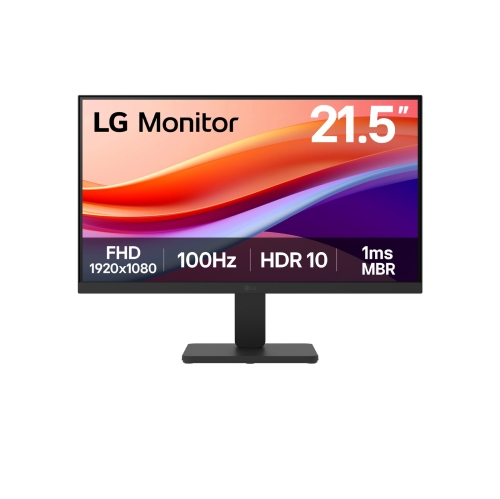
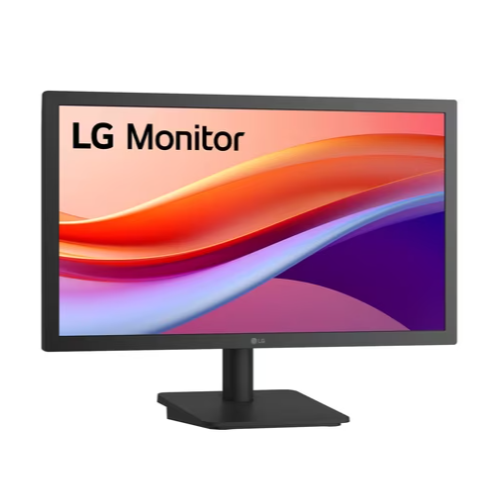
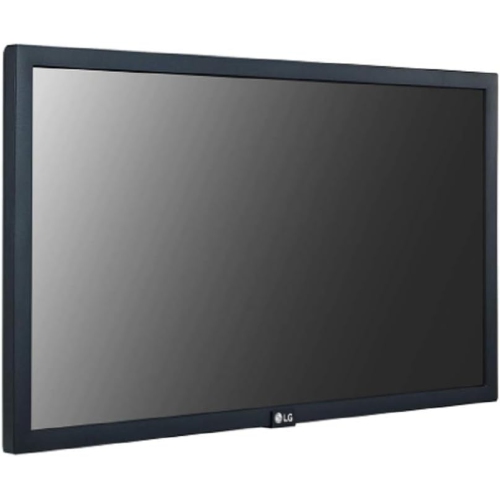
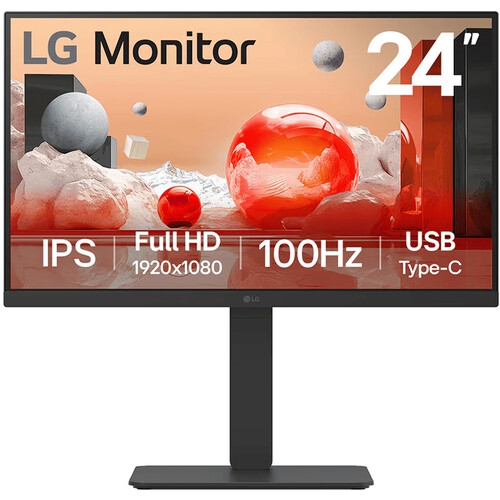
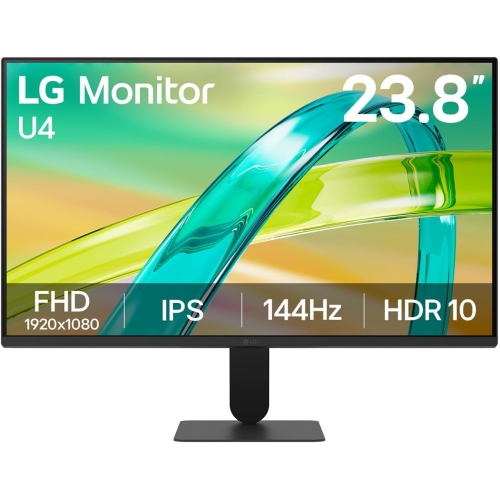
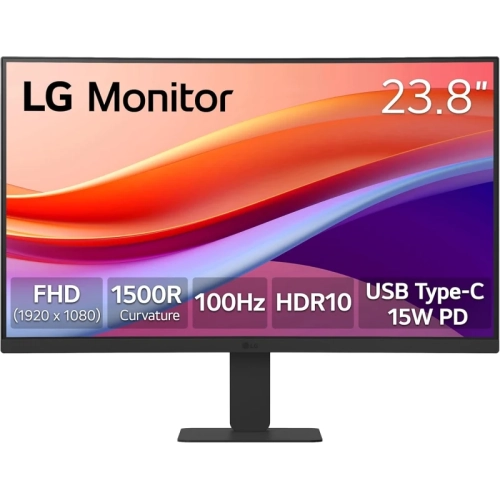
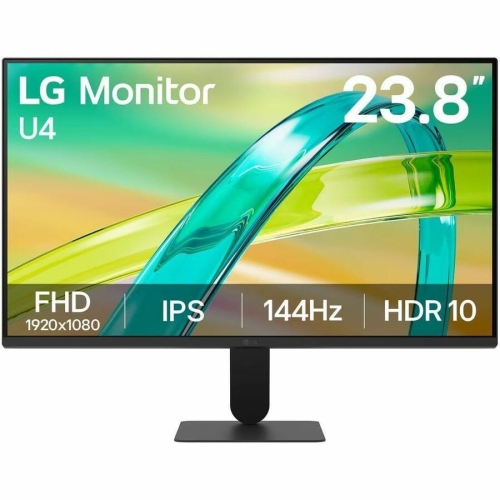

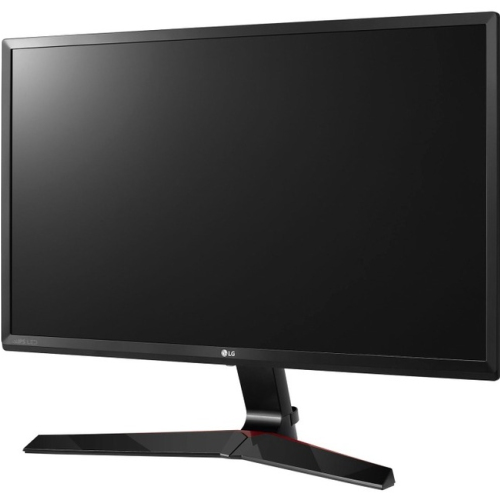
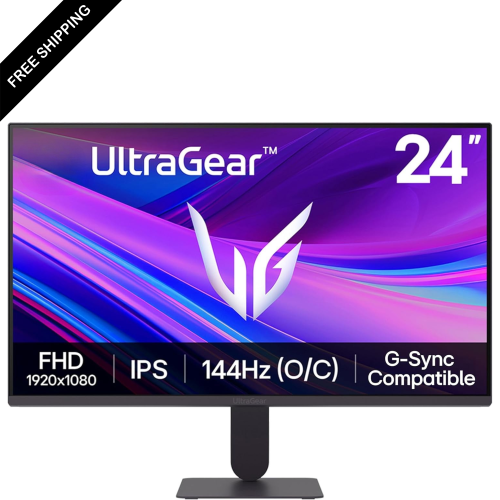
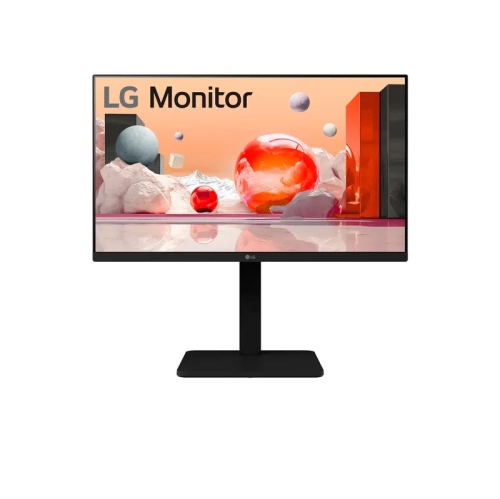
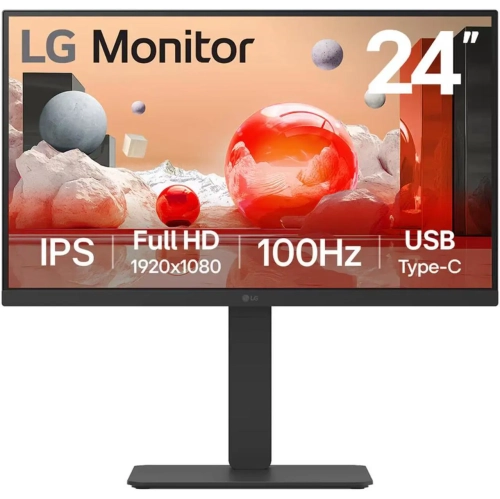
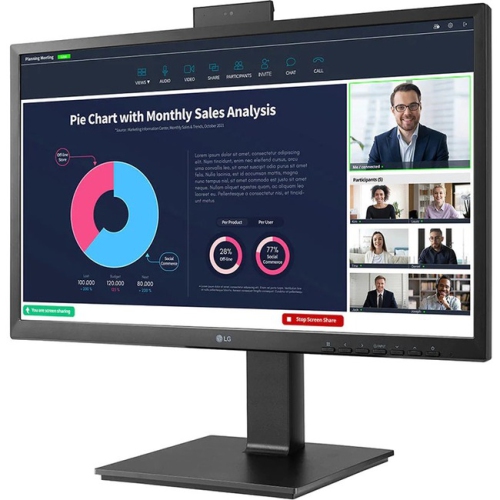

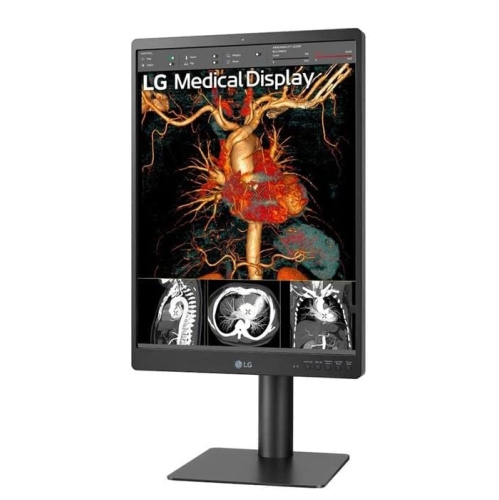
Clear text without crowding your desk
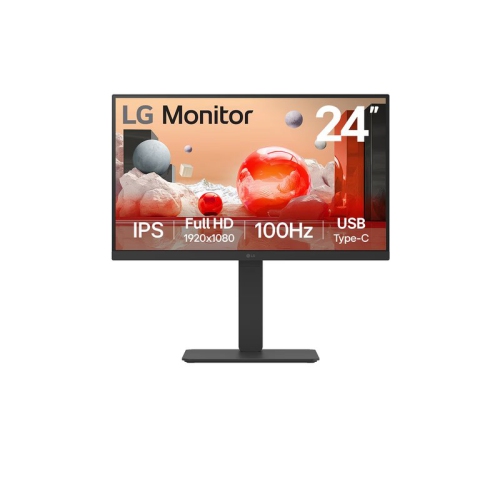
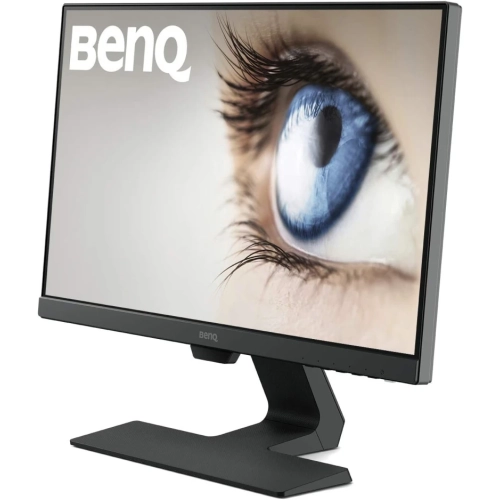
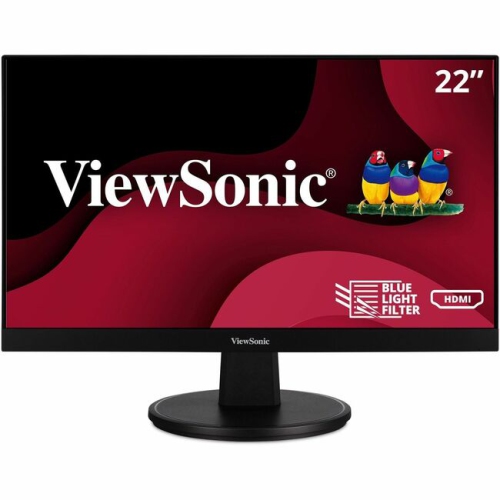
Compact 22-inch monitors bring a useful amount of screen space to desks where a larger display would crowd the keyboard, paperwork, or other essentials. Many monitors described as 22-inch have a 21.5-inch viewable screen, with the measurement taken diagonally rather than across the width. Full HD resolution, or 1920 × 1080 pixels, is common in this size class and provides a practical balance of readable text, detailed images, and manageable desktop dimensions. At the screen’s native resolution, spreadsheets, browser tabs, and documents can appear crisp without requiring a large viewing distance. This makes the format well suited to homework stations, reception desks, home offices, and everyday browsing. Beside a laptop, a separate monitor can hold a report while the laptop displays reference material, or keep a video meeting visible while notes remain open on the other screen. A single compact display also works well for focused tasks where one main window is more useful than an expansive desktop. Screen characteristics matter as much as size: an IPS panel generally maintains more consistent colour and visibility when viewed from an angle, which can be helpful when two people review a document together. A matte screen surface can reduce distracting reflections, although positioning still matters when a window or lamp faces the display. Brightness and contrast adjustments help make text comfortable to read without making white backgrounds feel excessively bright. For casual gaming and moving images, higher refresh rates can make motion appear smoother when the connected computer supports the selected resolution and refresh rate. Response time and compatible adaptive sync features may also influence how motion looks, but a compact monitor’s suitability depends on its individual specifications rather than its size alone. For routine office tasks, clear text, comfortable placement, and reliable connections often have more day-to-day value than gaming-focused features. Students, remote workers, and households sharing a computer can all benefit from a screen that fits its main purpose without taking over the workspace.
Physical fit involves more than the diagonal screen measurement. The monitor’s overall width includes its bezel, while the stand determines how much desk depth is needed and how much room remains for a keyboard and mouse. A slim-looking screen can still have a stand that extends well behind or in front of the panel, so the complete dimensions are especially relevant on a shallow desk or a narrow counter. Space around the display also allows access to rear-facing connections without pressing cables against a wall. A tilt-adjustable stand helps direct the screen towards the viewer, while height adjustment can make it easier to place the upper portion of the display near eye level. Where the supplied stand offers limited adjustment, a compatible monitor arm or riser may help create a more comfortable arrangement. VESA mounting support, the mounting pattern, and the arm’s weight range need to match the display; not every compact monitor supports the same mounting options. Connectivity is equally important. HDMI is a common connection for carrying video and audio, but the available inputs vary, and older computers may use a different output. A laptop’s USB-C port does not automatically support an external display, so its video capabilities and any required adapter need to be compatible with the monitor. The cable or adapter must also support the intended resolution and refresh rate. Built-in speakers, headphone connections, USB hubs, and other conveniences are separate features rather than assumptions that come with a particular screen size. For a two-screen desk, matching the display height and adjusting text scaling can make moving between windows feel more natural, even when the screens are different sizes. For workplaces with more specialized display requirements, LG Professional Monitors offer a related category to explore. A compact everyday monitor remains particularly useful where the main priorities are readable content, straightforward connections, and a footprint that leaves room to work.
Everyday durability comes from both the monitor’s construction and the way it is installed and handled. Monitor housings commonly use moulded plastic, while stands may combine plastic covers with metal structural components. A stable base, secure stand attachment, and controls that are easy to reach all contribute to a display that feels dependable during regular use. On a shared family desk, a firm stand helps keep the screen steady when someone types energetically or adjusts its angle. In a small office, accessible buttons make it simpler to change brightness or switch inputs without repeatedly moving the monitor. Cables need enough slack for adjustment, with no sharp bends or tension pulling at the ports. Rear ventilation openings should remain clear, particularly when the display sits inside a desk hutch or close to shelving. Gentle cleaning helps preserve the screen surface: switch the monitor off, follow the manufacturer’s care directions, and use a clean, soft microfibre cloth rather than paper towels or abrasive materials. Any approved cleaning liquid should be used as directed, without spraying it directly onto the panel or allowing moisture to enter the edges. Lifting the display by its frame and supporting it securely is preferable to putting pressure on the screen. These practical details matter for a monitor that may move between a study corner, a shared workspace, and a home office. A compact display can also be a useful gift for a student setting up a dedicated desk, a family member who finds a laptop screen restrictive, or someone building a simple workstation for correspondence and personal projects. The most useful match depends on the recipient’s computer connections, desk measurements, and typical tasks. Comfortable text size is another consideration: larger text can improve readability, although it leaves less room for content on screen. With suitable placement and compatible equipment, a 22-inch monitor offers a focused, space-conscious way to make everyday computing more comfortable.
Top selling and popular products
-
 Your price for this item is $2237.68
-
 Your price for this item is $320.68
-
 Your price for this item is $469
-
 Your price for this item is $149.99
-
 Your price for this item is $265.99
-
 Your price for this item is $229.99
-
 Your price for this item is $1138.68
-
 Your price for this item is $355.68
Discover more categories related to LG 22 Monitors

Top Collections:
Best Black Friday Deals This Year, Best Black Friday Deals On Electronics, Kindle Devices, Pokemon Centers, Best Black Friday Deals On Apple Products, Best Cameras for Sports Photography, Dyson Airwrap, Pokémon 30th Celebration Cards, Apple iPhone 17 Pro, Canon G7X Cameras
Some products may be subject to Environmental Handling Fees
(EHF) depending on your province.
Learn more about EHFs.