Lightweight Apple MacBook Air
Discover the perfect blend of portability and performance with the Lightweight Apple MacBook Air. Designed for users who need a reliable laptop that’s easy to carry, these laptops are ideal for students, professionals, and anyone on the go. Explore a variety of configurations and finishes to find the Lightweight Apple MacBook Air that fits your lifestyle and computing needs. Shop now to enjoy seamless productivity wherever you are.
Sort





Less bulk in your bag without sacrificing everyday capability
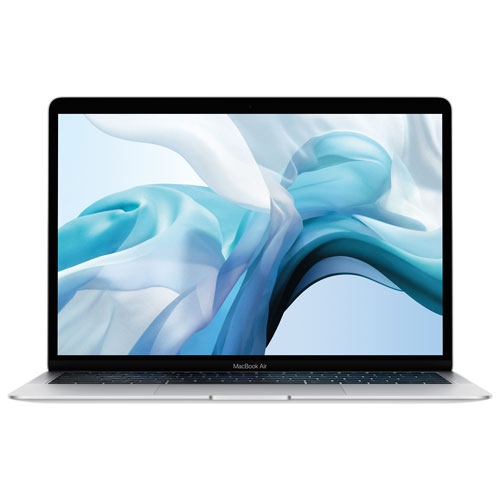
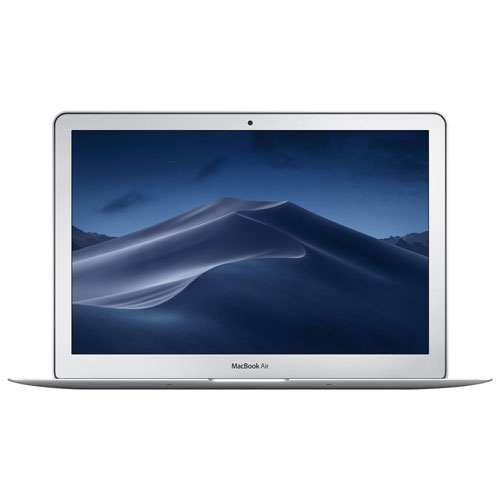
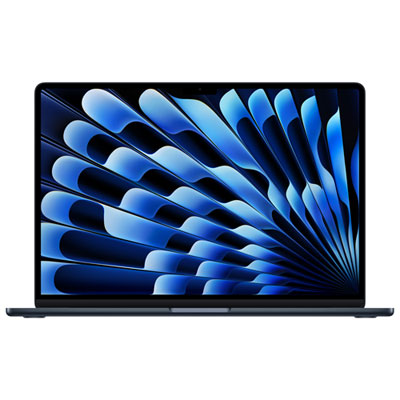
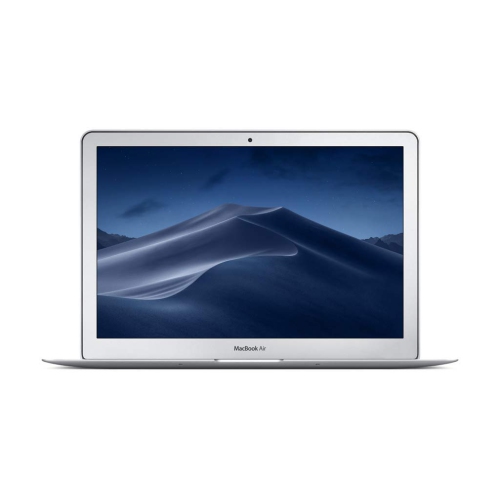
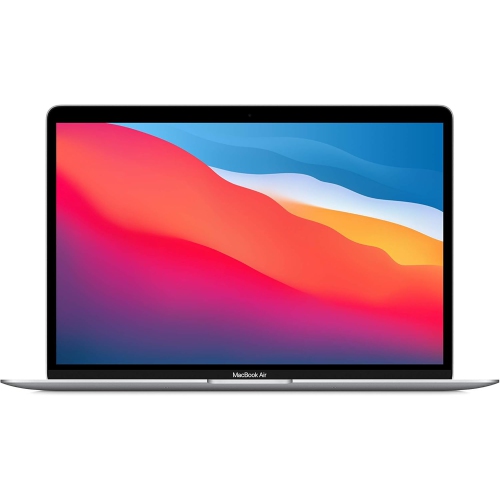
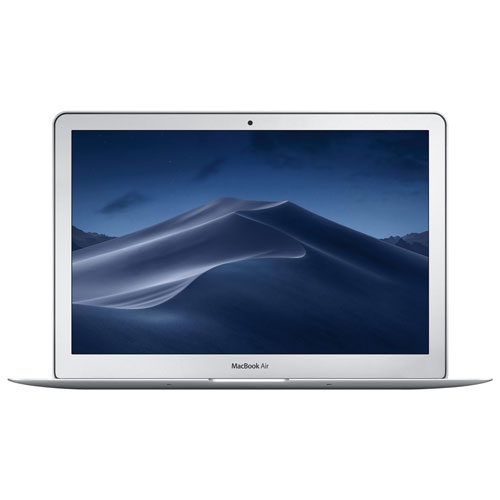
Lightweight laptops bring together a full keyboard, a clear display and a slim profile that is easy to carry between home, work and school. Their appeal is practical: less weight in a shoulder bag, less bulk on a small desk and enough screen space to get through everyday tasks without feeling confined to a phone. Compact 13-inch designs can weigh around 1.2 kg, although exact dimensions and weight vary by model and generation. That size suits lecture halls, shared workspaces and train tables, where room for a computer, notebook and drink can be limited. A 15-inch display offers more space for side-by-side documents, spreadsheets and photo editing, but needs a wider sleeve and a little more room when opened. Screen size alone does not determine portability; the charger, protective case and any adapters also contribute to the weight carried each day. An aluminium enclosure provides a firm, smooth surface and can help a thin laptop feel reassuringly solid without a bulky outer shell. A rigid body is useful when moving between desks, though it does not make the display or corners immune to damage. For students, writers, consultants and people who split their working time between locations, this balance of size and capability can be more useful than the largest possible screen. The keyboard, trackpad and palm rest also shape daily comfort. Well-spaced keys matter during a long writing session, while a responsive trackpad makes navigation easier when there is no room for a mouse. Display brightness and reflections deserve attention, particularly for anyone who works beside a window or under bright overhead lighting. A comfortable fit is about more than slipping the computer into a bag: it includes readable text, enough room for familiar applications and a screen angle that works on the surfaces used most often. A compact laptop can feel spacious for drafting an essay yet more restrictive when several detailed worksheets need to remain visible at once.
The capabilities inside a lightweight laptop are just as important as its size. Email, web browsing, video calls and document editing generally place different demands on a computer than editing high-resolution video, compiling software or working with large image files. Memory helps keep applications and active projects accessible, especially when a browser full of research tabs stays open alongside a presentation and a video meeting. In designs that use unified memory, the processor and graphics share that memory, so the amount fitted at purchase deserves consideration for the intended workload. More memory can provide useful headroom, but it does not replace checking whether essential software works with the operating system and processor architecture. School programs, workplace security tools and specialist applications may have particular requirements. Internal storage determines how much space is available for applications, downloaded files, photos and projects kept on the device. Cloud storage can make files accessible across devices, while an external drive can hold larger archives or backups; neither removes the need to plan for files that must remain accessible without an internet connection. On many thin, integrated laptop designs, memory and internal storage are not user-upgradeable, making the initial configuration a lasting decision. Battery life also depends on use rather than the advertised figure alone. Screen brightness, video meetings, demanding applications and connected accessories can all affect time between charges. A fanless design avoids fan noise, which can be welcome in a quiet library or during audio work, although sustained processing tasks may have different performance needs from short bursts of everyday activity. Connections deserve a close look as well. USB-C accessories can simplify charging and data transfer, but an older monitor, memory card or wired peripheral may require an adapter. External display support varies by model and generation, including the number of screens supported. Wi-Fi capability, webcam quality, microphone clarity and headphone connections round out a computer that feels convenient beyond its headline specifications.
A lightweight laptop fits naturally into routines that involve frequent packing and unpacking, but a little protection helps preserve that convenience. A sleeve should match the computer’s actual width, depth and thickness rather than relying only on its advertised screen size. A snug padded compartment keeps it from shifting beside books or accessories, while a separate pocket for the charger prevents hard edges from pressing against the lid. Bags with a raised or cushioned laptop section can also reduce contact with the floor when set down. Thin devices still benefit from careful handling: closing the lid with a pen, cable or earbud resting on the keyboard can damage the display. For cleaning, follow the manufacturer’s care directions, use a soft lint-free cloth and keep liquids away from ports and openings. Cleaner should not be sprayed directly onto the screen, and abrasive materials can mark delicate surfaces. During use, a stable work surface gives the computer secure support and helps keep its exterior unobstructed. At a permanent desk, a stand paired with an external keyboard and mouse can bring the display closer to a comfortable viewing height without sacrificing the portability needed later. Frequent travellers can also explore Lightweight Apple Laptops for Travel for designs suited to carrying between destinations. Travel use makes small details more noticeable, from a charger that fits neatly into an accessory pouch to sufficient local storage for working away from a connection. These laptops can also make thoughtful gifts for a student beginning a new program, a family member replacing a cumbersome computer or someone whose work takes them between locations. The most useful gift matches the recipient’s software, preferred screen size and existing accessories rather than appearance alone. Regular backups, sensible storage management and careful transport help keep a slim laptop useful over time, supporting everything from daily correspondence and coursework to personal projects and entertainment without adding unnecessary bulk to the day.
The capabilities inside a lightweight laptop are just as important as its size. Email, web browsing, video calls and document editing generally place different demands on a computer than editing high-resolution video, compiling software or working with large image files. Memory helps keep applications and active projects accessible, especially when a browser full of research tabs stays open alongside a presentation and a video meeting. In designs that use unified memory, the processor and graphics share that memory, so the amount fitted at purchase deserves consideration for the intended workload. More memory can provide useful headroom, but it does not replace checking whether essential software works with the operating system and processor architecture. School programs, workplace security tools and specialist applications may have particular requirements. Internal storage determines how much space is available for applications, downloaded files, photos and projects kept on the device. Cloud storage can make files accessible across devices, while an external drive can hold larger archives or backups; neither removes the need to plan for files that must remain accessible without an internet connection. On many thin, integrated laptop designs, memory and internal storage are not user-upgradeable, making the initial configuration a lasting decision. Battery life also depends on use rather than the advertised figure alone. Screen brightness, video meetings, demanding applications and connected accessories can all affect time between charges. A fanless design avoids fan noise, which can be welcome in a quiet library or during audio work, although sustained processing tasks may have different performance needs from short bursts of everyday activity. Connections deserve a close look as well. USB-C accessories can simplify charging and data transfer, but an older monitor, memory card or wired peripheral may require an adapter. External display support varies by model and generation, including the number of screens supported. Wi-Fi capability, webcam quality, microphone clarity and headphone connections round out a computer that feels convenient beyond its headline specifications.
A lightweight laptop fits naturally into routines that involve frequent packing and unpacking, but a little protection helps preserve that convenience. A sleeve should match the computer’s actual width, depth and thickness rather than relying only on its advertised screen size. A snug padded compartment keeps it from shifting beside books or accessories, while a separate pocket for the charger prevents hard edges from pressing against the lid. Bags with a raised or cushioned laptop section can also reduce contact with the floor when set down. Thin devices still benefit from careful handling: closing the lid with a pen, cable or earbud resting on the keyboard can damage the display. For cleaning, follow the manufacturer’s care directions, use a soft lint-free cloth and keep liquids away from ports and openings. Cleaner should not be sprayed directly onto the screen, and abrasive materials can mark delicate surfaces. During use, a stable work surface gives the computer secure support and helps keep its exterior unobstructed. At a permanent desk, a stand paired with an external keyboard and mouse can bring the display closer to a comfortable viewing height without sacrificing the portability needed later. Frequent travellers can also explore Lightweight Apple Laptops for Travel for designs suited to carrying between destinations. Travel use makes small details more noticeable, from a charger that fits neatly into an accessory pouch to sufficient local storage for working away from a connection. These laptops can also make thoughtful gifts for a student beginning a new program, a family member replacing a cumbersome computer or someone whose work takes them between locations. The most useful gift matches the recipient’s software, preferred screen size and existing accessories rather than appearance alone. Regular backups, sensible storage management and careful transport help keep a slim laptop useful over time, supporting everything from daily correspondence and coursework to personal projects and entertainment without adding unnecessary bulk to the day.
Top selling and popular products
-
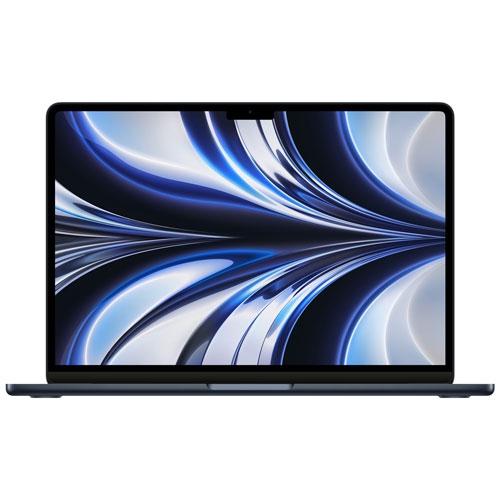 Your price for this item is $1299.99
-
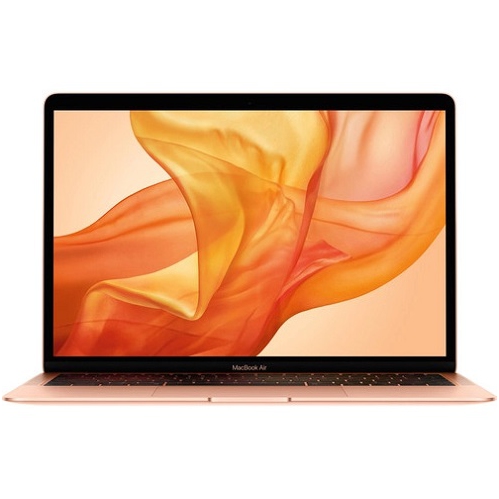 Your price for this item is $549.77
-
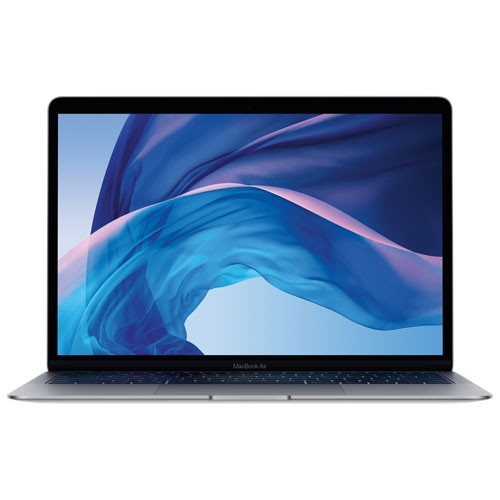 Your price for this item is $549.77
-
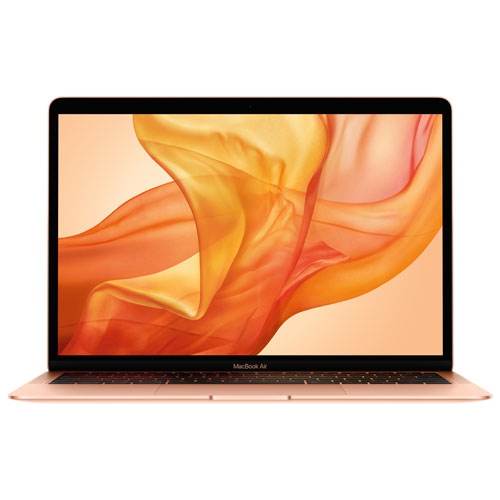 Your price for this item is $599.77
-
 Your price for this item is $1499
-
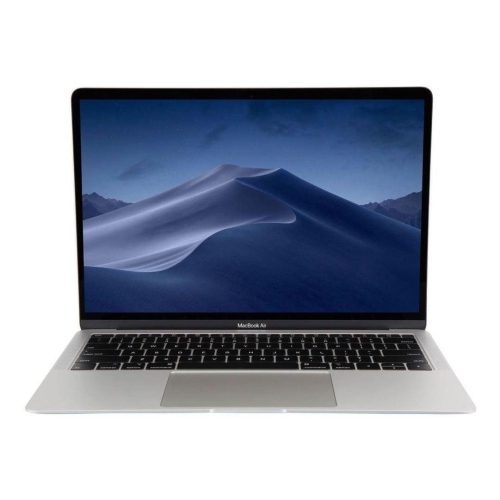 Your price for this item is $499
-
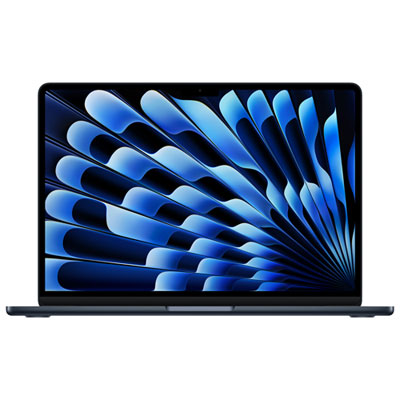 Your price for this item is $1789.99
-
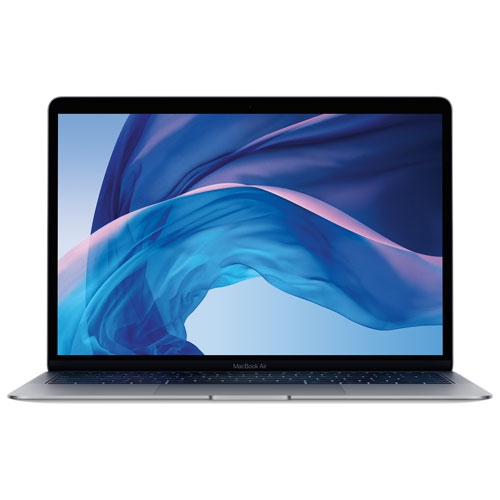 Your price for this item is $579.77
Discover more categories related to Lightweight Apple MacBook Air
Top Collections:
Pokemon Centers, Best Black Friday Deals This Year, Best Black Friday Deals On Electronics, Kindle Devices, Best Budget Office Chairs, Best Black Friday Deals On Apple Products, Best Cameras for Sports Photography, Pokémon 30th Celebration Cards, Dyson Airwrap, Canon G7X Cameras
Some products may be subject to Environmental Handling Fees
(EHF) depending on your province.
Learn more about EHFs.