Lightweight Laptops for Remote Work
Lightweight laptops for remote work offer the perfect blend of portability and performance, making it easy to stay productive wherever your day takes you. Whether you're working from home, a café, or on the go, these laptops are designed to keep up with your dynamic lifestyle. Explore a range of options that help streamline your workflow and make remote tasks more efficient, so you can focus on what matters most. Find the ideal lightweight laptop for remote work and experience seamless connectivity and reliable computing power in a compact design.
Sort
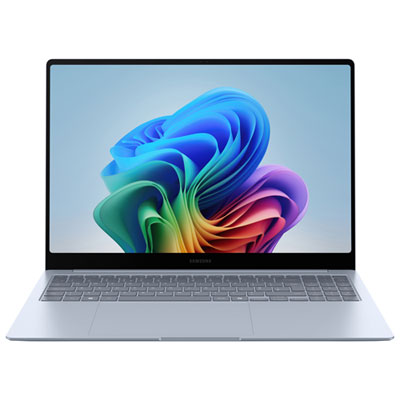
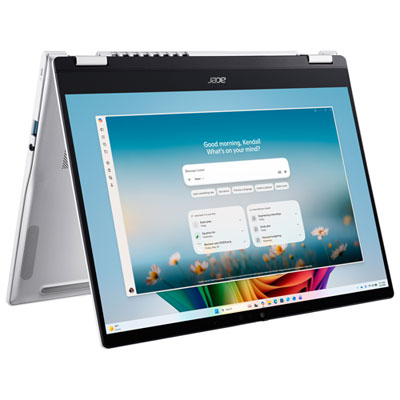
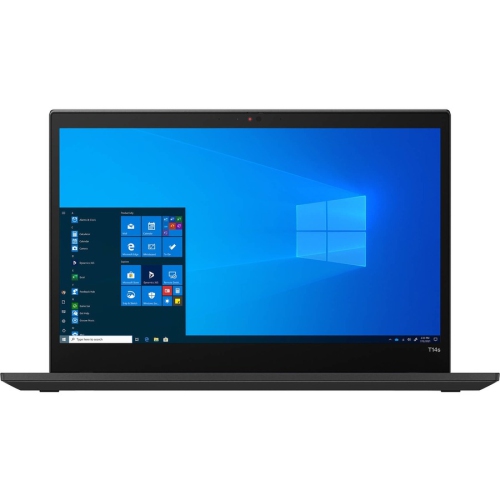
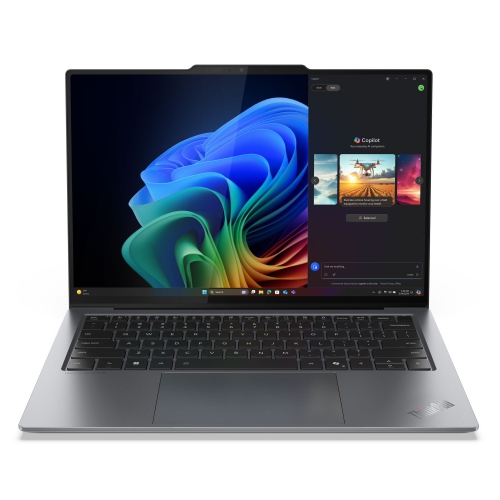
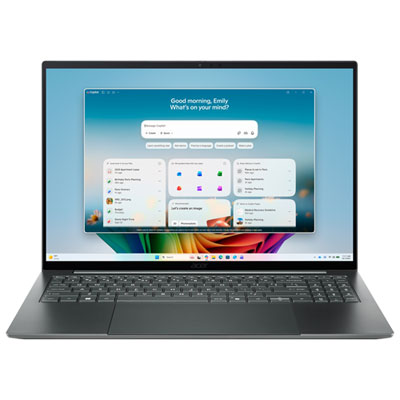
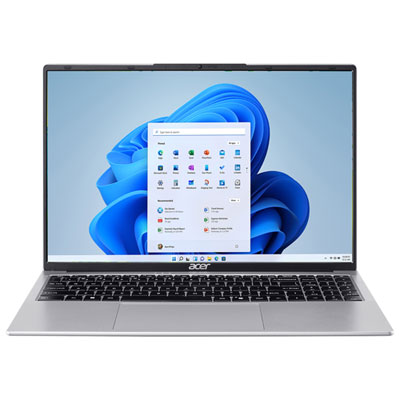
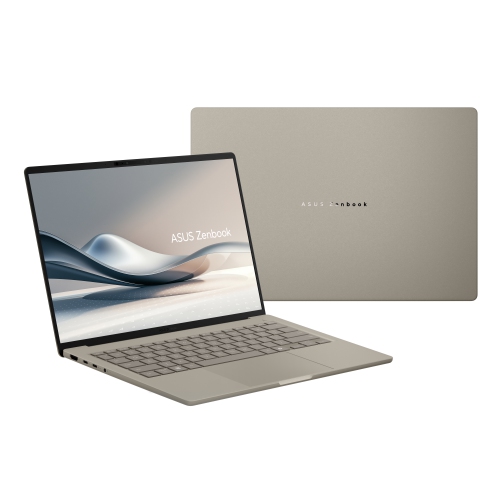
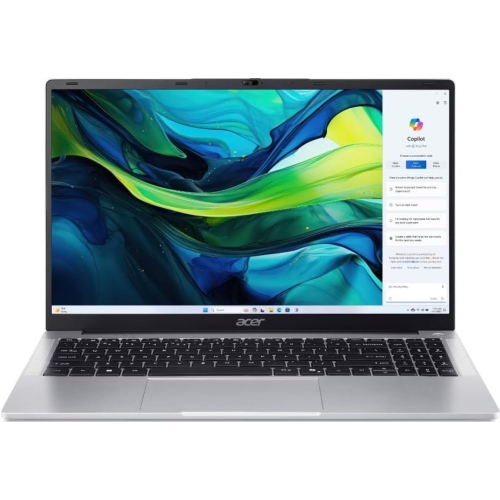

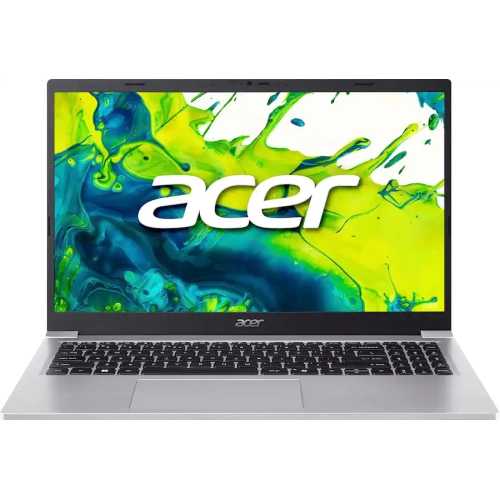
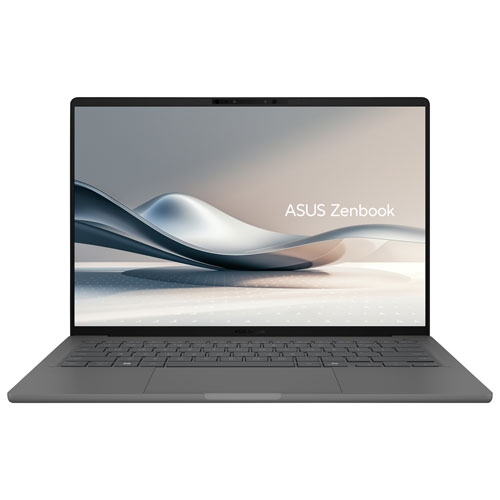
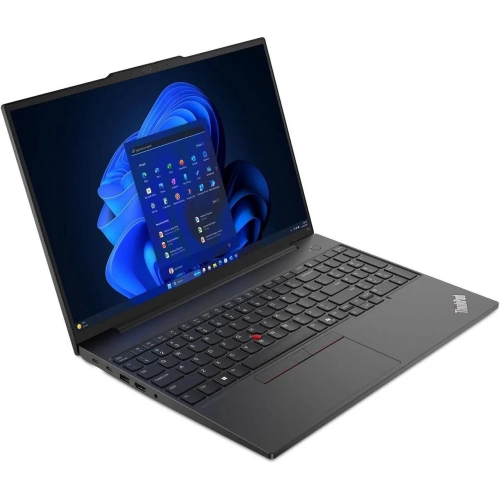
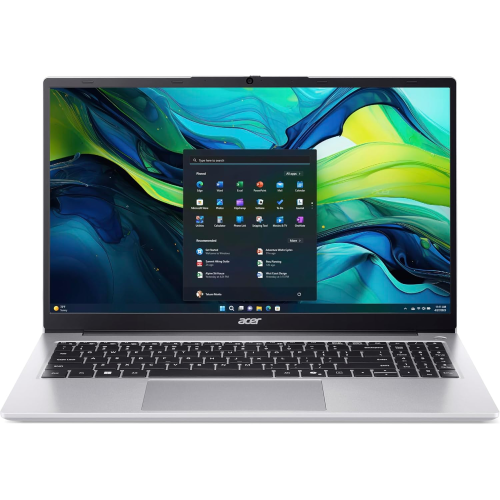
Laptop portability goes beyond the weight on paper
Lightweight laptops for remote work combine everyday computing performance with a design that is easy to carry between a home office, a shared workspace, and meetings away from a desk. For people who regularly pack up their work setup, a laptop weighing under about 1.4 kg is a useful starting point, although the charger, protective sleeve, and any accessories also contribute to the weight of a work bag. A 13-inch or 14-inch display often offers a practical balance between portability and usable screen space for email, documents, spreadsheets, and video calls. The right fit depends on how that space gets used: someone reviewing contracts may appreciate a taller display that shows more lines of text, while someone comparing spreadsheets side by side may prefer a larger screen or an external monitor at home. Display resolution affects text clarity, but comfortable scaling matters just as much, especially when reading small numbers for hours. A matte finish can help reduce reflections from nearby windows and overhead lights, while an adjustable hinge makes it easier to position the screen at a comfortable angle. Portability also involves the shape of the laptop. A slim profile slips easily into a bag, but a comfortable keyboard, responsive touchpad, and stable base are important when the workday involves lengthy reports or frequent messages. Well-spaced keys and clear lettering support everyday typing, and a backlit keyboard can improve visibility in rooms with uneven lighting. Aluminium and magnesium-alloy chassis are common in lightweight designs, while other laptops use reinforced plastics to keep weight down. Material alone does not determine durability; hinge construction, chassis rigidity, and protection during transport matter too. For hybrid employees, independent consultants, and people working from more than one location, the most useful lightweight laptop is one that feels manageable to carry without making routine tasks awkward once it is opened. A lid that closes securely and a footprint that fits comfortably inside a backpack compartment are small details that become noticeable with regular travel.
Performance requirements for remote work depend more on the applications in use than on the job title. Email, browser-based tools, document editing, and video meetings generally place different demands on a laptop than software development, large spreadsheet models, photo editing, or design work. Memory is particularly important when several tasks run together. A video call, a shared document, messaging software, and a browser full of research tabs can use a substantial amount of memory before any specialist application is opened. For many multitasking office workflows, 16 GB of RAM is a practical baseline, while 32 GB may be useful for heavier applications or larger projects. Some slim laptops have memory that cannot be upgraded, making the original configuration an important consideration for longer-term use. Solid-state storage helps applications launch promptly and files open quickly; 512 GB can provide useful room for everyday work files, applications, and offline documents, although larger media libraries may call for more space. Processor requirements should match the workload, with attention to how a laptop handles sustained tasks rather than brief bursts alone. Thin designs have limited room for cooling, so fan noise and comfort during extended use are relevant alongside performance. Software compatibility is equally important. An employer may require a particular operating system, security application, virtual private network, or management tool, and specialist programs may have their own hardware requirements. A lightweight laptop should work with those needs rather than introduce extra steps into the daily routine. Remote collaboration also benefits from a clear webcam, dependable microphones, and speakers that make speech easy to understand. A physical camera shutter offers a simple way to cover the lens between meetings. Wi-Fi performance depends on the laptop, router, network conditions, and distance from the access point; a capable wireless connection cannot compensate for a weak signal throughout a home. Fingerprint readers or facial sign-in, where supported, can make access convenient while complementing passwords and other workplace security requirements.
Battery life and connectivity help determine how comfortably a lightweight laptop moves beyond a permanent desk setup. For people who spend long stretches away from an outlet, a target of roughly 10 to 12 hours under a workload similar to their own can be useful, but advertised battery figures are not a guarantee of that experience. Video calls, higher screen brightness, demanding applications, and connected accessories can shorten running time considerably. Testing conditions matter when comparing battery claims, and a compact charger remains useful for longer days. USB-C charging can simplify a mobile setup when the laptop supports it, provided the charger and cable meet the required power specification. USB-C ports also vary in their capabilities: a connector that supports charging or data transfer does not necessarily support an external display. HDMI can make it straightforward to connect a monitor or meeting-room screen, while USB-A ports remain convenient for existing keyboards, mice, and other accessories. A compatible docking station can bring several desk connections together, although its display support, charging output, and connection requirements need to match the laptop. At home, an external monitor, keyboard, and mouse allow a portable computer to serve as the centre of a more comfortable workstation, with the laptop screen raised to a suitable viewing height. Away from that setup, a sleeve with a secure closure helps protect the finish from scratches, and a dedicated bag compartment reduces contact with loose objects. Keeping vents unobstructed on a firm surface supports cooling; soft bedding and cushions can block airflow. Screen and keyboard care should follow the manufacturer's directions, with liquids kept away from openings and cleaning products applied only as instructed. These details matter for anyone relying on the same computer for client calls, focused writing, and work on the move. For broader workplace needs, Lightweight Laptops for Work brings a related focus to portable computing. The lasting appeal of a lightweight remote-work laptop lies in its balance: enough capability for the workload, a comfortable design for daily use, and a manageable size for the places work happens.
Top selling and popular products
-
 Your price for this item is $449
-
 Your price for this item is $3099
-
 Your price for this item is $1800.68
-
 Your price for this item is $664.05
-
 Your price for this item is $869.99
-
 Your price for this item is $2960.48
-
 Your price for this item is $499.68
-
 Your price for this item is $1951.79
Discover more categories related to Lightweight Laptops for Remote Work
Top Collections:
Best Black Friday Deals This Year, Best Black Friday Deals On Electronics, Kindle Devices, Pokemon Centers, Best Black Friday Deals On Apple Products, Best Cameras for Sports Photography, Dyson Airwrap, Pokémon 30th Celebration Cards, Apple iPhone 17 Pro, Canon G7X Cameras
Some products may be subject to Environmental Handling Fees
(EHF) depending on your province.
Learn more about EHFs.