Lightweight Laptops for Work
Lightweight laptops for students make it easy to stay productive and connected, whether you’re heading to class, studying in the library, or collaborating on group projects. Designed with portability in mind, these laptops are ideal for busy student lifestyles that require flexibility and convenience. Discover a range of options that help balance schoolwork, entertainment, and everything in between, so you can keep up with assignments and enjoy downtime wherever you go. Find the perfect lightweight laptop to support your academic journey and daily activities.
Sort




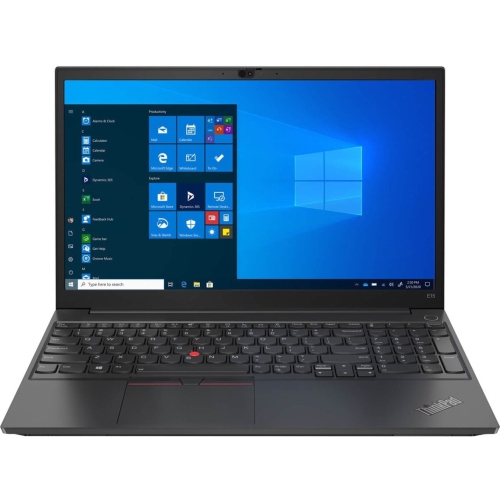
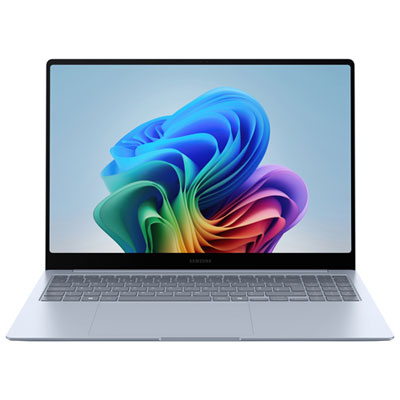
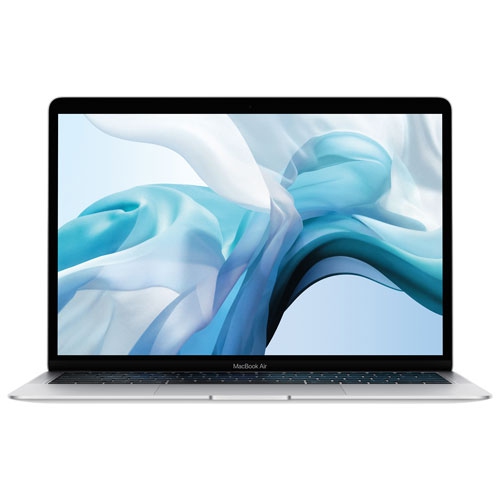
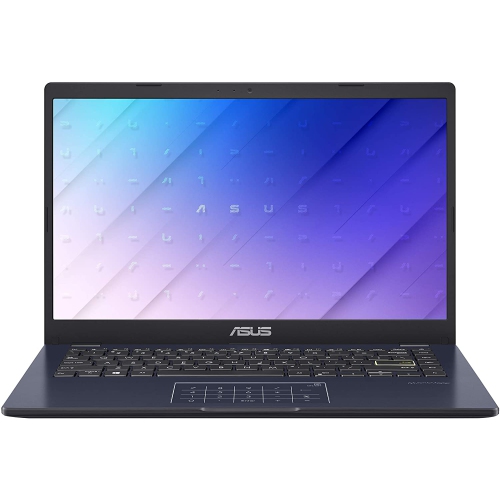
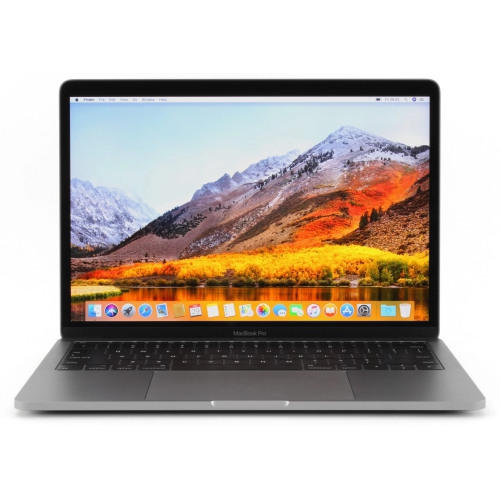
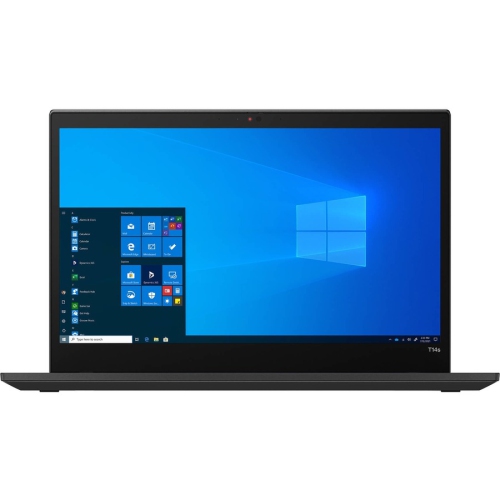
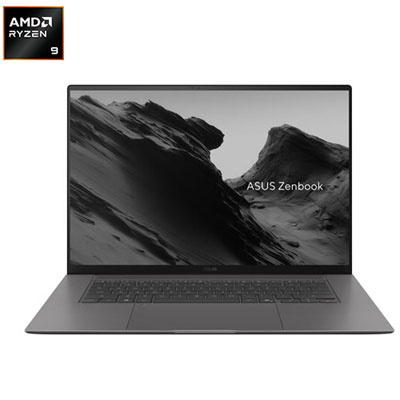
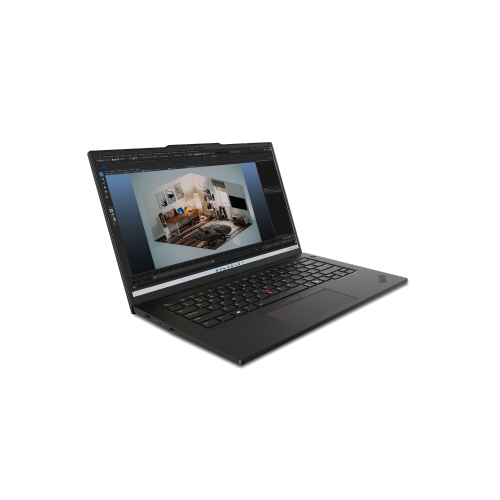
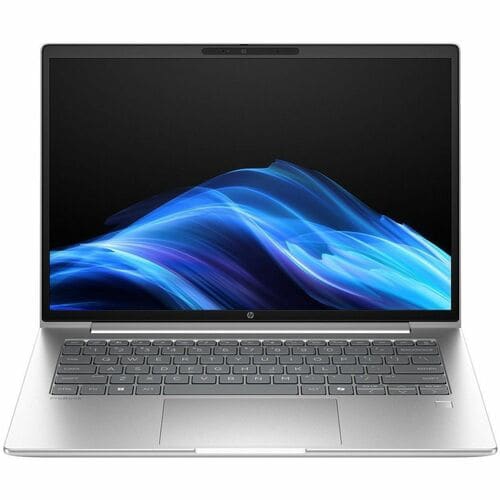
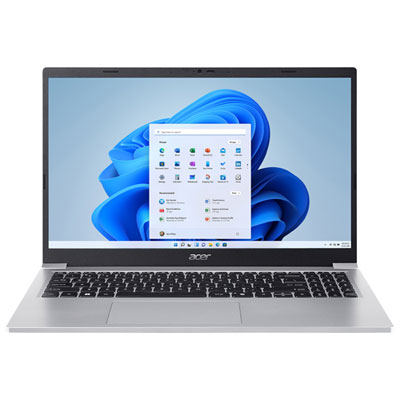
Laptop portability goes beyond the number on the scale
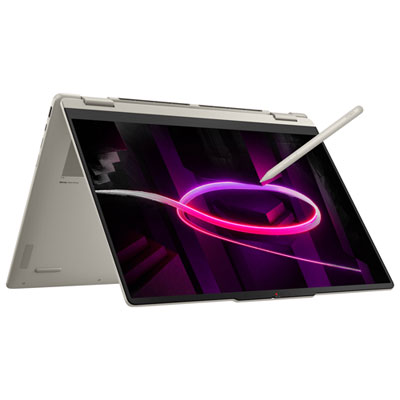
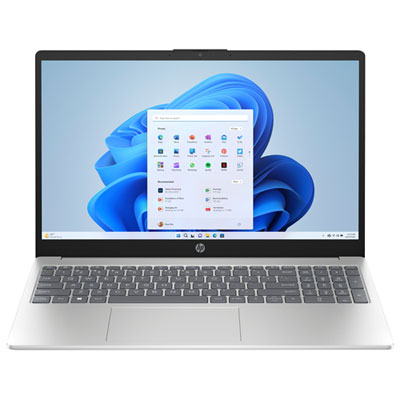
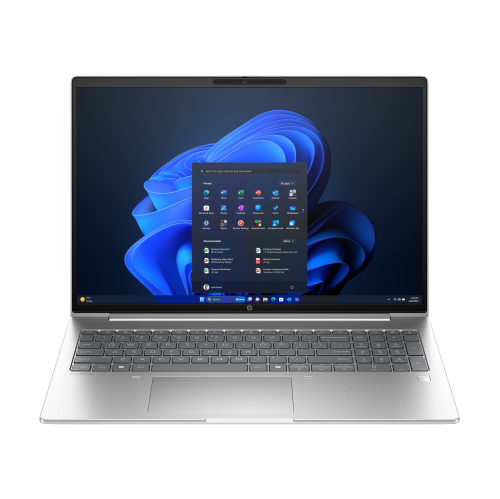
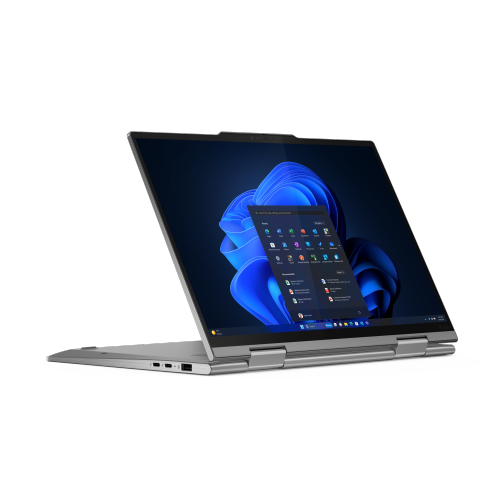
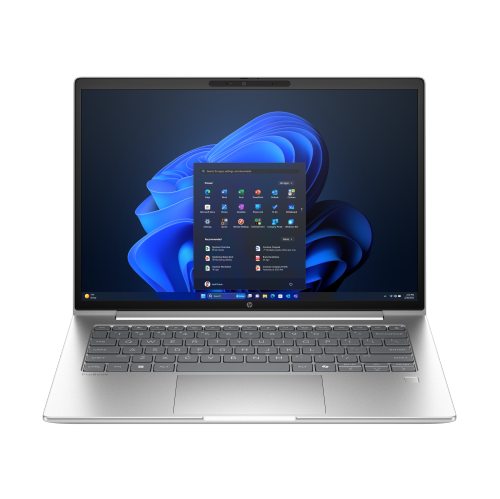
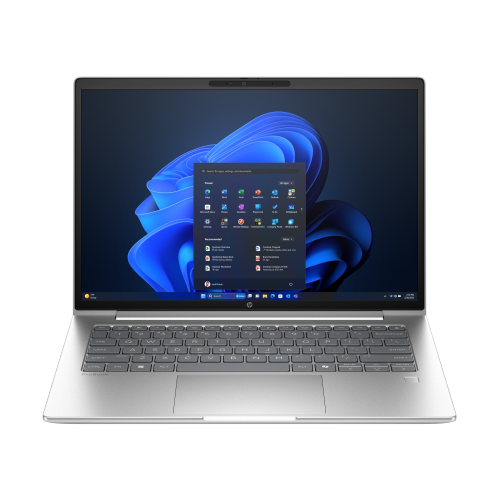
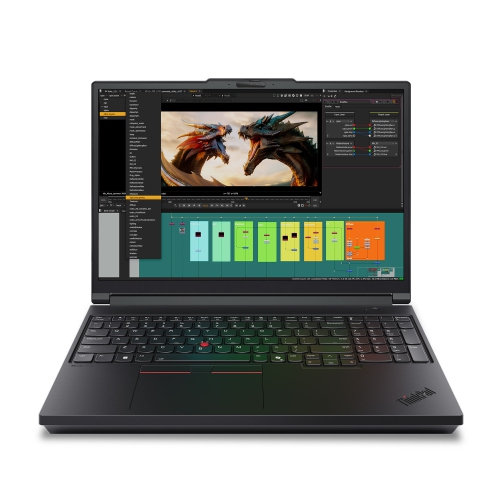
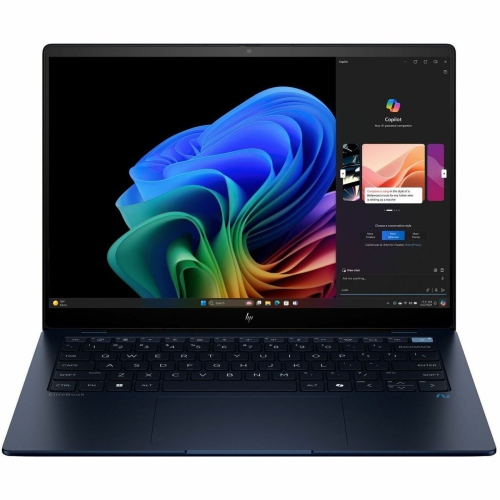
Lightweight laptops for work combine everyday computing capability with a design that is easier to carry between a desk, meeting room, shared workspace, and home office. Many ultraportable designs weigh roughly 1 to 1.5 kg, although there is no universal weight limit that defines a lightweight laptop. The most useful measure is the load carried throughout the day: the computer, its charger, any adapters, and the bag itself. A compact notebook can make a noticeable difference during a commute or a day of client visits, especially when it fits comfortably beside a notebook and headset without crowding the bag. Screens in the 13-inch and 14-inch range offer a practical balance of viewing space and portability, while some larger designs keep weight low for people who prefer more room for spreadsheets or side-by-side documents. Screen size alone does not determine how portable a laptop feels; chassis dimensions, thickness, and charger size matter too. Aluminium, magnesium alloy, carbon fibre composites, and plastic are common construction materials, each used in different ways to balance weight, rigidity, and everyday durability. Material names tell only part of the story. A firm keyboard deck, well-supported display, and smoothly moving hinge can contribute just as much to a reassuring feel in daily use. For someone writing reports on a train or reviewing a presentation before a meeting, a stable base and a lid that opens without excessive wobble are useful details. Lightweight work laptops suit consultants, administrators, small-business owners, sales professionals, and others whose working day involves more than one location. They also suit desk-based workers who simply want a computer that is easy to put away at the end of the day. The right fit depends less on having the lowest possible weight than on combining comfortable handling, a readable display, and enough capability for the tasks that fill the working week.
Performance requirements vary considerably between answering email and processing a large dataset, so a lightweight laptop for work needs to match the software it will actually run. For typical office multitasking, 16 GB of memory is a useful starting point when several browser tabs, documents, messaging tools, and a video call need to stay open together. More demanding work, such as software development, large spreadsheet calculations, or photo editing, may benefit from 32 GB or more, depending on the applications involved. Memory is soldered in many thin laptops, making the original configuration particularly important when later upgrades are not supported. A solid-state drive helps applications launch promptly and keeps file access responsive; 512 GB can provide practical space for office software and local documents, while larger project folders or media libraries may call for more storage. Processor performance should be considered alongside cooling and power settings rather than judged by a processor label alone. A very thin chassis can behave differently during a brief task than during a lengthy export or calculation. Integrated graphics are generally suitable for documents, presentations, web applications, and video meetings, but demanding 3D design or video production may require stronger graphics hardware and a less compact design. Compatibility is equally important: an employer’s security software, specialist applications, printers, and other peripherals must work with the chosen operating system and processor architecture. Battery life also changes with screen brightness, wireless activity, workload, and background applications. A published battery estimate is not a guarantee of the same runtime during back-to-back video calls. USB-C charging can simplify packing when the laptop supports it, provided the charger and cable deliver the required power. Fast charging may be useful between appointments, but its speed depends on the device, charger, and operating conditions. For hybrid schedules and home-based roles, lightweight laptops for remote work bring the same portability considerations into focus alongside reliable conferencing, home-office connectivity, and the flexibility to move between workspaces.
Daily comfort often comes down to features that are easy to overlook when comparing weight and performance. A clear display with comfortable text sizing makes long documents easier to review, while an anti-glare finish can reduce distracting reflections from overhead lighting. A taller screen shape can show more of a page or spreadsheet without scrolling, and accurate colour reproduction matters for people preparing visual content. Keyboard spacing, key travel, and touchpad responsiveness affect nearly every task, from entering figures to editing a proposal. A backlit keyboard helps when room lighting is limited, although it also uses power. For frequent video meetings, camera quality, microphone clarity, and speaker placement deserve attention; a headset can still be useful when privacy or background noise is a concern. Port selection shapes how easily a thin laptop fits into an existing workspace. An HDMI connection may simplify presenting in a meeting room, while USB-A can accommodate older accessories without an adapter. USB-C ports differ in capability, so charging, video output, and docking support should be confirmed rather than assumed. People using two external monitors also need to check the laptop’s supported display configuration. Fingerprint readers, supported facial sign-in, and camera shutters can add convenience or privacy, while workplace security requirements may call for further hardware and software features. For everyday care, a padded sleeve with a snug fit helps protect the chassis from contact with keys, chargers, and other objects in a bag. Carrying the laptop closed, keeping heavy objects off the lid, and leaving ventilation openings unobstructed help reduce avoidable damage and heat buildup. A soft microfibre cloth and cleaning methods approved by the manufacturer are preferable to spraying liquid directly onto the screen or keyboard. Repair options, warranty terms, and battery service arrangements are also worth considering for a computer expected to handle years of regular work. Together, these practical details distinguish a laptop that is merely light from one that remains comfortable, dependable, and convenient throughout a busy working day.
Performance requirements vary considerably between answering email and processing a large dataset, so a lightweight laptop for work needs to match the software it will actually run. For typical office multitasking, 16 GB of memory is a useful starting point when several browser tabs, documents, messaging tools, and a video call need to stay open together. More demanding work, such as software development, large spreadsheet calculations, or photo editing, may benefit from 32 GB or more, depending on the applications involved. Memory is soldered in many thin laptops, making the original configuration particularly important when later upgrades are not supported. A solid-state drive helps applications launch promptly and keeps file access responsive; 512 GB can provide practical space for office software and local documents, while larger project folders or media libraries may call for more storage. Processor performance should be considered alongside cooling and power settings rather than judged by a processor label alone. A very thin chassis can behave differently during a brief task than during a lengthy export or calculation. Integrated graphics are generally suitable for documents, presentations, web applications, and video meetings, but demanding 3D design or video production may require stronger graphics hardware and a less compact design. Compatibility is equally important: an employer’s security software, specialist applications, printers, and other peripherals must work with the chosen operating system and processor architecture. Battery life also changes with screen brightness, wireless activity, workload, and background applications. A published battery estimate is not a guarantee of the same runtime during back-to-back video calls. USB-C charging can simplify packing when the laptop supports it, provided the charger and cable deliver the required power. Fast charging may be useful between appointments, but its speed depends on the device, charger, and operating conditions. For hybrid schedules and home-based roles, lightweight laptops for remote work bring the same portability considerations into focus alongside reliable conferencing, home-office connectivity, and the flexibility to move between workspaces.
Daily comfort often comes down to features that are easy to overlook when comparing weight and performance. A clear display with comfortable text sizing makes long documents easier to review, while an anti-glare finish can reduce distracting reflections from overhead lighting. A taller screen shape can show more of a page or spreadsheet without scrolling, and accurate colour reproduction matters for people preparing visual content. Keyboard spacing, key travel, and touchpad responsiveness affect nearly every task, from entering figures to editing a proposal. A backlit keyboard helps when room lighting is limited, although it also uses power. For frequent video meetings, camera quality, microphone clarity, and speaker placement deserve attention; a headset can still be useful when privacy or background noise is a concern. Port selection shapes how easily a thin laptop fits into an existing workspace. An HDMI connection may simplify presenting in a meeting room, while USB-A can accommodate older accessories without an adapter. USB-C ports differ in capability, so charging, video output, and docking support should be confirmed rather than assumed. People using two external monitors also need to check the laptop’s supported display configuration. Fingerprint readers, supported facial sign-in, and camera shutters can add convenience or privacy, while workplace security requirements may call for further hardware and software features. For everyday care, a padded sleeve with a snug fit helps protect the chassis from contact with keys, chargers, and other objects in a bag. Carrying the laptop closed, keeping heavy objects off the lid, and leaving ventilation openings unobstructed help reduce avoidable damage and heat buildup. A soft microfibre cloth and cleaning methods approved by the manufacturer are preferable to spraying liquid directly onto the screen or keyboard. Repair options, warranty terms, and battery service arrangements are also worth considering for a computer expected to handle years of regular work. Together, these practical details distinguish a laptop that is merely light from one that remains comfortable, dependable, and convenient throughout a busy working day.
Top selling and popular products
-
 Your price for this item is $449
 -
 Your price for this item is $3099
 -
 Your price for this item is $299.95
 -
 Your price for this item is $664.05
 -
 Your price for this item is $599.68
 -
 Your price for this item is $869.99
 -
 Your price for this item is $259
 -
 Your price for this item is $418.98
Discover more categories related to Lightweight Laptops for Work
Top Collections:
Pokemon Centers, Kindle Devices, Best Budget Office Chairs, Apple iPhones 16, Best Laptops for Writers, iPhone 15 Apple, Canon G7X Cameras, Refurbished Apple Laptops, Alarm Clock, Motorola Razr Phones
Some products may be subject to Environmental Handling Fees
(EHF) depending on your province.
Learn more about EHFs.