Link Cables
Looking to enhance your home entertainment setup or optimize your gaming experience? Look no further than our collection of link cables. These essential accessories are designed to seamlessly connect your devices, ensuring a smooth and reliable signal transfer for crystal-clear audio and video quality. Whether you're connecting your TV to a sound system, linking up your gaming console to a monitor, or hooking up other electronic devices, our range of link cables has you covered. Browse through our selection to find the perfect cable to meet your connectivity needs.
Sort









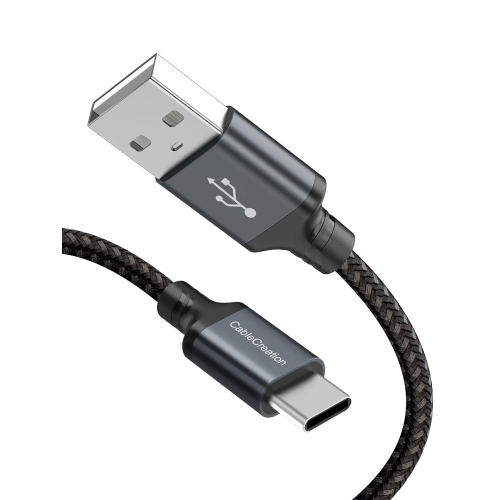
![CABLECREATION Short USB C Cable 0.5 Feet, [2-Pack] USB A to USB C Cable USB to C Cable Braided Fast Charging Cable 3A](https://multimedia.bbycastatic.ca/multimedia/products/500x500/188/18898/18898522.jpeg)
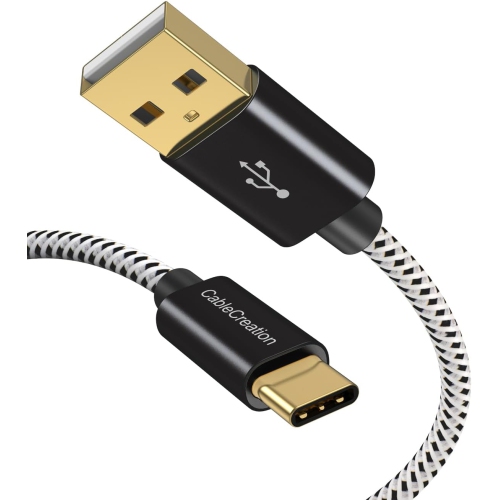
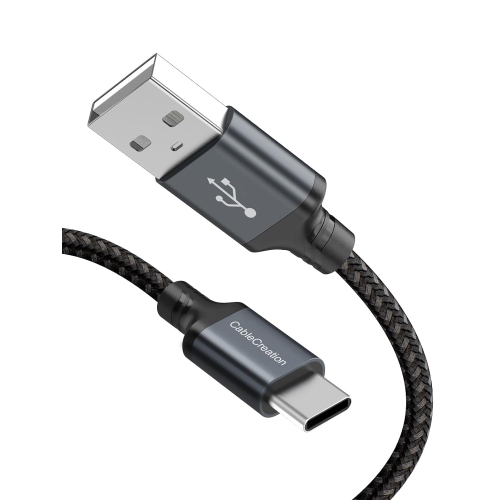
What to know about reliable wired PC VR connections
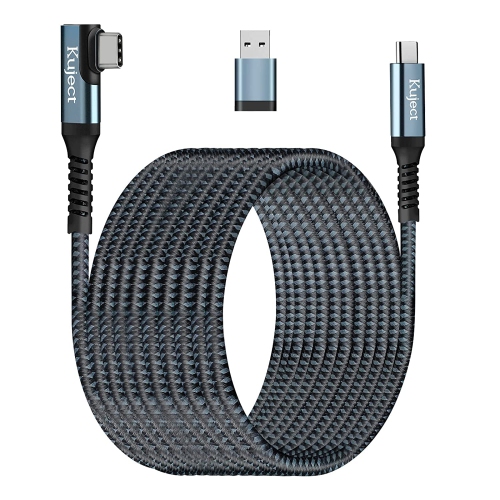
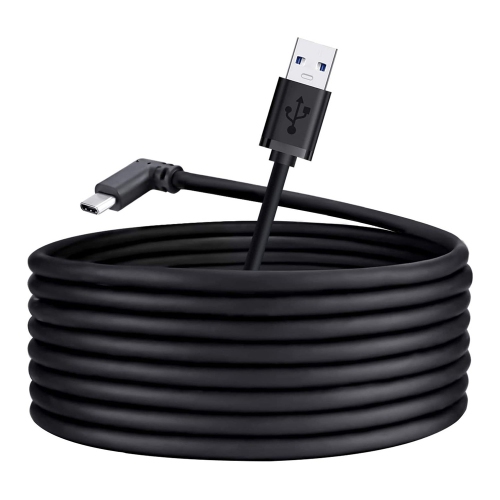
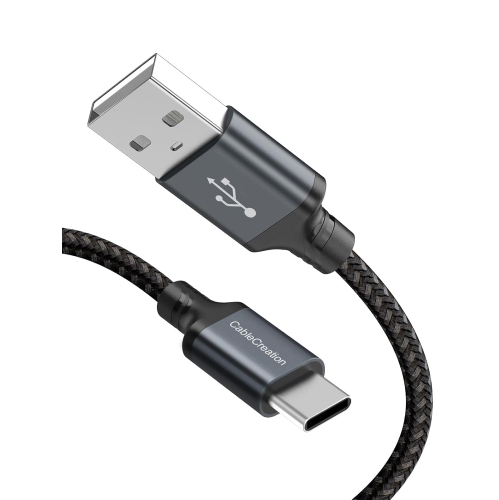
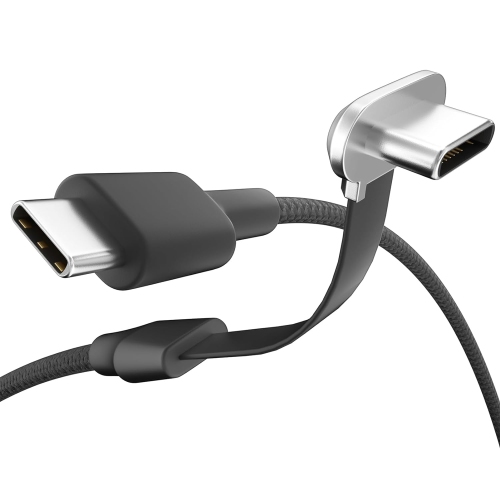
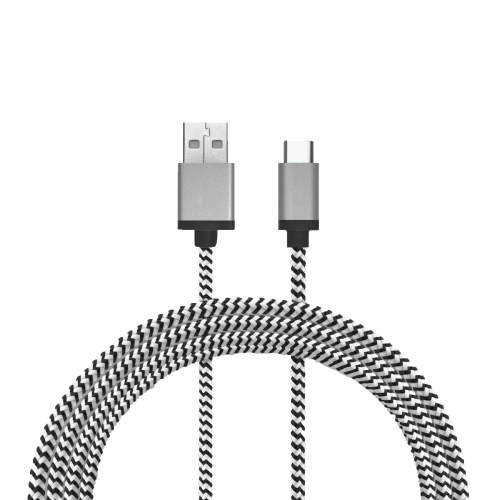
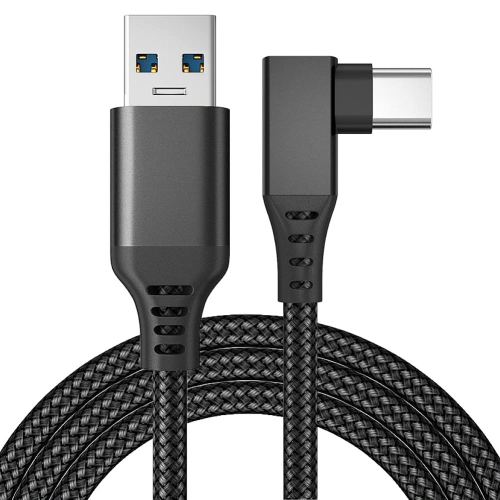
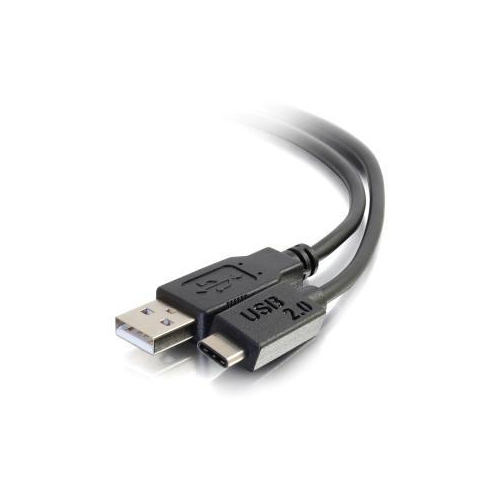
Link Cables are designed to connect a standalone virtual reality headset to a compatible gaming computer, opening access to PC-based VR experiences while maintaining a dependable wired connection. For many players, a cable provides a practical alternative to wireless streaming, particularly in homes where Wi-Fi congestion, distance from the router, or competing connected devices can affect performance. A suitable cable can carry high-speed data between the headset and computer with low latency, helping deliver responsive movement, detailed environments, and smooth gameplay. Many models use USB-C on the headset end and a USB connector compatible with the computer, although connector type and performance can vary. Look for support for USB 3.0 or USB 3.2 Gen 1 data transfer, with speeds of up to 5Gbps, when shopping for a cable intended for PC VR. Compatibility should always be checked against the headset, computer, operating system, and available ports before purchase. A cable that physically fits may not provide the required data performance, and some computers have USB-C ports with different capabilities. It is also worth confirming whether the computer’s port supports high-speed data rather than charging only. This simple check can help prevent setup issues and make it easier to move from unpacking to playing. For a broader range of home entertainment connection options, explore Interconnect Cables for solutions used with televisions, computers, game systems, audio equipment, and other compatible devices.
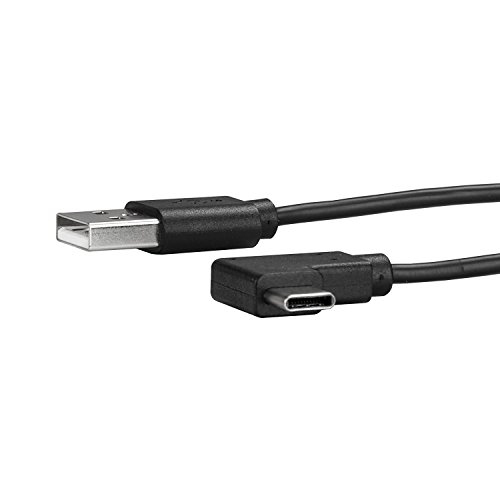
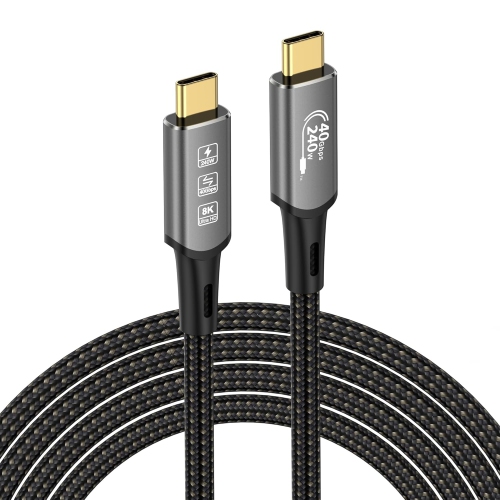
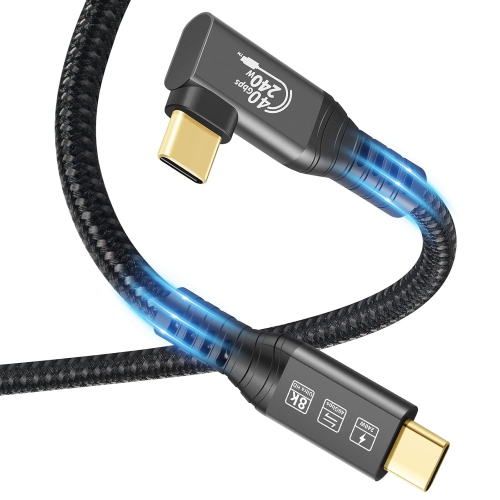
Length is one of the most important considerations when choosing a Link Cable. A shorter cable may work well for seated VR or compact play areas, while a cable measuring about 16 feet or 5 metres gives more room to stand, turn, crouch, and move naturally without pulling at the headset or computer. Extra reach can make a noticeable difference when the computer is positioned beside a desk rather than near the centre of the play space. At the same time, a longer cable should be designed for high-speed data transmission; excessive length or a cable made primarily for charging may not deliver the performance needed for PC VR. Flexibility also matters. A lightweight, flexible cable is less likely to feel distracting as you move, while a rigid or heavy cable can tug at the headset during active sessions. Fibre-optic Link Cables are often selected for their combination of long reach, low weight, and flexibility, whereas copper designs may offer a more familiar construction and can be suitable when their specifications match the intended setup. A right-angle USB-C connector can sit more neatly along the side of a headset, reducing strain on the port and helping the cable stay close to the head strap instead of sticking out during movement. Braided jackets, reinforced connector housings, and strain relief can add confidence for regular use, but careful handling is still important. Let the cable hang with a gentle curve, keep it clear of chair legs and sharp furniture edges, and avoid tightly winding it immediately after play. These habits help preserve the connectors and reduce tangles when the headset is ready for the next session.
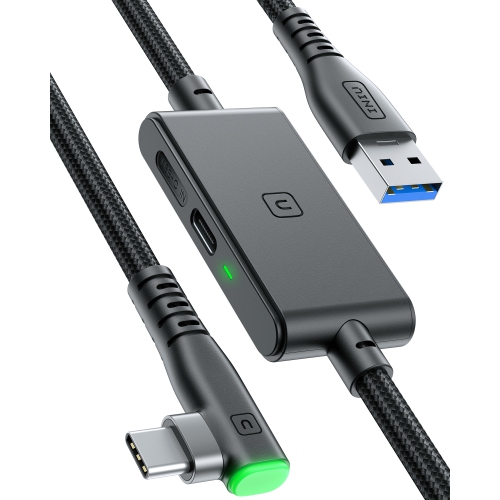
Charging behaviour is another key feature to review because not every Link Cable provides the same power performance while carrying data. Some cables can help maintain the headset battery during PC VR use, and certain designs include a separate charging connection that allows power to be supplied while gameplay data travels through the main connection. Actual charging speed depends on the headset, computer, power adapter, cable design, and the requirements of the game or application, so a cable should not be assumed to fully recharge a headset during demanding play. Checking supported power specifications can help set realistic expectations for longer sessions. A Link Cable can be a thoughtful gift for someone building a VR setup, upgrading a gaming room, or spending more time with immersive games during the cooler months. It may also suit a family that shares a headset and needs a dependable way to connect it to a computer for different players. Before giving one as a gift, confirm the recipient’s headset model, computer ports, preferred play area, and whether they need a standard USB connection, USB-C connection, or additional charging support. A cable’s packaging and specifications may list compatibility with a range of headsets, but the computer’s graphics capability and the software requirements also influence the final experience. Once connected, users typically install or open the required PC VR software, plug the cable into the appropriate ports, and follow the on-screen prompts to enable the wired link. Keeping the cable stored in a dry, accessible place and disconnecting it by the connector rather than pulling the cord can make setup easier each time. With the right length, data standard, connector design, flexibility, and power support, Link Cables can provide a stable, comfortable connection between a VR headset and gaming computer for immersive play at home.
Length is one of the most important considerations when choosing a Link Cable. A shorter cable may work well for seated VR or compact play areas, while a cable measuring about 16 feet or 5 metres gives more room to stand, turn, crouch, and move naturally without pulling at the headset or computer. Extra reach can make a noticeable difference when the computer is positioned beside a desk rather than near the centre of the play space. At the same time, a longer cable should be designed for high-speed data transmission; excessive length or a cable made primarily for charging may not deliver the performance needed for PC VR. Flexibility also matters. A lightweight, flexible cable is less likely to feel distracting as you move, while a rigid or heavy cable can tug at the headset during active sessions. Fibre-optic Link Cables are often selected for their combination of long reach, low weight, and flexibility, whereas copper designs may offer a more familiar construction and can be suitable when their specifications match the intended setup. A right-angle USB-C connector can sit more neatly along the side of a headset, reducing strain on the port and helping the cable stay close to the head strap instead of sticking out during movement. Braided jackets, reinforced connector housings, and strain relief can add confidence for regular use, but careful handling is still important. Let the cable hang with a gentle curve, keep it clear of chair legs and sharp furniture edges, and avoid tightly winding it immediately after play. These habits help preserve the connectors and reduce tangles when the headset is ready for the next session.
Charging behaviour is another key feature to review because not every Link Cable provides the same power performance while carrying data. Some cables can help maintain the headset battery during PC VR use, and certain designs include a separate charging connection that allows power to be supplied while gameplay data travels through the main connection. Actual charging speed depends on the headset, computer, power adapter, cable design, and the requirements of the game or application, so a cable should not be assumed to fully recharge a headset during demanding play. Checking supported power specifications can help set realistic expectations for longer sessions. A Link Cable can be a thoughtful gift for someone building a VR setup, upgrading a gaming room, or spending more time with immersive games during the cooler months. It may also suit a family that shares a headset and needs a dependable way to connect it to a computer for different players. Before giving one as a gift, confirm the recipient’s headset model, computer ports, preferred play area, and whether they need a standard USB connection, USB-C connection, or additional charging support. A cable’s packaging and specifications may list compatibility with a range of headsets, but the computer’s graphics capability and the software requirements also influence the final experience. Once connected, users typically install or open the required PC VR software, plug the cable into the appropriate ports, and follow the on-screen prompts to enable the wired link. Keeping the cable stored in a dry, accessible place and disconnecting it by the connector rather than pulling the cord can make setup easier each time. With the right length, data standard, connector design, flexibility, and power support, Link Cables can provide a stable, comfortable connection between a VR headset and gaming computer for immersive play at home.
Top selling and popular products
-
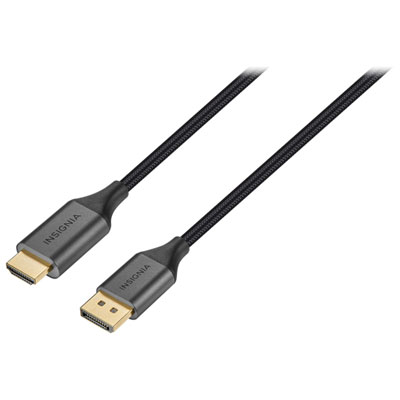 Your price for this item is $39.95
 -
 Your price for this item is $62.99
 -
 Your price for this item is $29.95
 -
 Your price for this item is $14.99
 -
 Your price for this item is $29.99
 -
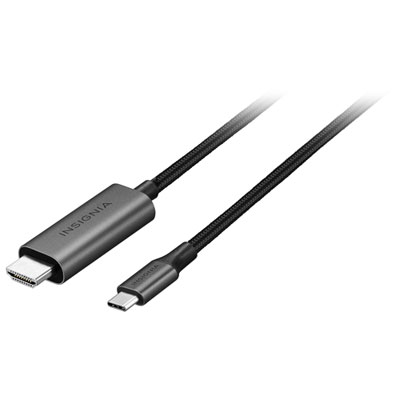 Your price for this item is $39.99
 -
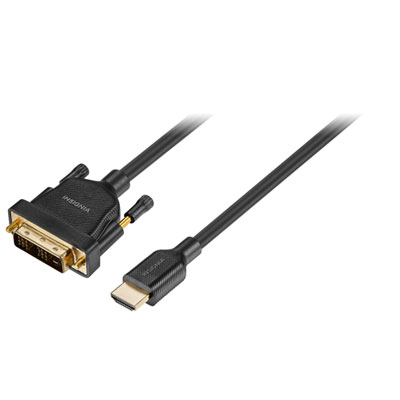 Your price for this item is $29.99
 -
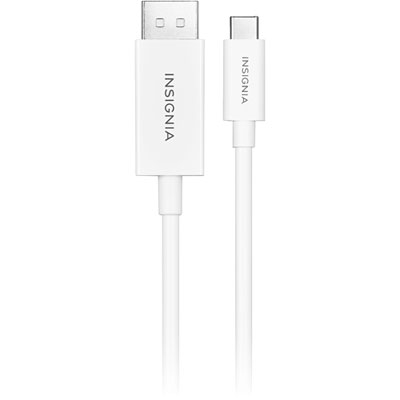 Your price for this item is $24.97
Discover more categories related to Link Cables

Top Collections:
Pokemon Centers, Kindle Devices, Best Budget Office Chairs, Apple iPhones 16, Best Laptops for Writers, iPhone 15 Apple, Canon G7X Cameras, Refurbished Apple Laptops, Alarm Clock, Motorola Razr Phones
Some products may be subject to Environmental Handling Fees
(EHF) depending on your province.
Learn more about EHFs.