Controller Cables
Controller Cables are essential accessories for keeping your gaming sessions uninterrupted and your devices connected. Whether you're looking to replace a worn-out cable or add a spare to your setup, you'll find options compatible with a variety of gaming consoles and controllers. Explore reliable choices that help ensure smooth gameplay and dependable performance every time you play. Find the right Controller Cables to enhance your gaming experience and keep your equipment ready for action.
Sort










Why a cable that fits might not support wired play
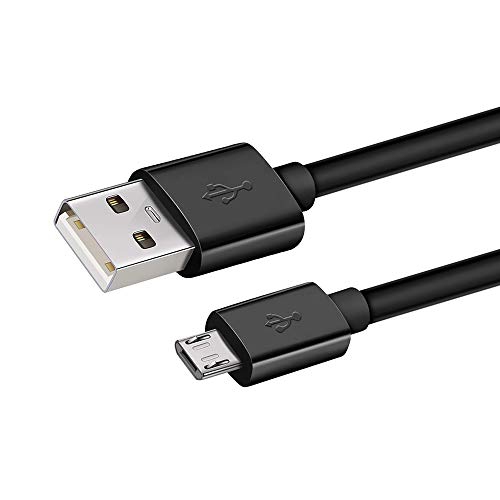
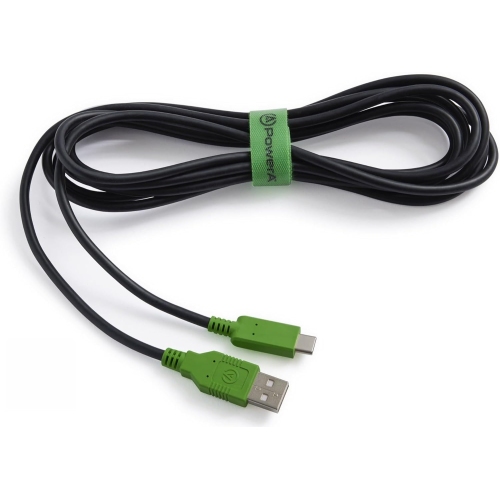
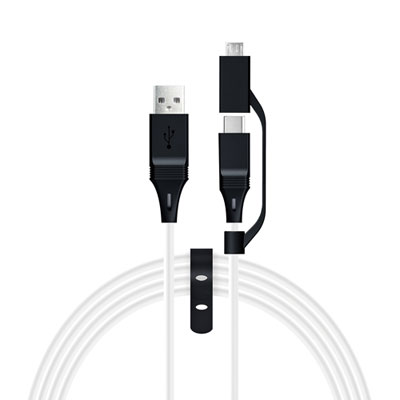
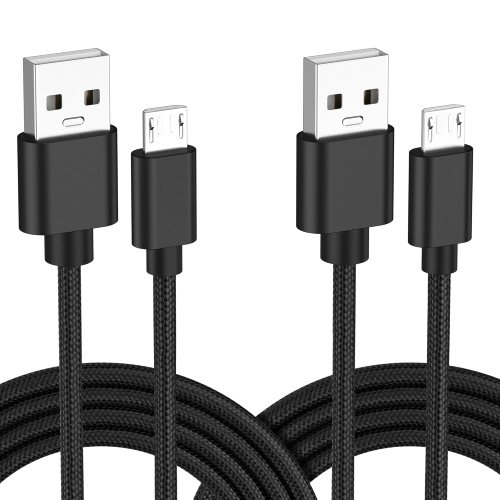
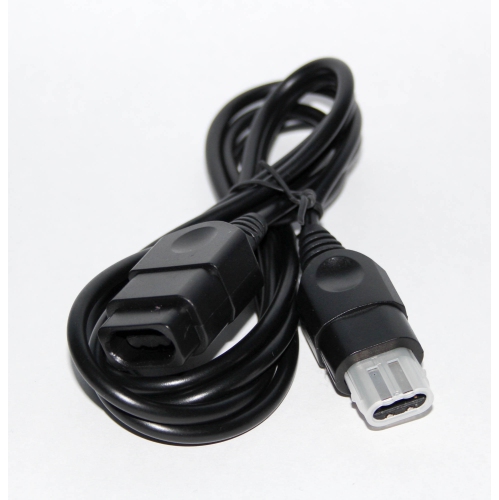
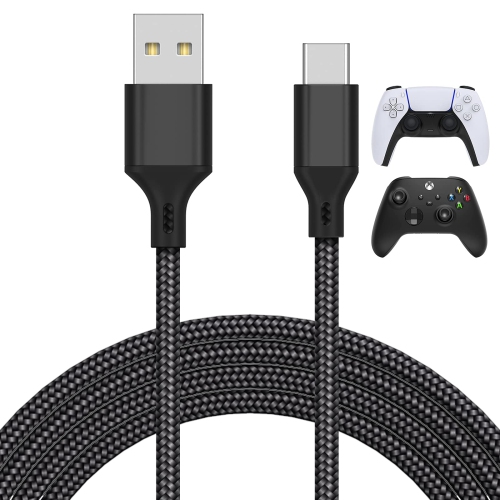
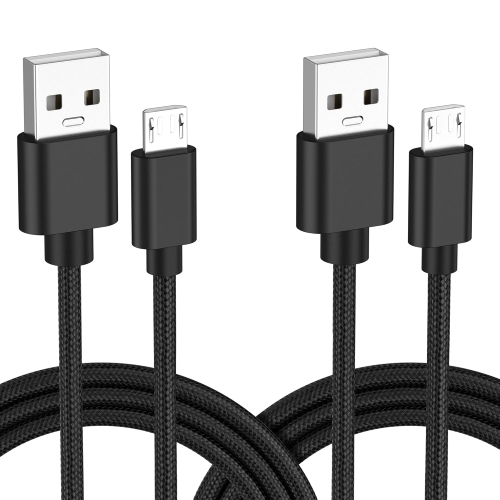
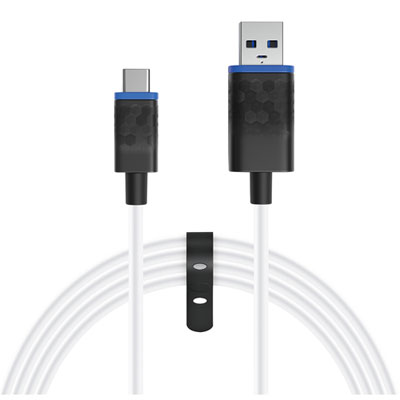
Controller cables connect game controllers to a console, computer or compatible charger. Depending on the controller and the cable, that connection can charge a battery, carry button inputs during wired play or let a console or computer recognize the controller during setup. Compatibility starts with the controller model and generation, not just the name of the console. Controllers used with the same console can have different ports, particularly when the original controller and a later revision look nearly identical. Many newer controllers use the rounded, reversible USB-C connector, while older models may use Micro-USB, Mini-USB or a plug unique to the controller. Micro-USB and Mini-USB are different shapes and aren't interchangeable. The plug at the other end matters too: a controller with a USB-C port may need a USB-A to USB-C cable for a console with a rectangular USB-A port, or a USB-C to USB-C cable for a computer with an appropriate USB-C port. Checking both ends helps when a cable is meant to move between a living room console and a desktop setup. Fit also includes the housing around the plug. A connector can be the right type but still fail to seat fully if its housing is too wide for a recessed port or catches on the edge of a protective shell. The cable should sit securely without needing pressure or an awkward angle. For a replacement, the controller's model number and port specifications are more reliable than a glance at a product photo. Some wired controllers have permanently attached leads, so a standard detachable cable isn't a replacement for every setup. Where the lead is removable, a spare with the same connections can be useful in a shared household or for someone who packs a controller to use elsewhere. As a practical gift, a cable is easiest to match when the recipient's controller model and typical playing distance are known.
Charging and data transfer are separate functions, even when the plugs look the same. A charge-only USB cable can supply power to a compatible controller, but it can't carry the data needed for wired play, USB pairing or firmware updates that require a wired connection. A data-capable cable is the better fit when the controller needs to communicate with a console or computer over USB, provided the controller and host device support that function. A charging light alone doesn't confirm that game inputs are travelling through the cable. Some wireless controllers can be used while plugged in but still send button presses wirelessly; others can switch to a wired connection on supported hardware. The same distinction matters when moving a controller from a console to a computer: the cable may fit both devices, but the computer and the game still need to support that controller. For setup or troubleshooting, a known data-capable cable connected directly to a supported port can help distinguish a cable problem from a setting or compatibility issue. Product descriptions that explicitly mention data transfer provide a better clue than photos of the connectors. The Data Cables page covers wired connections for other electronics as well. When the cable is mainly for charging, the controller's battery design matters. A USB connection may power a controller without charging the batteries inside it. Standard disposable AA batteries aren't rechargeable, and even rechargeable AA cells often need a separate charger rather than charging through the controller's port. A compatible rechargeable pack may support charging through the controller or may have a charging port of its own. These details are worth checking before choosing a lead for a bedside charging spot, a desk drawer or a console where the controller is regularly plugged in to top up between games.
Cable length, flexibility and strain relief make a noticeable difference once a controller is in hand. A shorter lead can keep a desktop clear when the computer is within easy reach, while a longer one can give a couch player room to lean back or pass a controller to someone beside them without tugging on the console port. Measuring along the route the cable will actually take, including around furniture or down from a shelf, gives a more useful estimate than measuring straight across the room. A little slack near the controller lets the plug move with the player's hands, but excess length across a walkway is easy to catch underfoot. The outer jacket affects how the cable feels in use. A smooth, flexible jacket can drape neatly over the edge of a work surface, while a braided jacket can help protect against scuffs from regular handling or contact with furniture. Some braided cables are stiffer, which can be more noticeable with a light controller held close to the body. At either end, a flexible strain relief helps spread the bend where the cable meets the plug, a spot that gets worked repeatedly when a controller rests on a lap or is lifted from a desk. A right-angle plug can route the lead away from the player's fingers in some setups, but its direction and housing still need to clear the controller shell or the ports next to it. Day-to-day care is simple: unplug by holding the connector rather than pulling on the cord, store the cable in loose loops and keep it out from under chair wheels or pinched behind furniture. If charging or input cuts out whenever the lead moves, inspect the cable and the port instead of wedging the plug in place. Fraying, exposed wiring or a damaged connector are signs to stop using the cable. The best fit for regular use is one that reaches comfortably, handles the connection the controller needs and stays out of the way during play.
Charging and data transfer are separate functions, even when the plugs look the same. A charge-only USB cable can supply power to a compatible controller, but it can't carry the data needed for wired play, USB pairing or firmware updates that require a wired connection. A data-capable cable is the better fit when the controller needs to communicate with a console or computer over USB, provided the controller and host device support that function. A charging light alone doesn't confirm that game inputs are travelling through the cable. Some wireless controllers can be used while plugged in but still send button presses wirelessly; others can switch to a wired connection on supported hardware. The same distinction matters when moving a controller from a console to a computer: the cable may fit both devices, but the computer and the game still need to support that controller. For setup or troubleshooting, a known data-capable cable connected directly to a supported port can help distinguish a cable problem from a setting or compatibility issue. Product descriptions that explicitly mention data transfer provide a better clue than photos of the connectors. The Data Cables page covers wired connections for other electronics as well. When the cable is mainly for charging, the controller's battery design matters. A USB connection may power a controller without charging the batteries inside it. Standard disposable AA batteries aren't rechargeable, and even rechargeable AA cells often need a separate charger rather than charging through the controller's port. A compatible rechargeable pack may support charging through the controller or may have a charging port of its own. These details are worth checking before choosing a lead for a bedside charging spot, a desk drawer or a console where the controller is regularly plugged in to top up between games.
Cable length, flexibility and strain relief make a noticeable difference once a controller is in hand. A shorter lead can keep a desktop clear when the computer is within easy reach, while a longer one can give a couch player room to lean back or pass a controller to someone beside them without tugging on the console port. Measuring along the route the cable will actually take, including around furniture or down from a shelf, gives a more useful estimate than measuring straight across the room. A little slack near the controller lets the plug move with the player's hands, but excess length across a walkway is easy to catch underfoot. The outer jacket affects how the cable feels in use. A smooth, flexible jacket can drape neatly over the edge of a work surface, while a braided jacket can help protect against scuffs from regular handling or contact with furniture. Some braided cables are stiffer, which can be more noticeable with a light controller held close to the body. At either end, a flexible strain relief helps spread the bend where the cable meets the plug, a spot that gets worked repeatedly when a controller rests on a lap or is lifted from a desk. A right-angle plug can route the lead away from the player's fingers in some setups, but its direction and housing still need to clear the controller shell or the ports next to it. Day-to-day care is simple: unplug by holding the connector rather than pulling on the cord, store the cable in loose loops and keep it out from under chair wheels or pinched behind furniture. If charging or input cuts out whenever the lead moves, inspect the cable and the port instead of wedging the plug in place. Fraying, exposed wiring or a damaged connector are signs to stop using the cable. The best fit for regular use is one that reaches comfortably, handles the connection the controller needs and stays out of the way during play.
Top selling and popular products
-
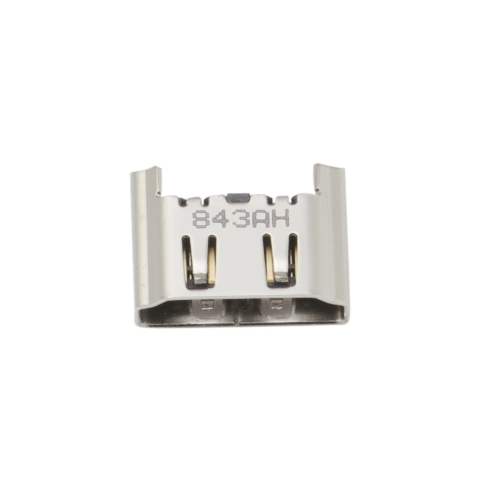 Your price for this item is $10
-
 Your price for this item is $19.99
-
 Your price for this item is $33.95
-
 Your price for this item is $28.54
-
 Your price for this item is $19.99
-
 Your price for this item is $21.99
-
 Your price for this item is $11.99
-
 Your price for this item is $21.99
Discover more categories related to Controller Cables
Top Collections:
Best Black Friday Deals This Year, Best Black Friday Deals On Electronics, Kindle Devices, Pokemon Centers, Best Black Friday Deals On Apple Products, Best Cameras for Sports Photography, Dyson Airwrap, Pokémon 30th Celebration Cards, Apple iPhone 17 Pro, Canon G7X Cameras
Some products may be subject to Environmental Handling Fees
(EHF) depending on your province.
Learn more about EHFs.